An AI lip-sync music video from a single photo
Add one clear, front-facing photo of the singer (you, or someone who has given permission) and choose the Performance style. Muvora separates the vocals from your mix, finds the stretches that are really sung and makes those shots lip-sync to the voice, intercut with story shots around them.
Free to start · 5 storyboards a month · No card needed

Singing only where the song is sung
A lip-sync video breaks the spell when the mouth moves over an instrumental break. Muvora isolates the vocal track first, then makes a shot a singing shot only when the voice carries most of it, and the mouth rests where the singer breathes.
- Vocals separated from your mix automatically
- Singing shots only where the voice really is
- The mouth rests between words and lines
See your song as a storyboard first
Upload the track and the AI director plans every shot on the beat in minutes. Edit anything for free; you only pay if you render.
One performer in every shot
The singer is drawn from your photo into each keyframe, with a look sheet that fixes their outfit and accessories for the whole video. Every keyframe is checked against the photo and redrawn when it drifts, and each lip-sync clip is checked for a visible, moving mouth before it is used.
- A look sheet keeps the wardrobe the same
- Keyframes checked against the photo, redrawn when off
- Photos of drawn or animated characters work too
Consent first, priced per singing second
A photo is used only after you tick “This is me, or I have this person's permission.” The Terms don't allow anyone's likeness without their consent. Singing shots are made by a dedicated lip-sync model and cost 75 credits a second; the rest of the video is priced at the quality you choose.
- A consent box before any photo is used
- 75 credits per second of singing
- The full price shown before you generate
From your song to a finished video
- 01
Upload your song
Drop in an MP3, WAV, M4A or FLAC up to 8 minutes. Muvora finds the tempo, the beats, the downbeats and the sections of your song, like intro, verse and chorus.
- 02
Edit your free storyboard
An AI director writes a shot-by-shot plan timed to your downbeats. Rewrite any prompt, drag a cut (it snaps to the beat) or ask AI to redo a shot. None of it costs anything.
- 03
Generate your video
See the final price, then render. Pick Visualizer, Standard or Cinematic quality. If a shot fails, its credits come straight back.
The storyboard is free. Rendering is priced per second.
- Visualizer38 credits/s6,840 for 3 minutes
- Standard60 credits/s10,800 for 3 minutes
- Cinematic110 credits/s19,800 for 3 minutes
- The exact price is shown before you generate
- Failed shots cost nothing
- 16:9, 9:16, 1:1 and a Canvas loop from one widescreen render
Free storyboard in minutes. No card needed.
Questions, answered
Can't find what you need? Start a free storyboard and see for yourself.
How does AI lip sync work in a music video?
The vocals are separated from the song, the planner finds the shots where the voice is present, and for each one a lip-sync model animates the singer's face from a first frame drawn from your photo, using the vocal for that shot.
What kind of photo do I need?
One clear, front-facing face with the mouth visible and nobody else in the picture: a JPEG, PNG or WebP at least 512 pixels on its shorter side and up to 7 MB. A drawn or animated character works as well as a photo.
Can I use a photo of a famous singer?
No. Use a photo of yourself or of someone who has given you permission: the Terms don't allow a real person's likeness without their consent, and prompts that name a real person are refused.
Does a lip-sync video cost more?
Only the singing shots do. They cost 75 credits per second because a separate lip-sync model makes them; every other shot is priced at the quality you pick.
Keep exploring
Rock
Stage lights, raw energy and a live-show feel on the downbeat.
Learn moreAI lip sync for music videos
How a photo becomes a singer whose mouth follows your vocals, and how to get a take that looks real.
Read the guide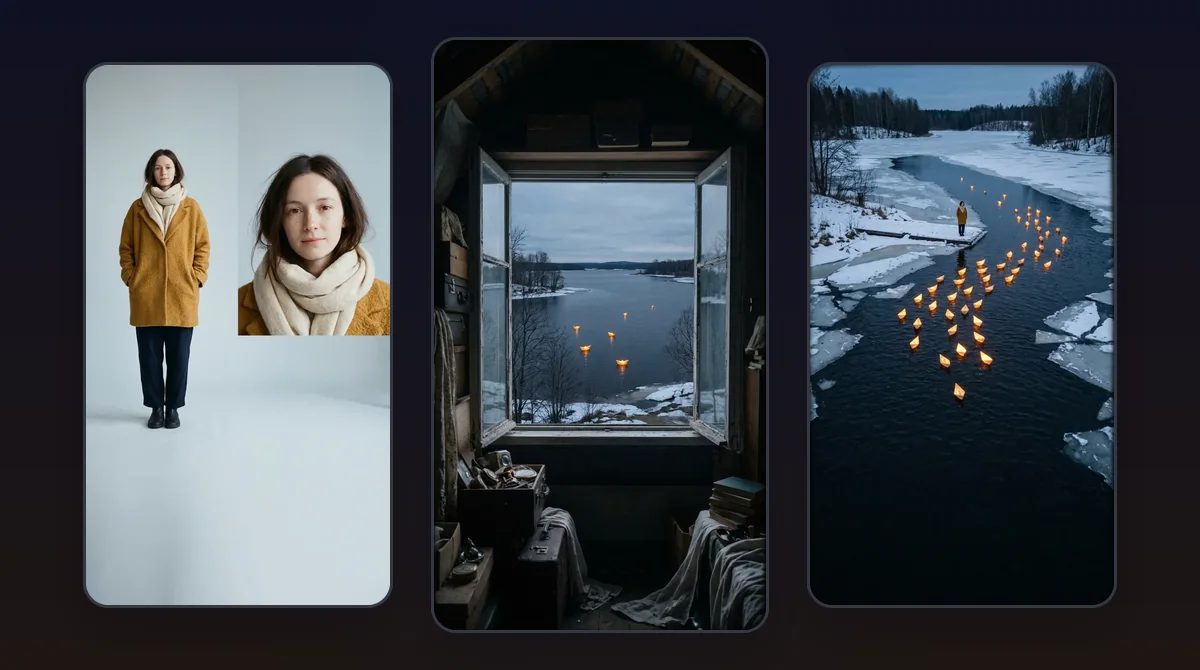
Animated music videos
Cartoon, anime-inspired or painted: a drawn music video in one consistent style.
Learn more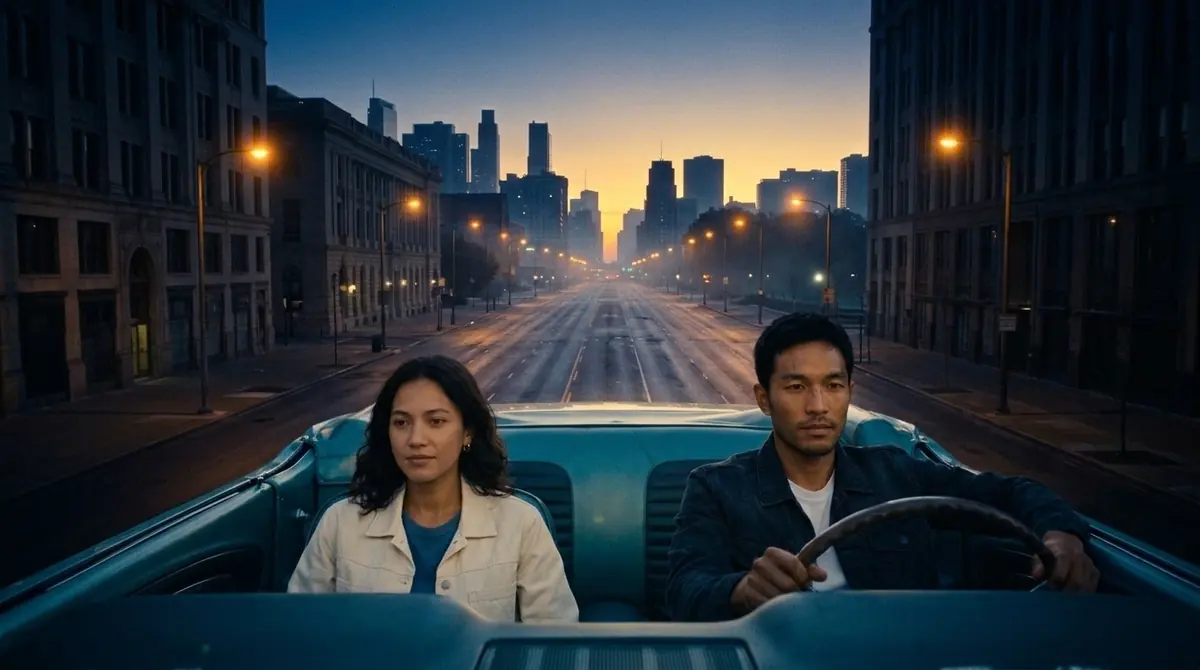
Pop
Bright, glossy and always moving, with a chorus that pays off.
Learn more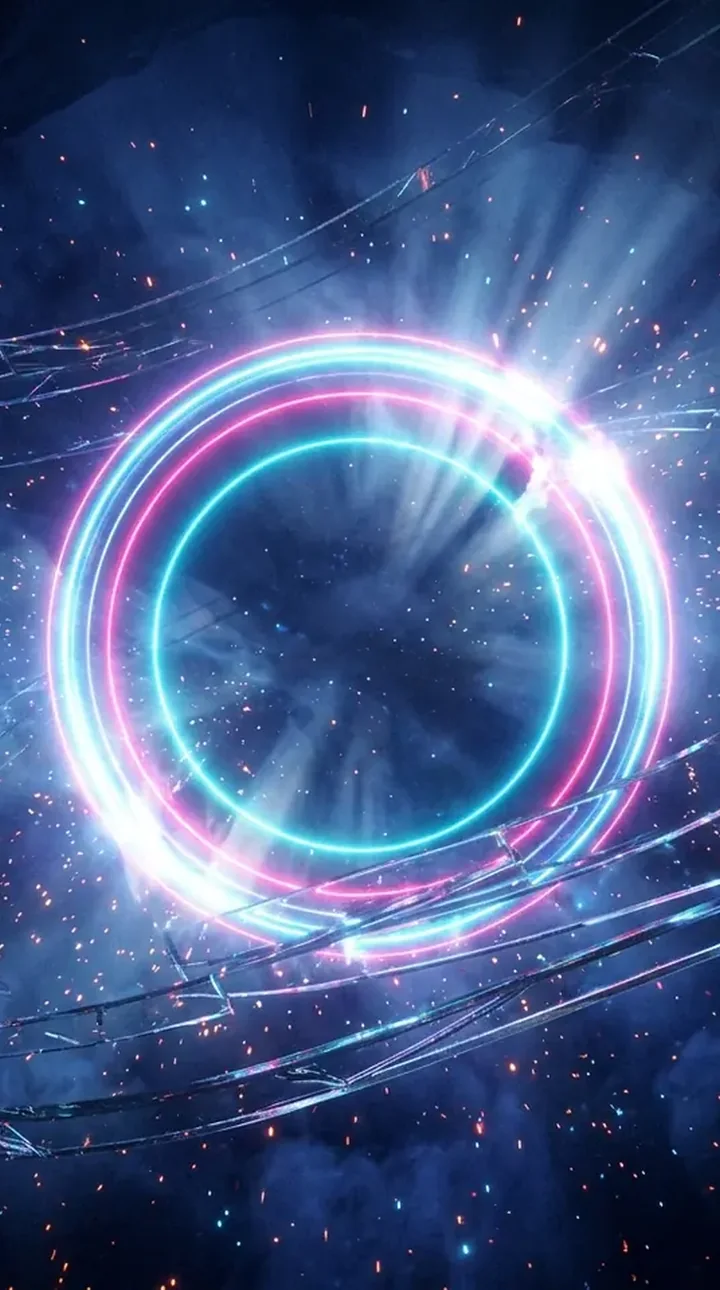
Faceless music videos
No face, no camera: abstract visuals, lyric videos, or a character who isn't you.
Learn more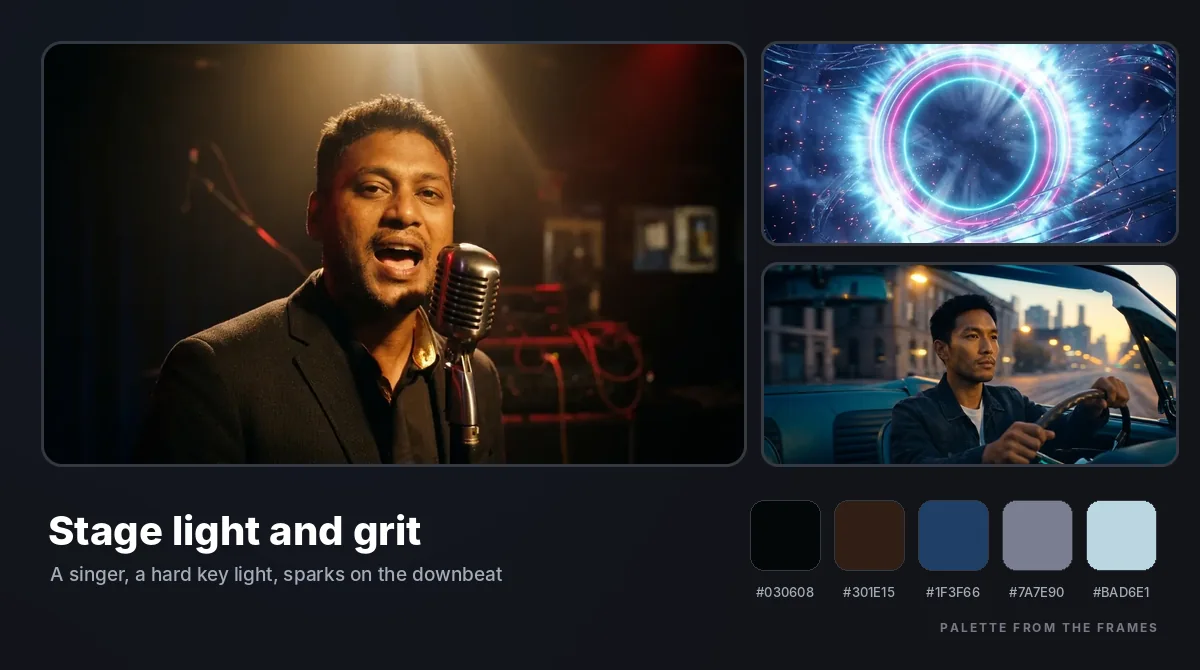
Bands
The singer lip-synced from one photo, the rest of the band written into the story, every release format.
Learn moreVocal range test
Sing your lowest and highest notes into the microphone to find your vocal range in note names and the voice types whose typical ranges it fits.
Open the tool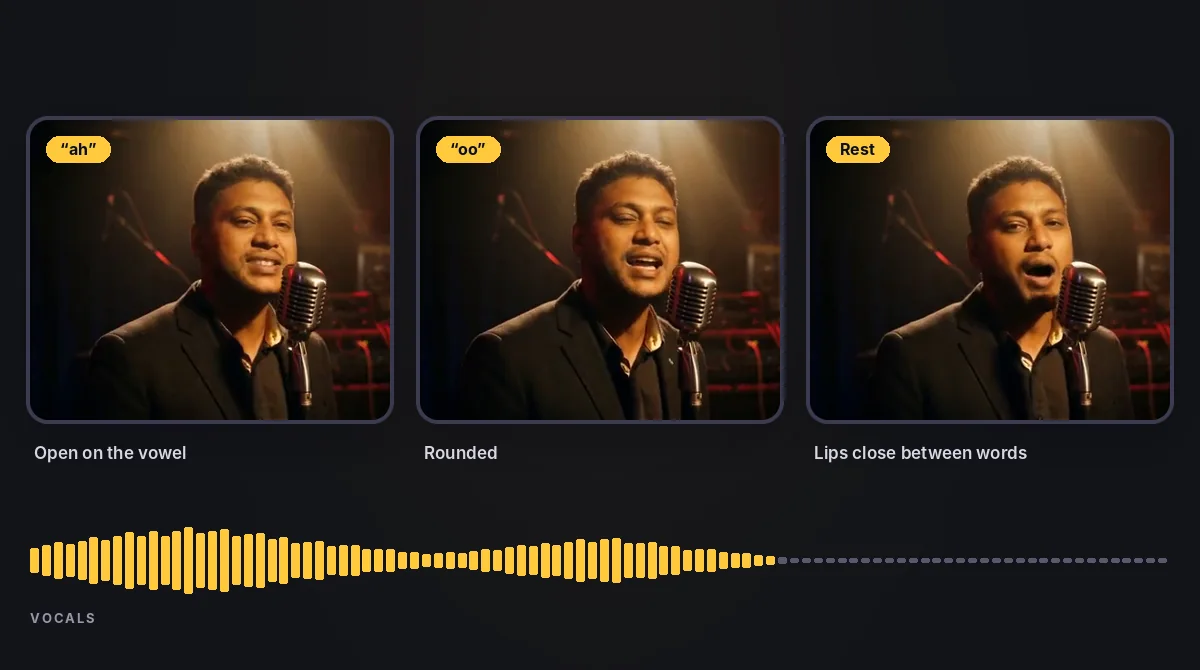
Make a photo sing
Your photo sings your own song: its face lip-synced to your vocals in every sung shot of a full music video.
Learn moreHedra alternative
Muvora and Hedra side by side: a whole music video storyboarded and cut on your song's beats, against a studio that makes a character from one image talk or sing to your audio.
See the comparison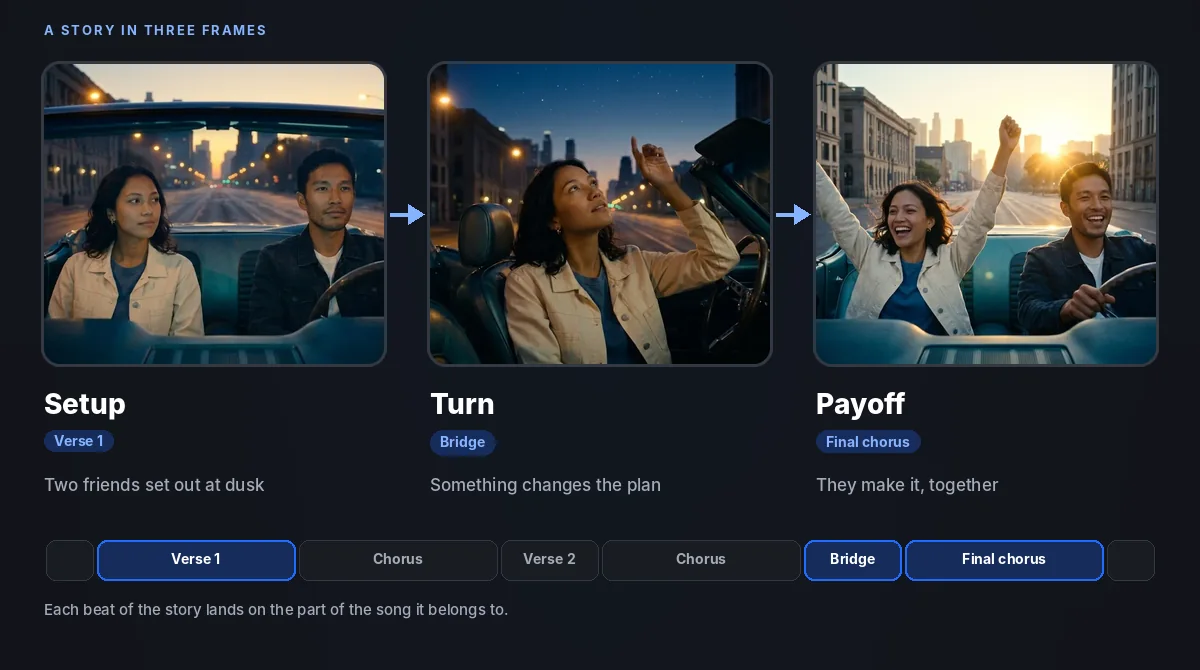
OpenArt alternative
Muvora and OpenArt side by side: a music video storyboarded for free and cut on your song's downbeats, against a creative suite whose Director mode makes music videos among ads, dramas and trailers.
See the comparison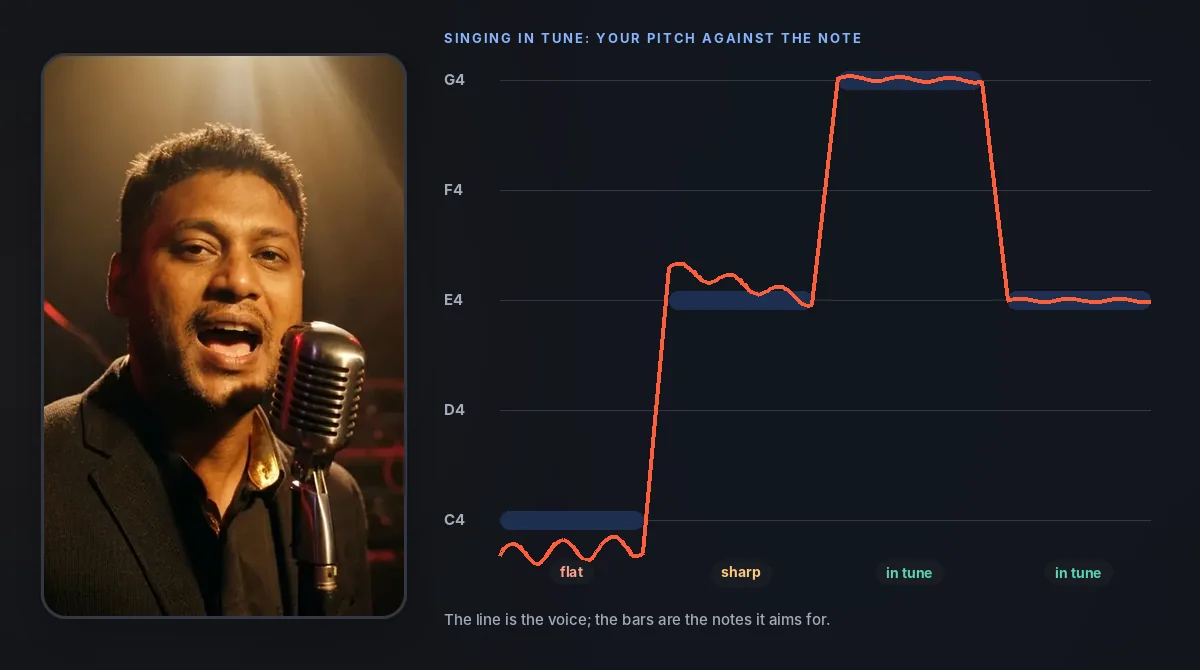
How to sing better
Posture and breath, singing in tune, tone and vowels, rhythm, recording yourself, a 20-minute daily routine, voice care and when to get help.
Read the guide
Your song deserves a music video
Upload a track and get a free beat-synced storyboard in minutes. Render it when you are ready.
No card needed to start.





