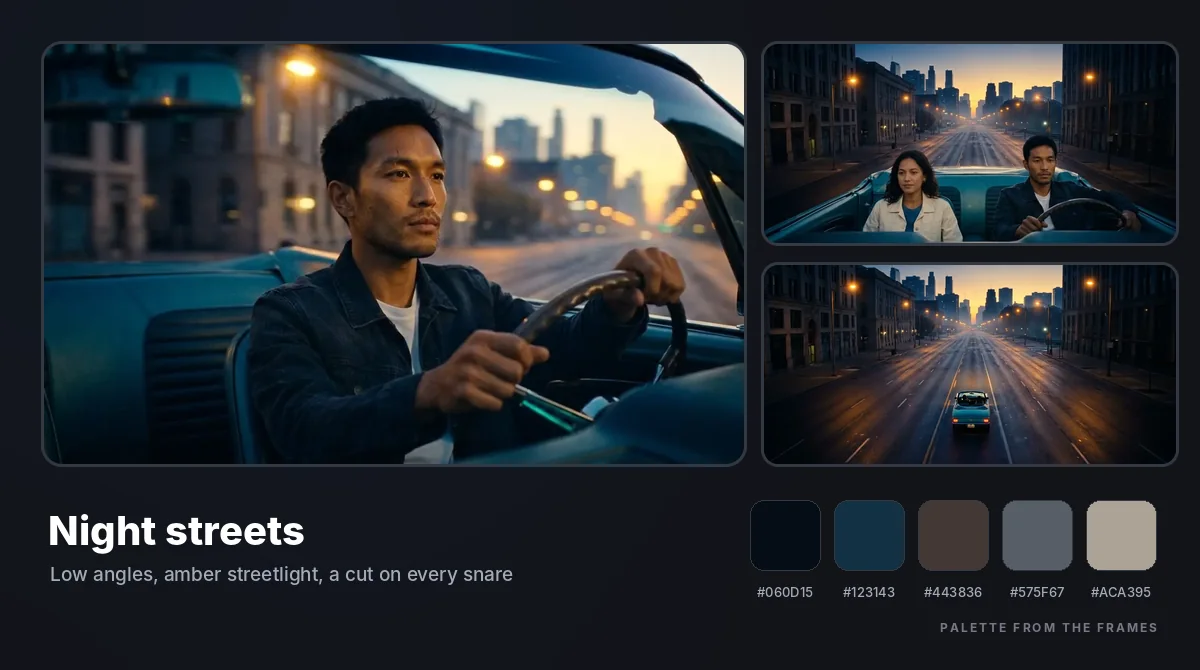
Corner shop after midnight
Performance, hip-hop look: you rap under the shop's strip lights, and the verses follow one night on the block.
A rap video has three jobs at once: move with the drums, put your face on the bars that matter, and look like it comes from somewhere real. Upload the finished track and Muvora plans every cut on its beat grid at hip-hop pace, lip-syncs you from one photo where your vocal actually is, and fills the space between with story shots, in a storyboard you can rework for free before a single credit is spent.
Free to start · 5 storyboards a month · No card needed
Pick the hip-hop look and the shot planner aims for shots about a fifth shorter than its default, because a rap verse puts words on nearly every beat. Each cut lands on a downbeat, every section change is a cut, and the loudest parts (usually the hook) cut fastest: on a 140 BPM trap beat that means a new shot every bar, about 1.7 seconds. Slow, heavy records get their own treatment. On a rap under 80 BPM, where one bar runs past 3 seconds, the loud parts can cut on the half bar while a quiet intro still holds its long shots. Drag any cut in the editor and it snaps back to a beat. The hip-hop music video page covers the look, and the rap music video ideas guide has fifteen concepts to start from.
See your song as a storyboard first
Upload the track and the AI director plans every shot on the beat in minutes. Edit anything for free; you only pay if you render.
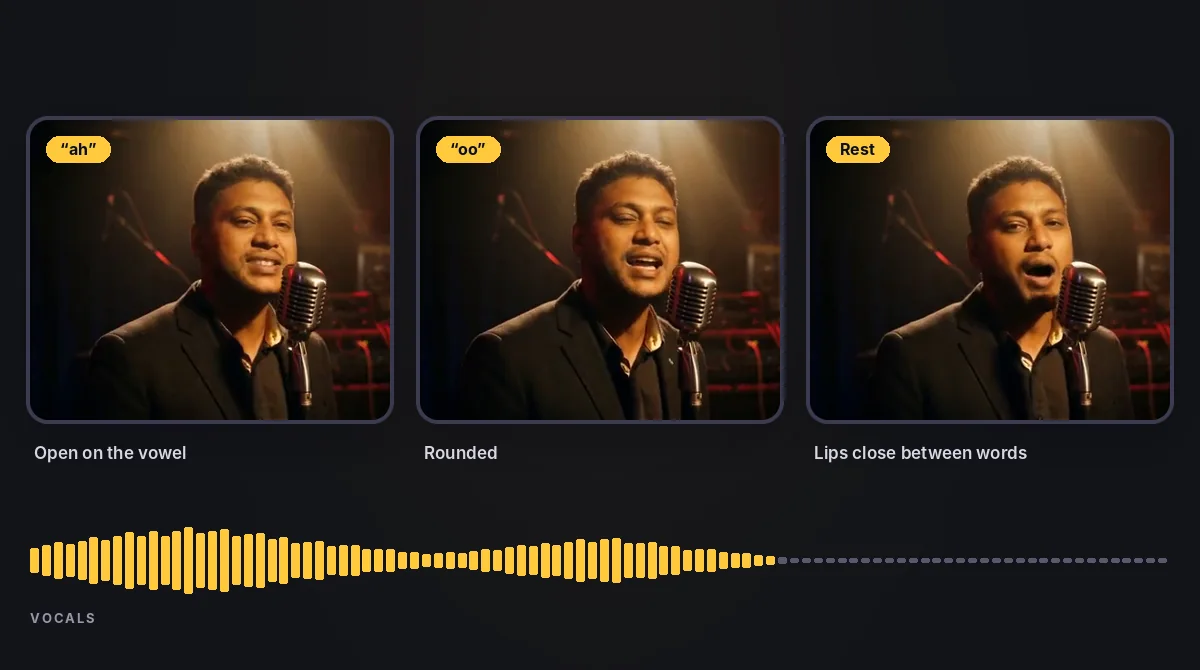
Choose Performance, add one clear, front-facing photo of yourself and tick the consent box. Muvora separates your vocal from the beat, rapped or sung, and makes a shot a lip-sync shot only where your voice carries most of it and your words fill at least half of it: every such shot in a hook, and the ones in the second half of each verse, so a verse opens on the story and builds to you. The photo matters more in rap than anywhere, because a double-time verse moves the mouth fast: use even light, keep your mouth in full view (a mic, a hand, a bandana or a mask over it can get the photo refused) and keep everyone else out of the frame. Paste your lyrics with the upload so the captions keep your spelling and the timing of your words decides where the mouth moves and where it rests. If your fastest verse would still read as a blur on the lips, the Story style keeps the whole song in story shots instead. The photo to music video page goes deeper on choosing the picture.
Between your bars the AI director writes story shots: a place, a small cast, light from things in the scene (a corner shop's strip lights, sodium streetlights, a dashboard glow) and faces that match the record's mood, so a laid-back track gets calm, sure faces instead of snarls. You can show up in those shots too, not rapping: crossing a parking lot, riding in the back seat over a bridge. Explicit lyrics are fine, captions included, but the pictures never show real people and a prompt that names one is refused, so describe the sound and the city rather than another artist. One 16:9 render also gives you a 9:16 cut for clips (lip-sync shots crop to the center, wide shots sit whole over a blurred fill of themselves), a square post and a Spotify Canvas, with karaoke captions on or off. For a hook clip on its own, see the TikTok music video maker; for drill, the drill music video ideas; and for instrumentals you sell, the type beat video maker.
Each card opens the upload with a style, the hip-hop look and an idea in the box. Swap in your own city, wardrobe and story before the storyboard is written; the Performance cards ask for your photo on the vibe step.
Performance, hip-hop look: you rap under the shop's strip lights, and the verses follow one night on the block.

Performance, hip-hop look, 9:16: a slow rooftop session for a relaxed record, made for clips.
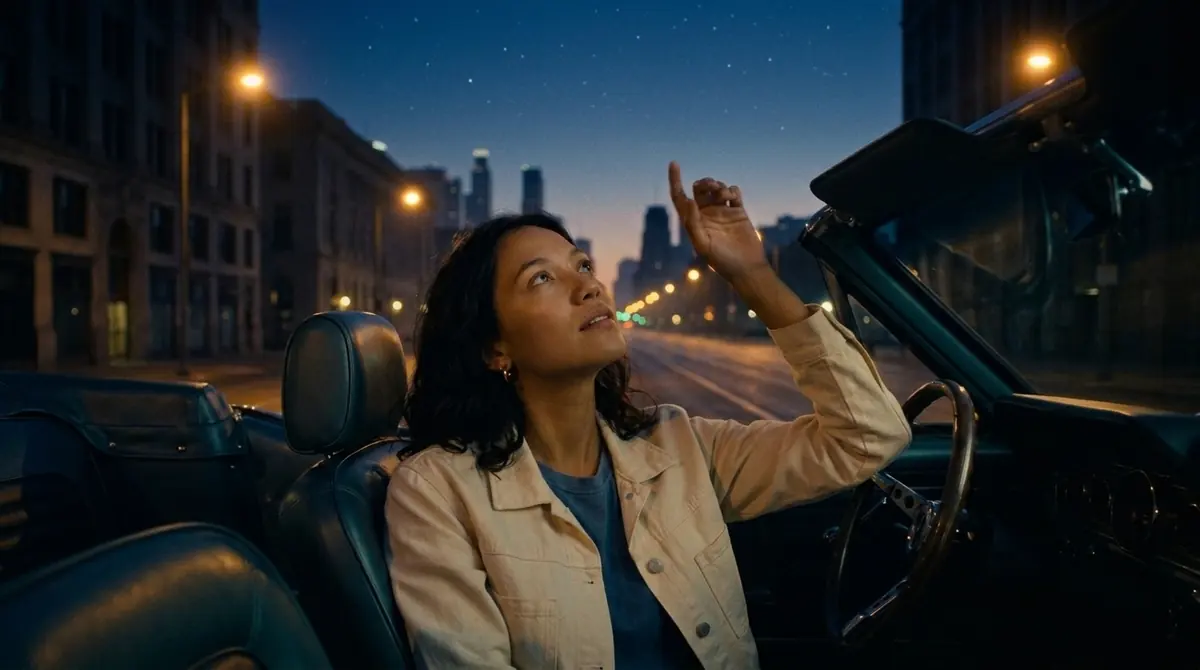
Story style, hip-hop look: a character carries the song, for when you'd rather stay off camera.
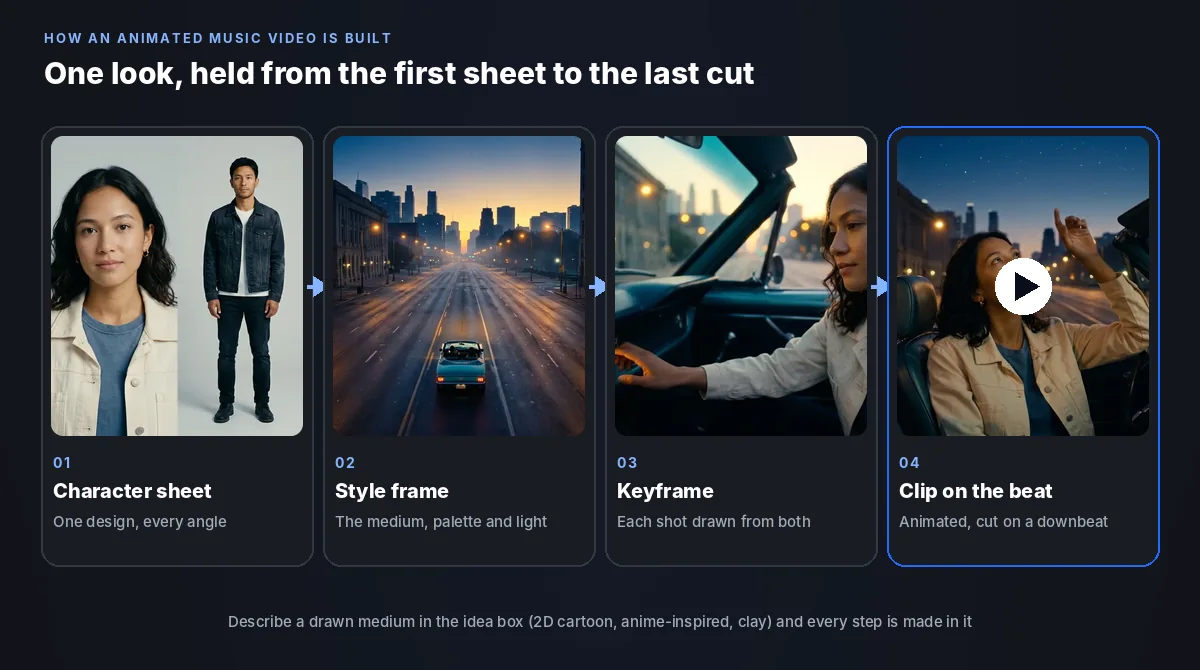
Performance with a drawing of yourself: the whole video is drawn in its medium, and the drawing raps your bars.
Drop in an MP3, WAV, M4A or FLAC up to 8 minutes. Muvora finds the tempo, the beats, the downbeats and the sections of your song, like intro, verse and chorus.
An AI director writes a shot-by-shot plan timed to your downbeats. Rewrite any prompt, drag a cut (it snaps to the beat) or ask AI to redo a shot. None of it costs anything.
See the final price, then render. Pick Visualizer, Standard or Cinematic quality. If a shot fails, its credits come straight back.
Free storyboard in minutes. No card needed.
Can't find what you need? Start a free storyboard and see for yourself.
Yes. Choose the Performance style, add one clear photo of your face and tick the consent box, and the shots where your vocal is are lip-synced to your recording, rapped or sung. The rest is story shots cut on the beat. Each lip-synced second is priced at 75 credits, and the total is shown before you render.
It follows your separated vocal shot by shot, but the faster the delivery, the harder any mouth is to read. A sharp, evenly lit, front-facing photo helps most. Each verse also opens on story shots before the lip sync comes in, and if a shot still looks rushed you can re-roll it on the review page, or make the song in the Story style with no lip sync at all.
No. The Story style casts invented characters and keeps them the same from shot to shot with a character sheet, and the Abstract style suits an interlude or an instrumental. Some rappers stay off camera for a few releases and save a Performance video for the single they push hardest.
Yes, as karaoke-style captions: a phrase of up to seven words at a time, each word lighting up as you say it. On a fast verse a line may stay up for only a second or two, so you might keep captions for a hook clip and leave them off the full video. Paste your lyrics with the upload so slang and names are spelled your way.
The storyboard is free. A 3-minute video is 6,840 credits in Visualizer, 10,800 in Standard and 19,800 in Cinematic, with each lip-synced second at 75 in place of the quality's rate. The editor shows the total for your exact track before you press Generate, and a shot that fails to render costs nothing.
It can't show them: the pictures never include real people, and a prompt naming one is refused. It can borrow a world, though. Describe the city, the hour, the clothes and the light you hear in the record, and the only real face in the video is the performer's, from a photo you have the right to use.
Night streets, low angles and cuts that hit with the snare.
Learn more15 hip-hop concepts with real places, wardrobe and camera moves, and how to pace the verses and the hook.
Read the guide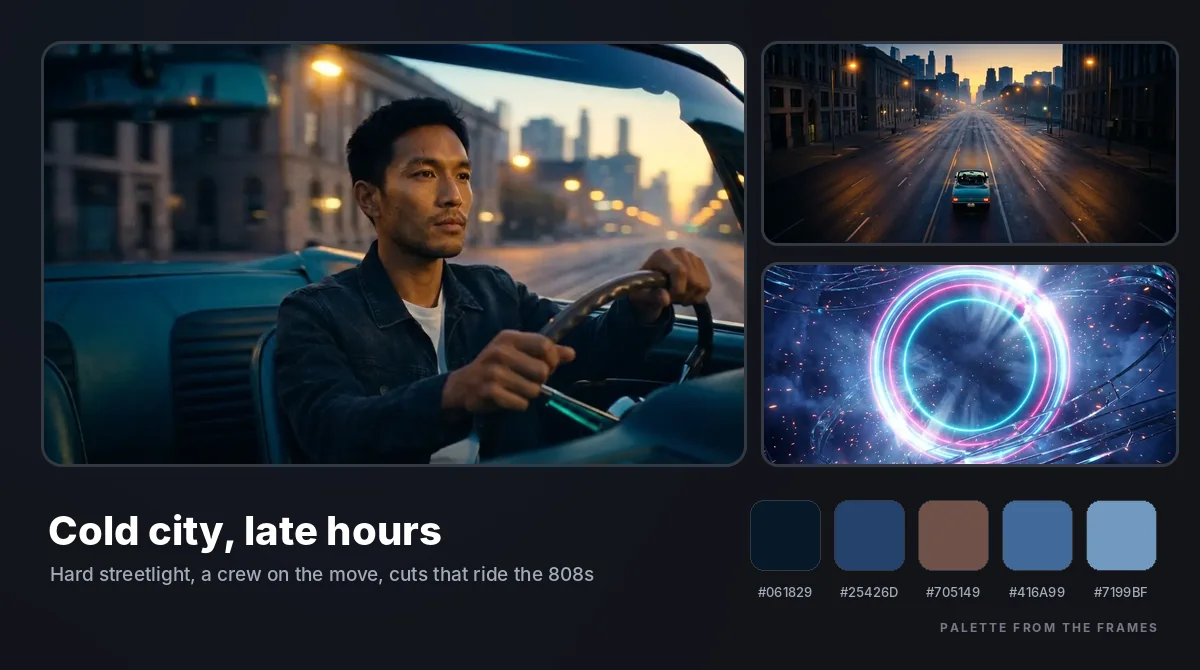
15 drill concepts in the UK, Chicago and Brooklyn styles: the city at night, the crew, wordplay as pictures and cuts that ride the slide.
Read the guide
One photo of the singer becomes lip-synced performance shots inside a full video.
Learn moreVisuals for the beats you sell or share, cut on the kick and ready for YouTube.
Learn more
Vertical 9:16 cuts of your hook, priced by the second.
Learn more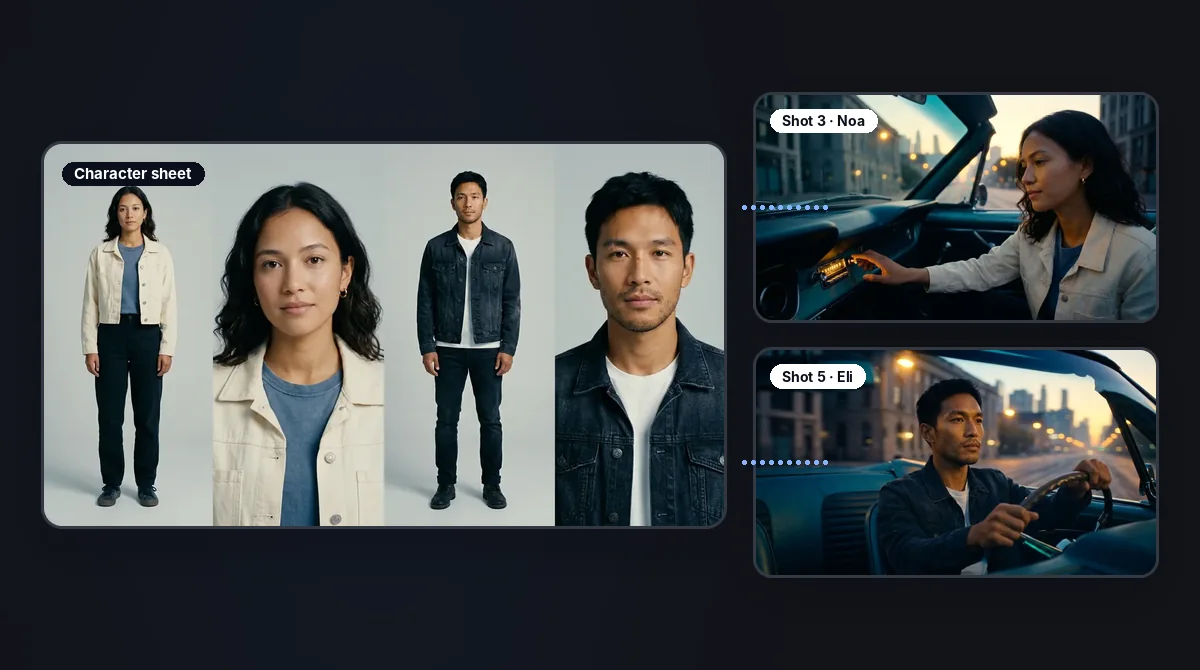
The same faces, clothes and props in every shot: a character sheet first, every keyframe checked against it.
Learn more
A video for each song in your set, cut on its beat, for the screen behind you on stage.
Learn moreWords that rhyme with any word or phrase: perfect, near and multi-syllable rhymes, grouped by syllables, common words first.
Open the toolTrap videos with the hook cut on every bar, a flash on the drop, night places you describe and your verses lip-synced from one photo.
Learn more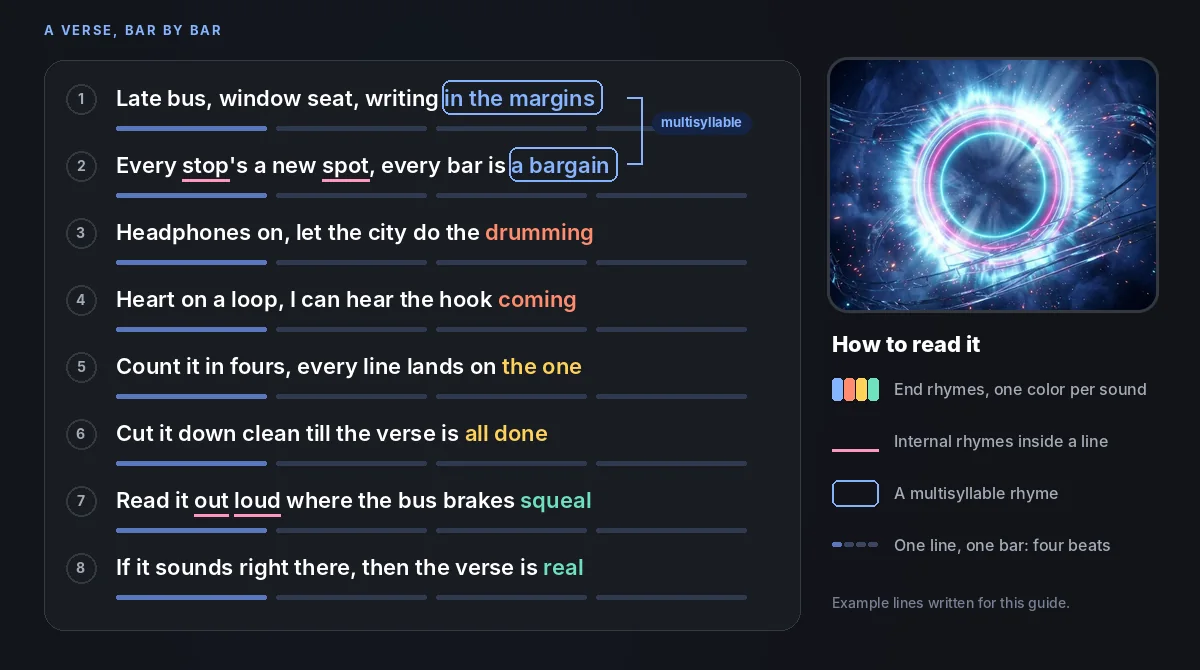
Bars counted over the beat, the 16-bar verse, flow and cadence, end, internal and multisyllable rhymes, punchlines, a story that moves and the edit.
Read the guideDrill videos cut on the half-time pulse, set in a night you describe, with your bars lip-synced from one photo or a masked lead in your place.
Learn moreRap and stage name ideas built from your own name, initials, nickname, hometown and words, twelve at a time, with real artists' names left out.
Open the toolUpload a track and get a free beat-synced storyboard in minutes. Render it when you are ready.
No card needed to start.





