
Rooftop at golden hour
Performance style, 16:9: your photo sings on a rooftop, and the verses show how the song came together.
If you searched for a way to make a picture sing, you may be expecting a short clip of one face mouthing along. Muvora works differently, and it's worth knowing before you start: you bring your own song and one photo, and the face in that photo sings your vocals in every sung shot of a complete music video, cut on the beat, with story shots around it. It isn't a standalone singing-photo clip, and the face has to be yours or belong to someone who has said yes.
Free to start · 5 storyboards a month · No card needed
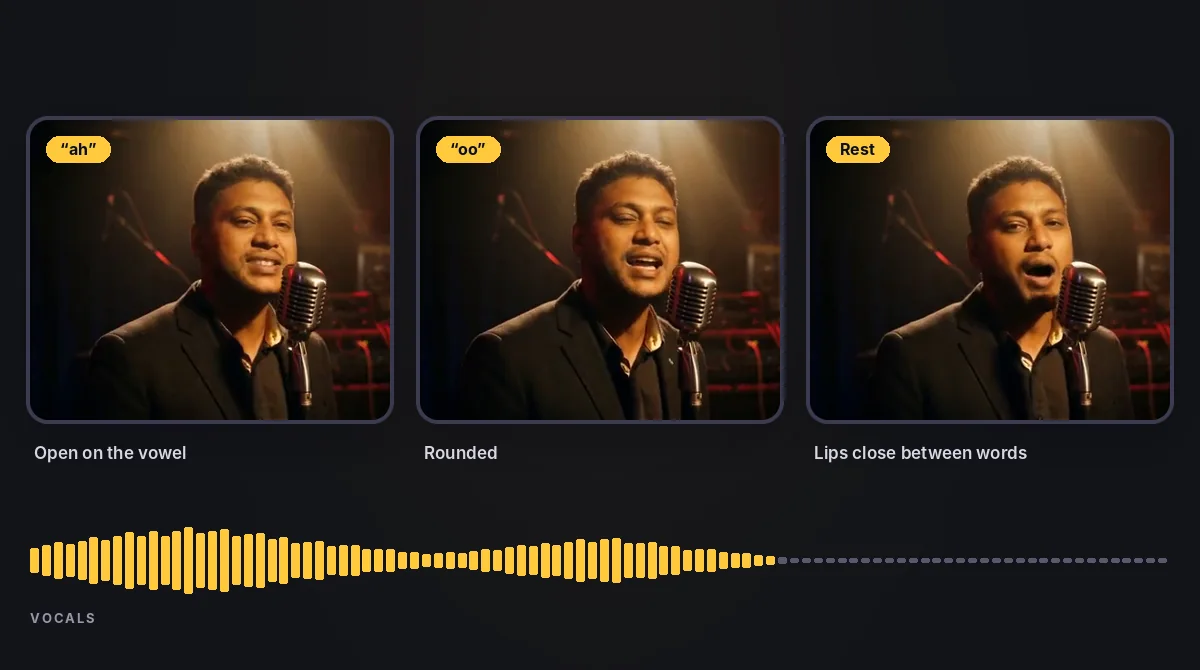
What comes out is a music video as long as your song, with your photo as its singer. The face sings where your vocal is: in the choruses, and in the second half of each verse once the words fill the shot, framed from the chest or the waist up in places the storyboard designs rather than in front of the photo's own background. The intro, the instrumental breaks and the start of each verse are story shots, where the same person can turn up walking, driving or waiting without singing, so a 3-minute song isn't three minutes of one face. If you only want a short singing moment, upload just that part of the song (the hook, say) as its own file: it gets its own storyboard and is priced by its length, though it's still cut into shots on the beat rather than one unbroken take of the photo. The AI lip-sync music video page explains how the sung stretches are found.
See your song as a storyboard first
Upload the track and the AI director plans every shot on the beat in minutes. Edit anything for free; you only pay if you render.
Here is what happens to the picture once you add it. A check looks for exactly one face, or one drawn character, turned toward the camera with its mouth uncovered, and names the medium when it's drawn. While the storyboard is written, your vocal is separated from the mix to find where it's sung, and a look sheet is drawn: that face full length and close up, in this video's outfit and medium, so you can judge it before paying anything. When you render, each singing shot gets a first frame drawn from the photo and the look sheet, in that shot's place and light. The shot's slice of the vocal, a fifth of a second wider at each end, is silenced between the timed words so the lips can close on a breath, and a lip-sync model moves the face to it. Three frames of every clip are checked for a visible face and a moving mouth, and a clip that fails is made once more. The clips are then cut on the beat with the rest, and the soundtrack is always your original upload, never the separated vocal.
A phone selfie by a window can sing, and so can a photo of a printed picture or of a screen, as long as the face is sharp, lit and turned toward you. Drawn faces work too: a 2D cartoon, an anime-style character, a 3D animated figure or a painted portrait. When the picture is drawn, the whole video is drawn in its medium, and the lip sync and the checks treat the character's mouth as they would a person's. What can't sing here is a face without its owner's yes. Before the photo is used you tick “This is me, or I have this person's permission,” which means asking a bandmate or a friend first, not surprising them with it; using a celebrity's photo breaks the Terms, and any prompt that names a real person is refused. Each lip-synced second costs 75 credits and the rest of the video the rate of the quality you pick, with the total shown before you render. For choosing the best picture, read how to make a music video from a photo; for a character, see the animated music video maker.
Every card starts the upload in Performance with an idea already written. Add your photo and tick the consent box on the vibe step, then make the places your own before the storyboard is written.
Performance style, 16:9: your photo sings on a rooftop, and the verses show how the song came together.
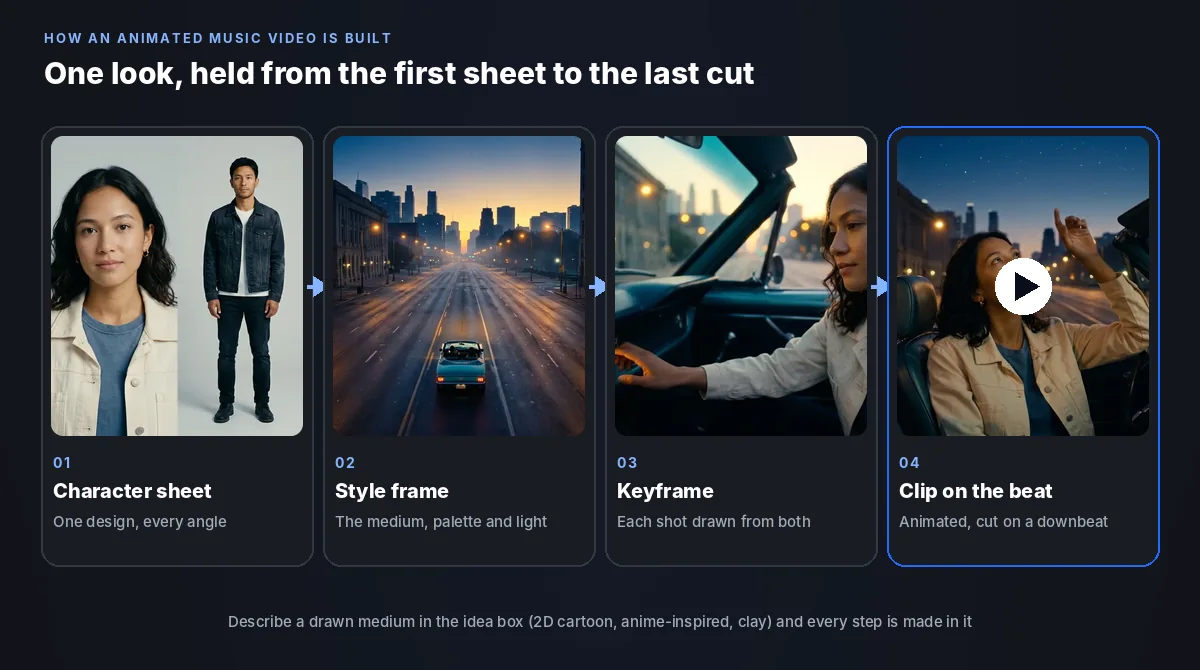
Performance with a picture of a cartoon, anime or painted character: the whole video is drawn in its style.

Performance style, 9:16: a quiet, close performance made for phones.
Drop in an MP3, WAV, M4A or FLAC up to 8 minutes. Muvora finds the tempo, the beats, the downbeats and the sections of your song, like intro, verse and chorus.
An AI director writes a shot-by-shot plan timed to your downbeats. Rewrite any prompt, drag a cut (it snaps to the beat) or ask AI to redo a shot. None of it costs anything.
See the final price, then render. Pick Visualizer, Standard or Cinematic quality. If a shot fails, its credits come straight back.
Free storyboard in minutes. No card needed.
Can't find what you need? Start a free storyboard and see for yourself.
Upload your song (MP3, WAV, M4A, AAC or FLAC, up to 8 minutes), choose the Performance style, add one front-facing photo and tick the consent box. Muvora finds where the song is sung and writes a storyboard you can edit for free; when you render, the face in the photo sings those parts of a full music video.
Only a song you have the right to use. The video's soundtrack is the file you upload, and the upload asks you to confirm you own it or have the rights. A cover of someone else's song needs its publisher's permission before it goes into a video, which is why most people use their own recordings.
Partly. The storyboard and its style frames are free, including the look sheet that shows your photo's face drawn in the video's outfit, and the free plan makes 5 new storyboards a month. The singing itself is rendered with credits, 75 a lip-synced second, and the exact total is shown before you press Generate.
A friend, yes, once they've agreed: ask first and keep their answer. A celebrity, or anyone else who hasn't said yes, no. The consent box covers every photo, the Terms forbid using a real person's likeness without consent, and any prompt that names a real person is refused before a frame is drawn.
Yes, as long as it is one character with a face and a mouth you can see. A 2D cartoon, an anime-style mascot, a 3D animated figure or a painting all work: the medium is named from the picture, the storyboard's world is drawn in it, and the character's mouth follows your vocals in the sung shots.
Only the shots where your vocal is actually sung, which usually means the choruses and the later part of each verse. The editor labels those shots before you pay, and the price shows their seconds on a line of their own. A track with no vocals gives the photo nothing to sing, so it suits the Abstract or Story style instead.
One photo of the singer becomes lip-synced performance shots inside a full video.
Learn moreA singer made from one photo, lip-syncing to your vocals where the song is sung.
Learn moreTurn one photo into a singer who lip-syncs your song: the right photo, consent, where the singing goes and what it costs.
Read the guideHow a photo becomes a singer whose mouth follows your vocals, and how to get a take that looks real.
Read the guide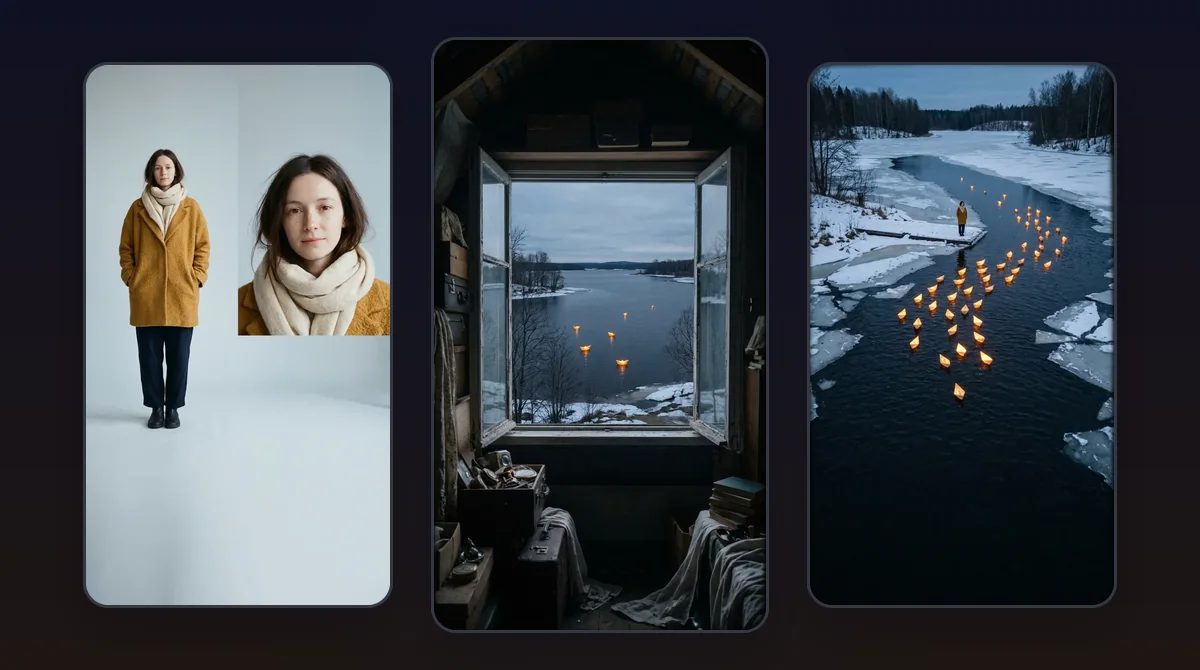
Cartoon, anime-inspired or painted: a drawn music video in one consistent style.
Learn more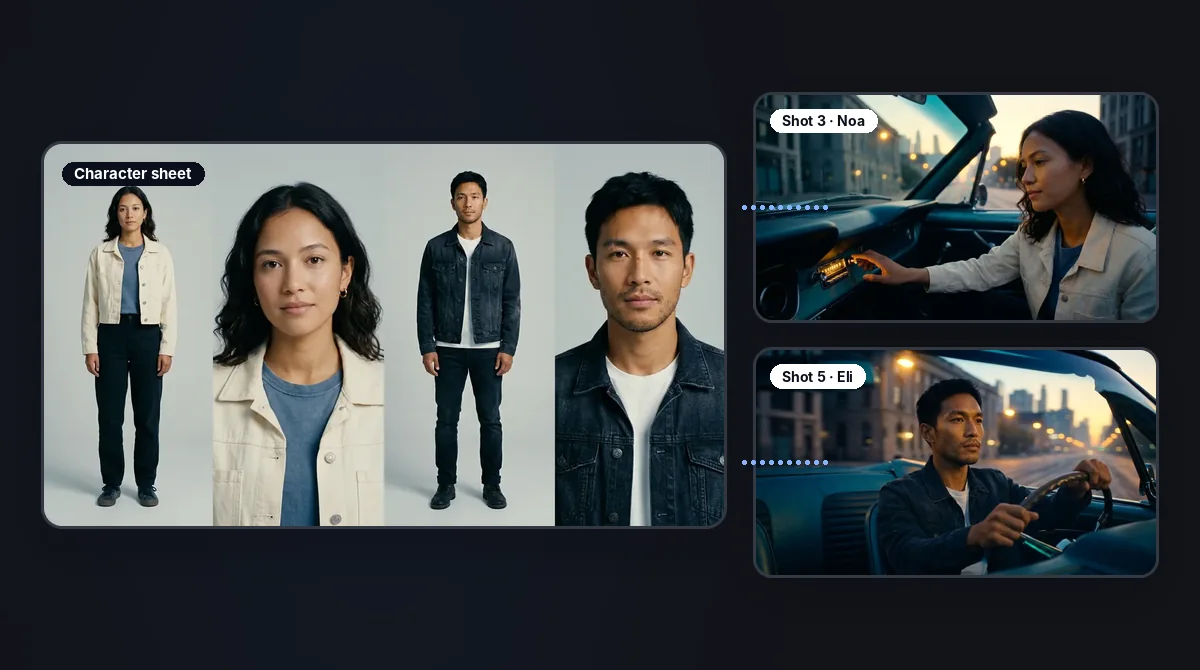
The same faces, clothes and props in every shot: a character sheet first, every keyframe checked against it.
Learn more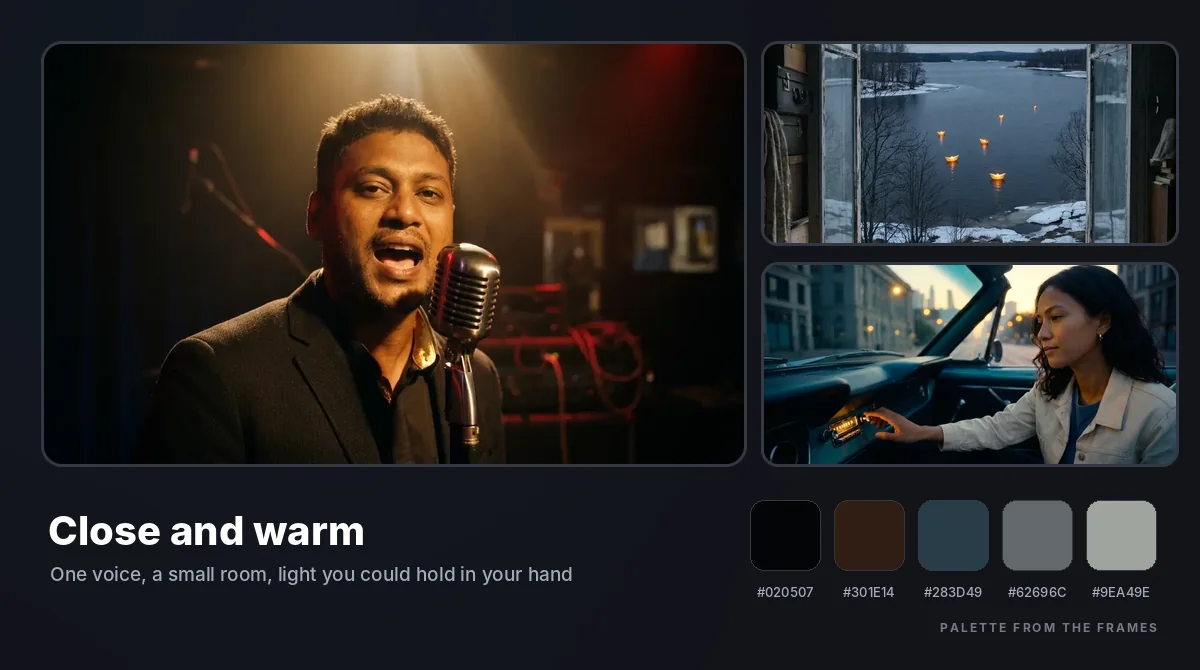
Acoustic and piano songs with the voice up front: you singing from one photo, the story in between, cuts that wait for the line.
Learn more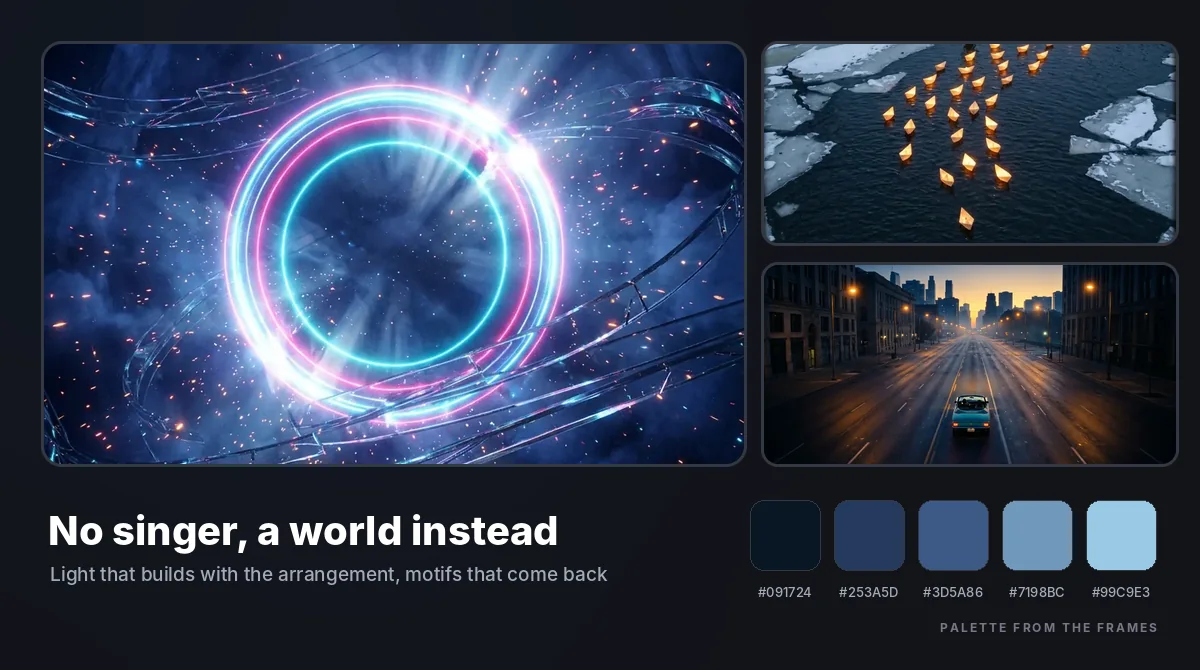
Videos for music without vocals: post-rock, ambient, piano, film-score style and jazz, cut to the arrangement.
Learn moreMuvora and Hedra side by side: a whole music video storyboarded and cut on your song's beats, against a studio that makes a character from one image talk or sing to your audio.
See the comparison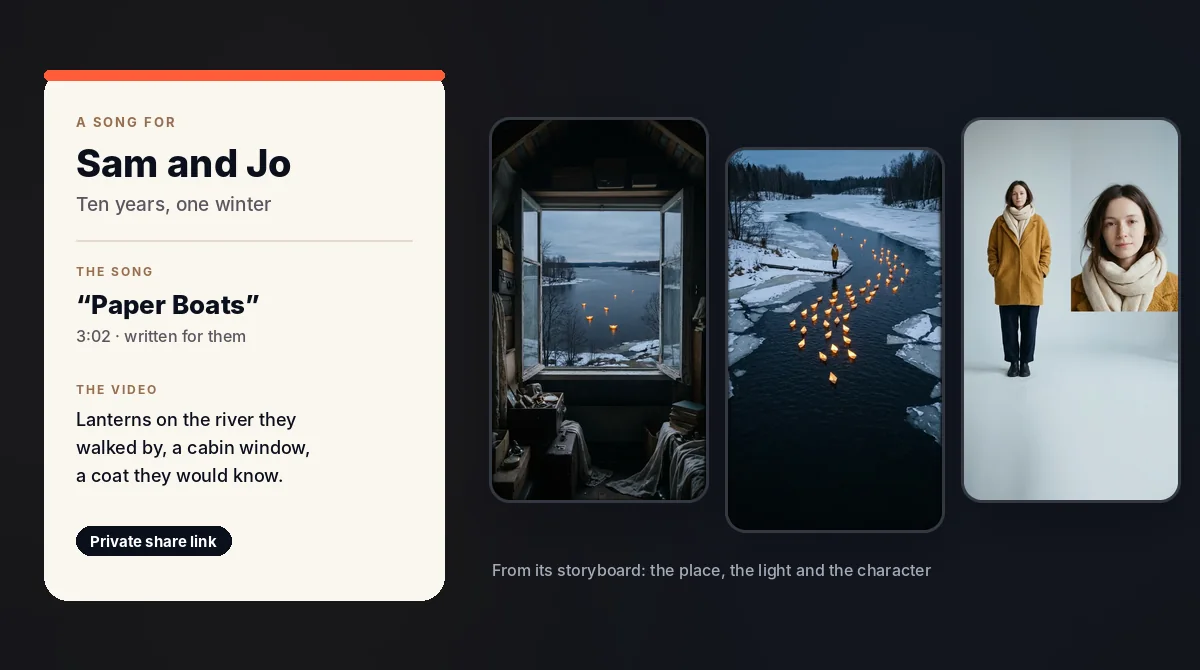
A video for a song written for someone: their story told with invented characters, sent by a private link or played on the night.
Learn moreGift songs for birthdays, weddings, anniversaries and memorials: write one, hire a songwriter or use AI, settle who owns it, then make a private video.
Read the guideUpload a track and get a free beat-synced storyboard in minutes. Render it when you are ready.
No card needed to start.





