Make a lyric video that moves with your song
Upload your track, paste your lyrics and Muvora builds a free storyboard timed to every beat. When you render, karaoke-style captions are timed to the vocals and burned in over AI visuals, ready for YouTube and Shorts.
Free to start · 5 storyboards a month · No card needed

Captions that land on the word
Lyric videos fall apart when the words drift from the voice. Muvora reads word-level timing from your vocals, or aligns the lyrics you paste, so each line appears when it is sung and highlights as it goes.
- Paste your own lyrics so the spelling is exactly right
- Karaoke-style captions timed to the vocals
- Switch captions off for a clean cut with no text
See your song as a storyboard first
Upload the track and the AI director plans every shot on the beat in minutes. Edit anything for free; you only pay if you render.
Visuals that follow the structure
Behind the words, an AI director plans a shot for every beat-aligned slot. Verses get longer, calmer shots; the chorus gets faster cuts and bigger imagery, so the lyrics you most want people to remember arrive with the most energy.
- Cuts on downbeats, with a cut at every section change
- Lyric lines are linked to the shots they play over
- Rewrite any shot's prompt before you pay for anything
One render, every platform
A lyric video is usually posted three ways: widescreen for YouTube, vertical for Shorts and TikTok, and a loop for your release page. You render once and export 16:9, 9:16 and 1:1, with captions on or off.
- 16:9, 9:16 and 1:1 exports
- 8-second Spotify Canvas loop from the same video
- Free re-rolls if a single shot misses
From your song to a finished video
- 01
Upload your song
Drop in an MP3, WAV, M4A or FLAC up to 8 minutes. Muvora finds the tempo, the beats, the downbeats and the sections of your song, like intro, verse and chorus.
- 02
Edit your free storyboard
An AI director writes a shot-by-shot plan timed to your downbeats. Rewrite any prompt, drag a cut (it snaps to the beat) or ask AI to redo a shot. None of it costs anything.
- 03
Generate your video
See the final price, then render. Pick Visualizer, Standard or Cinematic quality. If a shot fails, its credits come straight back.
The storyboard is free. Rendering is priced per second.
- Visualizer38 credits/s6,840 for 3 minutes
- Standard60 credits/s10,800 for 3 minutes
- Cinematic110 credits/s19,800 for 3 minutes
- The exact price is shown before you generate
- Failed shots cost nothing
- 16:9, 9:16, 1:1 and a Canvas loop from one widescreen render
Free storyboard in minutes. No card needed.
Questions, answered
Can't find what you need? Start a free storyboard and see for yourself.
Can I add my own lyrics to the lyric video?
Yes. Paste your lyrics when you upload. Muvora aligns them to the vocals so each line is timed to the word, instead of relying on a transcript that might mishear you.
Is the lyric video storyboard free?
Yes. Song analysis and the editable storyboard are free, with 5 new storyboards a month on the free plan. You pay credits only when you render the video.
What formats can I export a lyric video in?
16:9 for YouTube, 9:16 for Shorts, Reels and TikTok, and 1:1 for feed posts, with captions on or off. Visualizer quality, at 38 credits per finished second, is the most affordable way to cover a whole song.
Keep exploring

Spotify Canvas
An 8-second vertical loop cut from your video, sized for Canvas.
Learn more
TikTok, Reels & Shorts
Vertical 9:16 cuts of your hook, priced by the second.
Learn more
Instagram Reels
Reels drawn tall from the first frame, cut on the beat, with lyrics set above the buttons.
Learn more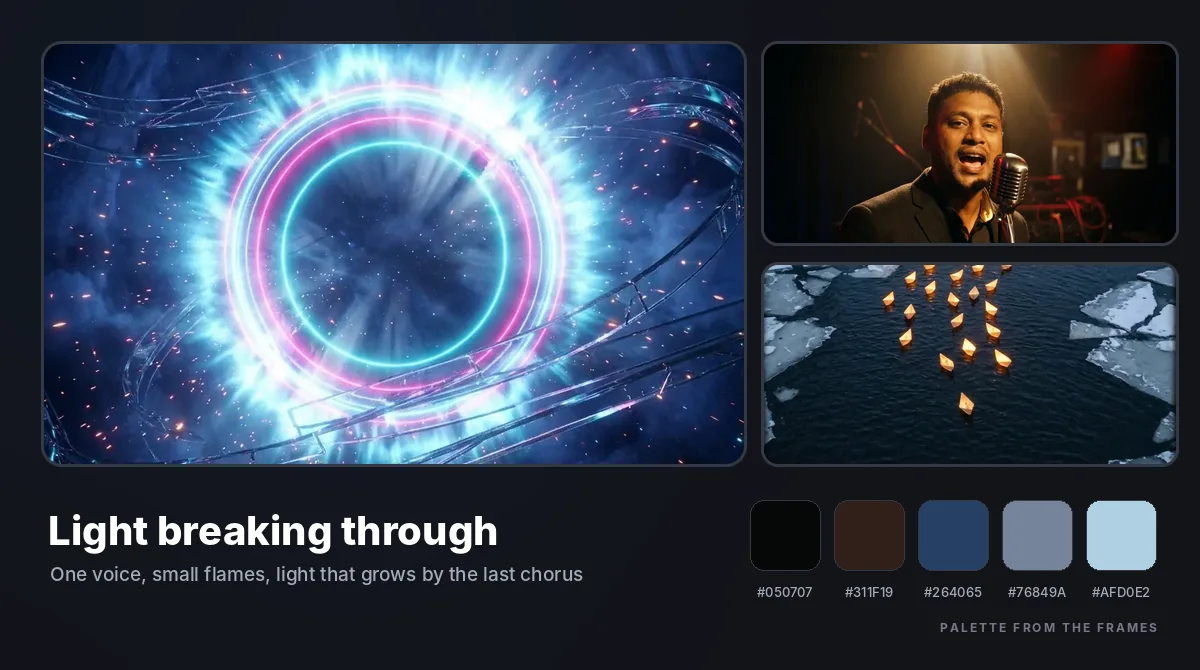
Gospel and worship videos
Worship lyric videos for the sanctuary screen, testimony stories and choir performances, timed to your recording.
Learn more
YouTube music videos
A full-length 16:9 video for your channel, plus the Shorts cut, from one render.
Learn moreLyric file converter
Convert timed lyrics between LRC, SRT and WebVTT, and shift every line earlier or later.
Open the tool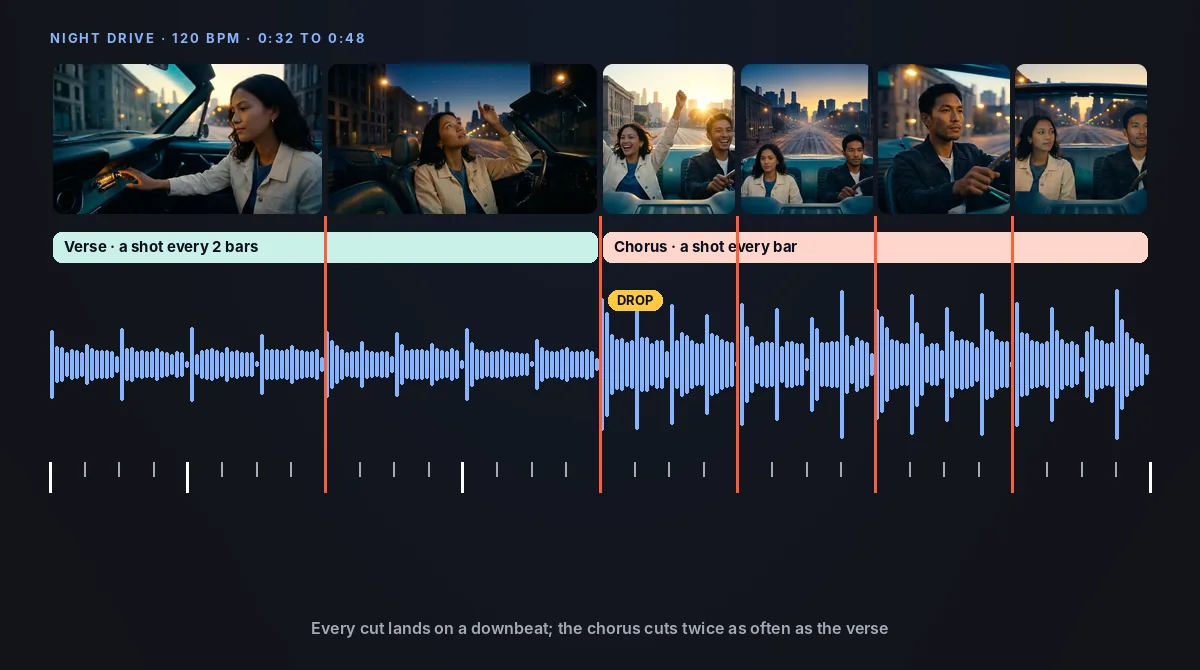
VEED alternative
Muvora and VEED side by side: a music video generated and cut from your song alone, against an online editor for footage, subtitles and waveforms.
See the comparison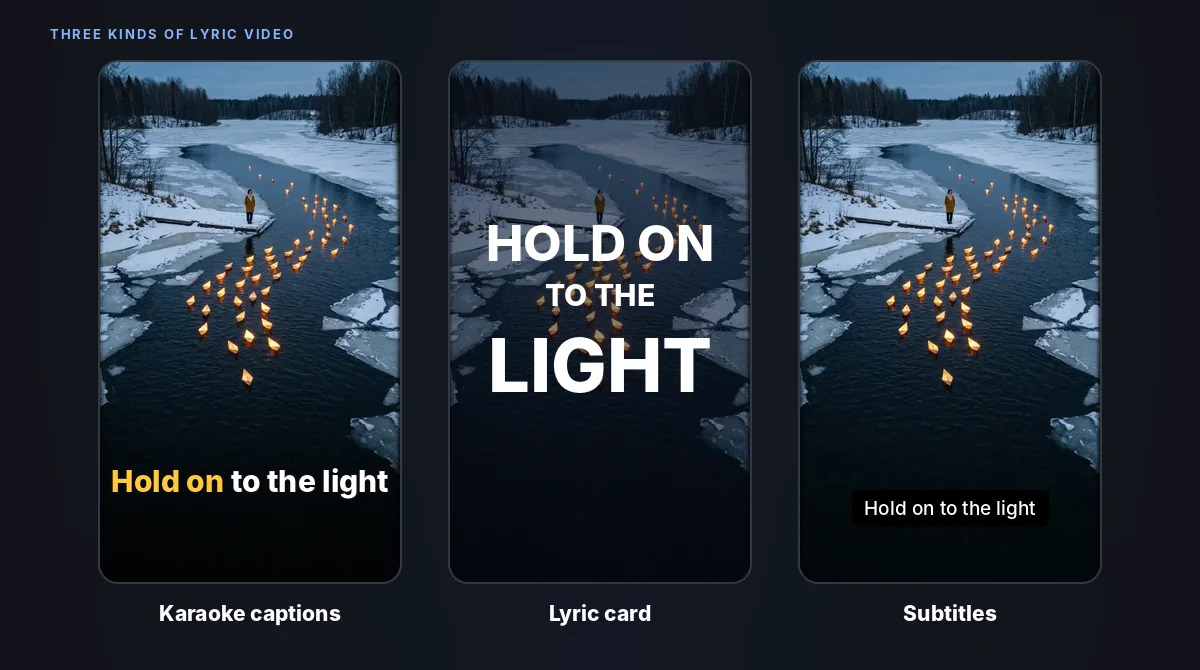
Best lyric video makers
Seven lyric video makers compared on timing and what sits behind the words, and why Muvora is our pick for a lyric video made from your song.
Read the guide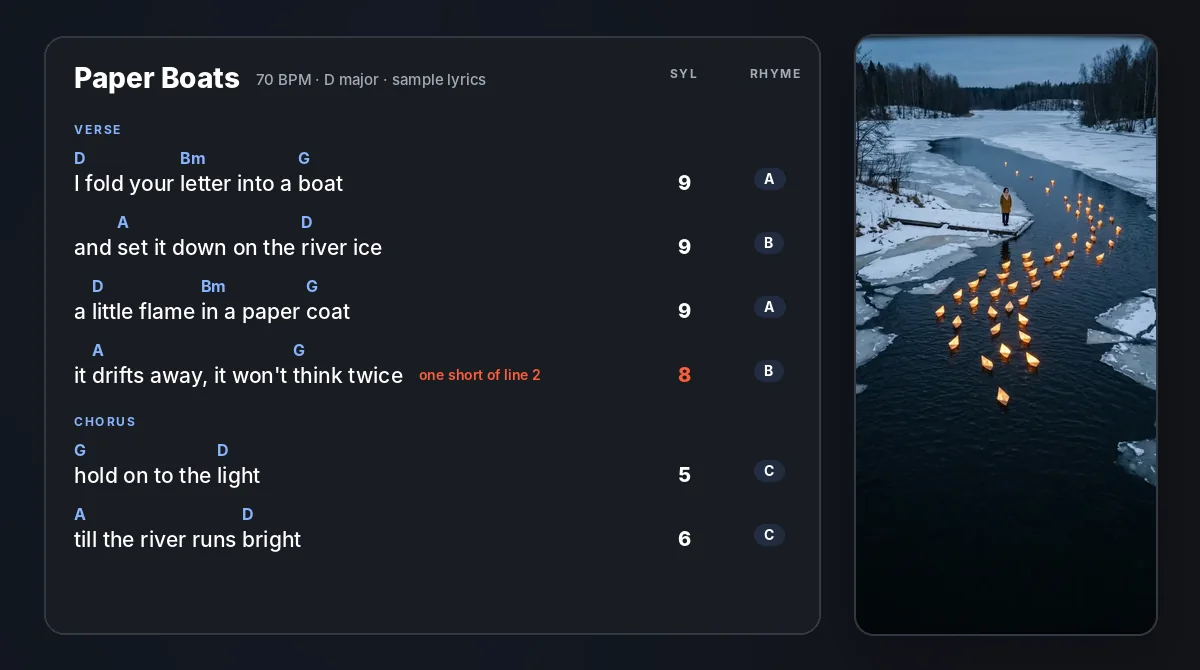
Lyrics to video
Your song and its lyrics become a music video: pictures drawn from what the words mean, and captions that follow your voice.
Learn more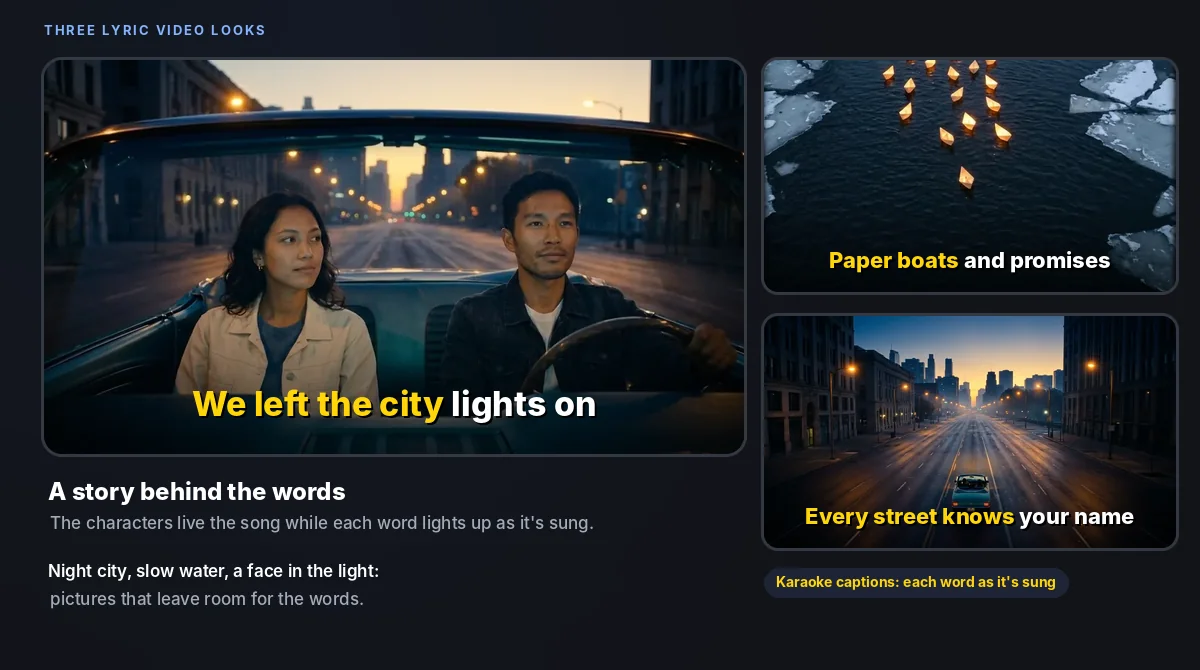
Lyric video ideas
16 lyric video ideas, from a darkroom at night to an ice sculpture melting at dawn, with the pictures planned so the captions stay easy to read.
Read the guide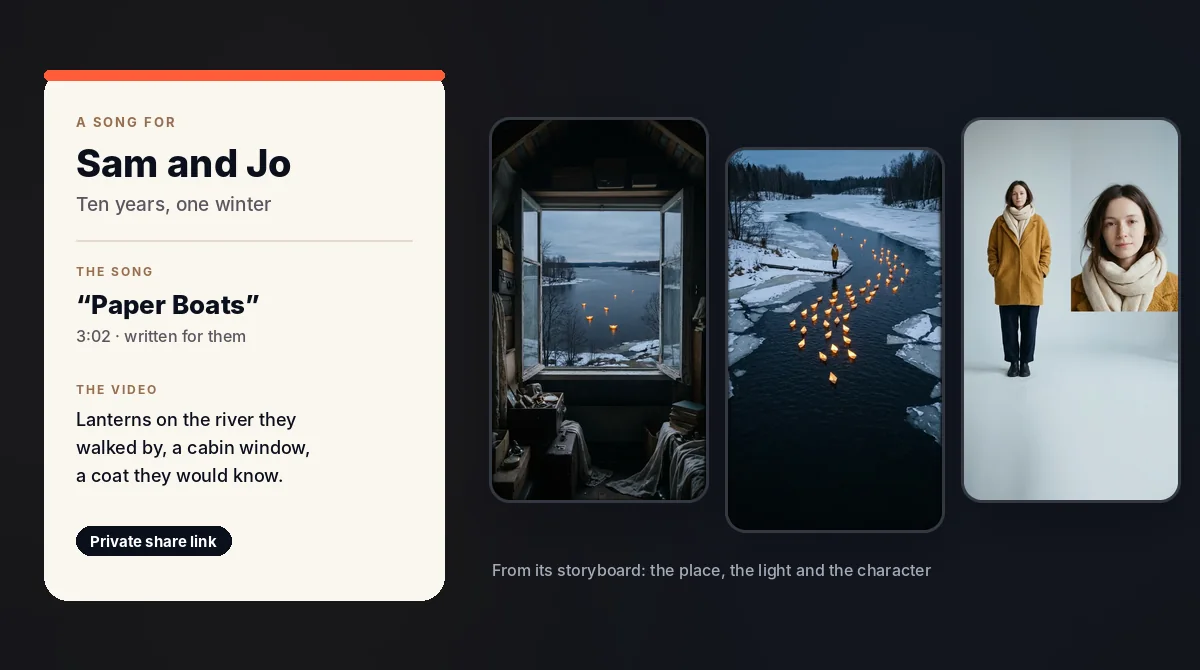
Custom song videos
A video for a song written for someone: their story told with invented characters, sent by a private link or played on the night.
Learn more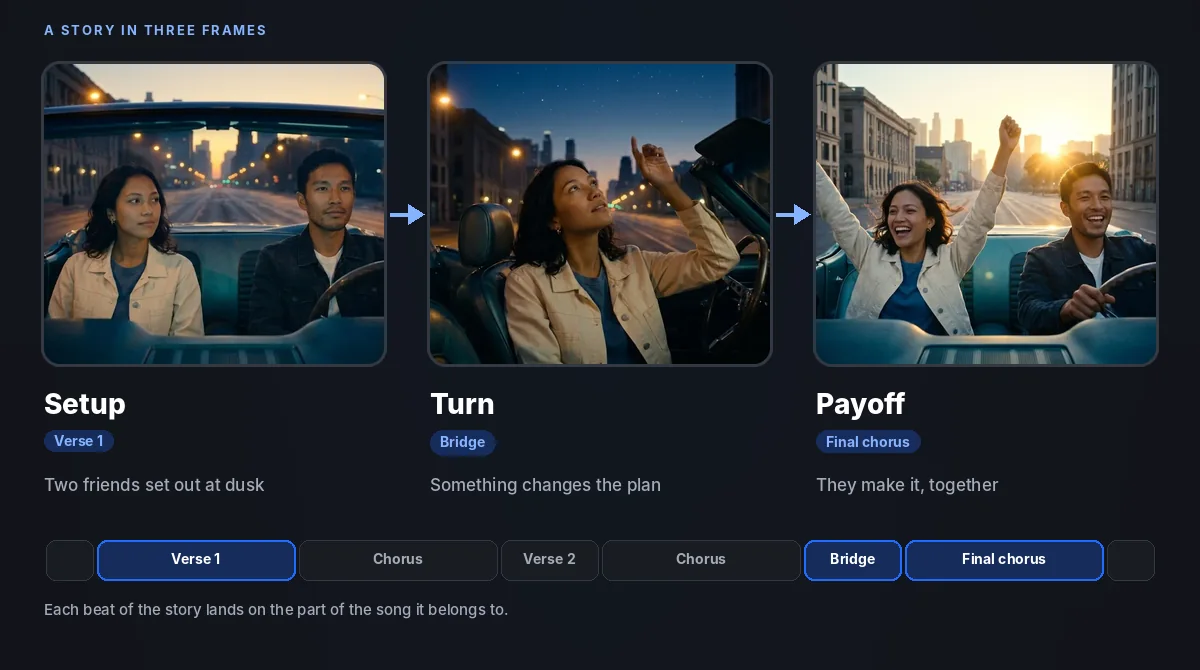
OpenArt alternative
Muvora and OpenArt side by side: a music video storyboarded for free and cut on your song's downbeats, against a creative suite whose Director mode makes music videos among ads, dramas and trailers.
See the comparisonLyrics formatter
Paste lyrics from a chord sheet, a notes app or an LRC file and get clean lines: chords, times and stray spacing out, sections in place.
Open the tool
Your song deserves a music video
Upload a track and get a free beat-synced storyboard in minutes. Render it when you are ready.
No card needed to start.




