The short answer
Hire a videographer when the video depends on real footage: your actual performance, a live show, choreography, or a place that matters to the song. Choose an AI music video when the budget is small, the concept needs worlds you can't film, you don't want to be on camera, or you need several videos for one release. Many artists film the lead single and use AI for everything around it.
- A videographer captures what's real; AI makes what would be impossible or too expensive to film.
- A shoot's cost is committed up front; an AI video is planned free and paid per finished second.
- AI shots are short and can't show real people without consent, so long takes and celebrity cameos are out.
- You can change an AI storyboard as often as you like before paying; a reshoot means another day.
- Mixing both often gives the most video for the money.
On this page (6 sections)ShowHide
Side by side
| Compare | Hiring a videographer | AI music video |
|---|---|---|
| How you pay | Day rates, gear, locations and editing, mostly before you see footage | Per finished second of video, after a free storyboard |
| Time to a first look | Days to weeks: planning, the shoot, then the edit | Minutes for the storyboard; the render follows |
| Changing your mind | Free in planning, expensive after the shoot | Edit the storyboard freely; re-roll single shots after |
| Your real face and moves | Yes, exactly as you are | From one photo, in short lip-synced shots |
| Real places and crowds | Yes, with permits and planning | Generated places only |
| Impossible worlds and animation | Needs visual effects or an animator | Any setting or drawn style you can describe |
| Long, continuous takes | Yes | No: shots are a few seconds each |
| Formats | Usually extra editing for vertical cuts | 16:9, 9:16, 1:1 and a Canvas loop from one render |
Neither column is better in general. The question is what your song's video has to show. For the money side, our guide to what a music video costs breaks down a shoot's budget line by line.
When a videographer is the right call
- Your performance is the point. A full, continuous take of you singing or playing, with your real voice, hands and stage presence, is still a camera's job.
- A live show or a crowd. Real energy in a real room can't be generated convincingly, and fans can tell.
- Choreography. Dance needs precise, continuous movement across many seconds, which short generated shots can't hold.
- A place that matters. Your hometown, your studio, a specific street: if the location carries meaning, film it.
- Other real people. Your band, your friends, a featured artist. AI shouldn't show real people who haven't agreed, and Muvora checks every prompt for real people and refuses to draw them.
- A collaborator. A good director brings ideas, taste and problem-solving on the day, which is part of what you pay for.
Skip the blank page
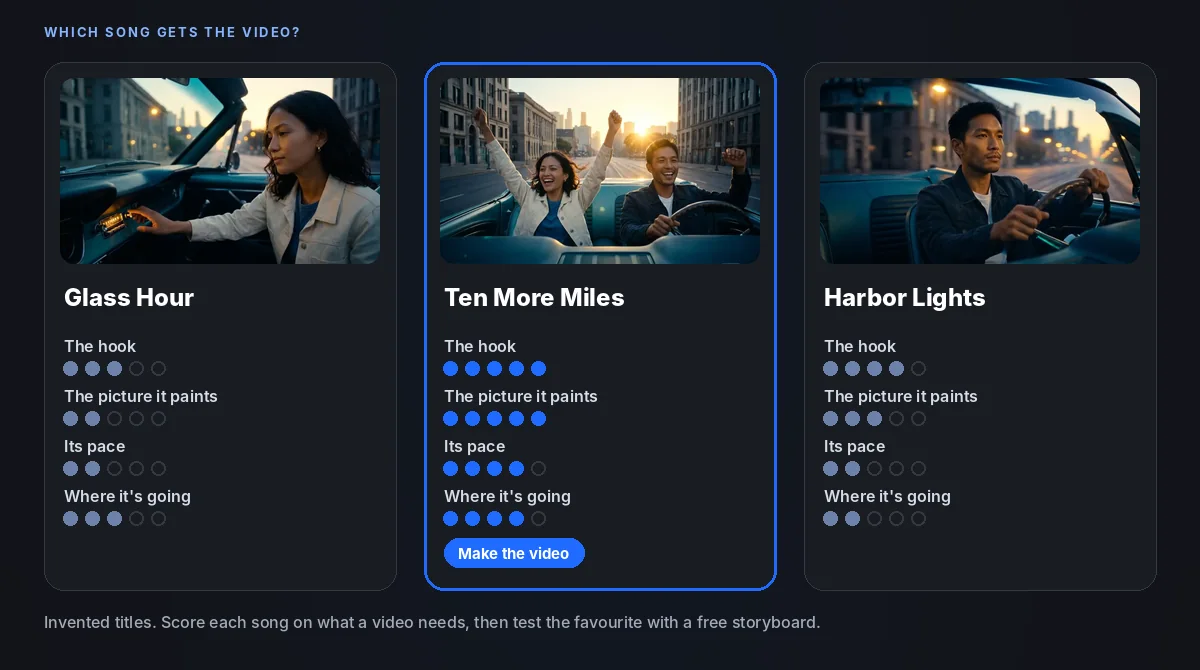
Upload your song and Muvora's AI director plans a shot-by-shot storyboard on the beat. Edit every shot for free, and pay only if you render.
When an AI music video is the right call
- The budget is small. You plan for free and pay only for finished seconds, with no crew day, location fee or gear rental.
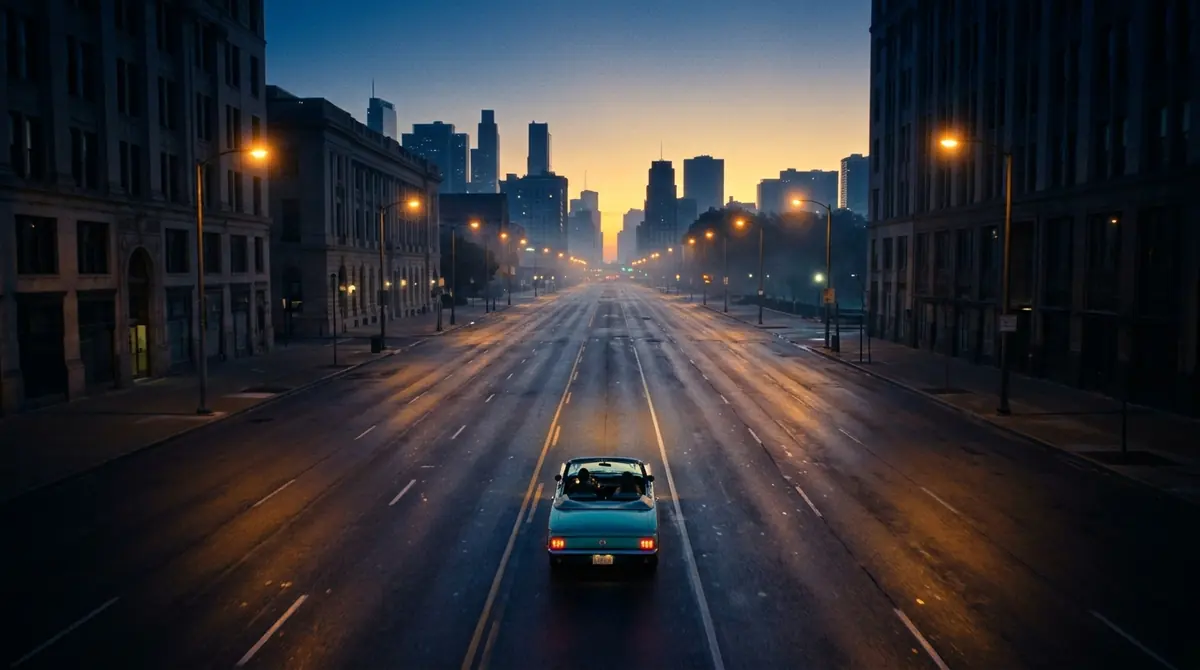
- The concept can't be filmed. A city under the sea, a drive into a sunrise that lasts all chorus, a world in a cartoon style: AI makes the impossible as easily as the ordinary.
- You'd rather not be on camera. A story with a generated lead, an abstract visualizer or a lyric video keeps the focus on the music.
- You need many videos. An album's worth of visualizers, a lyric video for every single, vertical cuts for every week of a campaign.
- You want to see it before you commit. The whole storyboard, with the look and the characters drawn, exists before you spend anything.
- Time is short. A release that's two weeks away can still have a video.

What AI still can't do well
Being honest about the limits saves you from a concept that fights the tools:
- Long takes. Generated clips are a few seconds each, so an AI video is an edit of many short shots. That suits most music videos, but not a one-shot concept.
- Precise physical action. Complex hand movements, instruments played note for note, and objects passed between people can come out wrong. Keep actions simple and visible.
- Text in the picture. Signs, logos and lettering garble. Put words in captions instead.
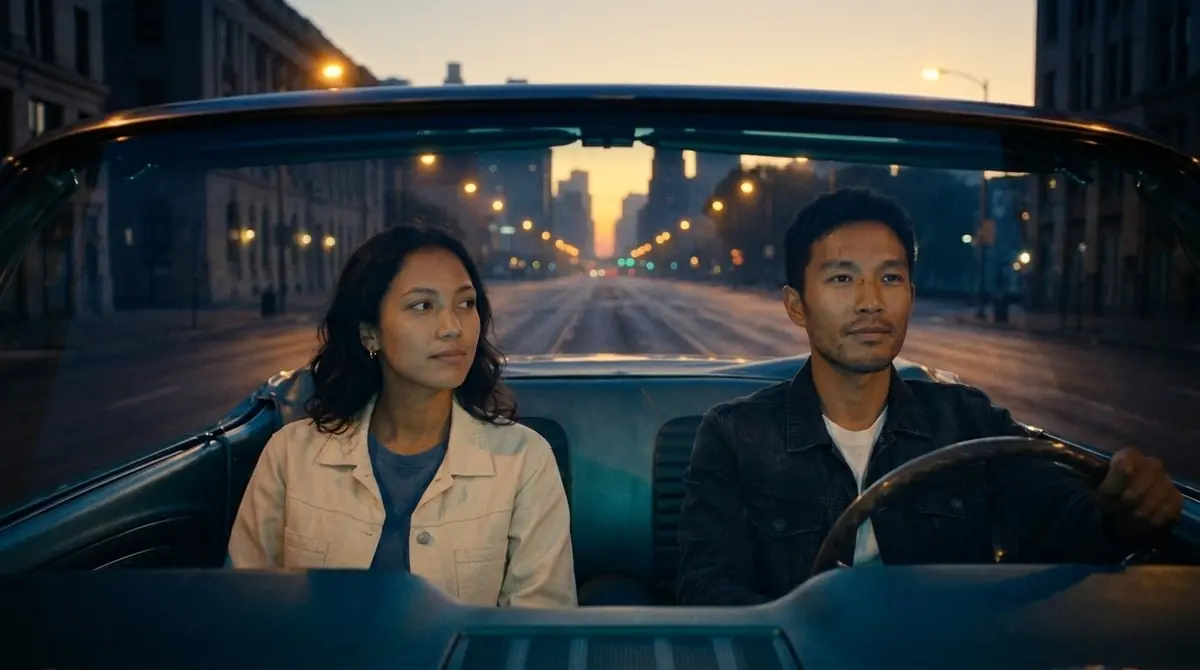
- Real people. Only the performer from your own photo, with consent, can appear as themselves. Everyone else is a generated character.
- Perfect consistency for free. Faces and outfits drift unless every shot is drawn from the same reference. Good tools handle this with character sheets and checks; it's still worth watching for.
Muvora is built around these limits: the AI director writes short shots with one clear action each, keeps lettering out of the pictures, draws a character sheet for the lead and checks every keyframe against it before any video is made. A shot that still misses can be re-rolled on its own, free up to 10% of the video's length.
Using both: the hybrid release
The most cost-effective plan for many artists is to split the work by what each does best. Spend the shoot budget on the one video where your real performance matters, and cover everything around it with AI:
- 01
Film the lead single
One well-planned shoot day for the song that carries the release, focused on performance and the places that matter.
- 02
Give the other tracks AI videos
Story or abstract videos for the rest of the EP or album, in one consistent look so the project feels like a set.
- 03
Add a lyric video
A timed lyric video for the single or the most quotable song, often released before the official video. See how to make a lyric video.
- 04
Cover the vertical formats
Spotify Canvas loops and 9:16 clips for Shorts, Reels and TikTok, so every platform has something moving. The release checklist lists what each needs.
Try the AI side first, for free
Because the storyboard costs nothing, there's no risk in seeing what AI would make of your song before you book a crew. Upload the track, and Muvora maps its beats and sections, writes a concept, plans every shot on the downbeats, and draws the look and the lead. If it's right, render it for 38 to 110 credits per finished second, depending on quality; if you'd rather film, you've got a storyboard to show your videographer.
Music video cost calculatorSee what an AI video of your song would cost at each quality, and which plan covers it.See your song as a storyboard before you decide
Upload a track and get a free, shot-by-shot storyboard with the price of rendering it shown up front.
Written by the Muvora team. Last updated November 13, 2026. Spotted something out of date? Tell us at [email protected].