Tune a guitar, bass or ukulele with your microphone
Press Start, allow the microphone and pluck one string: the tuner names the note it hears, its frequency and how many cents sharp or flat it is, and which string of your tuning it is nearest, from standard and drop D to DADGAD, open G, open D, bass and ukulele. Set A4 anywhere from 432 to 445 Hz, or press a string to hear its note and tune by ear. The sound is analyzed in your browser and never recorded or sent.
Free, no sign-up. Runs in your browser: nothing is uploaded.
–
E A D G B E · A4 = 440 Hz
Press Start, then play one string.
Strings: press one to hear its note
The microphone is on only between Start and Stop, and goes off when you leave the page. The sound is analyzed in your browser and never recorded, stored or sent.
Song finished? Upload it and Muvora plans the whole video on its beats. The storyboard is free.
Make the videoUpload a new songHow to use the guitar tuner
- 01
Pick your tuning
Choose the instrument and tuning, or Chromatic for any note. Leave A4 at 440 Hz unless the band, the piano or the recording you play along with is tuned elsewhere.
- 02
Start the microphone
Press Start tuner and allow the microphone when the browser asks. It stays on only until you press Stop tuner or leave the page.
- 03
Pluck one string at a time
Play a single open string and let it ring, close to the phone or laptop. The display shows the nearest string, the note it hears and the cents off.
- 04
Turn the peg to the middle
Tighten a flat string and loosen a sharp one until the needle sits in the green band, within 5 cents, then move on to the next string.
How a tuner hears a string
A plucked string repeats its waveform at its pitch: 82.41 times a second for a guitar's low E, 329.63 for the high E. The tuner takes the latest 8,192 samples from the microphone, about a sixth of a second, and finds that period with the YIN method: it compares the sound with delayed copies of itself, finds the delay where they match best and measures it between samples. Through a small microphone a low string's second harmonic can be louder than the note itself, so the tuner checks the longer periods before it names the octave. Cents split each semitone into 100, and within 5 cents counts as in tune.
- Low E 82.41 Hz, high E 329.63 Hz
- 100 cents to a semitone
- Green within 5 cents
Tuning by ear, and why to tune up to the note
Before clip-on tuners, guitarists tuned one string to a reference and the rest to each other: the 5th fret of each string matches the next open string, except on the G string, where the 4th fret matches the open B. Press a string here to hear its note, then listen as you turn the peg: two close pitches pulse against each other, slower as they get nearer, and the pulsing stops when they match. Come up to the note from below, since a string tuned down to pitch can leave slack in the gear that lets it slip flat as you play.
- 5th fret matches the next open string
- 4th fret on the G string
- Slower pulsing means closer
Alternate tunings and what they suit
Drop D lowers the 6th string a whole step, so the three lowest strings make a power chord under one finger and a low D rings under songs in D, common in heavy rock and in folk. Half step down lowers every string a semitone, often to suit a singer's range or to ease string tension for bends. DADGAD, open G (D G D G B D) and open D (D A D F♯ A D) tune the open strings to a suspended or a full chord, which suits fingerpicking, slide and droning folk and blues parts. A 4-string bass is E A D G, an octave below a guitar's four lowest strings, a 5-string adds a low B, and a ukulele's G C E A is re-entrant: its G string sits above its C.
- Drop D: D A D G B E
- Open G: D G D G B D
- Ukulele: a high G, re-entrant

Tuned, tracked and mixed? Make the video
When the song is finished, upload it and Muvora reads its tempo, key, sections and the words you sing, then plans a music video with every cut on a downbeat. Pick the Performance style and one clear photo of you becomes shots that lip-sync to your vocal, intercut with the story the director writes for the song, and karaoke-style captions can follow your words as you sing them. The storyboard is free to read and change, and you see the price before you render.
Questions, answered
Can't find what you need? Start a free storyboard and see for yourself.
How do I tune my guitar with this online tuner?
Choose Guitar: standard, press Start tuner and allow the microphone. Pluck the low E and turn its peg until the needle sits in the green middle, then do the same for A, D, G, B and the high E. Check them all once more at the end, since tightening one string can pull the others slightly out.
What are the notes and frequencies of standard guitar tuning?
From the thickest string to the thinnest: E2 at 82.41 Hz, A2 at 110 Hz, D3 at 146.83 Hz, G3 at 196 Hz, B3 at 246.94 Hz and E4 at 329.63 Hz, with A4 at 440 Hz. Strings are numbered from the thinnest, so the high E is the 1st string and the low E the 6th.
Should I tune to 440 Hz or 432 Hz?
A4 at 440 Hz is the international standard pitch, set out in ISO 16, and what most recordings, keyboards and apps use. Some orchestras tune a little higher, around 442 Hz, and some musicians prefer 432 Hz. Match the people and the recording you play with: a band at 432 Hz sounds about 32 cents, a third of a semitone, lower than one at 440.
Why does the tuner jump around on the low strings?
Phone and laptop microphones pick up little of a low string's fundamental, so the reading can wander while the string is quiet or others ring along with it. Mute the strings you aren't tuning, pluck firmly over the middle of the string, hold the instrument close to the microphone, and read the needle once the loud first attack has passed.
Is my microphone recorded or sent anywhere?
No. The browser asks for the microphone only when you press Start tuner, the sound is analyzed on your device twenty times a second and then discarded, and nothing is recorded, stored or sent. Stop tuner, switching to another tab or closing the page turns the microphone off, and the browser's microphone indicator goes out with it.
Why can't the tuner use my microphone?
Browsers allow a microphone only on secure pages and only after you say yes. If you blocked it, allow the microphone for this site in the browser's site settings and press Start tuner again; on a phone, also check that the browser app may use the microphone in the phone's settings. If another app is using the microphone, close it first.
Keep exploring
Metronome
A steady click from 20 to 300 BPM in seven time signatures, with accents, subdivisions, tap tempo and a tempo trainer.
Open the toolChord transposer
Paste a chord sheet and move it to any key, spelled for that key, with chords kept over the lyrics and the capo shapes to play.
Open the toolChord progression generator
Pick a key and a mood for common chord progressions as Roman numerals and chord names, then play them, copy the chart or save a MIDI file.
Open the tool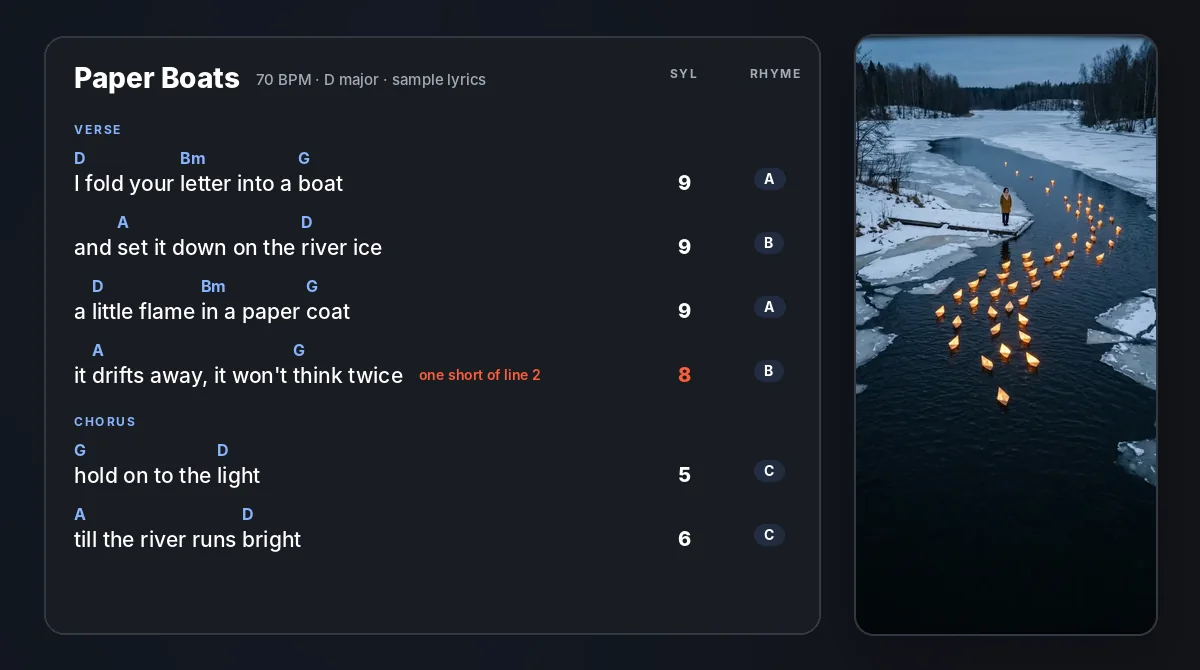
How to write a song
From a title or hook to a finished demo: the form, the chorus, chords, melody, lyrics that fit, rhyme, the bridge and splitting it with co-writers.
Read the guide
Singer-songwriters
Acoustic and piano songs with the voice up front: you singing from one photo, the story in between, cuts that wait for the line.
Learn moreBPM and key finder
The tempo and musical key of any song, with its Camelot code for mixing.
Open the toolVocal range test
Sing your lowest and highest notes into the microphone to find your vocal range in note names and the voice types whose typical ranges it fits.
Open the toolChord finder
Click notes on a piano or type them to name the chord, with its inversion and other names, or type a chord to see its notes.
Open the toolNote frequency chart
Every note's frequency from C0 to C8 for any A4, with MIDI numbers and piano keys, and a converter from hertz to the nearest note.
Open the toolUkulele tuner
Tune a soprano, concert, tenor or baritone ukulele with your microphone: high or low G, D tuning, the cents off and a reference note for each string.
Open the toolBass tuner
Tune a 4-, 5- or 6-string bass with your microphone, in standard, drop D or half step down, with a 12th-fret harmonics mode for low strings a phone hears faintly.
Open the toolGuitar chord chart
Any guitar chord's shapes as diagrams, open and barre, with fingers and a plucked sound, plus a printable sheet of a song's chords.
Open the tool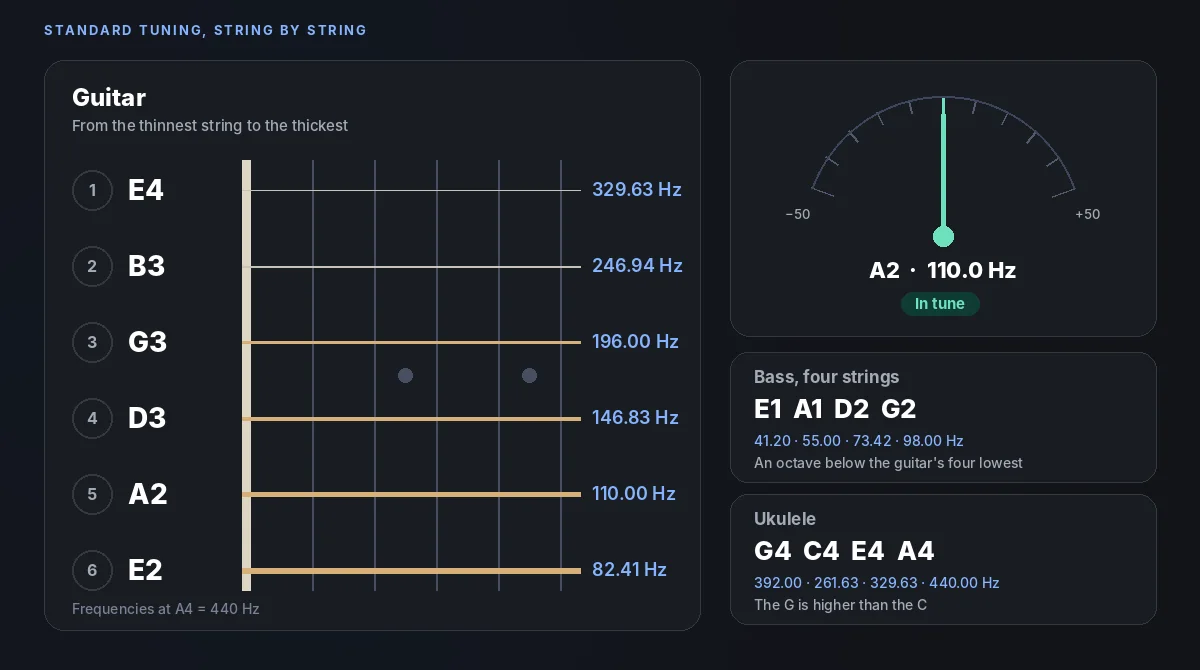
How to tune a guitar
Standard tuning's notes and frequencies, tuning with a tuner or by ear, harmonics, new strings, alternate tunings, a capo and intonation.
Read the guide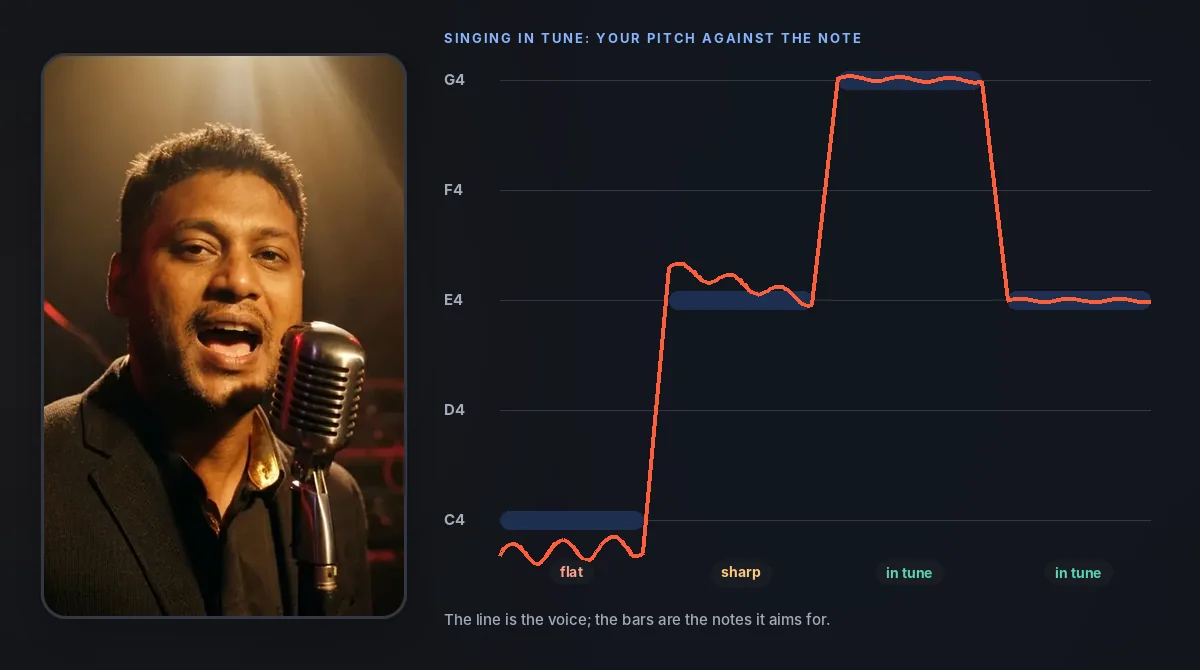
How to sing better
Posture and breath, singing in tune, tone and vowels, rhythm, recording yourself, a 20-minute daily routine, voice care and when to get help.
Read the guide
More free tools: beats, chords and voice
Play a piano, program a beat, name a chord, find a key on the circle of fifths, build a progression, change key, tune up and find your vocal range.
Your song deserves a music video
Upload a track and get a free beat-synced storyboard in minutes. Render it when you are ready.
No card needed to start.





