Make a gig poster for the wall and for Instagram
Type the show's details (the act, the supporting acts, the date and time, the venue and city, how to get tickets) and the maker sets them in order of importance over your photo, a frame from your music video or a plain color, in one of four layouts. Add a QR code to the ticket page if you like. As you work it checks what makes a poster do its job: that the act, the date and the venue are there, how far away they read once printed, whether they stand out from the picture behind them, and whether the code is big enough to scan. Save it for print at 11 × 17 inches, A3, A4 or US Letter, at 300 ppi with or without a bleed, print it from the browser, or save a 4:5, 9:16 or square version for social media. Everything happens on your device.
Free, no sign-up. Runs in your browser: nothing is uploaded.
Drop a picture or a video here
A photo of the act, a frame from your music video, or a plain color behind the type. For print, a photo 3000 pixels or more across stays sharp. Use a picture you made or have the rights to publish. It's opened on your device and never uploaded.
Song finished? Upload it and Muvora plans the whole video on its beats. The storyboard is free.
Make the videoUpload a new songHow to use the gig poster maker
- 01
Pick what goes behind the words
Open, drop or paste a photo of the act, pick a frame from your music video one frame at a time, or start from a color or a gradient. Drag the picture to frame it, and darken, blur or duotone it if the words need room.
- 02
Type the show's details
Fill in the headliner, the support, the date, the time, the venue, the city and a ticket line, spelled as the venue has them. Tick the QR code box and paste the ticket link to add a code.
- 03
Choose a layout and the type
Put the name on top and the details at the bottom, stack everything in the middle, gather it at the foot, or set it on a solid band under the picture. Pick a font for the act and one for the details, their sizes and colors.
- 04
Check it, then save or print
Read the checks and the small copies, choose a size, and save a JPG or PNG with the resolution written into the file, or print it straight from the browser on A4 or Letter.
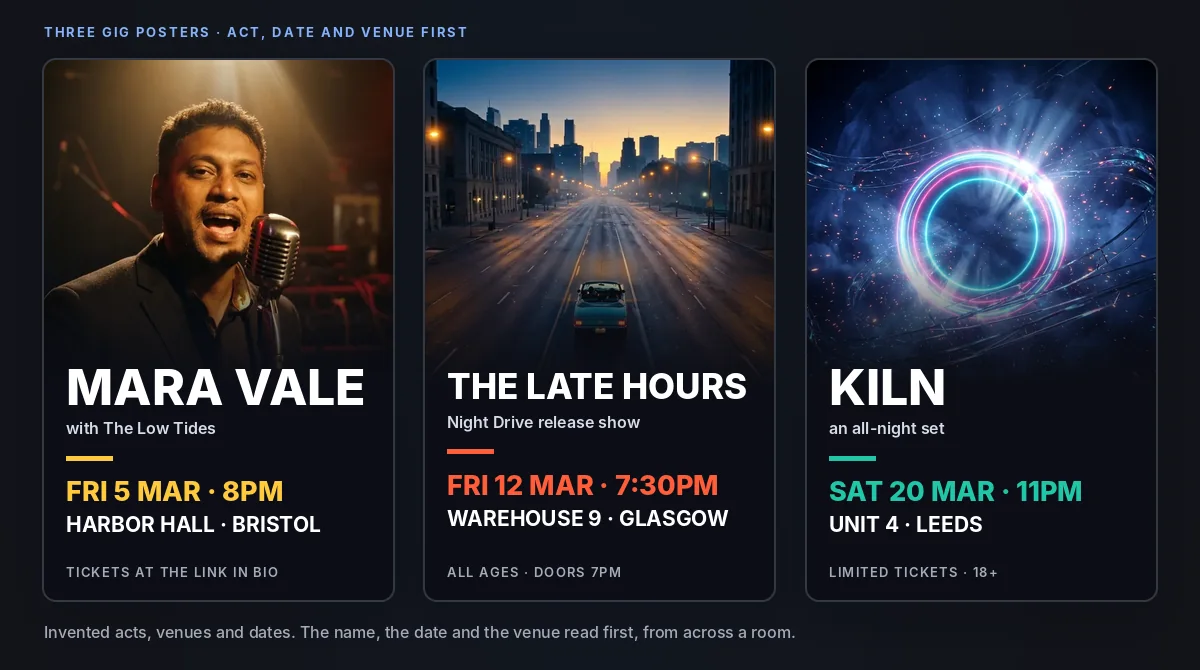
Who, when and where, from across the room
Someone walking past gives a poster a second or two, so the maker sets the act largest, then the date and the venue, and the rest smaller: the supporting acts, the times, the city and the ticket line. Each layout keeps that order on every size, wrapping a long name between words before shrinking it and scaling everything down together when a shape is short of room. Then it works out how tall the letters will be once printed and how far away they read, using a common signage rule of thumb of about 10 feet (3 meters) of reading distance for every inch (2.5 cm) of letter height. On an 11 × 17 inch poster it looks for the act to read from 3 meters and the date and venue from 1.5; on a flyer, 2 and 1. It also measures the contrast behind those three lines, so a pale date over a bright sky is caught before it's printed. The guide to making a gig poster explains the order and the testing in full, and for the night itself the setlist maker prints a page per set and concert visuals puts a video of each song on the screen behind you.
- Act, date and venue first and largest
- Reading distance worked out for each print size
- Contrast checked behind the key lines
Print sizes, bleed, and the social versions
At 300 ppi, the resolution print shops commonly ask for, an 11 × 17 inch poster is 3300 × 5100 pixels, A3 is 3508 × 4961, A4 is 2480 × 3508 and US Letter is 2550 × 3300. Many printers also ask for a bleed, the picture carried past the edge where the sheet is cut: commonly 1/8 inch in the US and 3 mm for A sizes, which the maker adds on every side while keeping the words well inside the trim, shown as a dashed line on the preview. The ppi is written into the JPG or PNG, so it opens at its printed size; files are RGB, and some print shops ask for CMYK or a PDF, so ask yours. A large print file is about 17 million pixels, more than Safari on an iPhone or iPad will draw, so make those on a computer, or choose 150 ppi for a quarter of the pixels. For social media it saves 4:5 at 1080 × 1350, 1:1 at 1080 × 1080 and 9:16 at 1080 × 1920, keeping a story's words clear of the bands where the apps put their buttons.
- 11 × 17 in, A3, A4 and US Letter at 300 or 150 ppi
- A bleed of 1/8 in or 3 mm when you need one
- 4:5, 1:1 and 9:16 for social
A QR code that gets people to the tickets
Paste the ticket link and the maker checks it is a complete web address, then draws a static code that holds exactly that link: black on white, with the standard's quiet zone of four modules on every side, every module on whole pixels so its edges stay sharp. Place it in a corner or at the bottom center and the words make room for it. On a print size the check gives its printed width and, by the common guide of about 1 cm of code for every 10 cm between the phone and the poster, how far away it scans; it warns when the code is smaller than a long link needs. Nothing shortens, tracks or redirects the link, so point it at a page you can update. On social media a code can only be scanned from another screen, so put the link in your bio or a link sticker too. The music QR code generator makes a code on its own for flyers and merch.
- Static codes that hold the link itself
- Quiet zone kept, modules on whole pixels
- Printed size and scanning distance checked
From the poster to the show's music video
Upload the song you'll open the set with and Muvora's AI director writes a storyboard cut to its beats, free to read and edit. With the Performance style, one photo of the singer, who has agreed to it, becomes a performer who lip-syncs the sung parts. A widescreen render gives the 16:9 video and a vertical cut for stories and Reels to post beside the poster, and any frame of it can be the picture behind this poster's words.
Questions, answered
Can't find what you need? Start a free storyboard and see for yourself.
Is the gig poster maker free, and does my photo leave my device?
It's free and needs no account. Your browser opens the photo or the video, draws the poster and saves it on your device; nothing is uploaded or stored. The only files the page fetches are fonts from this site, the first time you pick each one, and the QR code's encoder, the first time you add a code.
What size should a gig poster be?
For a wall, 11 × 17 inches in the US and A3 elsewhere are common, with A4 or US Letter for flyers and small posters. At 300 ppi those are 3300 × 5100, 3508 × 4961, 2480 × 3508 and 2550 × 3300 pixels. For Instagram, make a 4:5 post at 1080 × 1350 and a 9:16 story at 1080 × 1920 rather than cropping the print version.
What is bleed, and do I need it on a poster?
Bleed is extra picture past the edge, there so the trimmed poster has no white sliver. Print shops printing to the edge often ask for 1/8 inch in the US or 3 mm on A sizes, on every side; tick the box and the maker adds it. A home printer leaves a white border anyway, so leave it off there, and check your print shop's own spec before you send the file.
Can I print the poster at home?
Yes. Choose A4 or US Letter, leave the bleed off and press Print it: the browser prints the poster alone, as large as the paper allows inside a small margin. For 11 × 17 or A3, save the file and take it to a print shop, or to a printer that takes that paper.
Can I use a frame from my music video on the poster?
Yes, and it ties the poster to the video. Check its size first: a 1080p frame is 1920 × 1080, so spread across an 11 × 17 poster it prints at only about 96 ppi, which the maker marks to fix. It's sharp on the social versions and on a flyer's smaller picture; for a wall poster, use a full-size photo, or set the frame small on a band of color.
Does the QR code expire, or count who scans it?
Neither. It's a static code made on your device that holds the ticket link exactly as you typed it, so it works as long as that page does, and nothing counts or redirects the scans. If the link might change, point the code at a page you control and update that page. QR Code is a registered trademark of DENSO WAVE INCORPORATED.
Keep exploring
Make a gig poster
What goes on a gig poster and in what order, print and Instagram sizes, type that reads across a room, a QR code that scans, printing and getting it seen.
Read the guideMusic QR code generator
A QR code for a song, pre-save, video or link page, in your colors, saved as PNG or SVG for flyers, posters and merch.
Open the toolSetlist maker
A printable setlist in large type: the songs in order with keys, tempos and lengths, sets and an encore, and each set's running time.
Open the tool
Concert visuals
A video for each song in your set, cut on its beat, for the screen behind you on stage.
Learn moreAlbum cover maker
Make 3000 × 3000 cover art from your own photo or a color, with the artist name and title in fonts licensed for commercial use.
Open the toolMusic video thumbnail maker
Make a 16:9 YouTube thumbnail from your photo or a frame of your video, with the title set big and the duration corner kept clear.
Open the tool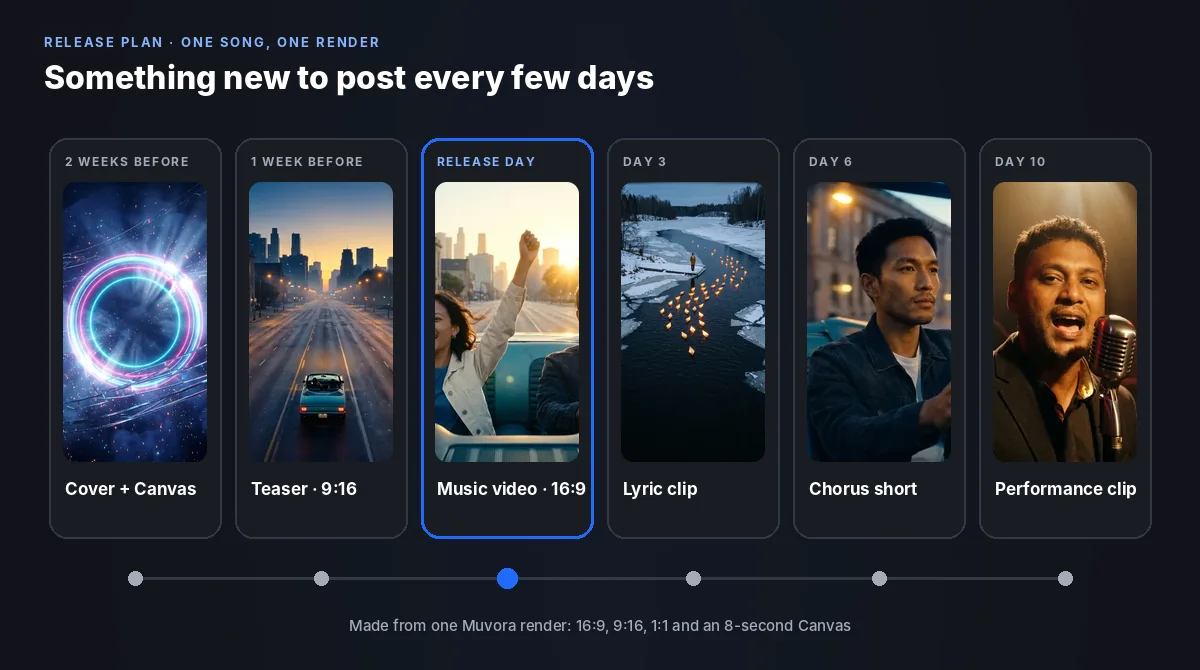
Promote your music
A release plan from six weeks out to a month after: the story, pre-saves, the pitch, the visuals, a posting calendar and what to measure.
Read the guide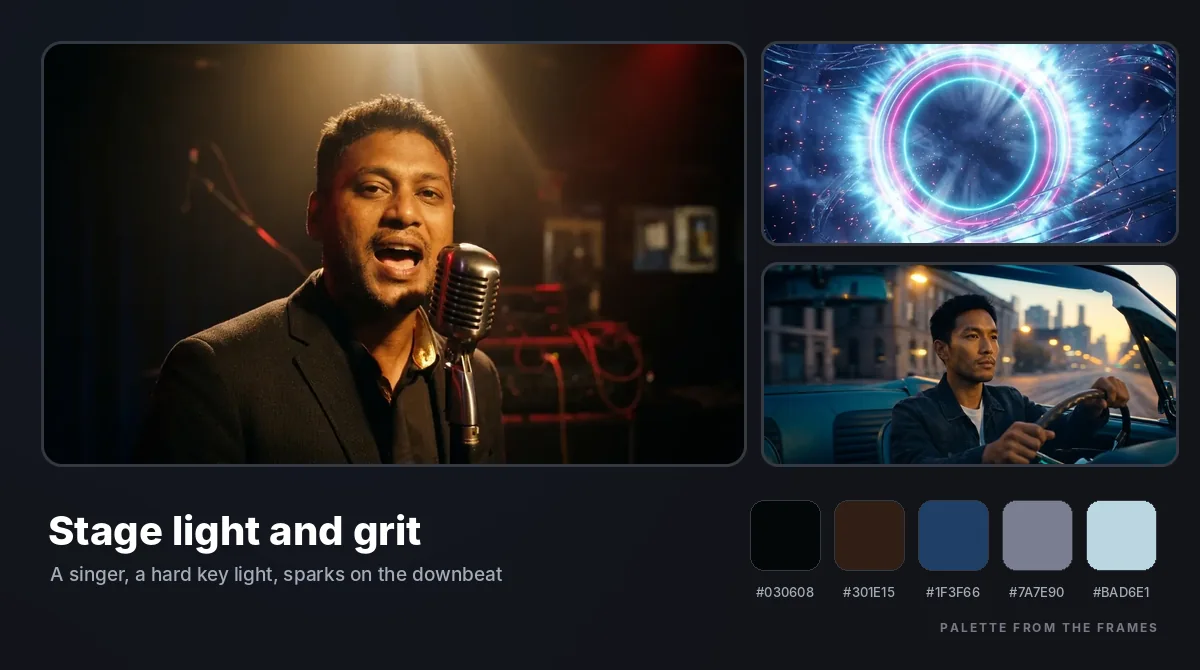
Bands
The singer lip-synced from one photo, the rest of the band written into the story, every release format.
Learn more
More free tools: release and promotion
Pitch the song, write the press release, build the press kit, plan release week, write the YouTube description and estimate what streams pay.
Your song deserves a music video
Upload a track and get a free beat-synced storyboard in minutes. Render it when you are ready.
No card needed to start.






