Turn your Suno song into a music video
Made a track with Suno, Udio or another AI music tool? Export it as an MP3 or WAV, upload it, and Muvora gives you a free beat-synced storyboard to edit before you spend a single credit.
Free to start · 5 storyboards a month · No card needed

From AI song to finished video
AI-generated songs are ordinary audio files once you export them, so Muvora analyzes them the same way as a studio recording: tempo, beats, downbeats and sections like verse and chorus. The storyboard is timed from that analysis.
- Upload an MP3, WAV, M4A or FLAC up to 8 minutes
- Beats, downbeats and sections found automatically
- Paste the lyrics you prompted with for captions
See your song as a storyboard first
Upload the track and the AI director plans every shot on the beat in minutes. Edit anything for free; you only pay if you render.
Storyboard first, so credits aren't wasted
AI song tools make it easy to generate a lot of tracks, which makes video costs add up fast. With Muvora you shape the storyboard for free, see the final price, and only render the songs worth releasing.
- 5 free storyboards a month on the free plan
- The exact price is shown before you generate
- Failed shots cost nothing
Give the song a face
A track with no artist behind it still needs an identity. Set a character once and keep them consistent across every shot, so the release looks like it belongs to someone.
- Consistent character across the whole video
- Pick a genre look: hip-hop, pop, EDM, rock or lo-fi
- Export 16:9, 9:16, 1:1 and a Spotify Canvas loop
From your song to a finished video
- 01
Upload your song
Drop in an MP3, WAV, M4A or FLAC up to 8 minutes. Muvora finds the tempo, the beats, the downbeats and the sections of your song, like intro, verse and chorus.
- 02
Edit your free storyboard
An AI director writes a shot-by-shot plan timed to your downbeats. Rewrite any prompt, drag a cut (it snaps to the beat) or ask AI to redo a shot. None of it costs anything.
- 03
Generate your video
See the final price, then render. Pick Visualizer, Standard or Cinematic quality. If a shot fails, its credits come straight back.
The storyboard is free. Rendering is priced per second.
- Visualizer38 credits/s6,840 for 3 minutes
- Standard60 credits/s10,800 for 3 minutes
- Cinematic110 credits/s19,800 for 3 minutes
- The exact price is shown before you generate
- Failed shots cost nothing
- 16:9, 9:16, 1:1 and a Canvas loop from one widescreen render
Free storyboard in minutes. No card needed.
Questions, answered
Can't find what you need? Start a free storyboard and see for yourself.
Can I upload a Suno song to Muvora?
Yes. Export the song from Suno as an MP3 or WAV file and upload it like any other track. Direct Suno link imports are planned but not available yet.
Do I need the rights to use the song?
Yes. You confirm you own the song or have the rights to use it when you upload. Check the terms of the plan or tool you used to make the song before releasing it commercially.
Does beat detection work on AI-generated music?
Muvora analyzes the audio file itself, so it does not matter how the track was made. Songs with a clear, steady beat give the tightest cuts, and you can adjust any cut by hand in the storyboard.
Keep exploring

Lyric videos
Karaoke-style captions timed to your vocals, over AI visuals.
Learn more
Music visualizers
AI video for a whole song, cut on the beat, at the lowest credit rate.
Learn more
TikTok, Reels & Shorts
Vertical 9:16 cuts of your hook, priced by the second.
Learn more
Udio to video
Upload the Udio song you saved as an audio file and get a beat-synced storyboard free.
Learn more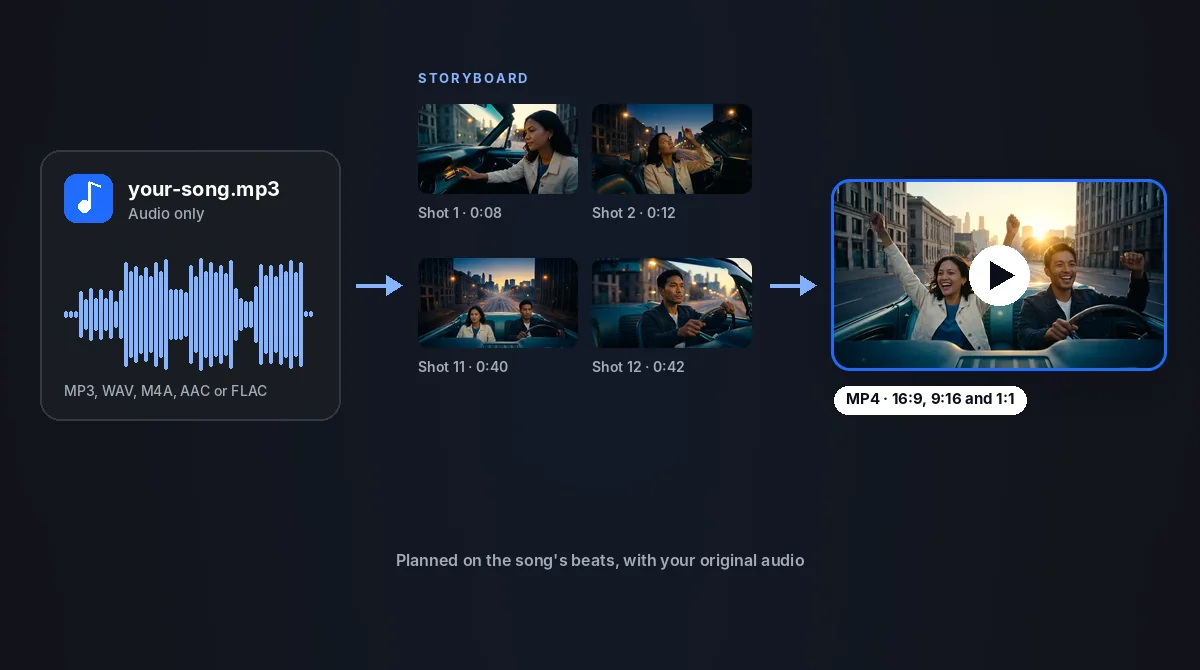
MP3 to video
Convert an MP3 or WAV into an MP4 with AI visuals cut to the song, ready for YouTube.
Learn more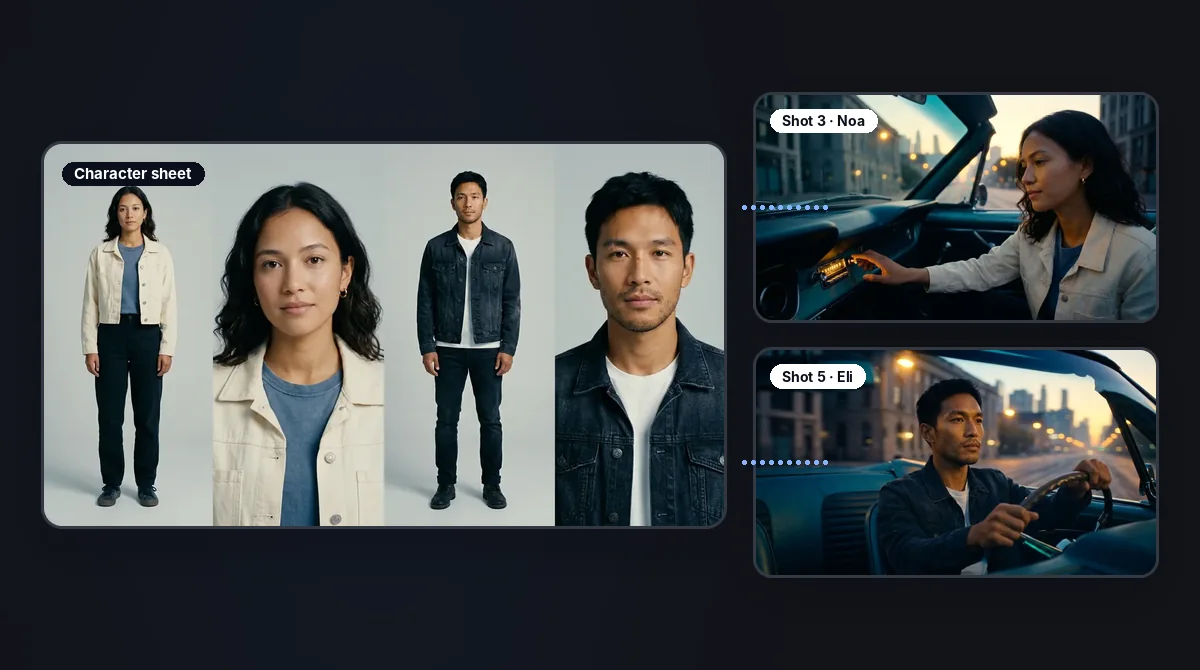
Music video for a Suno song
From the downloaded file and its lyrics to a released video, vertical cut and Canvas, with tips for AI-made songs.
Read the guide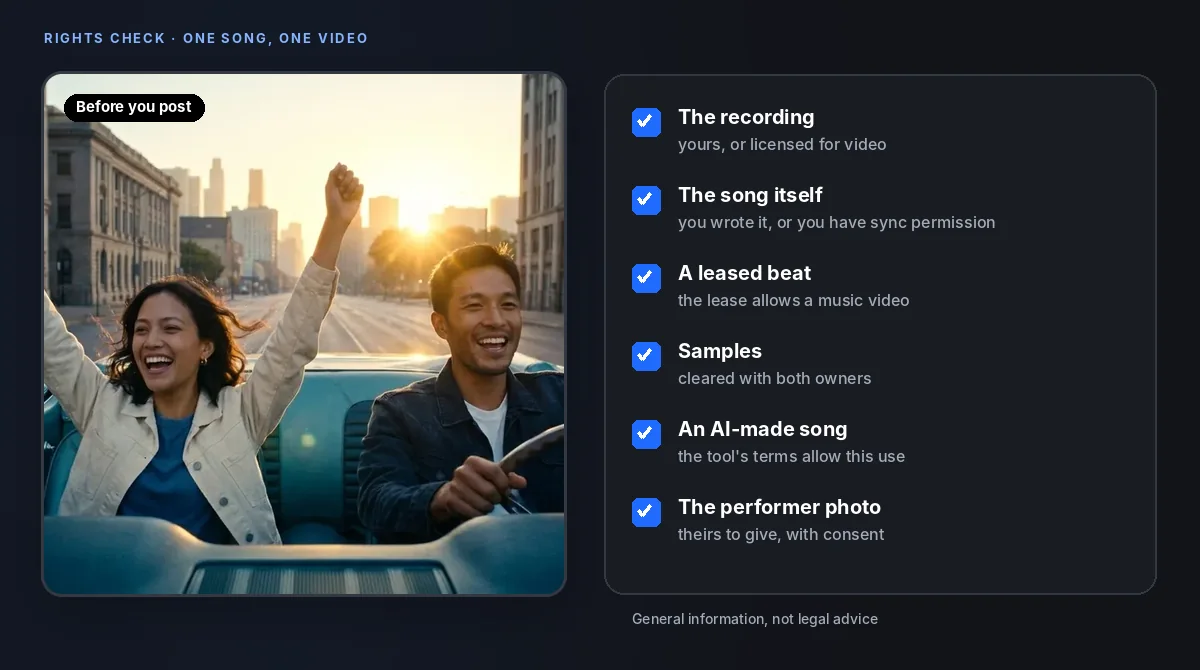
Music video copyright
Covers, samples, leased beats, AI songs and Content ID: what to clear before you make and post a music video.
Read the guide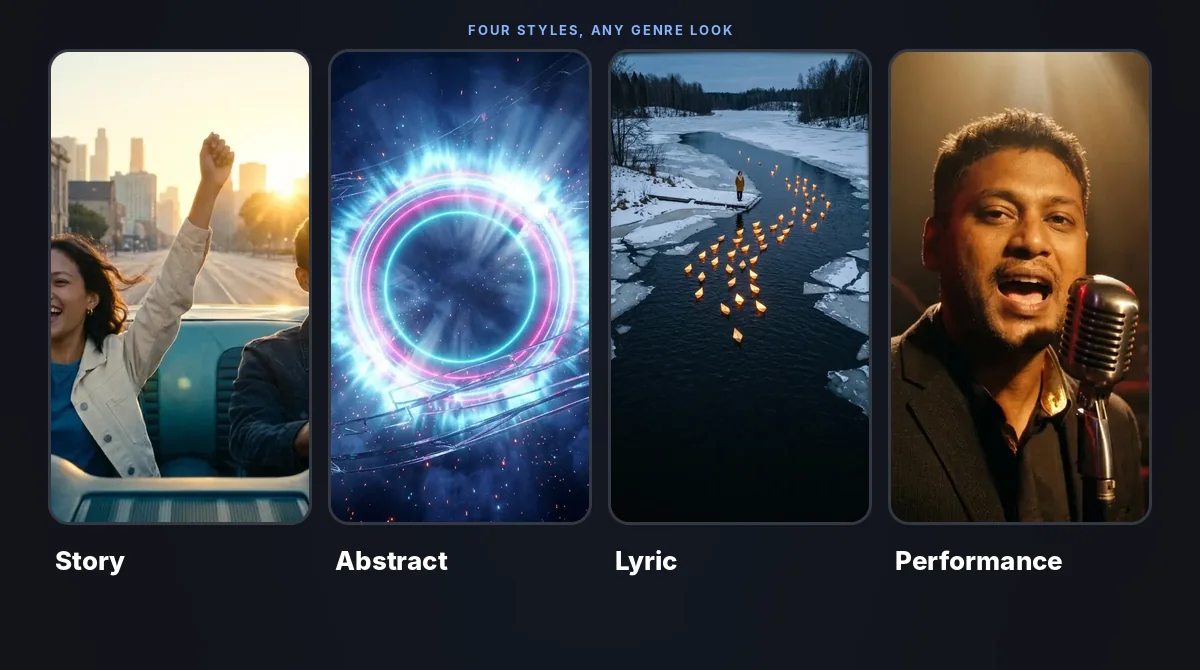
AI song to video
A music video for a track from any AI music tool: download the file, add the lyrics you wrote, edit a free storyboard.
Learn more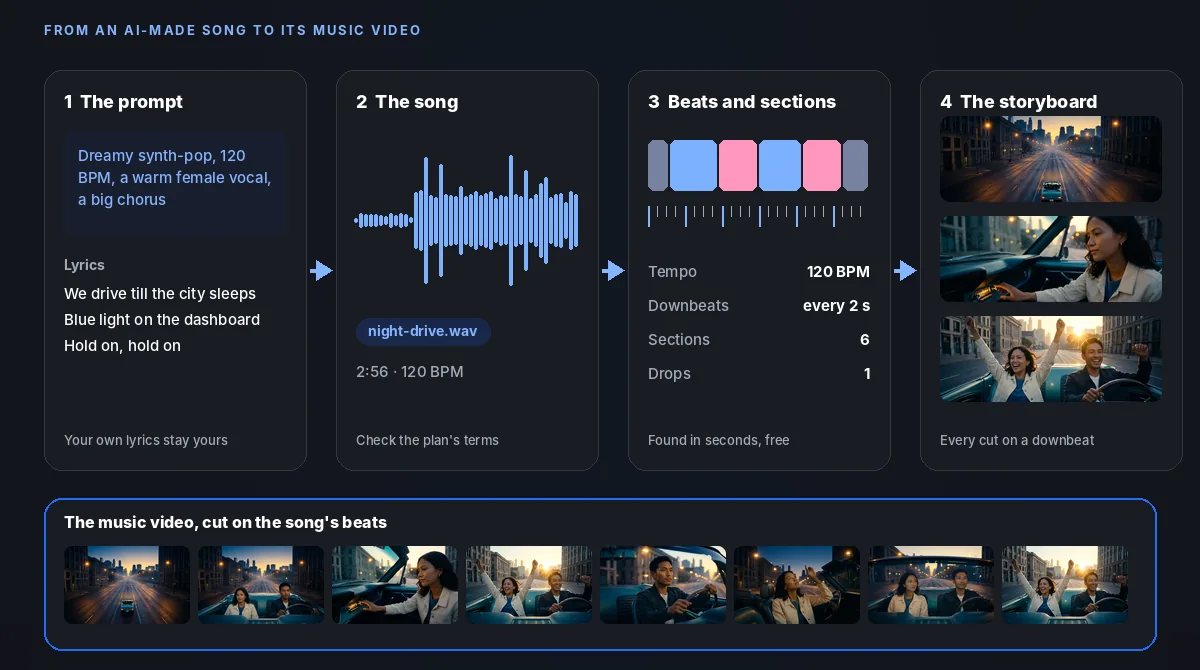
Make a song with AI
Prompts and lyrics, the main AI music generators and their plans' rights, who owns the result, the streaming services' AI rules and the video that releases it.
Read the guide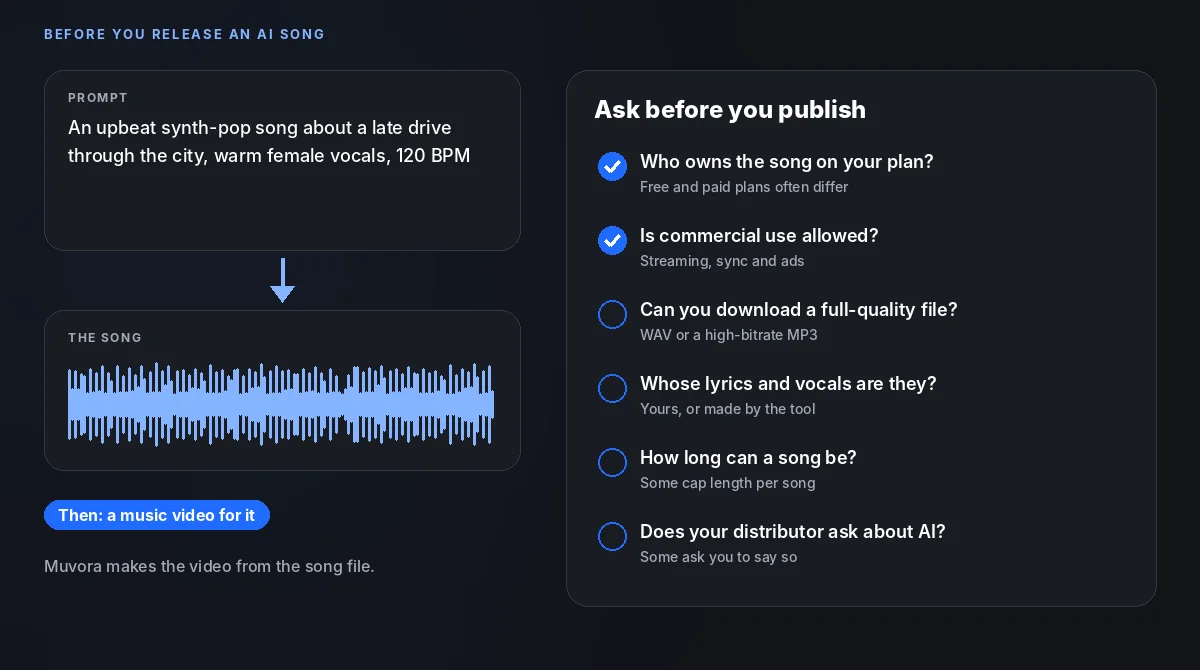
Best AI music generators
Suno, ElevenLabs Music, Mureka, Google's Flow Music, Stable Audio, Soundraw and AIVA by use: songs with vocals, instrumentals and stems, with each plan's rights.
Read the guide
Your song deserves a music video
Upload a track and get a free beat-synced storyboard in minutes. Render it when you are ready.
No card needed to start.



