
The video and its Shorts
Story style, pop look, 16:9: the full video for the channel, plus a vertical version to cut into Shorts.
On YouTube, a Short is how a stranger finds your song, and the full video is where they stay with it. Muvora renders both from one storyboard: the widescreen video for the channel and a vertical version of the same shots, which you cut into Shorts that open on a downbeat and point back to the whole thing.
Free to start · 5 storyboards a month · No card needed

A music Short has one job: play the best 15 to 40 seconds of the song well enough that people tap through to the rest. That works best when the Short is visibly a piece of the full video, with the same lead, the same places and the same color. Render the song once in 16:9 and the vertical export is made from those very shots, so every Short matches the video it points to. Then add the full upload as each Short's related video in YouTube Studio, and YouTube shows a link to it on the Short.
See your song as a storyboard first
Upload the track and the AI director plans every shot on the beat in minutes. Edit anything for free; you only pay if you render.
Every section of your song begins on a cut, because the planner always cuts where a new section starts and places that cut on a downbeat. Trim the vertical file at section starts and each Short opens on a fresh shot and on beat 1: the first verse, the first chorus, the drop, the bridge, the last chorus. A 3-minute song can give you five or six Shorts and the long video for the price of one render. Read the section times off the storyboard's timeline or the free song structure visualizer, and see how to promote music on YouTube Shorts for how to use them.
Rendering in 16:9 and cutting down suits most releases, at one cost: close shots are cropped to the center of the wide frame, and wide shots sit whole over a blurred fill. When Shorts are the whole plan (a teaser before release day, or a song that lives on phones), choose 9:16 at upload instead: every frame is generated tall, and a square cut and a Canvas loop come with it, but no widescreen file. Either way, keep a Short under a minute if your distributor registers the song with Content ID, since YouTube blocks longer Shorts that carry an active claim; the music release checklist covers clearing your own channel.
The first card renders the channel's video with its vertical version; the other three are drawn tall from the start. Each opens the upload with its shape, style and idea set.
Story style, pop look, 16:9: the full video for the channel, plus a vertical version to cut into Shorts.
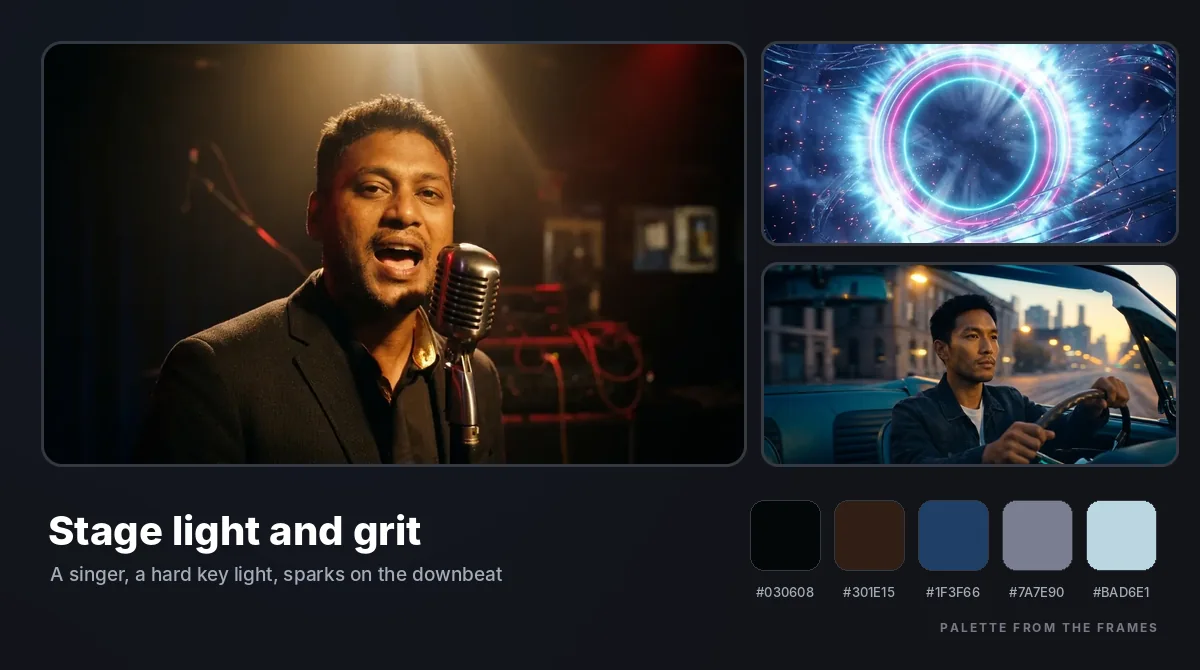
Story style, rock look, 9:16: a short, tall teaser of the hook for the weeks before the song is out.
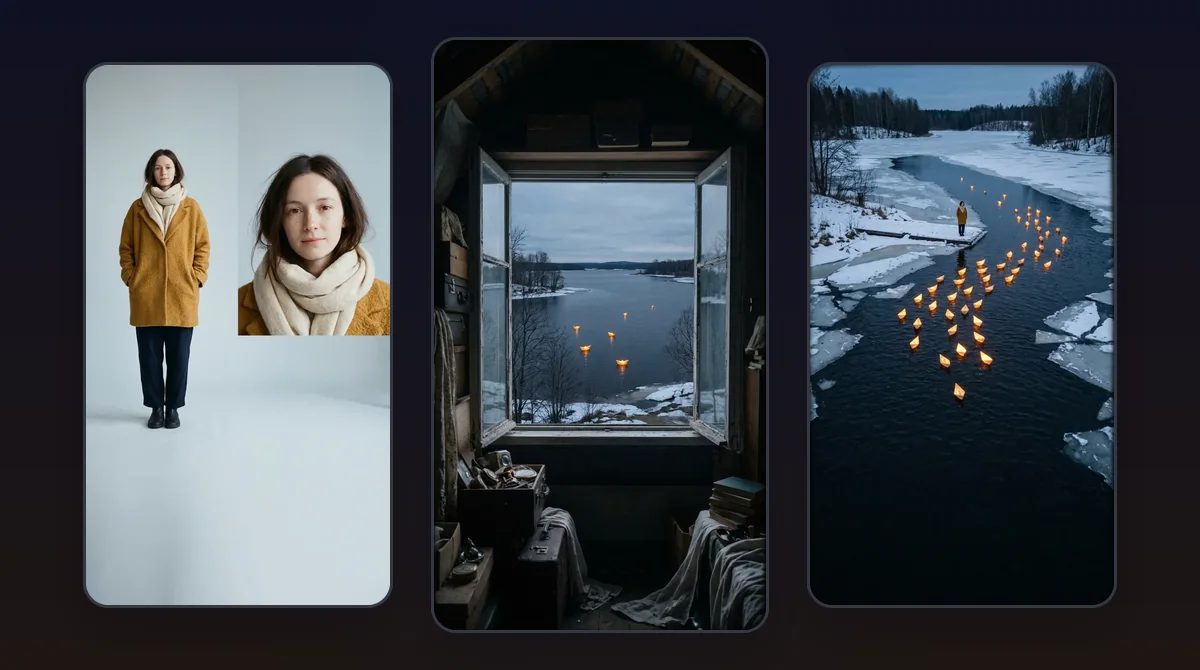
Lyric style, lo-fi look, 9:16: calm vertical frames, so each line reads cleanly in a short clip.

Abstract style, EDM look, 9:16: the build and the drop as one Short, with a white flash on the hit.
Drop in an MP3, WAV, M4A or FLAC up to 8 minutes. Muvora finds the tempo, the beats, the downbeats and the sections of your song, like intro, verse and chorus.
An AI director writes a shot-by-shot plan timed to your downbeats. Rewrite any prompt, drag a cut (it snaps to the beat) or ask AI to redo a shot. None of it costs anything.
See the final price, then render. Pick Visualizer, Standard or Cinematic quality. If a shot fails, its credits come straight back.
Free storyboard in minutes. No card needed.
Can't find what you need? Start a free storyboard and see for yourself.
Upload the song to Muvora, edit the free storyboard and render it. Every 16:9 render comes with a 9:16 version of the whole video; trim that at the start of the chorus or the drop and upload it as a Short, with the full video set as its related video.
YouTube treats vertical or square uploads of up to three minutes as Shorts. If your song is registered with Content ID, keep Shorts to a minute or less, because longer Shorts with an active claim are blocked.
Render 16:9 if you also want the full video on your channel: one render gives both, with the vertical version cropped from the wide shots. Render 9:16 if Shorts are all you need: every frame is composed for the phone, but there is no widescreen version.
As many as you cut from the vertical export. Every section of the song begins on a cut, so trimming at each section start gives a clean opening, and a typical 3-minute song yields five or six different Shorts.
Yes. Paste the lyrics, turn captions on, and the words are burned into every export, set higher on the vertical one so the Shorts buttons and title don't hide them. Captions are chosen per render, so decide before you press Generate.
A tool that turns a song into short vertical videos for YouTube Shorts. Muvora does it by making a full AI music video cut on the beat, so each Short is a piece of a real video rather than a waveform over a still image.
A full-length 16:9 video for your channel, plus the Shorts cut, from one render.
Learn morePick the 10 to 30 seconds, win the first second, cut a series from one video and link every Short to the full music video.
Read the guide
Reels drawn tall from the first frame, cut on the beat, with lyrics set above the buttons.
Learn moreYour song's sections, energy and drops on a timeline, with YouTube chapters.
Open the toolA music video's title, description, chapters, hashtags and tags, checked against YouTube's limits.
Open the tool
As long as the song, usually. Plus the right length for teasers, Shorts, Reels, TikTok and a Canvas, and what length does to cost.
Read the guide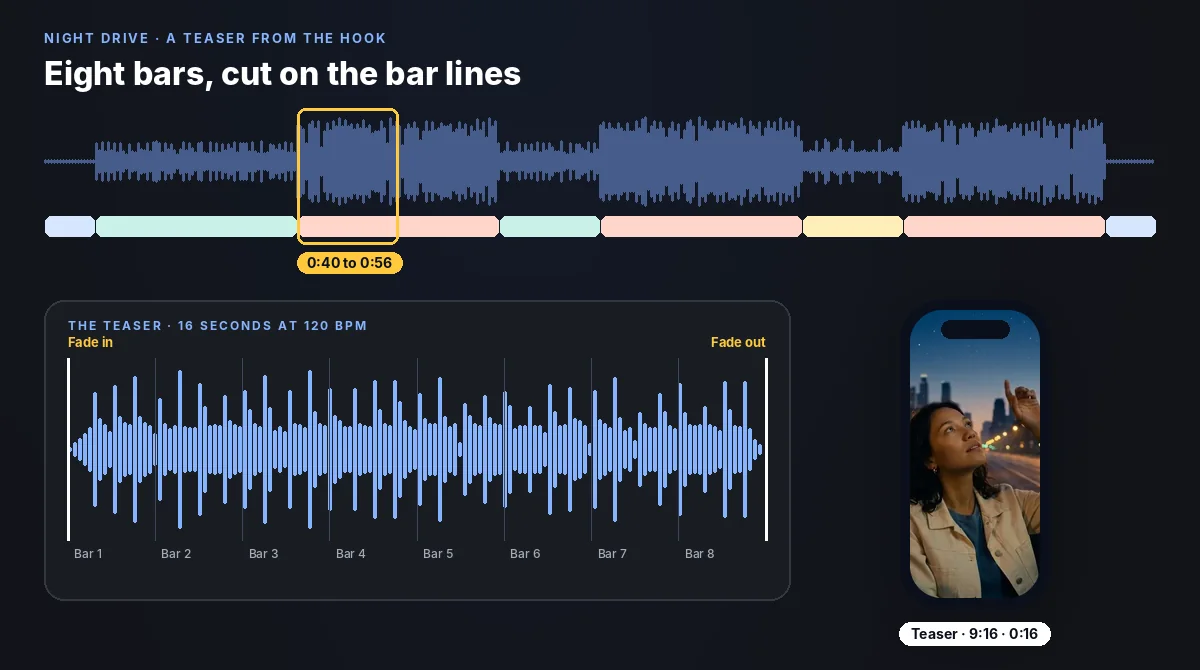
Pick the seconds people will repeat, cut them on the bar line, give them a vertical video and post them before release day.
Read the guide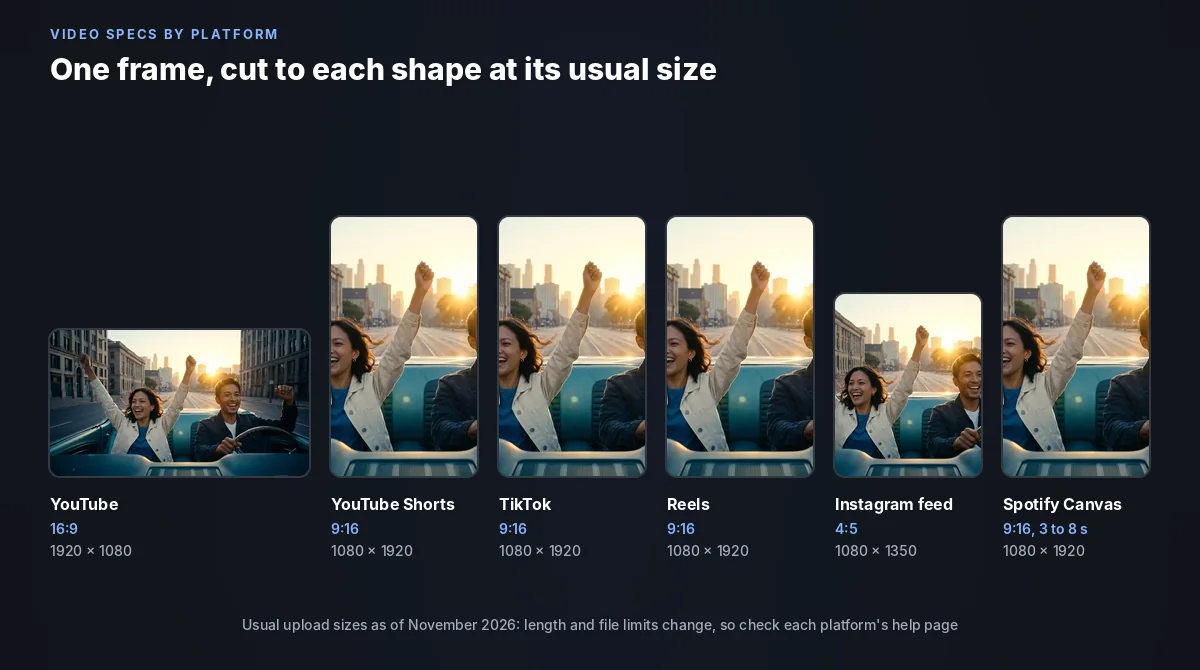
Shape, size, length limit, file size and frame rate for YouTube, Shorts, TikTok, Reels, Facebook, X, Canvas and Apple Music, each sourced.
Read the guideTurn a horizontal clip into a 9:16 video for TikTok, Reels and Shorts: crop with a position you choose, or fit it over a blurred fill.
Open the tool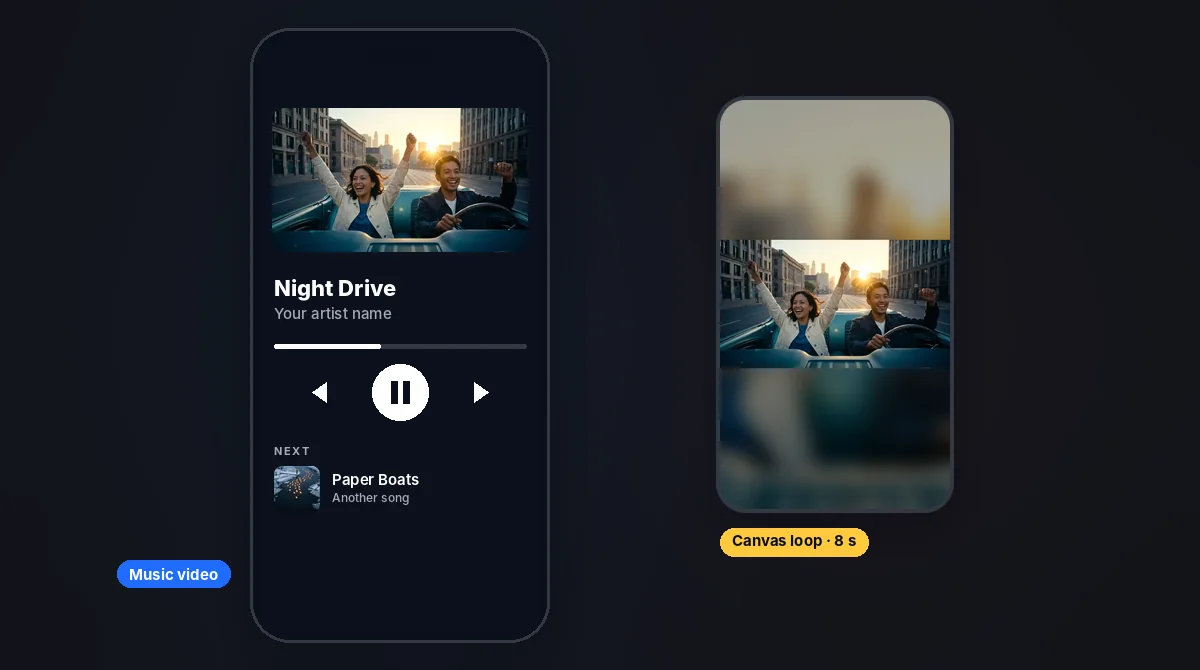
The 16:9 video Spotify asks for, with captions off, and the Canvas and vertical clips from the same render. Your distributor or Spotify for Artists does the delivery.
Learn moreUpload a track and get a free beat-synced storyboard in minutes. Render it when you are ready.
No card needed to start.






