Make a Spotify Canvas from your own music video
A Canvas is the short looping vertical video that plays behind your track on Spotify. Muvora renders your video once and exports an 8-second Canvas loop beside the widescreen and vertical cuts, so every release ships with matching visuals.
Free to start · 5 storyboards a month · No card needed

Built for the loop
Canvas clips are short, vertical and play on repeat, so the best ones feel continuous. Muvora exports an 8-second loop in the vertical frame Spotify expects, cut from your rendered video.
- Vertical 9:16 framing, 8 seconds long
- Cut from the same render as your full video
- Plays beside your track in the Spotify app
See your song as a storyboard first
Upload the track and the AI director plans every shot on the beat in minutes. Edit anything for free; you only pay if you render.
Visuals that match the release
Because the Canvas comes from the same storyboard as your music video, the character, colors and style carry across everything you publish. Fans see one release that looks like one release.
- Same character and style across every cut
- Edit the storyboard for free before you render
- Free re-rolls if a shot is not quite right
Ship the whole release pack
Releasing a single usually means a Canvas, a YouTube video and a vertical clip for social. Rendering once and exporting all of them saves you paying for three separate videos.
- 16:9 for YouTube and your website
- 9:16 for Shorts, Reels and TikTok
- 1:1 for feed posts, plus the Canvas loop
From your song to a finished video
- 01
Upload your song
Drop in an MP3, WAV, M4A or FLAC up to 8 minutes. Muvora finds the tempo, the beats, the downbeats and the sections of your song, like intro, verse and chorus.
- 02
Edit your free storyboard
An AI director writes a shot-by-shot plan timed to your downbeats. Rewrite any prompt, drag a cut (it snaps to the beat) or ask AI to redo a shot. None of it costs anything.
- 03
Generate your video
See the final price, then render. Pick Visualizer, Standard or Cinematic quality. If a shot fails, its credits come straight back.
The storyboard is free. Rendering is priced per second.
- Visualizer38 credits/s6,840 for 3 minutes
- Standard60 credits/s10,800 for 3 minutes
- Cinematic110 credits/s19,800 for 3 minutes
- The exact price is shown before you generate
- Failed shots cost nothing
- 16:9, 9:16, 1:1 and a Canvas loop from one widescreen render
Free storyboard in minutes. No card needed.
Questions, answered
Can't find what you need? Start a free storyboard and see for yourself.
What is a Spotify Canvas?
A Spotify Canvas is a short, looping vertical video that plays behind a song in the Spotify app. Artists upload it through Spotify for Artists. It is usually 3 to 8 seconds long and shown in a 9:16 vertical frame.
Do I need to render a full music video to get a Canvas?
The Canvas is exported from a rendered video. Because credits are charged per finished second, you can render a short Visualizer or Standard clip rather than the full song if all you want is the loop.
Can I make a Canvas for every song on my release?
Yes. Each song gets its own free storyboard, and you can export a Canvas loop from any video you render.
Keep exploring

Music promo videos
A teaser, the full video, vertical and square cuts and a Canvas loop for one release.
Learn more
TikTok, Reels & Shorts
Vertical 9:16 cuts of your hook, priced by the second.
Learn more
Lyric videos
Karaoke-style captions timed to your vocals, over AI visuals.
Learn more
Music visualizers
AI video for a whole song, cut on the beat, at the lowest credit rate.
Learn more
Album and EP visualizers
A visualizer for every track on an EP or album, each cut to its own song.
Learn moreRelease timeline planner
A dated release plan from your release day: the master, the video, the pitch, the Canvas and the clips.
Open the tool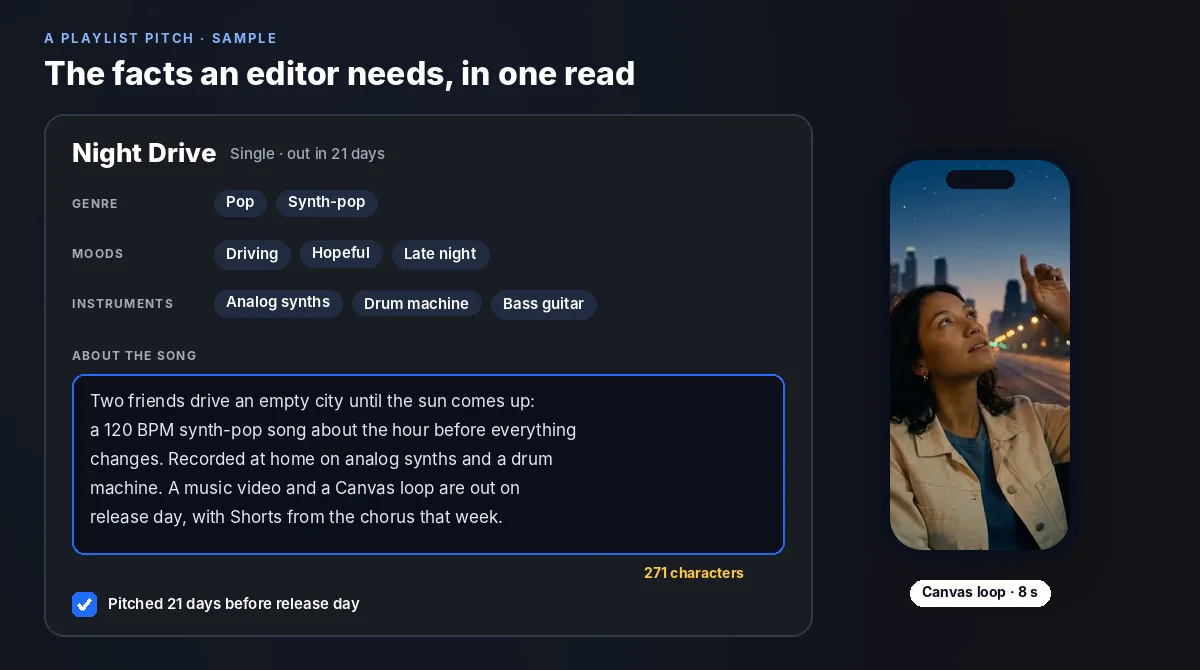
Get on Spotify playlists
Editorial, algorithmic and curator playlists: how each works, how to pitch Spotify's editors and what helps after release.
Read the guide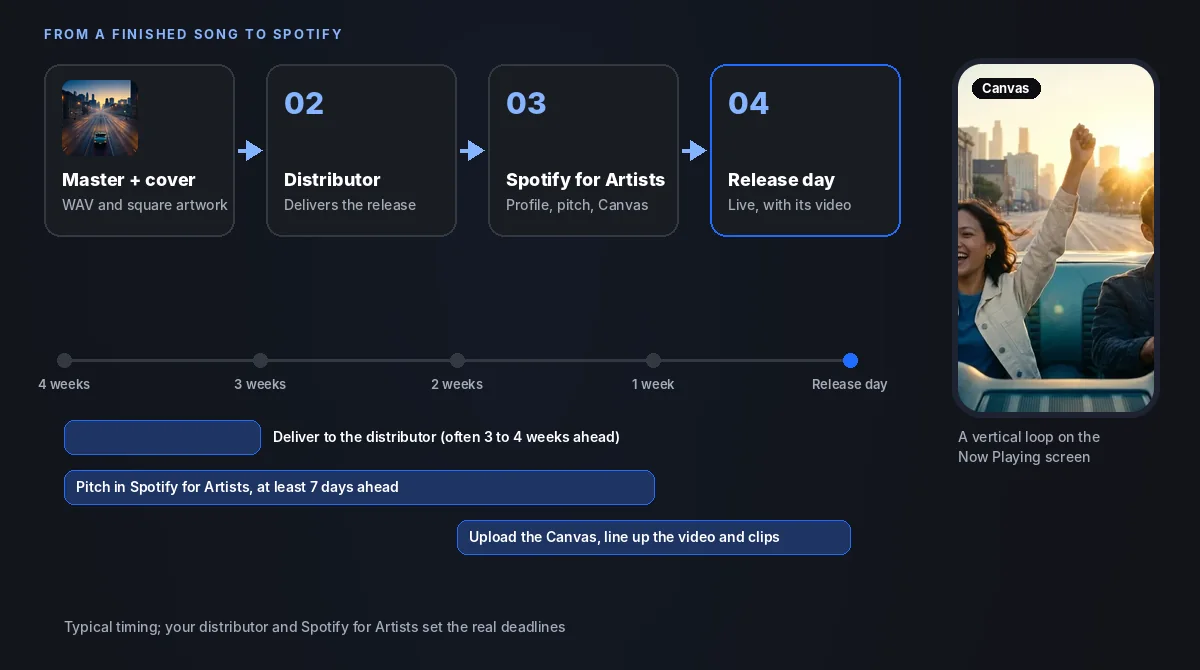
Get your music on Spotify
From a finished master to a live release: what to prepare, choosing a distributor, the timeline, Spotify for Artists, the pitch and the Canvas.
Read the guide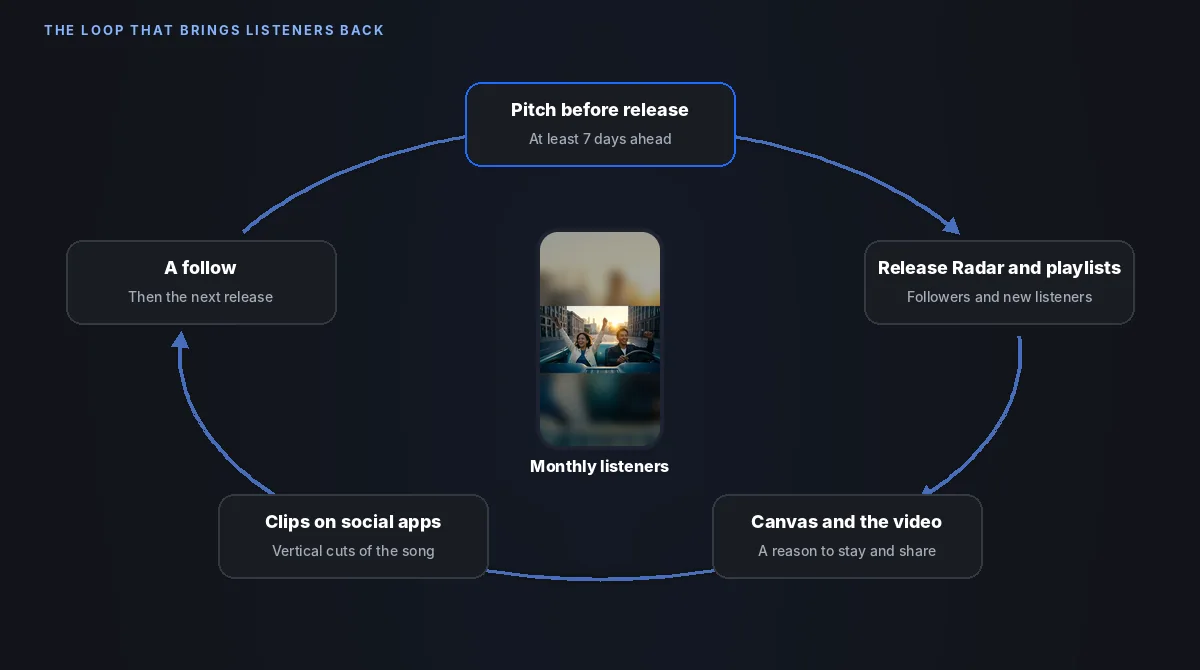
More monthly listeners on Spotify
What Spotify counts as a monthly listener, where listeners come from, and the free and paid tools that bring more of them back.
Read the guide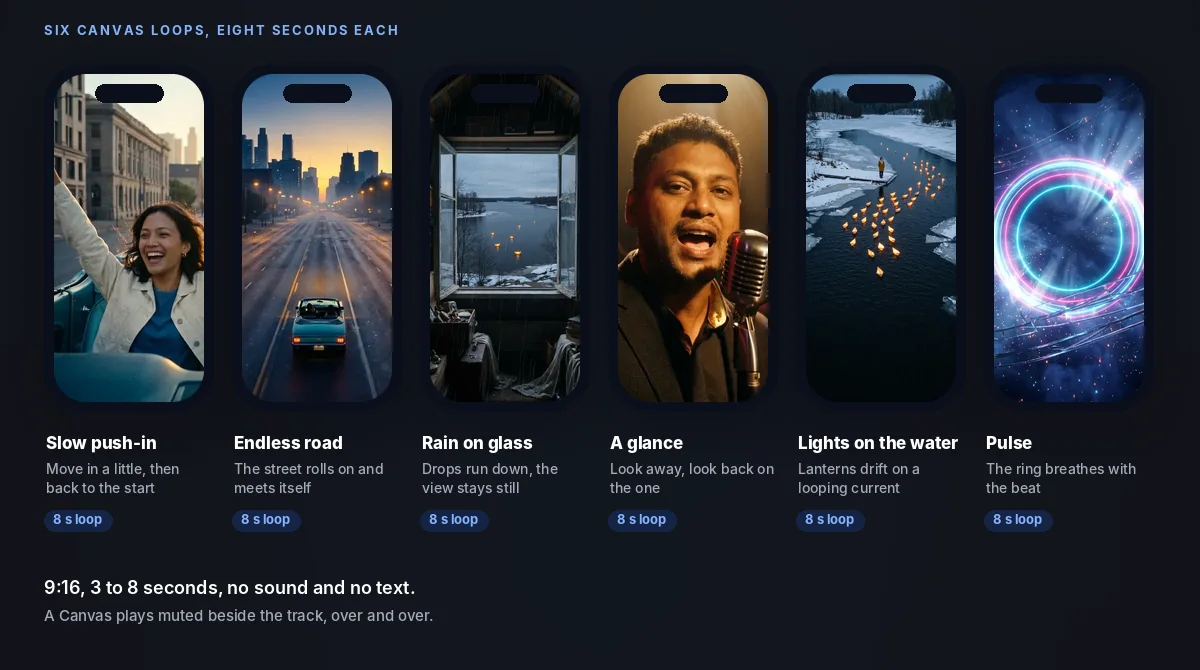
Spotify Canvas ideas
15 eight-second loop ideas for a Spotify Canvas, how each one loops, what Spotify asks for, and a Canvas cut from every music video you render.
Read the guide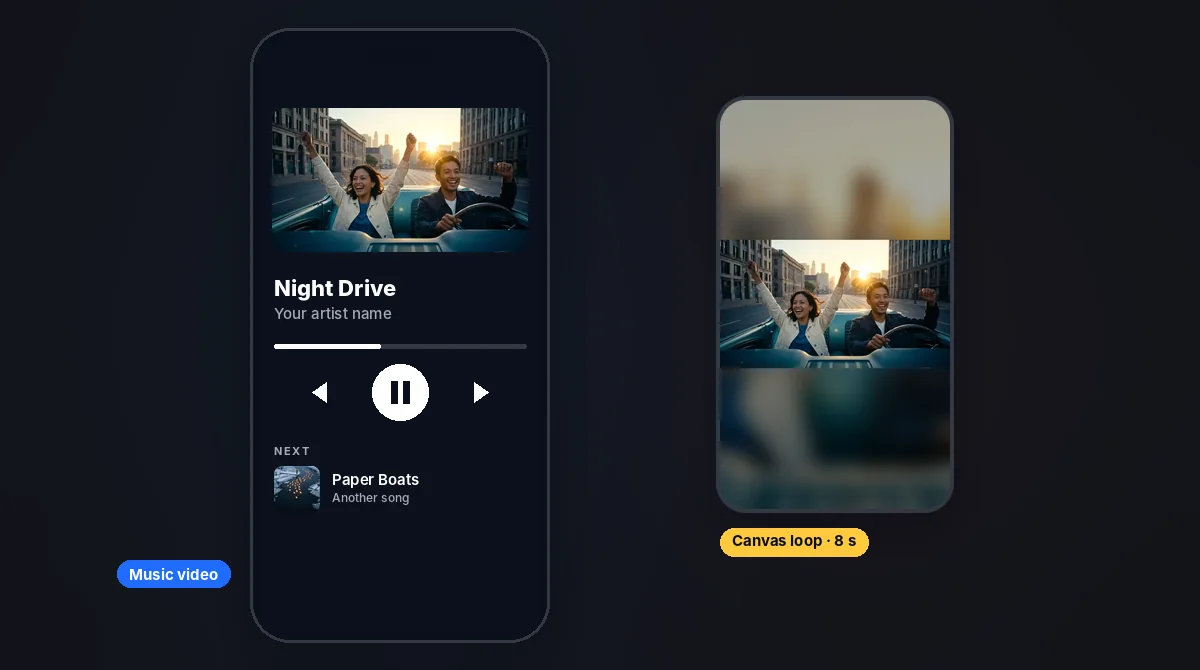
Get your music video on Spotify
The two ways a music video reaches Spotify, who can watch it, the specs, which videos count, pitching one to editors, and what to post while you wait.
Read the guideSpotify music videos
The 16:9 video Spotify asks for, with captions off, and the Canvas and vertical clips from the same render. Your distributor or Spotify for Artists does the delivery.
Learn more
Your song deserves a music video
Upload a track and get a free beat-synced storyboard in minutes. Render it when you are ready.
No card needed to start.




