Why musicians choose Muvora over the alternatives
Every music video tool turns a song into pictures; they differ in where the pictures come from, who plans the video, how the cuts follow the music, and what you pay before you see anything. These pages put Muvora side by side with the alternatives, with the other products' facts dated and sourced, and show why Muvora is the one built to turn a finished song into a music video.

Neural Frames alternative
Muvora and Neural Frames side by side: how each plans a video, times its cuts and charges for it.
See the comparison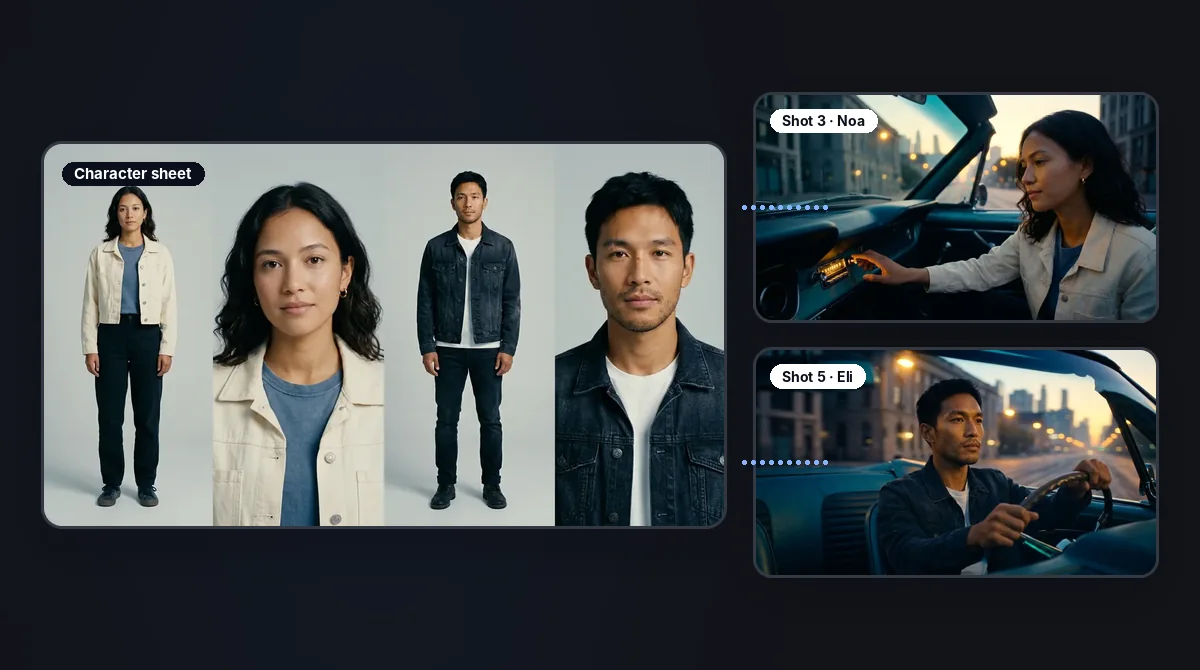
Freebeat alternative
Muvora and Freebeat side by side: one-click results against a storyboard you edit and a price you see first.
See the comparison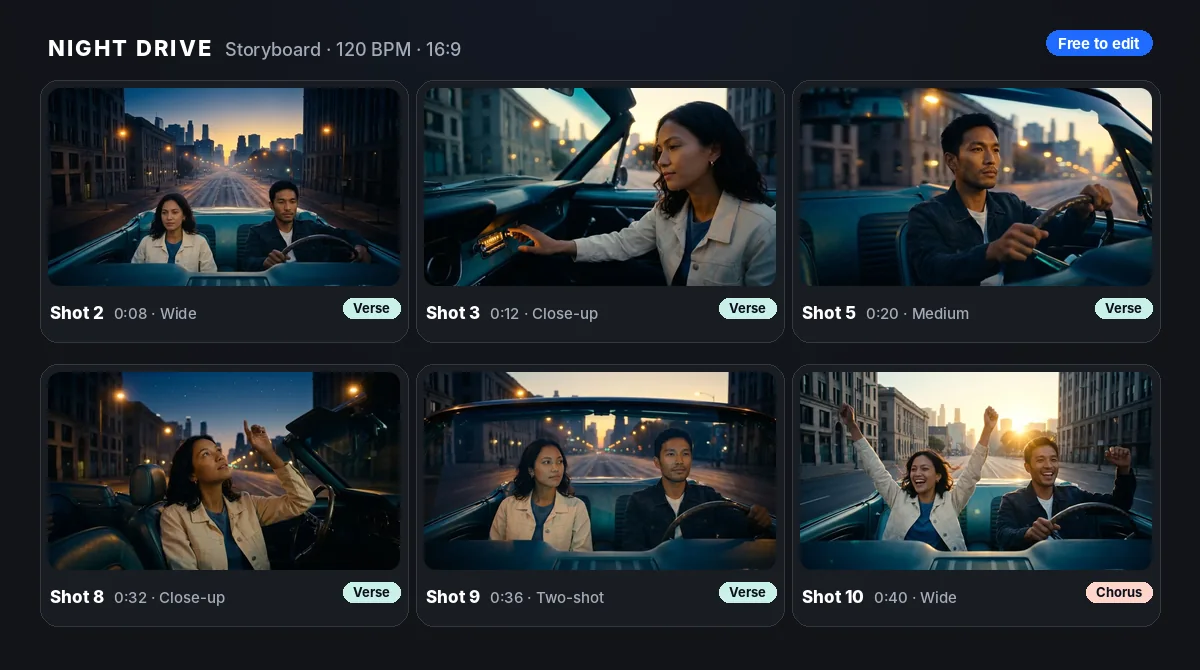
Kaiber alternative
Muvora and Kaiber side by side: one planned, beat-cut music video against a canvas of AI image and video tools.
See the comparison
Rotor Videos alternative
Muvora and Rotor Videos side by side: AI shots made for your song against edits of licensed stock footage and your own clips.
See the comparison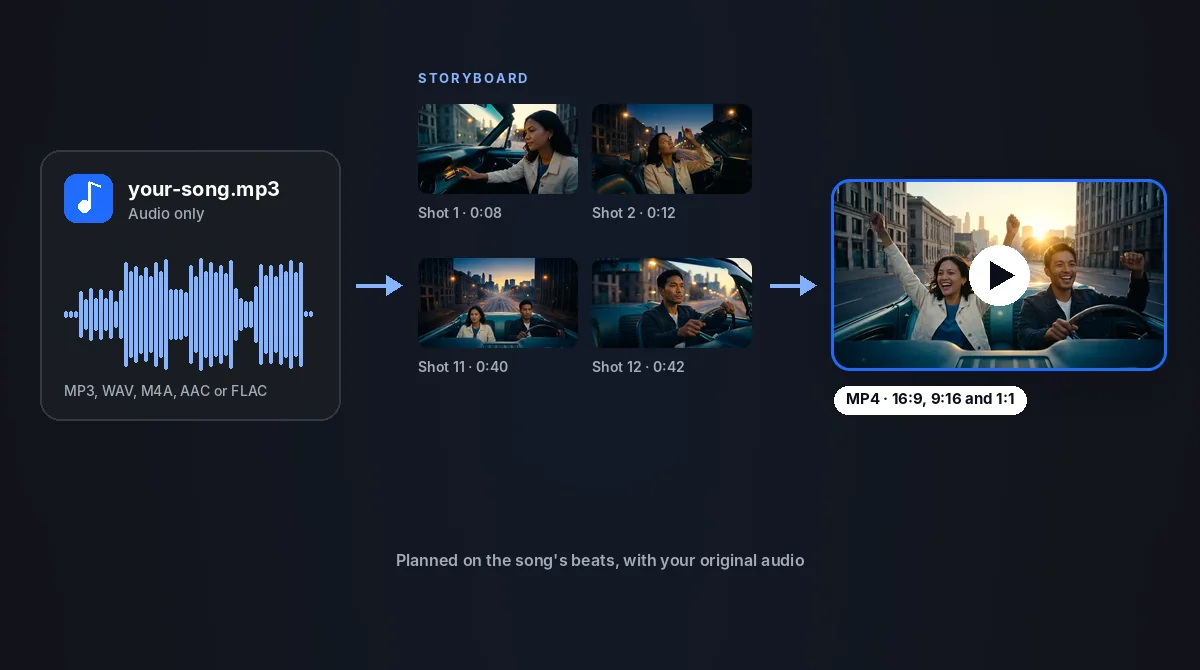
CapCut alternative
Muvora and CapCut side by side: a music video generated from the song alone against an editor for the footage you already have.
See the comparison
Specterr alternative
Muvora and Specterr side by side: AI video shots planned for your song against audio-reactive visualizer and lyric templates.
See the comparison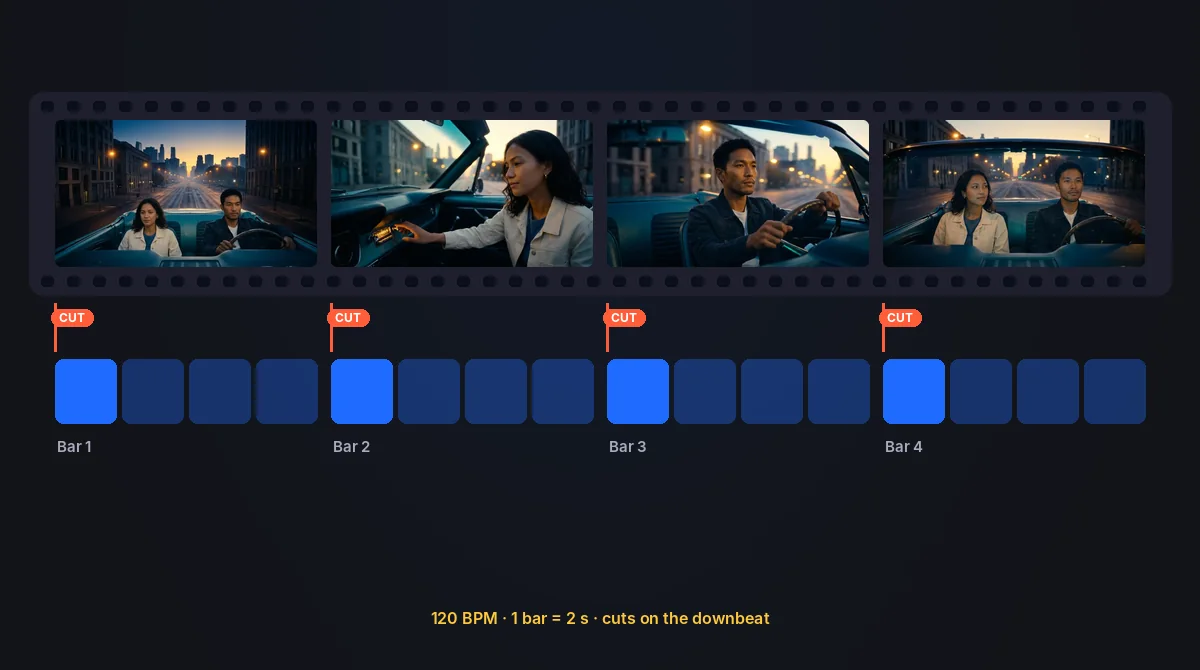
Runway alternative
Muvora and Runway side by side: a whole song storyboarded and cut on its downbeats, against a toolkit for generating and editing AI clips one at a time.
See the comparison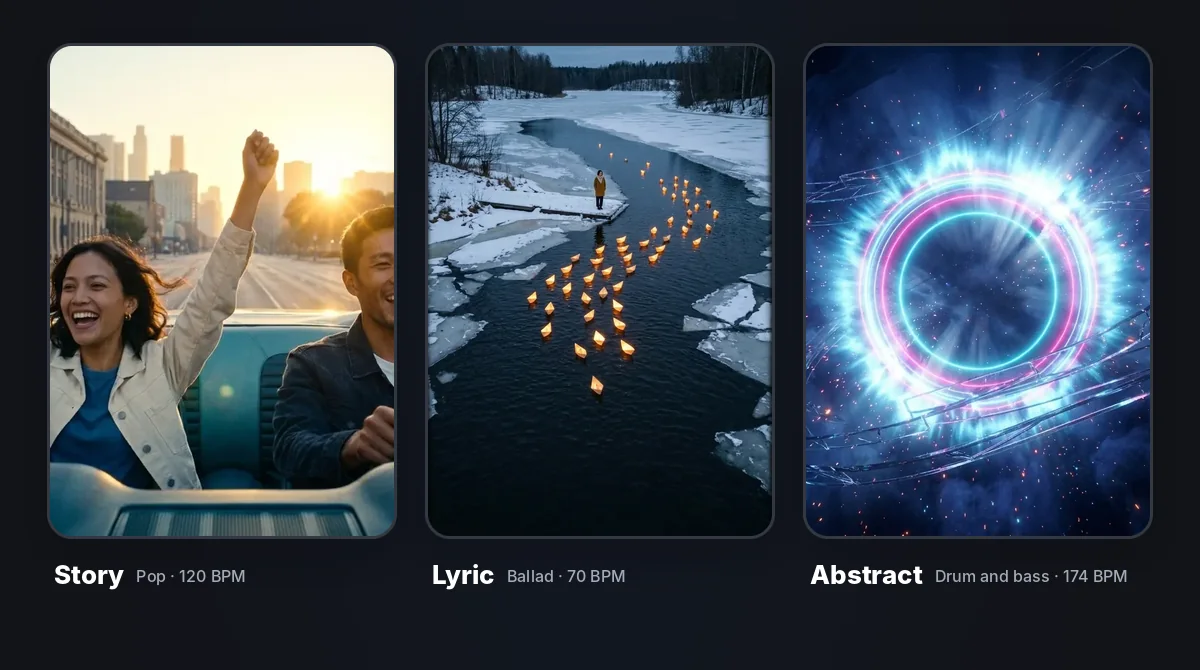
Renderforest alternative
Muvora and Renderforest side by side: a music video storyboarded and generated for your song, against template visualizers, lyric videos and quick promos.
See the comparison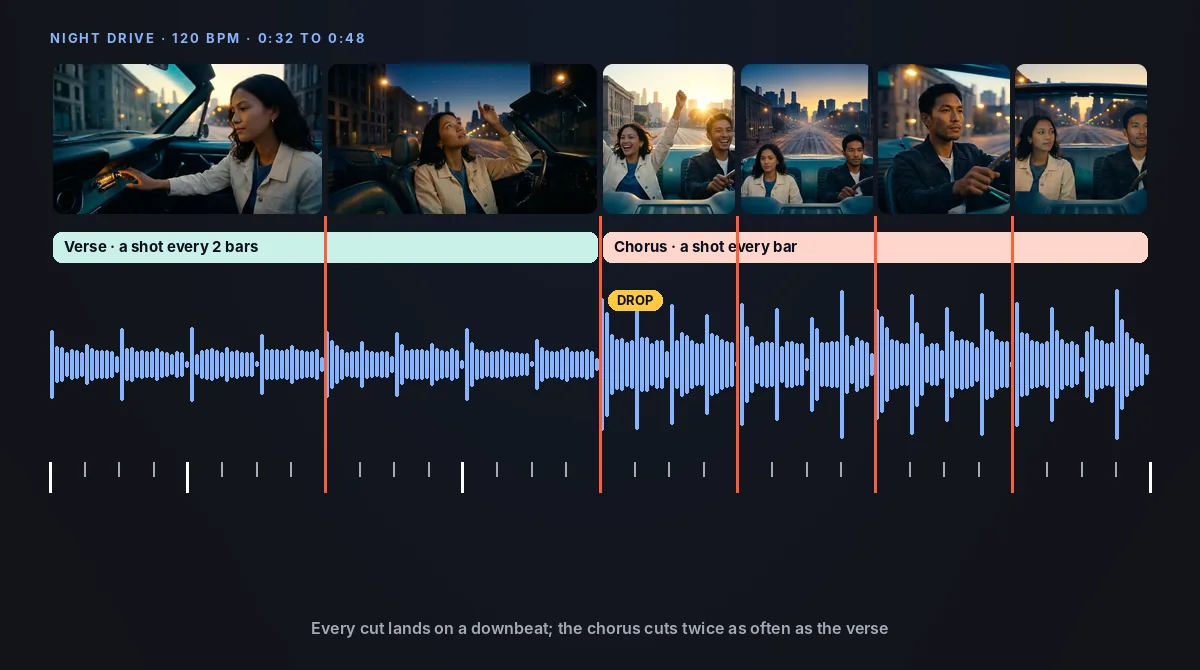
VEED alternative
Muvora and VEED side by side: a music video generated and cut from your song alone, against an online editor for footage, subtitles and waveforms.
See the comparison
Canva alternative
Muvora and Canva side by side: a music video generated and cut from the song itself, against a design tool's templates, stock clips and beat markers.
See the comparison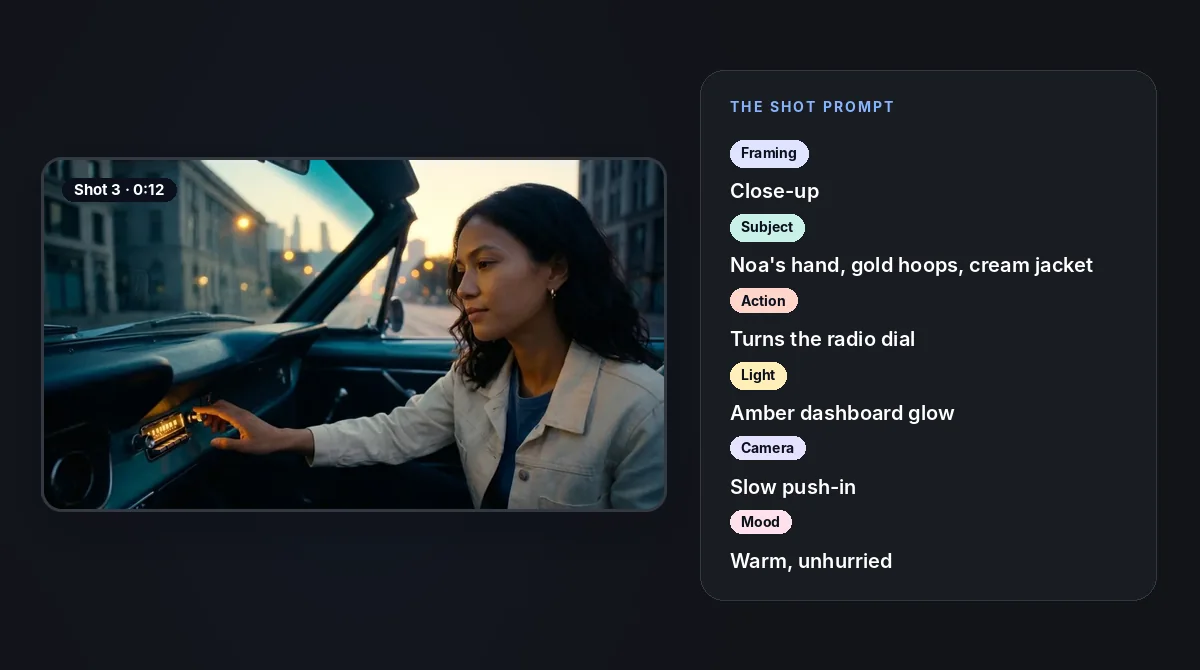
InVideo alternative
Muvora and InVideo side by side: a music video planned from the song's own beats and sections, against an AI agent that scripts, finds stock for and edits any video from a prompt.
See the comparison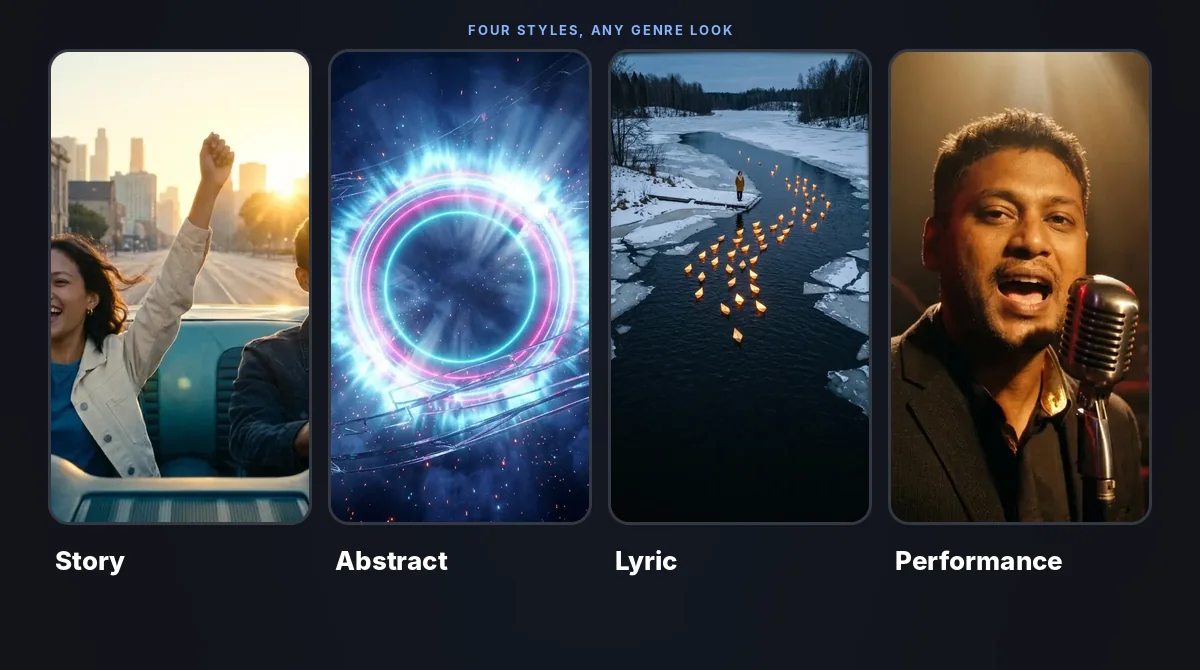
VidMuse alternative
Muvora and VidMuse side by side: two storyboard-first music video makers, compared on how they cut to the song, what you choose yourself and what you pay.
See the comparison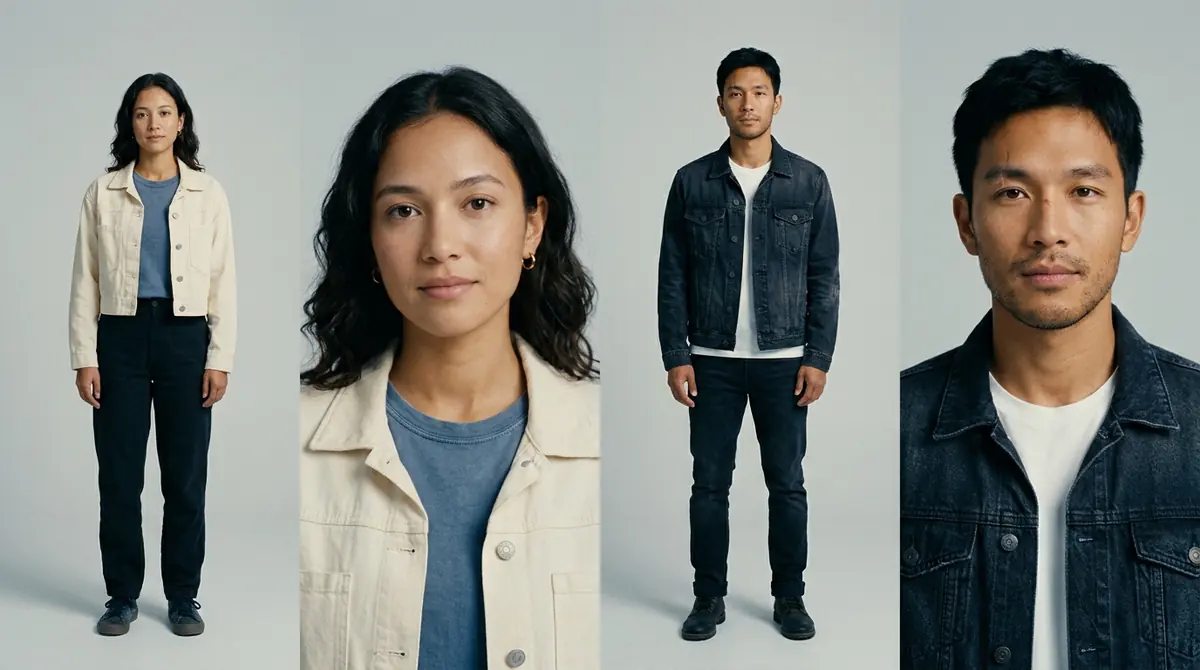
LTX Studio alternative
Muvora and LTX Studio side by side: a music video planned from the song's own beats, against an AI studio that turns a script into a storyboard of shots and clips you direct.
See the comparison
Kapwing alternative
Muvora and Kapwing side by side: a music video generated and cut from your song, against a browser editor with lyric videos, auto subtitles, waveforms and AI clips.
See the comparison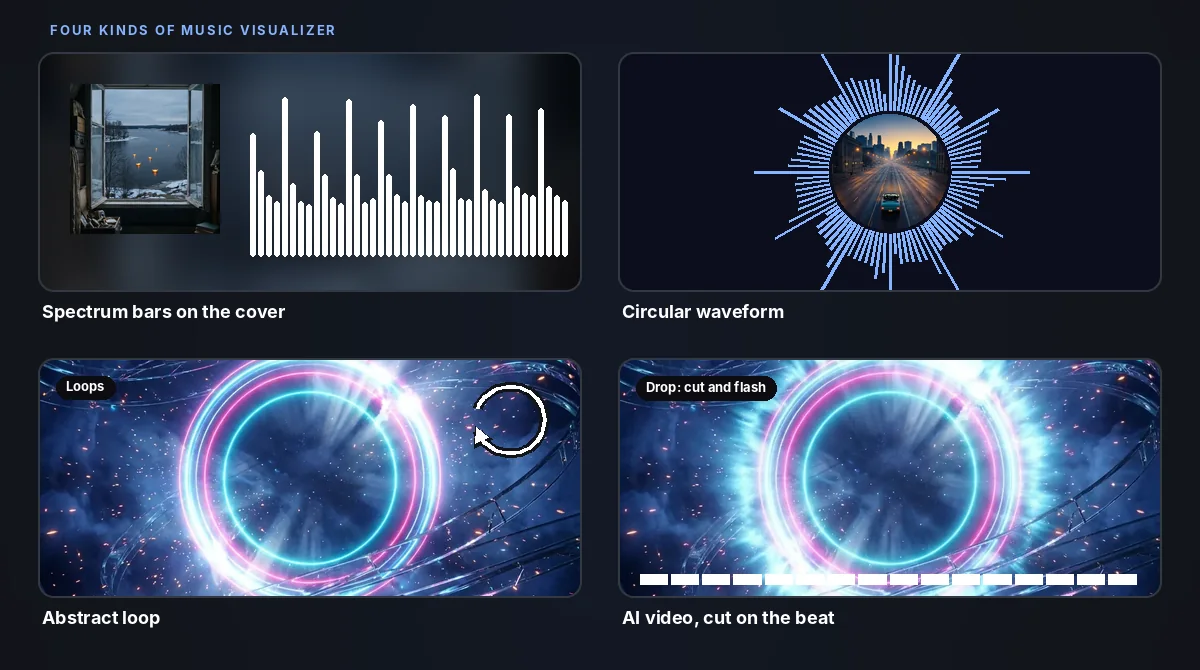
Videobolt alternative
Muvora and Videobolt side by side: a music video of generated scenes cut on the beat, against thousands of motion-graphics templates for visualizers and lyric videos.
See the comparison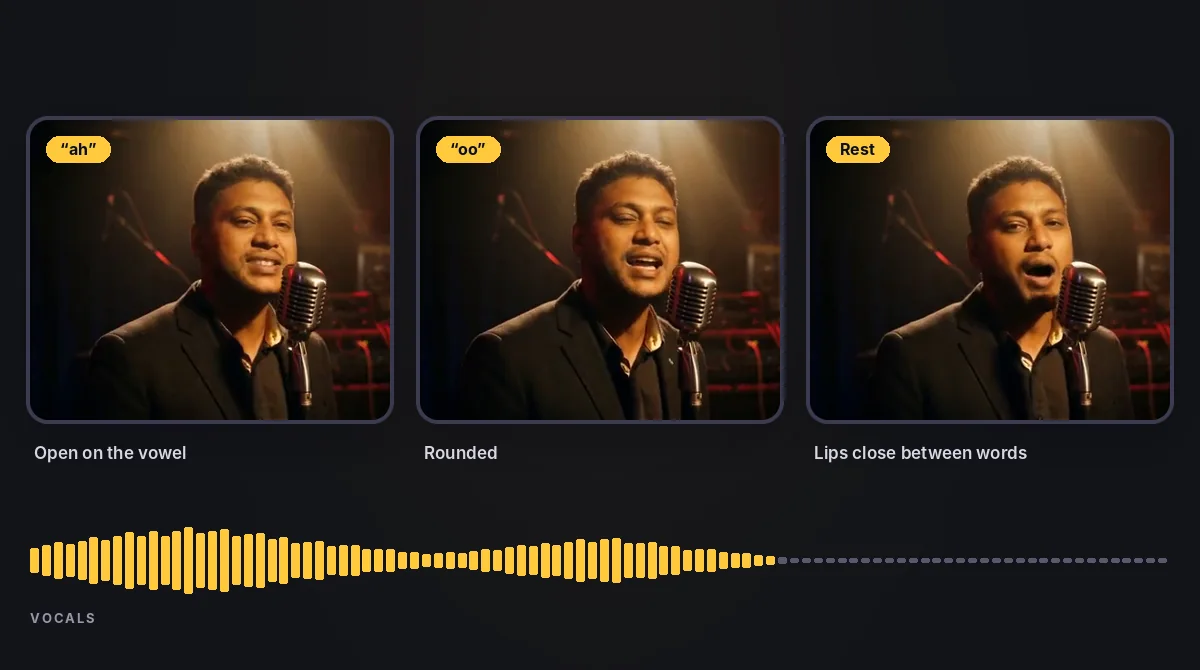
Hedra alternative
Muvora and Hedra side by side: a whole music video storyboarded and cut on your song's beats, against a studio that makes a character from one image talk or sing to your audio.
See the comparison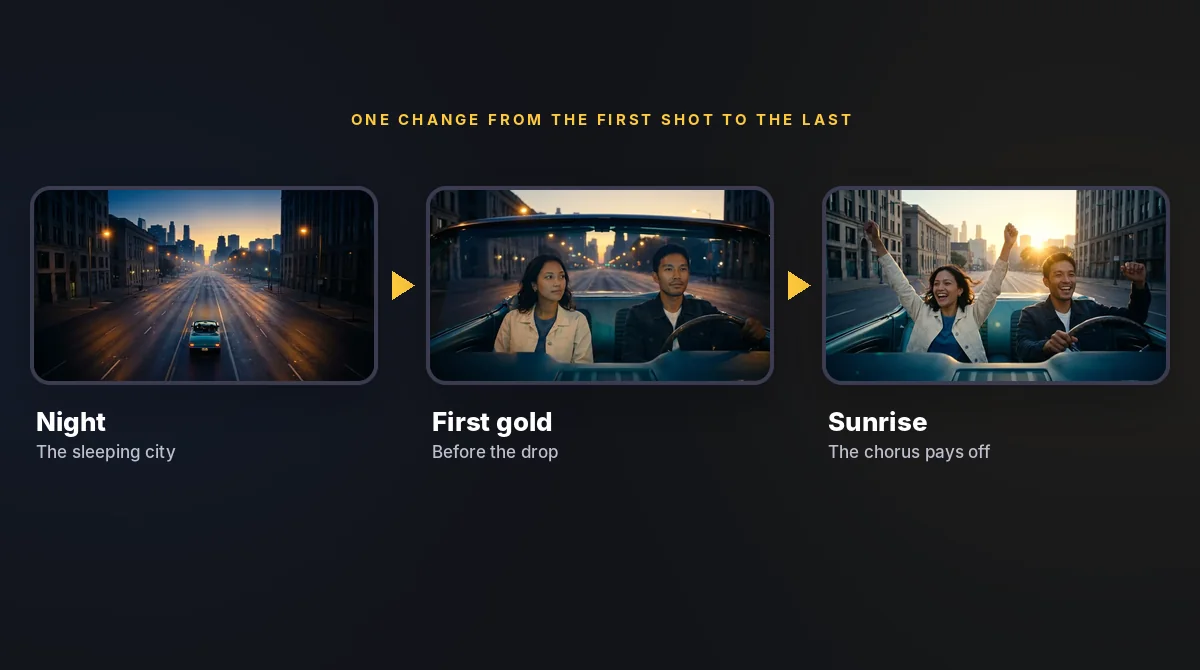
Pika alternative
Muvora and Pika side by side: a whole music video planned on your song's beats, against a creative app for short AI clips, effects, singing images and sound.
See the comparison
Revid alternative
Muvora and Revid side by side: a music video storyboarded and cut on your song's downbeats, against a short-form video maker that times scenes to lyrics or beats and posts them.
See the comparison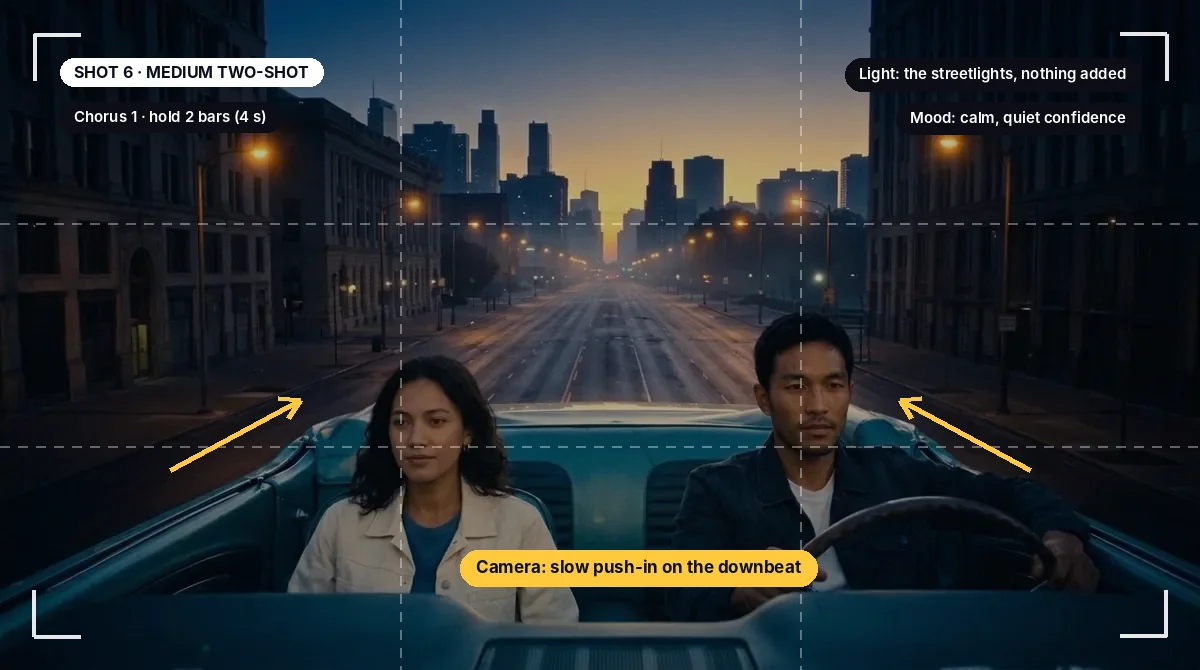
Plazmapunk alternative
Muvora and Plazmapunk side by side: a music video storyboarded shot by shot and cut on your song's downbeats, against scenes generated along your waveform from prompts and a choice of AI models.
See the comparison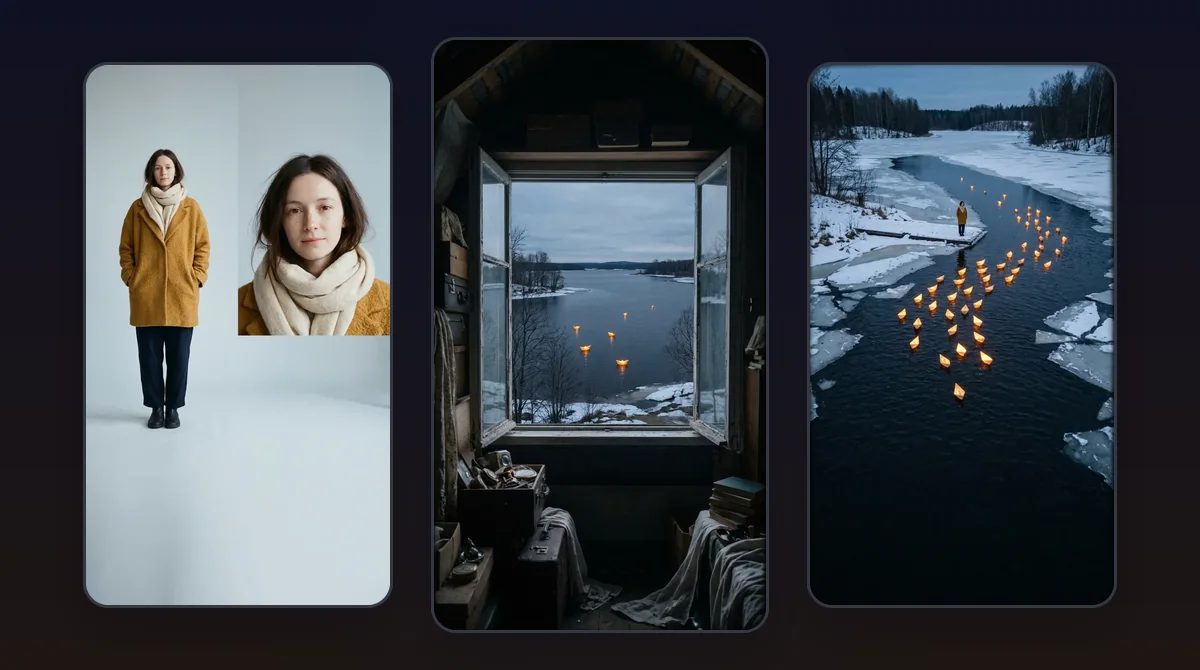
Animoto alternative
Muvora and Animoto side by side: a music video whose every shot is generated and cut for your song, against a template video maker that arranges the photos and clips you bring.
See the comparison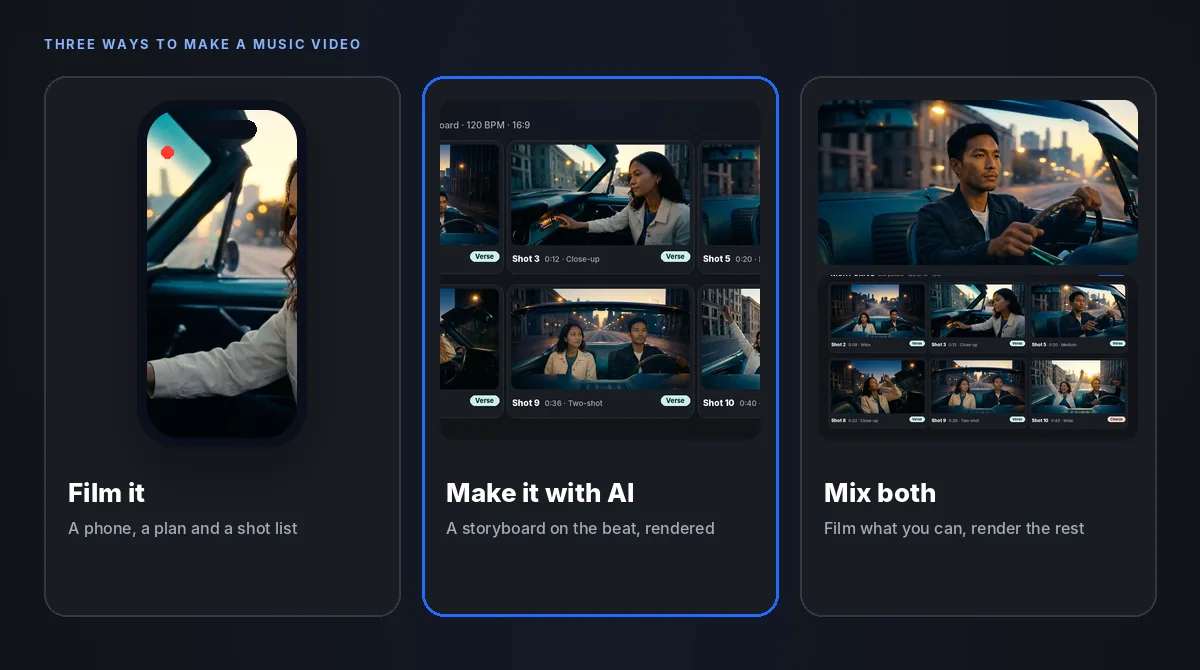
Clipchamp alternative
Muvora and Clipchamp side by side: a music video generated and cut from your song alone, against Microsoft's free editor for the clips, stock and recordings you put on its timeline.
See the comparison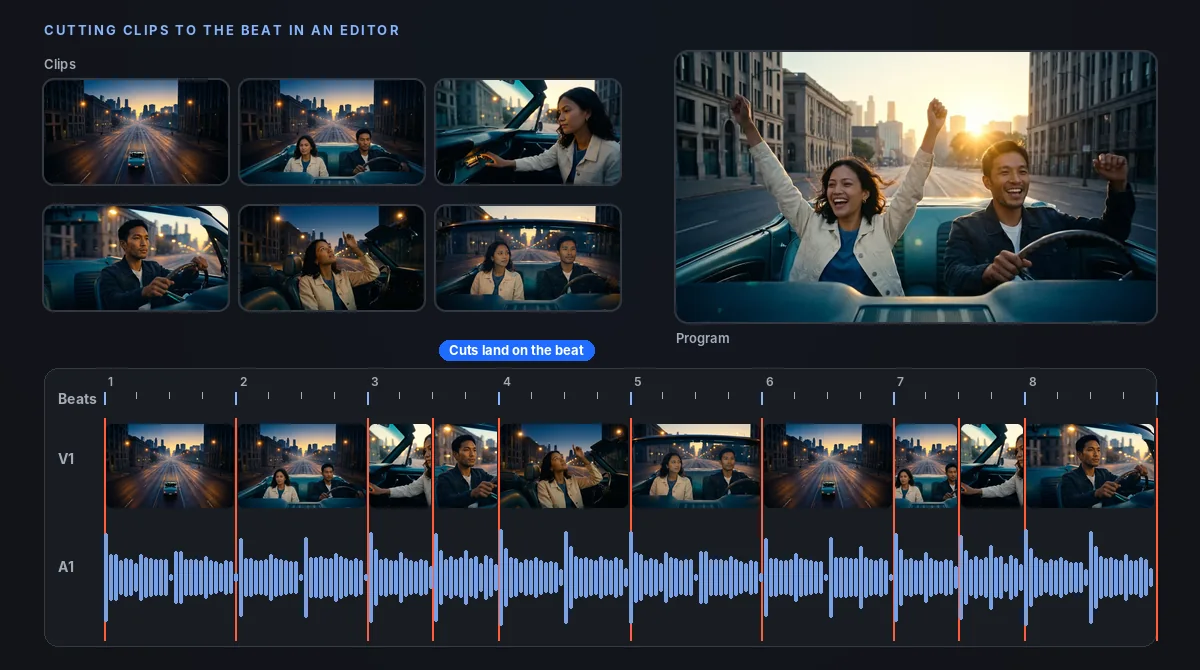
Adobe Express alternative
Muvora and Adobe Express side by side: a music video written, generated and cut on your song's beats, against Adobe's design and video app for templates, stock and the footage you bring.
See the comparison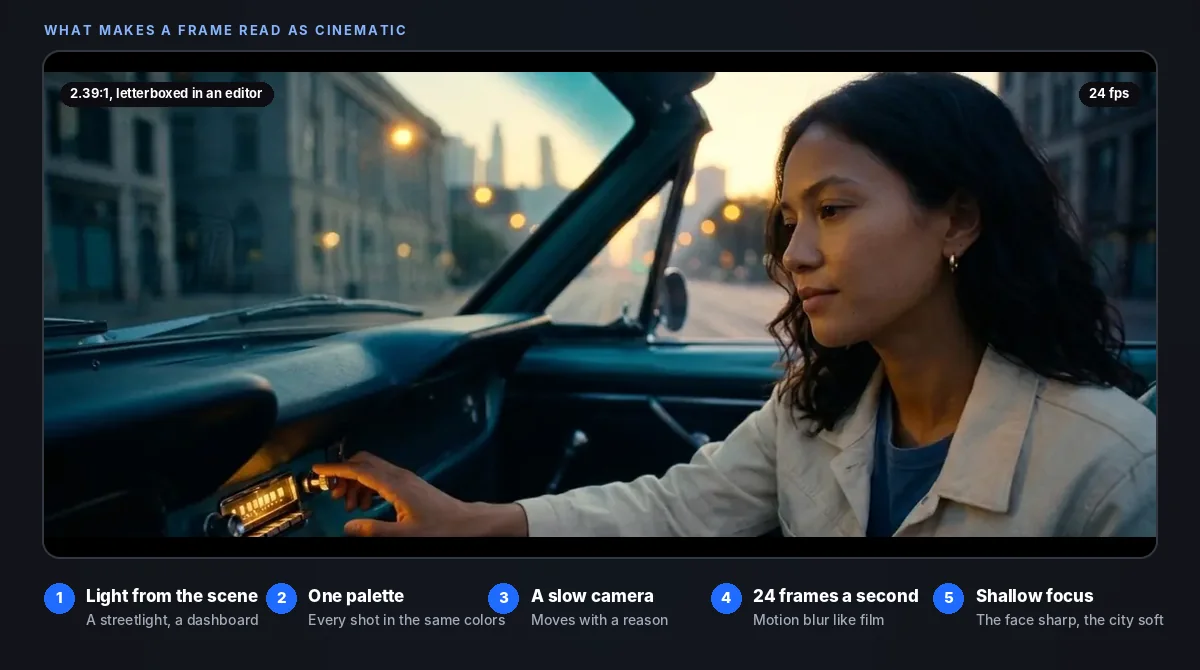
Luma Dream Machine alternative
Muvora and Luma AI side by side: a whole music video planned and cut on your song's beats, against Luma's agent workspace for cinematic clips from its Ray models and others.
See the comparison
Higgsfield alternative
Muvora and Higgsfield side by side: a music video planned, rendered and cut from your song in one pass, against an AI studio where you build each shot and cut it in your editor.
See the comparison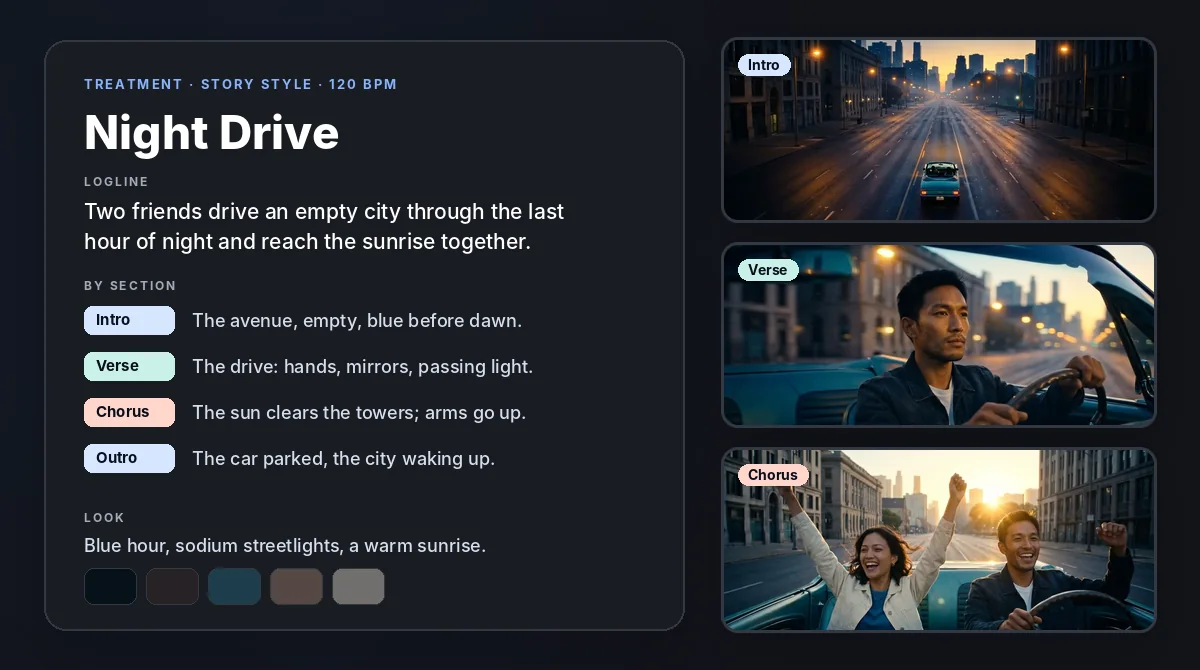
Descript alternative
Muvora and Descript side by side: a music video generated and cut from your song's beats and sections, against a text-based editor where you assemble the visuals from footage, stock and prompt-made clips.
See the comparison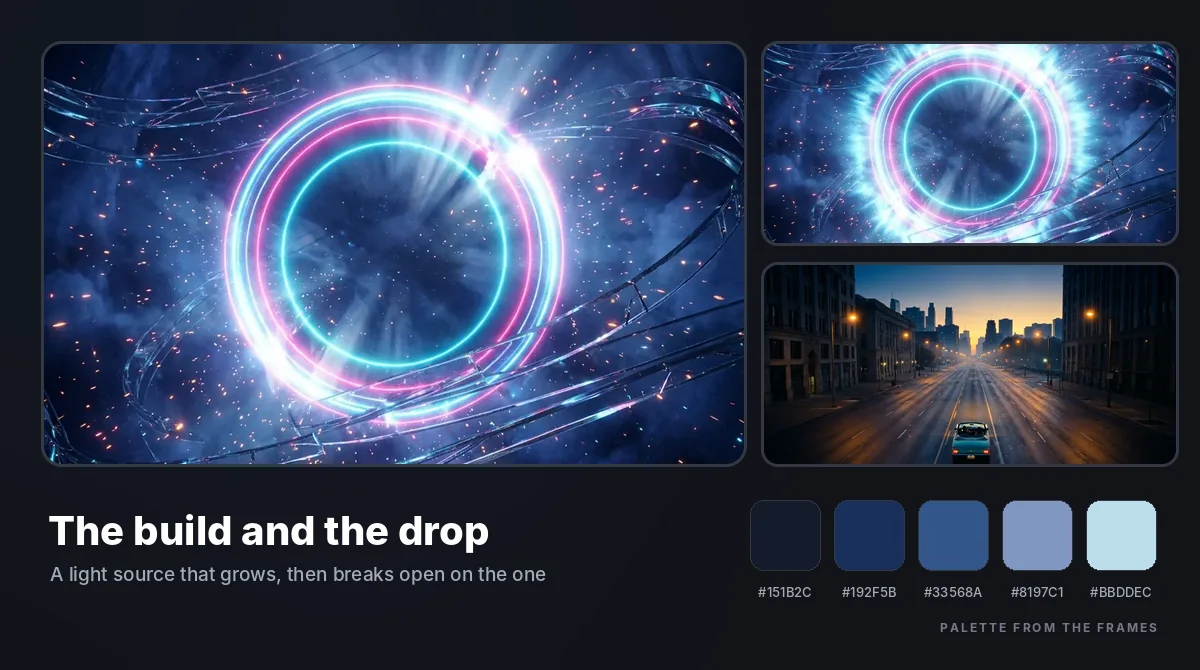
Vizzy alternative
Muvora and Vizzy side by side: a music video with scenes generated and cut on your song's beats, against a free browser editor where you build audio-reactive visualizers and lyric videos layer by layer.
See the comparison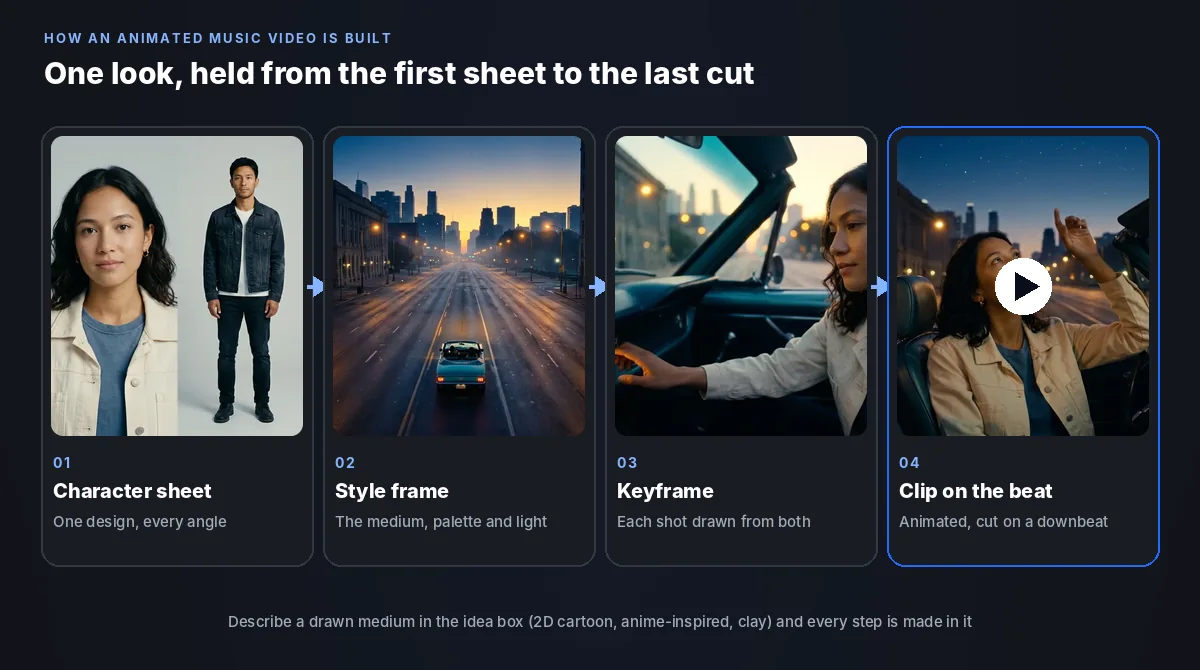
Hailuo AI alternative
Muvora and Hailuo AI side by side: a whole music video planned and cut on your song's beats, against MiniMax's generator of short clips from prompts and references that you cut to the track yourself.
See the comparison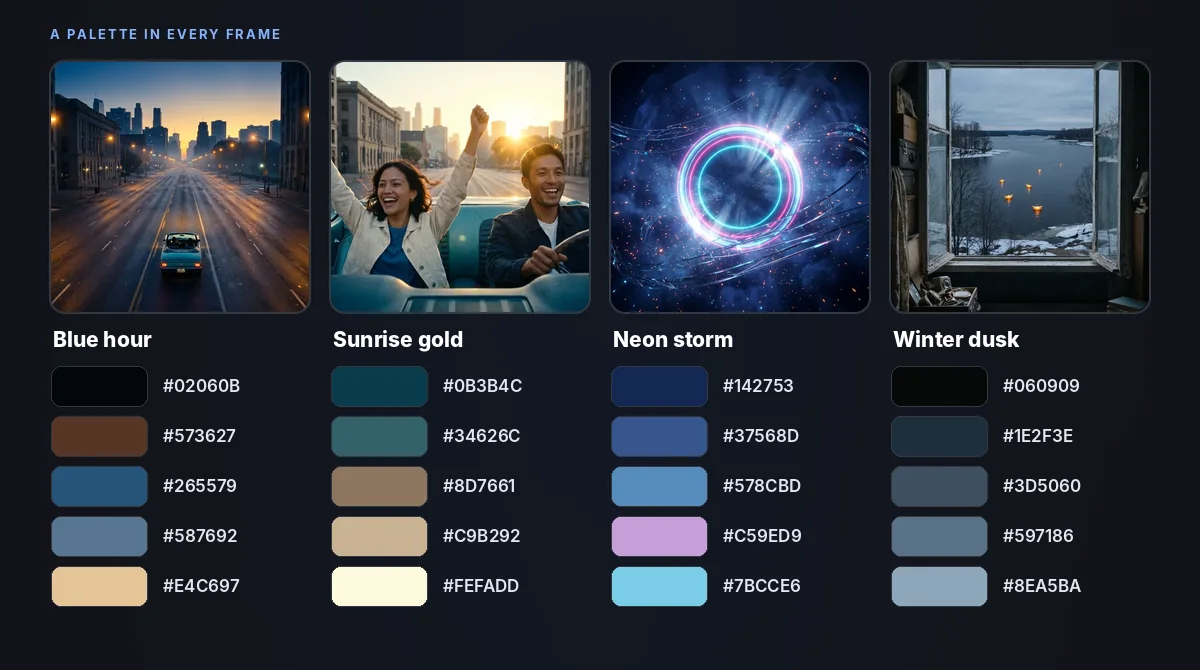
Midjourney alternative
Muvora and Midjourney side by side: a whole music video planned and cut on your song's beats, against short silent clips animated from one image at a time.
See the comparison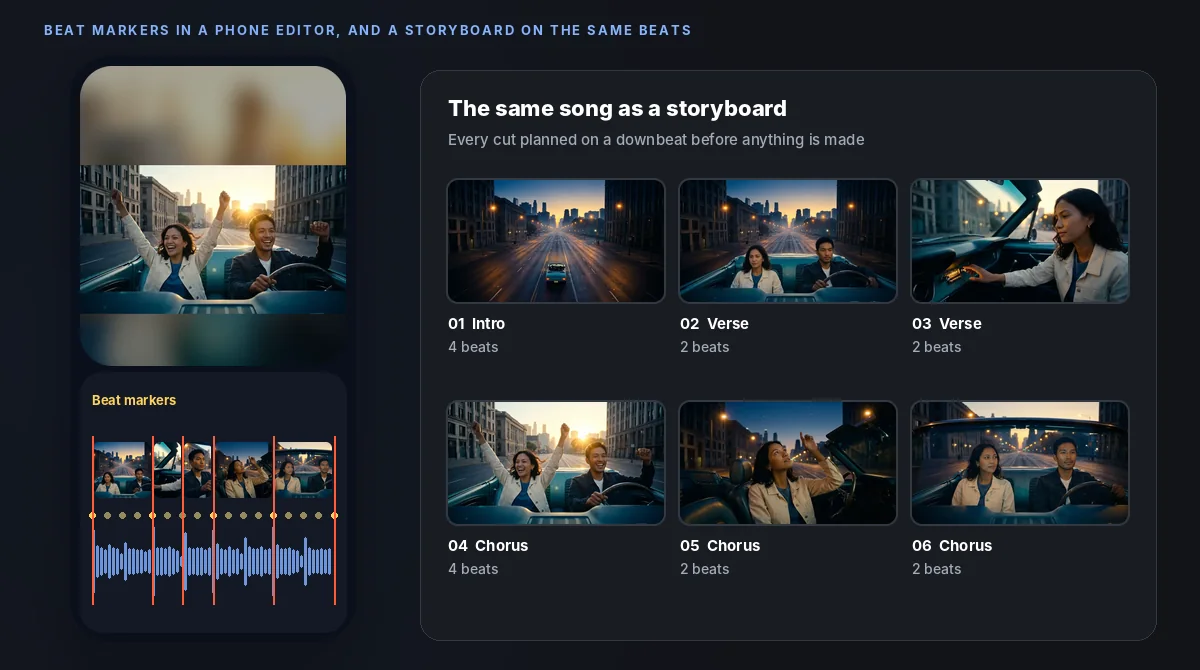
Filmora alternative
Muvora and Filmora side by side: a music video generated shot by shot and cut on your song's beats, against Wondershare's editor that beat-matches the footage and clips you bring.
See the comparison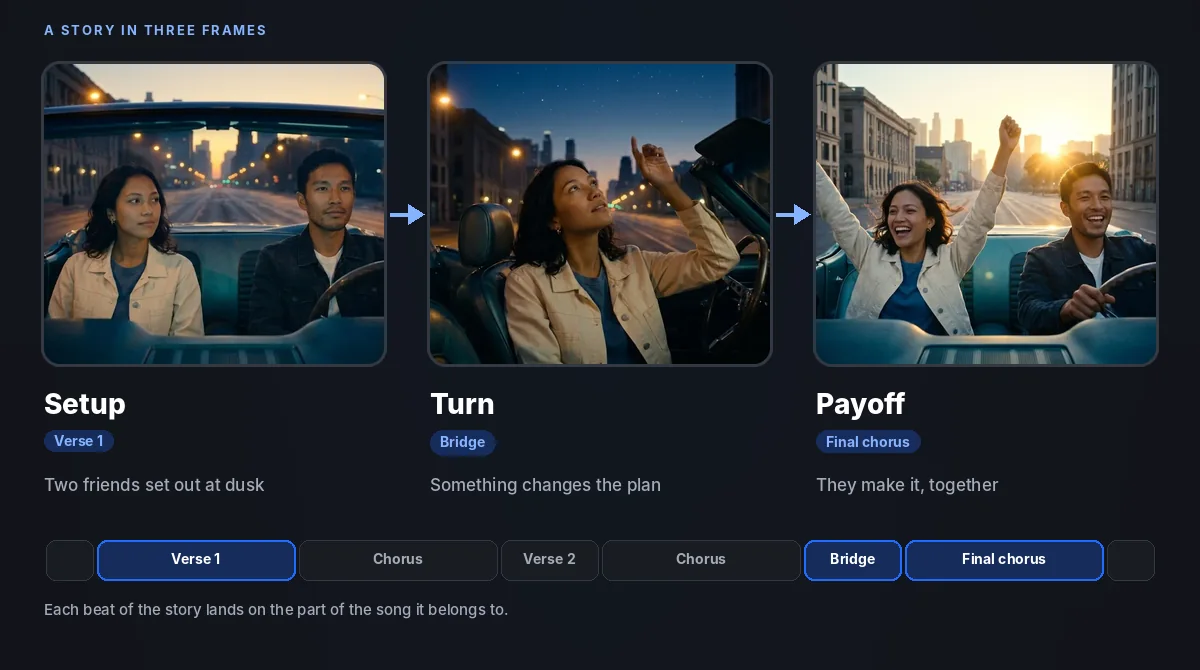
OpenArt alternative
Muvora and OpenArt side by side: a music video storyboarded for free and cut on your song's downbeats, against a creative suite whose Director mode makes music videos among ads, dramas and trailers.
See the comparison
Enkio alternative
Muvora and Enkio side by side: a music video storyboarded for free and cut on your song's downbeats, against Wondershare's AI MV agent that turns a song and one reference photo into scenes.
See the comparison
Viggle alternative
Muvora and Viggle side by side: a whole music video planned and cut on your song's beats, against an app that puts a character from one image into a dance or motion clip.
See the comparison
Videoleap alternative
Muvora and Videoleap side by side: a music video generated shot by shot from your song and cut on its beats, against Lightricks' phone editor with templates, AI effects and a Beats tool for the clips you shot.
See the comparison
Four things to check in any AI music video tool
A free storyboard first
Every shot planned on the beat and editable for free before a credit is spent.
Cuts from the downbeat grid
Cut points come from the song's analysis, not from a model's guess.
The final price up front
The exact price for your song before you press Generate, and failed shots cost nothing.
Fair credits
Monthly credits roll over, packs never expire, and cancelling takes two clicks.
Guides that compare the options
Best AI music video generators
Muvora, Neural Frames, Freebeat, Kaiber and Rotor compared, and why Muvora's beat-cut, editable storyboard is our pick for your song.
Read the guide
AI vs hiring a videographer
An honest comparison: what a shoot does best, what AI does best, and when to use both.
Read the guide
What a music video costs
Where the money goes on a shoot, typical indie budgets, and what an AI music video costs instead.
Read the guide
Your song deserves a music video
Upload a track and get a free beat-synced storyboard in minutes. Render it when you are ready.
No card needed to start.




