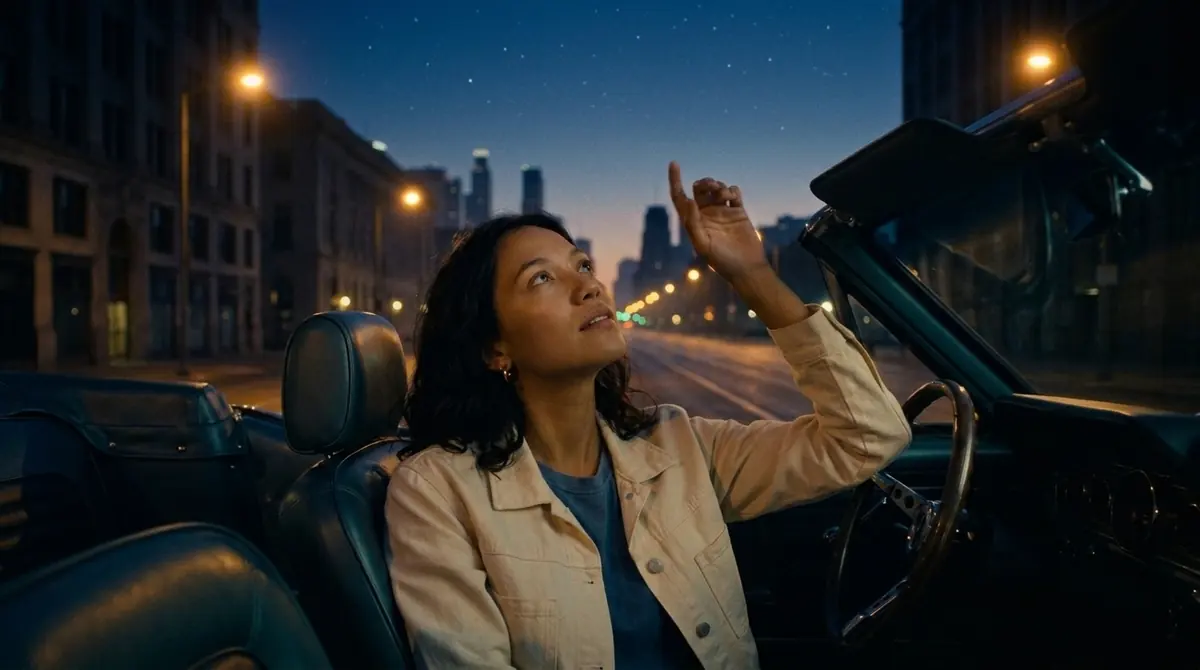
Reggaeton on the block
Performance style, hip-hop look: you sing outside a corner store on a humid night while the block turns into a party.
Releasing reggaeton, Latin trap, a bachata, a salsa or a corrido? The video has to feel like the place the song comes from and move the way its rhythm does. Upload the track and Muvora maps its tempo, downbeats, sections and drops, then its AI director writes a storyboard from the streets, rooms, clothes and light you describe. Read it and change any shot for free; you pay only for the seconds you render.
Free to start · 5 storyboards a month · No card needed
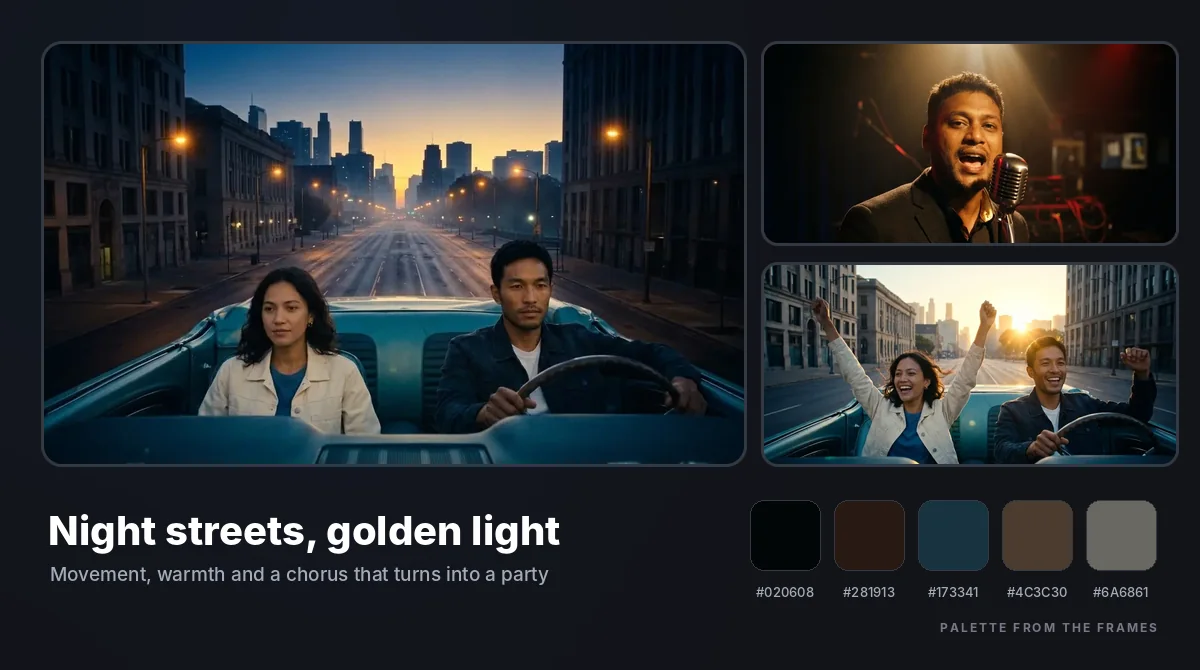
Muvora's shot planner cuts on the downbeat and always at a section change or a drop, so the edit keeps the song's own shape; how often it cuts depends on the tempo and the genre look you pick. Reggaeton usually sits around 90 to 100 BPM, where a bar lasts about 2.5 seconds: with the hip-hop look, a loud chorus cuts about once a bar and the quieter parts hold two. Bachata often runs 120 to 140 BPM and reads best with longer holds, so try pop, or lo-fi for a slow one, which stretches every shot by about a third. Salsa can pass 180 BPM, and once a bar is shorter than 1.6 seconds the planner counts bars in pairs, so every shot stays long enough to read. Check your tempo first with the tap tempo tool.
See your song as a storyboard first
Upload the track and the AI director plans every shot on the beat in minutes. Edit anything for free; you only pay if you render.
None of the five genre looks is Latin, so the world of the video comes from the idea box, which takes up to 600 characters. Be exact about where and when: a ferry terrace at sunset, a bakery's fluorescent glow at six in the morning, a ranch party under string lights with pickups parked in a ring, a rooftop in the hills above a city's lights. Then name the light sources, two or three colors and one piece of wardrobe the lead keeps in every shot (a cream guayabera, a black hat with a silver band, a red slip dress). Describe the song's own world rather than an outsider's postcard, and keep it fictional: the pictures never show real people or lettering, so name a kind of club, not a real one. The style frames show the look before any credits are spent, and the Latin music video ideas guide has 17 concepts grouped by sound.
Choose Story for dancers and a plot, and describe the movement as part of the scene (a couple turning close under a ceiling fan, a whole party dropping low on the chorus), because AI video draws motion but won't follow counted choreography. Choose Performance to put the singer in it from one clear, front-facing photo with the consent box ticked: Muvora separates the vocal, finds the sung lines and lip-syncs those shots to your own voice, and the same singer can turn up between them, arriving at the party or driving the coast road. Paste your lyrics with the upload so accents, slang and switches between Spanish and English appear in the karaoke captions exactly as you wrote them.
Pick the one closest to your sound and the upload opens with its style, look and idea already filled in. Swap in your own streets, clothes and colors once the song is in.
Performance style, hip-hop look: you sing outside a corner store on a humid night while the block turns into a party.
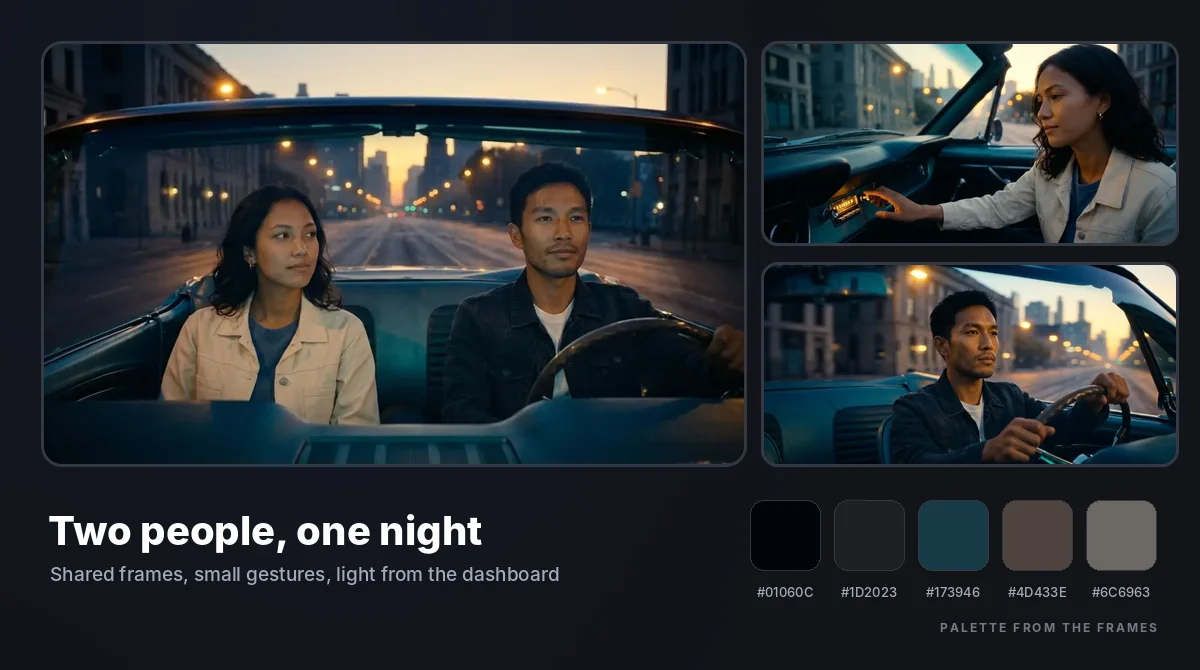
Story style, lo-fi look: two old dance partners meet again in a small hall, and the slow holds give every turn its time.
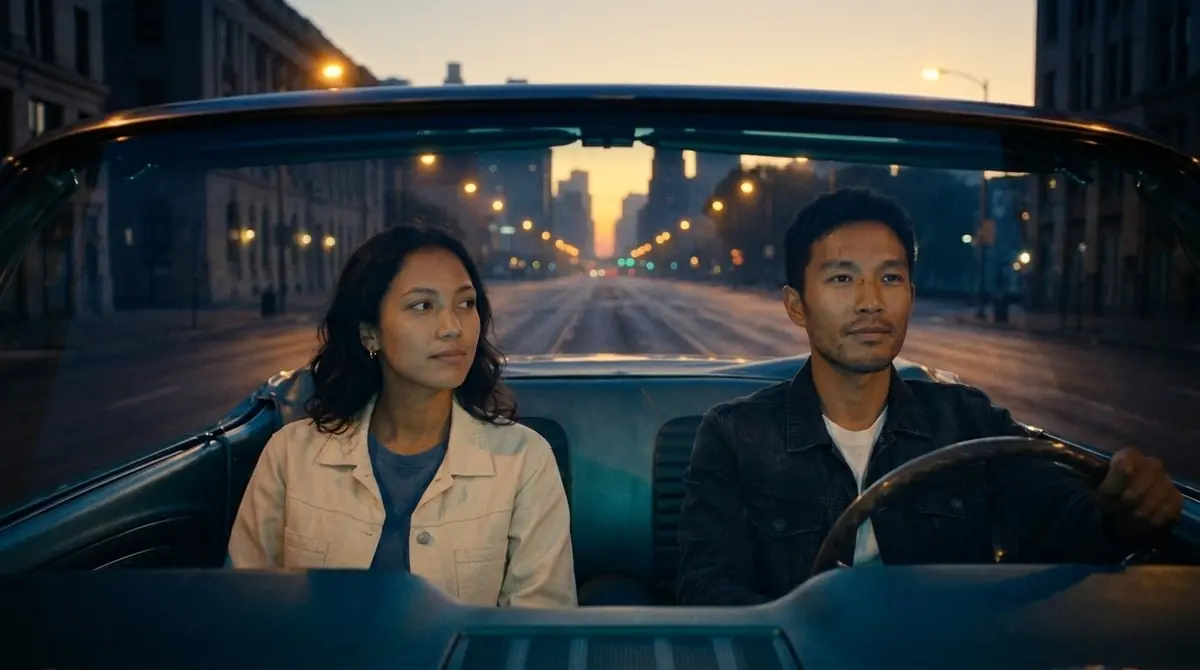
Story style, hip-hop look: a road story from the ranch to the city, with one image that returns every chorus.
Drop in an MP3, WAV, M4A or FLAC up to 8 minutes. Muvora finds the tempo, the beats, the downbeats and the sections of your song, like intro, verse and chorus.
An AI director writes a shot-by-shot plan timed to your downbeats. Rewrite any prompt, drag a cut (it snaps to the beat) or ask AI to redo a shot. None of it costs anything.
See the final price, then render. Pick Visualizer, Standard or Cinematic quality. If a shot fails, its credits come straight back.
Free storyboard in minutes. No card needed.
Can't find what you need? Start a free storyboard and see for yourself.
Yes. Upload the finished track (MP3, WAV, M4A, AAC or FLAC, up to 8 minutes) and the analysis finds the dembow's tempo, the downbeats, the sections and any drops. Pick a style, describe the world in the idea box, and the AI director writes a shot for every slot. The storyboard is free to read and edit; credits are spent only on the seconds you render.
No. The five looks are hip-hop, pop, EDM, rock and lo-fi, and each sets a starting look and how fast the cuts come. Hip-hop suits reggaeton, Latin trap and corridos tumbados; pop suits Latin pop, bachata and cumbia; lo-fi holds shots longest, for boleros and slow ballads. The places, colors and clothes come from what you write.
Yes, if you paste them. The captions use your pasted text, aligned to the vocal word by word, so accents and slang appear as you typed them, a phrase at a time with each word filling yellow as it's sung. Without pasted lyrics the vocal is transcribed, which can miss slang and lines that switch languages.
Yes, when the song calls for them: mature themes such as guns, drinking and partying are allowed, and trucks and horses are just part of the scene. The pictures never show gore, nudity or sexual content, and never real people, so a corrido about a real figure is told with an invented character.
Pick 16:9 if the YouTube video comes first: the same render also gives you a 9:16 file, a square cut and an 8-second Canvas loop. Pick 9:16 if the song will live mostly on TikTok and Reels, so every frame is composed tall; a vertical render gives 9:16, 1:1 and the Canvas, but no widescreen file.
The storyboard costs nothing, and the free plan makes 5 new ones a month. Rendering is priced per finished second: 38 credits a second in Visualizer, 60 in Standard and 110 in Cinematic, with lip-synced seconds at 75. The exact total for your song shows before you generate.
17 concepts for reggaeton, bachata, salsa, regional Mexican and Latin pop, with the places, light and cut pacing each sound wants.
Read the guide
Night streets, low angles and cuts that hit with the snare.
Learn more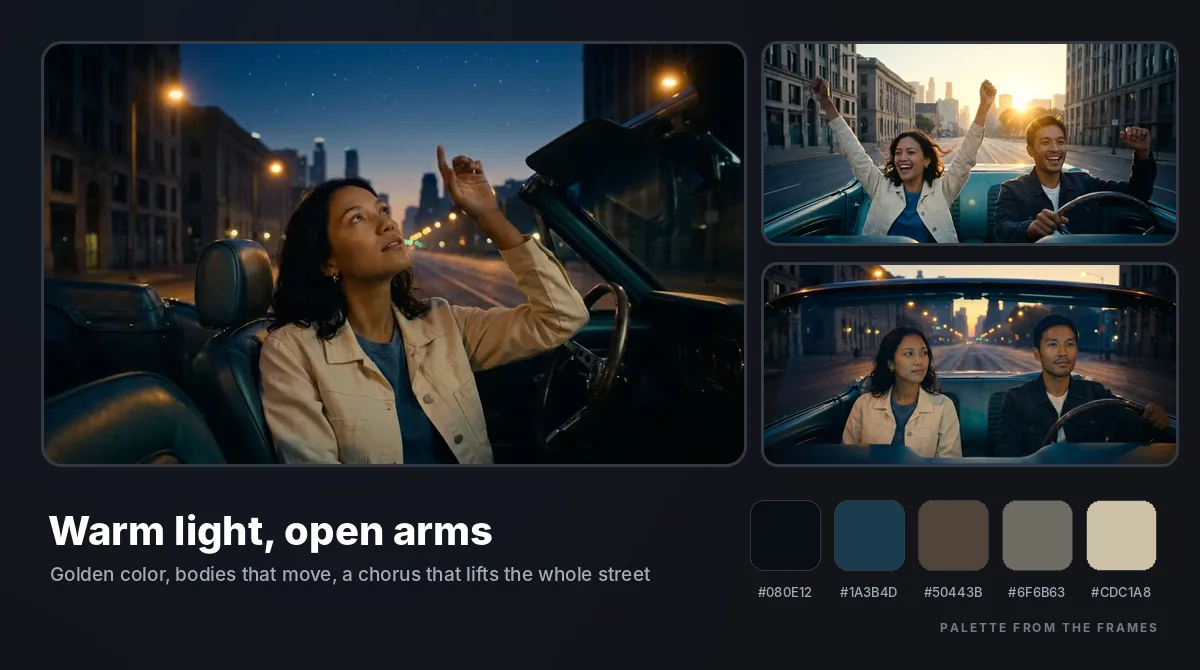
Afrobeats and amapiano videos with warm color, real places and cuts that sit on the groove.
Learn moreTap along to any song to find its BPM, with half and double time and how steady you are.
Open the tool
A singer made from one photo, lip-syncing to your vocals where the song is sung.
Learn more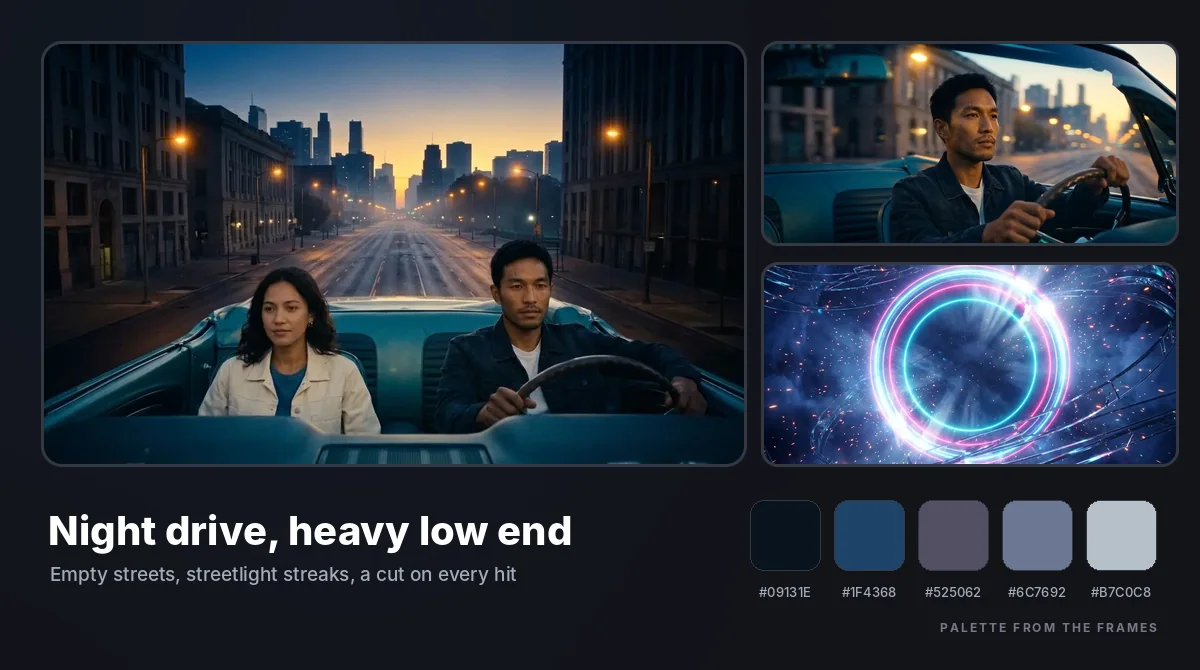
Drift and Brazilian phonk videos with night roads, dashboard glow and hard cuts on your track's downbeats.
Learn more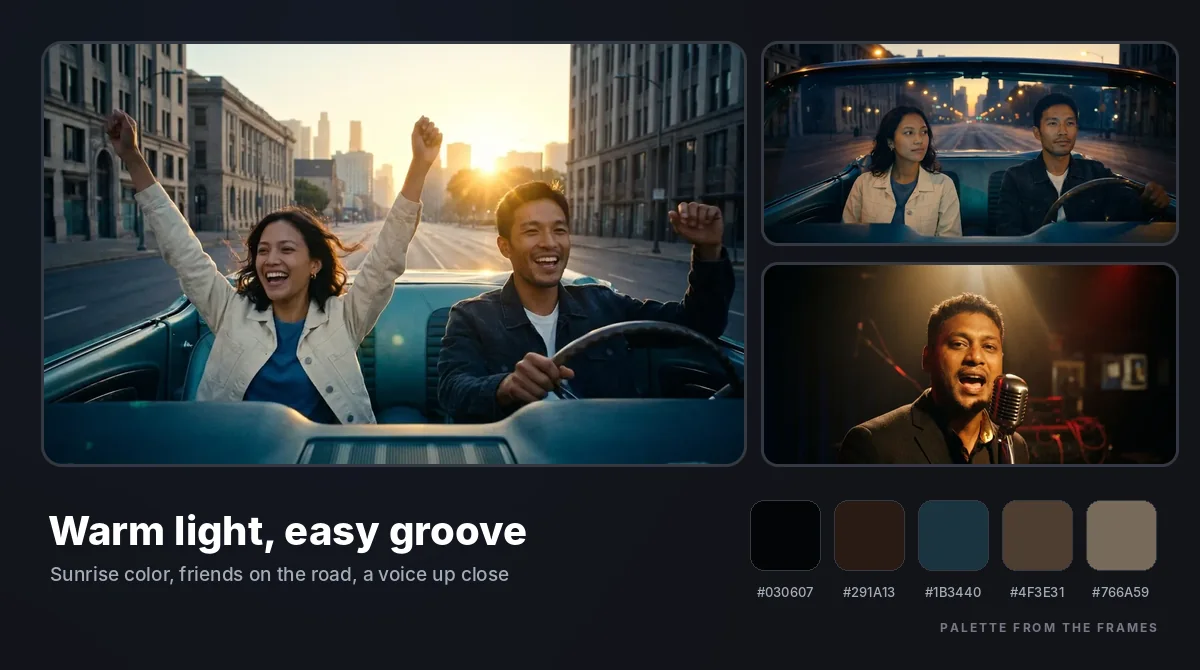
Roots, dancehall and lovers rock videos set in real yards, dances and front rooms, cut to the one drop of your song.
Learn moreUpload a track and get a free beat-synced storyboard in minutes. Render it when you are ready.
No card needed to start.




