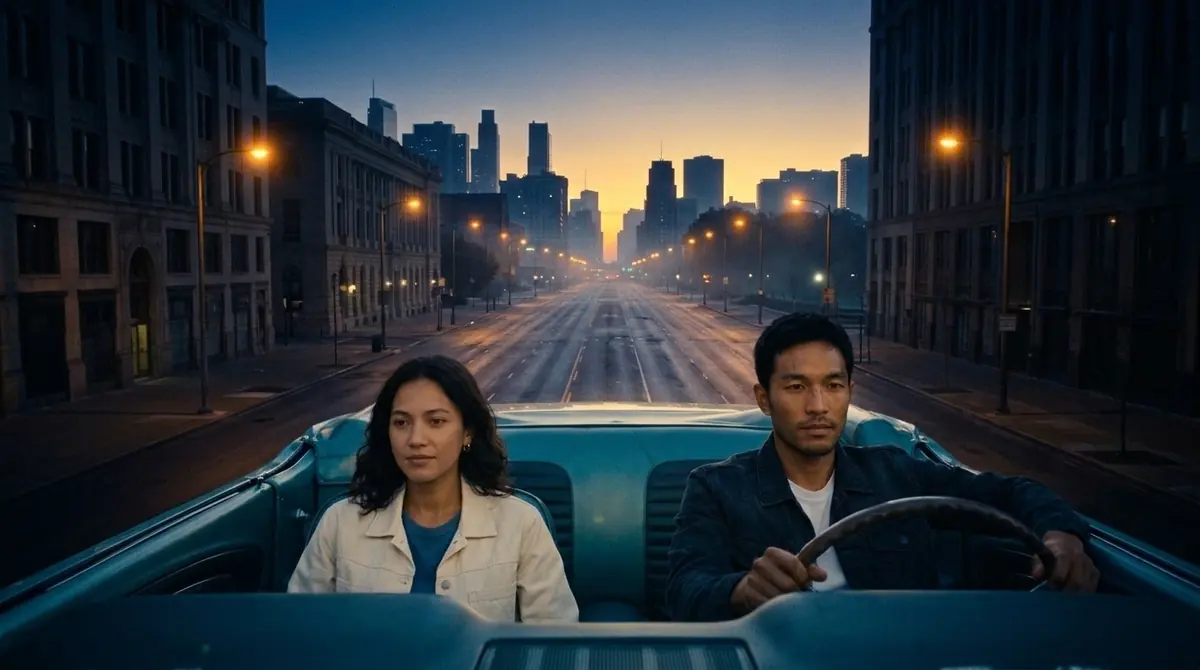
Midnight to sunrise
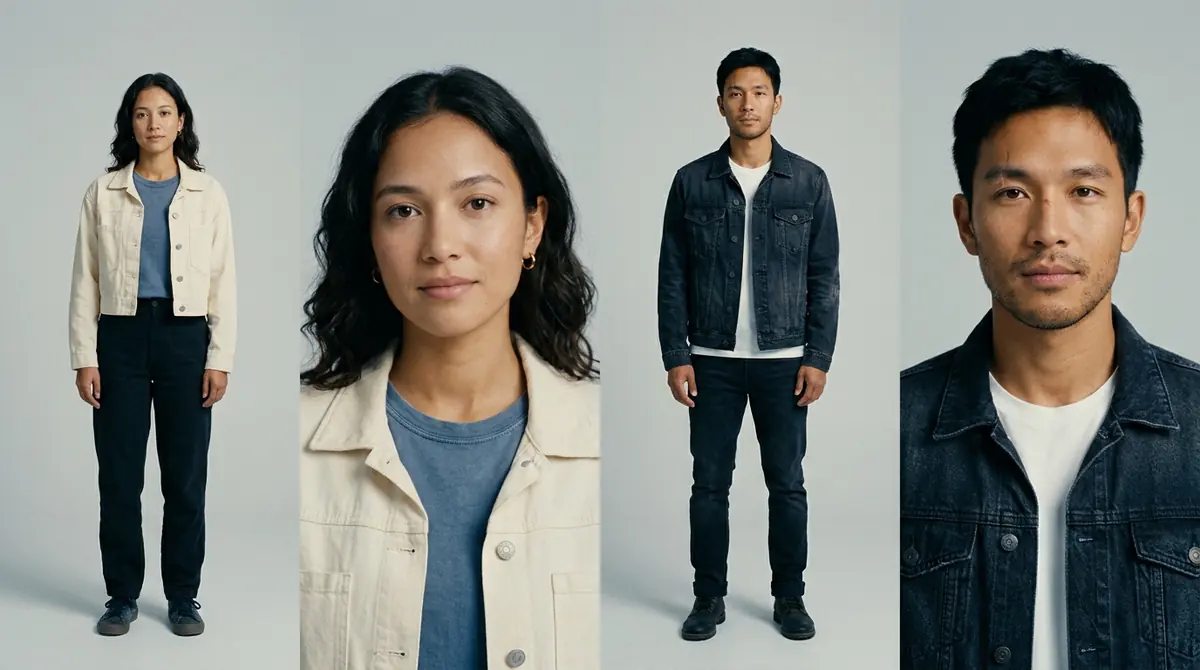
Story style, pop look, 16:9: two friends, one old car and a city that wakes up chorus by chorus.
Muvora has no fixed templates to fill in. You start from one of four styles and five genre looks, add a line about your idea, and the AI director writes a storyboard for your track: its own cuts on its own downbeats, its own chorus, its own ending. Then you edit every shot for free.
Free to start · 5 storyboards a month · No card needed
A template is cut to a clock that was set for someone else's song. A cut every two seconds fits a 120 BPM track, where one bar lasts exactly two seconds. Put a 100 BPM song under the same cuts and each bar lasts 2.4 seconds: the first cut arrives 0.4 seconds before the downbeat, and by the third it is half a bar early. The template has no idea where your chorus starts or where the drop hits either, so its biggest moment lands somewhere else.
See your song as a storyboard first
Upload the track and the AI director plans every shot on the beat in minutes. Edit anything for free; you only pay if you render.
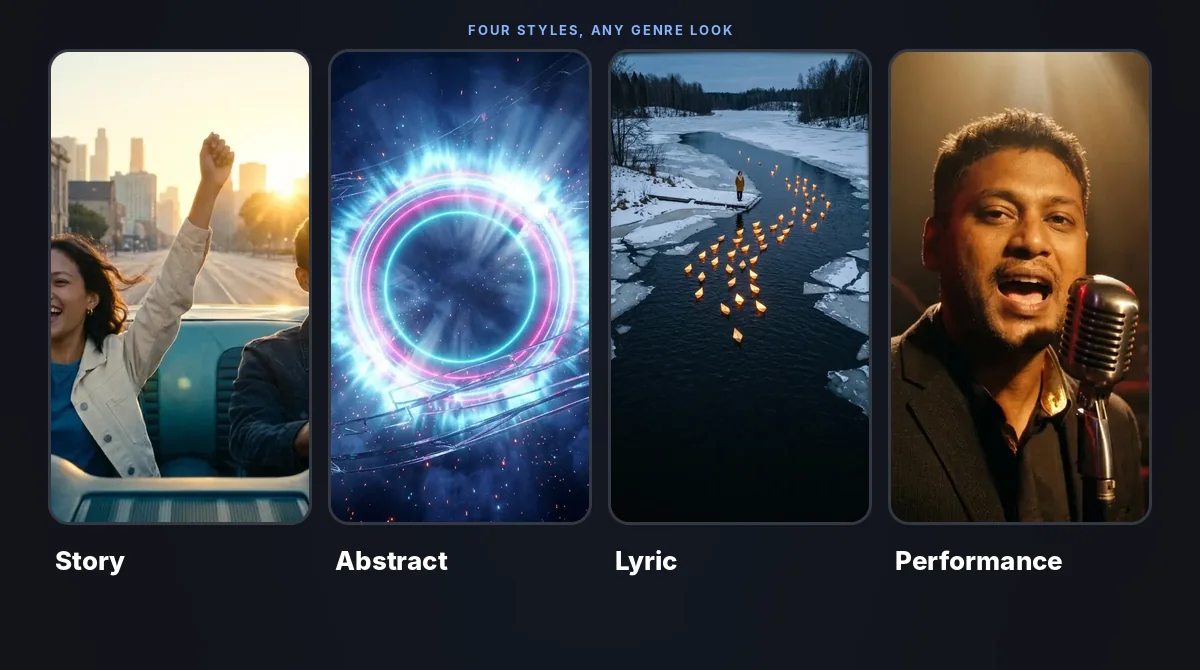
The vibe step takes four choices: a style (Story, Abstract, Lyric or Performance), a genre look (hip-hop, pop, EDM, rock or lo-fi), a shape (16:9, 9:16 or 1:1) and your idea in a few lines. From those and the analysis of your song, the AI director writes the brief and every shot. The genre look sets the pace as well: hip-hop, EDM and rock cut faster, lo-fi slower. For a genre without a look of its own, such as R&B or gospel, pick the look whose pace fits and describe the rest; the R&B music video maker page shows how. Not sure which style fits? The guide to music video styles compares them.
A template locks you into its shots; a storyboard is a draft. Rewrite any prompt, drag a cut to another beat, split a long shot or merge two short ones, or have the AI rewrite a shot from one instruction, and the price updates as you go. Style frames show the look before you spend anything, and credits pay only for the finished seconds you render. Prefer pencil and paper? The free printable storyboard template gives you blank panels to sketch on.
Each card opens the upload with its style, look and shape picked and a one-line idea in the box. Change any of it once your song is in: the storyboard is still written for your track, on its beats.
Story style, pop look, 16:9: two friends, one old car and a city that wakes up chorus by chorus.

Abstract style, EDM look, 1:1: one shape of light that gathers through the build and bursts on the drop.
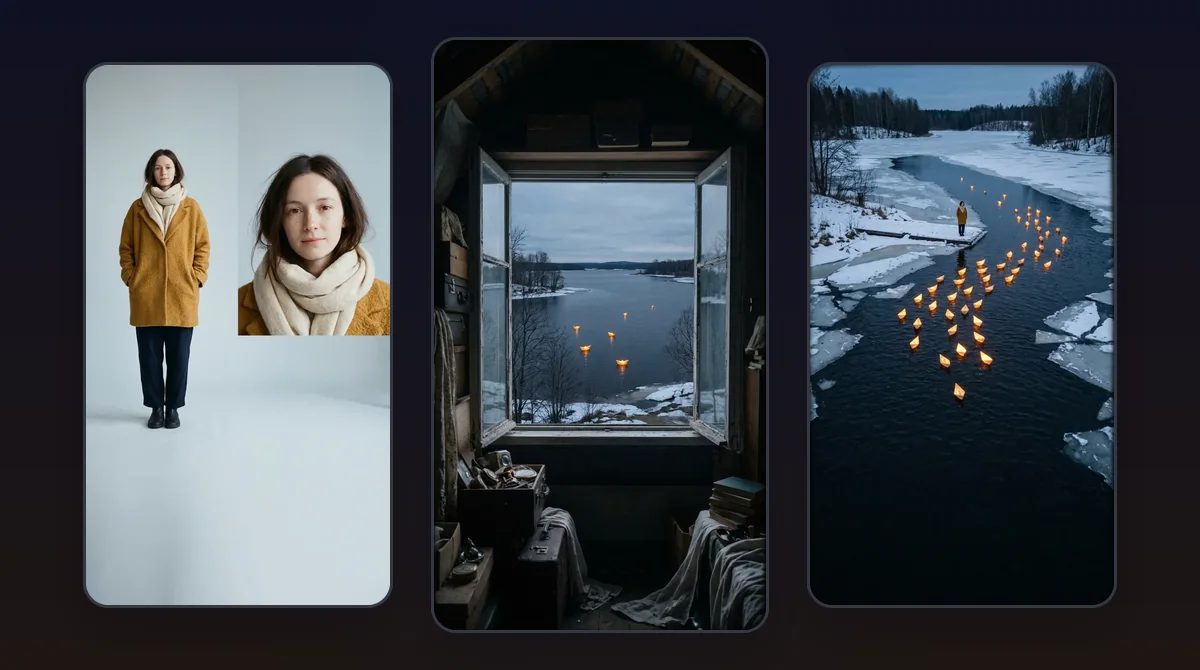
Lyric style, lo-fi look, 9:16: slow, quiet pictures with the lyrics on screen.

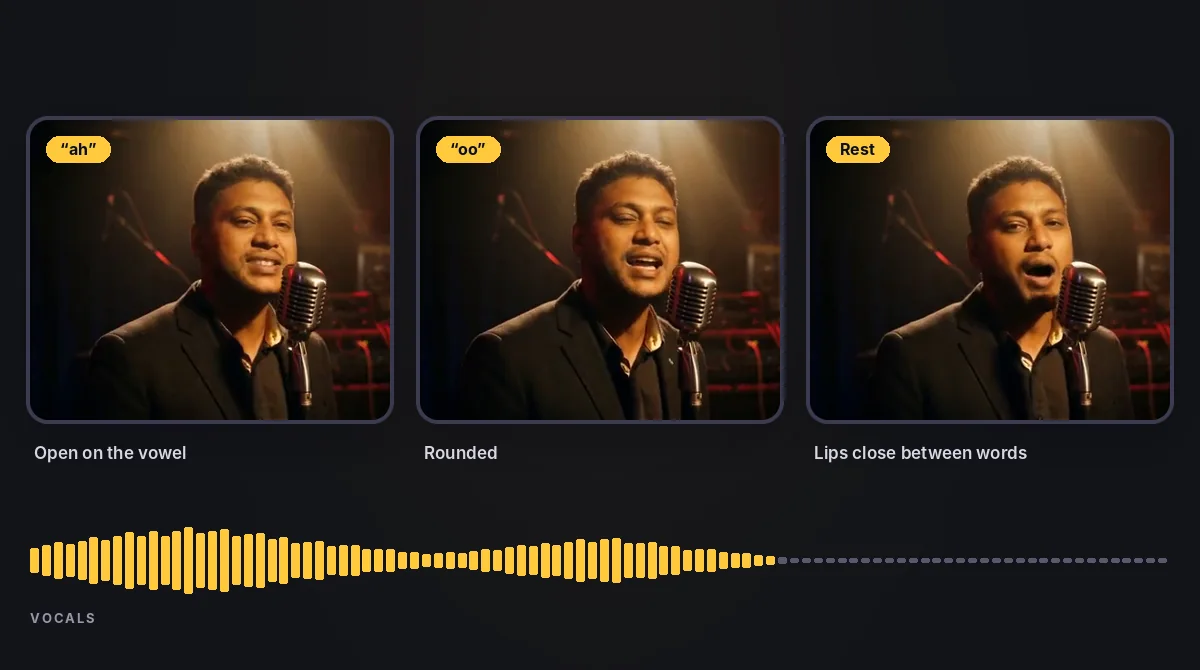
Performance style, rock look, 16:9: you singing from a photo, in a small club after hours.
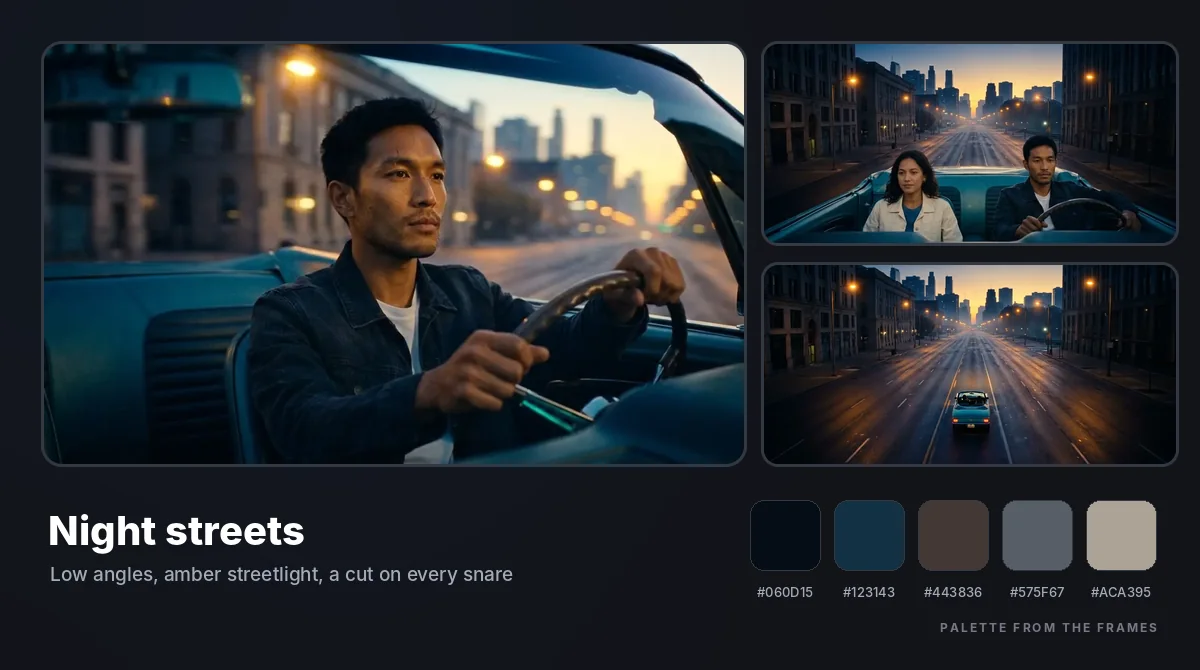
Story style, hip-hop look, 9:16: a late walk through the city, cut fast on the hook.
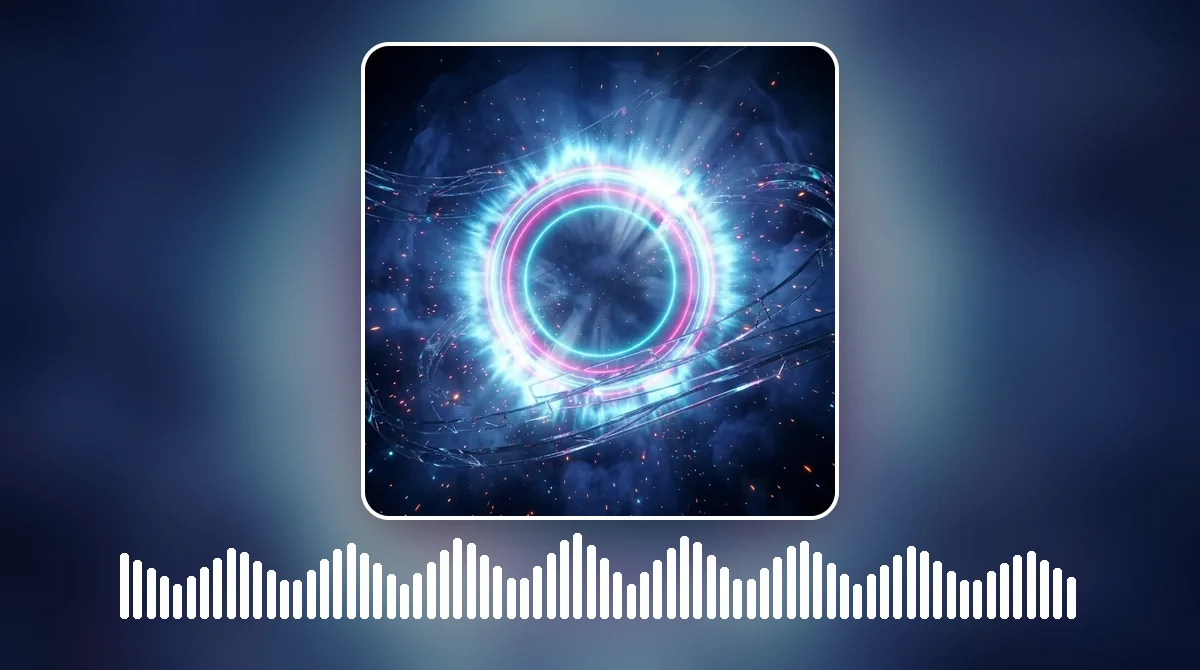
Abstract style, lo-fi look, 16:9: soft light that breathes with the music, nothing sharp or fast.

Lyric style, pop look, 9:16: a bright night out with the chorus ready to post as a short.
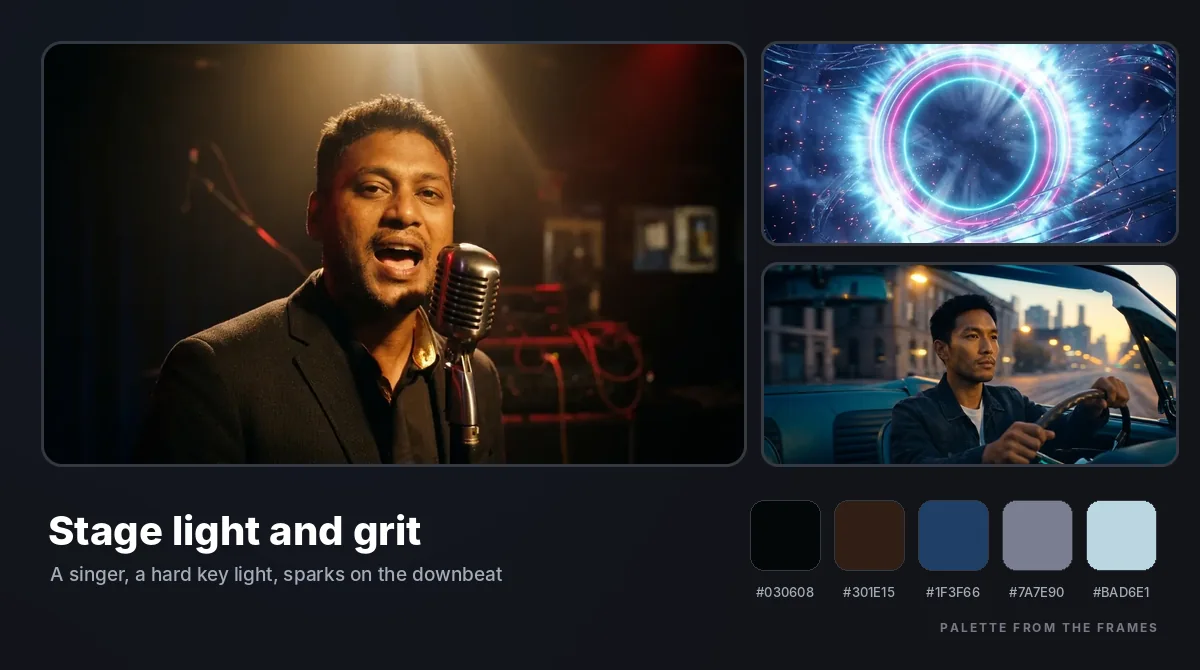
Story style, rock look, 16:9: a van, a desert highway and a gig at the end of it.
Performance style, 1:1: your cartoon or painted character lip-syncs, and the world is drawn to match.
Drop in an MP3, WAV, M4A or FLAC up to 8 minutes. Muvora finds the tempo, the beats, the downbeats and the sections of your song, like intro, verse and chorus.
An AI director writes a shot-by-shot plan timed to your downbeats. Rewrite any prompt, drag a cut (it snaps to the beat) or ask AI to redo a shot. None of it costs anything.
See the final price, then render. Pick Visualizer, Standard or Cinematic quality. If a shot fails, its credits come straight back.
Free storyboard in minutes. No card needed.
Can't find what you need? Start a free storyboard and see for yourself.
Not fixed ones. There is no library of finished videos to drop your song into. You choose a style, a genre look and a shape as a starting point, and the AI director writes a new storyboard for your track, timed to its tempo, sections and drops.
A template's cuts and big moments were timed for another song. Unless yours has the same tempo and the same structure, the cuts drift off the beat and the chorus imagery arrives early or late. A storyboard planned from your own song's analysis avoids both.
Story for characters and a plot, Abstract for shapes and color that move with the beat, Lyric when the words matter most, and Performance when you want a singer lip-syncing from one photo. If the first draft is wrong for the song, start another storyboard in a different style; the free plan makes 5 a month.
Not as a preset. The five genre looks are hip-hop, pop, EDM, rock and lo-fi. For R&B, country, metal or anything else, pick the nearest look and describe the world you want in the idea box: the places, the light, the wardrobe and how the chorus should feel.
Yes. Use the same style, look and idea wording for each upload and every storyboard is built around the same world, while each one is still cut to its own song's beats and sections.
If you are filming a video yourself and want a sheet to sketch on, Muvora's free printable storyboard template lets you pick the frame shape and the panels per page, then print it or save it as a PDF, with no sign-up.
A shot-by-shot storyboard for your song, timed to the beat and free to edit.
Learn more22 styles and looks, from performance and narrative to VHS and claymation, with the genres and budgets each suits.
Read the guideA printable music video storyboard: frames in your video's shape, numbered and timed from the tempo.
Open the tool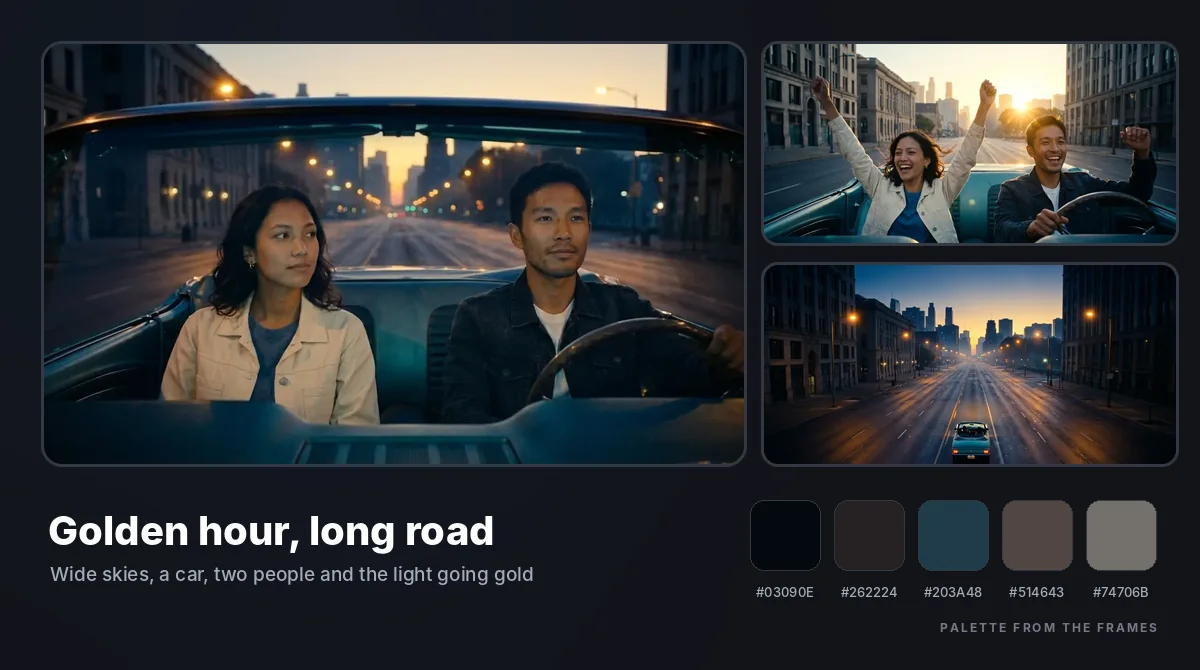
Country songs told plainly: a few real places, the light of one hour and the story the lyric already has.
Learn more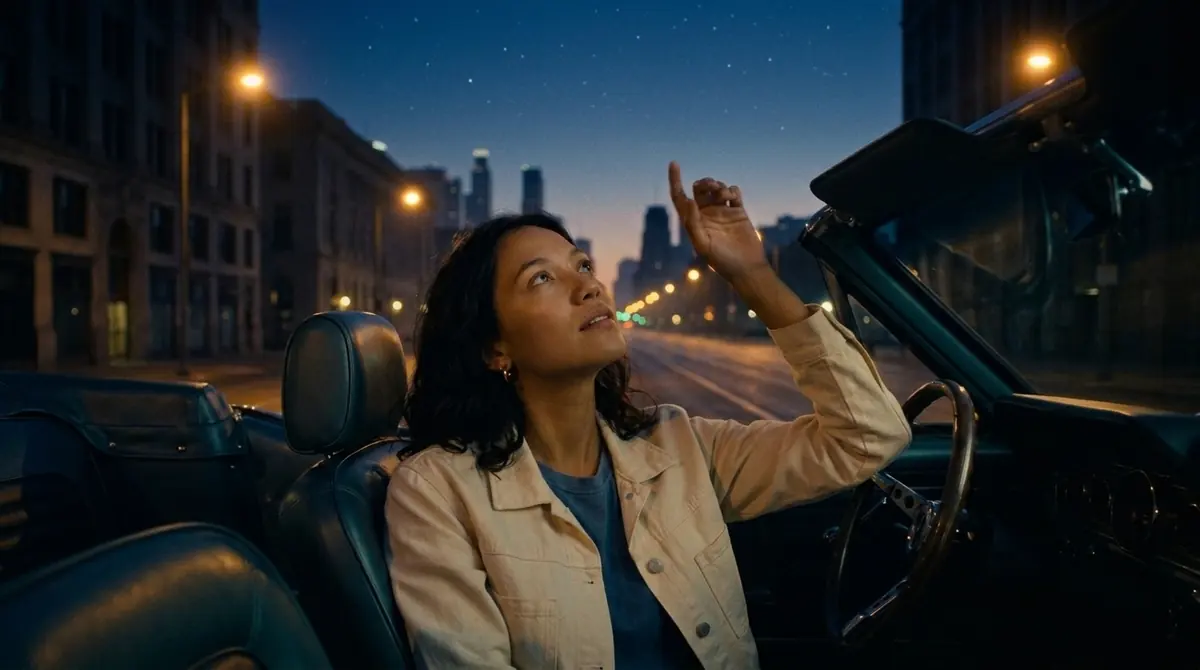
Over 40 concepts by genre and budget, and how to turn the right one into a storyboard.
Read the guide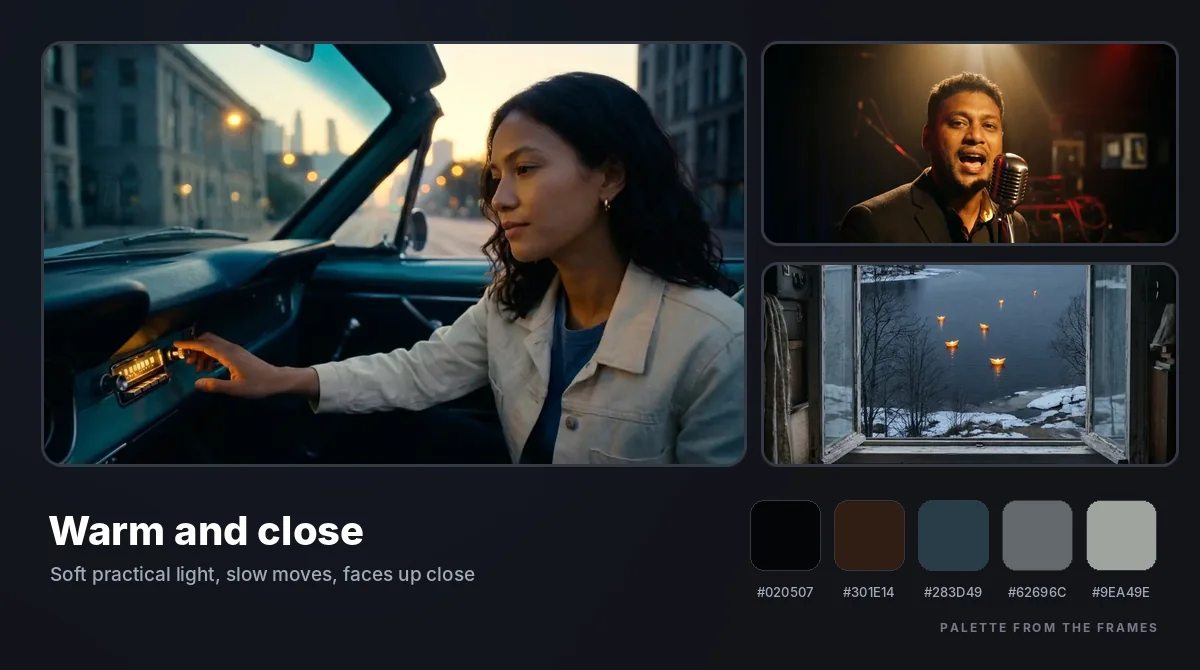
Close, warm R&B videos that hold on a slow groove and cut on the downbeats of your recording.
Learn moreDrop in any image and get its five to eight main colors with hex codes, shares and readable text colors, ready to copy as CSS or as an idea for a video.
Open the tool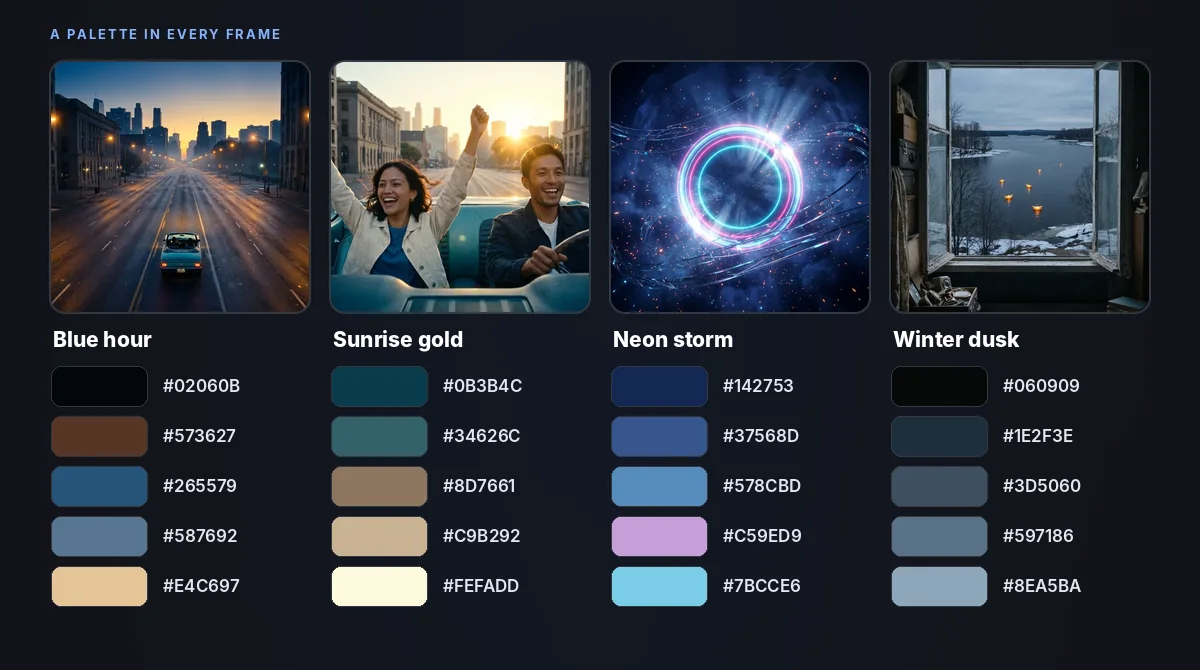
Example palettes by mood and genre with hex codes, warm and cool light, color schemes in plain words, and how the colors should grow into the chorus.
Read the guideEvery kind of music video Muvora makes, from lyric videos and visualizers to lip sync from one photo, grouped by what you're making.
See them allUpload a track and get a free beat-synced storyboard in minutes. Render it when you are ready.
No card needed to start.





