Get the color palette of any image, in hex and in words
Open, drop or paste a picture (a mood board, a location photo, your cover art, a frame from a reference) and see its five to eight main colors beside it, each with its hex and RGB values, an approximate name, how much of the picture it covers and whether white or black text reads on it. Sort them, copy them as a hex list, CSS variables or one plain sentence for a music video idea box, or save them as a PNG swatch strip. The image is read in your browser and never uploaded.
Free, no sign-up. Runs in your browser: nothing is uploaded.
Showing a sample picture. Drop, paste or open an image (JPG, PNG, WebP or GIF) to take its colors. It never leaves your device.
Copied a screenshot or a frame? Paste it here with Ctrl+V (⌘V on a Mac).
A 1920 × 640 PNG, a column a color with its name, hex, RGB and share, in the order shown.
6 colors from the sample
- White text
13.0:1 AAAInk blue
33% of the image
#223051
RGB 34, 48, 81
- White text
8.6:1 AAASlate
32% of the image
#3D4B6D
RGB 61, 75, 109
- White text
17.8:1 AAANear-black
17% of the image
#131726
RGB 19, 23, 38
- Black text
7.3:1 AAACoral
10% of the image
#E67A66
RGB 230, 122, 102
- Black text
10.1:1 AAAApricot
8% of the image
#F2A25F
RGB 242, 162, 95
- Black text
5.9:1 AAHot pink
1% of the image
#F73C87
RGB 247, 60, 135
Names are approximate: each is the nearest of about a hundred plain color names. Shares are of the picture's visible pixels; the text color on each swatch is white or black, whichever passes WCAG contrast by more.
Copy the palette
Paste the sentence into Muvora's idea box, then add where the colors go: the wardrobe, the walls, the light. The director builds the video's look around the colors you name; the AI draws toward them rather than matching a hex code exactly.
Text that reads on this palette
Pairs of the palette's own colors at 4.5:1 or more, WCAG's AA level for body text: for a cover's type, a thumbnail or a poster.
- Apricot on near-black8.5:1 · AAA
- Apricot on ink blue6.2:1 · AA
- Coral on near-black6.2:1 · AA
- Hot pink on near-black5.0:1 · AA
- Coral on ink blue4.5:1 · AA
Song finished? Upload it and Muvora plans the whole video on its beats. The storyboard is free.
Make the videoUpload a new songHow to use the color palette generator
- 01
Open an image
Choose a file, drag it onto the tool or paste a screenshot with Ctrl+V (⌘V on a Mac). JPG, PNG, WebP and GIF all work, at any size.
- 02
Choose how many colors
Pick five to eight. Five gives the picture's main colors; eight separates close shades and keeps small accents, such as a neon sign, as colors of their own.
- 03
Read and sort the swatches
Every swatch lists its hex, RGB, approximate name, share of the picture and the text color that passes contrast on it. Order them by share, by lightness or around the hue wheel.
- 04
Copy or save the palette
Copy a hex list, CSS custom properties or the idea box sentence, download the swatches as a PNG, or take the sentence straight into a new storyboard in Muvora.
How the colors are picked
Counting the most common pixels gives you five shades of the same sky. The tool works on a small copy of the picture, at most 200 pixels a side, and groups every pixel with the ones that look like it, measured in OKLab, a color space built so that equal distances look like equal differences. It makes a few more groups than you asked for, folds away specks under half a percent of the picture, then merges the closest pairs until the palette has its size and no two swatches look alike. Each swatch is the average of its group, and the same picture always gives the same palette.
- Grouped by how alike colors look (OKLab)
- Near-identical shades merged
- Small accents kept when they stand apart
Share, lightness and contrast
The share says which colors set the mood and which only punctuate it: a frame that is 70% deep navy and 5% sodium orange reads as night with one warm light, while the same two colors half and half read as a sunset. Sorting by lightness shows the spread from the darkest color to the lightest, which shapes a mood as much as any hue. The ratio on each swatch is WCAG 2's contrast: 4.5:1 is the AA level for body text, 7:1 is AAA, and 3:1 passes only for large type, the check to make before you set a title on a cover or a thumbnail.
- Main colors, supporting colors, accents
- Lightness order shows the value range
- A WCAG ratio for text on every swatch
From a reference picture to a video's look
Directors build a look from references: a photo of the location, a painting, the cover art, a still whose mood they want. Put the reference through the tool, keep the three or four colors that carry the feeling, and give each one a place: the walls, the wardrobe, the light, the sky. Words travel better than codes when you brief a crew or an AI, so the sentence names the colors in plain terms, in order of how much of the frame they fill, and the hex codes stay for the designer.
- Start from a picture whose mood you want
- Give each color a job: set, wardrobe or light
- Brief in words, design with hex codes
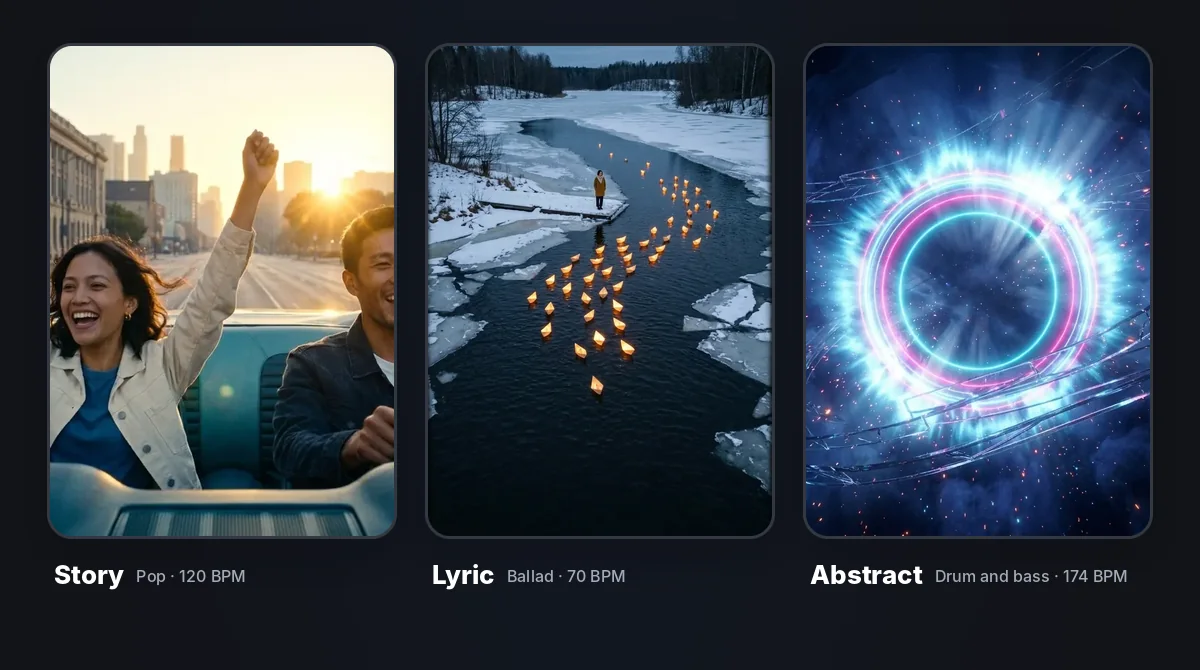
Describe the palette and get a storyboard in it
Paste the sentence into Muvora's idea box when you upload your song, then say where the colors belong: a navy coat, an orange streetlight, a pale cyan dawn. The AI director builds the brief's palette, light and locations around them, the style frames show the look before you pay, and the brief's color swatches can be changed in the editor. The pictures lean toward the colors you name; they won't match a hex code exactly.
Questions, answered
Can't find what you need? Start a free storyboard and see for yourself.
How do I get a color palette from an image?
Open, drop or paste the image into the tool and it shows the five to eight colors that cover most of it, each with its hex code, RGB values and share of the picture. Choose how many colors you want, then copy the codes or download the swatches as a PNG.
Does the palette generator upload my picture?
No. Your browser reads and measures the picture on your own device. Nothing is sent to a server or saved, and closing the tab clears it.
Why is a swatch slightly different from the pixel I'd pick with an eyedropper?
Each swatch is the average of a group of similar pixels, not one pixel, so grain, gradients and compression even out. That is what makes it a palette rather than a sample. If two shades you care about end up in one swatch, ask for more colors.
How accurate are the color names?
Approximate by design. Each swatch takes the nearest of about a hundred plain names, such as navy, sodium orange or pale cyan, so the palette can be described in words. The hex code is the exact color the swatch shows.
How many colors should a music video palette have?
Usually three to five that matter: one or two that fill most of the frame, one or two that support them, and a single accent in small doses, such as a neon sign or a red jacket. Past that, nothing stands out.
Will Muvora make my video in these exact colors?
It builds the look around them rather than matching the codes. Describe the palette in the idea box and the director writes it into the brief's colors and light, which you can see in the style frames and change in the editor before you render.
Keep exploring
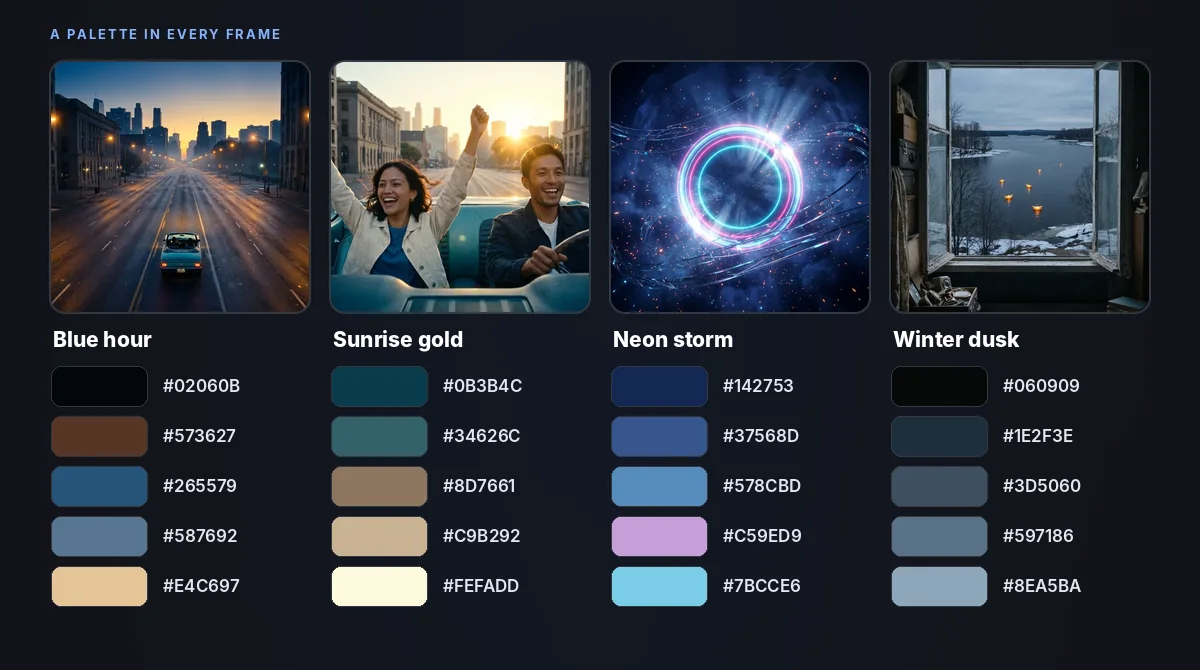
Music video color palettes
Example palettes by mood and genre with hex codes, warm and cool light, color schemes in plain words, and how the colors should grow into the chorus.
Read the guide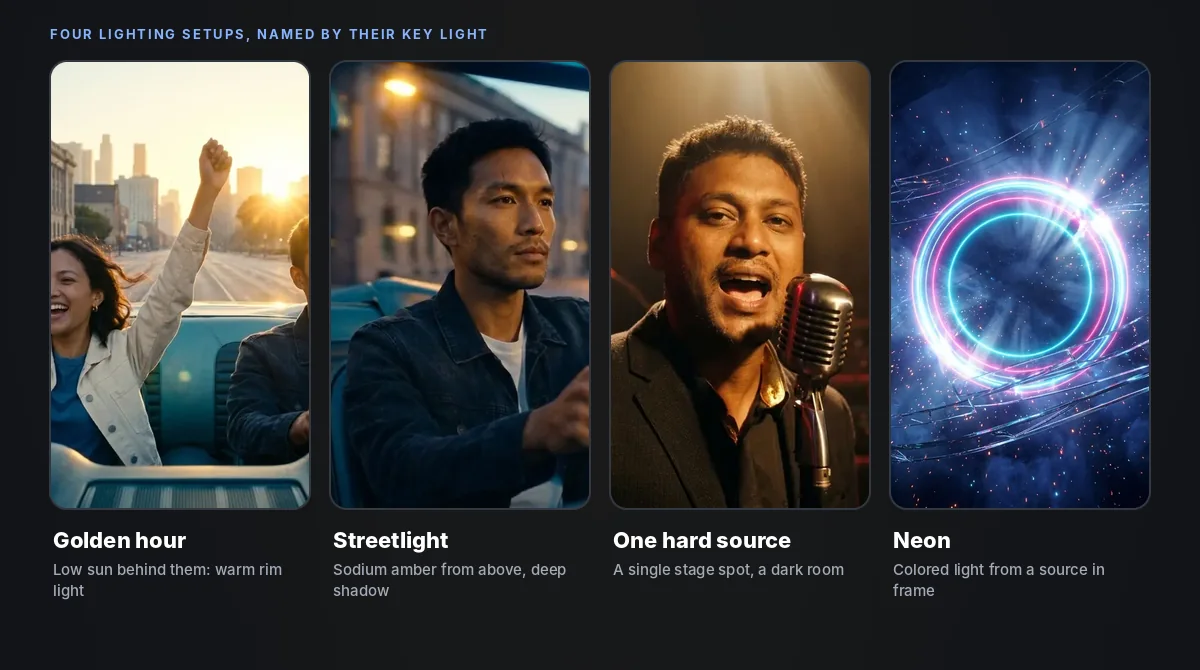
Music video lighting setups
Lighting setups and ideas for music videos: key, fill and back light, practicals, golden hour, neon, haze and one-light looks.
Read the guideMusic video prompt generator
An image prompt and a motion prompt for any shot, checked for the mistakes that ruin AI video.
Open the toolAlbum cover checker
Check cover art against Apple Music, Spotify and distributor rules: square, pixel size, format, color mode and file size.
Open the tool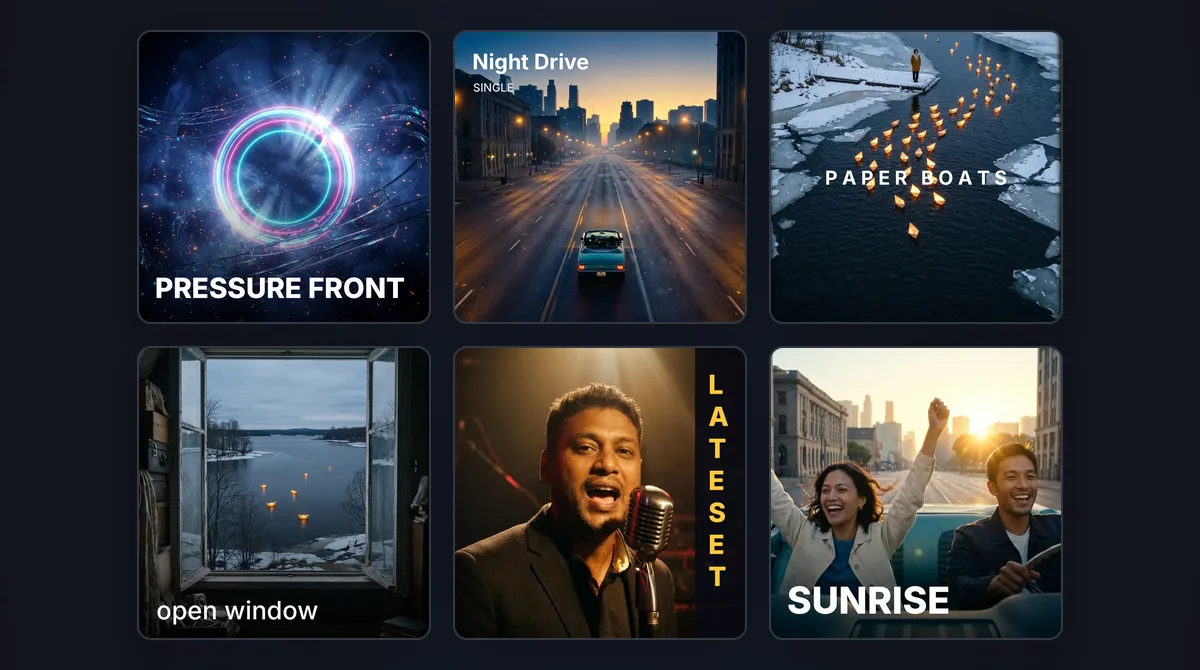
Album cover ideas
28 cover art concepts, from a phone-lit portrait to a three-single rollout, each written so a designer can make it and a video can match it.
Read the guide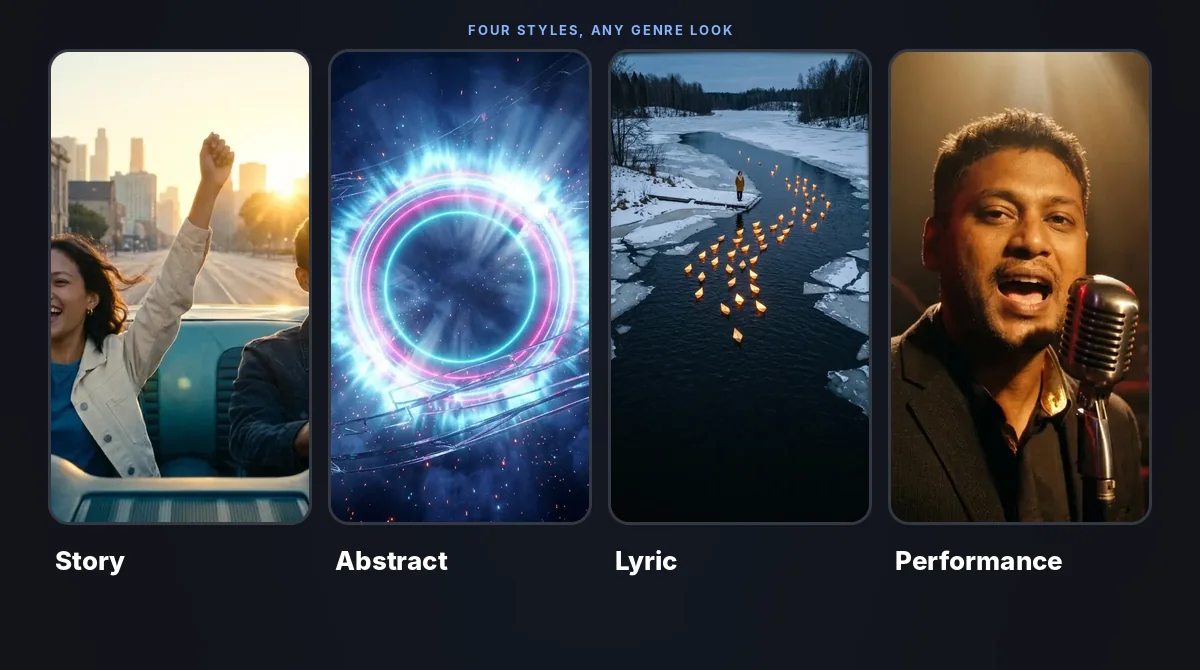
Music video templates
Styles and genre looks to start from, then a storyboard written for your own song.
Learn more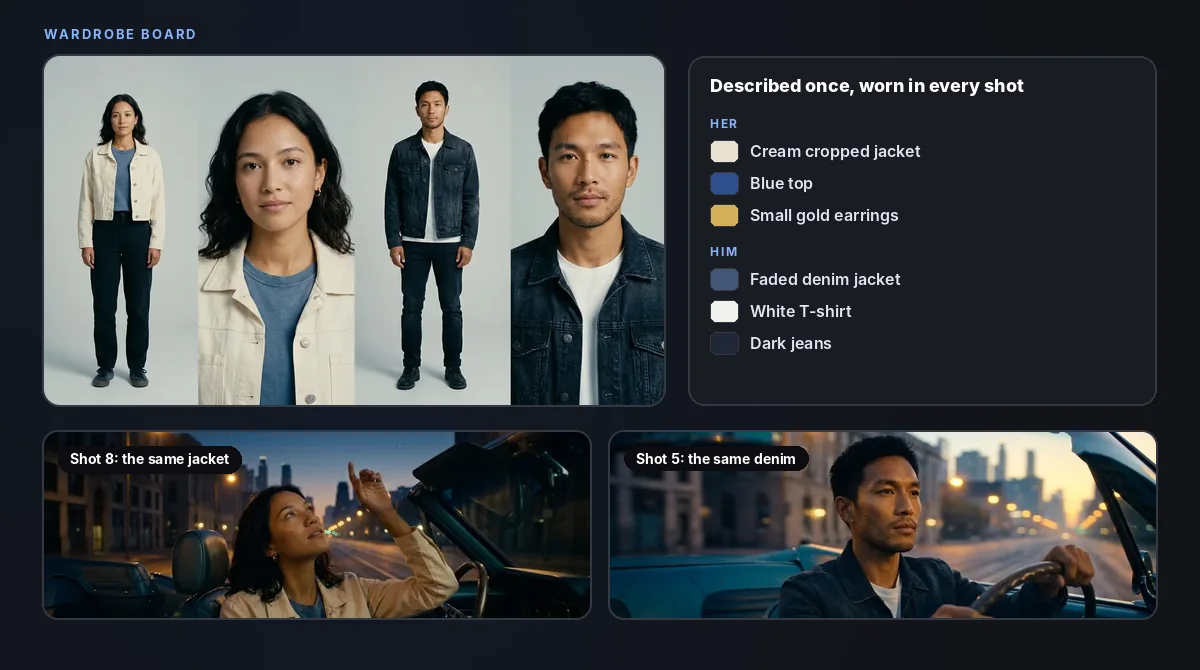
Music video outfit ideas
24 outfit ideas by genre and concept, and how to choose wardrobe that works on camera: shape, color, fabric, patterns and continuity.
Read the guideAlbum cover maker
Make 3000 × 3000 cover art from your own photo or a color, with the artist name and title in fonts licensed for commercial use.
Open the toolMusic video mood board
Lay out up to nine of your own images on a 1920 × 1080 board, get its color palette, and turn the look into words for a video.
Open the toolMidjourney alternative
Muvora and Midjourney side by side: a whole music video planned and cut on your song's beats, against short silent clips animated from one image at a time.
See the comparisonGig poster maker
Make a show poster from your photo, a video frame or a color: act, date, venue and tickets laid out for print and Instagram, with a QR code.
Open the tool
More free tools: plan the video
Ideas, treatments, prompts, shot lists and storyboards timed to the beat, a call sheet for the shoot, and what a render would cost.
Your song deserves a music video
Upload a track and get a free beat-synced storyboard in minutes. Render it when you are ready.
No card needed to start.






