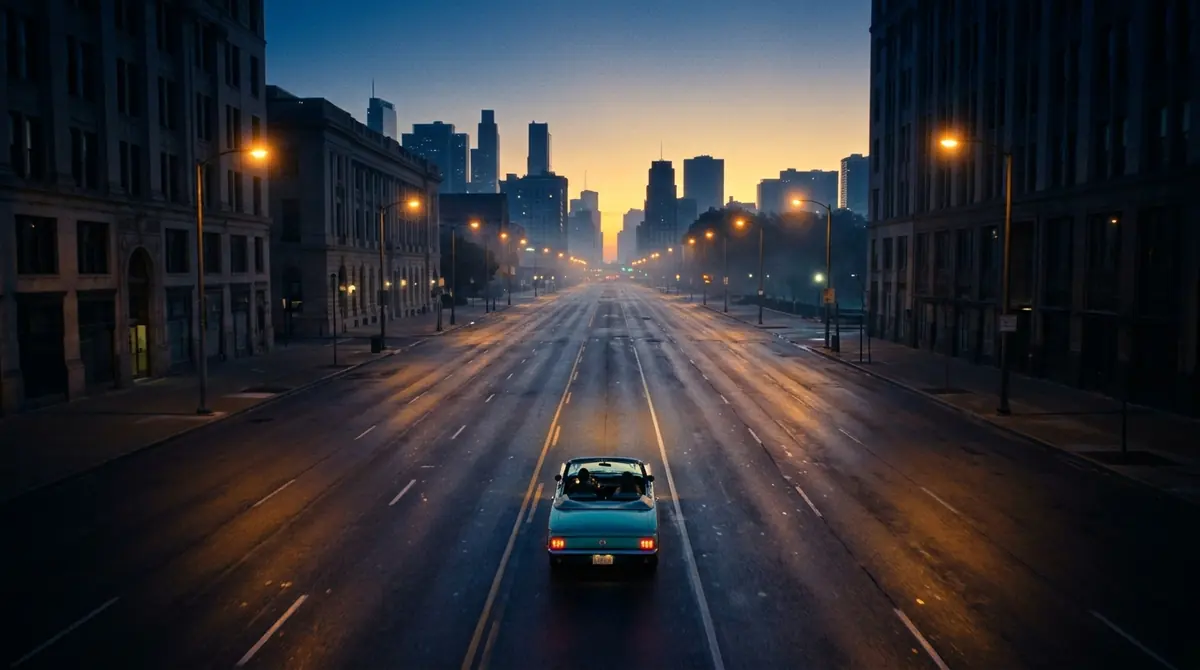
Motel at the edge of the desert
Story style, EDM look: a drive to a desert motel at dusk and back out onto the highway on every chorus.
Synthwave's pictures arrive with its sound: a low striped sun, neon bent into shapes, chrome catching it, an empty road and a car with its headlights up. The craft is getting the decade without the clichés swallowing your song. Upload your track and Muvora maps its bars, its sections and any drop, plans the cuts at the pace of the genre look you pick, and writes a storyboard around the places, the people and the colors you name in the idea box. Every picture is drawn in that look from the first frame, and every shot can be changed for free before you render.
Free to start · 5 storyboards a month · No card needed
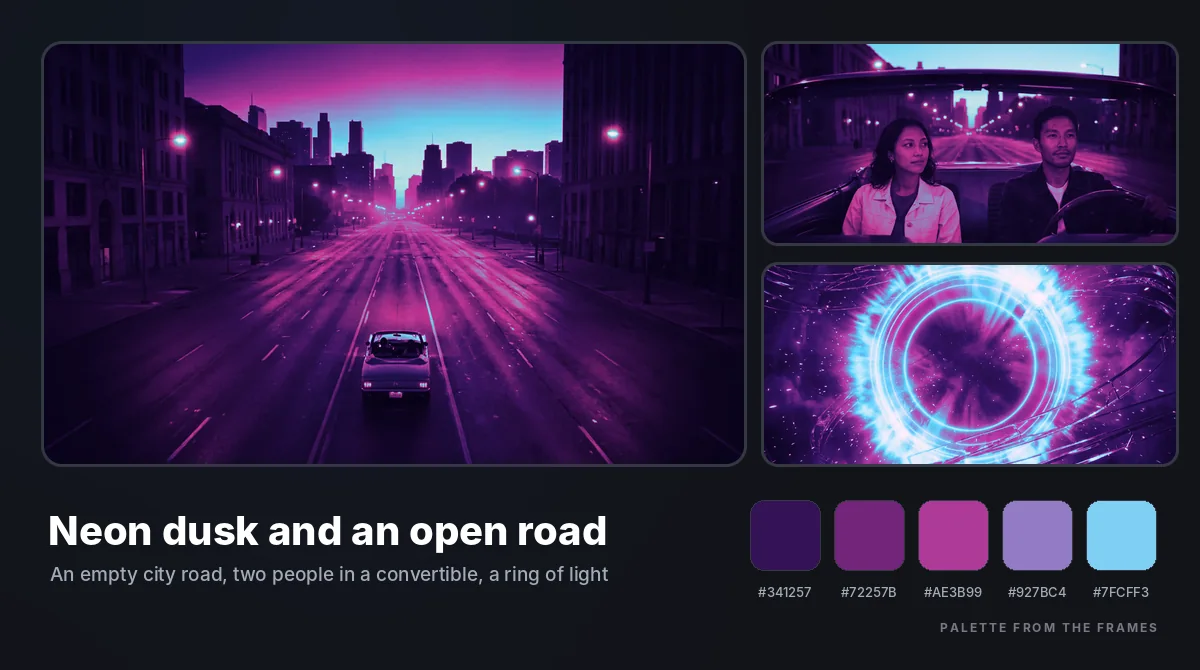
Synthwave often sits somewhere between about 80 and 120 BPM, and at 100 BPM a bar lasts 2.4 seconds, long enough for a slow glide down a street. Muvora has no synthwave look, so the one you pick sets the pace. On a typical vocal arrangement at 100 BPM (an 8-bar intro, verses and choruses of 16 bars, a 16-bar solo and an 8-bar outro), the pop look opens on three-bar shots (about 7.2 seconds), holds the verses two bars a shot (4.8) and changes picture every bar in the choruses (2.4). The EDM look keeps the same verses and choruses, but cuts the intro every two bars and the solo, where the saxophone or the lead synth takes over, every bar instead of every two, which suits a driving, outrun-style track. The lo-fi look stretches everything: verses mostly three bars a shot and choruses two, for a hazy, slow one. An instrumental with a real drop gets more: on the EDM look at 100 BPM the build cuts every bar, and the drop opens with a two-frame white flash and two half-bar shots (1.2 seconds each) before settling back to a bar a shot. Type synthwave, retrowave or outrun in the song's genre field and no look is picked, while synth-pop picks pop, so choose on the vibe step. Every cut lands on a downbeat; the BPM and key finder reads your tempo first if you need it.
See your song as a storyboard first
Upload the track and the AI director plans every shot on the beat in minutes. Edit anything for free; you only pay if you render.
The 80s look isn't a filter laid over the video afterward. It comes from your words, and every picture is drawn in it from the start, so the idea box (up to 600 characters) does the work. Pick a time of night and a place, then name what gives off the light: neon tubes bent into rings and triangles along a roofline, a low striped sun on the horizon, the cyan glow of a swimming pool after dark, a dashboard's magenta readouts, sodium lamps on a coast road, a cathode-ray screen flickering blue in a dark bedroom. Keep the palette to two or three colors (magenta and cyan on navy is the classic, with a stripe of orange for the sun) and repeat them, because a look that holds still is what makes it read as a decade rather than a costume. Props carry the period too: pop-up headlights, chrome trim, a cassette deck, a pager, a satin jacket, sunglasses at night. No lettering is drawn into the pictures, so the neon makes shapes rather than words, signs and dashboards stay wordless, and arcade cabinets show light rather than titles. The director names each face's expression to fit the song's mood and lights each shot from something in it, so a melancholy track gets a quiet face in a car window rather than a pose. Wireframe grids, chrome spheres and palm silhouettes are all yours to ask for: pick one, not all of them, and the video stops looking like a poster. The 80s music video ideas guide has fifteen concepts in four 80s looks, and music video color palettes gives the hex codes.
Plenty of synthwave has no singer, and an instrumental works in Story or Abstract: no captions and no lip sync, so the pictures carry the track. With a vocal, Performance lip-syncs the singer from one clear, front-facing photo with the consent box ticked, wherever the vocal carries the shot, and the singer can turn up in other shots too, at the wheel or on a rooftop at dusk. The performer can also be a drawn character, and the whole video is then made in that drawing's medium, which suits an anime or comic-book take on the decade. Lyric puts karaoke captions over the pictures, each word lighting up as it's sung. A 16:9 render gives the YouTube video, a 9:16 cut for clips, a square post and an 8-second Spotify Canvas: silent, vertical and made to loop, cut from the strongest chorus moment for the space behind the track in Spotify's app. Render in 9:16 and there's no widescreen file. Long tracks are fine up to 8 minutes and 60 MB, and Visualizer, at 38 credits a finished second, keeps a six-minute instrumental affordable. For a track with no vocal at all, the instrumental music video maker goes further, and the faster side of the club is on the drum and bass music video maker.
Each card opens the upload with a style, a genre look and a neon idea already in the box. Change the place, the car and the colors to your own before the storyboard is written; the pace comes from the card's look, which you can switch on the vibe step.
Story style, EDM look: a drive to a desert motel at dusk and back out onto the highway on every chorus.

Performance, pop look: you sing on a city rooftop at dusk while the skyline's neon switches on block by block.
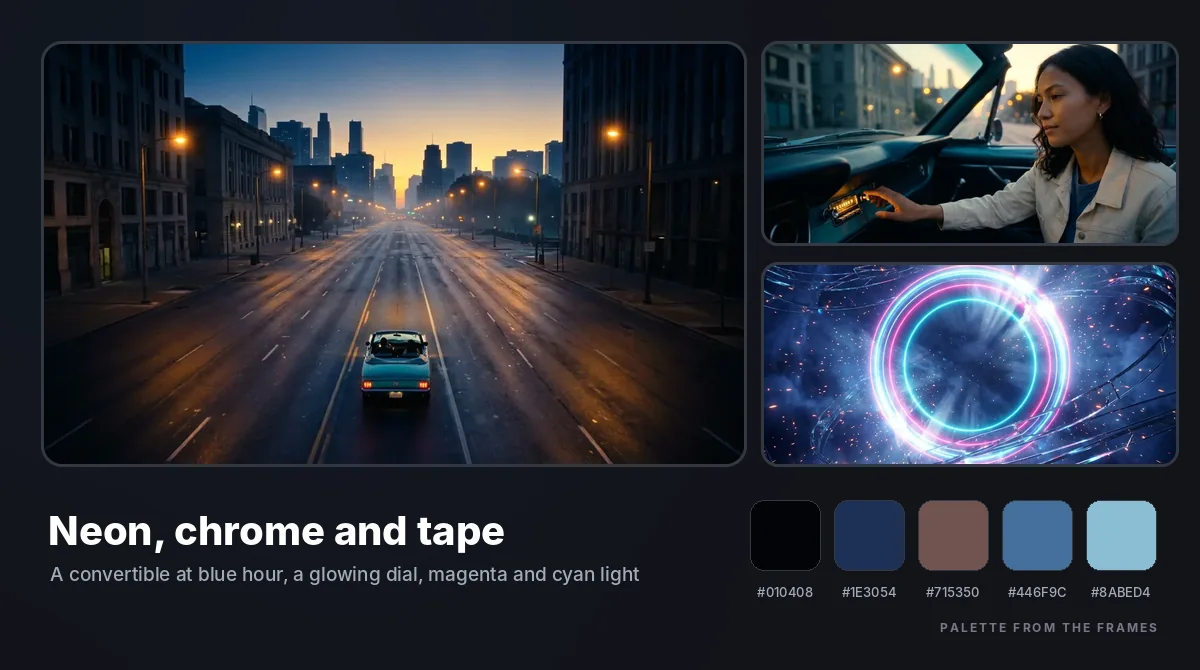
Abstract style, EDM look: slow glides over a city of glass towers in fog, every window flashing on the drop.

Story style, pop look, 9:16: a roller skater on a seaside boardwalk at dusk, framed tall for clips and the Canvas.
Drop in an MP3, WAV, M4A or FLAC up to 8 minutes. Muvora finds the tempo, the beats, the downbeats and the sections of your song, like intro, verse and chorus.
An AI director writes a shot-by-shot plan timed to your downbeats. Rewrite any prompt, drag a cut (it snaps to the beat) or ask AI to redo a shot. None of it costs anything.
See the final price, then render. Pick Visualizer, Standard or Cinematic quality. If a shot fails, its credits come straight back.
Free storyboard in minutes. No card needed.
Can't find what you need? Start a free storyboard and see for yourself.
Yes. Upload the finished track (MP3, WAV, M4A, AAC or FLAC, up to 8 minutes) and the analysis finds its tempo, bars, sections and any drops. Pick a style and a genre look, describe the neon, the places and the colors in the idea box, and the AI director writes a storyboard cut on the downbeats. Changing it is free; you pay only for the seconds you render.
EDM for a driving, outrun-style track, since it cuts the intro and any solo faster; pop for a mid-tempo song with a vocal; lo-fi for a slow, hazy one, which holds verses about three bars a shot. Typing synthwave in the genre field picks no look, so choose on the vibe step. The neon itself comes from what you write.
It can look like the 80s people remember: describe the light, the props and the palette, and every picture is drawn that way from the start rather than filtered afterward. Ask for a clean, glossy night or a soft camcorder look, not both, and keep to two or three colors so the look holds from shot to shot.
Not in the pictures: no lettering or logos are drawn into them, so neon appears as shapes. Your title goes in the video's title and description, or on a title card you add in an editor after downloading, and sung words can appear as karaoke captions.
No. An instrumental works in Story or Abstract: the analysis takes its bars, sections and drops from the drums and the arrangement, and the pictures carry it with no captions or lip sync. Performance needs a vocal to lip-sync, so keep it for tracks with a singer.
The storyboard costs nothing to write or edit, and the free plan makes 5 new ones a month. Rendering is priced per finished second: 38 credits in Visualizer, 60 in Standard or 110 in Cinematic, with lip-synced seconds at 75. A 3-minute track in Visualizer is 6,840 credits, and the exact total shows before you generate.
15 retro concepts in four 80s looks, from synthwave neon and pastel malls to camcorder road trips, with the palette, light and wardrobe of each.
Read the guide
Build-ups, drops and lasers that hit exactly on the one.
Learn more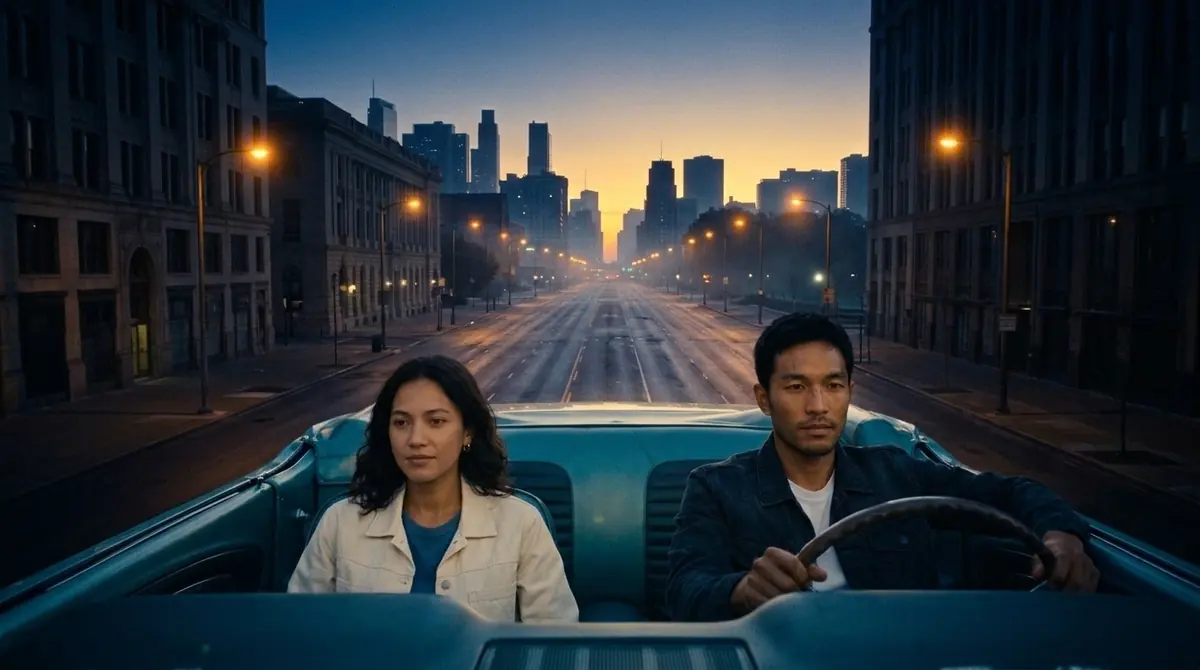
Bright, glossy and always moving, with a chorus that pays off.
Learn more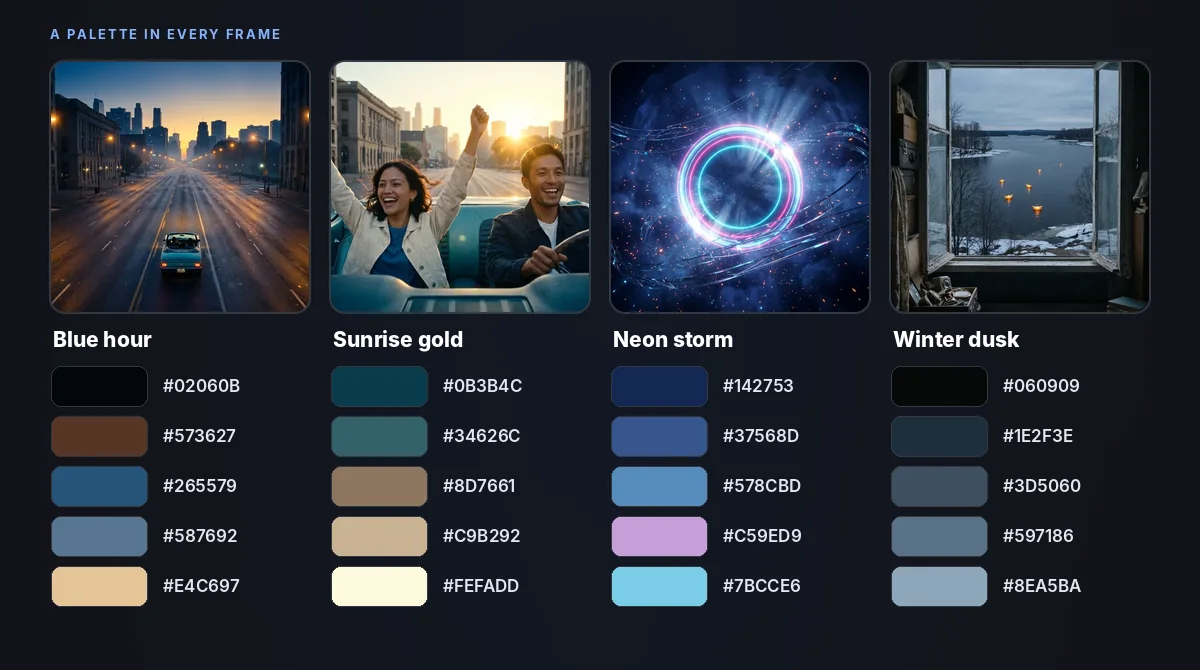
Example palettes by mood and genre with hex codes, warm and cool light, color schemes in plain words, and how the colors should grow into the chorus.
Read the guide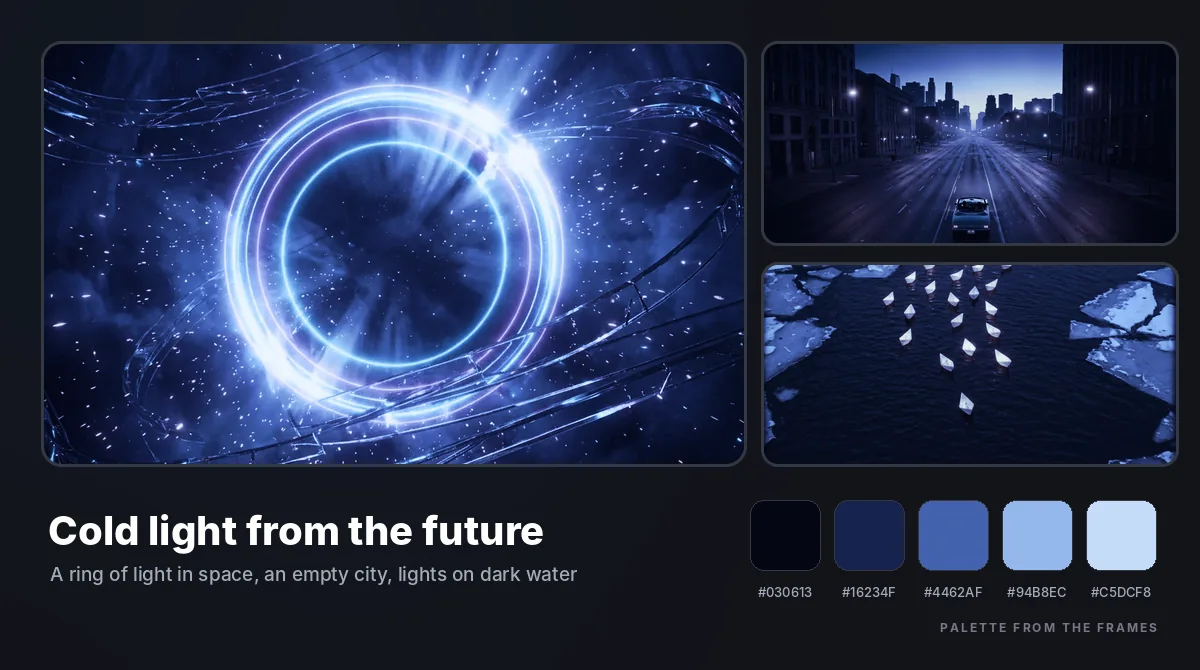
15 sci-fi music video ideas: first contact, space stations, retro futures and neon cities, each made to read as the future without a word on screen.
Read the guide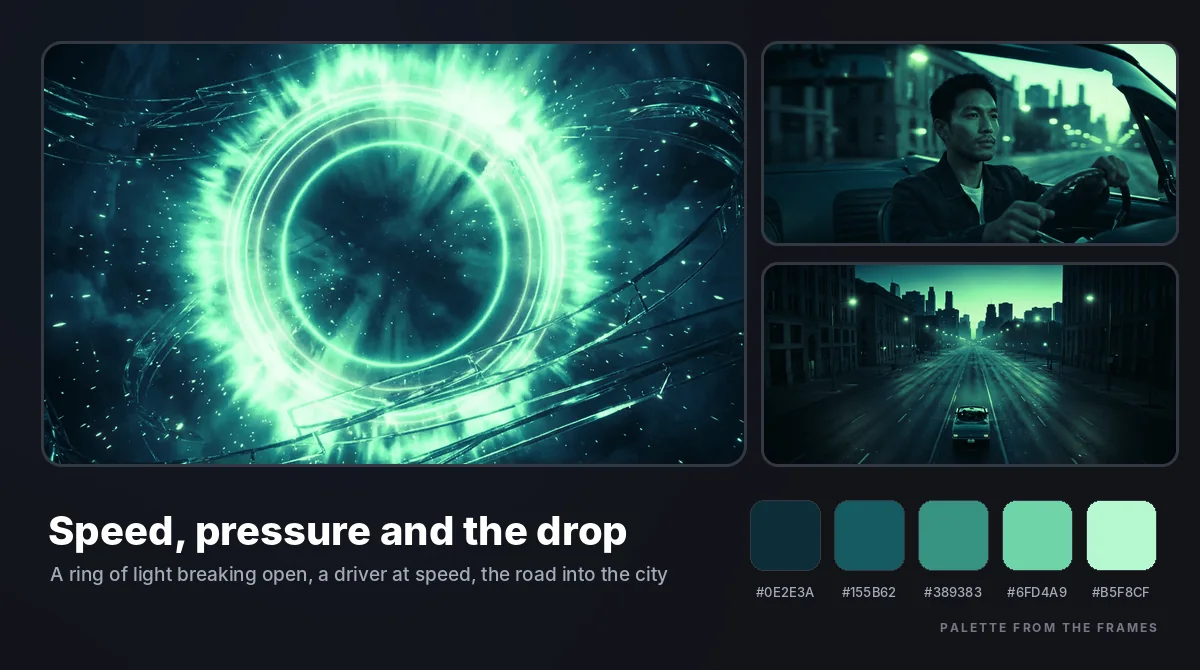
Drum and bass videos counted in half time at 174 BPM: long shots through the build, a flash on the drop and a new picture every two bars after it.
Learn more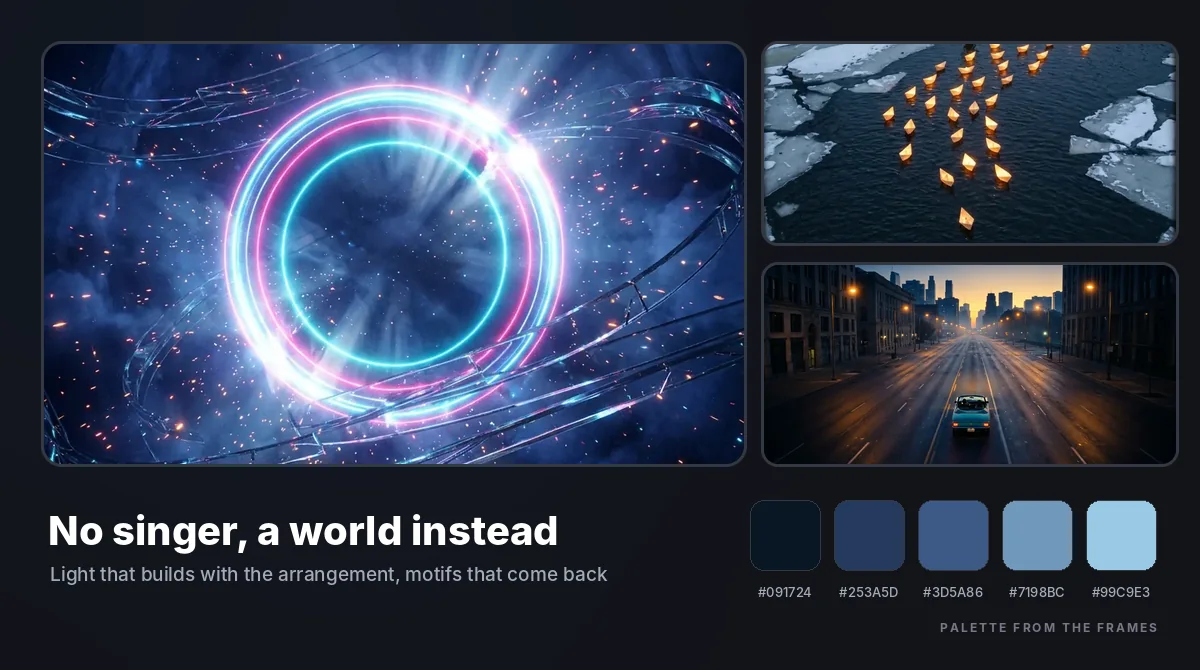
Videos for music without vocals: post-rock, ambient, piano, film-score style and jazz, cut to the arrangement.
Learn more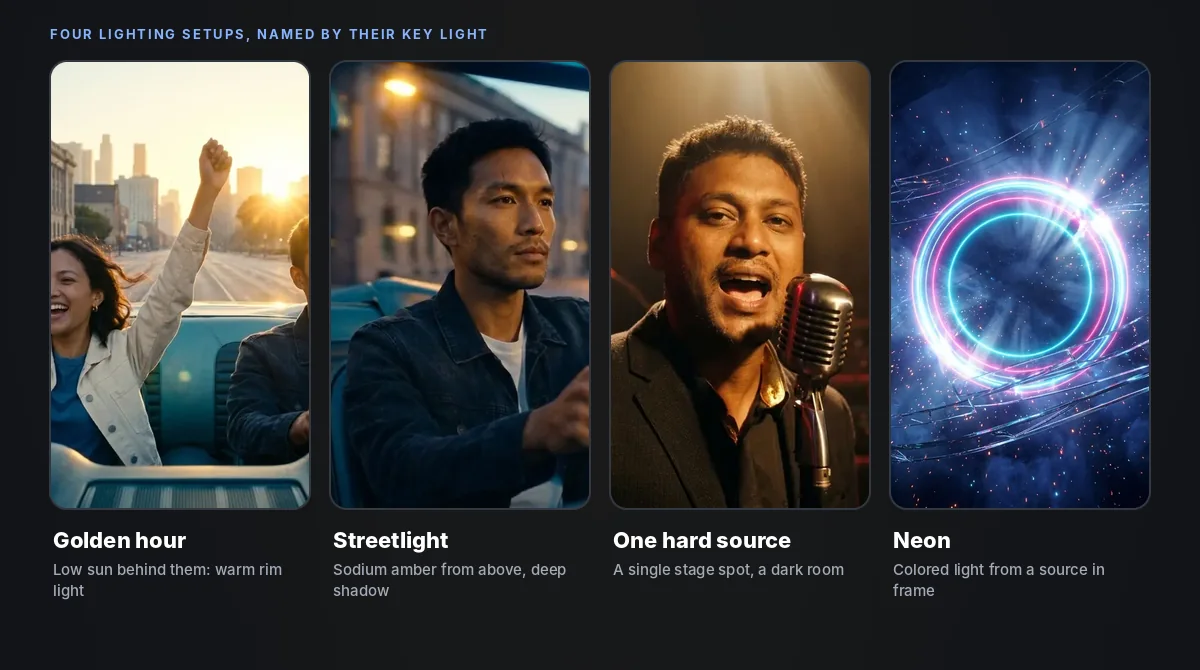
Lighting setups and ideas for music videos: key, fill and back light, practicals, golden hour, neon, haze and one-light looks.
Read the guide
An 8-second vertical loop cut from your video, sized for Canvas.
Learn more
AI video for a whole song, cut on the beat, at the lowest credit rate.
Learn moreUpload a track and get a free beat-synced storyboard in minutes. Render it when you are ready.
No card needed to start.



