
The four-minute build
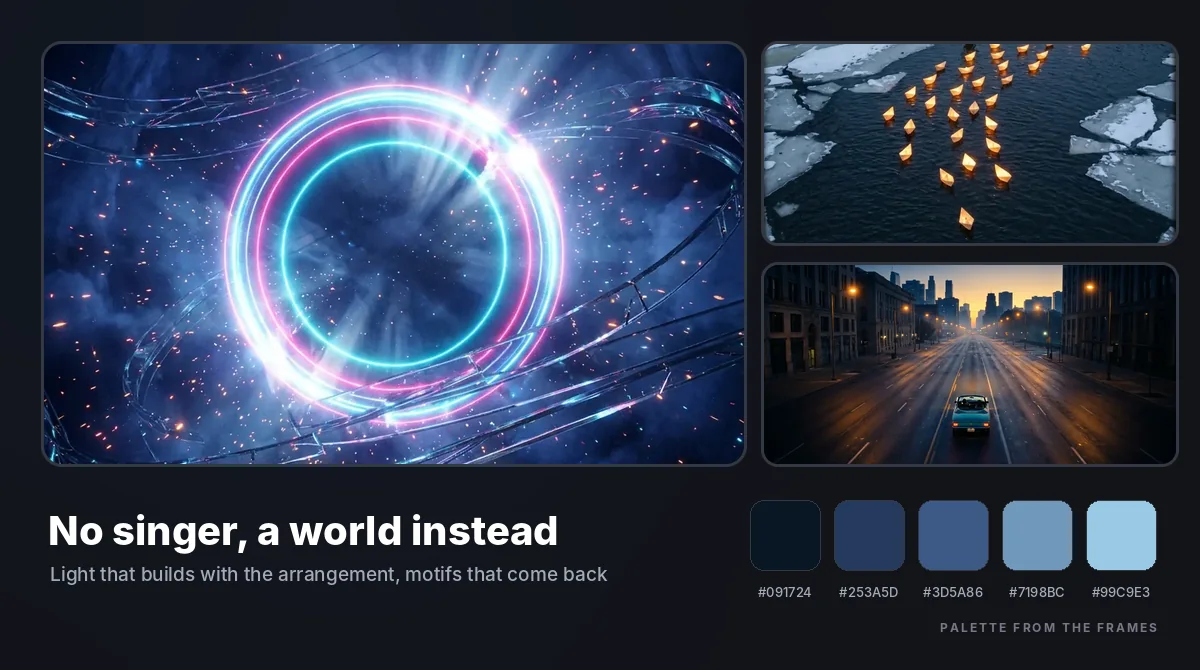
Abstract style with no genre look: a storm of light that gathers through a long post-rock crescendo and breaks at its peak.
Without a singer, the arrangement tells the story: a piano figure that thins to one note, a guitar swell that takes four minutes to arrive, horns coming in on the bridge. Muvora hears that in the audio itself (the tempo, the downbeats, the sections, how loud each part is and where it suddenly lifts) and plans a video around it in the Abstract or Story style. With no vocals there's no lip sync and there are no captions, so the pictures carry everything.
Free to start · 5 storyboards a month · No card needed
The analysis needs no voice. The beat grid comes from the rhythm, the sections from where the arrangement changes, and each beat's loudness is ranked against the rest of the same piece. Quiet parts hold long shots and loud parts cut faster, with every cut on a downbeat and every section change a cut. A post-rock piece that spends four minutes building holds its early shots across several bars and cuts about once a bar at its peak, and a sudden entry of the whole band, loud and staying loud, usually counts as a drop and gets a white flash. Because loudness is ranked within the piece, an ambient track's swells still cut faster than its stillest stretches, and cuts in its quietest third can soften into half-second crossfades. Music with a loose or free tempo, like a rubato piano piece or a drone with no pulse, gives the analysis less to lock on to: the cuts still land on the beats it finds, but those may not match anything you'd tap, and slow, wide shots hide that best. Find a piece's tempo with the BPM and key finder, and see what BPM is for how tempo sets the length of a bar.
See your song as a storyboard first
Upload the track and the AI director plans every shot on the beat in minutes. Edit anything for free; you only pay if you render.
Abstract is the natural fit for ambient, electronic and post-rock: light, color, texture and shapes that gather through a build and break open at the peak. Story suits a piano piece, a film-score style cue or a jazz tune that already feels like a scene: the AI director casts a small set of characters, designs three to six places lit by named sources, and keeps everyone from singing, since singing belongs only to lip-synced shots. Without lyrics the director works from the sections, their energy, the tempo, your genre look and the idea box, so the idea box (up to 600 characters) does the job words would: give it the piece's title, the image it grew from, a place or a season. The lo-fi look slows the pace for ambient pieces and beats, the rock look cuts harder throughout, which suits a loud post-rock piece better than a slow-burning one, and with no look the planner keeps its default pace while you describe an orchestral or jazz feel in your own words. Performance and Lyric aren't for instrumentals: one lip-syncs a sung vocal and the other shows the words. If your track does have a singer, you can make a photo sing it; for concepts, see the instrumental music video ideas.
Instrumental pieces often run long, and each upload takes up to 8 minutes and 60 MB. Split a longer piece at a section change into parts, make a video for each and join them in an editor; the free audio cutter cuts on the bar lines, and with its fades turned off the parts rejoin cleanly. Keep a WAV part under about 6 minutes, since a 16-bit stereo WAV fills about 10 MB a minute. A 16:9 render gives you the widescreen video for YouTube, a 9:16 cut for clips, a square post and an 8-second Canvas loop, with captions left off because there are no words. For a whole instrumental album, the album visualizer page covers keeping one look across the tracks; for a band that plays these pieces live, concert visuals explains running the video on the screen behind you. If you sell beats on YouTube, the type beat video maker is written for that, and the music visualizer covers Visualizer, the quality that keeps a long piece's price down.
Each card opens the upload with a style and an idea written for a piece with no vocals. Swap in your own places, colors and story before the storyboard is written: with no lyrics, the idea box is where the meaning goes.
Abstract style with no genre look: a storm of light that gathers through a long post-rock crescendo and breaks at its peak.
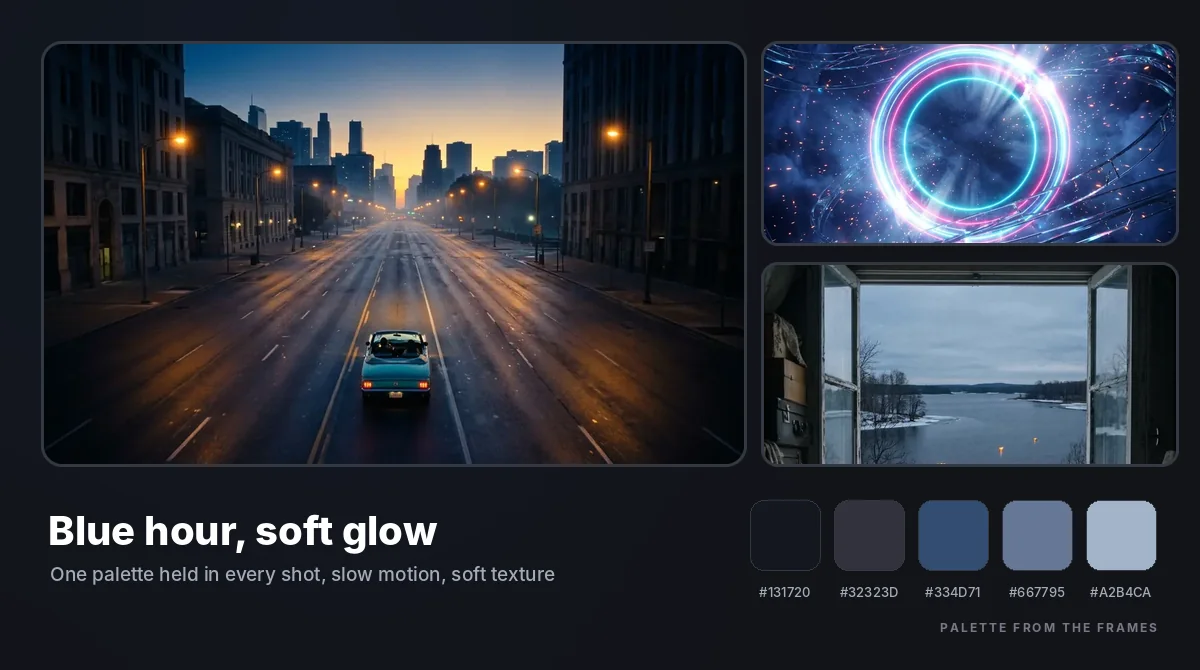
Abstract style, lo-fi look: long, still shots for a piece with more air than beat.
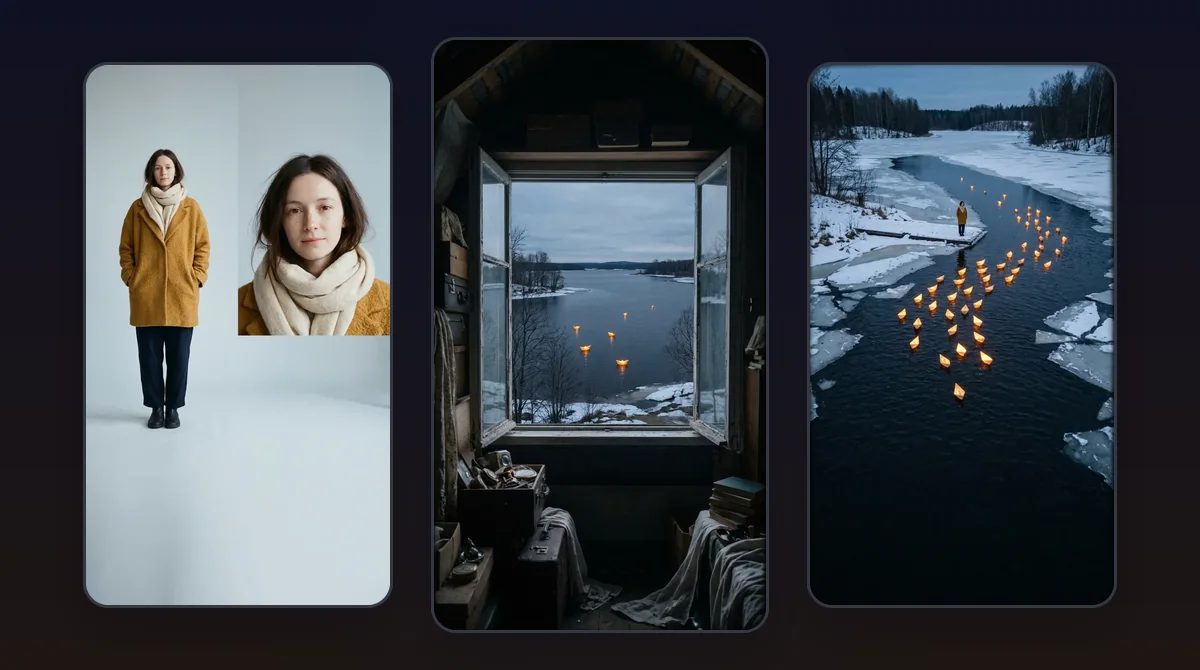
Story style with no genre look: a quiet evening in one apartment, told without a word.
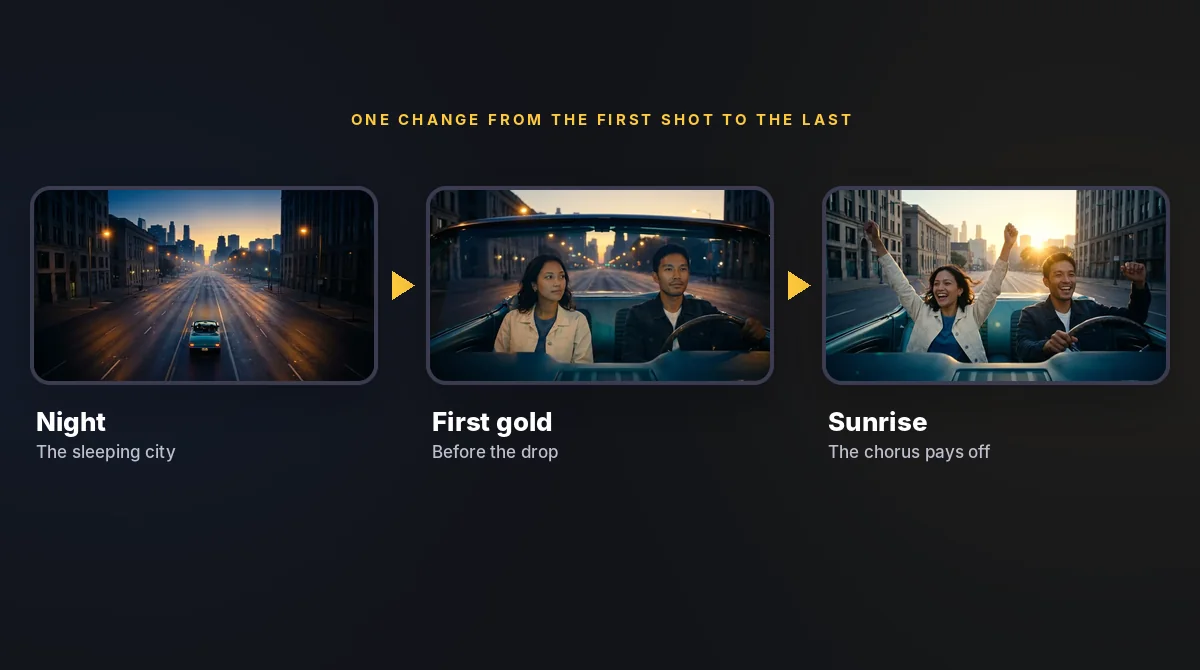
Story style: the piece treated as the score to a short film, with its biggest swell as the turning point.
Drop in an MP3, WAV, M4A or FLAC up to 8 minutes. Muvora finds the tempo, the beats, the downbeats and the sections of your song, like intro, verse and chorus.
An AI director writes a shot-by-shot plan timed to your downbeats. Rewrite any prompt, drag a cut (it snaps to the beat) or ask AI to redo a shot. None of it costs anything.
See the final price, then render. Pick Visualizer, Standard or Cinematic quality. If a shot fails, its credits come straight back.
Free storyboard in minutes. No card needed.
Can't find what you need? Start a free storyboard and see for yourself.
Yes. Upload the instrumental like any song (MP3, WAV, M4A, AAC or FLAC, up to 8 minutes) and the analysis maps its tempo, sections and drops from the music alone. Choose Abstract or Story, edit the free storyboard, and the video is cut to the arrangement.
Abstract for ambient, electronic and post-rock, where light and texture can follow the builds. Story for a piece that already feels like a scene, such as a piano piece or a film-score style cue. Performance needs a sung vocal to lip-sync and Lyric needs words to show, so neither fits a piece with no vocals.
They follow the beats the analysis finds, which track a steady pulse best. A piece with a loose or changing tempo still gets a cut at every section change, but single cuts may not sit on a beat you'd feel, so ask for slow, wide shots in the idea box and they'll hardly show.
Not in the pictures: Muvora never draws text or logos into them, and captions only appear for sung lyrics. Add a title card in a video editor after you download, or put the title in the video's name and description where you post it.
Split it into parts under 8 minutes at section changes, upload each one and make a video for each, then join the videos in an editor. Cut with the fades off so the joins are clean, and keep a WAV part under about 6 minutes so it stays inside the 60 MB limit.
The same per finished second as any video, and none of it is at the lip-sync rate, since nothing is sung. A 3-minute piece is 6,840 credits in Visualizer, 10,800 in Standard and 19,800 in Cinematic; the storyboard is free and the price is shown before you render.
14 concepts for beats, post-rock, ambient, electronic, classical and jazz instrumentals, each with a motif that grows with the arrangement.
Read the guide
Visuals for the beats you sell or share, cut on the kick and ready for YouTube.
Learn more
AI video for a whole song, cut on the beat, at the lowest credit rate.
Learn more
No face, no camera: abstract visuals, lyric videos, or a character who isn't you.
Learn more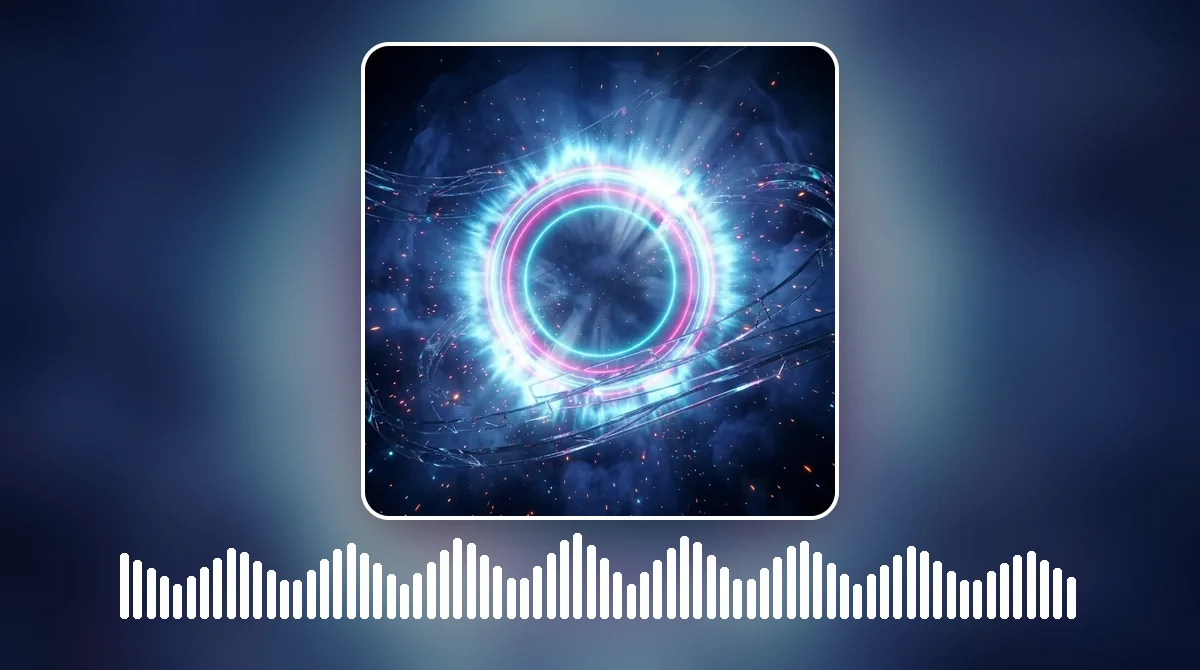
A visualizer for every track on an EP or album, each cut to its own song.
Learn moreA video for each song in your set, cut on its beat, for the screen behind you on stage.
Learn more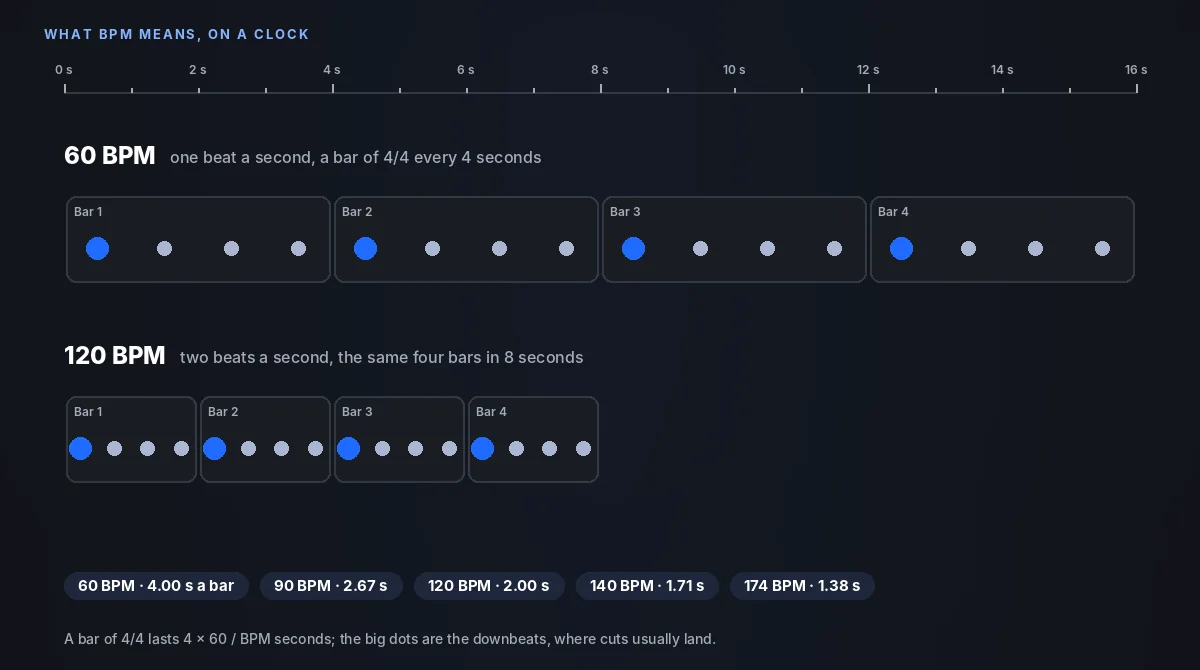
Beats per minute explained: what BPM measures, how to find a song's tempo, half and double time, tempos by genre and how BPM sets a video's cuts.
Read the guide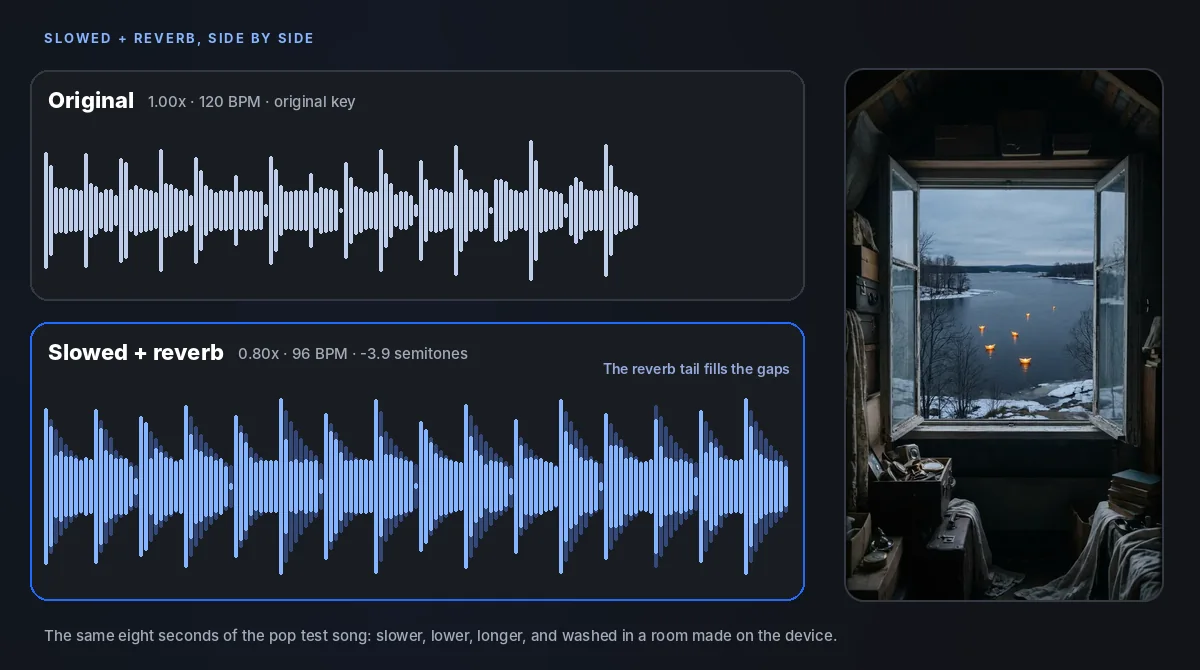
A video for the slowed and reverb or sped up version of your song, cut to its own new tempo.
Learn more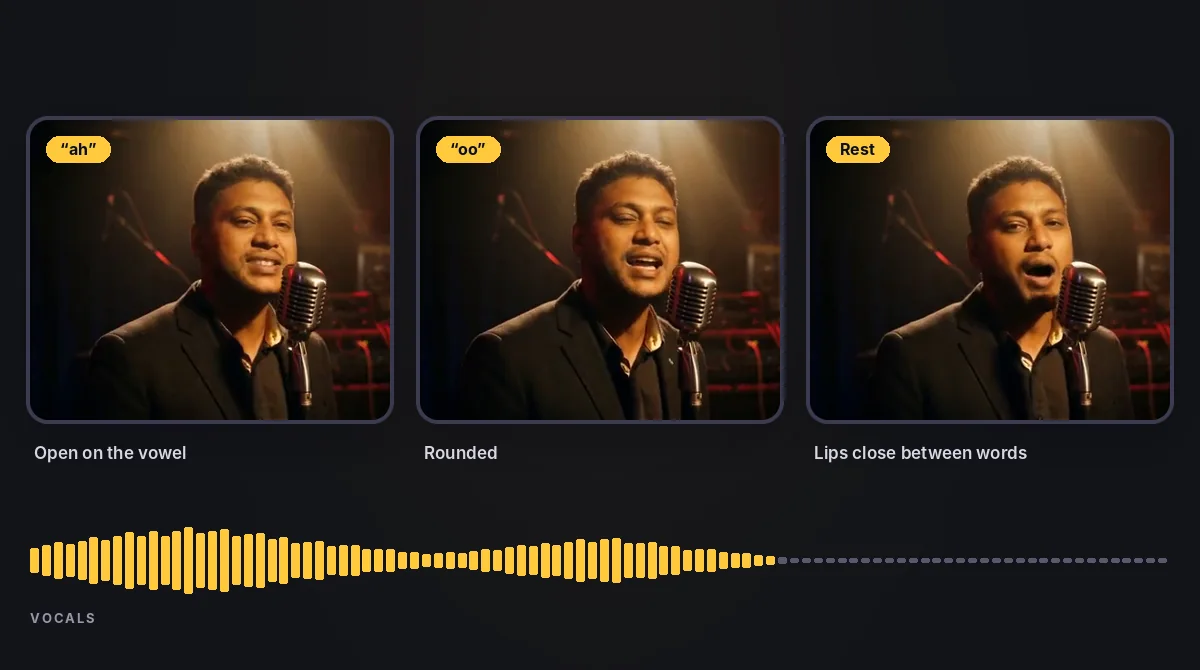
Your photo sings your own song: its face lip-synced to your vocals in every sung shot of a full music video.
Learn more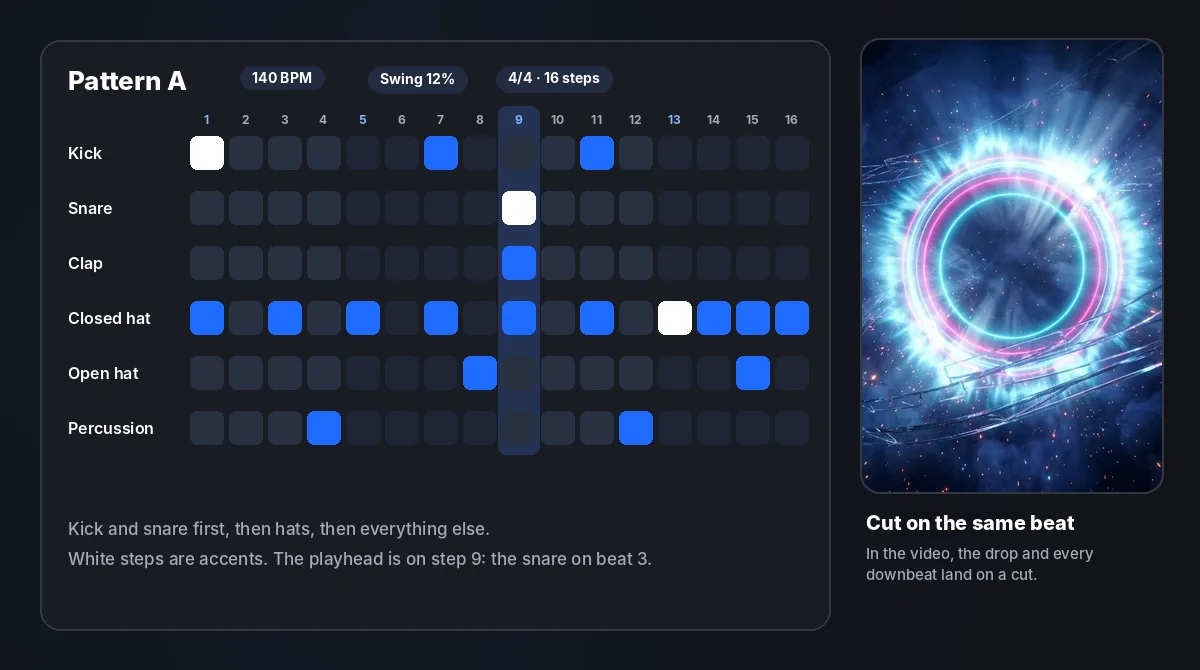
Visuals for beats and instrumentals: release visualizers, one look across a beat channel, and type beats that borrow no one's face.
Learn more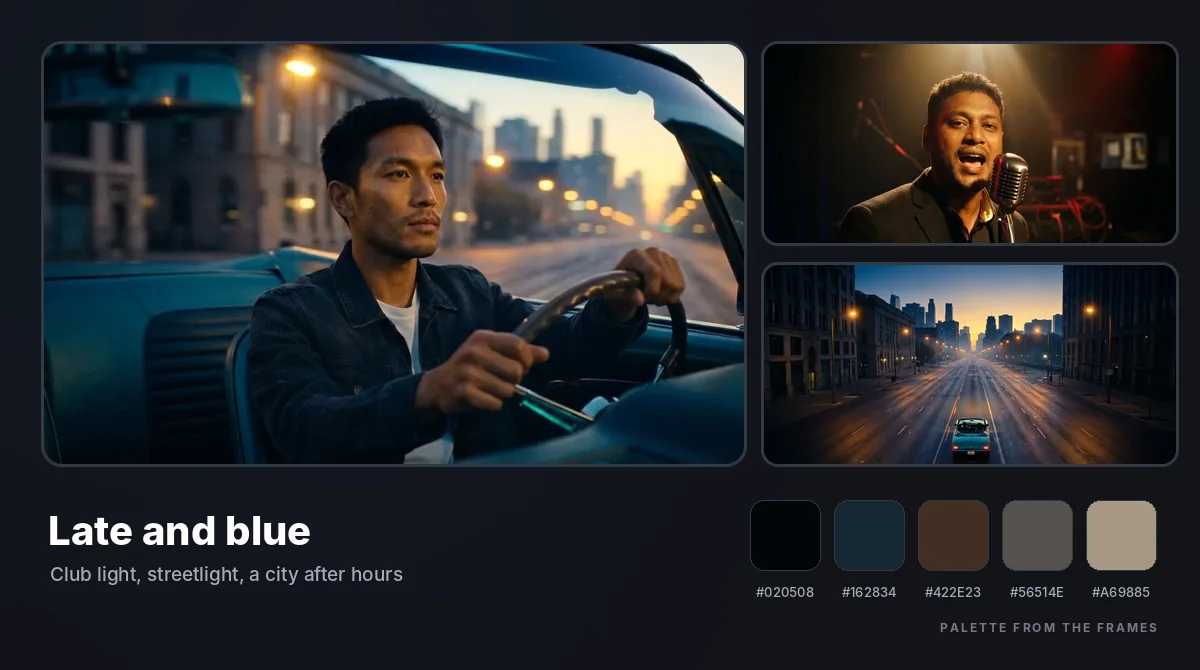
Jazz videos that hold still for the melody and roam during the solos, set in a small room at the late hour you describe.
Learn moreUpload a track and get a free beat-synced storyboard in minutes. Render it when you are ready.
No card needed to start.





