Turn your audio file into a real video
Most audio-to-video converters put a waveform over a still picture. Muvora treats your file as a song: it measures the tempo, the downbeats, the sections and the drops, then plans and renders a video whose cuts follow the music, with your original audio as the soundtrack.
Free to start · 5 storyboards a month · No card needed
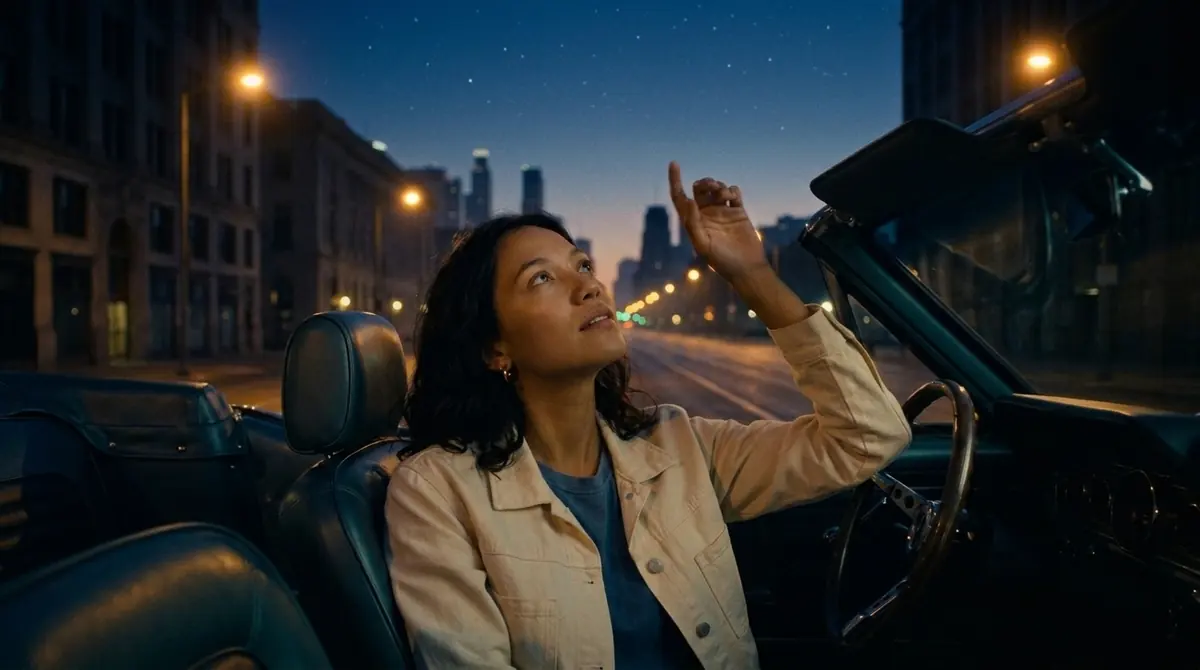
From a file to a plan in minutes
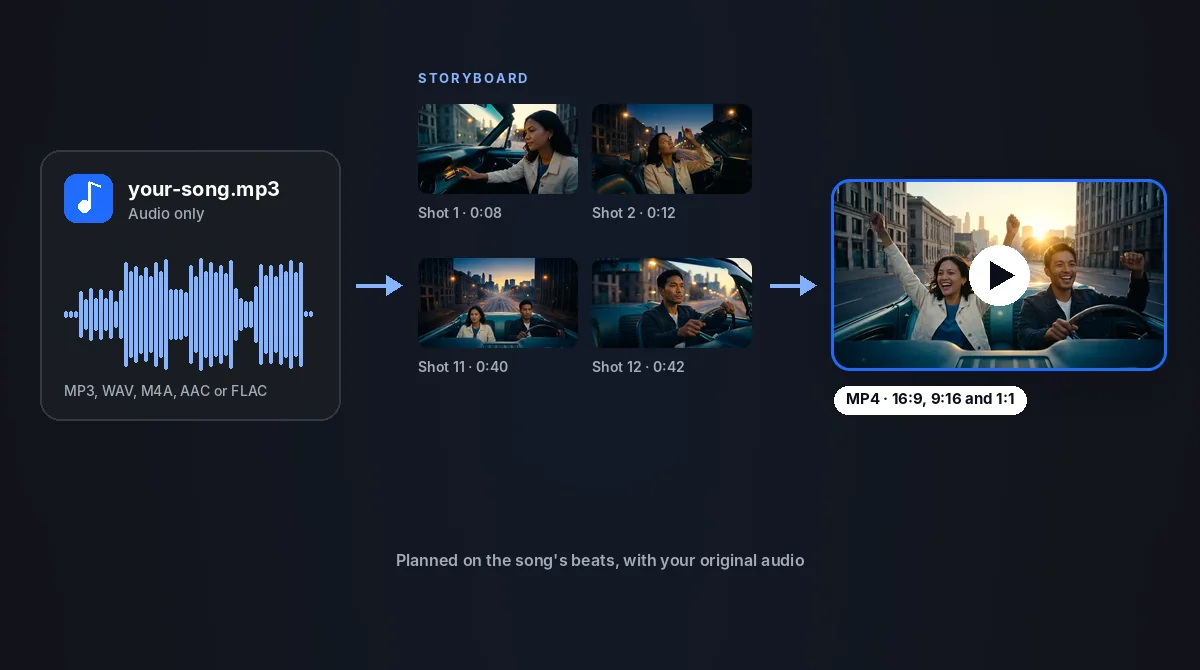
Upload the finished track and the analysis does the listening: how long it really is, where every beat and bar falls, where the intro, verses and choruses begin and where the energy jumps. The AI director turns that map into a shot-by-shot storyboard you can read before anything is rendered.
- MP3, WAV, M4A and FLAC, up to 8 minutes
- Tempo, downbeats, sections and drops read from the audio itself
- A full storyboard before you spend a single credit
See your song as a storyboard first
Upload the track and the AI director plans every shot on the beat in minutes. Edit anything for free; you only pay if you render.
Your audio stays your audio
The soundtrack of every export is the file you uploaded, lined up from its first sample. Generated clips can come with sound of their own; Muvora throws all of it away, so there are no stray voices or effects in your mix, and each export is checked to last exactly as long as the song.
- Only your upload is used as the soundtrack
- No generated sound mixed into your track
- Every export matches the song's length to the frame
Choose how it looks
Pick a style for the pictures (a story with characters, abstract motion, lyrics on screen, or a performer lip-syncing from one photo) and a quality. Visualizer, at 38 credits per finished second, is made for covering a whole track; Standard and Cinematic suit a single you want to push.
- Story, abstract, lyric and performance styles
- 38 credits per finished second in Visualizer
- 16:9, 9:16, 1:1 and a Canvas loop from one render
From your song to a finished video
- 01
Upload your song
Drop in an MP3, WAV, M4A or FLAC up to 8 minutes. Muvora finds the tempo, the beats, the downbeats and the sections of your song, like intro, verse and chorus.
- 02
Edit your free storyboard
An AI director writes a shot-by-shot plan timed to your downbeats. Rewrite any prompt, drag a cut (it snaps to the beat) or ask AI to redo a shot. None of it costs anything.
- 03
Generate your video
See the final price, then render. Pick Visualizer, Standard or Cinematic quality. If a shot fails, its credits come straight back.
The storyboard is free. Rendering is priced per second.
- Visualizer38 credits/s6,840 for 3 minutes
- Standard60 credits/s10,800 for 3 minutes
- Cinematic110 credits/s19,800 for 3 minutes
- The exact price is shown before you generate
- Failed shots cost nothing
- 16:9, 9:16, 1:1 and a Canvas loop from one widescreen render
Free storyboard in minutes. No card needed.
Questions, answered
Can't find what you need? Start a free storyboard and see for yourself.
Can I turn an MP3 into a video?
Yes. Upload the MP3 (or a WAV, M4A or FLAC file up to 8 minutes long) and Muvora analyzes it, writes a storyboard and, when you choose to render, makes a video cut to its beats with the MP3 as the soundtrack.
Will converting to video change how my song sounds?
No sound is added or replaced. Your upload is encoded once to high-quality AAC for the video files and lined up from the very first sample; the generated clips' own audio is never used.
Is it free to turn audio into a video?
The analysis and the storyboard are free, with 5 new storyboards a month on the free plan. Rendering the video costs credits per finished second, and the price is shown before you generate.
What if my file is longer than 8 minutes?
Files over 8 minutes are refused at upload. Trim the track, or split a long mix into parts and make a video for each.
Keep exploring
MP3 to video
Convert an MP3 or WAV into an MP4 with AI visuals cut to the song, ready for YouTube.
Learn more
Music visualizers
AI video for a whole song, cut on the beat, at the lowest credit rate.
Learn more
Make a music video with AI
The whole process, from a finished song to a video cut on the beat, in seven steps.
Read the guideBPM and key finder
The tempo and musical key of any song, with its Camelot code for mixing.
Open the tool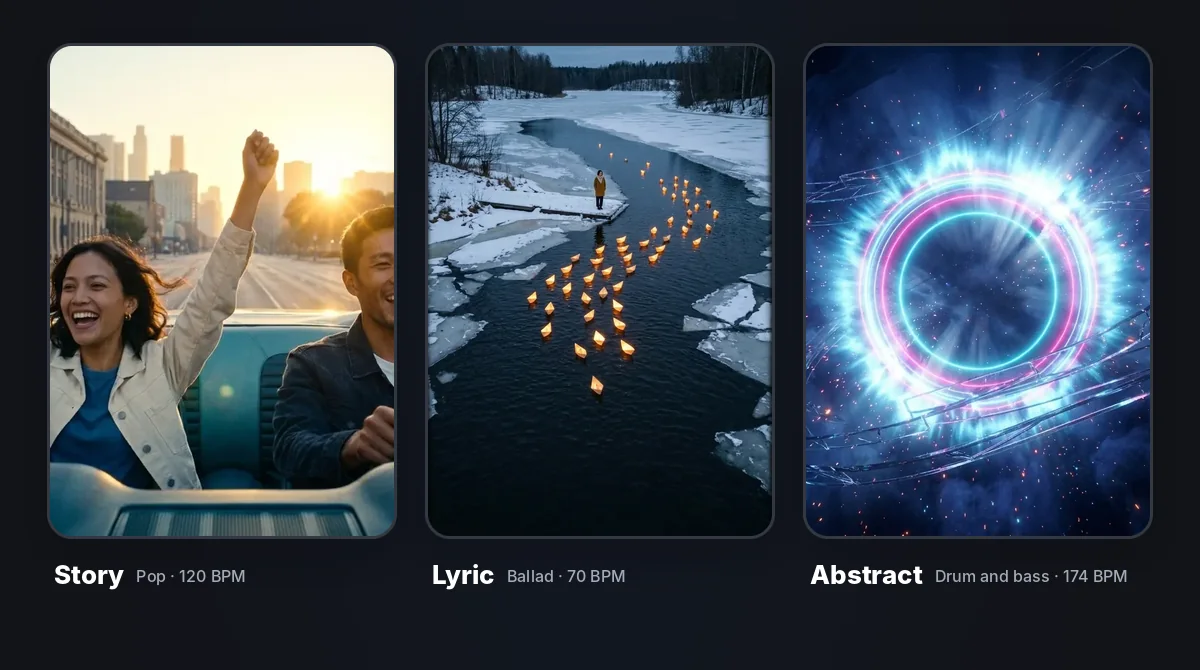
Online music video maker
Make a music video online from just your song: no camera, no footage, no editing timeline.
Learn more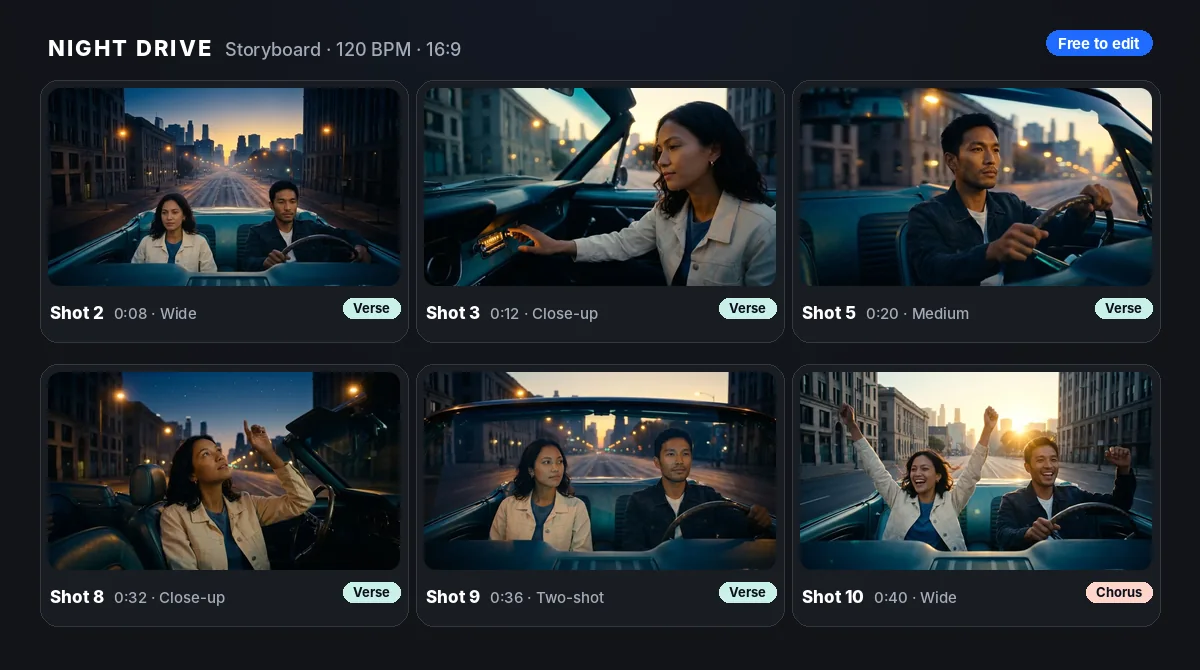
Free AI music video generator
Plan the whole video free: the analysis, the storyboard and the style frames. Pay only to render.
Learn more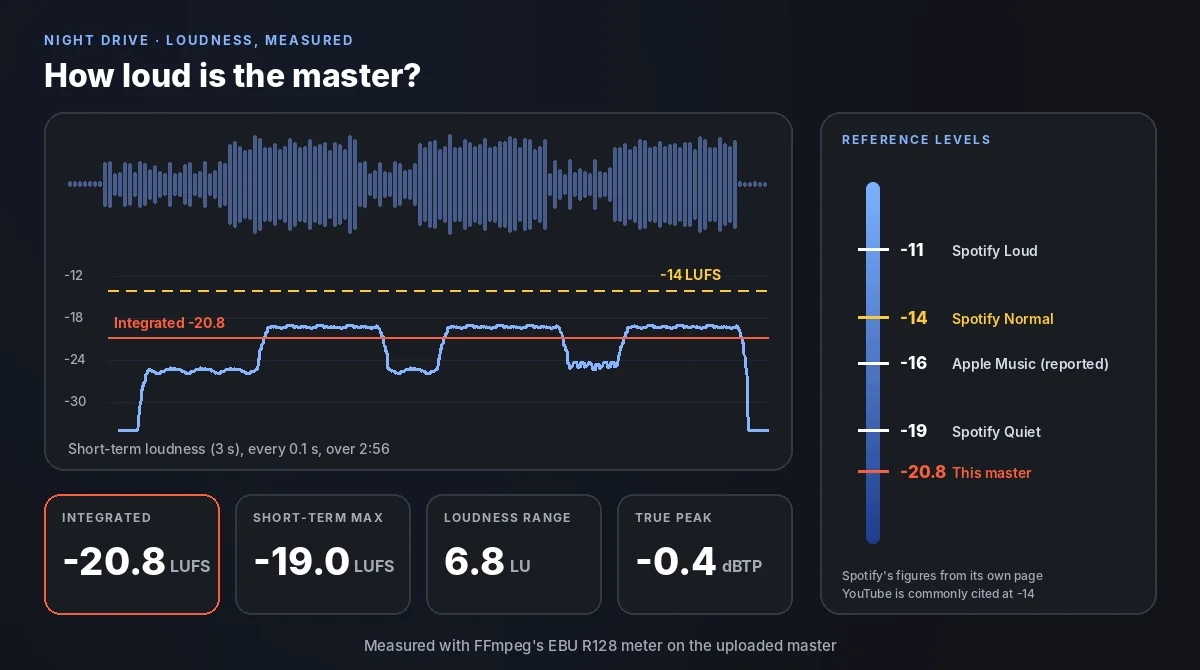
LUFS for streaming
What LUFS means, the level each streaming service plays songs at, and how loud to master with true peak headroom to spare.
Read the guide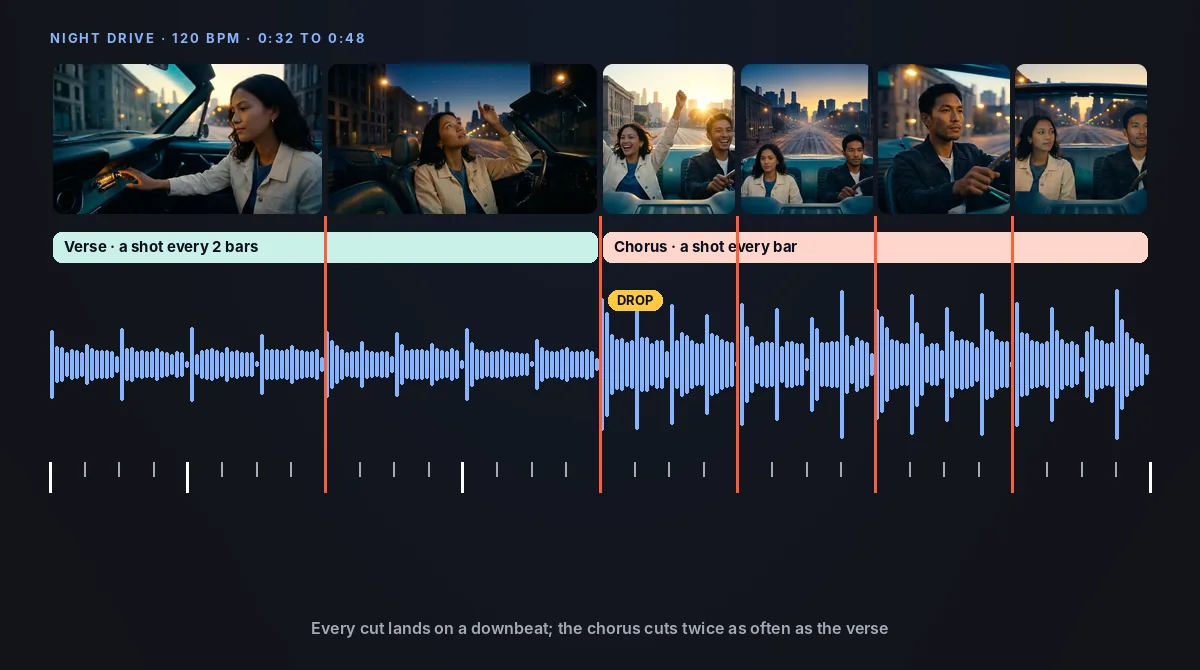
VEED alternative
Muvora and VEED side by side: a music video generated and cut from your song alone, against an online editor for footage, subtitles and waveforms.
See the comparisonMP3 to WAV converter
Convert MP3, M4A, AAC, FLAC or OGG files to 16-bit, 24-bit or 32-bit float WAV on your device, several at once.
Open the toolAudio normalizer
Normalize a song to -14 LUFS, another loudness or a peak level, with its true peak kept under a ceiling, and save it as a 16 or 24-bit WAV.
Open the tool
Your song deserves a music video
Upload a track and get a free beat-synced storyboard in minutes. Render it when you are ready.
No card needed to start.





