
Club stage, one light
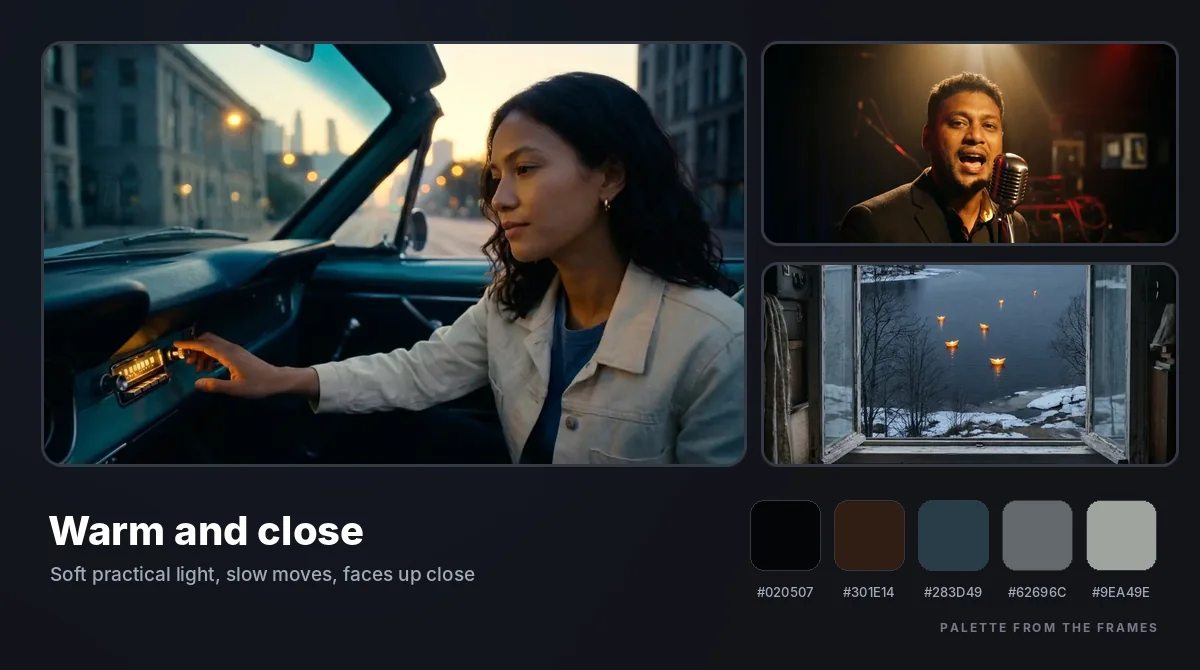
A live-show feel in 16:9: you at a vintage microphone, with the night around the gig as the story.
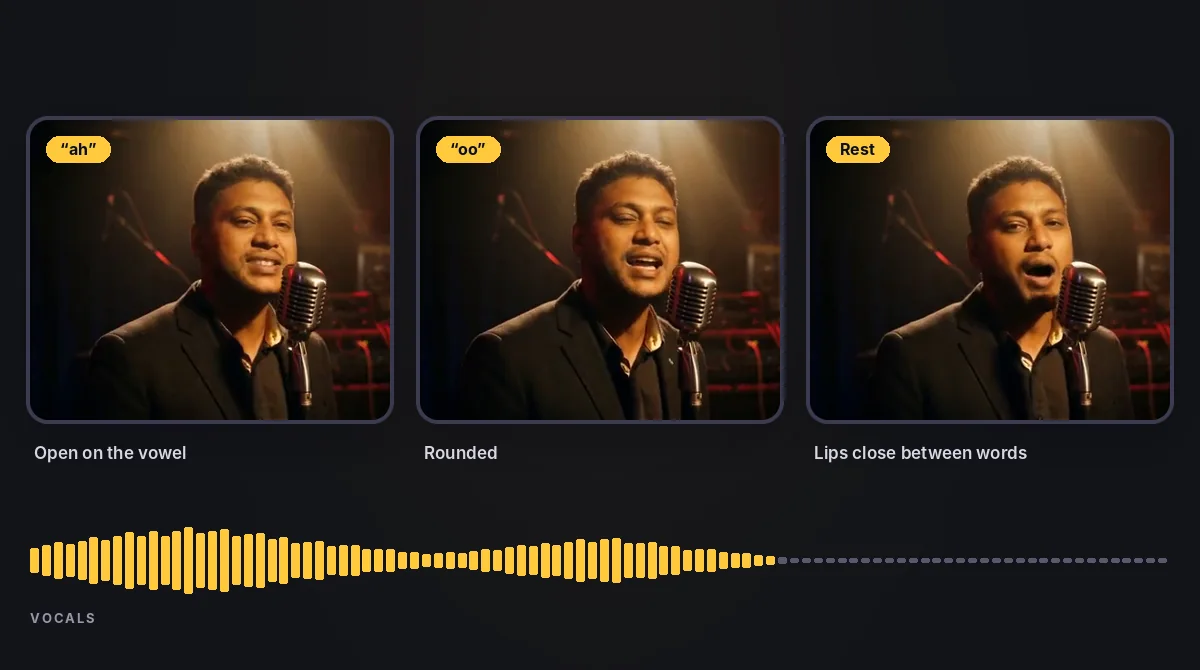
Start with a single picture of the singer: you, a bandmate who said yes, or a drawn character. Muvora draws that face into the storyboard, lip-syncs it to your vocals wherever the song is really sung, and builds the rest of the video around it, every cut on the beat.
Free to start · 5 storyboards a month · No card needed

The photo becomes a cast member, not a slideshow. A look sheet is drawn from it with the outfit and accessories for this video, the singer is drawn into every keyframe, and each frame is checked against the photo and redrawn if it drifts. The same face can appear in story shots too, doing something rather than singing, so the performer leads the video instead of standing in front of it. The lip sync page goes deeper on the singing shots.
See your song as a storyboard first
Upload the track and the AI director plans every shot on the beat in minutes. Edit anything for free; you only pay if you render.
The lip-sync model needs a face it can read. Use one clear, front-facing picture in good light, with the mouth visible and nobody else in it: a JPEG, PNG or WebP at least 512 pixels on its shorter side. A face in profile, a hand over the mouth or a second person in the frame can get the photo refused, and you are told why so you can pick another. A drawn character works when its face and mouth are clear, and then the whole video is drawn in that character's medium.
Before anything is drawn you tick a box saying the photo is you or someone who agreed to it, and the pictures never show any other real person: no celebrities, no one who hasn't said yes. Singing shots cost 75 credits a second because a dedicated lip-sync model makes them; the shots between them cost the rate of the quality you pick. The photo to music video guide walks through choosing the photo and planning the shots.
Each card opens the upload on the Performance style with an idea filled in. You add the photo and tick the consent box when you choose the vibe.
A live-show feel in 16:9: you at a vintage microphone, with the night around the gig as the story.
9:16 with no genre preset: an R&B mood written into the idea box instead.
Add a picture of a cartoon or painted character and the whole video is drawn in its medium.
Drop in an MP3, WAV, M4A or FLAC up to 8 minutes. Muvora finds the tempo, the beats, the downbeats and the sections of your song, like intro, verse and chorus.
An AI director writes a shot-by-shot plan timed to your downbeats. Rewrite any prompt, drag a cut (it snaps to the beat) or ask AI to redo a shot. None of it costs anything.
See the final price, then render. Pick Visualizer, Standard or Cinematic quality. If a shot fails, its credits come straight back.
Free storyboard in minutes. No card needed.
Can't find what you need? Start a free storyboard and see for yourself.
Yes. Muvora animates a face from a single photo so its mouth follows the vocals of your song, shot by shot. It does this only where the song is sung and fills the instrumental stretches with story shots, so the singer never mouths words over a guitar solo.
Only with their permission, which you confirm in a consent box before the photo is used. Celebrities and anyone who hasn't agreed are off limits, and a prompt that names a real person is refused before anything is drawn.
Yes. A drawn, painted or animated character with a clear face and mouth can be the performer. Muvora reads the medium from the picture and draws the whole video in it, so the singer and the world around them match.
No, only the shots where the song is sung. Muvora separates the vocals to find those stretches and makes them lip-sync shots, then plans the intro, the breaks and the instrumental parts as story or atmosphere shots, some of which can still feature your performer.
Each keyframe of the performer is drawn from your photo and their look sheet, compared with the photo and redrawn when it drifts. Every lip-sync clip is also checked for a visible face and a moving mouth, and made once more if it fails.
The storyboard is free. When you render, every lip-synced second costs 75 credits and every other second costs the rate of the quality you choose, from 38 credits a second in Visualizer. The editor shows the total before you generate.
A singer made from one photo, lip-syncing to your vocals where the song is sung.
Learn moreTurn one photo into a singer who lip-syncs your song: the right photo, consent, where the singing goes and what it costs.
Read the guideHow a photo becomes a singer whose mouth follows your vocals, and how to get a take that looks real.
Read the guide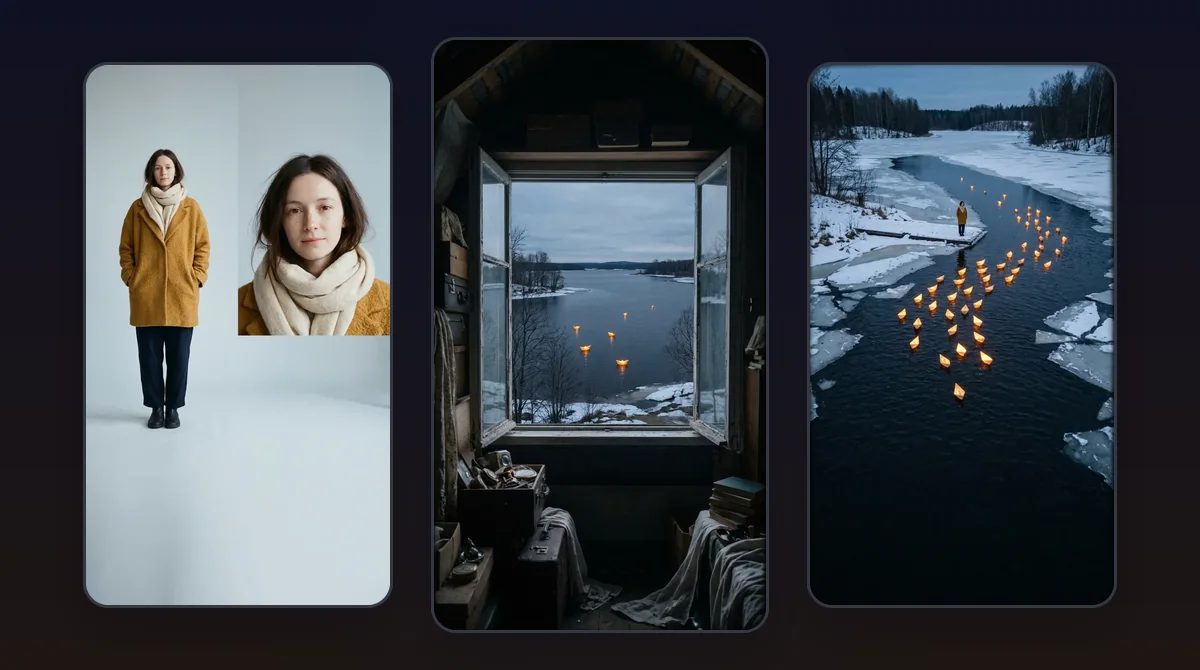
Cartoon, anime-inspired or painted: a drawn music video in one consistent style.
Learn moreA music video for a self-released single: no crew, a free storyboard and the price shown before you render.
Learn moreStage lights, raw energy and a live-show feel on the downbeat.
Learn moreSing your lowest and highest notes into the microphone to find your vocal range in note names and the voice types whose typical ranges it fits.
Open the toolYour photo sings your own song: its face lip-synced to your vocals in every sung shot of a full music video.
Learn more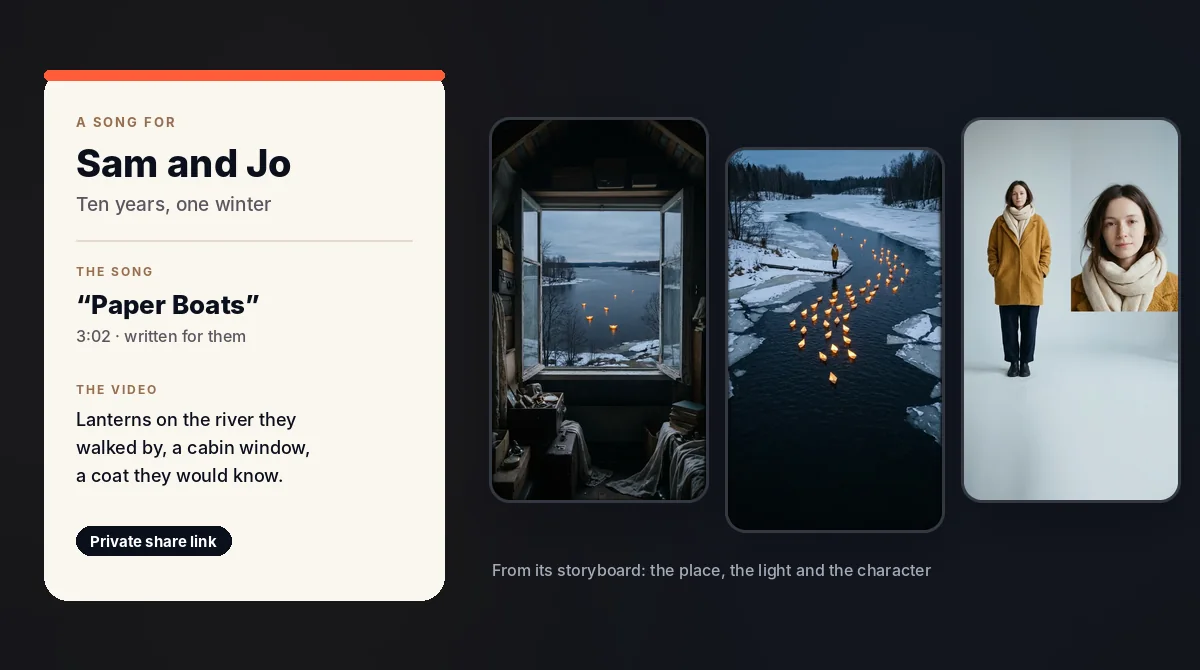
A video for a song written for someone: their story told with invented characters, sent by a private link or played on the night.
Learn moreUpload a track and get a free beat-synced storyboard in minutes. Render it when you are ready.
No card needed to start.





