Turn your Udio track into a music video
A song generated in Udio is a finished audio file once it's saved on your device, and Muvora treats it exactly like a studio recording: it finds the tempo, the downbeats and the sections, then plans a video around them. You shape the storyboard for free and render only the tracks worth releasing.
Free to start · 5 storyboards a month · No card needed

Your saved file, uploaded, storyboarded
Muvora works from an audio file on your device, not a link. That matters with Udio: after its settlement with Universal Music in October 2025, Udio switched off song downloads and offered only a short window that November to save existing songs, so check what Udio lets your account save today. Any Udio song you already have as a WAV or MP3 uploads like any other track: the analysis maps every beat and section, and the AI director writes a storyboard that follows the song's shape.
- MP3, WAV, M4A, AAC or FLAC up to 8 minutes
- Beats, downbeats and sections found automatically
- A storyboard in minutes, free to edit
See your song as a storyboard first
Upload the track and the AI director plans every shot on the beat in minutes. Edit anything for free; you only pay if you render.
Use the lyrics you already have
You wrote or generated the lyrics, so paste them in: Muvora aligns them to the vocals word by word instead of guessing from a transcript. Turn on captions for a lyric video, or use them to steer the director toward what the song is about. The lyric video maker shows the caption style.
- Lyrics aligned to the vocals
- Optional karaoke-style captions
- The director reads them for meaning
Pick the songs that deserve a video
AI music tools make it easy to end up with dozens of tracks. Storyboard several for free, test the look on a short excerpt of your favorite's hook, and give the full video only to the songs you release. The Suno guide covers the same workflow step by step.
- Free storyboards to compare songs
- Credits per finished second
- Test the look on a short excerpt first
From your song to a finished video
- 01
Upload your song
Drop in an MP3, WAV, M4A or FLAC up to 8 minutes. Muvora finds the tempo, the beats, the downbeats and the sections of your song, like intro, verse and chorus.
- 02
Edit your free storyboard
An AI director writes a shot-by-shot plan timed to your downbeats. Rewrite any prompt, drag a cut (it snaps to the beat) or ask AI to redo a shot. None of it costs anything.
- 03
Generate your video
See the final price, then render. Pick Visualizer, Standard or Cinematic quality. If a shot fails, its credits come straight back.
The storyboard is free. Rendering is priced per second.
- Visualizer38 credits/s6,840 for 3 minutes
- Standard60 credits/s10,800 for 3 minutes
- Cinematic110 credits/s19,800 for 3 minutes
- The exact price is shown before you generate
- Failed shots cost nothing
- 16:9, 9:16, 1:1 and a Canvas loop from one widescreen render
Free storyboard in minutes. No card needed.
Questions, answered
Can't find what you need? Start a free storyboard and see for yourself.
Can I paste a Udio link into Muvora?
No. Muvora makes the video from an audio file you upload, so it needs the song saved on your device, not a link to it.
Can I release a video made for a Udio song?
Muvora claims no ownership of the videos you render. Whether you can release the song itself commercially depends on Udio's terms, which changed after its settlement, so check the terms that applied when you made and saved the song before you publish.
Which Udio file should I upload?
The best-quality copy you have, a WAV if you saved one, since the video's soundtrack is made from that file. Muvora reads MP3, WAV, M4A, AAC and FLAC up to 8 minutes long. If Udio won't let your account save a song now, Muvora can't fetch it either.
Keep exploring

Suno & AI songs
Export your AI-made song, upload it, get a free storyboard.
Learn more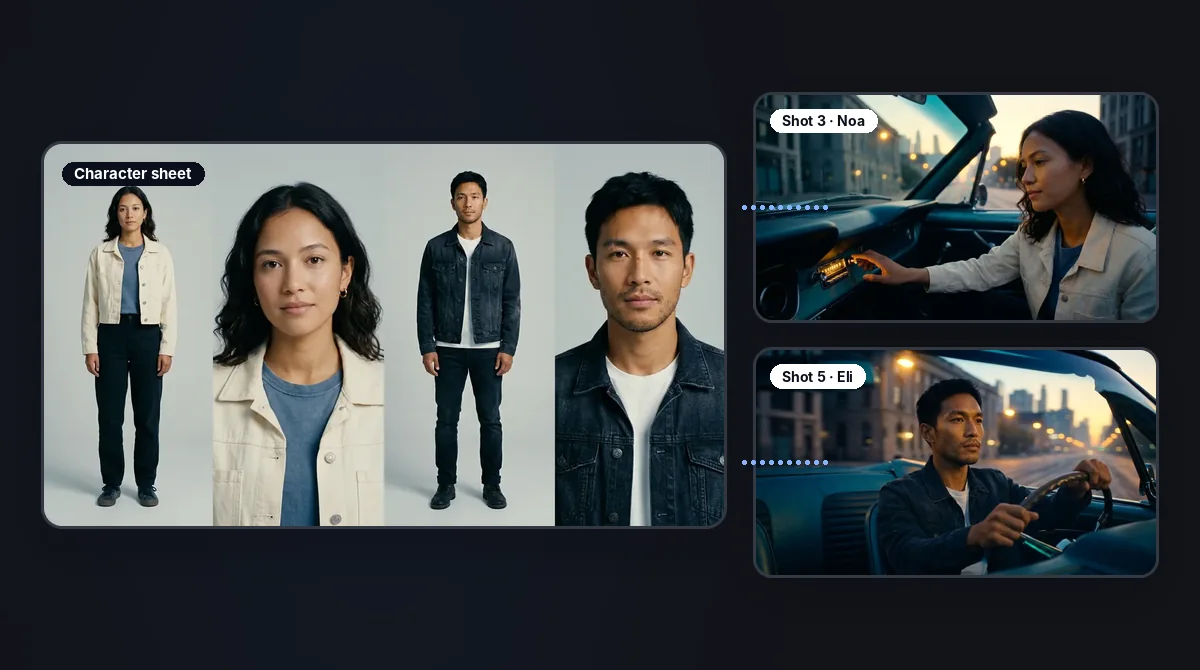
Music video for a Suno song
From the downloaded file and its lyrics to a released video, vertical cut and Canvas, with tips for AI-made songs.
Read the guide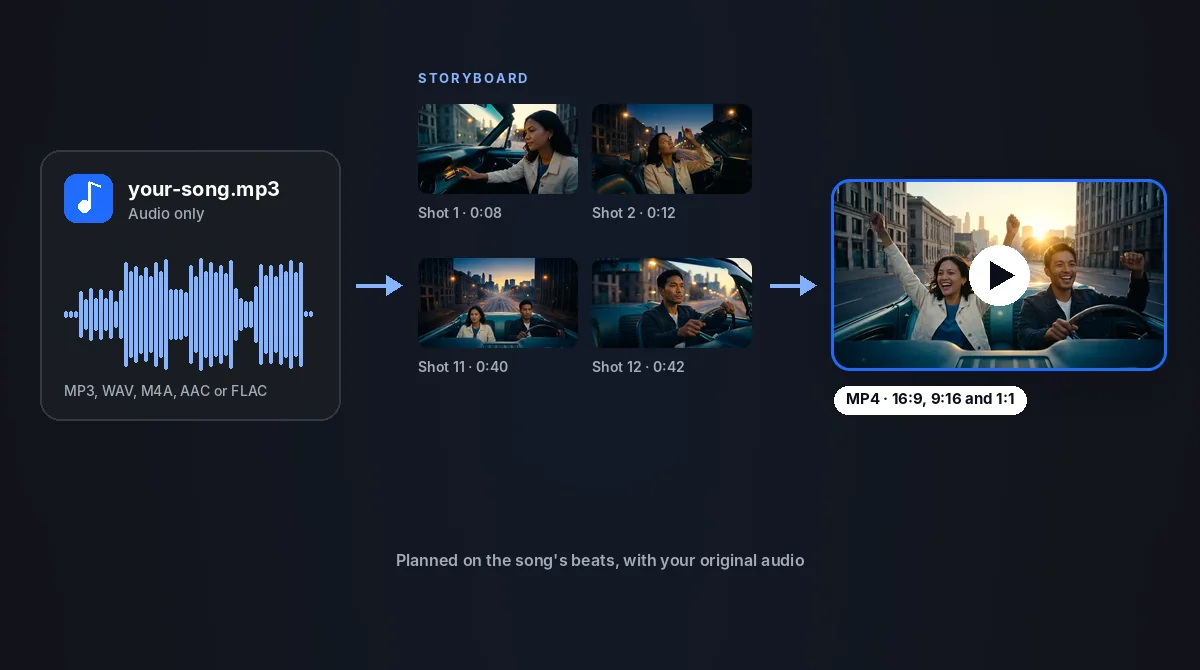
MP3 to video
Convert an MP3 or WAV into an MP4 with AI visuals cut to the song, ready for YouTube.
Learn more
Lyric videos
Karaoke-style captions timed to your vocals, over AI visuals.
Learn more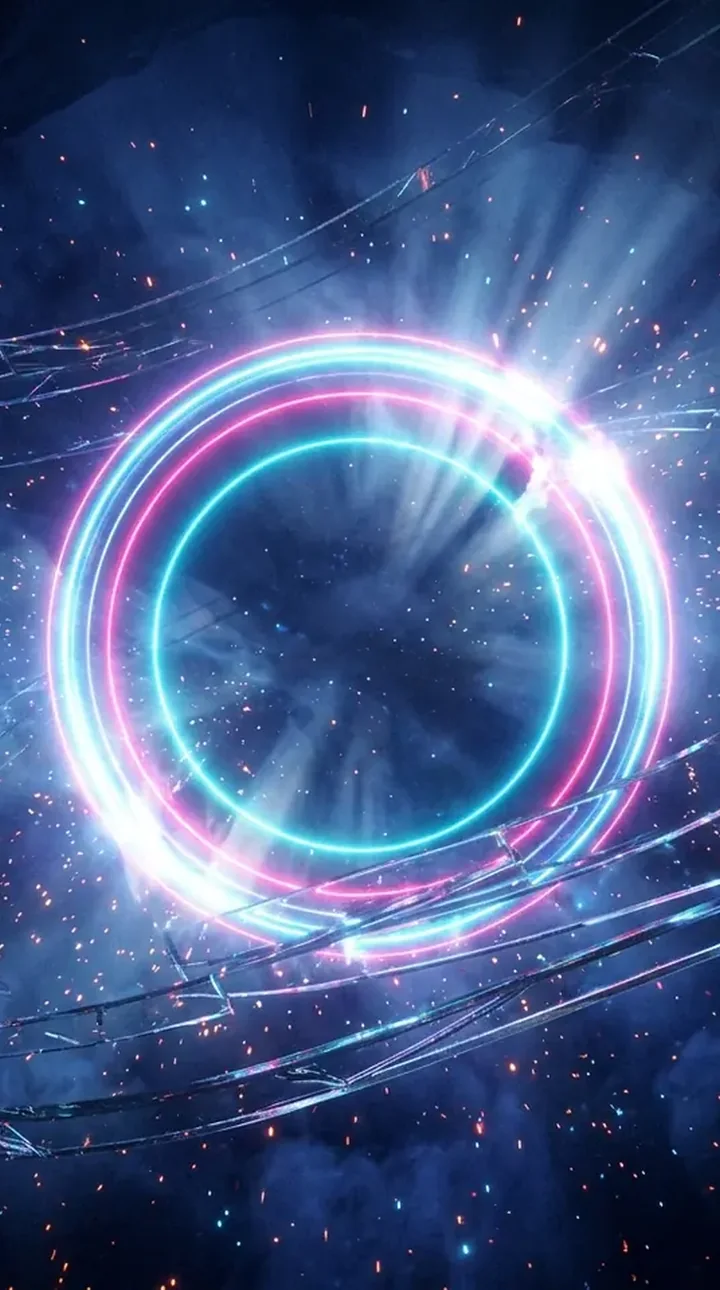
Faceless music videos
No face, no camera: abstract visuals, lyric videos, or a character who isn't you.
Learn more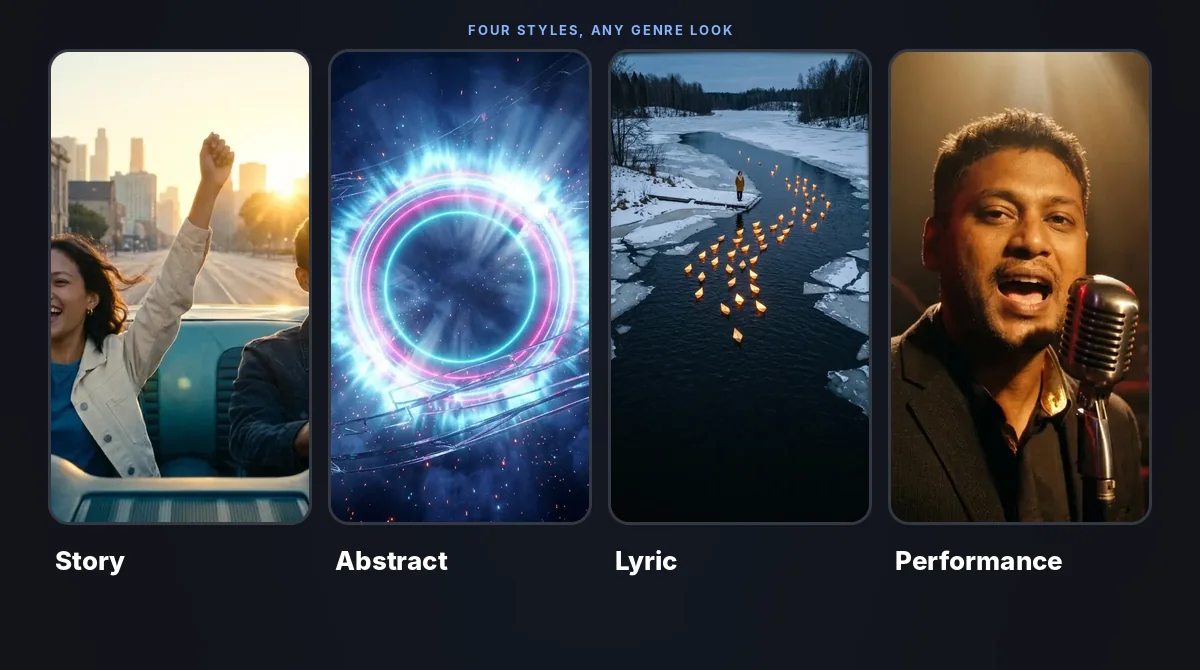
AI song to video
A music video for a track from any AI music tool: download the file, add the lyrics you wrote, edit a free storyboard.
Learn more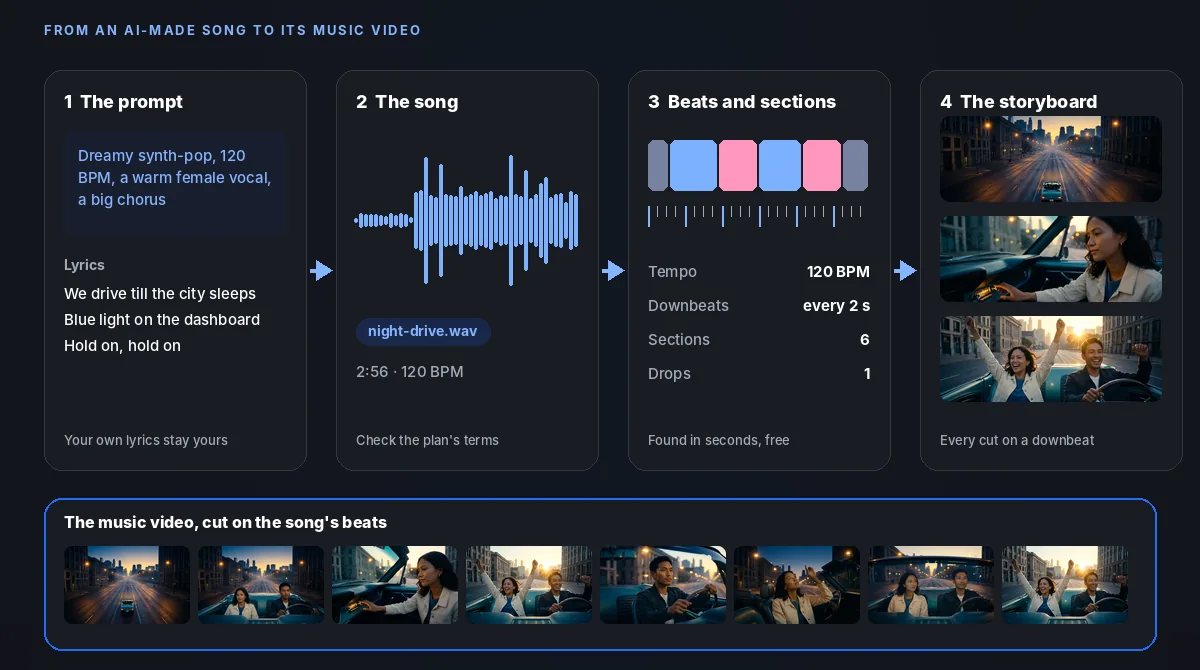
Make a song with AI
Prompts and lyrics, the main AI music generators and their plans' rights, who owns the result, the streaming services' AI rules and the video that releases it.
Read the guide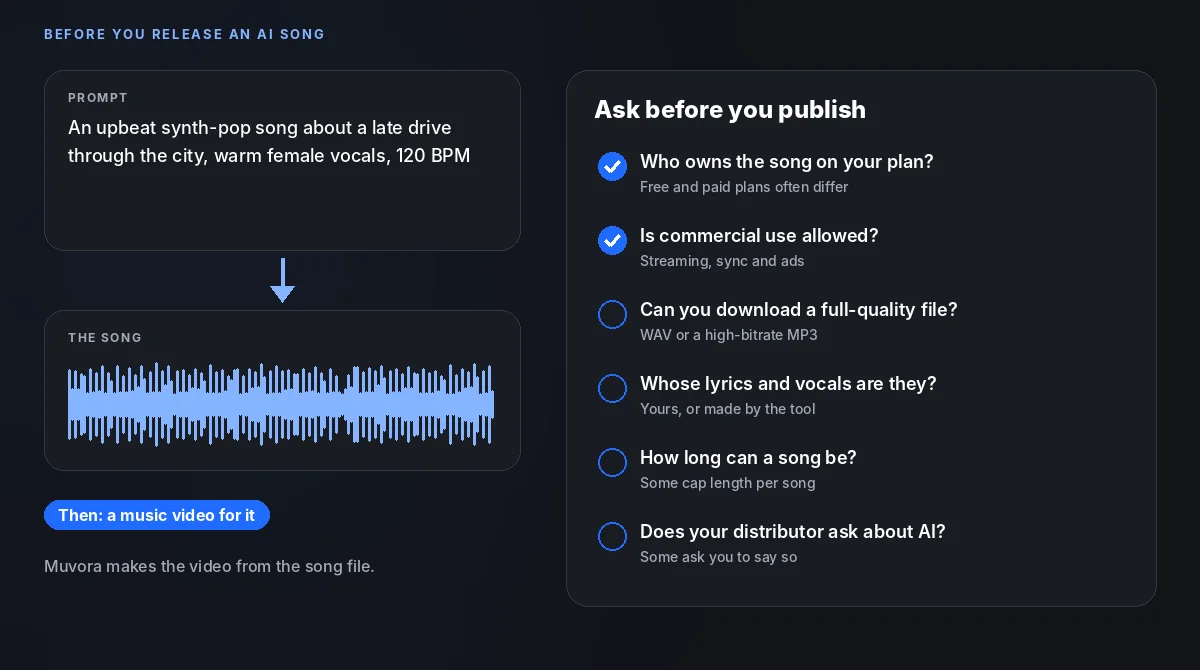
Best AI music generators
Suno, ElevenLabs Music, Mureka, Google's Flow Music, Stable Audio, Soundraw and AIVA by use: songs with vocals, instrumentals and stems, with each plan's rights.
Read the guide
Your song deserves a music video
Upload a track and get a free beat-synced storyboard in minutes. Render it when you are ready.
No card needed to start.



