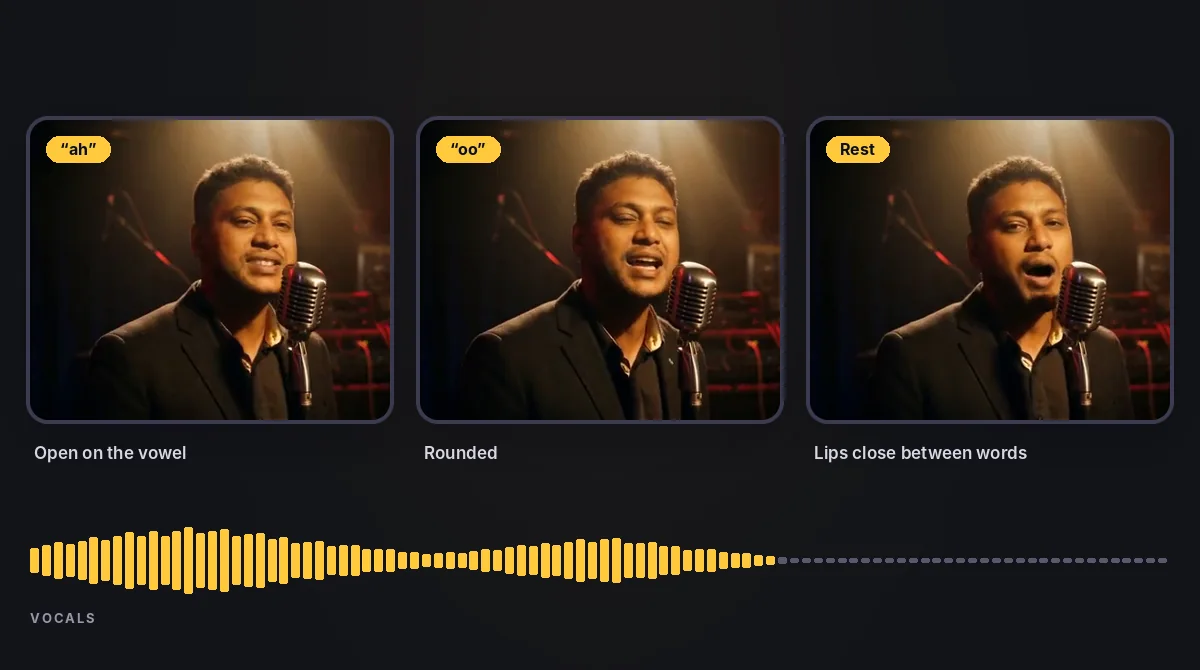
A drawn singer for a virtual artist
Performance style, pop look: your drawn character sings the hook, lip-synced to the AI vocal.
Songs made with Suno, Udio, Mureka, ElevenLabs Music and the rest share one problem at release time: there's no singer, no band and no footage to cut. Muvora fills that gap. Download the song file from the tool you used, upload it with the lyrics, and an AI director plans a video on the song's own beats, as a storyboard you can read and change for free before you render a second of it.
Free to start · 5 storyboards a month · No card needed
Muvora takes an audio file, not a link: MP3, WAV, M4A, AAC or FLAC, up to 8 minutes and 60 MB. Download the best quality your plan allows, because the video's soundtrack is made from that file, at the loudness you upload. Many tools give you two takes of every prompt plus extensions and edits, so settle on the final, full-length take before uploading: the storyboard is timed to that exact file, and another take has different timing. Trim a silent tail or a stray extra verse first, since the video runs the whole length of the file. Some tools limit downloads to paid plans, cap them each month or have switched them off, so check yours; the Suno to video and Udio to video pages cover those two tools.
See your song as a storyboard first
Upload the track and the AI director plans every shot on the beat in minutes. Edit anything for free; you only pay if you render.
AI vocals often blur consonants or bend a word into a new syllable, which is where transcription goes wrong. Paste the lyrics you wrote or prompted instead, and Muvora aligns them to the vocal word by word, so karaoke captions spell every line the way you meant it. Clean them first: take out the bracketed tags many tools use in their lyric boxes ([Verse], [Chorus], [Bridge]) and any line the voice skipped or changed. The AI director reads the same lyrics for their meaning, so a song about leaving a small town gets the bus station and the empty bedroom, not the lyric acted out line by line. The Suno music video guide walks through the whole process for one tool.
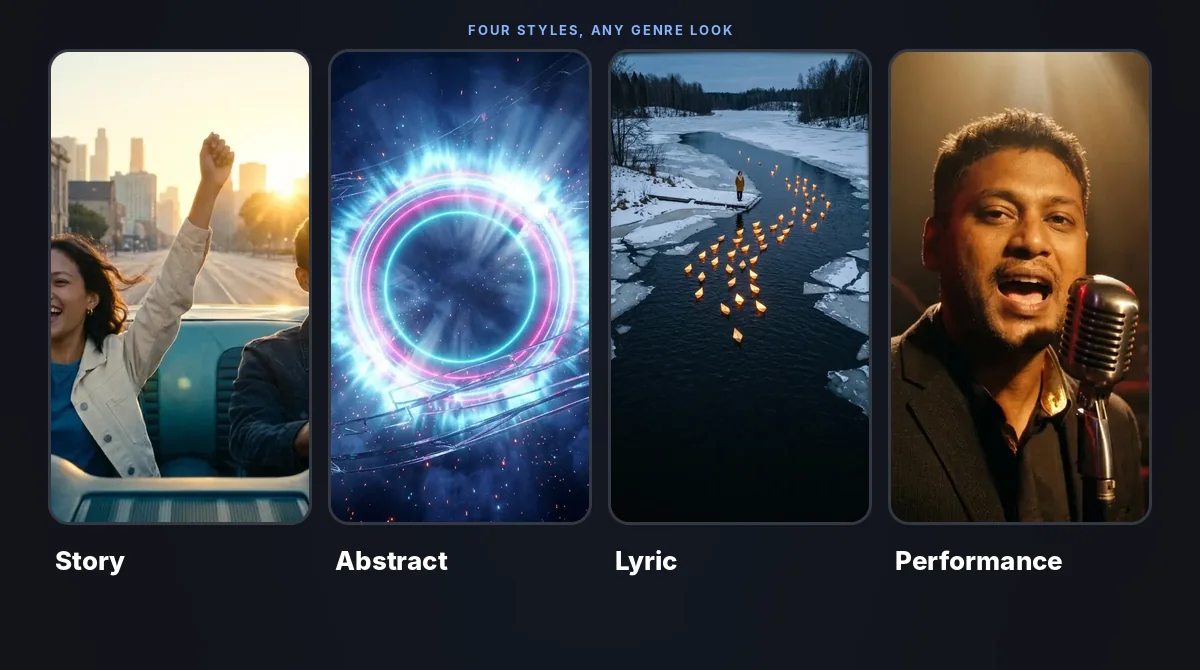
A song with an AI voice has no singer to film, so decide what carries the picture. Performance works with a drawn character as well as a photo: upload one clear, front-facing image of a character you created, and the sung lines are lip-synced to the AI vocal, with the same design kept in the other shots. Lyric puts the words first, Abstract suits an instrumental or a club track, and Story casts invented characters held steady by a character sheet. Never use a real person's photo without their permission (the consent box asks), and read the music tool's terms for your plan before releasing: the music video copyright guide explains what to look for.
An AI track usually needs one of three things: a face, the words on screen or a visual for an instrumental. Each card opens the upload with a style, a look and an idea for one of them; edit the idea to fit your song.
Performance style, pop look: your drawn character sings the hook, lip-synced to the AI vocal.

Lyric style, pop look, 9:16: calm, close shots with room for the captions, made for Reels and Shorts.

Abstract style, EDM look: light gathers through the build and bursts on each drop.
Drop in an MP3, WAV, M4A or FLAC up to 8 minutes. Muvora finds the tempo, the beats, the downbeats and the sections of your song, like intro, verse and chorus.
An AI director writes a shot-by-shot plan timed to your downbeats. Rewrite any prompt, drag a cut (it snaps to the beat) or ask AI to redo a shot. None of it costs anything.
See the final price, then render. Pick Visualizer, Standard or Cinematic quality. If a shot fails, its credits come straight back.
Free storyboard in minutes. No card needed.
Can't find what you need? Start a free storyboard and see for yourself.
Any tool that lets you download the song as an audio file. Muvora reads the file itself, so it makes no difference whether it came from Suno, Udio, Mureka, ElevenLabs Music or something that launched last month. There's no link import: download the song, then upload it.
That depends on the music tool's terms for the plan the song was made on, not on Muvora. Paid plans usually grant commercial use and free plans often don't, and several tools have changed their terms more than once, so read the current ones before you release. Muvora claims no ownership of the video you render.
Yes. The analysis measures the file's tempo, beats, downbeats, sections and drops without knowing how it was made, and the cuts land on that grid. If one lands where you'd rather it didn't, drag it in the storyboard editor and it snaps back onto the beat grid.
Yes. Choose Performance and upload one clear, front-facing picture of the character with a visible mouth; Muvora separates the vocal, finds where it's sung and lip-syncs those shots. A photo of a real person needs that person's permission, which the consent box asks you to confirm, and celebrities are never drawn.
Nothing until you render. Storyboards are free (5 a month on the free plan), so you can plan several tracks and render the best. Rendering three minutes takes 6,840 credits in Visualizer, 10,800 in Standard or 19,800 in Cinematic, and the figure for your song's exact length shows before you generate.
Quiet stretches get longer, slower shots, and the planner always cuts at the change into the first verse, so an intro reads as a calm opening rather than dead air. If it's longer than you want on screen, trim the file before uploading: the video always runs the file's full length.

Export your AI-made song, upload it, get a free storyboard.
Learn more
Upload the Udio song you saved as an audio file and get a beat-synced storyboard free.
Learn more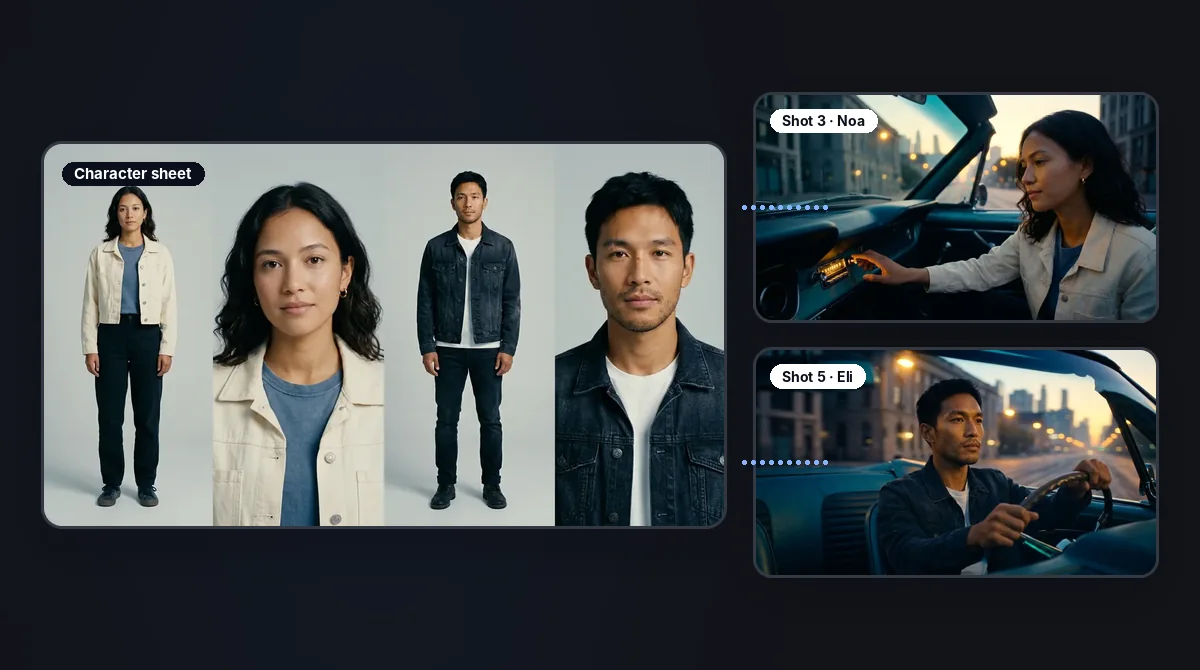
From the downloaded file and its lyrics to a released video, vertical cut and Canvas, with tips for AI-made songs.
Read the guide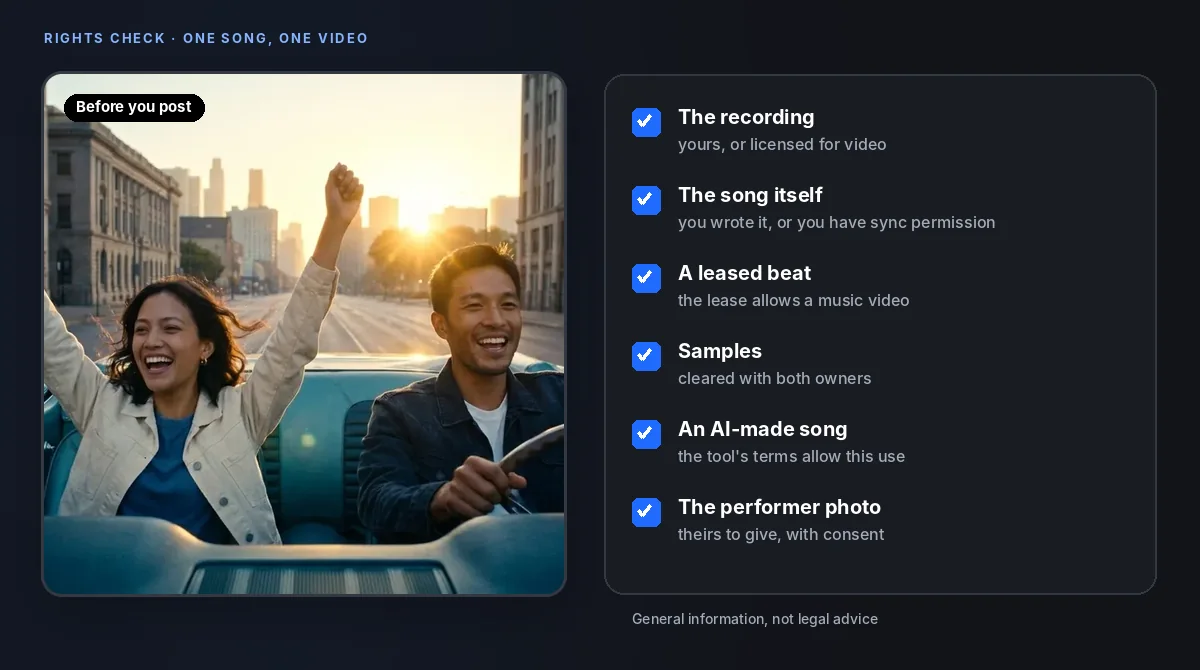
Covers, samples, leased beats, AI songs and Content ID: what to clear before you make and post a music video.
Read the guide
Karaoke-style captions timed to your vocals, over AI visuals.
Learn more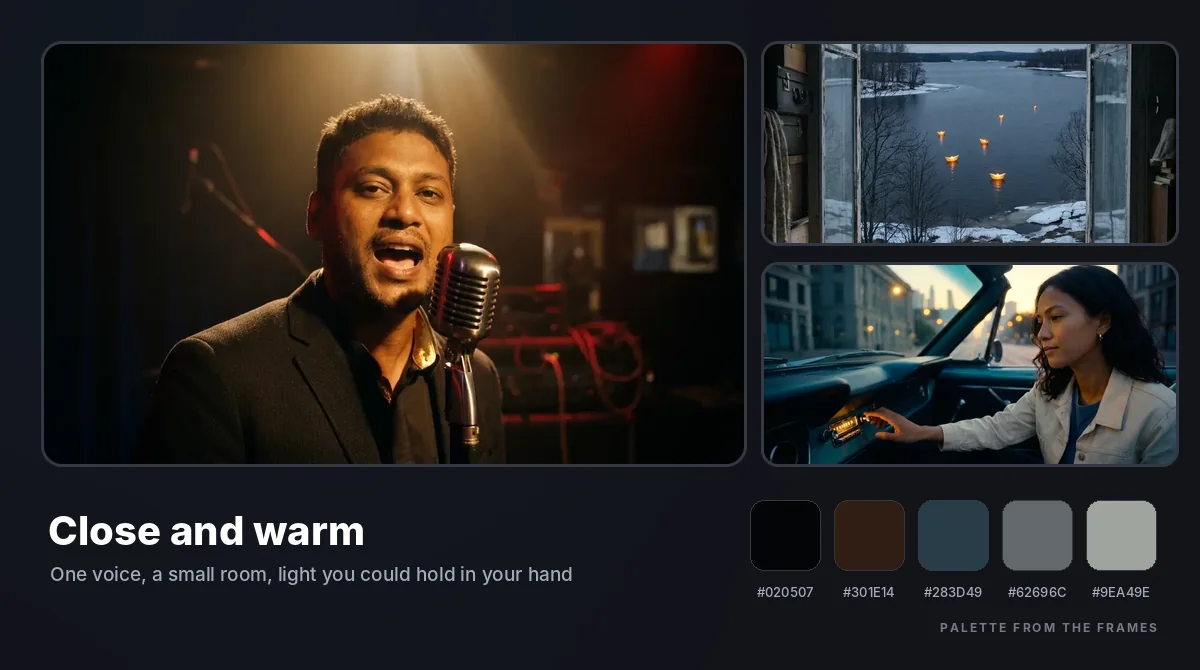
Acoustic and piano songs with the voice up front: you singing from one photo, the story in between, cuts that wait for the line.
Learn more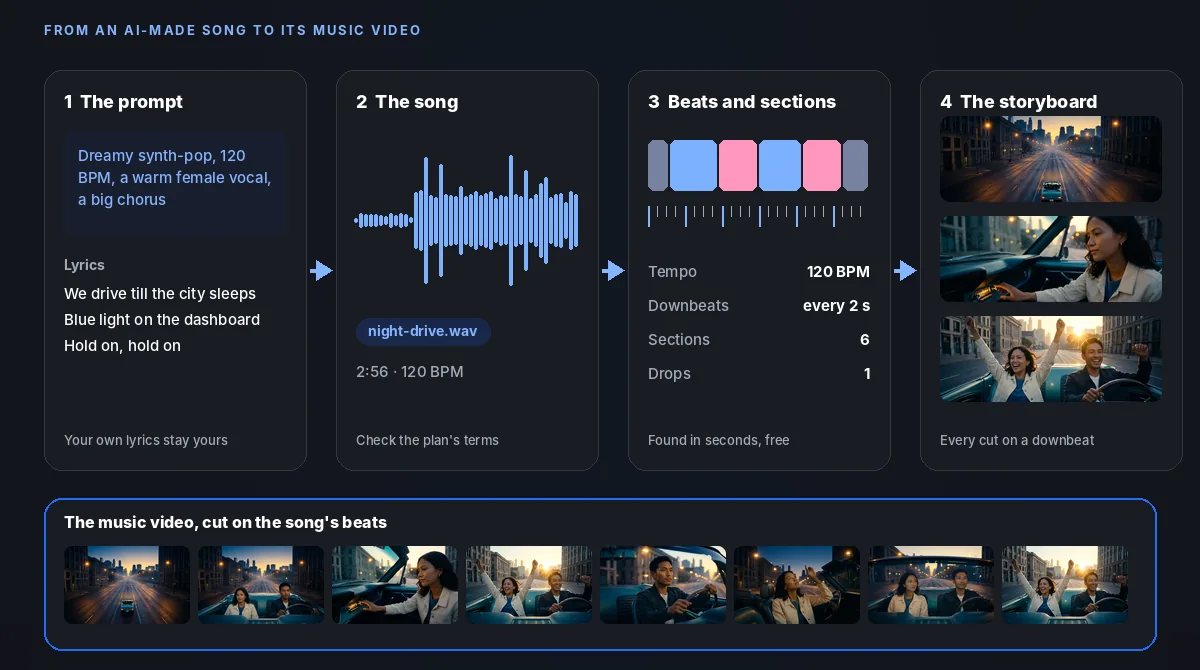
Prompts and lyrics, the main AI music generators and their plans' rights, who owns the result, the streaming services' AI rules and the video that releases it.
Read the guide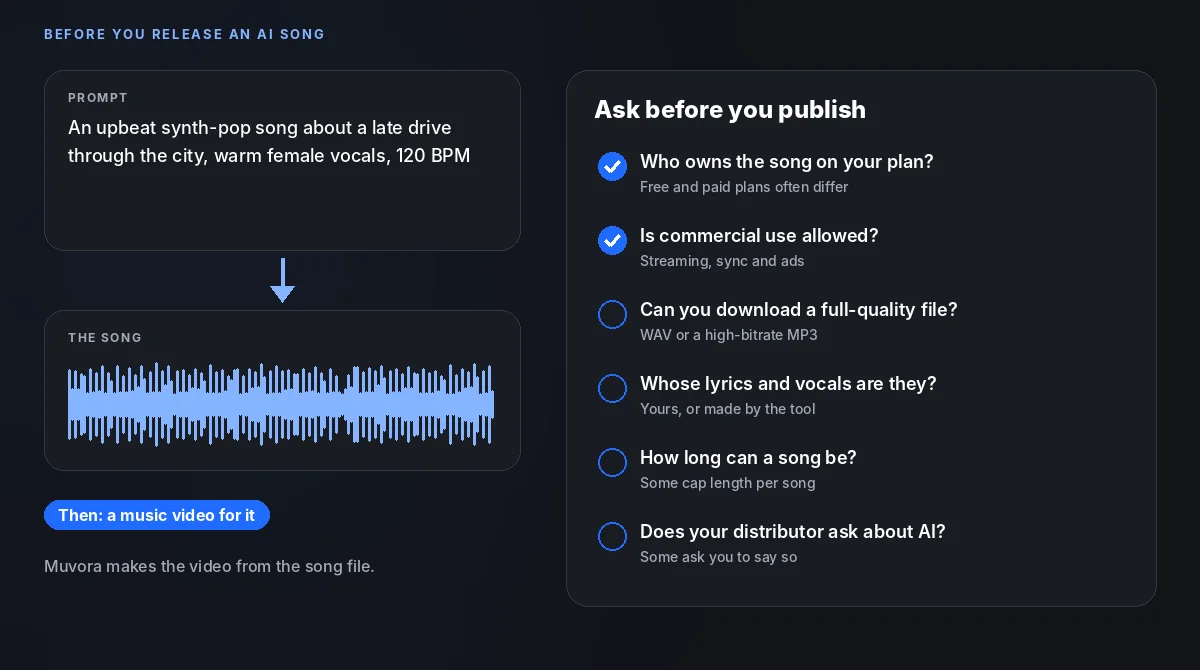
Suno, ElevenLabs Music, Mureka, Google's Flow Music, Stable Audio, Soundraw and AIVA by use: songs with vocals, instrumentals and stems, with each plan's rights.
Read the guide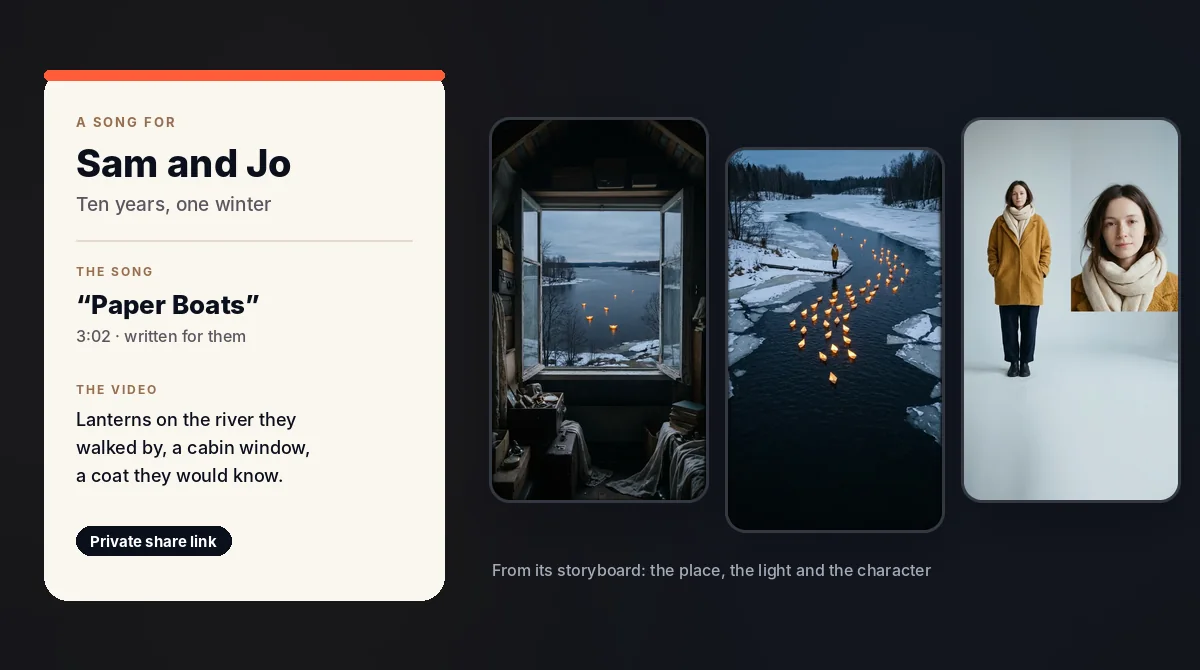
A video for a song written for someone: their story told with invented characters, sent by a private link or played on the night.
Learn moreUpload a track and get a free beat-synced storyboard in minutes. Render it when you are ready.
No card needed to start.



