Looking for an Adobe Express alternative for music videos?
Adobe Express is Adobe's all-in-one design and video app: templates, Adobe Stock photos, videos and music, Adobe Fonts, a drag-and-drop video editor, Firefly generative AI and a scheduler for social posts. Its music video maker has you weave your own footage or stock clips together with the song you upload and arrange them to its rhythm. Muvora starts from the song alone and makes the whole music video: every shot written, generated and cut on the downbeats. Here is how they compare.
Free storyboard · 5 a month · No card needed
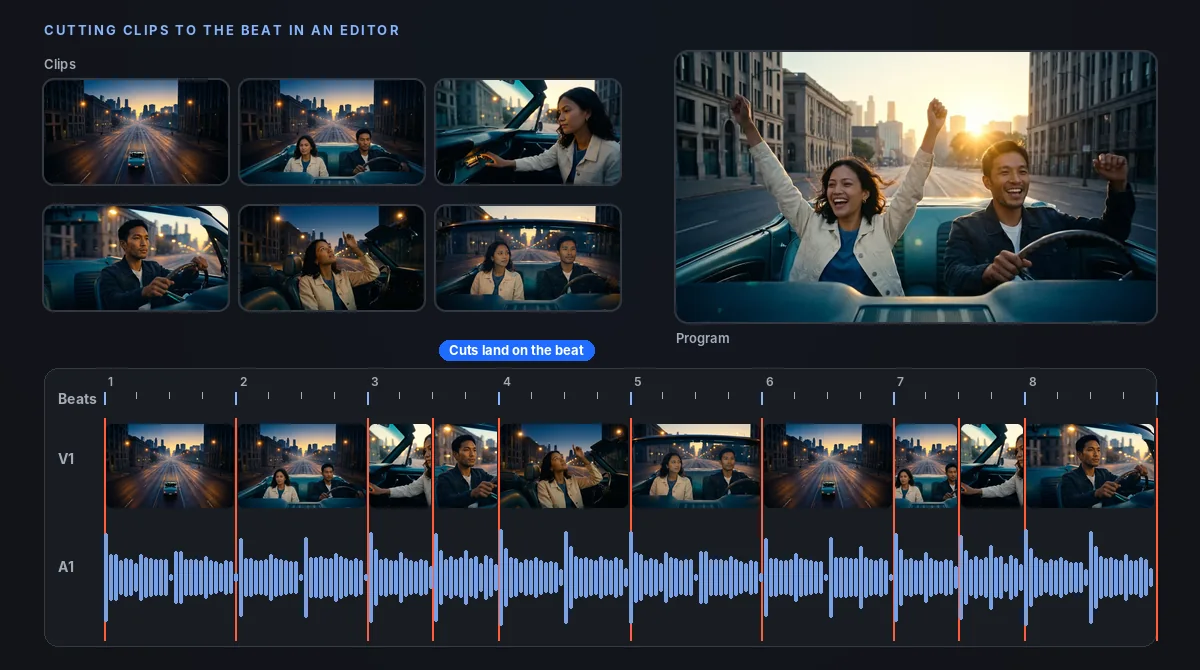
The verdict
Muvora is the one to choose for a music video when you have the finished song and no footage: it writes a free storyboard for your track, generates every shot as AI video, cuts it on the downbeats, section changes and drops, and can lip-sync your singer from one photo. Adobe Express is a design and video app for templates, stock and the clips you arrange yourself.
Adobe Express facts checked November 17, 2026. Storyboard frames from “Night Drive” over the pop test song's real waveform, in a timeline drawn for this guide.
Muvora vs Adobe Express
| What is compared | Muvora | Adobe Express |
|---|---|---|
| What it is | A music video generator: your song is analyzed, storyboarded shot by shot, rendered as AI video and cut over your own audio | Adobe's all-in-one design app for images, videos, documents and social posts, with templates, Adobe Stock, Adobe Fonts, Firefly generative AI and a content scheduler |
| What you start with | Only the song file (MP3, WAV, M4A, AAC or FLAC, up to 8 minutes), plus one photo of the singer if you want lip sync | A template or a blank canvas, then your own footage, photos and music, or videos, images and tracks from Adobe Stock |
| Where the pictures come from | Every shot generated as AI video from the storyboard, drawn from style frames and a character sheet | Your footage and photos, Adobe Stock, and Firefly's Generate Video, which makes 5-second clips from a text or image prompt (b-roll and background footage, in Adobe's words) |
| Who plans the video | An AI director writes the brief (concept, cast, locations, palette, mood) and a shot for every stretch between cuts; you edit the storyboard for free | You do, in the drag-and-drop editor: its music video page has you rearrange clips to follow the rhythm of your soundtrack and trim the audio to fit |
| Cutting to the music | Cut points from the song's downbeats, at every section change and every drop, with longer holds where the song is quiet | Placed by hand on the timeline; its highlight reel maker cuts the photos and videos you upload to the music, at a length and style you pick |
| Lip sync | Performance style: your singer drawn from one photo and lip-synced to the vocal separated from your mix | Not described for singing in our sources |
| Lyrics and text | Lyrics timed word by word to the vocal, with optional karaoke-style captions burned in; no other lettering in the pictures | Lyrics, titles and logos you type and place yourself, from 5,000+ Adobe Fonts on Free or 30,000+ on paid plans; a Caption Video tool |
| Formats | 16:9, 9:16, 1:1 and an 8-second Spotify Canvas loop from one widescreen render, at 720p or 1080p | Any size through its Resize tool, MP4 downloads, 4K export on paid plans; videos up to 30 minutes on Free and 2 hours on paid plans |
| Price | Storyboards free (5 a month on the free plan); rendering is priced by the finished second: 38 credits in Visualizer, 60 in Standard, 110 in Cinematic | A free plan with free daily generations; Premium $9.99 a month or $99.99 a year with 250 generative credits a month; Firefly Pro $19.99 a month with 4,000 credits and Photoshop on web and mobile |
| Commercial use | Yours to use commercially when you have the rights to the song | Generative AI outputs can in general be used commercially, except from features Adobe marks as beta; its Firefly models are trained on licensed and public-domain content |
Compare it on your own song
Upload a track and see Muvora's whole storyboard, every shot planned on your song's beats, and its exact price before you spend a credit. The storyboard is free, so you can judge the plan before you pay for anything.
What you get with Muvora that changes the outcome
- 01
Shots made for your song, not gathered for it
Adobe Express gives you a canvas, templates and a stock library to fill, and Firefly's Generate Video adds short clips from a prompt. Muvora's director reads your song first, then writes a concept, a small cast and three to six designed locations, and a shot for every stretch between cuts with its framing, action, light and camera move. Every shot is rendered as AI video, and the whole plan is free to change before you pay; the storyboard generator page shows what you get.
- 02
Cuts that follow the song's form
Lining clips up with a soundtrack by hand means finding every beat and every chorus yourself. Muvora's shot planner maps the downbeats, sections, drops and the energy of each beat, cuts at every section change and lands each drop on a cut with a two-frame white flash, holding longer in quiet verses and moving quicker in loud choruses. A cut you drag in the storyboard snaps back onto a beat, and editing a music video to the beat explains why the cuts fall where they do.
- 03
Your singer in the video, from one photo
Most music videos have the artist in them. In Muvora's Performance style you add one clear, front-facing photo of yourself, or of someone who agreed, confirmed with a consent box. The vocal is separated from your mix, the stretches that are really sung are found, and those shots are lip-synced to the voice, while the singer can appear in other shots without singing. The AI lip-sync music video page explains how the sung parts are chosen.
- 04
Lyrics on the beat, every shape and the price first
There are no lyric lines to type and drag into place: Muvora times your lyrics to the vocal word by word and can burn in karaoke-style captions, each word changing color as it is sung. One widescreen render gives the 16:9 video, 9:16 and 1:1 versions and an 8-second Canvas loop, with no visible watermark on any plan. The exact price shows before you press Generate and a shot that fails costs nothing; try your song's length in the cost calculator.
The bottom line
Adobe Express is built for designing with the media you have. Muvora is built for your music video.
Adobe Express is Adobe's all-in-one app for designs, videos and social posts, with templates, Adobe Stock, Adobe Fonts and Firefly, and an editor where you arrange your footage against your song. A music video for a finished track needs footage that doesn't exist yet, planned for the song's sections and cut on its beats. Muvora writes, renders and edits all of it from the song file, and its MP4 files open in Adobe Express if you want to add a logo or an end card afterwards; how to make a music video compares the routes.
- Only the song needed: no footage or stock to gather
- A free storyboard of every shot before you spend a credit
- Cuts on the downbeats, at every section change and drop
- Your singer lip-synced from one photo where the song is sung
- Karaoke captions timed to the vocal, every shape, no visible watermark
Still comparing? See how Muvora compares with every other tool.
How Muvora works, and what it costs
- 01
Upload your song
Drop in an MP3, WAV, M4A or FLAC up to 8 minutes. Muvora finds the tempo, the beats, the downbeats and the sections of your song, like intro, verse and chorus.
- 02
Edit your free storyboard
An AI director writes a shot-by-shot plan timed to your downbeats. Rewrite any prompt, drag a cut (it snaps to the beat) or ask AI to redo a shot. None of it costs anything.
- 03
Generate your video
See the final price, then render. Pick Visualizer, Standard or Cinematic quality. If a shot fails, its credits come straight back.
The storyboard is free. Rendering is priced per second.
- Visualizer38 credits/s6,840 for 3 minutes
- Standard60 credits/s10,800 for 3 minutes
- Cinematic110 credits/s19,800 for 3 minutes
- The exact price is shown before you generate
- Failed shots cost nothing
- 16:9, 9:16, 1:1 and a Canvas loop from one widescreen render
Free storyboard in minutes. No card needed.
Questions, answered
Can't find what you need? Start a free storyboard and see for yourself.
Is Muvora a good alternative to Adobe Express for music videos?
Yes, when you have a finished song and nothing filmed. Muvora storyboards the whole track, generates every shot as AI video and cuts the shots on the downbeats over your original audio, with the plan free to change before anything renders. Adobe Express arranges the footage, stock and text you bring; Muvora makes the pictures and the edit from the song alone.
What is the difference between Muvora and Adobe Express?
Adobe Express is a design and video app: you start from a template or a blank canvas, add your own media or Adobe Stock, type your text and arrange it all on a timeline, with Firefly for generated images and short clips. Muvora is a music video generator: it analyzes your song, writes a shot for each stretch between cuts, renders every shot and edits them together on the beat.
Can Adobe Express make a music video from my song?
Its music video maker sets your footage to your song: you upload the track, add your own clips or Adobe Stock videos, rearrange them to follow the rhythm and trim the audio to fit, and its highlight reel maker can time cuts to the music for media you upload. The pictures still come from you, its stock or short Firefly clips. Muvora needs only the song file and makes every shot for it.
How much does Adobe Express cost compared with Muvora?
As of November 2026, Adobe's plan table gave Premium 250 generative credits a month and Firefly Pro 4,000, and trackers listed Premium at 9.99 dollars a month or 99.99 a year and Firefly Pro at 19.99 a month; the free plan has free daily generations in place of monthly credits. Muvora's storyboards are free, 5 new ones a month, and rendering is priced by the finished second, with the total shown before you start.
Can Adobe Express make a lyric video?
Yes, as a design: its lyric video maker has you upload the song, add images that suit the words and set the lyrics in Adobe Fonts. Muvora times your lyrics to the vocal word by word and burns them in as karaoke-style captions, each word changing color as it is sung, over shots generated for the song.
Can I finish a Muvora video in Adobe Express?
Yes. Muvora exports ordinary H.264 MP4 files, so you can bring one into Adobe Express to add your logo, an end card or a post for each platform, then schedule it from there. Muvora's own pictures carry no text, logos or watermark; the only words on screen are the optional lyric captions.
Keep exploring

Canva alternative
Muvora and Canva side by side: a music video generated and cut from the song itself, against a design tool's templates, stock clips and beat markers.
See the comparison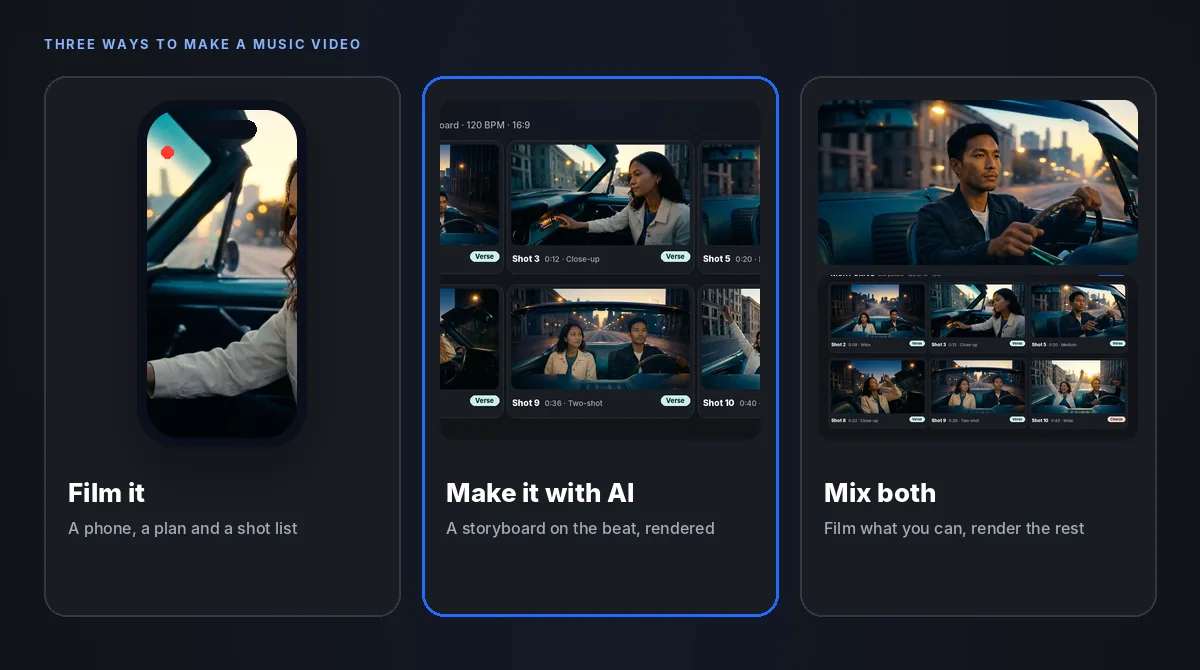
Clipchamp alternative
Muvora and Clipchamp side by side: a music video generated and cut from your song alone, against Microsoft's free editor for the clips, stock and recordings you put on its timeline.
See the comparison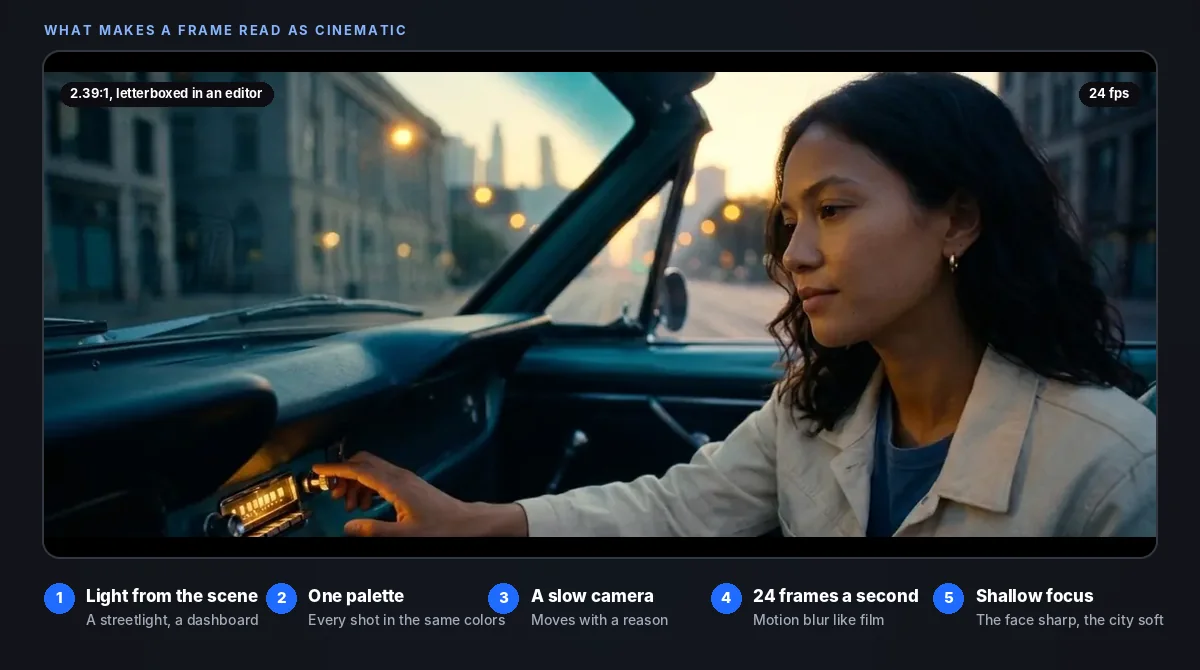
Luma Dream Machine alternative
Muvora and Luma AI side by side: a whole music video planned and cut on your song's beats, against Luma's agent workspace for cinematic clips from its Ray models and others.
See the comparison
Higgsfield alternative
Muvora and Higgsfield side by side: a music video planned, rendered and cut from your song in one pass, against an AI studio where you build each shot and cut it in your editor.
See the comparisonBest editing apps for music videos
DaVinci Resolve, Premiere, Final Cut Pro, CapCut, Edits, Filmora, iMovie, Shotcut and Canva compared on devices, price and the help each gives with the beat.
Read the guide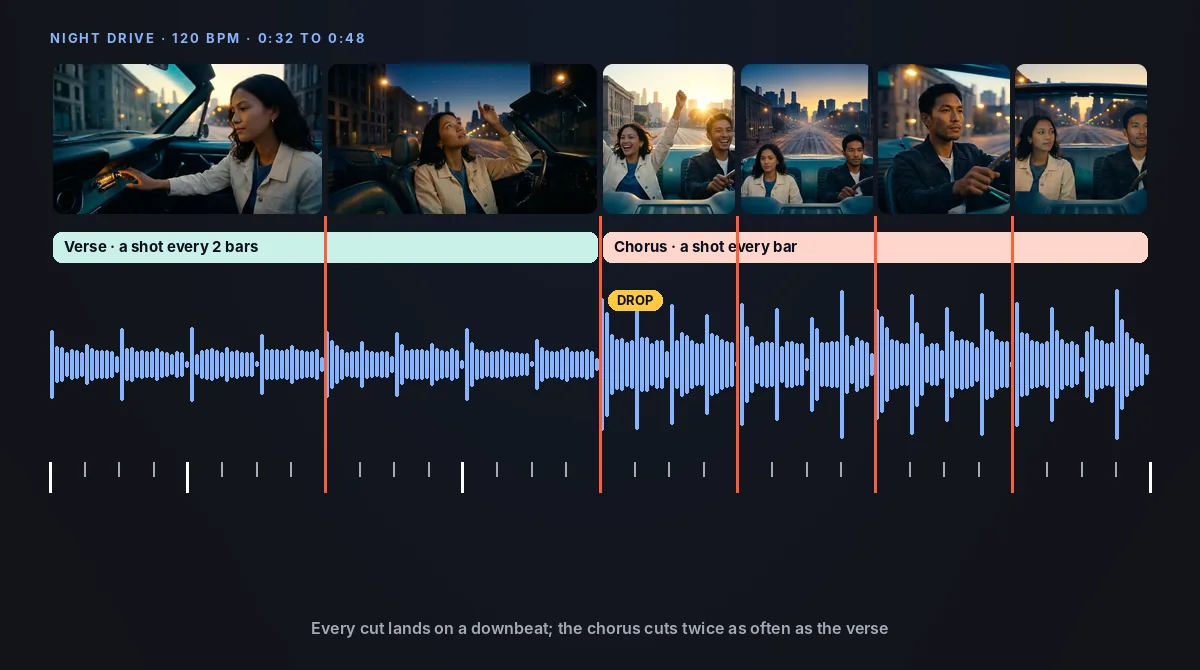
Beat sync videos
Every cut placed on a downbeat, a section change or a drop, to the nearest frame.
Learn more
Your song deserves a music video
Upload a track and get a free beat-synced storyboard in minutes. Render it when you are ready.
No card needed to start.






