What will your music video cost?
Prices for AI video are per second, so the length and the quality decide the cost. Enter your song's length, choose a quality and, for a performance video, how much of it is sung, and see the credits and which plan or pack covers it.
Free, no sign-up. Runs in your browser: nothing is uploaded.
Minutes:seconds
Quality
60 credits per finished second
3:00 in Standard
10,800 credits
From US$149 a month on Pro, or US$189 once in credit packs
Which plan covers it
- Starter US$39/monthNot enough on its own
- Artist US$79/monthNot enough on its own
- Pro US$149/month1 video a month
- Studio US$249/month3 videos a month
Or buy once: the 20,000-credit pack for US$189. Pack credits never expire.
An estimate from the length. The storyboard is free (5 new ones a month), and the editor shows the exact price from the real shots before anything is charged.
Song finished? Upload it and Muvora plans the whole video on its beats. The storyboard is free.
Make the videoUpload a new songHow to use the music video cost calculator
- 01
Enter the length
Type the song's length as minutes and seconds, like 3:05.
- 02
Choose a quality
Visualizer, Standard or Cinematic. Each is priced per finished second.
- 03
Add singing, if any
For a Performance video, set how many seconds are lip-synced.
- 04
Compare plans and packs
See which monthly plans cover it, how many videos a month they render and the pack to buy once.
How Muvora prices a video
Analysis and storyboards are free. Rendering costs credits per finished second of video, at the rate of the quality you choose; a Performance video's lip-synced shots have a rate of their own because a lip-sync model makes them. The editor shows the exact price, from the real shots, before you press Generate.
- Free storyboard before you pay
- Credits per finished second
- Exact price shown before rendering
What the qualities mean
Visualizer covers a whole song affordably with every shot moving. Standard adds stronger motion and character consistency for singles and social cuts. Cinematic makes the clips at 1080p with the most detail, for a release's main video.
- Visualizer for whole songs
- Standard for singles
- Cinematic for the main release
What you don't pay for
Shots that fail to render cost nothing. Re-rolling a shot you don't like is free up to a share of the video's length. Exports in 16:9, 9:16, 1:1 and a Canvas loop come from one render at no extra cost.
- Failed shots cost nothing
- Free re-rolls up to an allowance
- Every format from one render
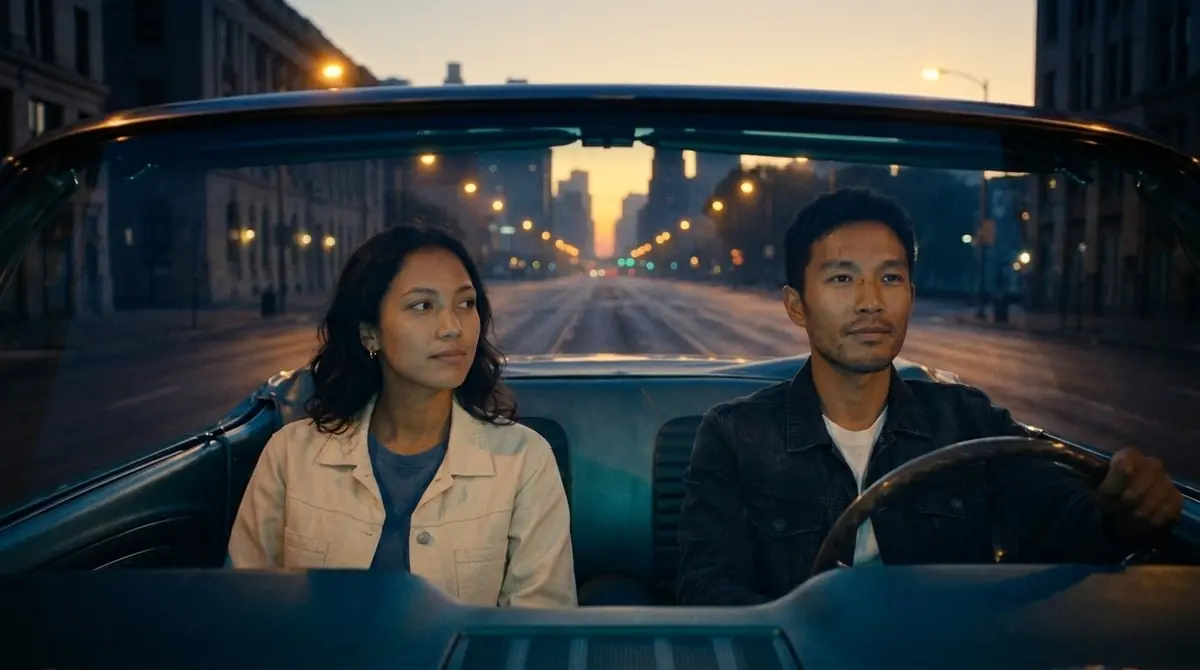
See the exact price for your song
Upload the track and Muvora writes the storyboard free, then prices it from the real shots in every quality. Change the length, the mode or the shots and the price moves with them.
Questions, answered
Can't find what you need? Start a free storyboard and see for yourself.
Is the calculator's number the final price?
It's an estimate from the song's length. The final price comes from the storyboard's real shots and is shown before you press Generate; nothing is charged until then.
Why do sung seconds cost more?
In a Performance video the singing shots are made by a lip-sync model that animates the singer to your isolated vocals, which costs more to run than a regular video shot.
Do unused credits expire?
Credits from packs never expire. Subscription credits roll over up to a limit, set on the pricing page.
What if a shot fails?
Its share of the price isn't charged, and the video is assembled from the shots that worked once enough of them have, or you can retry the failed ones for free.
Keep exploring
Pricing
Plans, credit packs and what a music video of any length costs in each quality.
Learn more
What a music video costs
Where the money goes on a shoot, typical indie budgets, and what an AI music video costs instead.
Read the guide
AI vs hiring a videographer
An honest comparison: what a shoot does best, what AI does best, and when to use both.
Read the guideAI music videos by genre
A drill beat, a dream-pop chorus and a lo-fi loop need different pictures and different cutting. Pick the genre closest to your song to see how Muvora plans it, then upload your track to get the storyboard for free.
See them all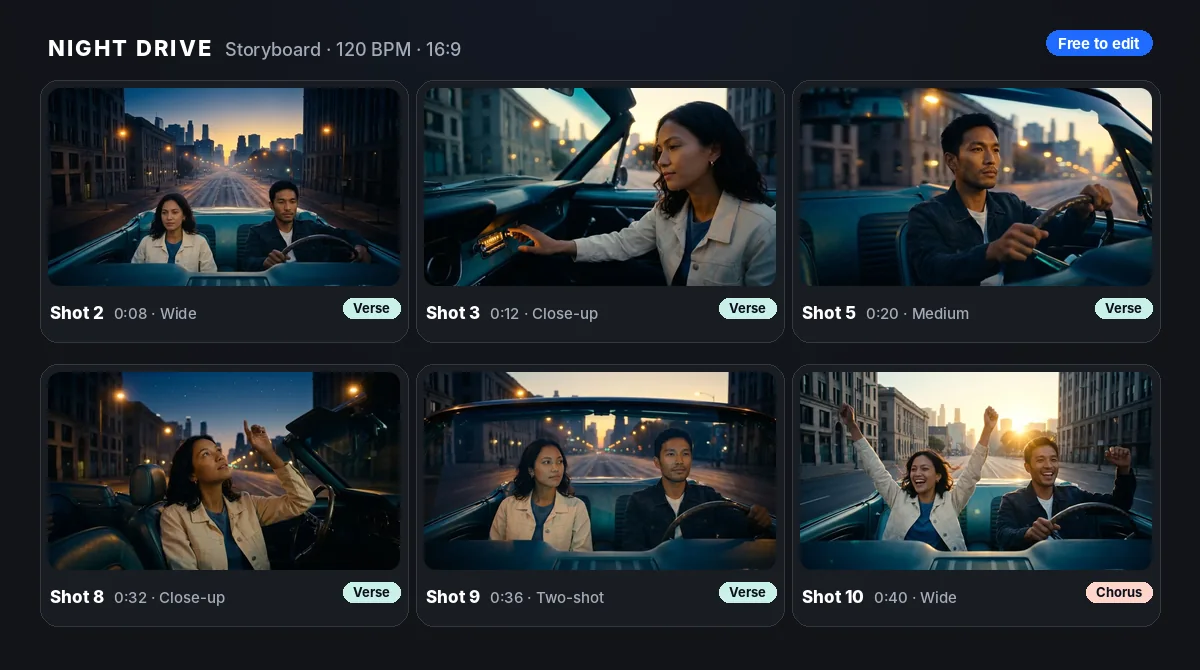
Free AI music video generator
Plan the whole video free: the analysis, the storyboard and the style frames. Pay only to render.
Learn more
How long a music video should be
As long as the song, usually. Plus the right length for teasers, Shorts, Reels, TikTok and a Canvas, and what length does to cost.
Read the guideMusic video budget calculator
A filmed shoot's budget line by line: crew, gear, locations, cast, food and post at your own rates, with a contingency and the total.
Open the tool
More free tools: plan the video
Ideas, treatments, prompts, shot lists and storyboards timed to the beat, a call sheet for the shoot, and what a render would cost.
Your song deserves a music video
Upload a track and get a free beat-synced storyboard in minutes. Render it when you are ready.
No card needed to start.





