Looking for a Revid alternative for music videos?
Revid is an AI maker of short-form videos for TikTok, Reels and Shorts: it turns a script, an idea, an article or audio into a video with AI visuals, voiceover and captions, and can schedule and post it to your accounts. Its music video generator takes an MP3, WAV or M4A file or a Suno link and times its scenes to the lyrics or to the beat. Muvora makes only music videos, with a storyboard of the whole song planned on its downbeats before you render. Here is how they compare.
Free storyboard · 5 a month · No card needed

The verdict
Pick Muvora when the music video itself is the point: a free storyboard of every shot, cuts on the downbeats with karaoke captions timed to the vocal in the same video, one cast throughout and the exact price first. Revid times a music video to its lyrics or to its beats, one or the other; Muvora gives you beat cuts and timed captions together.
Revid facts checked November 16, 2026. Storyboard frames from Muvora's three test songs, cropped to 9:16 and set in drawn phones.
Muvora vs Revid
| What is compared | Muvora | Revid |
|---|---|---|
| What it is | A music video generator: one song in, a storyboarded video cut on the beat out, in three shapes and a Canvas loop | An AI video maker for short-form social content: scripts, prompts, articles, avatars and audio become videos with voiceover and captions, then get posted |
| What you start with | Your song file (MP3, WAV, M4A, AAC or FLAC, up to 8 minutes); one clear photo of the singer for lip sync | For a music video, an MP3, WAV or M4A file or a Suno link, trimmed to a teaser or kept whole |
| Who plans the video | An AI director writes a brief and a shot for every stretch between cuts; you read and edit it for free before rendering | You pick the style and the media, it generates, then you refine in its editor: replace scenes, move cuts, fix captions |
| Cutting to the music | Downbeat cuts, a cut at every section change and every drop, longer holds where the song is quiet | One timing mode or the other: Lyrics changes scenes on sung lines and makes captions; Beats cuts on the rhythm with no lyrics |
| Pictures | Every shot is AI video, drawn from the storyboard's style frames and character sheet | AI video, animated AI images, stock footage or your own uploads |
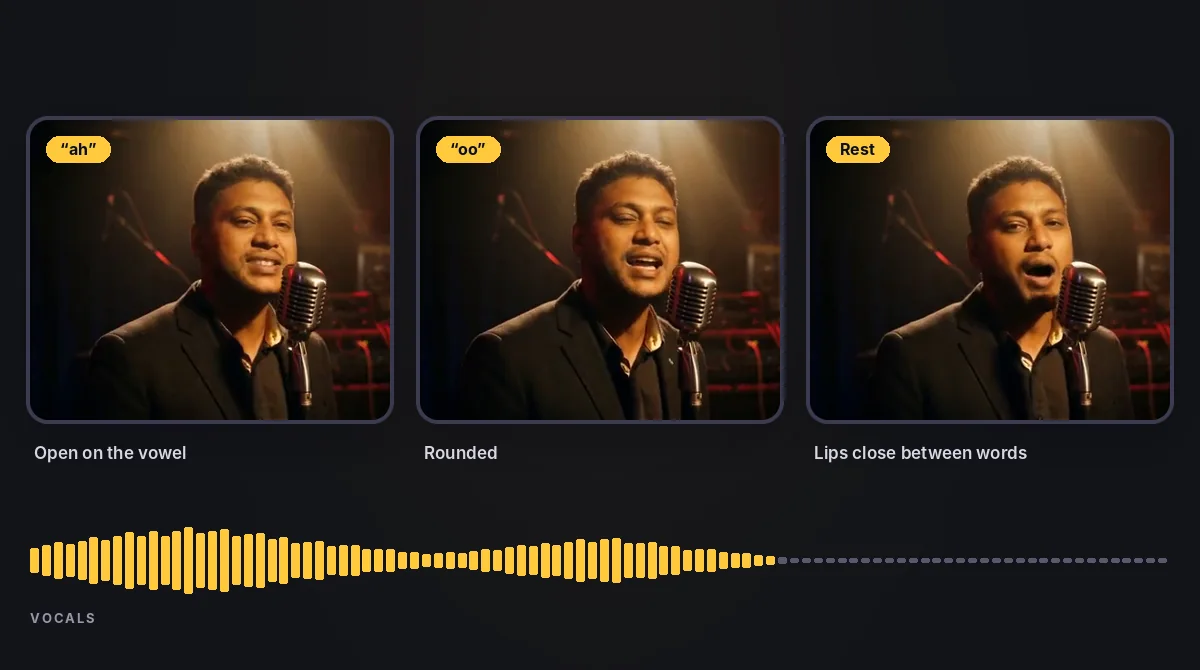
| Lip sync | Your vocal separated from the mix, its sung stretches found, and those shots lip-synced from one photo of the singer | An optional singer lip sync for AI-video scenes timed to the lyrics, with how often it appears and how many singers set by you |
| Lyrics | Pasted lyrics aligned to the vocal word by word (or transcribed), shown as optional karaoke-style captions | The vocal is transcribed for captions; its guide says to read them and fix names and slang before exporting |
| Price | Credits per finished second: 38 in Visualizer, 60 in Standard, 110 in Cinematic, with the exact total shown before you render | Growth $39 a month ($32 billed yearly, 2,000 credits), Ultra $199 ($166, 12,000); AI video costs 15 to 500 credits per 5 seconds by model, and plan credits refill at renewal without stacking |
| Free to start | 5 new storyboards a month with style frames, no card needed | No card to sign up; new accounts get free credits to try it |
| Formats | 16:9, 9:16, 1:1 and an 8-second Spotify Canvas loop from one 16:9 render, at 720p or 1080p | Vertical or landscape, chosen before generating; exports at 720p, 1080p or 4K, at 30 or 60 fps |
| Publishing | Downloads in every shape and a share link with a preview card; you post it yourself | Schedules or posts to TikTok, YouTube, Instagram and X from the app, and through its API |
Compare it on your own song
Upload a track and see Muvora's whole storyboard, every shot planned on your song's beats, and its exact price before you spend a credit. The storyboard is free, so you can judge the plan before you pay for anything.
What you get with Muvora that changes the outcome
- 01
Cuts and captions in the same video
Revid's music video generator makes you choose: time the scenes to the lines and get captions, or to the beat and get none. Muvora does both at once. The shot planner cuts on the downbeats, at every section change and every drop, holding longer where the song is quiet, and the lyrics, aligned word by word to the separated vocal, become karaoke-style captions over those shots, or stay off if you'd rather. The karaoke video maker page shows how they look.
- 02
The whole plan before any credits
Revid generates first and lets you refine afterwards, and its own guide suggests drafting a short cut on a cheaper tier to check the pacing. Muvora shows you the plan first: the brief, the cast, every shot's prompt and camera move, and style frames of the look, all free to rewrite, split, merge or re-time. You render only once the storyboard reads right. The storyboard generator page shows the editor.
- 03
One cast from the first verse to the last chorus
Revid's guide asks you to keep one look and one cast across the whole song. Muvora builds that in: each character is described once in the brief, a character sheet is drawn before you pay, every keyframe is drawn from it and checked against it, and a frame that drifts is redrawn. A performer made from one photo of the real singer, confirmed with a consent box, sings only where your vocal is. See consistent characters.
- 04
Made for the whole song, cut for every feed
Render the full song once in 16:9 and you get the YouTube video, a 9:16 version for Shorts, Reels and TikTok, a 1:1 version for the feed and an 8-second Canvas loop, all from the same shots. It's priced at one rate a second for the quality you pick, shown before you render, with free re-rolls up to 10% of the length. For short clips from it, read how to make a song teaser.
The bottom line
Revid is built for daily short-form posts. Muvora is built for the music video.
Revid is a short-form video engine: scripts, articles, avatars and songs become videos with voiceover and captions, then get scheduled to TikTok, YouTube, Instagram and X. A release needs one music video built around the song, so Muvora plans it shot by shot from your track, lets you edit the storyboard for free and only then renders. A 16:9 render gives the YouTube video, a vertical cut for Shorts and Reels, a square cut and the Canvas loop.
- Beat cuts and captions timed to the vocal, in one video
- The whole storyboard to read and edit before you pay
- One cast from a character sheet, checked in every keyframe
- Every shape from one 16:9 render, with no visible watermark
- Failed shots cost nothing, and re-rolls are free up to 10% of the length
Still comparing? See how Muvora compares with every other tool.
How Muvora works, and what it costs
- 01
Upload your song
Drop in an MP3, WAV, M4A or FLAC up to 8 minutes. Muvora finds the tempo, the beats, the downbeats and the sections of your song, like intro, verse and chorus.
- 02
Edit your free storyboard
An AI director writes a shot-by-shot plan timed to your downbeats. Rewrite any prompt, drag a cut (it snaps to the beat) or ask AI to redo a shot. None of it costs anything.
- 03
Generate your video
See the final price, then render. Pick Visualizer, Standard or Cinematic quality. If a shot fails, its credits come straight back.
The storyboard is free. Rendering is priced per second.
- Visualizer38 credits/s6,840 for 3 minutes
- Standard60 credits/s10,800 for 3 minutes
- Cinematic110 credits/s19,800 for 3 minutes
- The exact price is shown before you generate
- Failed shots cost nothing
- 16:9, 9:16, 1:1 and a Canvas loop from one widescreen render
Free storyboard in minutes. No card needed.
Questions, answered
Can't find what you need? Start a free storyboard and see for yourself.
Is Muvora a good alternative to Revid for music videos?
Yes, when the music video is the point. Muvora writes a storyboard for your whole song, renders every shot as AI video, cuts it on the downbeats and times captions to the vocal, and shows the exact price before anything renders. Revid covers many kinds of short-form content; Muvora puts all of its work into the one video your song needs.
What is the difference between Muvora and Revid?
Revid is a short-form video maker for many kinds of content, with a music video tool among its generators and posting built in. Muvora makes music videos only: the song's beats, sections, drops and lyrics decide the shots and the cuts, and you edit the storyboard for free before rendering.
Does Revid sync videos to the beat?
Its music video generator times scenes either to the lyrics, changing scenes on sung lines and adding captions, or to the beats, cutting on the rhythm without lyrics. Muvora cuts on downbeats and at every section change and drop, and can add karaoke-style captions to the same video.
How much does Revid cost compared with Muvora?
As of November 2026, Revid's pricing page listed Growth at 39 dollars a month (32 billed yearly) with 2,000 credits and Ultra at 199 (166) with 12,000, and its FAQ put AI video at 15 to 500 credits per 5 seconds depending on the model. Muvora prices the finished video per second: a 3-minute Visualizer video is 6,840 credits.
Can Revid post my music video to TikTok and YouTube?
Yes. Revid connects your accounts and can schedule or post to TikTok, YouTube, Instagram and X, and its API can publish too. Muvora doesn't post for you; it gives you downloads in 16:9, 9:16 and 1:1, an 8-second Canvas loop and a share link with a preview card.
Can I make short vertical clips from a Muvora video?
Yes. Render your song in 16:9 and the same render gives a 9:16 version for Shorts, Reels and TikTok, a 1:1 version for feeds and a Canvas loop; trim the chorus from the vertical export in any editor for a teaser. You can also upload just the hook as its own file to get a short video of its own.
Keep exploring
Hedra alternative
Muvora and Hedra side by side: a whole music video storyboarded and cut on your song's beats, against a studio that makes a character from one image talk or sing to your audio.
See the comparison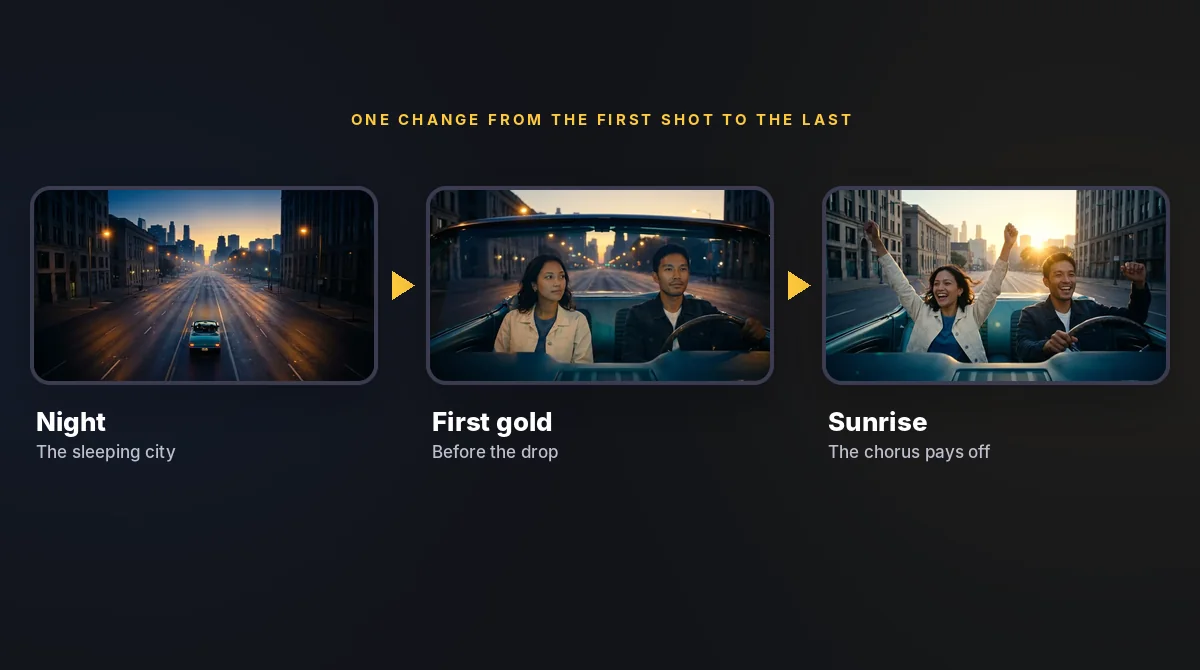
Pika alternative
Muvora and Pika side by side: a whole music video planned on your song's beats, against a creative app for short AI clips, effects, singing images and sound.
See the comparison
Kapwing alternative
Muvora and Kapwing side by side: a music video generated and cut from your song, against a browser editor with lyric videos, auto subtitles, waveforms and AI clips.
See the comparisonYouTube Shorts
Shorts cut from the same render as your channel's full video, each opening on a beat.
Learn more
TikTok, Reels & Shorts
Vertical 9:16 cuts of your hook, priced by the second.
Learn more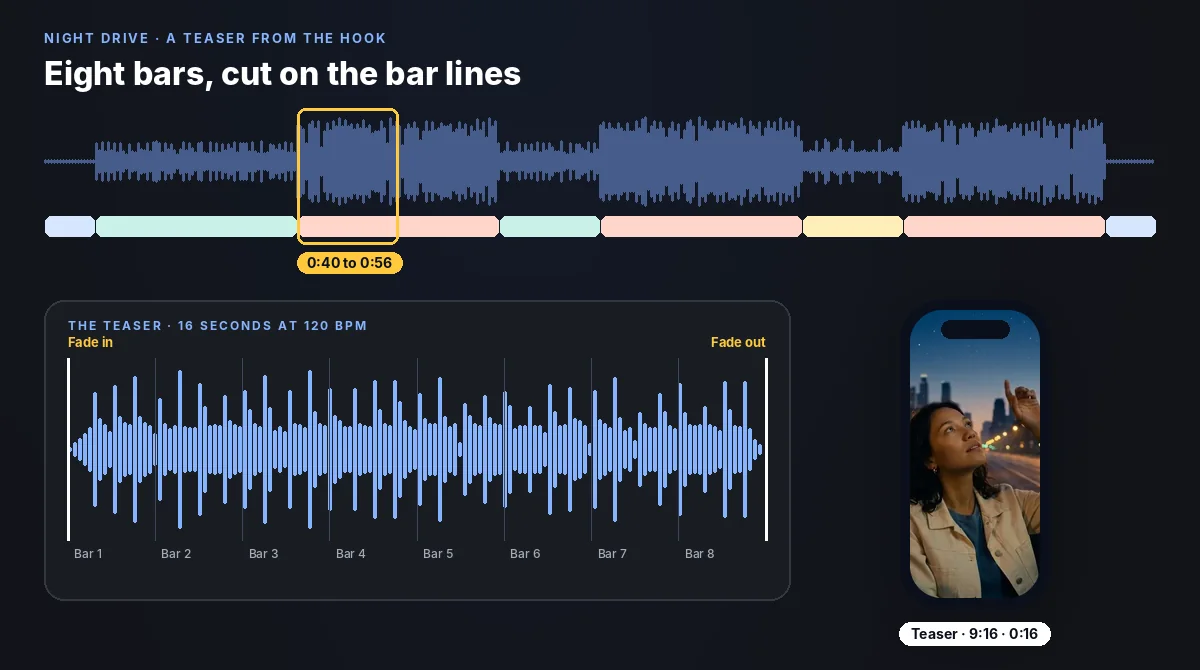
Make a song teaser
Pick the seconds people will repeat, cut them on the bar line, give them a vertical video and post them before release day.
Read the guide
Your song deserves a music video
Upload a track and get a free beat-synced storyboard in minutes. Render it when you are ready.
No card needed to start.






