Looking for a Pika alternative for music videos?
Pika is a creative app for short AI video, images and sound. Relaunched on September 17, 2026 as more than 25 apps, it runs its own models (Pika 2.5 for clips of 5 or 10 seconds, Pikaformance for an image that talks or sings to up to 30 seconds of audio) beside other companies' models such as Seedance 2.5, with effect apps such as Pikaffects, Pikadditions and Swap Anything. Muvora starts from a whole song and makes the whole music video, planned and cut on its downbeats. Here is how they compare.
Free storyboard · 5 a month · No card needed
The verdict
Muvora is the right tool for a music video that runs the whole song: a free storyboard of every shot, AI video cut on the downbeats, one cast from the first verse to the last chorus, and the singer lip-synced from one photo where the song is sung, priced before you render. Pika 2.5 makes 5 or 10-second clips; Muvora makes the full video in one job.
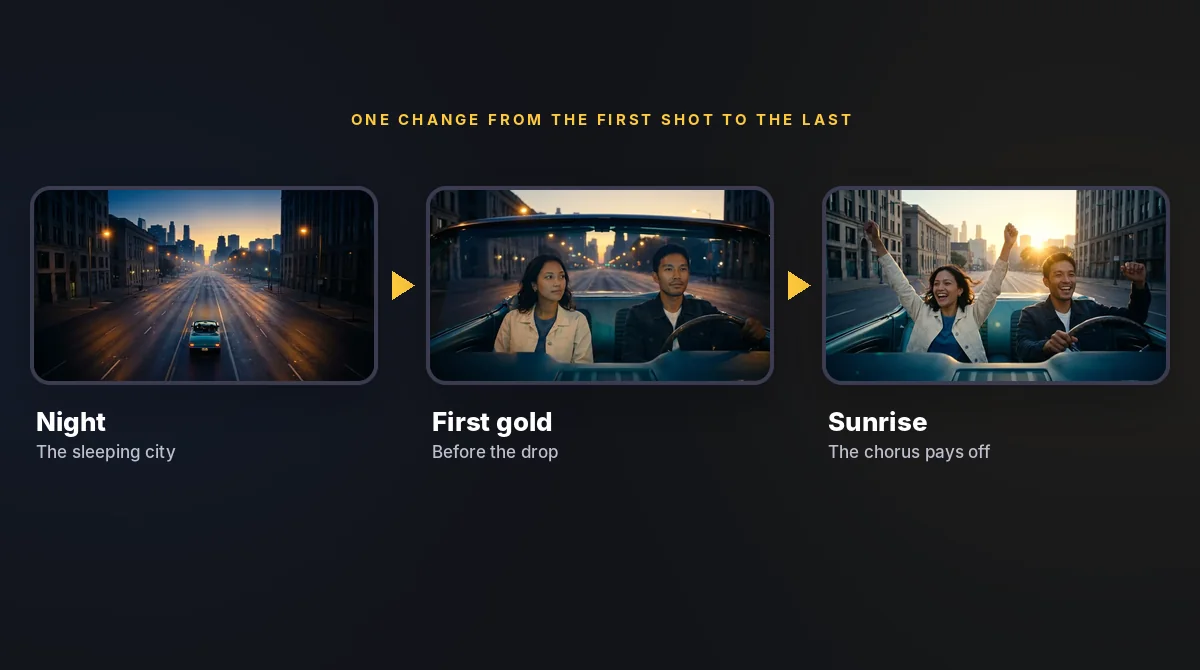
Pika facts checked November 16, 2026. Three storyboard frames from “Night Drive” in story order, from the opening of the city at night to the chorus at sunrise.
Muvora vs Pika
| What is compared | Muvora | Pika |
|---|---|---|
| What it is | A music video generator built for one job: your song in, a finished music video cut on its beats out | A creative platform for short AI video, images and sound: more than 25 apps over its own models and others' (Seedance, GPT Image), relaunched on September 17, 2026 |
| Length | One render as long as the song, up to 8 minutes | Pika 2.5: 5 seconds from a prompt, 5 or 10 from an image; Pikaframes animates the moves between keyframes you give it |
| A music video from a song | Upload the song: the analysis, the storyboard, the render and the edit all follow it | Clip by clip, joined in an editor; Director's Suite, an early-access experiment, has an agent storyboard, generate and edit projects on a timeline, music videos among them |
| Cutting to the music | Cut points from the downbeats, at every section change and every drop, quicker where the song is louder | No beat or section analysis in our sources |
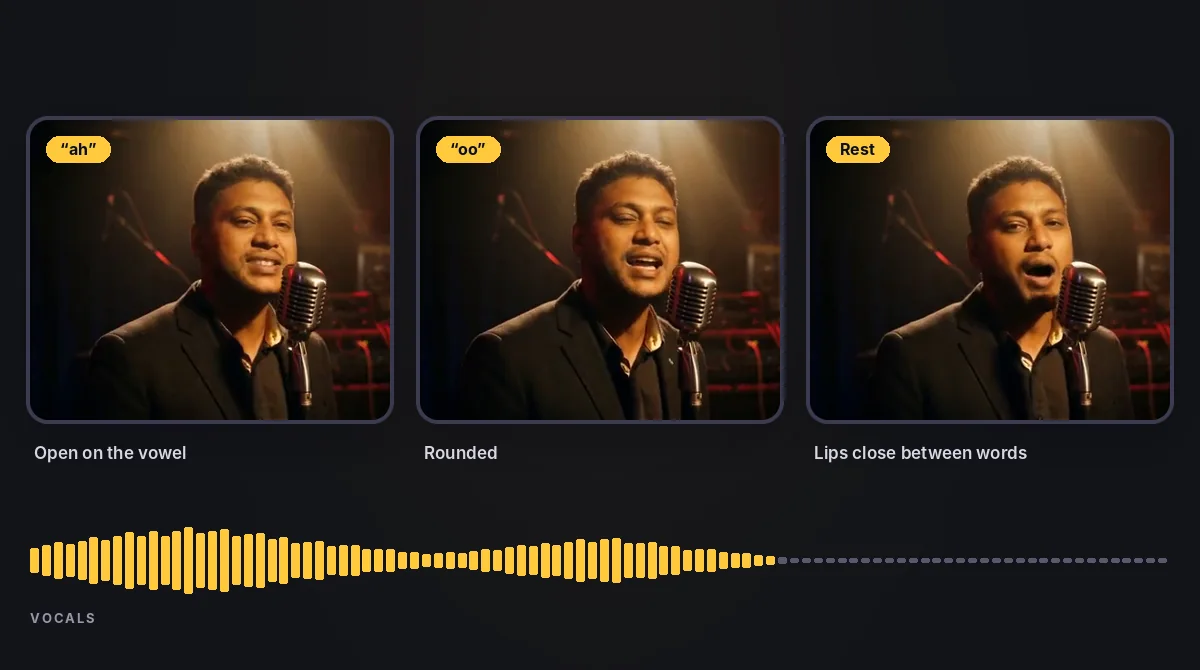
| Lip sync | Performance style: your vocal separated from the mix and every sung shot lip-synced from one photo of the singer | Pikaformance: an image plus up to 30 seconds of audio becomes a clip of it talking, singing or performing, at 720p and 3 credits a second |
| Characters | Up to three characters described once in the brief, drawn on a character sheet and checked in every keyframe | Each clip is its own generation, steered by the images you give it; H3 Flex, its omni-reference model, takes reference images |
| Sound | Your uploaded song, untouched, as the soundtrack; any sound the video models make is dropped | Some of its video models make sound, Pika Soundtrack scores a finished clip, and Pika Music writes whole songs |
| Price | Credits per finished second: 38 in Visualizer, 60 in Standard, 110 in Cinematic, with the exact total shown before you render | Starter $10 a month ($8 billed yearly, 600 credits; its H3 Flex page says 900), Creator $35 ($28, 2,600), Fancy from $95 ($76, 8,550 and up); a 5-second Pika 2.5 clip at 720p is 20 credits |
| Free to start | 5 new storyboards a month with style frames, no card needed | No monthly credits on the free plan: credit packs only, and no commercial license |
| Commercial use | Yours to use commercially when you have the rights to the song | A commercial license on Starter, Creator and Fancy; monthly credits don't roll over, and top-up credits last a year |
| Formats | 16:9, 9:16, 1:1 and an 8-second Spotify Canvas loop from one widescreen render, at 720p or 1080p | One clip per generation, at 720p or 1080p depending on the model |
Compare it on your own song
Upload a track and see Muvora's whole storyboard, every shot planned on your song's beats, and its exact price before you spend a credit. The storyboard is free, so you can judge the plan before you pay for anything.
What you get with Muvora that changes the outcome
- 01
A song's worth of shots, planned for you
A 3-minute song in clips of 5 or 10 seconds is 18 to 36 generations before a single retake, each with its own prompt, and the order, the story and the seams are yours to work out. Muvora's director writes the concept, a small cast and a handful of designed locations, then a shot for every stretch between cuts, in a storyboard you read and change for free before rendering. How to storyboard a music video walks through the same method by hand.
- 02
Every cut decided by the song
Nobody lines Muvora's clips up against a waveform. The shot planner puts a cut at each section change and each drop, lands the rest on downbeats, lets the verses breathe and tightens the choruses, and a drop gets a two-frame white flash. Drag a cut in the storyboard and it snaps to the nearest beat. Editing a music video to the beat explains the rules the planner follows.
- 03
A singer for the whole song, not one hook
Pikaformance makes up to 30 seconds of a singing image at a time. Muvora's Performance style separates your vocal, finds every sung stretch across the song and lip-syncs those shots from one photo of the singer (yours, or someone who agreed, with a consent box), and the same performer steps into story shots between them without singing. See make a photo sing.
- 04
One cast, one look, one price
A character sheet is drawn before you pay, every keyframe is drawn from it and checked against it, and a frame that drifts is redrawn, so a face holds from the first verse to the last chorus. The whole song is priced at one rate a second for the quality you choose, shown before you render, with free re-rolls up to 10% of the length and nothing charged for a shot that fails. For the most detail, see Cinematic quality.
The bottom line
Pika is built for short clips. Muvora is built for the whole song.
Pika is a set of creative apps for short AI video, effects, singing images and sound, each piece made from its own prompt or picture. A music video is one piece as long as the song, so Muvora plans it from the track: a concept and a small cast, a shot for every stretch between cuts and, in a Performance video, lip sync where the song is sung. Every shot is rendered and assembled in one job; AI song to video walks through the steps.
- One video as long as your song, up to 8 minutes
- A storyboard you read and edit before any credits
- Cuts from the song's downbeats, sections and drops
- One cast checked in every keyframe, verse to chorus
- The singer lip-synced from one photo where the song is sung
Still comparing? See how Muvora compares with every other tool.
How Muvora works, and what it costs
- 01
Upload your song
Drop in an MP3, WAV, M4A or FLAC up to 8 minutes. Muvora finds the tempo, the beats, the downbeats and the sections of your song, like intro, verse and chorus.
- 02
Edit your free storyboard
An AI director writes a shot-by-shot plan timed to your downbeats. Rewrite any prompt, drag a cut (it snaps to the beat) or ask AI to redo a shot. None of it costs anything.
- 03
Generate your video
See the final price, then render. Pick Visualizer, Standard or Cinematic quality. If a shot fails, its credits come straight back.
The storyboard is free. Rendering is priced per second.
- Visualizer38 credits/s6,840 for 3 minutes
- Standard60 credits/s10,800 for 3 minutes
- Cinematic110 credits/s19,800 for 3 minutes
- The exact price is shown before you generate
- Failed shots cost nothing
- 16:9, 9:16, 1:1 and a Canvas loop from one widescreen render
Free storyboard in minutes. No card needed.
Questions, answered
Can't find what you need? Start a free storyboard and see for yourself.
Is Muvora a good alternative to Pika for music videos?
Yes, when you need a video for a whole song. Muvora storyboards the track, renders every shot as AI video and cuts it on the downbeats, with lip sync where the song is sung. Pika's apps make short clips, effects and singing images one generation at a time; Muvora plans and renders the full video in one job.
What is the difference between Muvora and Pika?
Pika is a set of creative apps for short clips, images, effects and sound, each made from its own prompt or picture. Muvora makes music videos only: your song's beats, sections and lyrics set the shots and the cuts, and the whole video is rendered and assembled in one job.
Can Pika make a whole music video?
Its clips run 5 or 10 seconds on Pika 2.5 and its singing images up to 30 seconds, so a full song means many generations joined in an editor. Its Director's Suite, an early-access experiment, has an agent storyboard and edit projects on a timeline and lists music videos among them. Muvora renders a song of up to 8 minutes as one storyboarded video, cut on its beats.
How much does Pika cost compared with Muvora?
As of November 2026, Pika's pricing page listed Starter at 10 dollars a month (8 billed yearly) with 600 credits, Creator at 35 (28) with 2,600 and Fancy from 95 (76) with 8,550 or more, and a 5-second 720p Pika 2.5 clip at 20 credits. Muvora prices the finished video per second: a 3-minute Visualizer video is 6,840 credits.
Can Pika make a photo sing like Muvora?
Pikaformance turns an image and up to 30 seconds of audio into a clip of it talking or singing, at 720p. Muvora's Performance style lip-syncs every sung shot across your whole song from one photo, after separating your vocal from the mix, and places those shots inside a full music video.
Can I use Pika videos commercially?
Pika's FAQ says the paid Starter, Creator and Fancy plans include a commercial license and the free plan doesn't, even when you buy credit packs. A Muvora video is yours to use commercially as long as you have the rights to the song you upload.
Keep exploring
Hedra alternative
Muvora and Hedra side by side: a whole music video storyboarded and cut on your song's beats, against a studio that makes a character from one image talk or sing to your audio.
See the comparison
Revid alternative
Muvora and Revid side by side: a music video storyboarded and cut on your song's downbeats, against a short-form video maker that times scenes to lyrics or beats and posts them.
See the comparison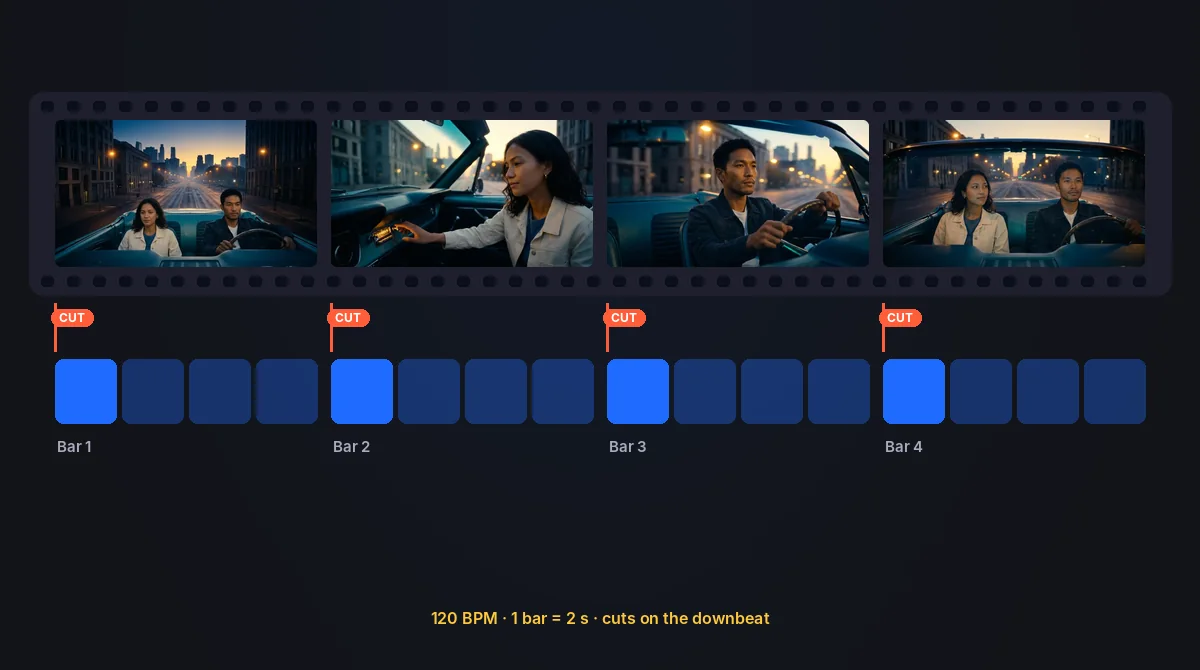
Runway alternative
Muvora and Runway side by side: a whole song storyboarded and cut on its downbeats, against a toolkit for generating and editing AI clips one at a time.
See the comparison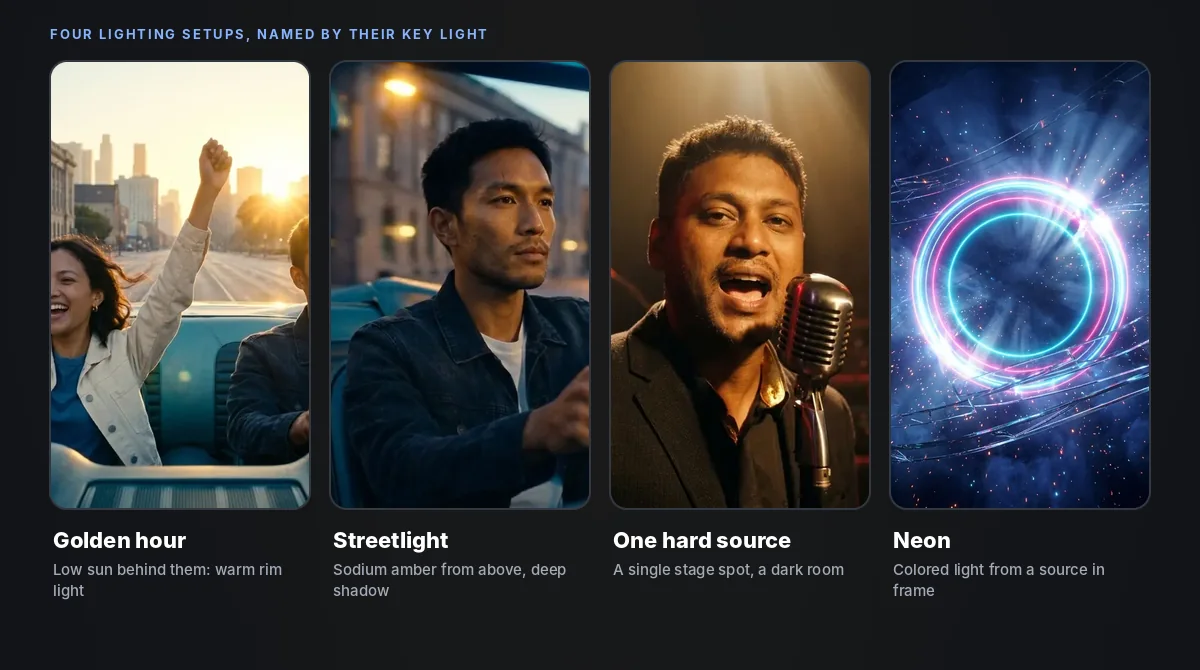
Cinematic music videos
Muvora's highest-quality render: sharper first frames, clips made at 1080p, and light that comes from the scene.
Learn more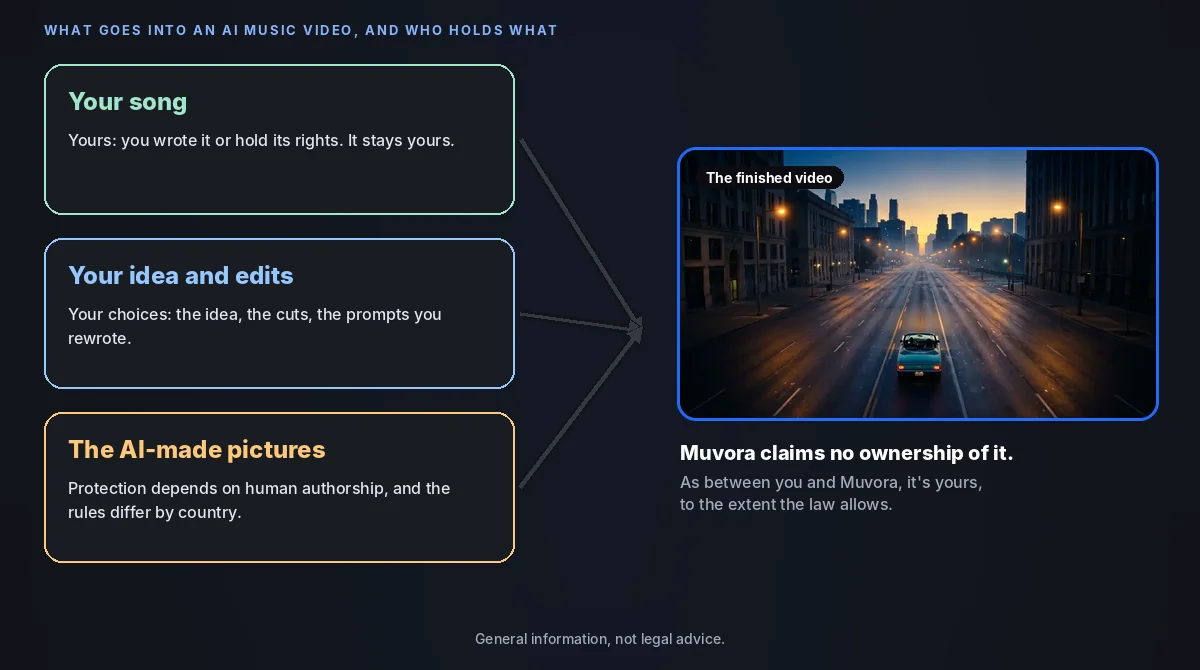
Who owns an AI music video?
The song, the AI-made pictures and your own choices: who holds each, what the US Copyright Office says, Muvora's terms, other countries and how to protect your part.
Read the guide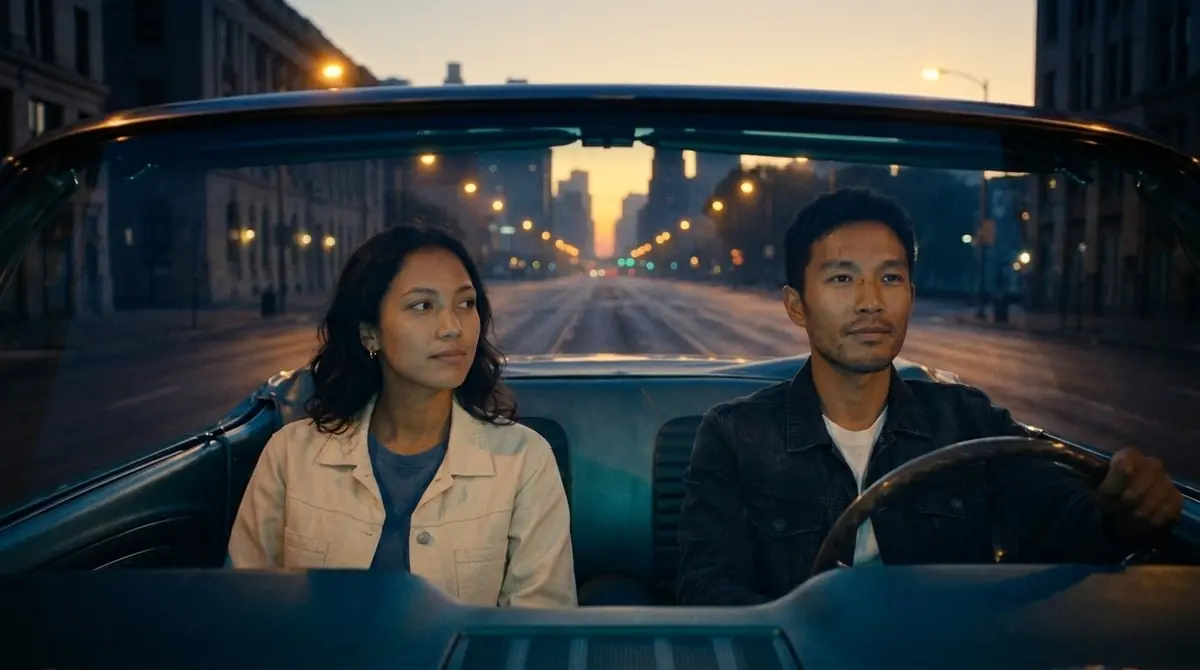
Storyboard a music video
Treatment, storyboard and shot list, then every panel timed to the beat, with a sample page.
Read the guide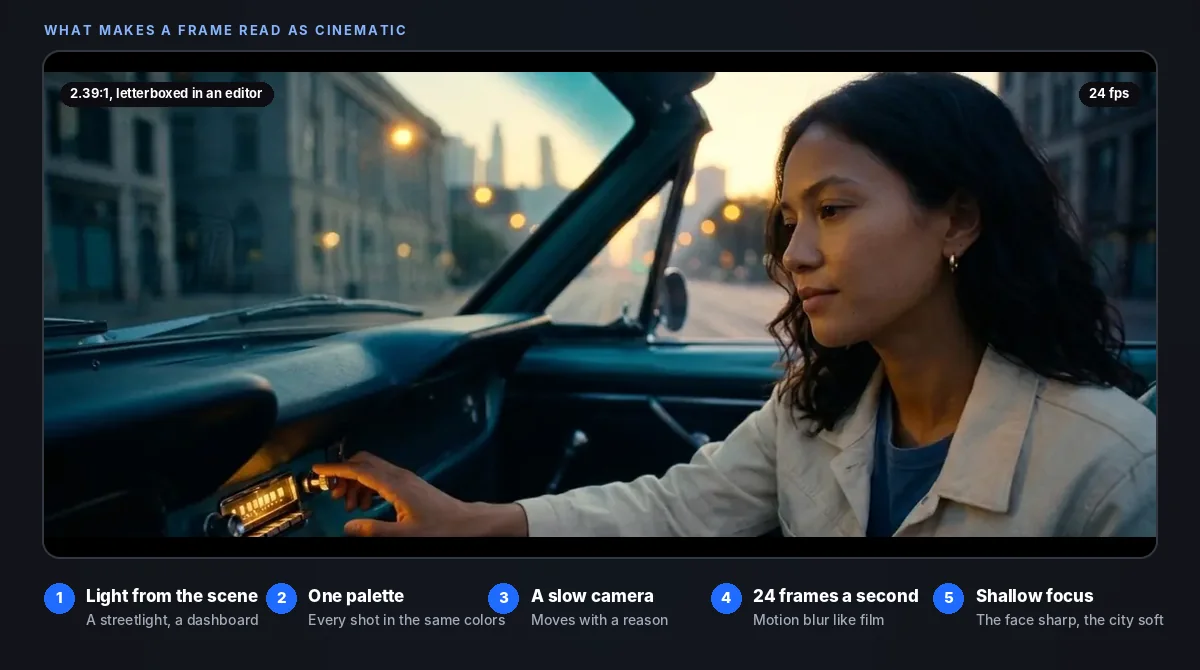
Luma Dream Machine alternative
Muvora and Luma AI side by side: a whole music video planned and cut on your song's beats, against Luma's agent workspace for cinematic clips from its Ray models and others.
See the comparison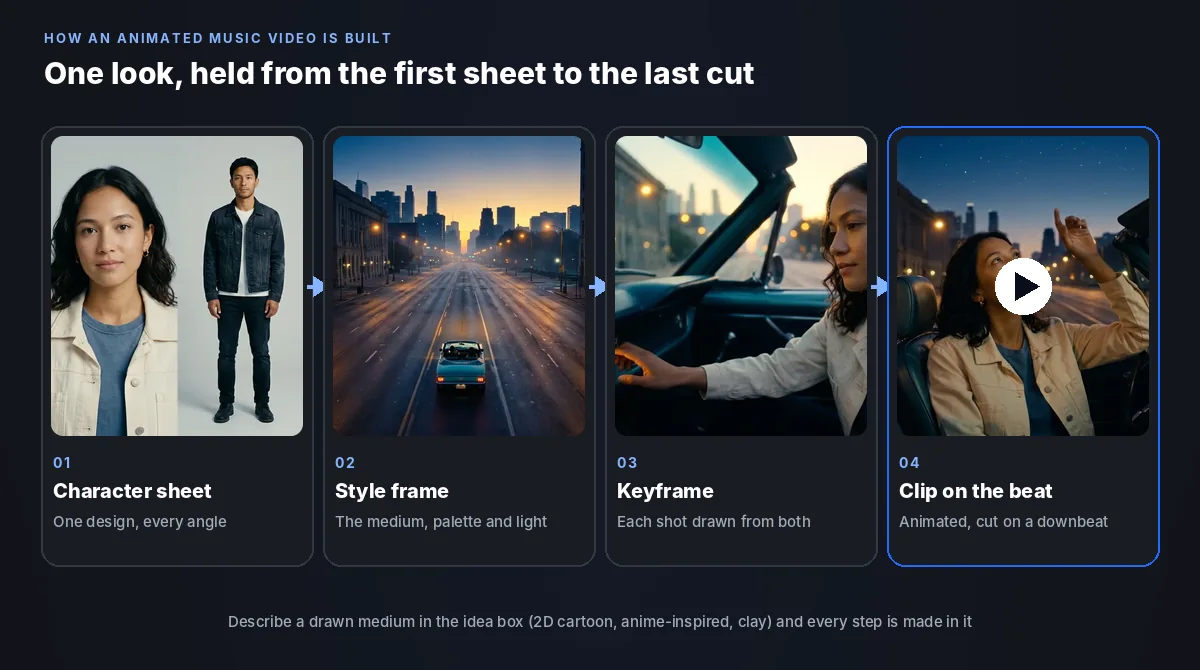
Hailuo AI alternative
Muvora and Hailuo AI side by side: a whole music video planned and cut on your song's beats, against MiniMax's generator of short clips from prompts and references that you cut to the track yourself.
See the comparison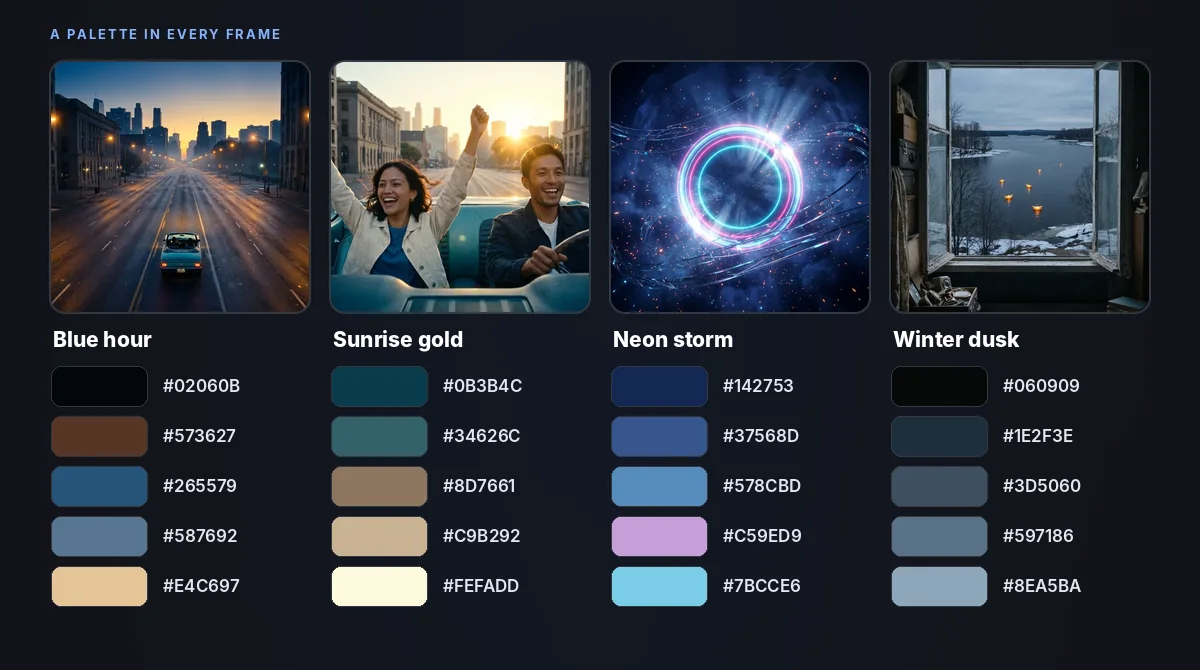
Midjourney alternative
Muvora and Midjourney side by side: a whole music video planned and cut on your song's beats, against short silent clips animated from one image at a time.
See the comparison
Viggle alternative
Muvora and Viggle side by side: a whole music video planned and cut on your song's beats, against an app that puts a character from one image into a dance or motion clip.
See the comparison
Your song deserves a music video
Upload a track and get a free beat-synced storyboard in minutes. Render it when you are ready.
No card needed to start.






