
Living-room party
Lyric style in 16:9 for a TV at a party: wide, steady pictures that leave room for the words.
Upload the song with its vocals, paste the lyrics, and Muvora times every word to the singer's voice. The finished video plays your full track with sing-along captions burned in, each word turning from white to yellow as it is sung, over AI visuals that cut on the beat. Planning it costs nothing; you pay only to render.
Free to start · 5 storyboards a month · No card needed

A karaoke caption is only useful if the highlight moves with the singer. Muvora takes its timing from the vocals in your upload: paste your lyrics and they are aligned to the voice, or leave the box empty and they are transcribed. The words appear a short phrase at a time along the bottom of the frame, and each one fills with color the moment it is sung. The karaoke video guide shows the whole process.
See your song as a storyboard first
Upload the track and the AI director plans every shot on the beat in minutes. Edit anything for free; you only pay if you render.
Be clear about what this makes: a sing-along video of the finished song, with the original voice still playing. Muvora always uses the file you upload as the soundtrack and needs a voice to time the words against, so it can't time lyrics to an instrumental backing track or swap one in for you. For a classic karaoke track with no vocals, stamp each line yourself in the free LRC maker, then lay the lines over the instrumental in a video editor.
Sing-along videos get played on a TV at a party, on a phone in the back of a car and in a square feed post. Every render exports 16:9, 9:16 and 1:1, and the captions are drawn again at the right size for each shape instead of being squeezed. Choose the Lyric style and any quality: Visualizer, the most affordable, is 38 credits a finished second, and the exact price is shown before you press Generate.
Each card opens the upload on the Lyric style with a shape and an idea filled in. Add your lyrics with the song, and the captions follow the vocals.
Lyric style in 16:9 for a TV at a party: wide, steady pictures that leave room for the words.

Lyric style in 9:16, so the chorus can go straight out as a short with the words already on it.
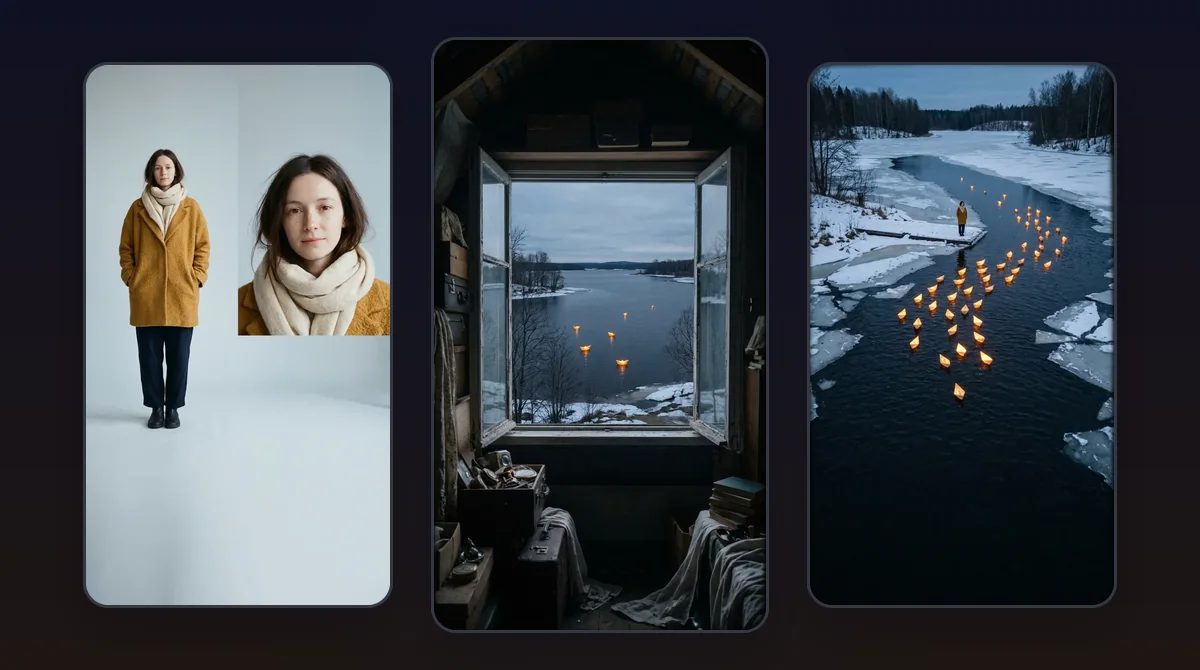
Lyric style with the lo-fi look: slower cuts and soft light, so every line has time to land.
Drop in an MP3, WAV, M4A or FLAC up to 8 minutes. Muvora finds the tempo, the beats, the downbeats and the sections of your song, like intro, verse and chorus.
An AI director writes a shot-by-shot plan timed to your downbeats. Rewrite any prompt, drag a cut (it snaps to the beat) or ask AI to redo a shot. None of it costs anything.
See the final price, then render. Pick Visualizer, Standard or Cinematic quality. If a shot fails, its credits come straight back.
Free storyboard in minutes. No card needed.
Can't find what you need? Start a free storyboard and see for yourself.
It puts a song's lyrics on screen in time with the music and highlights each word as it should be sung. Muvora does this over AI visuals planned for your song, with the timing read from the vocals in the file you upload.
Not with timed lyrics. The words are timed against the voice in your upload and the soundtrack is always that same file, so an instrumental gives it nothing to align to. Time the lines yourself with a tap-along LRC tool and add them over the backing track in a video editor.
No. Your original upload is the soundtrack of every video, vocals included. What you get is a sing-along of the full song, the way a lyric video works, with each word lighting up as the singer reaches it.
No, but it helps. Paste them with the song and Muvora aligns your exact words to the vocals; leave them out and the lyrics are transcribed from the recording, which can mishear a word in a busy mix.
Yes. Captions are a setting you choose before rendering. They are burned into the picture, so decide before you press Generate whether this render is the sing-along version or a clean one.
The storyboard is free, with 5 new storyboards a month on the free plan. Rendering is priced per finished second at the quality you pick, from 38 credits a second in Visualizer, so a 3-minute song is 6,840 credits there. The captions add nothing to the price.

Karaoke-style captions timed to your vocals, over AI visuals.
Learn moreA sing-along video of your finished song, or a classic karaoke track over an instrumental: timing, captions and where to post.
Read the guide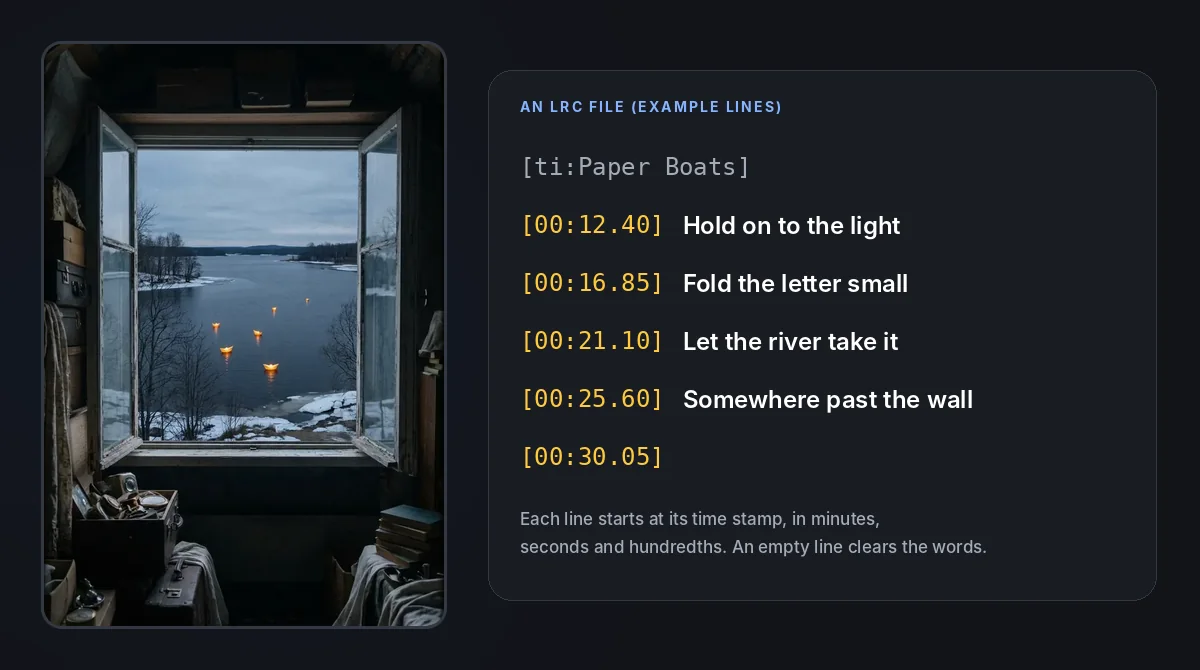
The LRC format line by line: time stamps, ID tags, offset and word timing, made by hand or by tapping along to the song.
Read the guidePlay your song, tap along to stamp each lyric line, and export an LRC, SRT or WebVTT file.
Open the toolTime your lyrics to the vocals and download LRC, SRT or WebVTT.
Open the toolConvert timed lyrics between LRC, SRT and WebVTT, and shift every line earlier or later.
Open the tool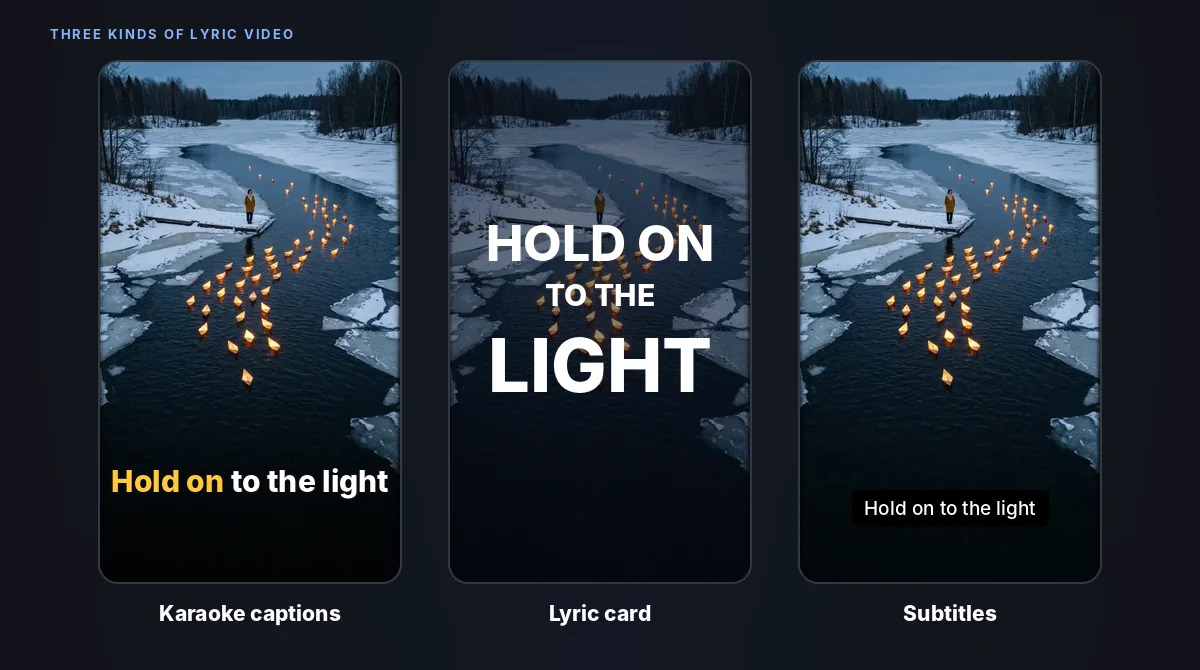
Seven lyric video makers compared on timing and what sits behind the words, and why Muvora is our pick for a lyric video made from your song.
Read the guide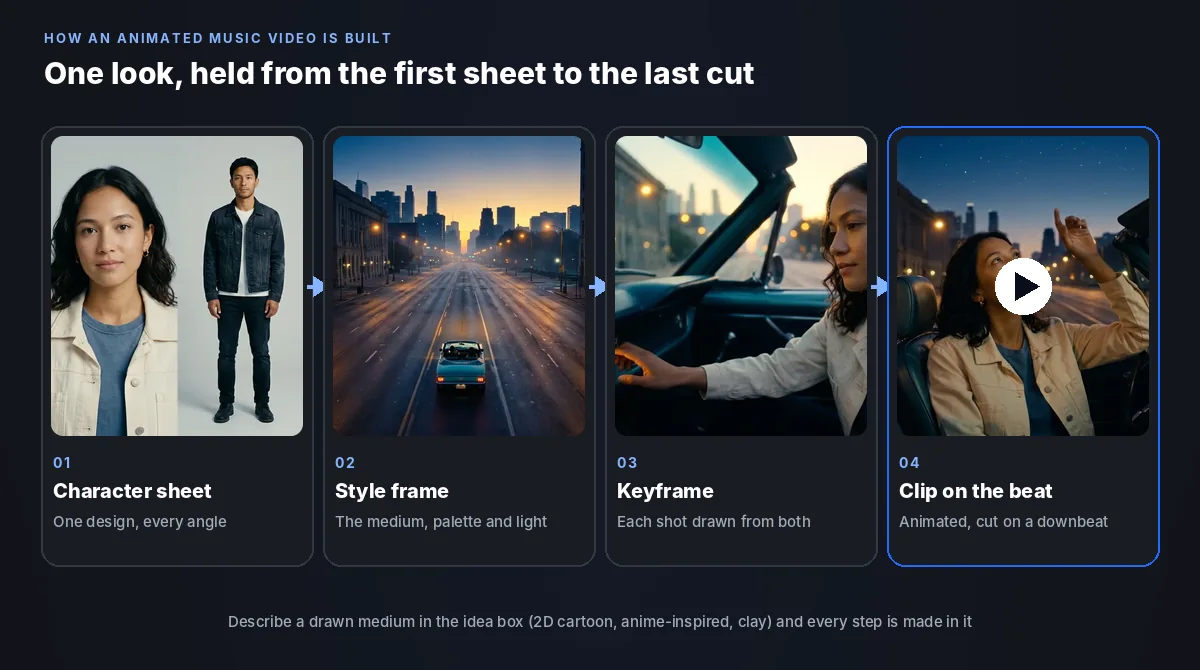
Videos for children's songs: a bright drawn world, a cartoon character who sings, sing-along captions and unhurried cuts.
Learn more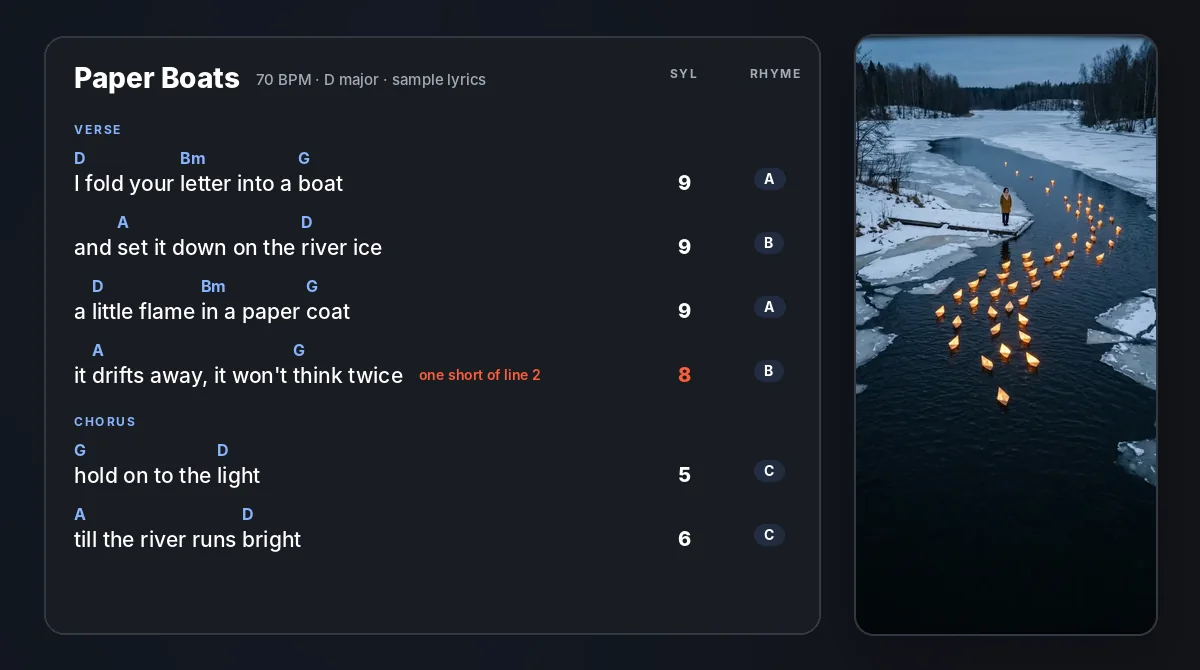
Your song and its lyrics become a music video: pictures drawn from what the words mean, and captions that follow your voice.
Learn more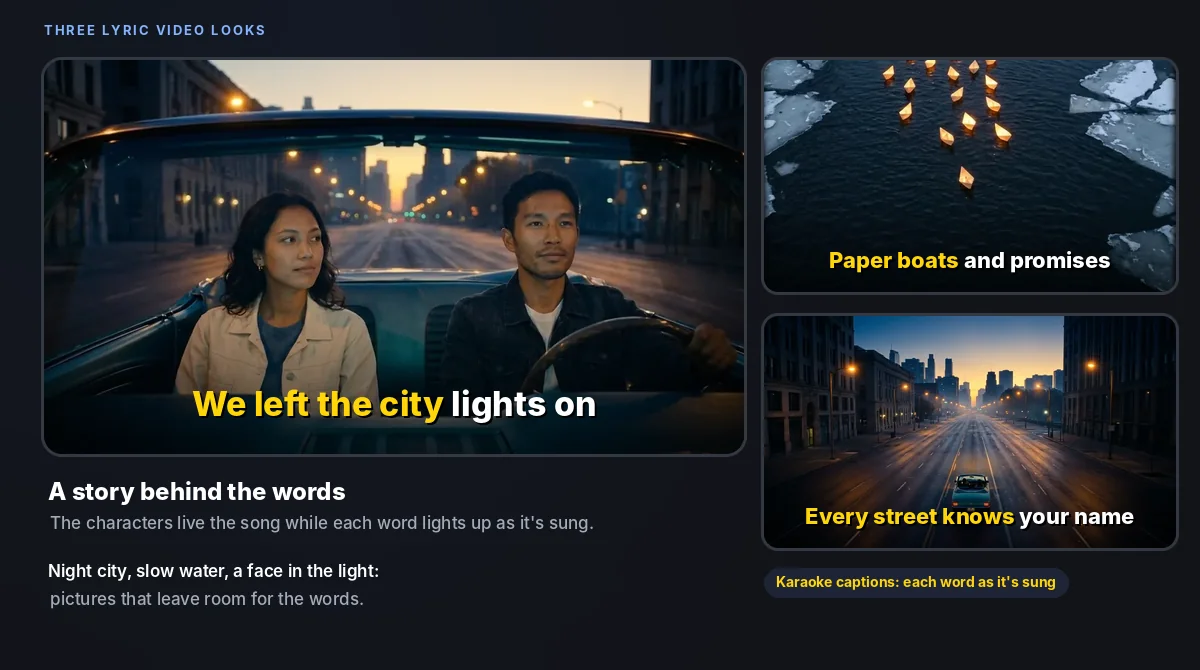
16 lyric video ideas, from a darkroom at night to an ice sculpture melting at dawn, with the pictures planned so the captions stay easy to read.
Read the guide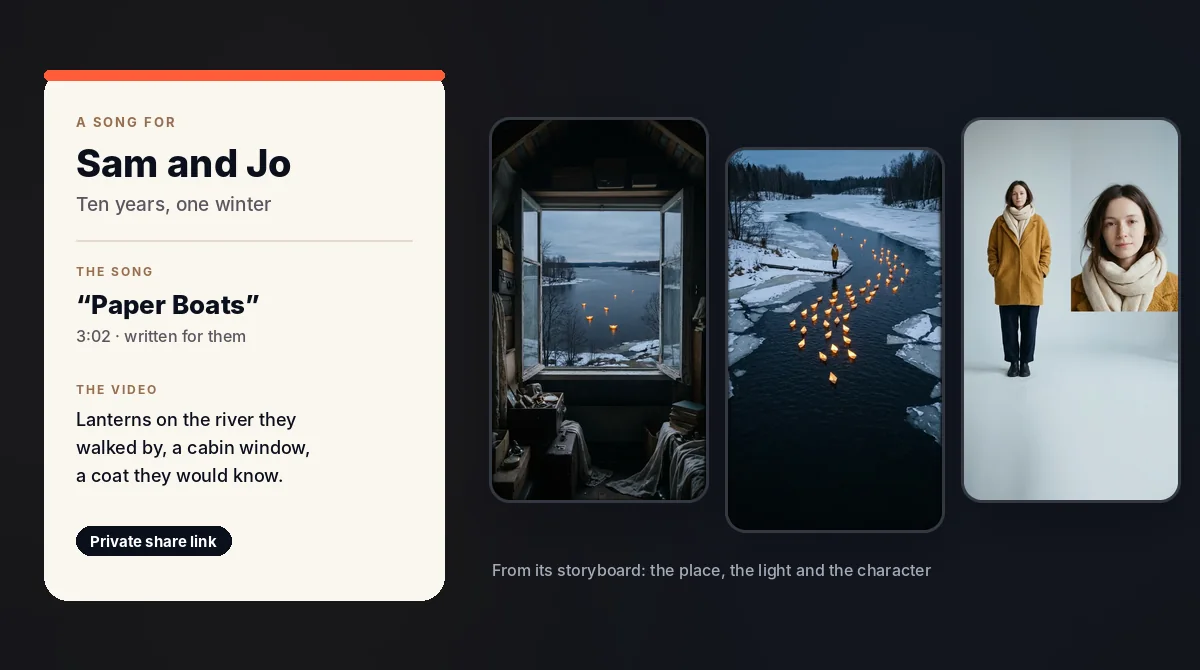
A video for a song written for someone: their story told with invented characters, sent by a private link or played on the night.
Learn morePaste lyrics from a chord sheet, a notes app or an LRC file and get clean lines: chords, times and stray spacing out, sections in place.
Open the toolUpload a track and get a free beat-synced storyboard in minutes. Render it when you are ready.
No card needed to start.




