
Slow color for the opener
Abstract style, lo-fi look: wide fields of color that build slowly while the room fills.
A screen behind the band changes how a show feels, but hiring someone to design and run visuals is a lot for a band playing small rooms. Muvora makes a finished video for each song in your set, cut on that song's downbeats and drops, with the song as its soundtrack. On stage you play it muted on the screen, started on the same cue as the track, and the cuts land with the music. It isn't live audio-reactive and it isn't a library of VJ loops; this page explains what that means for your show.
Free to start · 5 storyboards a month · No card needed

Each song is its own upload: the analysis finds its tempo, downbeats, sections and drops, and the AI director plans a video exactly as long as the track, cutting on downbeats, at every section change and with a white flash on every drop. For a stage screen the Abstract style is a good fit, with big shapes of color and light that read from the back of a room and don't pull eyes off the band. A Story video suits a song with a narrative; ask for wide shots in the idea box so it reads from a distance. The music visualizer page covers Visualizer, the lowest-cost quality and the one that keeps a whole set's cost down, and the best music visualizers guide compares the other kinds of visualizer and who each one suits.
See your song as a storyboard first
Upload the track and the AI director plans every shot on the beat in minutes. Edit anything for free; you only pay if you render.
The video is cut to the recording, so it lines up only when the music on stage runs at the record's tempo from the same starting point. Play the video muted (its soundtrack is your song, and the PA has the band) and start it on the same cue as the track: from the laptop that runs your backing track or click, or on the count-in. If the drummer plays to a click at the record's tempo, every cut lands; if you play freely, the cuts drift, and slow, wide abstract shapes hide that far better than hard story cuts. When the live arrangement differs from the record (a longer intro, an extra chorus), upload a recording of the version you actually play, such as your backing track or a rehearsal to the click, and the video is cut to that. Set the tempo with the free metronome, and see music videos for bands for putting the band itself on screen.
Every render exports MP4 files (H.264 at 24 frames a second) in 16:9, 9:16 and 1:1, at 720p or 1080p, so the 16:9 file at 1080p is 1920 x 1080 pixels. A projector takes that as it is. An LED wall has its own pixel size and shape, which may not be 16:9, and the venue's player or video processor scales and crops to fit it, so ask them for the wall's resolution and the file they want well before the show, and check how your frame fits with the aspect ratio calculator. To tie the screen to your light show, name the rig's colors in the idea box; the music video lighting guide explains color temperature and how colored light reads. Two honest limits: the visuals don't listen to the room, because they're a finished video rather than live audio-reactive graphics, and Muvora isn't a VJ loop library, since the only loop it exports is the 8-second vertical Spotify Canvas.
Each card opens the upload on a style made for a screen behind a band, with an idea in the box. Rewrite the colors to match your lights before the storyboard is written.
Abstract style, lo-fi look: wide fields of color that build slowly while the room fills.
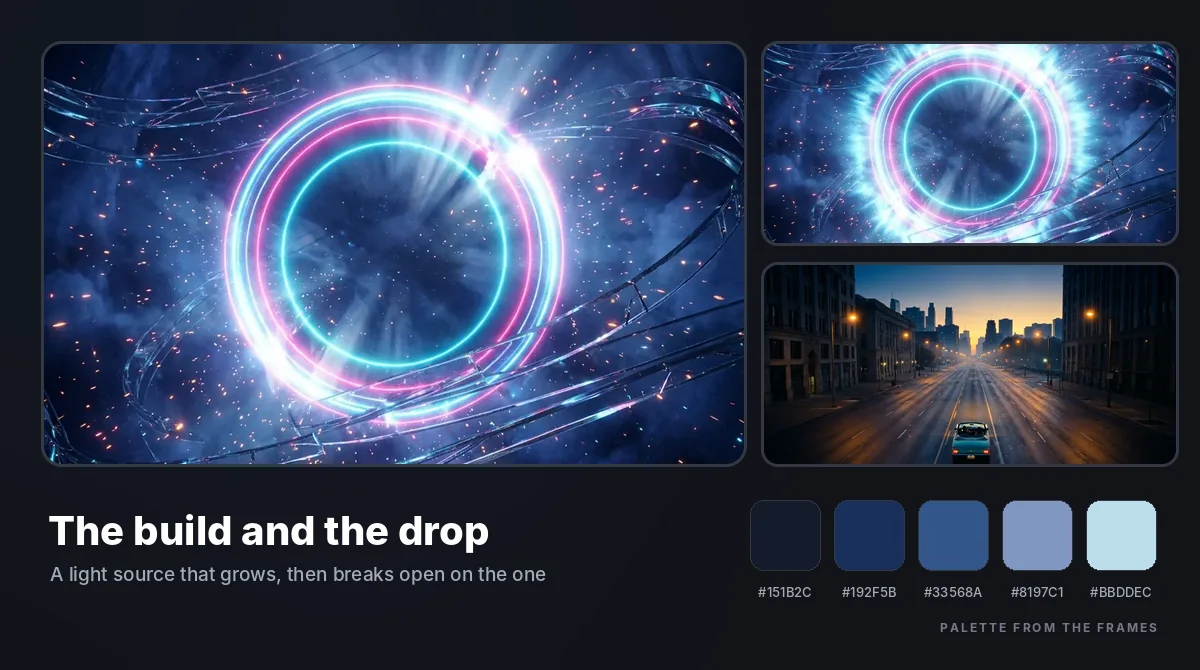
Abstract style, EDM look: a ring of light that gathers through the build and bursts on the drop.
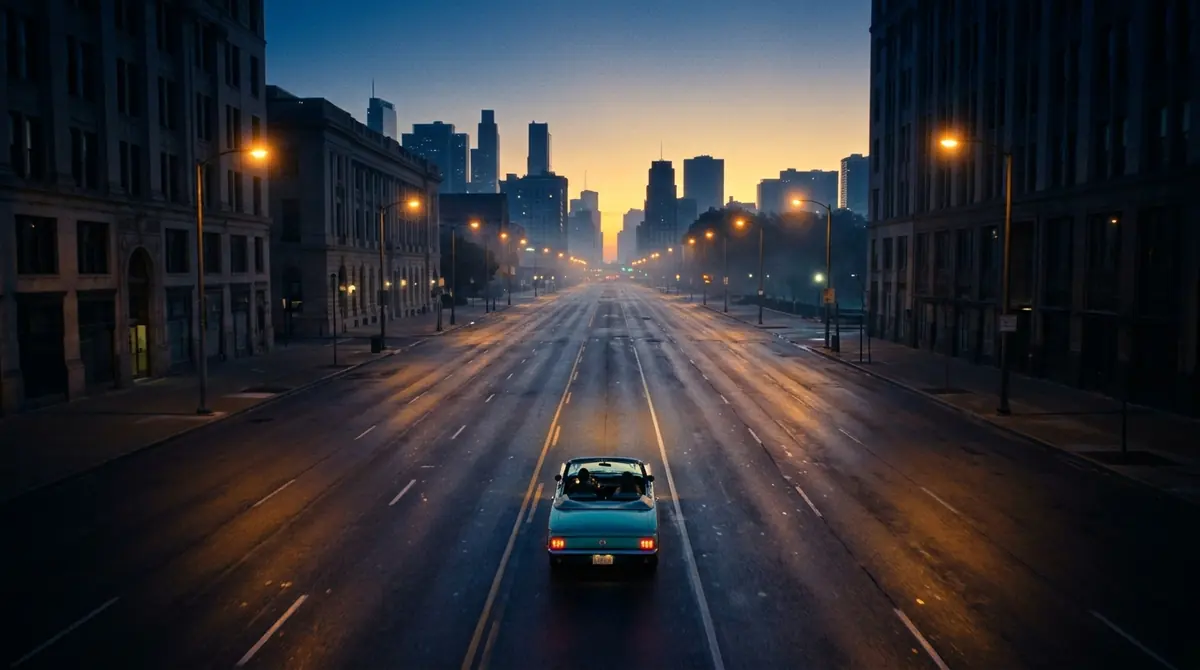
Story style, rock look: wide shots of a road trip that play behind a song with a narrative, with no lip sync.
Drop in an MP3, WAV, M4A or FLAC up to 8 minutes. Muvora finds the tempo, the beats, the downbeats and the sections of your song, like intro, verse and chorus.
An AI director writes a shot-by-shot plan timed to your downbeats. Rewrite any prompt, drag a cut (it snaps to the beat) or ask AI to redo a shot. None of it costs anything.
See the final price, then render. Pick Visualizer, Standard or Cinematic quality. If a shot fails, its credits come straight back.
Free storyboard in minutes. No card needed.
Can't find what you need? Start a free storyboard and see for yourself.
No. Each one is a finished video cut to the recorded song in advance, so it doesn't hear the room or react to how the band plays tonight. It lines up with the music because it starts with the track and runs at the record's tempo. For visuals that respond live, you need a VJ tool or a visuals operator.
Play to a click or a backing track at the record's tempo, start the video on the same cue (ideally from the same laptop) and mute the video's own sound. A cut a frame off is hard to see from the floor; one a beat late isn't, so rehearse the start at soundcheck.
An MP4 with H.264 video at 24 frames a second, at 720p or 1080p, usually the 16:9 export, with 9:16 and 1:1 versions from the same render if their screen is tall or square. It carries the song as its audio track, so mute it or ask the operator to. Check the wall's pixel size and preferred format with the venue first, since their equipment decides how it's scaled.
Yes, one upload per song. Each gets its own free storyboard (the free plan makes 5 new ones a month) and is priced per finished second, so a 3-minute song in Visualizer comes to 6,840 credits. Start with the songs the room waits for: the opener, the single and the closer.
Only for tracks played whole, from the top, at their own tempo. A set that mixes in and out, loops sections or changes the tempo moves the music away from the video's cuts. A show where the full recorded track plays as released lines up exactly.
Usually not. A second face mouthing the words behind a live singer competes with the real one and shows every place the two differ. Keep Performance videos for YouTube and social posts, and put Abstract or Story videos on the stage screen.
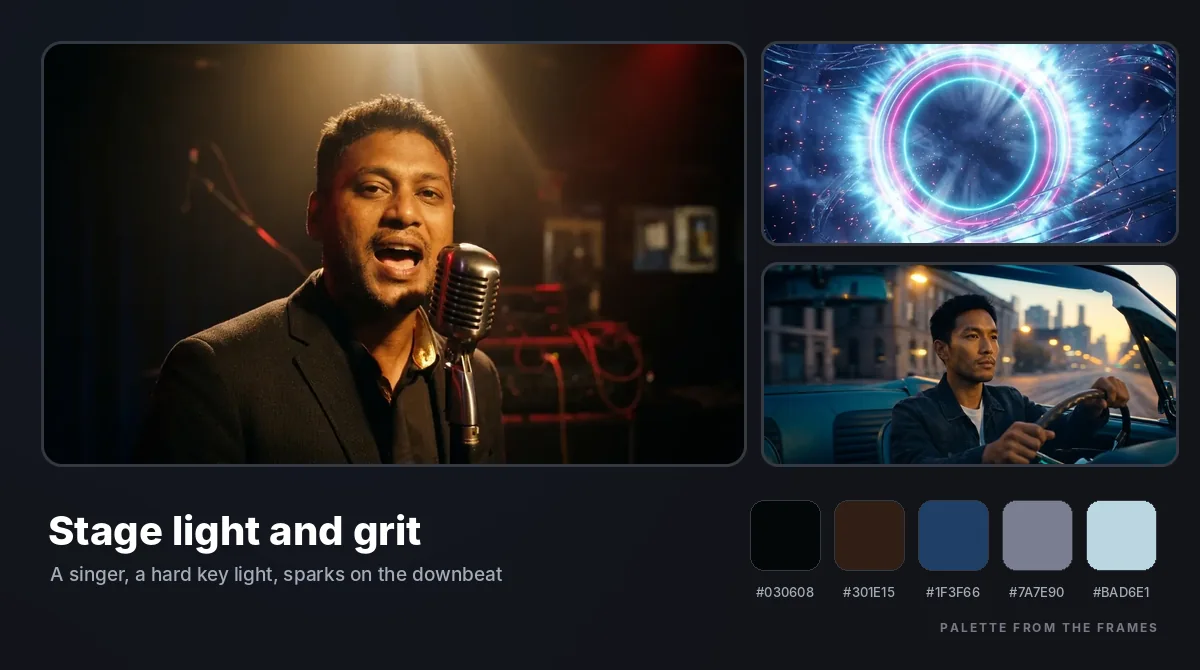
The singer lip-synced from one photo, the rest of the band written into the story, every release format.
Learn moreAI video for a whole song, cut on the beat, at the lowest credit rate.
Learn more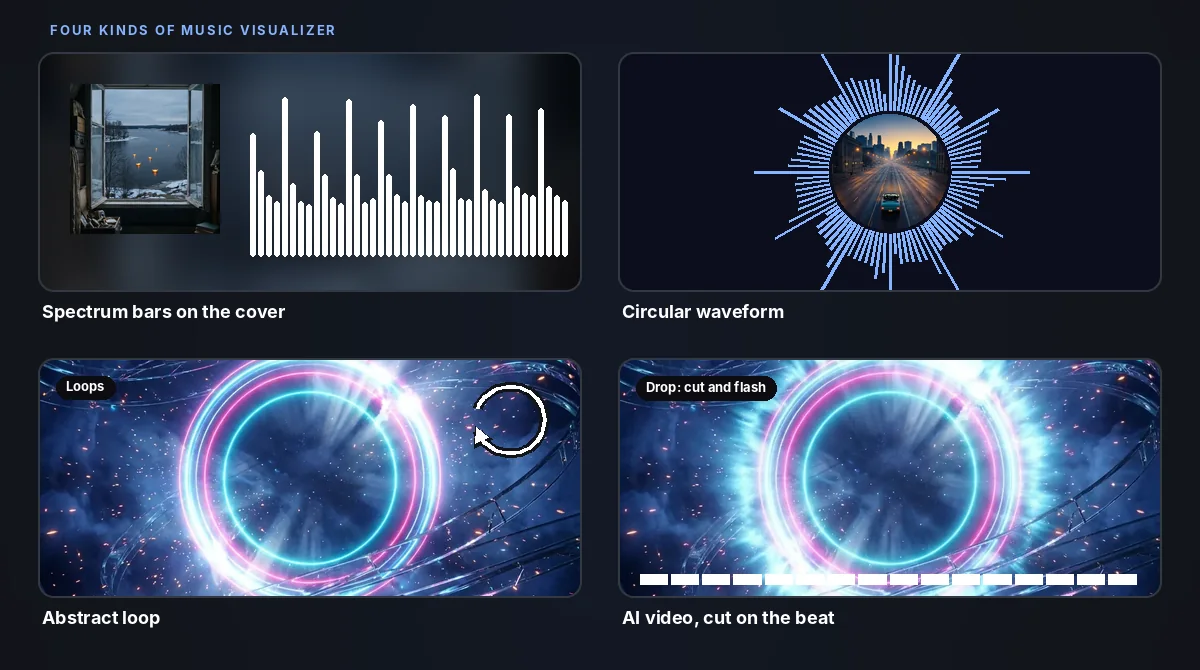
Spectrum templates, editor waveforms, audio-reactive AI and live visuals compared, and why Muvora is our pick for a visualizer made from your song.
Read the guide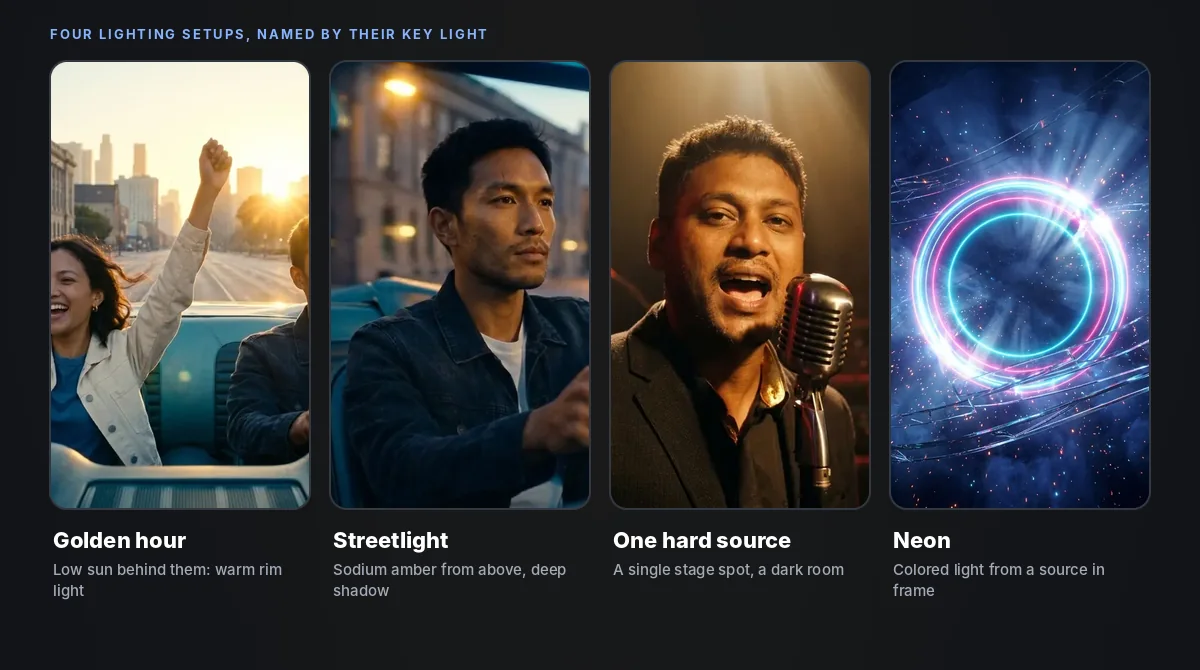
Lighting setups and ideas for music videos: key, fill and back light, practicals, golden hour, neon, haze and one-light looks.
Read the guideA steady click from 20 to 300 BPM in seven time signatures, with accents, subdivisions, tap tempo and a tempo trainer.
Open the toolAny frame's ratio, a resize that keeps it, and what cropping or fitting to 9:16, 1:1 or 4:5 does.
Open the tool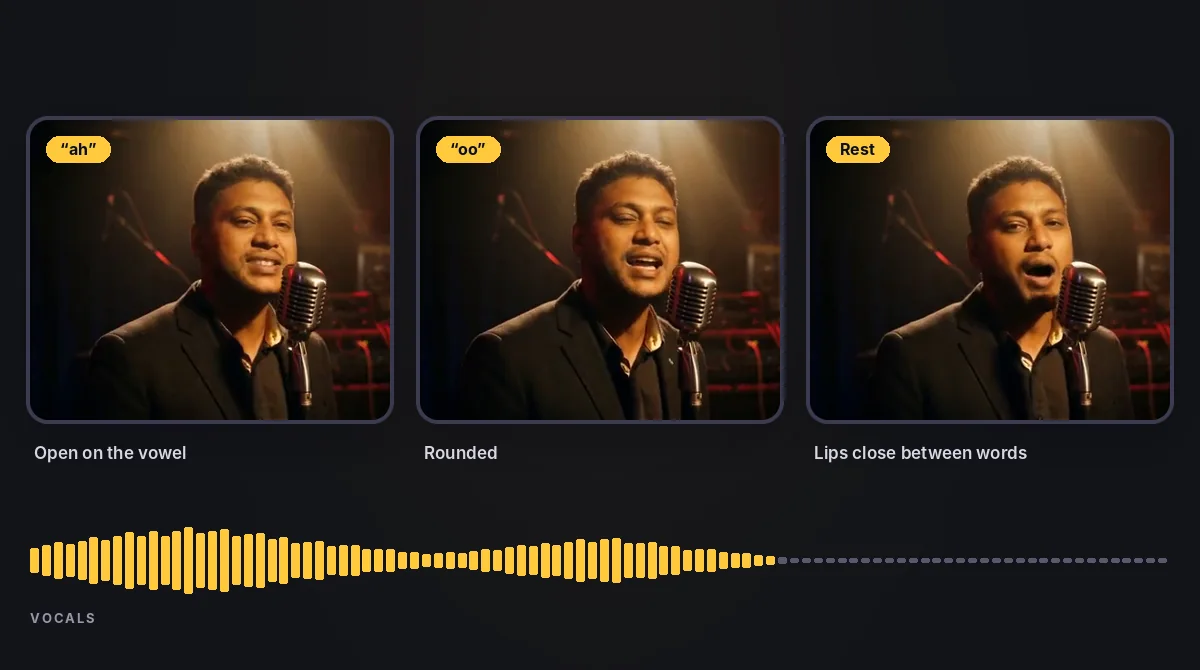
Fast cuts on your beat, your bars lip-synced from one photo, story shots in the verses and a vertical cut for clips.
Learn moreA printable setlist in large type: the songs in order with keys, tempos and lengths, sets and an encore, and each set's running time.
Open the tool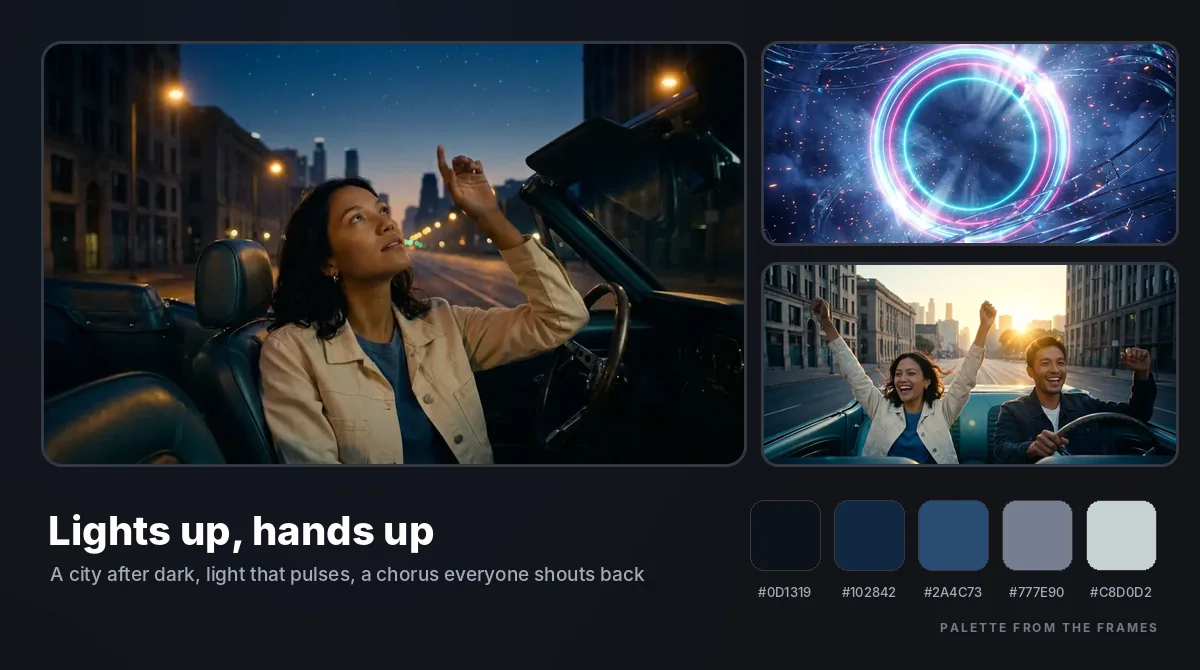
Videos for the tracks and edits you made, promo clips for the gig, and a screen behind the decks that stays on the beat.
Learn more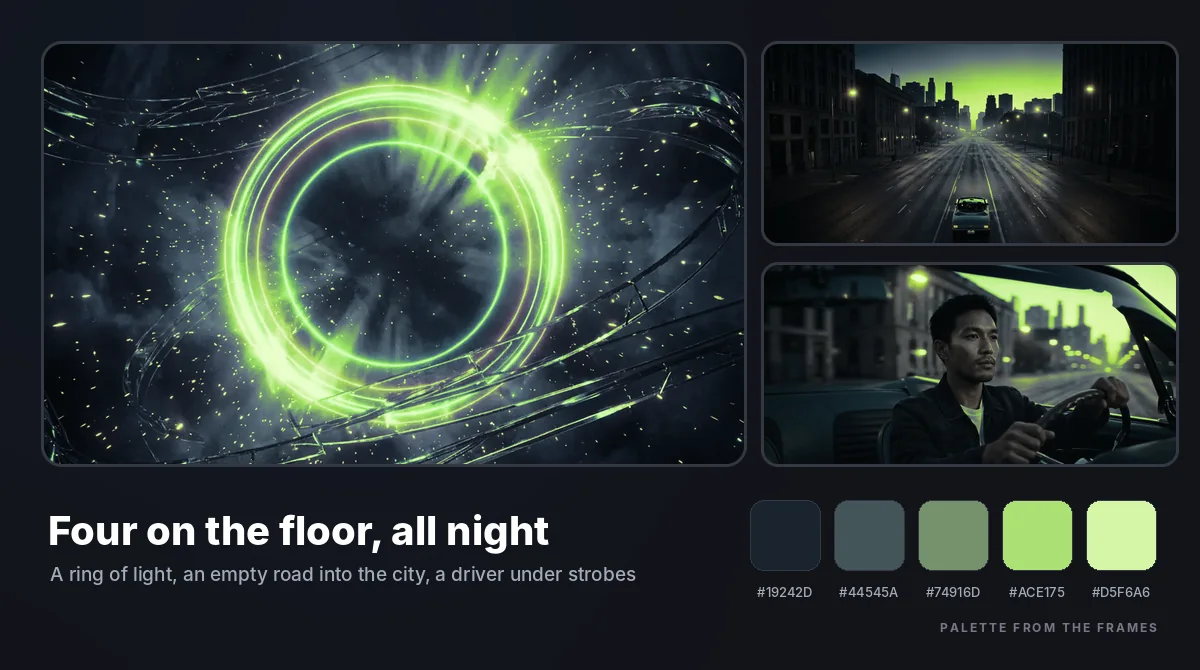
Techno tracks cut on the bar over a steady kick, with builds that tighten over minutes and pictures that repeat on purpose until the track turns.
Learn moreMake a show poster from your photo, a video frame or a color: act, date, venue and tickets laid out for print and Instagram, with a QR code.
Open the toolUpload a track and get a free beat-synced storyboard in minutes. Render it when you are ready.
No card needed to start.






