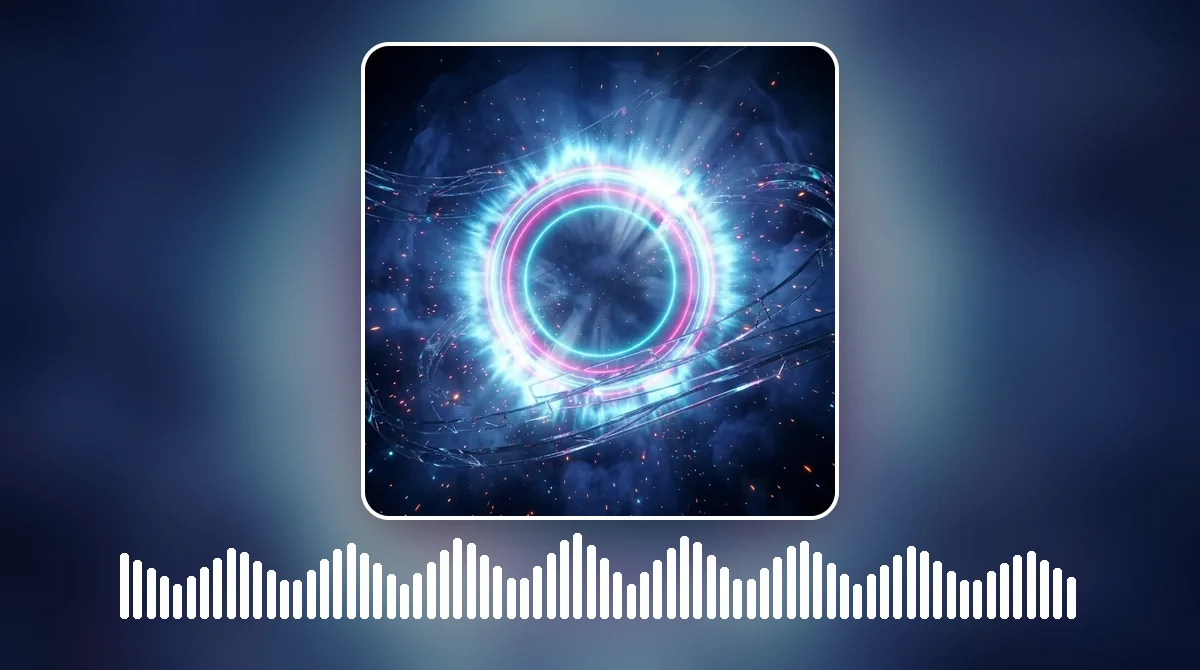
Release visualizer for a club track
Abstract style, EDM look: beams of light in a hazy warehouse that fan out on every drop.
A DJ who releases music needs more video than most artists: something for the single, a vertical clip for every booking, a picture for the screen behind the decks and a loop for the streaming page. Muvora makes all of it from your own track. It reads the tempo, the bars, the breakdowns and the drops, plans the cuts on the bars and phrases a DJ counts, and writes a storyboard you can change for free before anything renders. It works from music you made or have the rights to, so a mix of other artists' records isn't something to upload; the last section below says where that line sits.
Free to start · 5 storyboards a month · No card needed
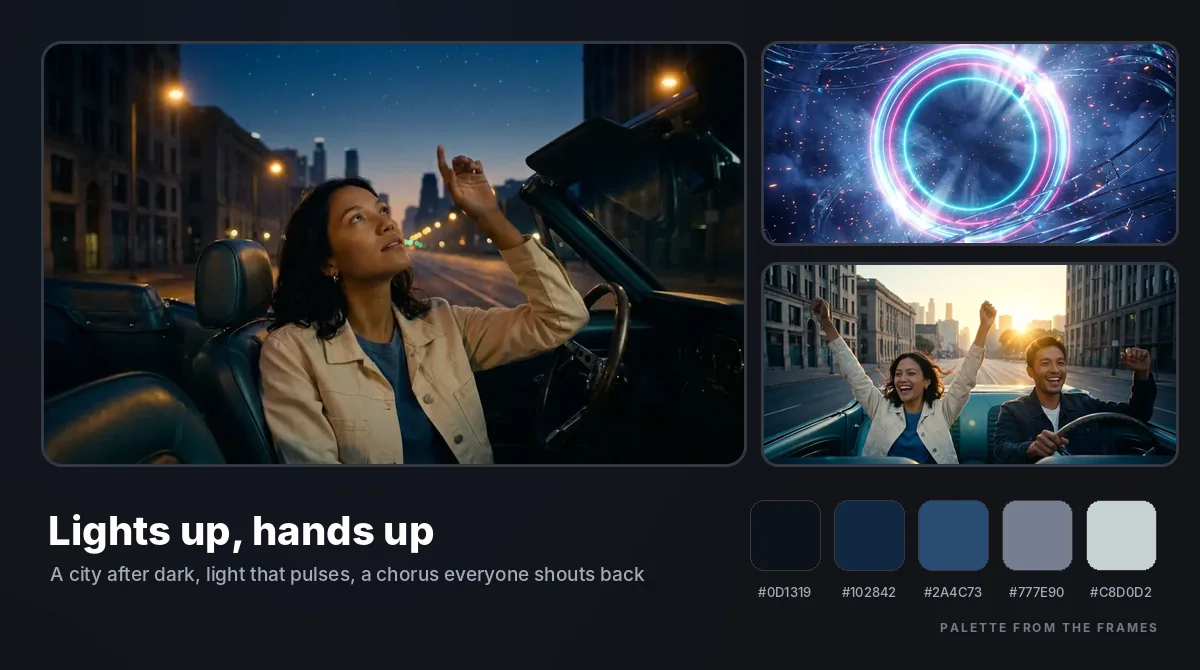
Each upload is one audio file of up to 8 minutes and 60 MB, and the video runs exactly as long as it does, with the file itself as the soundtrack from its first sample. That covers a release, a club edit or a VIP of your own track, a remix you made with the original's owners' permission, and a mini-mix built only from your own productions, as long as it fits in 8 minutes; mix it at one tempo where you can, since the cuts follow the beat grid the analysis finds. Dance tracks built for DJs open on long, beat-only intros, and the video holds them rather than rushing. On a 128 BPM track with a 32-bar intro, the EDM look gives that intro sixteen shots of two bars (about 3.75 seconds each), then cuts every bar (about 1.9) through the builds and the drops; with no look, the same intro holds four bars a shot (7.5 seconds). Every section change is a cut, and each drop the analysis hears opens with a two-frame white flash. A file over 8 minutes won't go in, so upload the radio or club edit of an extended mix, or split it at a breakdown with the audio cutter, keeping each part to about five minutes for a 44.1 kHz track, since it saves 16-bit WAV files. For how particular genres are paced, see the house music video maker and the drum and bass music video maker.
See your song as a storyboard first
Upload the track and the AI director plans every shot on the beat in minutes. Edit anything for free; you only pay if you render.
A gig announcement wants a vertical clip, and a 16:9 render gives you a 9:16 cut, a square post and an 8-second Spotify Canvas as well as the widescreen video, so one track covers the release and the bookings after it. For a clip of just the drop, upload that stretch of the track as its own file: it gets a storyboard of its own and costs only its own seconds. No lettering is drawn into the pictures, so the venue, the date and the lineup go in the post's caption or on a title card you add in an editor after downloading. Behind the decks, the video works as a finished film rather than live visuals: start the MP4 muted at the moment the track starts, at its own tempo, and every cut lands with the music. Move the pitch and the picture drifts. A 128 BPM track played at 130 runs about 1.6% fast, so after one minute the video is close to a second, about two beats, behind; riding the tempo between tracks, looping a section or bringing a track in at its second drop breaks the line-up the same way. It suits a set where your own tracks play whole and at speed, or a screen showing your release video between sets. The concert visuals page covers screens and venues, and the music promo video maker covers teasers.
Plenty of DJs keep their faces out of their videos, and Muvora suits that: the pictures never show real people, so a video of your track shows invented characters, places and light. Write the booth as a silhouette against the lights, hands over the decks seen from behind, or a crowd lit by the rig, or let the Abstract style drop the cast altogether. Performance can put you on camera only on a track with a vocal of yours to lip-sync, from one clear, front-facing photo with your mouth in view (a mask or a mic over it can get the photo refused) and the consent box ticked; an instrumental has nothing to sync. The bigger question for a DJ is the music. Every upload asks you to confirm you own the audio or have the rights to use it in a video, all of it. A mix of other artists' records doesn't pass that without each owner's permission, and neither does a bootleg, an unofficial edit or a remix of someone else's song, wherever the files came from. Samples in your own productions need clearing too. That still leaves plenty: your releases, your edits and remixes of your own music, collaborations whose co-writers agree, and official remixes whose owners are happy for them to have a video. Music video copyright explains the two rights in every recording (general information, not legal advice), and producers who make beats more than club tracks will find more in music videos for producers.
Each card opens the upload with a style and an idea for your own music. Rewrite the room and the colors to match your nights before the storyboard is written; the teaser card works best with the drop of your track uploaded as a file of its own.
Abstract style, EDM look: beams of light in a hazy warehouse that fan out on every drop.
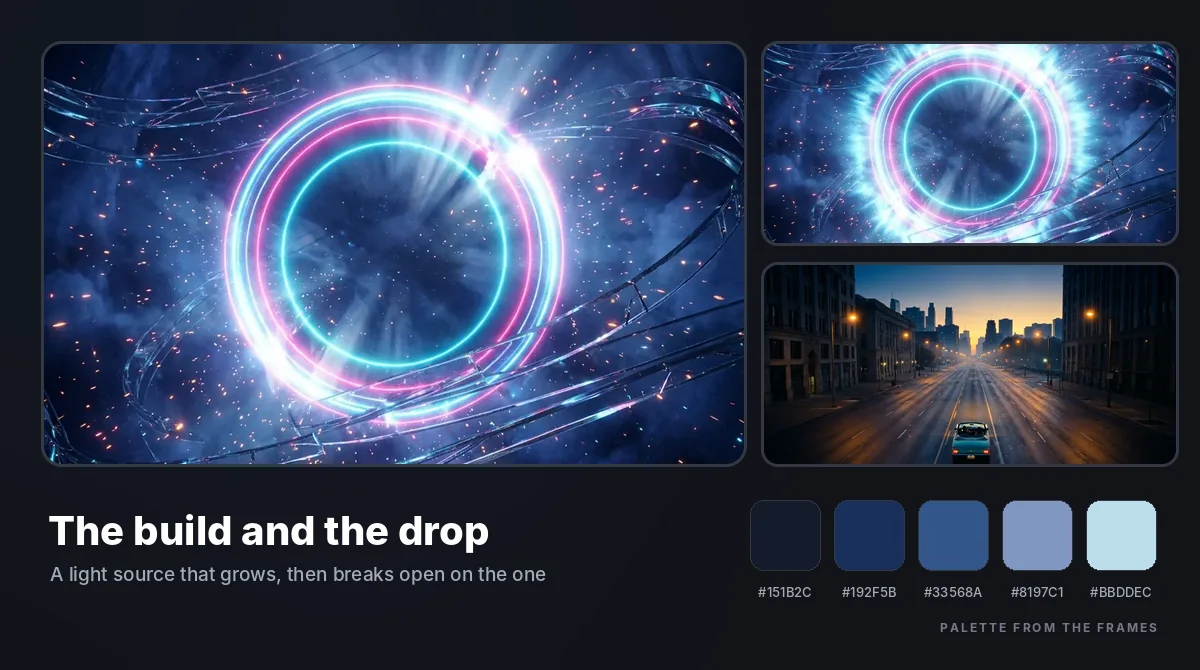
Story style, EDM look: the DJ only ever seen from behind, the room filling up around the decks.

Story style, EDM look, 9:16: the drop of your track uploaded on its own, as a clip to announce the night.

Performance, EDM look: only for a track with your vocal on it, lip-synced from your photo with the consent box ticked.
Drop in an MP3, WAV, M4A or FLAC up to 8 minutes. Muvora finds the tempo, the beats, the downbeats and the sections of your song, like intro, verse and chorus.
An AI director writes a shot-by-shot plan timed to your downbeats. Rewrite any prompt, drag a cut (it snaps to the beat) or ask AI to redo a shot. None of it costs anything.
See the final price, then render. Pick Visualizer, Standard or Cinematic quality. If a shot fails, its credits come straight back.
Free storyboard in minutes. No card needed.
Can't find what you need? Start a free storyboard and see for yourself.
Only one made of music you own or have the rights to, and only up to 8 minutes and 60 MB. A mini-mix of your own productions fits; a mix of other artists' records would need every owner's permission, because the upload asks you to confirm you hold the rights to all of it. An hour-long set doesn't fit at all.
No. The cuts are fixed to the track's own tempo, so pitching a 128 BPM track to 130 leaves the picture about two beats behind after a minute. Play the track whole, from its first beat and at its own speed, with the video started at the same moment, and every cut lands.
No. Muvora never draws real people, so a video of your track shows invented characters, places, light or abstract shapes. You can appear only through Performance, which lip-syncs your photo to a vocal of yours, so it needs a track you sing or rap on and the consent box ticked.
Not in the pictures: no lettering or logos are drawn into them, and captions only ever show sung words. Put the details in the post's caption, or add a title card in an editor after you download the MP4.
Only with the original's owners' permission, such as an official remix commissioned by the label or the artist with a video in mind. A bootleg or an unofficial edit doesn't meet the rights you confirm at upload, however often it's played in clubs.
The storyboard is free to write and edit, and the free plan makes 5 new ones a month. Rendering is priced per finished second, at 38 credits in Visualizer, 60 in Standard or 110 in Cinematic, so a seven-minute extended edit costs more than twice a three-minute radio edit, and a 30-second promo uploaded on its own costs only its 30 seconds.
House tracks cut on the bar over a four-on-the-floor kick, with a flash where the kick comes back and rooms full of people dancing.
Learn more
Drum and bass videos counted in half time at 174 BPM: long shots through the build, a flash on the drop and a new picture every two bars after it.
Learn more
A video for each song in your set, cut on its beat, for the screen behind you on stage.
Learn more
A teaser, the full video, vertical and square cuts and a Canvas loop for one release.
Learn more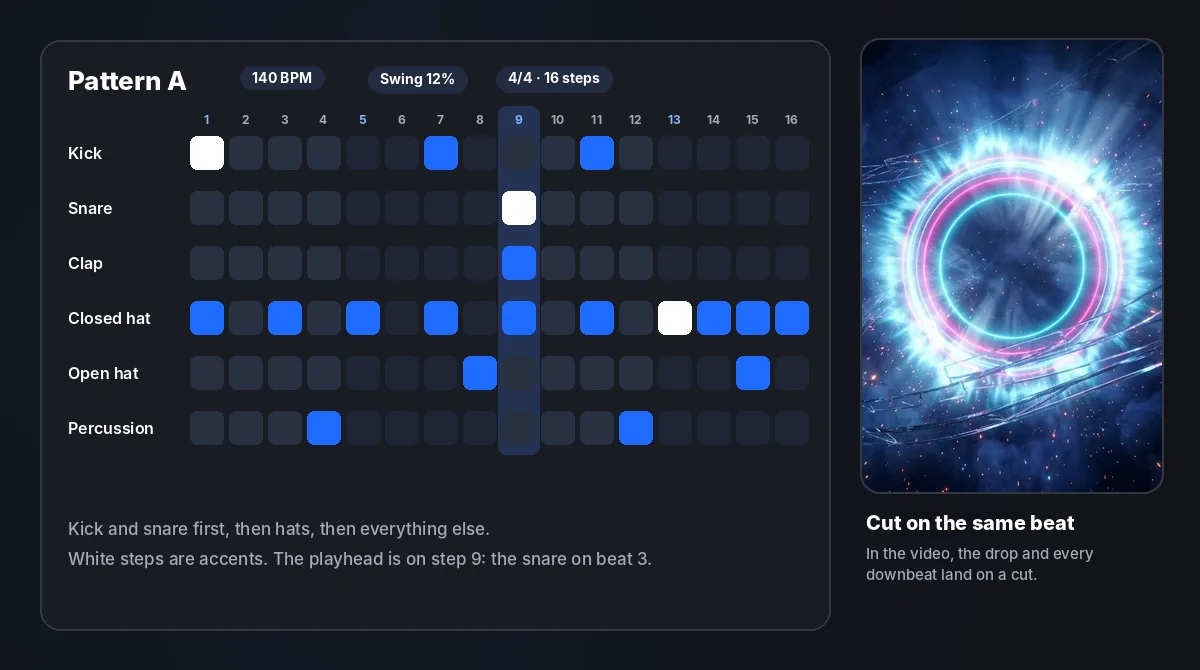
Visuals for beats and instrumentals: release visualizers, one look across a beat channel, and type beats that borrow no one's face.
Learn more
An 8-second vertical loop cut from your video, sized for Canvas.
Learn more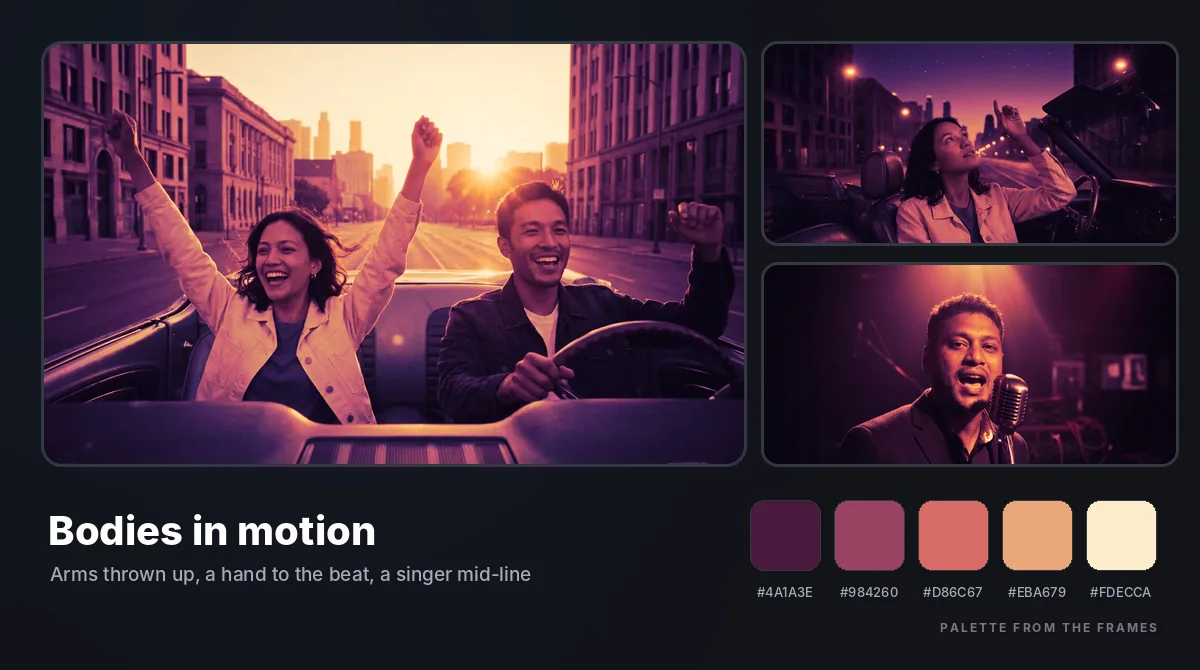
15 dance music video ideas for pop, house and club tracks: people with a reason to move, party light that moves with them, and drops that land.
Read the guide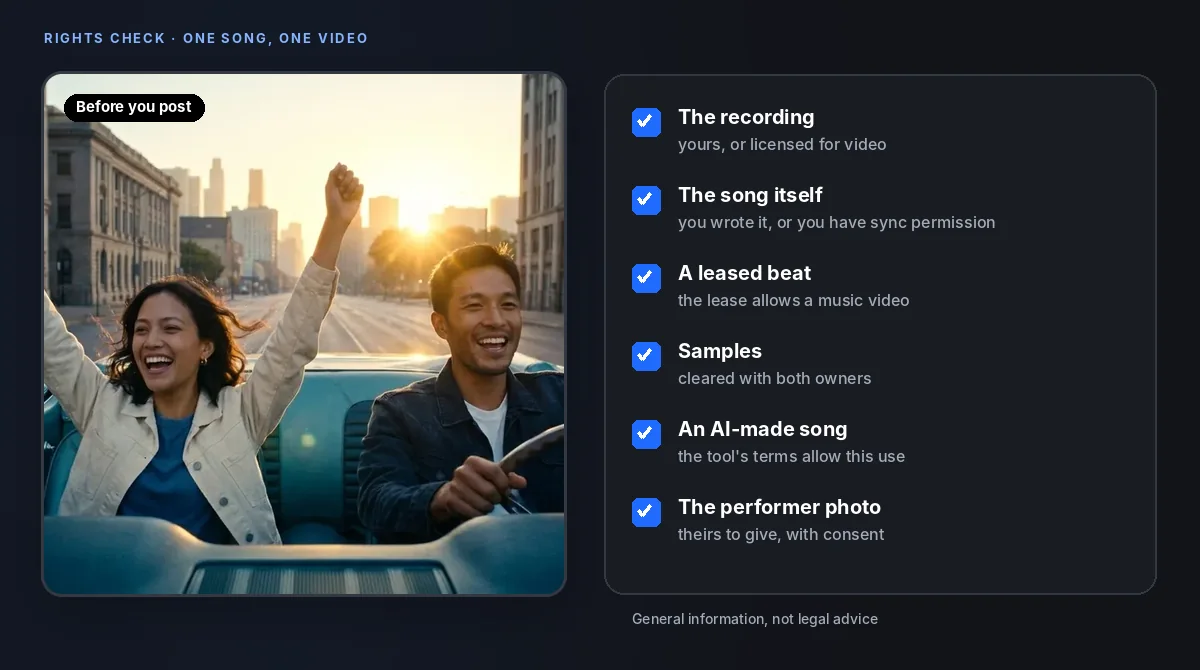
Covers, samples, leased beats, AI songs and Content ID: what to clear before you make and post a music video.
Read the guideCut a 15 to 60 second clip from a song that starts and ends on a bar line, add fades and save it as a WAV.
Open the toolTap along to any song to find its BPM, with half and double time and how steady you are.
Open the tool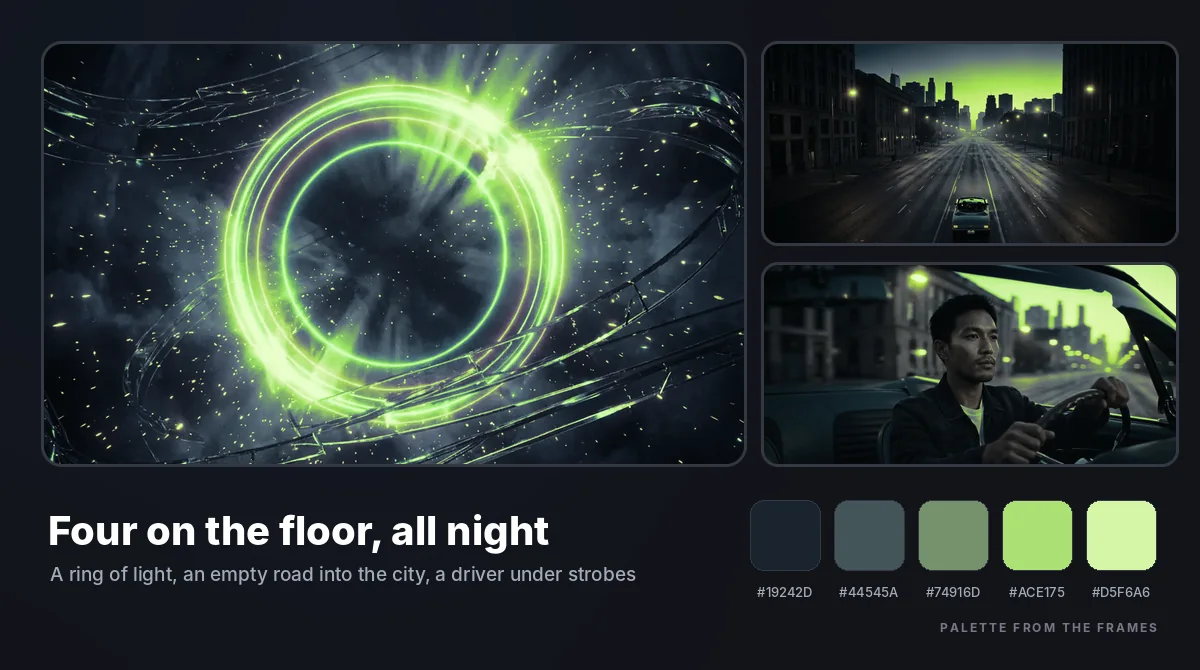
Techno tracks cut on the bar over a steady kick, with builds that tighten over minutes and pictures that repeat on purpose until the track turns.
Learn moreUpload a track and get a free beat-synced storyboard in minutes. Render it when you are ready.
No card needed to start.





