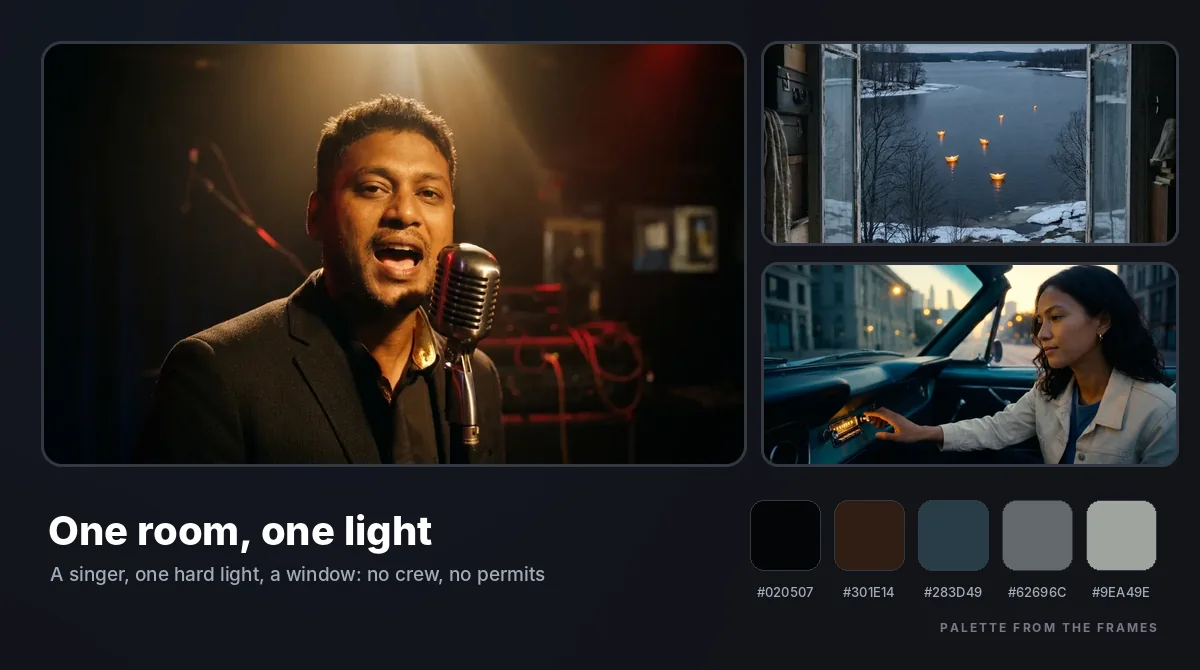
The short answer
A faceless music video tells the song through everything except the artist's face: abstract visuals, empty places, objects, hands, silhouettes, point-of-view shots, a recurring character or a drawn stand-in who sings, or the lyrics on screen. Choose the approach that fits the song's mood, keep one motif and palette across releases so the look becomes yours, and cut every shot on the beat.
- Going faceless keeps attention on the song and lets you release as often as you write.
- Pick one approach per video: no people, people without faces, a stand-in, or the words.
- A repeated motif, palette and place make you recognizable without a face.
- A drawn character can be your performer and lip-sync your vocals.
- Write a face rule into your idea, then check every shot in the storyboard before rendering.
On this page (8 sections)ShowHide
- 1.Who makes faceless music videos, and why they work
- 2.Eight faceless approaches at a glance
- 3.Ideas with no people at all
- 4.People without faces: hands, backs and silhouettes
- 5.Point of view and a signature character
- 6.A drawn stand-in, or let the lyrics lead
- 7.Build a visual identity without a face
- 8.How to make a faceless music video in Muvora
- Questions
Who makes faceless music videos, and why they work
A faceless music video is one where the artist is never recognizable on screen: a video with no people at all, one where people appear only as hands, backs or shapes against a window, one told through the eyes of a character we never see, or one where a drawn character stands in for the singer. The song, not a face, is the star. The people who choose this route tend to be:
- Anonymous producers and DJs who want the music to travel without their face attached.
- Creators releasing AI-made songs, with no human singer to film in the first place (see making a video for a Suno song).
- Artists who would rather not be on camera, for privacy, comfort or a day job kept apart.
- Beatmakers and type-beat channels putting out several tracks a week.
- Bands between shoots who want something for a deep cut or a remix without a crew.
Faceless is not the lesser option. A performance video asks the viewer to connect with a person; a faceless one asks them to connect with a feeling, a place or a character, which is often easier to project onto. It also ages well: a helmet or a mascot can stay the same for a decade while a face changes. Daft Punk's helmets and the cartoon members of Gorillaz carried whole careers.
Eight faceless approaches at a glance
Almost every faceless idea belongs to one of eight approaches. Choose by the song's mood first, then by how much continuity you want across releases. The table sums them up and the sections below give concrete concepts for each. For how the broader styles compare, see music video styles.
| Approach | What's on screen | Fits | Watch out for |
|---|---|---|---|
| Abstract and visualizer | Light, shapes, texture and weather that move with the music | EDM, drum and bass, ambient, instrumentals | It needs structure, or it turns into a screensaver |
| Places and objects | Empty rooms, streets, landscapes and things left behind | Lo-fi, indie, ballads, slow hip-hop | Give the places a change across the song |
| Hands and details | Close-ups of hands, tools, fabric, food, instruments | R&B, soul, acoustic, bedroom pop | Keep each hand shot to one simple action |
| Silhouettes and backs | Figures against light, from behind or far away | Pop, indie, synthwave, emotional rap | Light the figure from behind, not from the front |
| Point of view | What a character sees, never the character | Hip-hop, house, punk, road songs | A clear reason to move from one shot to the next |
| Signature character or object | The same mascot, toy or object in every video | Any genre with a long release plan | Describe it in the same words every time |
| Drawn stand-in performer | A cartoon or illustrated character who sings | Pop, hip-hop, rock, AI-made songs | You need the rights to the character's image |
| Lyric-led | The words timed to the vocal over faceless scenes | Wordy songs, singalongs, slow builds | A background calm enough to read over |
Skip the blank page
Upload your song and Muvora's AI director plans a shot-by-shot storyboard on the beat. Edit every shot for free, and pay only if you render.
Ideas with no people at all
These are the purest faceless videos: nobody on screen, so there is nothing to keep consistent except the look. They suit instrumentals and electronic music best, but a slow vocal song can carry them too, as long as the places or the light change when the song does. How to make a music visualizer covers the timing in detail.
- EDM
Charge and release
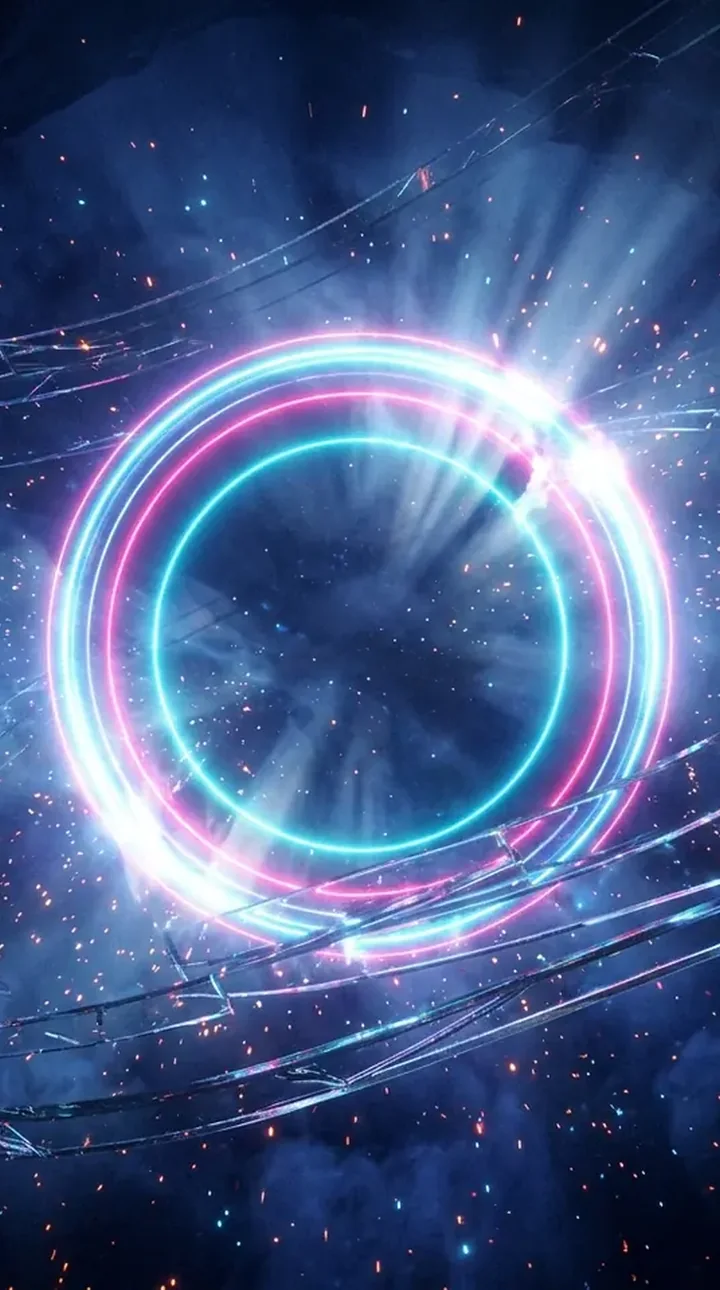
A field of light particles pulls inward through the build, tighter and brighter every bar, then blows apart on the drop and slowly drifts back together for the next section.
Use this idea on my songUse this idea on my song - Ambient
Tide pool
Slow macro shots of water, sand and light in a rock pool, the tide rising a little each section until the last chorus floods the frame.
Use this idea on my songUse this idea on my song - Drum and bass
Signal tunnel
The camera races through a tunnel of light whose color shifts at every section change, slowing to a crawl in the breakdown before the second drop.
Use this idea on my songUse this idea on my song - Electronic
Glass and smoke
Colored smoke curls through glass prisms on a black table, splitting into new colors on every downbeat until the final section fills the frame with white.
Use this idea on my songUse this idea on my song


Places and objects show a real-feeling world with its people just out of frame. The viewer fills in who lives there, which is why these ideas suit songs about absence, memory and late nights. For calm, looping scenes like these made for study beats, see lo-fi music video ideas.
- Lo-fi
The apartment after they left
An empty apartment in late afternoon: a half-finished coffee, a record still turning, a coat over a chair. Each section moves to another room as the light goes from gold to blue.
Use this idea on my songUse this idea on my song - Indie
Small-town night
A sleeping town shot like a portrait of a person: the gas station, the high school field under one floodlight, the water tower at dawn.
Use this idea on my songUse this idea on my song - Slow hip-hop
Lit windows
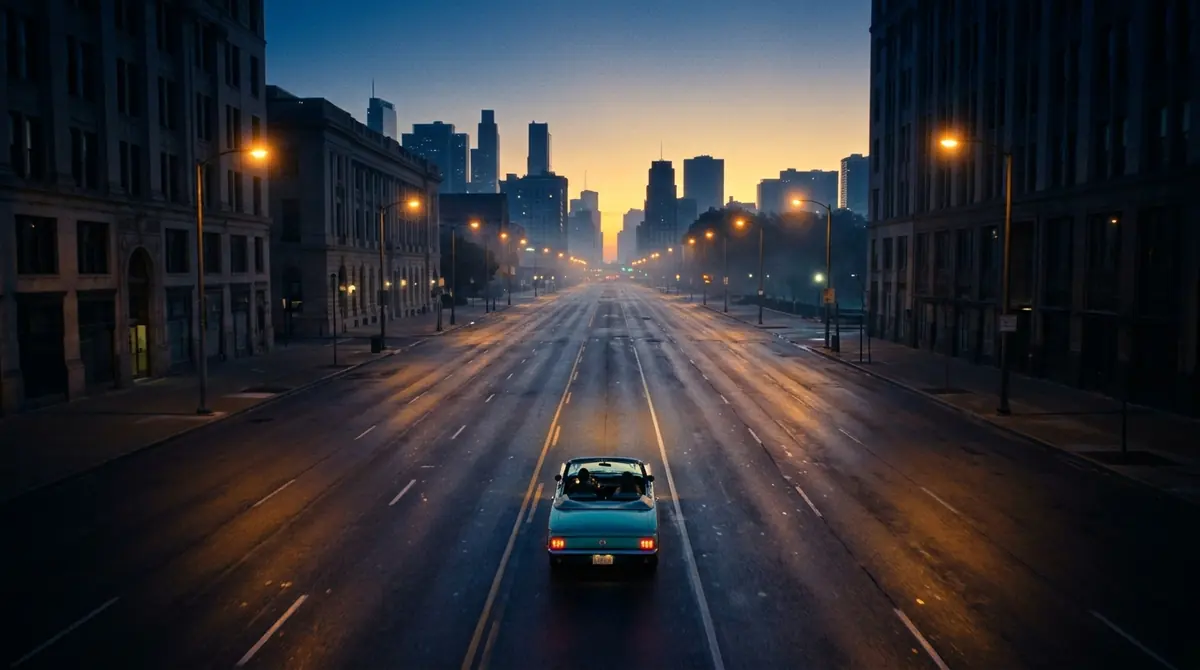
Fixed shots of a city block at night, one window lighting up per bar in the verses and whole buildings switching on in the chorus.
Use this idea on my songUse this idea on my song - Ballad
Things kept
A box of keepsakes unpacked one object at a time: a ticket stub, a dried flower, a cassette, a key. Each lands on a downbeat, lit by a single lamp.
Use this idea on my songUse this idea on my song
People without faces: hands, backs and silhouettes
A human presence makes a video warmer, and you can have one without revealing who it is. Choose framings that hide the face on purpose, so it reads as a style rather than an accident: hands at work, the back of a head, a figure small in a big landscape, a shape against a bright window. Commit to one for the whole video and it becomes a signature.
- R&B
Dinner for one
Someone cooks a late dinner alone, seen only from the shoulders down: a knife on a board, steam off a pan, a glass poured. In the last chorus they set a second plate.
Use this idea on my songUse this idea on my song - Acoustic
Repair shop
Hands mend a broken guitar over the length of the song, piece by piece, until the last shot is the first chord played on it.
Use this idea on my songUse this idea on my song - Soul
Two hands, one table
Two people's hands across a café table through a whole relationship: reaching, holding, letting go, and reaching again in the final chorus.
Use this idea on my songUse this idea on my song - Hip-hop
Studio hands
Fingers on drum pads, a hand riding a fader, a pen tapping the rhythm on a desk. The beat made visible, shot as tightly as a heist.
Use this idea on my songUse this idea on my song
- Synth-pop
Backlit
One figure, always lit from behind: in a doorway, against a sunset, in front of a car's headlights. The outline is the character.
Use this idea on my songUse this idea on my song - Emotional rap
Over the shoulder
We follow the lead from behind through the places that shaped them, never seeing their face, as if the viewer is walking in their footsteps.
Use this idea on my songUse this idea on my song - Ballad
Small in a big world
A single figure far away in vast places: a frozen lake, a salt flat, an empty stadium. The scale says what the song feels.
Use this idea on my songUse this idea on my song - Indie
Against the flow
A busy street of people seen only from behind or as blurred shapes, and one figure in a bright coat walking the other way.
Use this idea on my songUse this idea on my song

Point of view and a signature character
Two approaches turn faceless videos into a series. Point of view puts the viewer in someone's shoes, so the missing face becomes the viewer's own. A signature character or object gives every release the same recognizable lead without it being you, and over time fans start looking for it.
- Hip-hop
Passenger seat
The whole video from the passenger seat of a car crossing the city at night: the dashboard glow, the driver's hand on the wheel, the streets sliding past.
Use this idea on my songUse this idea on my song - House
Way into the party
Through the eyes of someone arriving: the line outside, the door, the stairs down, the room opening up just as the drop lands.
Use this idea on my songUse this idea on my song - Punk
Skate run
Low, fast point-of-view shots down empty streets and ramps, a cut on every snare, and a wipeout in the breakdown with the sky spinning overhead.
Use this idea on my songUse this idea on my song
- Any genre
The mascot
A small creature, robot or masked figure who appears in every video you release, in a new place each time. The mascot becomes the artist.
Use this idea on my songUse this idea on my song - Lo-fi
The same window
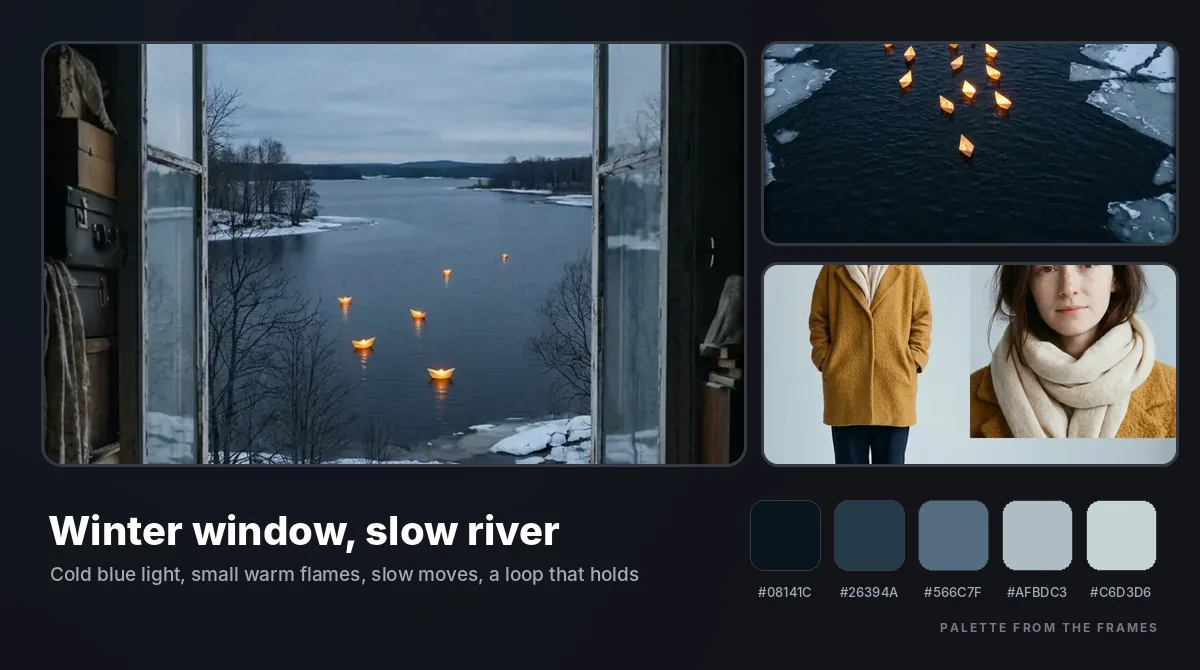
Every track opens on the same window and the same desk, and the view outside changes with the song: rain for one, snow for the next, a neon city for the third.
Use this idea on my songUse this idea on my song - Pop
The signature object
One object in a signature color (a red umbrella, a yellow car, a blue door) sits somewhere in every shot of every video you make.
Use this idea on my songUse this idea on my song
A signature only works if it looks the same every time. Describe it in fixed words, such as “a small round robot with a cracked white shell and one orange eye”, and reuse exactly those words in every idea and prompt.
A drawn stand-in, or let the lyrics lead
If the song wants a singer, a drawn character can be one. An illustrated or animated stand-in can perform the song, appear in the story shots and become the face of the project without ever being yours. Commission one from an illustrator, draw one yourself, or use a character you hold the rights to. The animated music video maker page shows the drawn styles that work.
- Pop
Your drawn double
A 2D cartoon version of your persona with a signature outfit sings the choruses in a drawn world and lives the story in the verses.
Use this idea on my songUse this idea on my song - Hip-hop
Clay frontman
A stop-motion-style clay character with oversized headphones raps the verses on a miniature rooftop set lit by tiny street lamps.
Use this idea on my songUse this idea on my song - Rock
Comic-book band
A band drawn in a comic-book style: the singer performs to camera while the rest of the band turn up in the story shots between choruses.
Use this idea on my songUse this idea on my song
Lyric-led videos solve the face problem by making the words the lead. Pick backgrounds that echo the song without competing with it, and let the captions carry the meaning.
- Singalong pop
Words over weather
Karaoke-style captions over skies that change with the sections, timed so the chorus line lands on the brightest sky of the video.
Use this idea on my songUse this idea on my song - Rap
Bars on the block
Captions ride over slow shots of the streets the verses describe, each word lighting up as it's rapped.
Use this idea on my songUse this idea on my song - Ballad
The quiet room
One room through a whole day, with nothing moving but the light. The captions do the talking.
Use this idea on my songUse this idea on my song
In Muvora, the Performance style takes one picture of the singer, and it can be a drawn or animated character you confirm you have the rights to. The sung shots lip-sync to your vocals. For a lyric-led video, turn on captions, where each word highlights as it is sung; how to make a lyric video covers the rest.
Give your song a drawn singer
Choose Performance, add a picture of your character and the sung shots lip-sync to your vocals. Shape the free storyboard before you render anything.
Build a visual identity without a face
One faceless video is a nice piece of art. Five that clearly belong together are a brand. Fans recognize an artist through repetition, so decide what stays the same from release to release and what changes, and write it down before the next song is finished.
| Element | Keep the same | Let it change |
|---|---|---|
| Motif | One object, creature or symbol in every video | Where it is and what happens to it |
| Palette | Two or three signature colors | The light: night, dusk, neon, daylight |
| Place | A recurring room, window, road or landscape | The season, the weather, the time of day |
| Medium | One: live-action, 2D cartoon, clay or watercolor | The genre look of each song |
| Face rule | How the face stays hidden (backs, hands, silhouettes) | Shot sizes and camera moves |
| Cover art | The motif and palette from the single's artwork | The scene around them |
- One motif, described in the same words every time
- Two or three palette colors named in every idea
- One medium for the whole project, live-action or a drawn style
- A face rule written into every idea
- A recurring place or window that opens or closes each video
- A Canvas loop for every single in the same look as its video
In Muvora, paste these phrases into the idea box for every song (it holds up to 600 characters), so each storyboard starts from the same motif, palette and medium. If one drifts from the identity, rewrite its shots or change its look in the editor for free.
How to make a faceless music video in Muvora
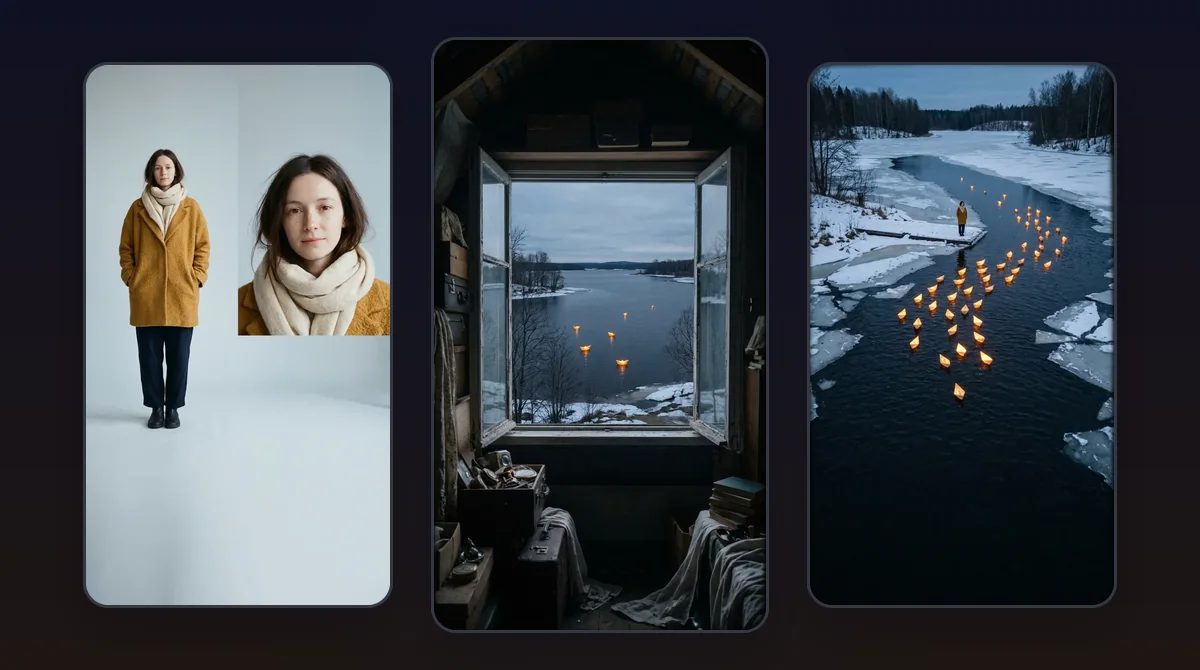
Muvora's four styles map onto the approaches above. Abstract makes light, shape and texture with no cast. Lyric puts karaoke-style captions over the visuals. Story follows a lead the AI director writes, who can be a character that isn't you, a pair of hands, or nobody at all if your idea says so. Performance lip-syncs a singer made from one picture, which can be a drawn character.
- 01
Upload the finished song
Upload the master (MP3, WAV, M4A or FLAC, up to 8 minutes) and confirm you have the rights to it. The free analysis finds the tempo, beats, sections, energy and drops, and times the lyrics.
- 02
Pick the style that matches your approach
Choose Abstract for no people, Lyric for words on screen, Story for places, hands, silhouettes or a signature character, or Performance for a drawn singer. Then pick a genre look and an aspect ratio.
- 03
Write the face rule into your idea
Describe the concept in the idea box and say plainly how faces are handled, such as “no people at all” or “only hands and silhouettes, never a face”. Add your motif and palette in their fixed words if the video is part of a series.
- 04
Read the storyboard shot by shot
The AI director writes a brief and every shot, timed to the beats. Rewrite any shot that would show a face, or ask AI to rewrite it. Editing is free, as are 5 new storyboards a month on the free plan.
- 05
Check the style frames
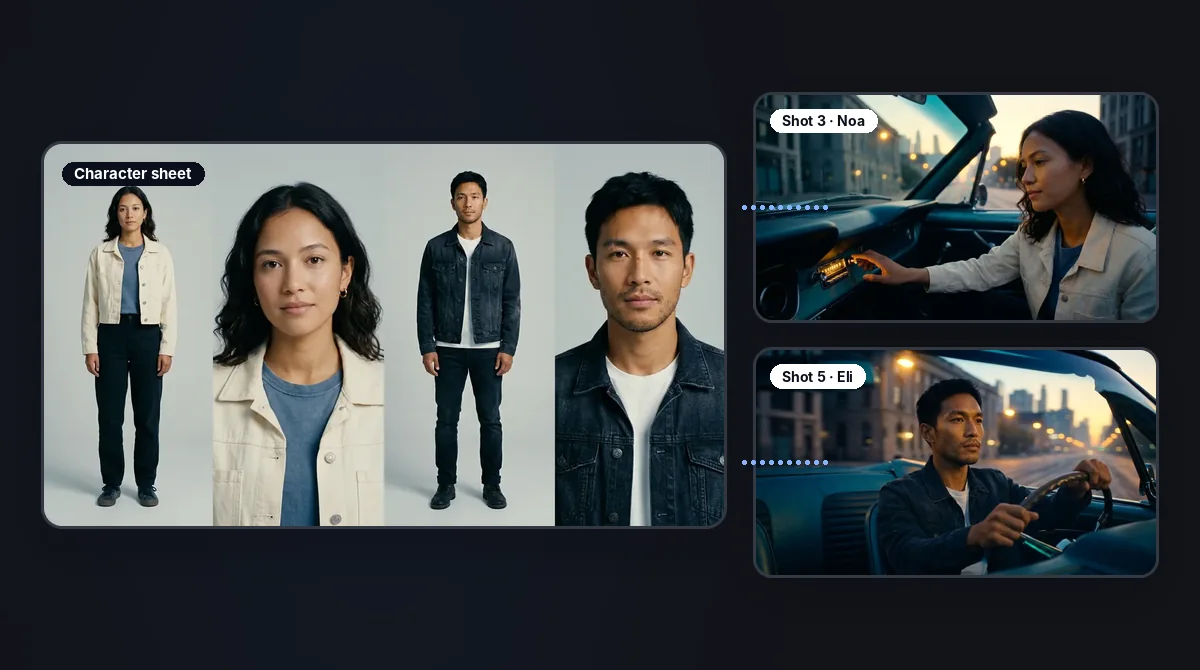
The establishing frame, the chorus hero frame and any character sheet show the look before you pay. If the palette or medium is wrong, change it now rather than after rendering.
- 06
Render, review and export
Pick a quality, see the exact price and render. Re-roll any shot that misses, then download the 16:9 video, the 9:16 and 1:1 cuts and the 8-second Canvas loop, all from the same render.
Abstract and lyric videos suit Visualizer quality, the most affordable way to cover a whole song at 38 credits a second. A story with a recurring character holds together best in Standard at 60 credits a second. The exact price is shown before you generate, and a shot that fails is retried, and costs nothing if it still fails.
Make your faceless video
Upload a song, write your face rule into the idea and get a free storyboard timed to every beat. More on the format on the faceless music video maker page.
Written by the Muvora team. Last updated November 13, 2026. Spotted something out of date? Tell us at [email protected].