Counting on the farm
Story style, pop look: a duckling counts her way around a farmyard, one more animal friend each verse.
This page is for the grown-ups who make songs for children: parents, teachers, children's entertainers and the artists behind a kids' album. Upload the finished song and Muvora plans a video on its beats in a bright drawn style you describe, with a cartoon character who can sing it and karaoke captions so children can sing along. No child's photo is needed: the singer is a drawing, and the storyboard is free to shape before you pay for a render.
Free to start · 5 storyboards a month · No card needed
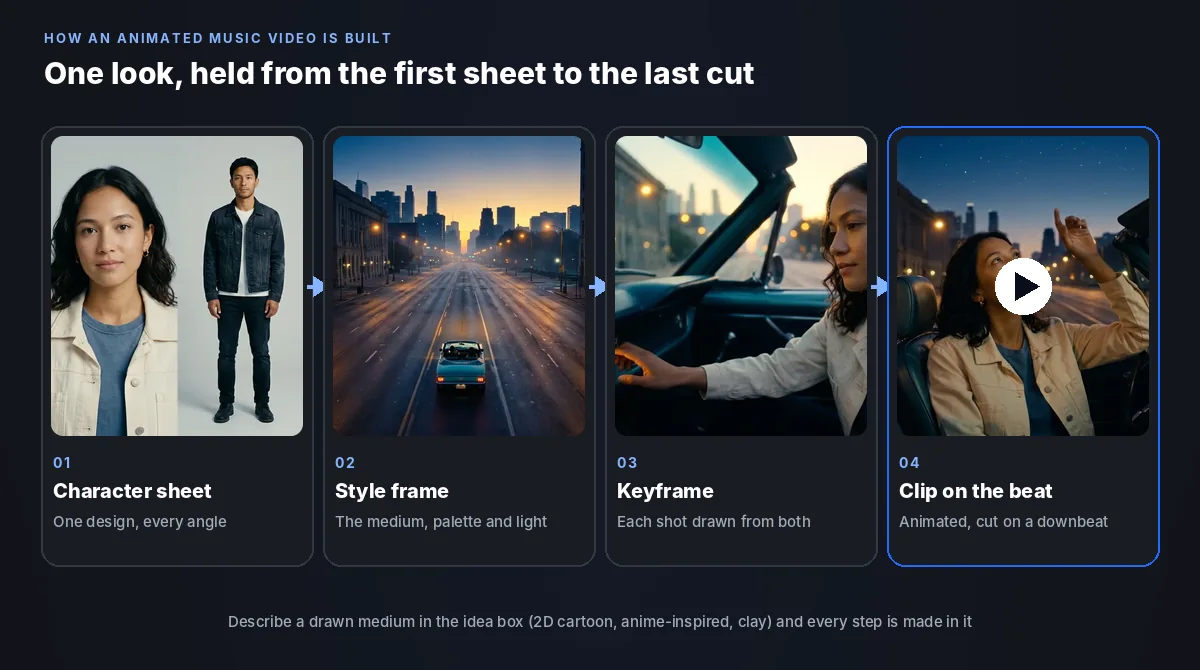
Start the idea box with the medium, in words a picture book would suit: a 2D cartoon with thick, rounded outlines and flat colors, cut paper, soft watercolor for a lullaby. The AI director writes every shot in it, the style frames show the look before you pay, and a character sheet keeps your lead (a fox in a yellow raincoat, a small robot with one antenna) the same from shot to shot. To have that character sing, choose Performance, add a front-facing drawing with the mouth in view and confirm you have the rights to it: the shots where the song is sung are lip-synced to the vocal, and the character plays in the story shots between them. A recurring character can sing every song on the album and become the face of your channel. Please never use a photo of a child as the performer; a drawn character does the job and keeps real children's faces out of it. The pictures carry no lettering, numerals included, so a counting song shows three ducks rather than the figure 3, and an alphabet song's letters come from the captions as they're sung. The animated music video maker covers other drawn styles, and the guide to animated music videos walks through the whole process.
See your song as a storyboard first
Upload the track and the AI director plans every shot on the beat in minutes. Edit anything for free; you only pay if you render.
Turn captions on and the lyrics appear as karaoke-style lines of up to seven words, each word turning from white to yellow as it's sung, which is what a sing-along needs. Paste the lyrics when you upload so the spelling is exactly yours, silly words included, and they're aligned to the vocal; captions work for Latin-script languages such as English, Spanish and French, and not yet for Japanese, Korean or Chinese. The cuts come from the song, not the AI: every cut lands on a downbeat, quiet parts hold longer shots, and each section change is a cut. For a lullaby, the lo-fi look slows the pace further; for a song that feels too busy, merge two shots in the editor and a cut disappears, or drag a cut along the beat grid to hold a shot longer. Ask in the idea box for one place per section and slow camera moves, so a young viewer always knows where they are. A short song costs less, since the price is per finished second. Work out the tune on the online piano, count the syllables in each line with the syllable counter and set the tempo with the metronome.
Every YouTube upload asks whether the video is made for kids. YouTube's help page, which follows the FTC's guidance under the US children's privacy law (COPPA), says a video is made for kids when children are its primary audience, and asks creators to set it wherever they live. On a video set as made for kids, YouTube turns off features such as comments, notifications, personalized ads, the miniplayer and saving to a playlist (as of November 2026). YouTube says it can't make that call for you, so read its page and choose honestly; the AI music videos on YouTube guide covers the platform's other settings. One render gives you the 16:9 video, a 9:16 cut for Shorts, a square for feed posts and an 8-second Canvas for the song's streaming page. One more thing: Muvora is for people 13 and older, so the account and the upload belong to the grown-up, not the child. For a holiday song for children, see the Christmas music video maker; for a lyric video aimed at older listeners, the karaoke video maker.
Each card opens the upload with a style and a drawn world in the idea box. Make the characters and places your own before the storyboard is written; the Performance card asks for a drawing of your singer, never a photo of a child.
Story style, pop look: a duckling counts her way around a farmyard, one more animal friend each verse.
Story style, lo-fi look: a lullaby in a moonlit garden, with long shots and soft light.
Performance style, pop look: your drawn character sings the song in a bright, simple playroom.
Lyric style: a sing-along for a routine song, the toys putting themselves away on the beat.
Drop in an MP3, WAV, M4A or FLAC up to 8 minutes. Muvora finds the tempo, the beats, the downbeats and the sections of your song, like intro, verse and chorus.
An AI director writes a shot-by-shot plan timed to your downbeats. Rewrite any prompt, drag a cut (it snaps to the beat) or ask AI to redo a shot. None of it costs anything.
See the final price, then render. Pick Visualizer, Standard or Cinematic quality. If a shot fails, its credits come straight back.
Free storyboard in minutes. No card needed.
Can't find what you need? Start a free storyboard and see for yourself.
Yes. Upload the finished song, describe a bright drawn style in the idea box and pick Story, Lyric or Performance, and Muvora plans a storyboard on the song's beats. You can read and change every shot for free before you render, and a short song costs less, since the price is per finished second.
Yes. Choose the Performance style, add a front-facing drawing of the character with its mouth showing and confirm you have the rights to it. The sung parts are lip-synced to the vocal at 75 credits a second, and the character can appear in the other shots too.
Please don't. Draw a character instead, or have one drawn for you: it can sing every song you release, it keeps a real child's face out of an AI tool, and it can become the face of your channel. Story characters are always drawn from words, never from photos.
If children are its main audience, YouTube's rules say yes, and the setting turns off features such as comments and personalized ads. YouTube says it can't make the call for you, so read its help page on made-for-kids content before you publish. This is general information, not advice about your channel.
Yes. Each line shows up to seven words and every word lights up as it's sung, timed to the vocal. Paste your lyrics with the upload so the spelling is yours, and keep captions on for the sing-along version.
Not in the pictures: Muvora never draws lettering or numerals into them. Show what's being counted instead (three ducks, five stars), and let the captions carry the letters and numbers as they're sung.
Adults who make music for children: parents recording a family song, teachers with a classroom song, children's entertainers and artists releasing a kids' album. Muvora accounts are for people 13 and older, so a grown-up uploads the song and holds the account.
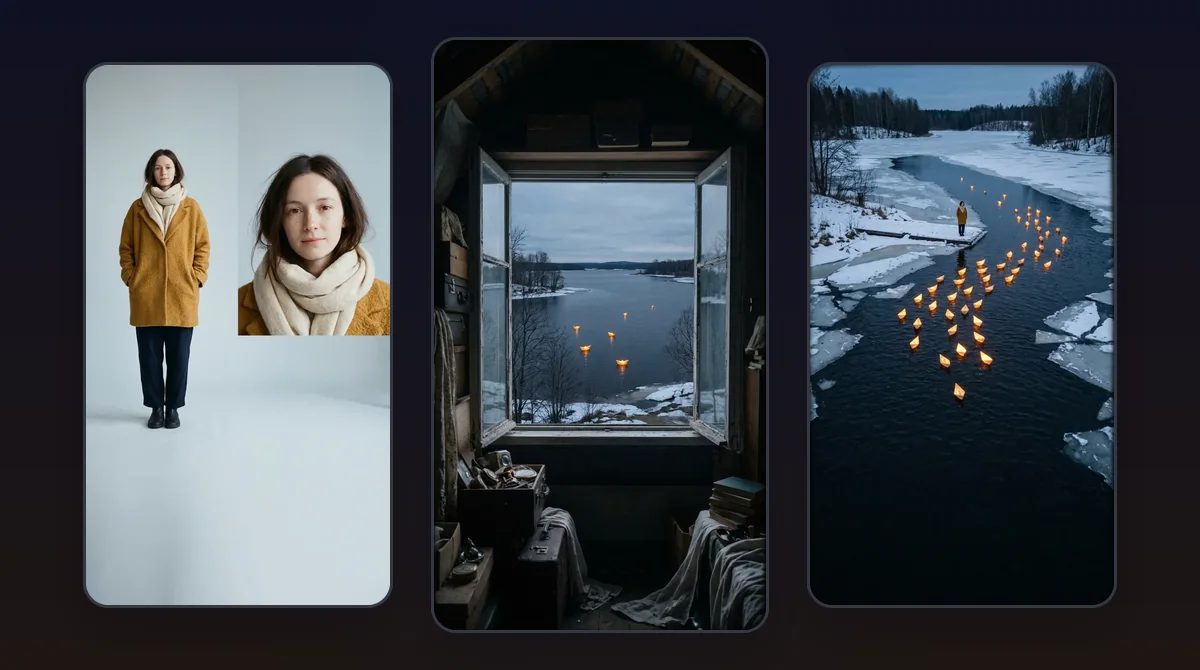
Cartoon, anime-inspired or painted: a drawn music video in one consistent style.
Learn more
Sing-along lyric videos of the full song, each word lighting up as it is sung.
Learn moreCartoon, anime-inspired, 3D or clay: what each route takes in drawings, weeks and tools, and how to make one with AI from your song.
Read the guide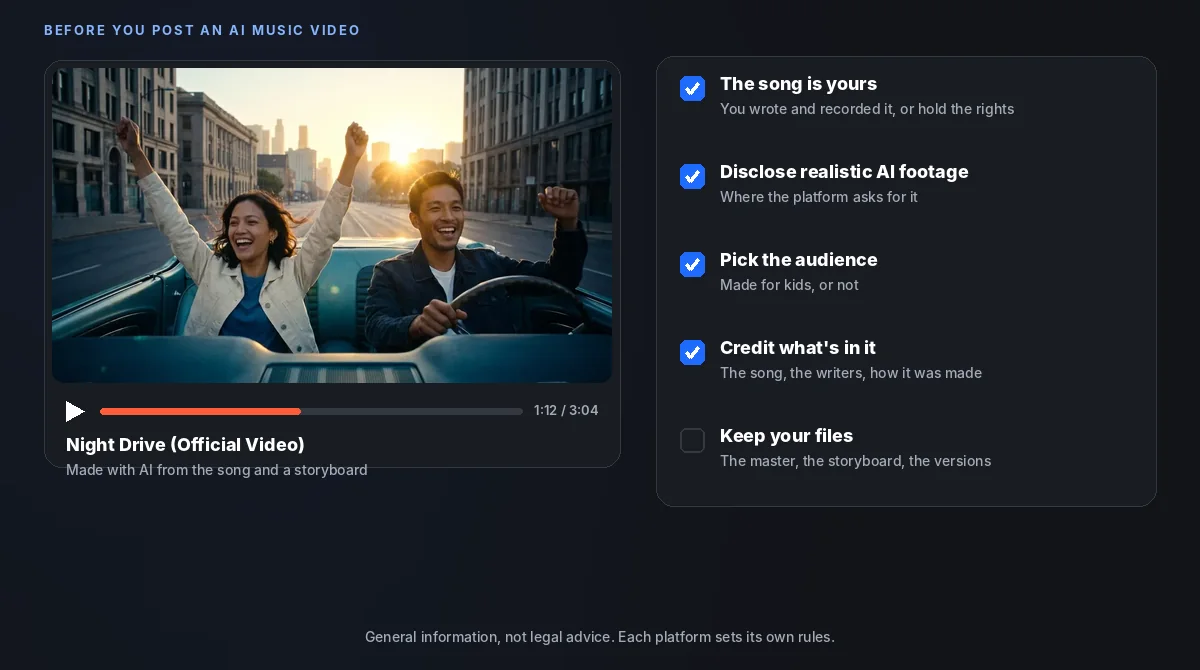
When YouTube wants AI disclosed and what the label does, whether an AI music video can earn, Content ID on your own song and the made-for-kids setting.
Read the guidePlay a piano in your browser with the mouse, touch or your computer keys, with a sustain pedal, octave shift and chords and scales lit on the keys.
Open the toolPaste lyrics to count the syllables in every line, see the rhyme scheme and find the lines that don't match the line they pair with.
Open the toolA sing-along video of your finished song, or a classic karaoke track over an instrumental: timing, captions and where to post.
Read the guideConcepts by genre and mood, each with places, light, a motif and a chorus moment. One click to storyboard it.
Open the tool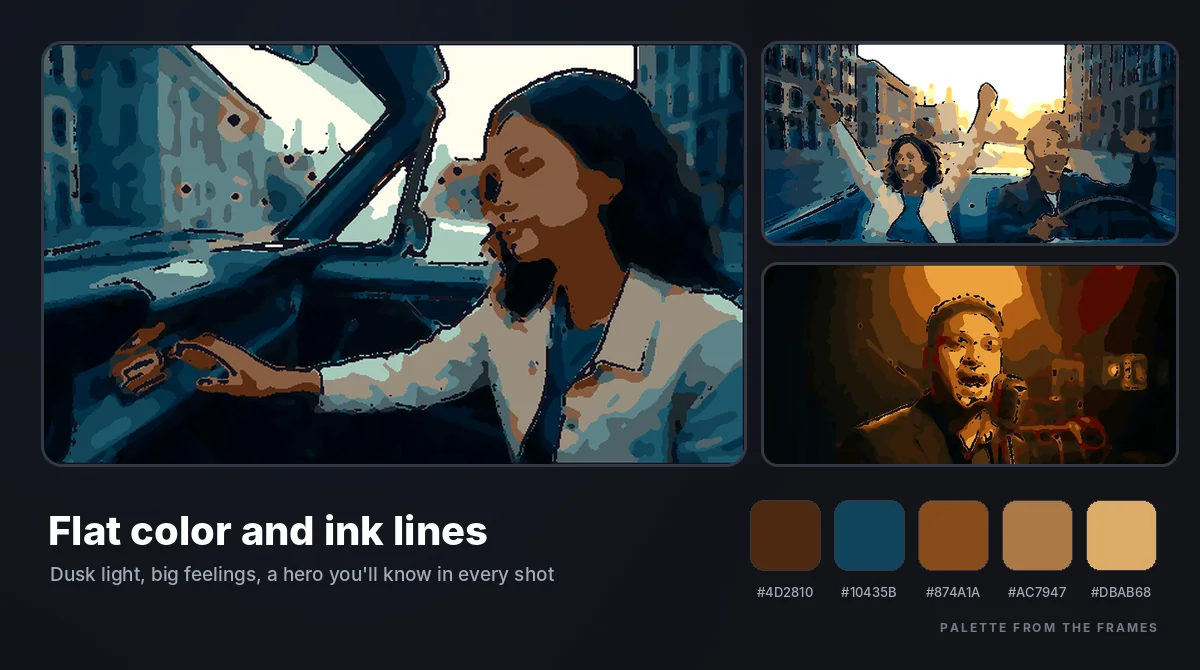
An original anime-style video for your song: your own characters and world, drawn new for every shot and cut on the beat.
Learn more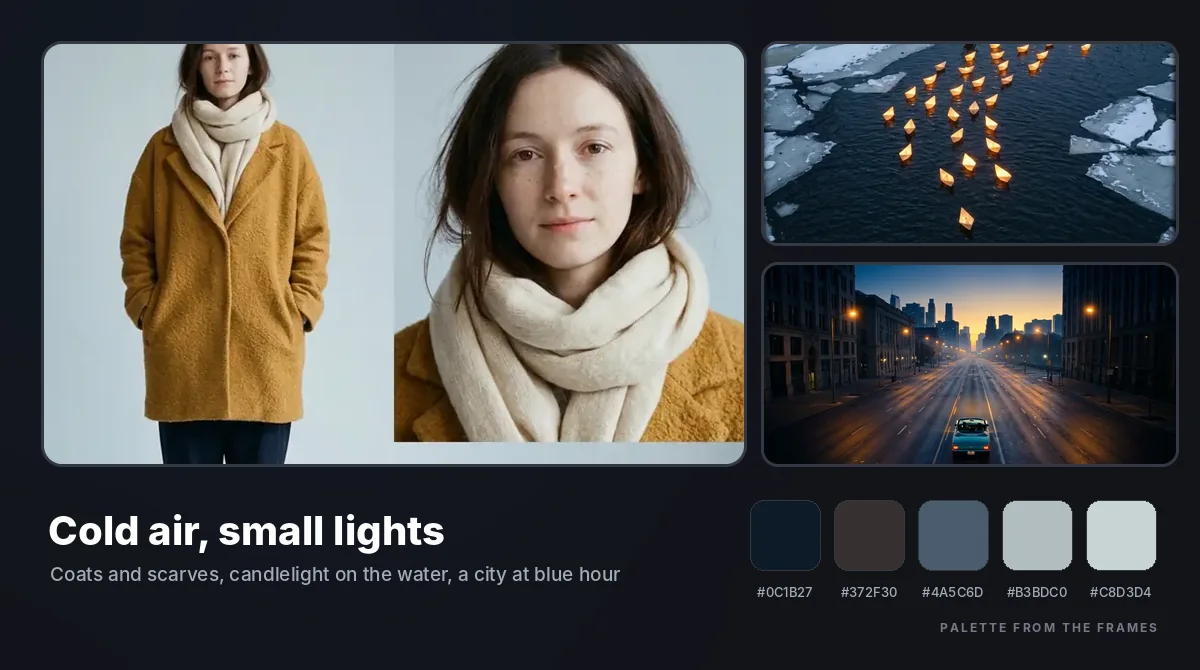
A holiday video for a Christmas song you wrote or recorded: warm light against the cold, cut on the beat, ready for December.
Learn more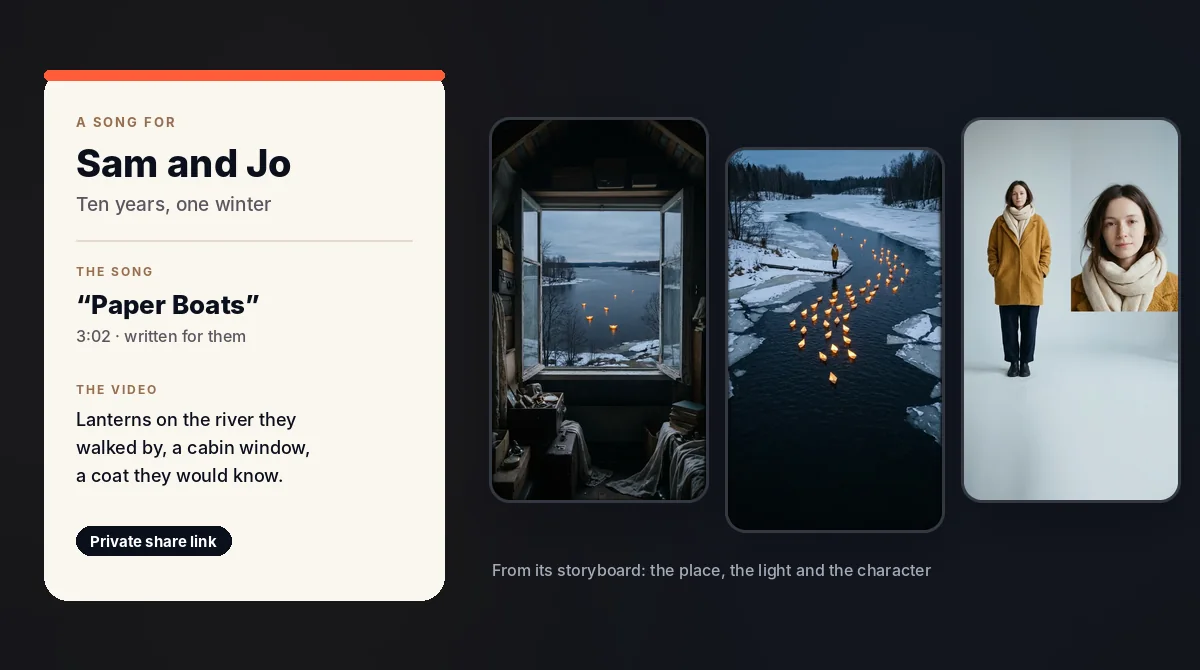
Gift songs for birthdays, weddings, anniversaries and memorials: write one, hire a songwriter or use AI, settle who owns it, then make a private video.
Read the guideUpload a track and get a free beat-synced storyboard in minutes. Render it when you are ready.
No card needed to start.






