Play the piano online with your mouse, fingers or keyboard
A three-octave piano keyboard that plays in your browser. Click or tap the keys, with several fingers at once on a touch screen, or play from your computer keyboard: A to ' are the white keys from the C marked A, and W, E, T, Y, U, O and P the black keys between them. Hold Space or latch the pedal to sustain, move up and down the range with Z and X, switch between a piano, an electric piano and an organ sound, and light up any chord or scale on the keys with its notes spelled. Every note is synthesized as you play, and nothing is recorded or sent anywhere.
Free, no sign-up. Runs in your browser: nothing is uploaded.
Playing: Hold three or more keys and their chord is named here.
Click or tap the keys, several at once for a chord; press lower on a key to play louder, and slide along the keys for a glissando. With a computer keyboard, click the piano first: A to ' play the white keys from the C marked A, W, E, T, Y, U, O and P the black keys, Z and X shift the octave and Space holds the pedal. The arrow keys move between keys and Enter plays one.
Light up a chord or a scale
Pick a chord or a scale to mark its notes on every octave, spelled for its key, with the root in blue.
Middle C is C4. Every sound is synthesized in your browser as you play; nothing is recorded, stored or sent anywhere. A phone shows one octave and a tablet two: the octave buttons move along the range.
Song finished? Upload it and Muvora plans the whole video on its beats. The storyboard is free.
Make the videoUpload a new songHow to use the online piano
- 01
Press a key
Click or tap any key and the sound starts with that first press. Hit a key nearer its front edge to play louder, keep several fingers down for a chord, and drag along the keys for a glissando.
- 02
Play from your computer keyboard
Click the piano once so it has focus, then use the home row: A plays the C marked A, and S, D, F, G, H, J and K walk up the white keys, with W, E, T, Y and U on the black keys between them. Z and X move an octave down or up.
- 03
Hold notes with the pedal
Hold Space while the piano has focus, or press the Sustain pedal button to latch it, and the notes ring on after you let go of the keys. Let go of Space, or press the button again, to damp them all at once.
- 04
Light up a chord or a scale
Choose a chord or a scale and its root, and its notes are marked on every octave, spelled for that chord or key, with the root in blue. Play runs the chord or the scale for you, and Copy notes puts the spelling on your clipboard.
Finding your way around the keyboard
The black keys come in groups of two and three, and that pattern is the map: C is always the white key just left of a pair of black keys, and F the white key just left of a group of three. Twelve keys, seven white and five black, make an octave, and the pattern repeats all the way up. Octaves are numbered from C in scientific pitch notation, so the C nearest the middle of a full-size piano is C4 (MIDI note 60, 261.63 Hz) and the B just below it is B3. Each black key has two names, C♯ and D♭ for the same key, and which one is right depends on the key the music is in. For every note's exact frequency, open the note frequency chart.
- C sits just left of each pair of black keys
- Middle C is C4, MIDI note 60
- Every black key has a sharp and a flat name
How chords and scales sit under your hands
Chords and scales are patterns of distances, counted in semitones, from one key to the very next, black or white. A major chord is a root, the key four semitones above it and the key three above that: C E G, or D F♯ A. Make the first gap three and the second four and the chord turns minor. A major scale climbs whole step, whole step, half step, then three whole steps and a half step, which from C uses only the white keys; start the same pattern on any other key and black keys fill in, while the five black keys on their own make a pentatonic scale. Light a chord or a scale here to see its shape, name a chord you've stumbled on with the chord finder, or see which chords belong together on the circle of fifths.
- Major chord: up 4 semitones, then 3
- Major scale: whole, whole, half, whole, whole, whole, half
- The black keys alone make a pentatonic scale
Working out a part, and what this piano can't do
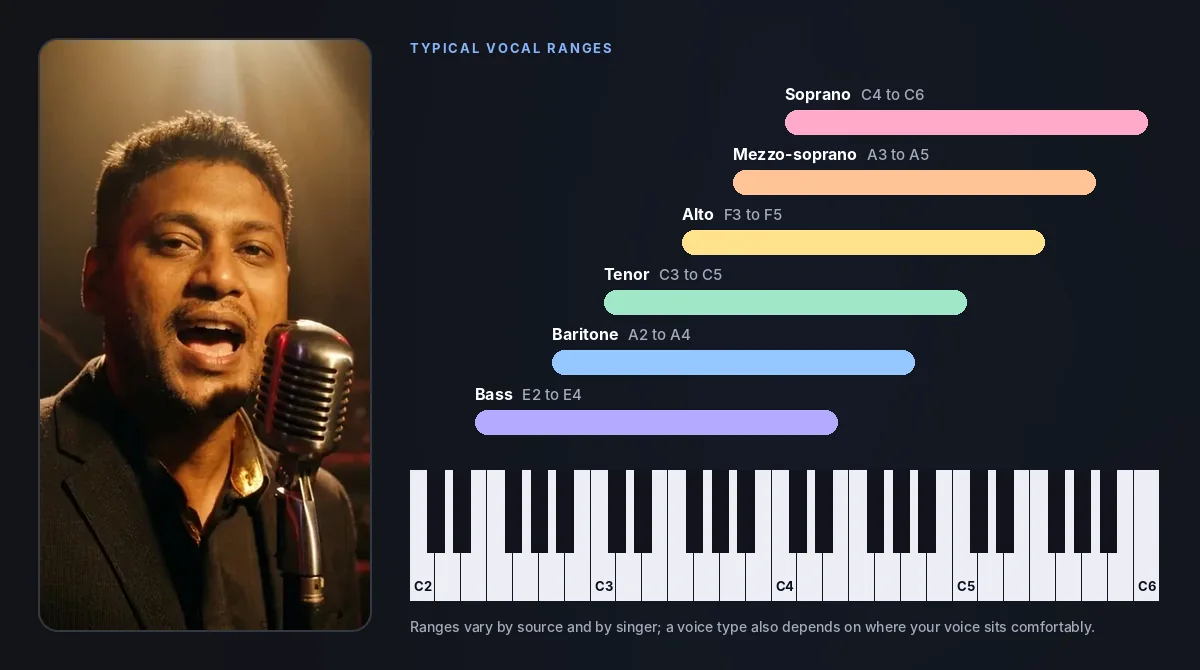
A browser piano is handy for picking out a melody by ear, checking a note before you sing it, trying a chord voicing for a verse or showing a bandmate a part. It isn't a recording instrument: it reads no MIDI keyboard, records nothing, and its synthesized sound is a sketch of a piano rather than a sampled grand. Two practical limits: many computer keyboards register only a few keys at once, so a three- or four-letter chord can drop a note (tap or click those instead), and Bluetooth headphones add a delay you can hear, so wired headphones or the built-in speakers feel tighter. When the part is right, practice it against the metronome and check it sits in your voice with the vocal range test before you record the vocal at home.
- Pick out a melody or a voicing by ear
- Some computer keyboards drop notes in big chords
- Wired headphones keep the delay down
From a part on the keys to a music video
Muvora doesn't play or record instruments: it starts from your finished, mixed song. Upload it and Muvora measures the tempo and key, finds the verses, choruses and drops, times the lyrics, and writes a storyboard with every cut on a downbeat. Rewrite any shot for free, and see the exact price before you render.
Questions, answered
Can't find what you need? Start a free storyboard and see for yourself.
Can I play this piano with my computer keyboard?
Yes. Click the piano once so it has focus, then play the home row: A, S, D, F, G, H, J, K, L, the semicolon and the apostrophe are white keys from the C marked A, and W, E, T, Y, U, O and P are the black keys between them. Z and X shift an octave and Space is the sustain pedal. The keys follow their places on a QWERTY keyboard, so other layouts play from the same physical keys.
Does the online piano work on a phone or tablet?
Yes. Tap the keys with one finger, or several at once for a chord. A phone shows one octave at a time and a tablet two, so the keys stay wide enough to hit, and the octave buttons move along the range. If you hear nothing on an iPhone, check the silent switch, which can mute sound from web pages.
Why does a chord sometimes miss a note when I play it on the keyboard?
Many computer keyboards can only register a few keys pressed together, and some combinations of three or more letters never reach the browser at all. That is the keyboard's hardware, often called key rollover or ghosting, not the piano. Click or tap the chord on screen instead, or play it with keys further apart.
Is it a real piano sound?
No recordings are used. Each note is synthesized in your browser from a handful of harmonics, struck quickly and left to die away, with low notes ringing longer than high ones and harder presses sounding brighter. It's a light sketch of a piano, with an electric piano and an organ made the same way, so the page loads fast and there are no sound files to download.
Can I connect a MIDI keyboard or record what I play?
No. This piano plays from the mouse, touch and the computer's keys only, and it doesn't record or save anything. To keep an idea, write down the note names it shows, or record the part on your phone or in a DAW, where a MIDI keyboard works too.
What do the chord and scale highlights show?
Pick a root and a chord, such as C sharp minor seventh, or a scale, such as D Dorian or the blues scale, and its notes light up in every octave, spelled for that chord or key, with each note's interval or scale degree and the root marked in blue. Play sounds the chord, or runs the scale up an octave and back down.
Keep exploring
Circle of fifths
An interactive circle of fifths: each key's signature and relative minor, the chords in the key with Roman numerals, and how to move to a neighboring key.
Open the toolChord finder
Click notes on a piano or type them to name the chord, with its inversion and other names, or type a chord to see its notes.
Open the toolChord progression generator
Pick a key and a mood for common chord progressions as Roman numerals and chord names, then play them, copy the chart or save a MIDI file.
Open the tool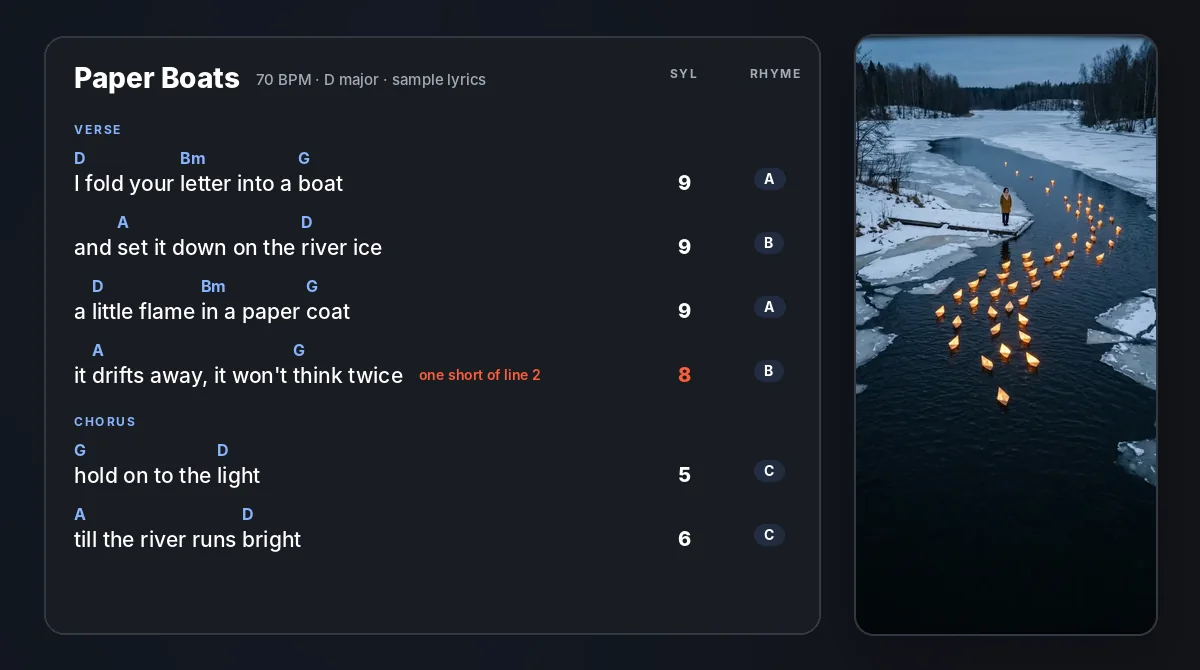
How to write a song
From a title or hook to a finished demo: the form, the chorus, chords, melody, lyrics that fit, rhyme, the bridge and splitting it with co-writers.
Read the guide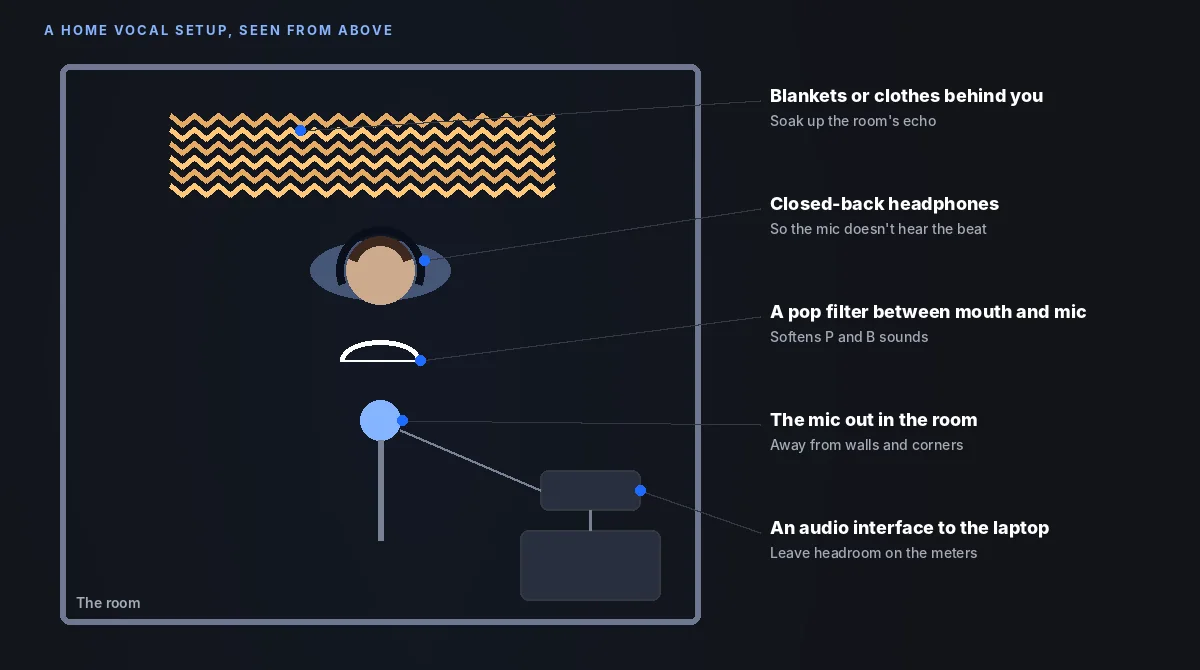
Record vocals at home
A quiet room, soft things behind the singer, the right distance from the mic, gain with headroom and a comped take: home vocal recording, step by step.
Read the guide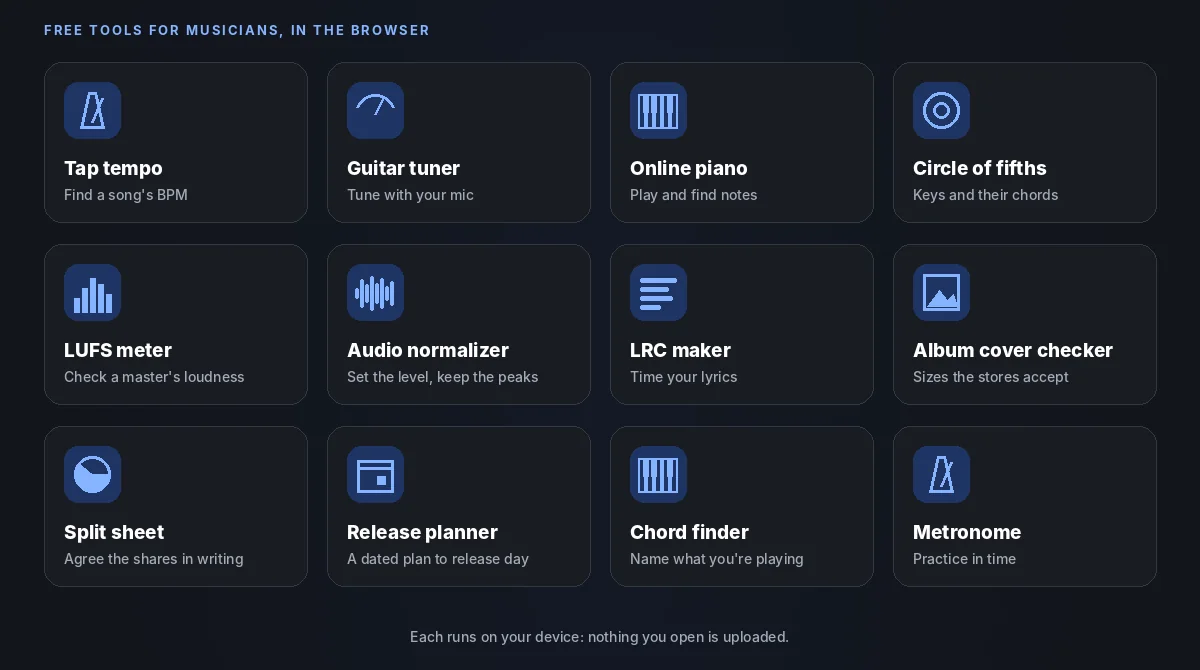
Free tools for musicians
Free tools by job, from writing and recording to the master check, lyric timing, artwork, the release and the video, and who each one suits.
Read the guideScale finder
Any scale in any key on a keyboard and a guitar neck, played up and down, with its chords and related keys; or tick notes to find the scales that hold them.
Open the tool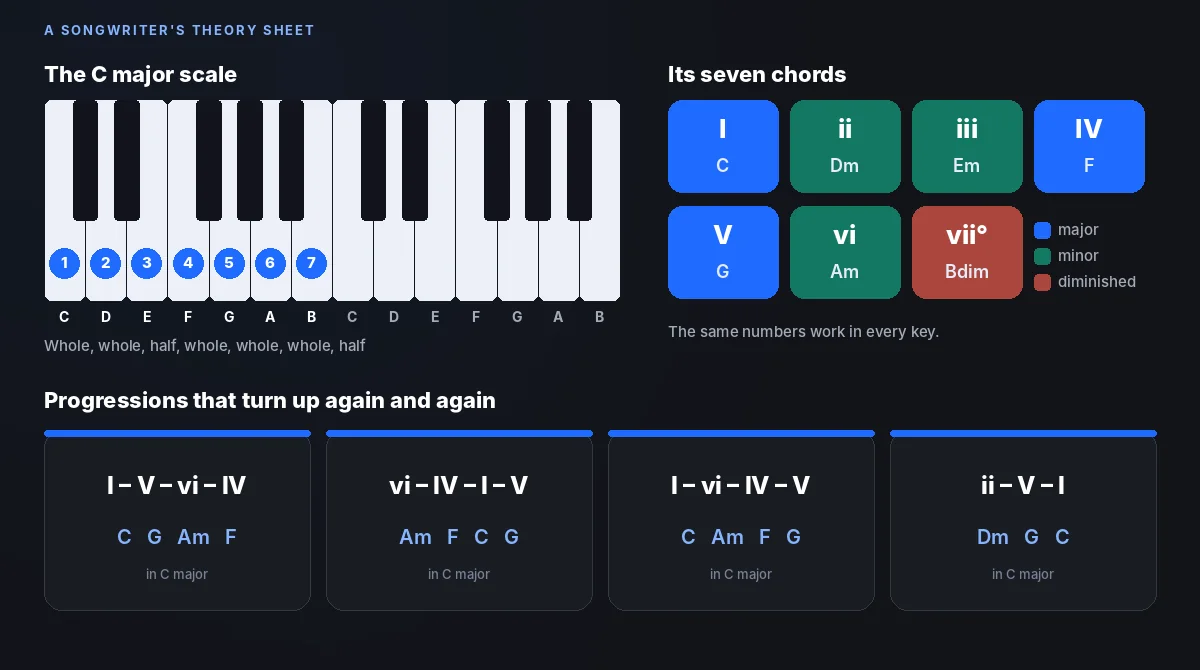
Music theory for songwriters
Notes, steps and intervals, scales and keys, chords and sevenths, Roman numerals, progressions, cadences, borrowed chords, modes and meter, in C and G.
Read the guideEar training
Name intervals up, down and together, chords from major to diminished 7th, and the degrees of a key, over four levels with a running score.
Open the toolPiano chord chart
Any chord on a piano keyboard: its notes, root position and every inversion with fingerings, a two-hand voicing, and a printable chart of a key's chords.
Open the tool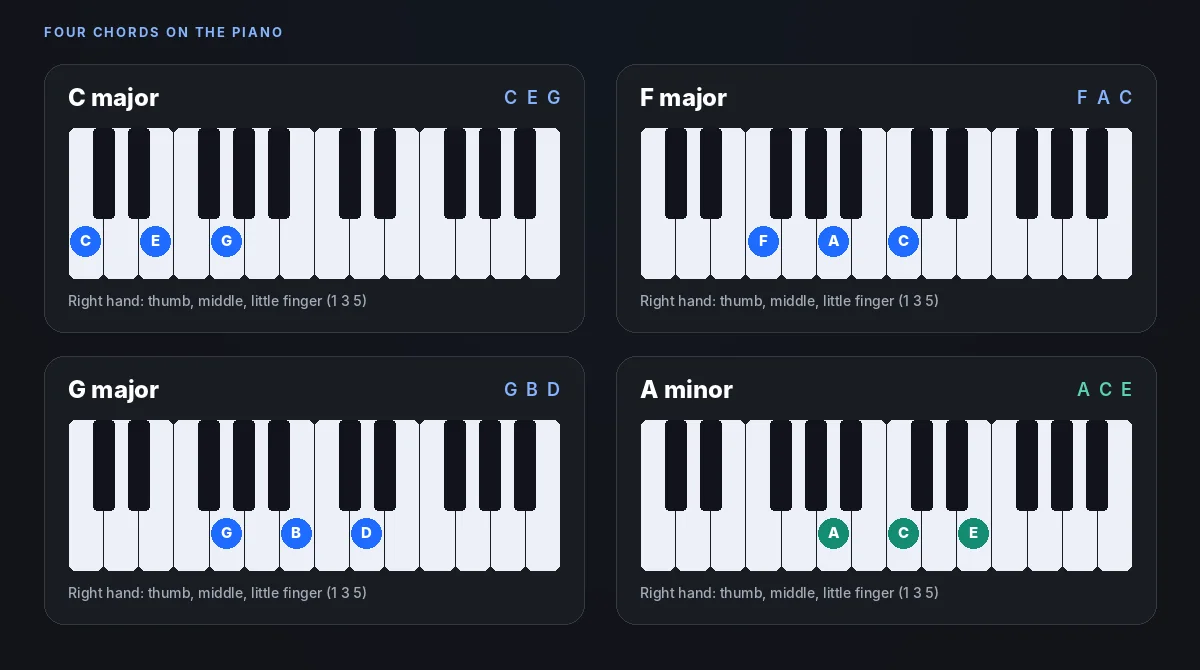
Piano chords for beginners
Find the notes, build any major or minor chord by counting keys, finger it, use inversions, loop four-chord progressions and sing along, with a two-week plan.
Read the guide
More free tools: beats, chords and voice
Play a piano, program a beat, name a chord, find a key on the circle of fifths, build a progression, change key, tune up and find your vocal range.
Your song deserves a music video
Upload a track and get a free beat-synced storyboard in minutes. Render it when you are ready.
No card needed to start.






