Rain on the way home
Story style, pop look: two friends, one umbrella and a city in the rain, a little warmer every chorus.
Search for an anime music video maker and you'll mostly find tools for AMVs: fan edits that cut scenes from existing shows to a song. Muvora makes something else, an original video in an anime-inspired look, with characters and places written for your song and every frame drawn new. Describe the style in the idea box and the AI director writes the whole storyboard in it, a character sheet keeps your lead on model, and every cut lands on a downbeat of your track.
Free to start · 5 storyboards a month · No card needed
An AMV (anime music video) is a fan edit: scenes from existing series and films recut to a song, using footage the editor doesn't own. Muvora never uses footage from existing shows or films. Every keyframe is drawn new from your storyboard and then animated, so the world, the faces and the story are written for your song, and Muvora claims no ownership of the result: its Terms say that, as between you and Muvora, your videos belong to you, to the extent the law allows. With the rights to the song, that makes it a video you can release as the official one for your own track. Give it a world of your own: a slice-of-life summer in a seaside town, a pilot and a hangar of giant machines, a shopkeeper who transforms when the chorus hits, a rainy city full of neon reflections, a relay team training for one race, a quest across floating islands. The anime music video ideas guide has more concepts to start from.
See your song as a storyboard first
Upload the track and the AI director plans every shot on the beat in minutes. Edit anything for free; you only pay if you render.
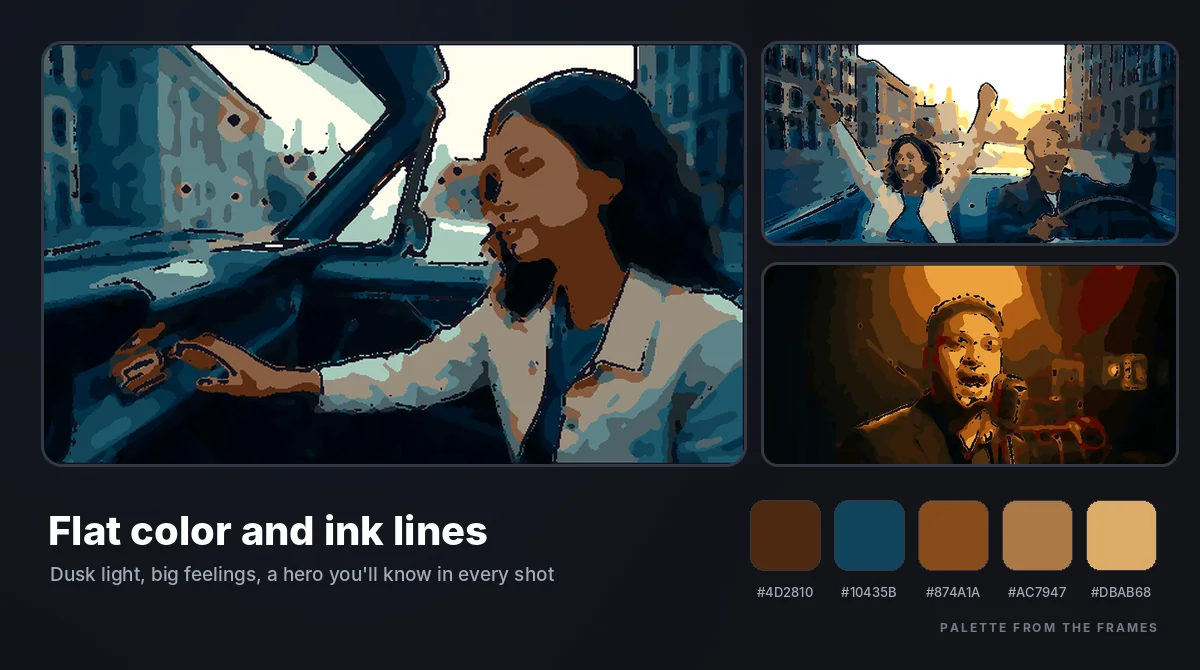
Open the idea box with the medium, in plain words: “2D anime style with cel shading, clean line art and painted backgrounds.” Then the light and color that set the mood (late-afternoon gold through classroom windows, neon on wet asphalt, a lantern-lit summer night) and your lead's look, described once: hair, eyes, an outfit and one prop you'd recognize in silhouette. Describe the look rather than naming a studio, a series or a director, since those names point at someone else's work, while the parts you love, put in your own words, become your video's style. The director writes every shot in that medium and the style frames are drawn in it before you pay; in a drawn style each keyframe also gets the hero frame as a reference for the medium. Every shot that shows your lead is drawn from the character sheet and checked against it, and the video model is told to keep the drawing's look and faces. Fast action (a transformation, a sword fight, fingers on a guitar) can still drift within a clip: re-roll it on the review page, free up to 10% of the video's length. The consistent characters page explains the checks in detail.
In the Performance style your anime character can sing the song: add a drawing of them, front-facing with the mouth in view, and tick the consent box; the picture must be one you have the rights to. The photo check names the drawing's medium, the whole video is drawn in it, and your character lip-syncs to the separated vocal wherever the song is sung, each lip-synced second at 75 credits. Captions are karaoke-style, each word lighting up as it's sung, but only in Latin script for now: the caption font has no Japanese characters, so render a song sung in Japanese with captions off and add subtitles on the platform or in your editor. A drawn video is priced like any other, at 38, 60 or 110 credits a finished second in Visualizer, Standard and Cinematic, and one render gives a 16:9 video, a 9:16 cut for Shorts and TikTok, a square post and an 8-second Canvas. For other drawn mediums, from watercolor to clay, see the animated music video maker; for a cartoon singer on children's songs, the kids' song video maker.
Each card opens the upload with a style, a look and an anime-style idea in the box. Rename the characters, change the places and describe your own lead before the storyboard is written; the Performance card asks for a drawing of your singer.
Story style, pop look: two friends, one umbrella and a city in the rain, a little warmer every chorus.
Story style, rock look: a young mechanic brings a giant robot back to life in a hangar, and it launches on the last chorus.
Story style, EDM look: a quiet night shift at a bakery, and a burst of light and ribbons every time the chorus hits.
Performance style, pop look: your drawn singer under paper lanterns at a summer night festival.
Drop in an MP3, WAV, M4A or FLAC up to 8 minutes. Muvora finds the tempo, the beats, the downbeats and the sections of your song, like intro, verse and chorus.
An AI director writes a shot-by-shot plan timed to your downbeats. Rewrite any prompt, drag a cut (it snaps to the beat) or ask AI to redo a shot. None of it costs anything.
See the final price, then render. Pick Visualizer, Standard or Cinematic quality. If a shot fails, its credits come straight back.
Free storyboard in minutes. No card needed.
Can't find what you need? Start a free storyboard and see for yourself.
Yes. Upload the song, describe an anime-style medium in the idea box and pick a style, and Muvora writes a storyboard in that look, draws every shot's first frame and animates it into a clip cut on your song's beats. The storyboard and its style frames are free to read and edit.
No. An AMV is a fan edit of footage from existing anime, which belongs to the studios that made it. Muvora draws a new video for your song, with characters and places of your own, and never uses clips from existing shows or films.
Muvora is made for original characters. A character someone else created belongs to its owner, the image and video models may refuse to draw one, and using one is at your own risk under the Terms. A cast you invent is yours to put on the cover, the thumbnail and the merch.
Yes, in the Performance style. Add a front-facing drawing of the character with its mouth visible and confirm you have the rights to it; the shots where your vocal is sung are lip-synced to it at 75 credits a second, and the rest of the video is drawn in the same medium.
Not yet. The karaoke captions use a font for the Latin alphabet with no Japanese characters, so lyrics in English, Spanish or another Latin-script language are captioned word by word, while a song sung in Japanese is best rendered with captions off and subtitled on the platform or in an editor.
Every shot that shows them is drawn from the same character sheet, then checked against it and redrawn if it drifts, before any video is made. Quick action can still slip inside a clip, and a re-roll on the review page fixes that shot.
The same as any video at its quality: a 3-minute song is 6,840 credits in Visualizer, 10,800 in Standard and 19,800 in Cinematic, with lip-synced seconds at 75. You see the exact price for your storyboard before you render.
15 original anime-style concepts, from a festival's last night to a courier racing up a neon city, with a drawn singer and how AMVs differ.
Read the guide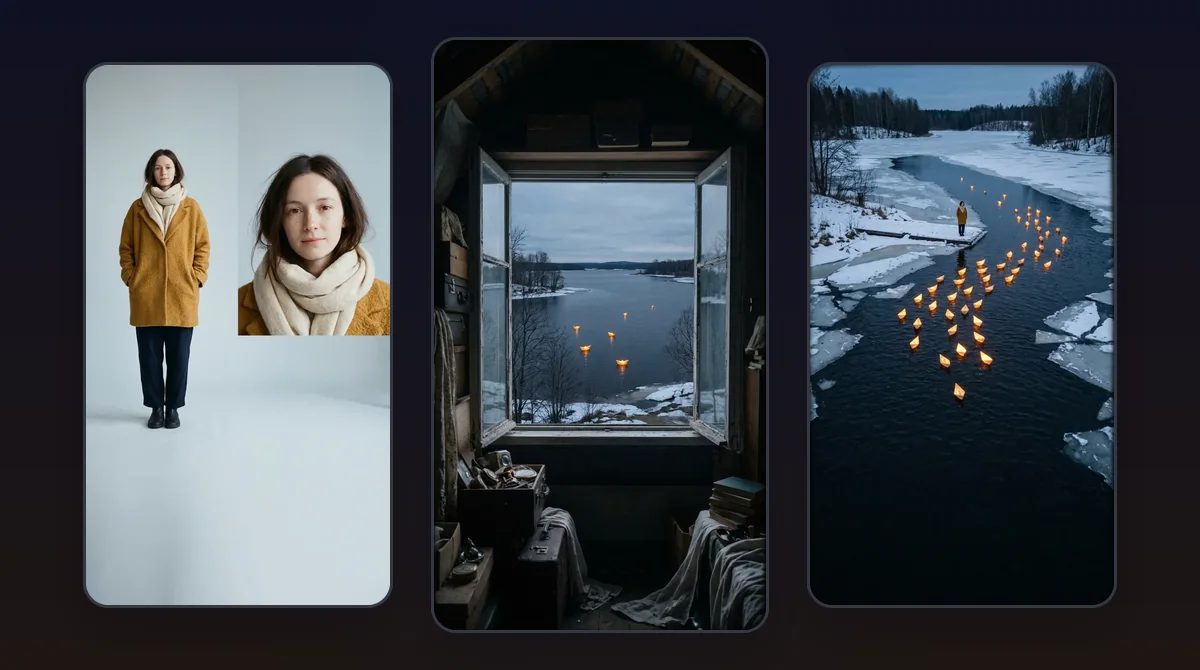
Cartoon, anime-inspired or painted: a drawn music video in one consistent style.
Learn more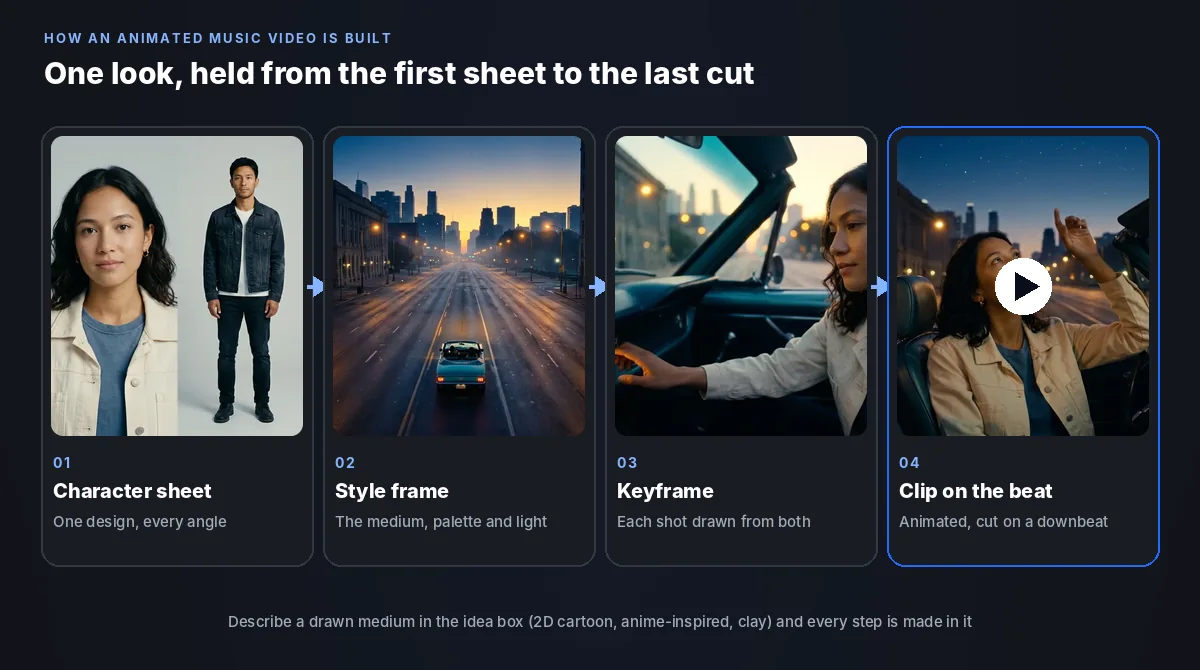
Cartoon, anime-inspired, 3D or clay: what each route takes in drawings, weeks and tools, and how to make one with AI from your song.
Read the guide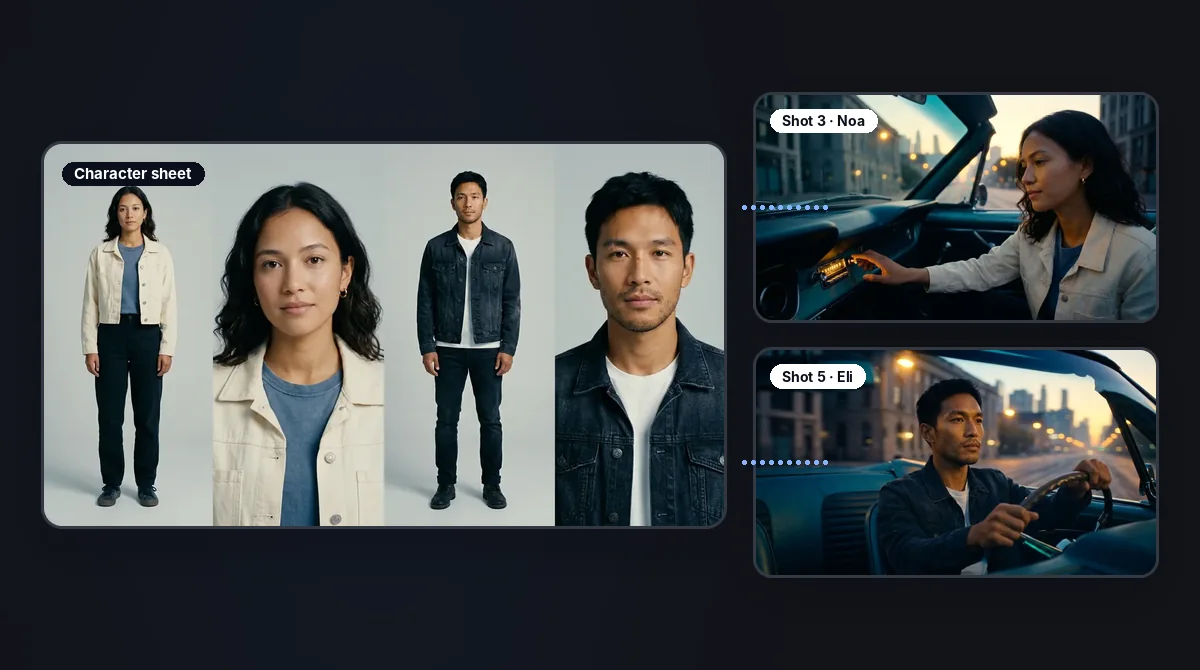
The same faces, clothes and props in every shot: a character sheet first, every keyframe checked against it.
Learn more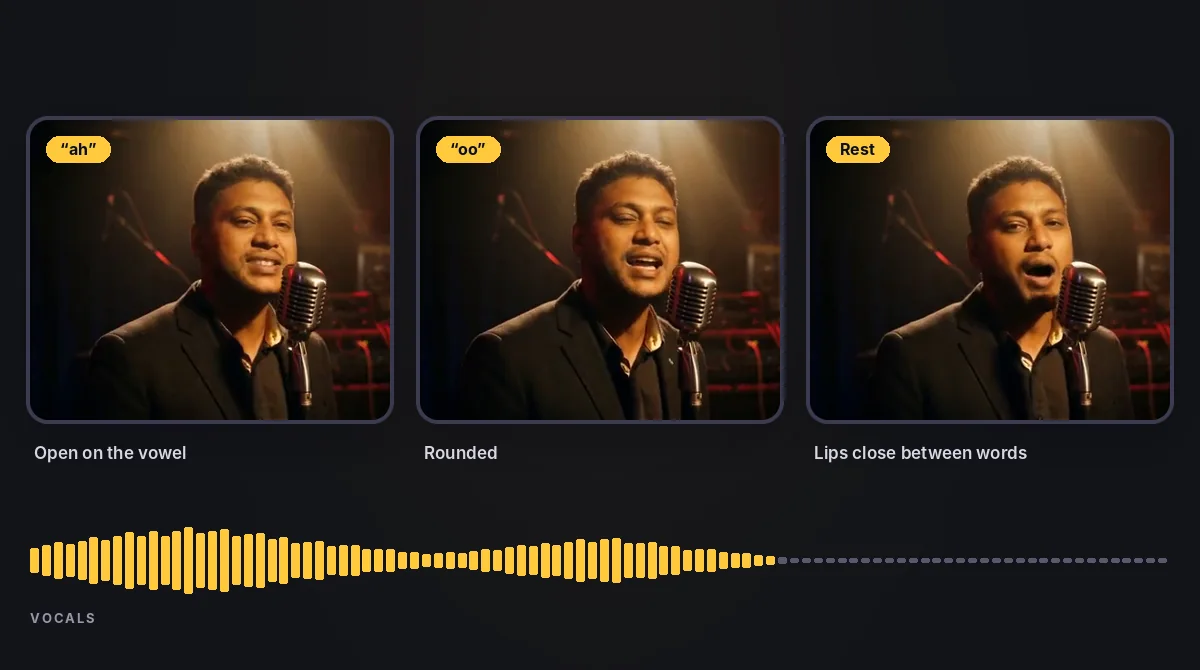
Your photo sings your own song: its face lip-synced to your vocals in every sung shot of a full music video.
Learn moreVideos for children's songs: a bright drawn world, a cartoon character who sings, sing-along captions and unhurried cuts.
Learn more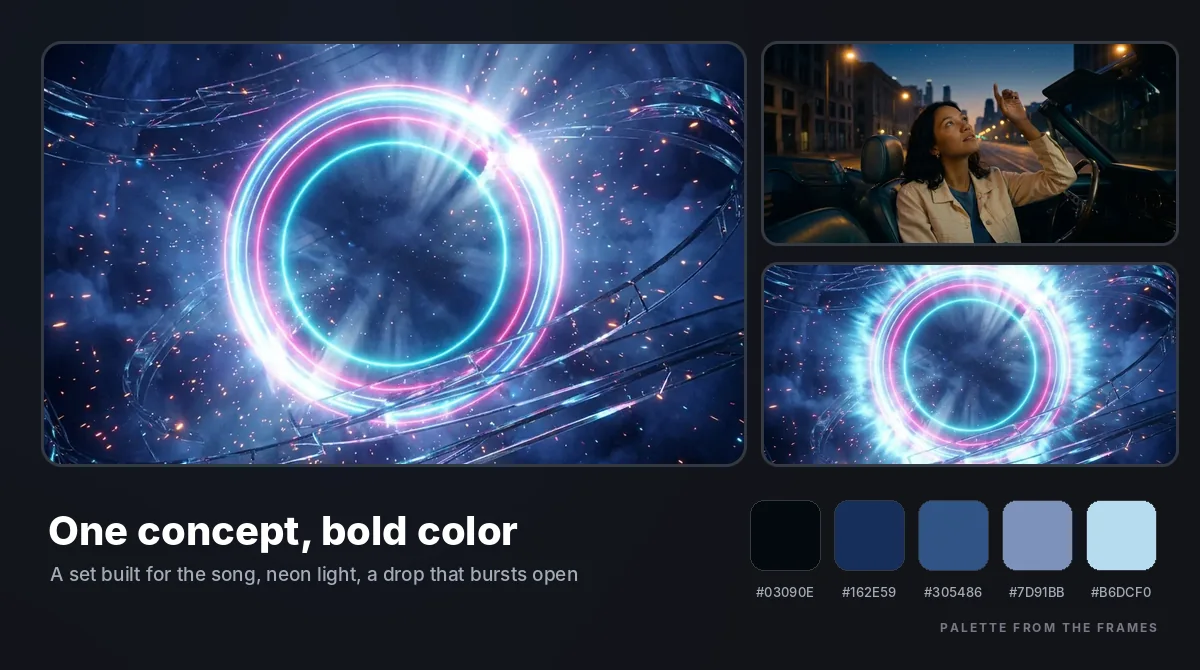
15 K-pop MV concepts with sets, color stories and teaser plans, and which videos of a comeback are still better filmed.
Read the guideDrop in any image and get its five to eight main colors with hex codes, shares and readable text colors, ready to copy as CSS or as an idea for a video.
Open the tool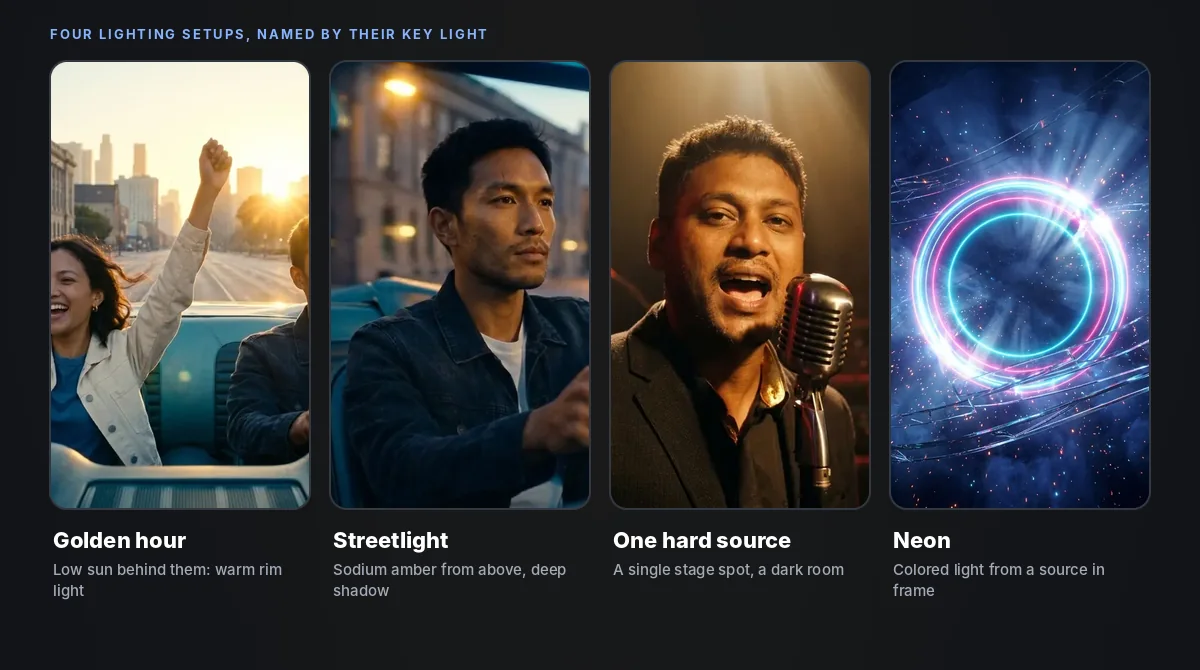
Muvora's highest-quality render: sharper first frames, clips made at 1080p, and light that comes from the scene.
Learn moreUpload a track and get a free beat-synced storyboard in minutes. Render it when you are ready.
No card needed to start.






