
One render for every platform
Story style, 16:9: the widescreen video, a vertical cut, a square post and a Canvas from one render.
Plenty of video tools let you make something for free and then stamp their logo on it until you pay. Muvora turns that around: planning the video is free, the finished video costs credits, and what you download is clean every time. Upload a song, read and edit its storyboard at no cost, see the exact price before you render, and get MP4s with no visible watermark, no logo in the corner and no end card, whether your credits came from the smallest pack or the biggest plan.
Free to start · 5 storyboards a month · No card needed

Muvora adds nothing to the picture: no watermark, no corner logo, no intro or end card, no “made with” line on any of the cuts. (Some AI image and video models embed an invisible digital watermark in what they make, a marker for detection tools that no viewer can see; Muvora puts nothing visible on top.) Text appears only if you switch on the karaoke captions, and then it's your own lyrics. The files are the same whichever way you paid: H.264 MP4 at 24 frames a second, 720p or 1080p, with the master you uploaded as the soundtrack from its first sample. A 16:9 render gives the widescreen video, a 9:16 cut for Reels, Shorts and TikTok, a square post and an 8-second Spotify Canvas loop; a 9:16 render gives the vertical, square and Canvas files but no widescreen one, so start in 16:9 when one video has to cover everything. With no mark to crop or cover, the files go straight into any editor if you want to add your own end screen, a label ident or credits, and straight onto YouTube if you don't. Planning the release? The guide to premiering a music video on YouTube covers what to line up before the day.
See your song as a storyboard first
Upload the track and the AI director plans every shot on the beat in minutes. Edit anything for free; you only pay if you render.
Clean exports don't make the video free, and this page won't pretend they do. What costs nothing: the song's analysis, the storyboard with every shot's prompt, the style frames that show the look, and every edit you make, with 5 new storyboards a month on the free plan and no card needed. What costs credits: rendering, priced per finished second at 38 credits in Visualizer, 60 in Standard or 110 in Cinematic, with lip-synced seconds at 75. The editor shows the exact total for your song before you press Generate. There's no watermarked preview render to judge from: you decide from the storyboard and the style frames, which is why they're free. A shot that fails costs nothing, re-rolls are free up to 10% of the video's length, and a new version made on the review page costs nothing either. Credits come from a plan or from packs starting at US$12, and pack credits never expire. Work out your song's price first in the cost calculator.
Muvora's Terms claim no ownership of the videos you make: they're yours to use for any lawful purpose, commercial use included, as long as you hold the rights to the song, which you confirm on every upload. Muvora doesn't ask for a credit, though you're welcome to give one. A clean file still has to follow each platform's rules. YouTube asks creators to disclose realistic AI-made content, and a missing watermark doesn't change that: AI music videos on YouTube explains when the box applies. If your distributor registers the song for Content ID, your own upload can be claimed, and asking the distributor to allowlist your channel is the usual fix: music video copyright covers that along with covers and samples. For who owns what an AI makes, in law as well as in the Terms, read who owns an AI music video. And for the planning half on its own, the free AI music video generator page shows everything you get before paying, while making a music video for free covers the routes that cost no money at all.
Each card opens the upload with a shape and a style already chosen. All three download without a visible watermark; the shape decides which files you get, so pick 16:9 when one render has to cover every platform.
Story style, 16:9: the widescreen video, a vertical cut, a square post and a Canvas from one render.

Performance style, 9:16: you sing from one photo, framed tall for Reels, Shorts and TikTok.
Abstract style, 16:9: light and color for a track with no cast, with the Canvas loop cut from its chorus.
Drop in an MP3, WAV, M4A or FLAC up to 8 minutes. Muvora finds the tempo, the beats, the downbeats and the sections of your song, like intro, verse and chorus.
An AI director writes a shot-by-shot plan timed to your downbeats. Rewrite any prompt, drag a cut (it snaps to the beat) or ask AI to redo a shot. None of it costs anything.
See the final price, then render. Pick Visualizer, Standard or Cinematic quality. If a shot fails, its credits come straight back.
Free storyboard in minutes. No card needed.
Can't find what you need? Start a free storyboard and see for yourself.
No. Muvora puts no visible watermark, logo or end card on any export, whether the credits came from a pack or from a plan of any size. The only text that can appear in the picture is your lyrics as karaoke captions, and only if you switch them on before rendering. Some AI models embed an invisible digital marker in what they make, which viewers never see.
You can plan one for free: the analysis, the storyboard, the style frames and every edit cost nothing, with 5 new storyboards a month on the free plan. Rendering the video costs credits, from a pack or a plan, and the price is shown before you commit. There's no free watermarked render to try first.
No. A pack and every plan render the same three qualities and give the same files: MP4 at 720p or 1080p in each shape, with no visible watermark. Plans add monthly credits that roll over up to 2 months' worth, and pack credits never expire. The quality you pick sets the look and the price, not the way you paid.
Yes, as long as you hold the rights to the song. Muvora's Terms claim no ownership of the videos you make, and you may use them for any lawful purpose, commercial use included. You don't have to credit Muvora. Rights in the song itself stay with whoever owns them.
It can. A watermark and YouTube's AI label are separate things: YouTube asks creators to disclose realistic altered or synthetic content when they upload, whatever the file looks like, and it can apply a label itself. Read YouTube's current disclosure rules before you publish.
A 3-minute song is 6,840 credits in Visualizer, 10,800 in Standard and 19,800 in Cinematic, with any lip-synced seconds at 75 each. Packs start at US$12 and plans at US$39 a month. The editor shows your song's exact total before you render, and a shot that fails costs nothing.
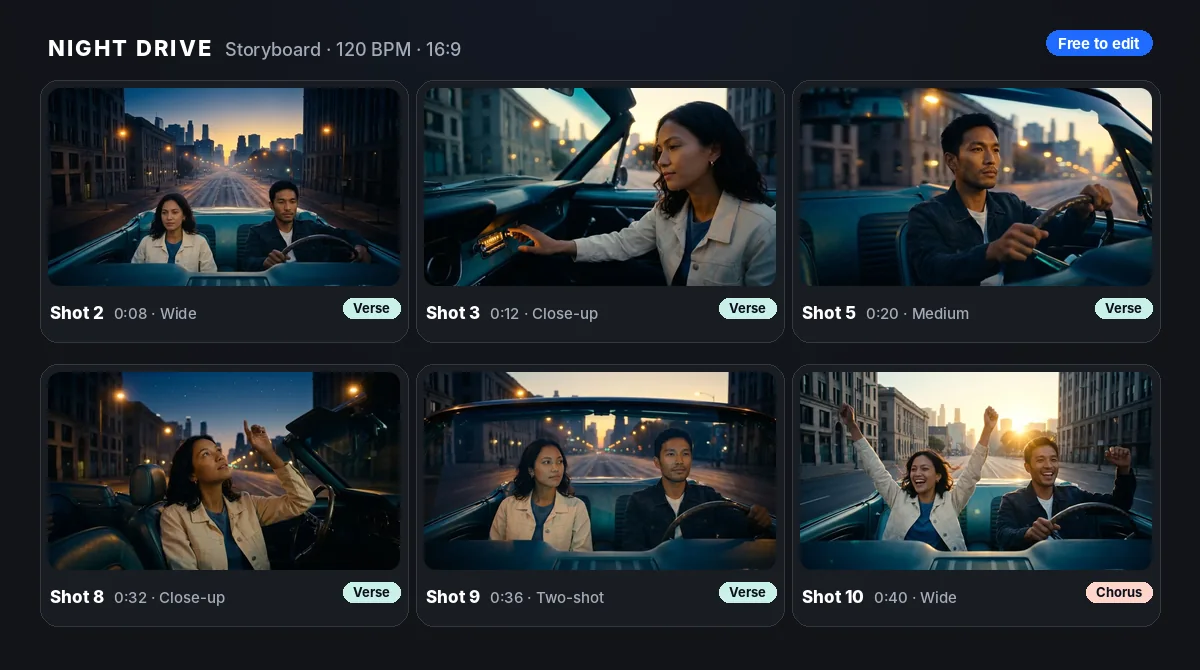
Plan the whole video free: the analysis, the storyboard and the style frames. Pay only to render.
Learn moreThree honest ways to make a music video with no budget, a shot list to copy, and what each route really costs.
Read the guidePlans, credit packs and what a music video of any length costs in each quality.
Learn moreYour song's length and quality in, the credits and the plan or pack that covers it out.
Open the tool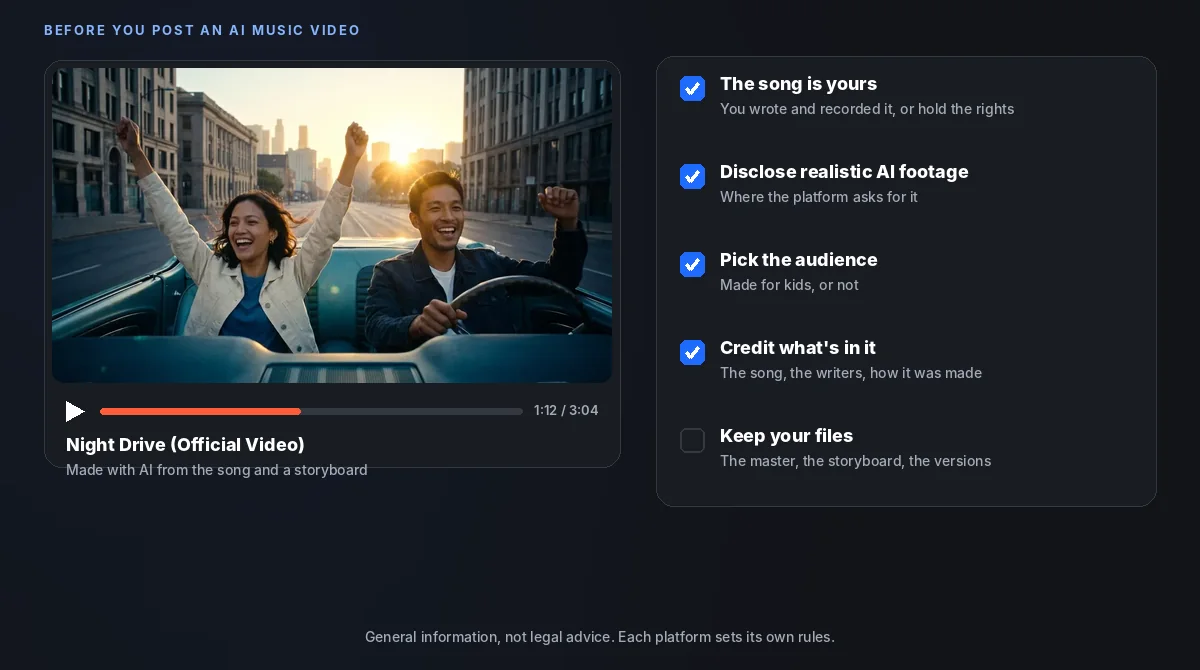
When YouTube wants AI disclosed and what the label does, whether an AI music video can earn, Content ID on your own song and the made-for-kids setting.
Read the guide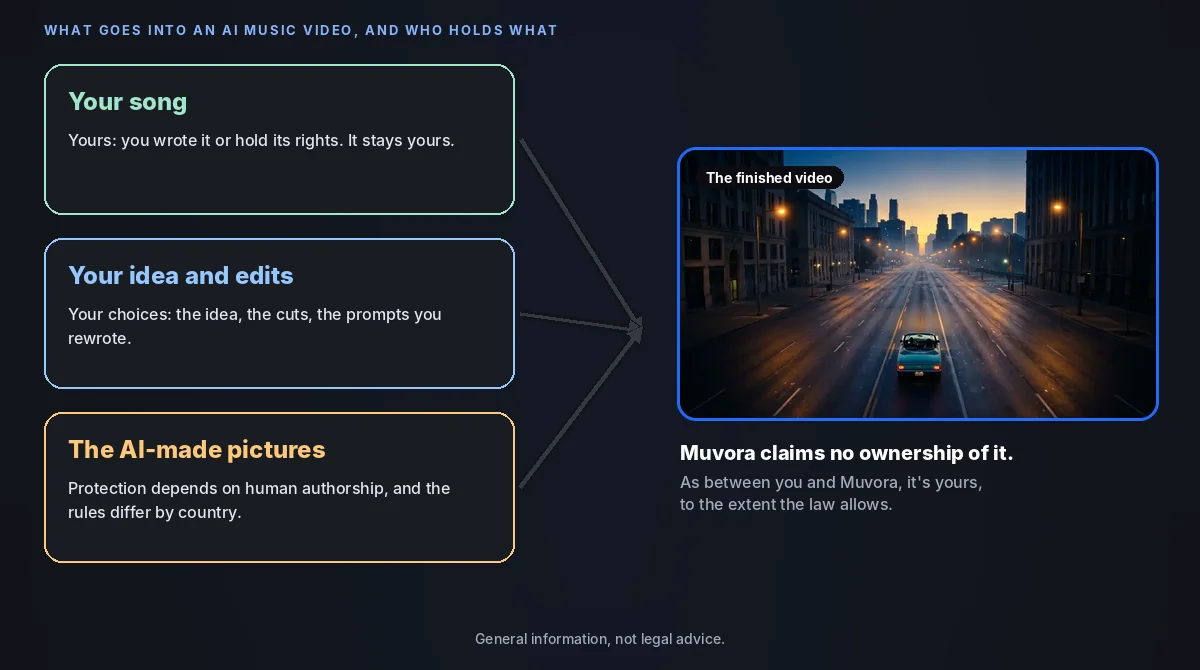
The song, the AI-made pictures and your own choices: who holds each, what the US Copyright Office says, Muvora's terms, other countries and how to protect your part.
Read the guide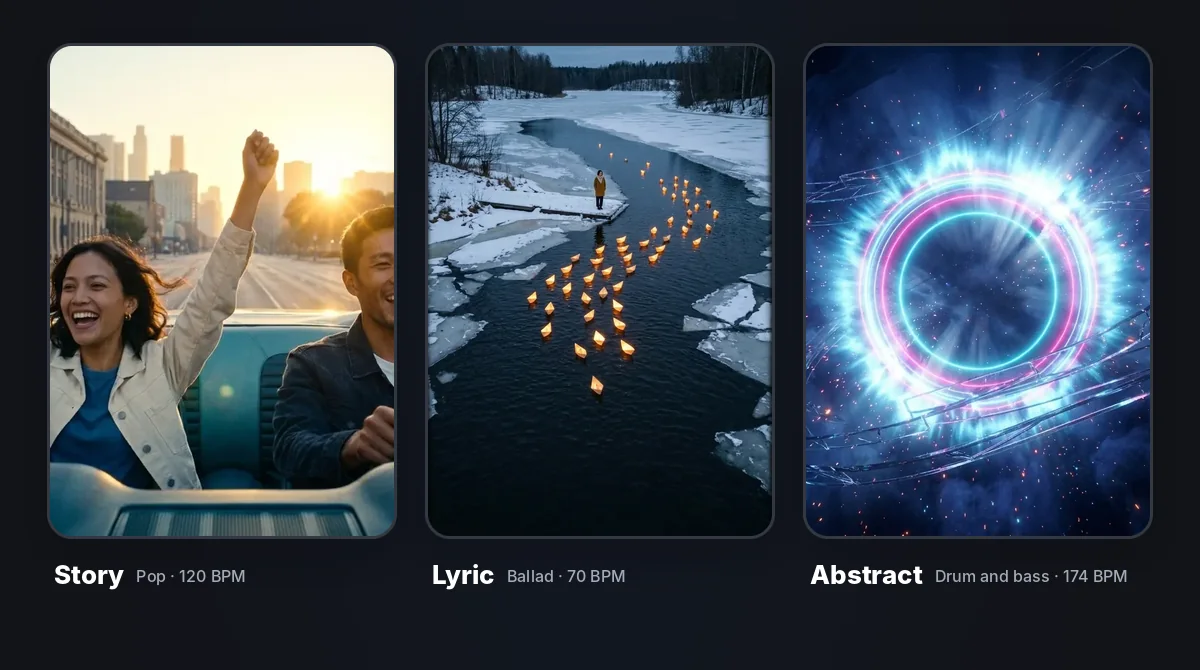
Make a music video online from just your song: no camera, no footage, no editing timeline.
Learn moreA full-length 16:9 video for your channel, plus the Shorts cut, from one render.
Learn more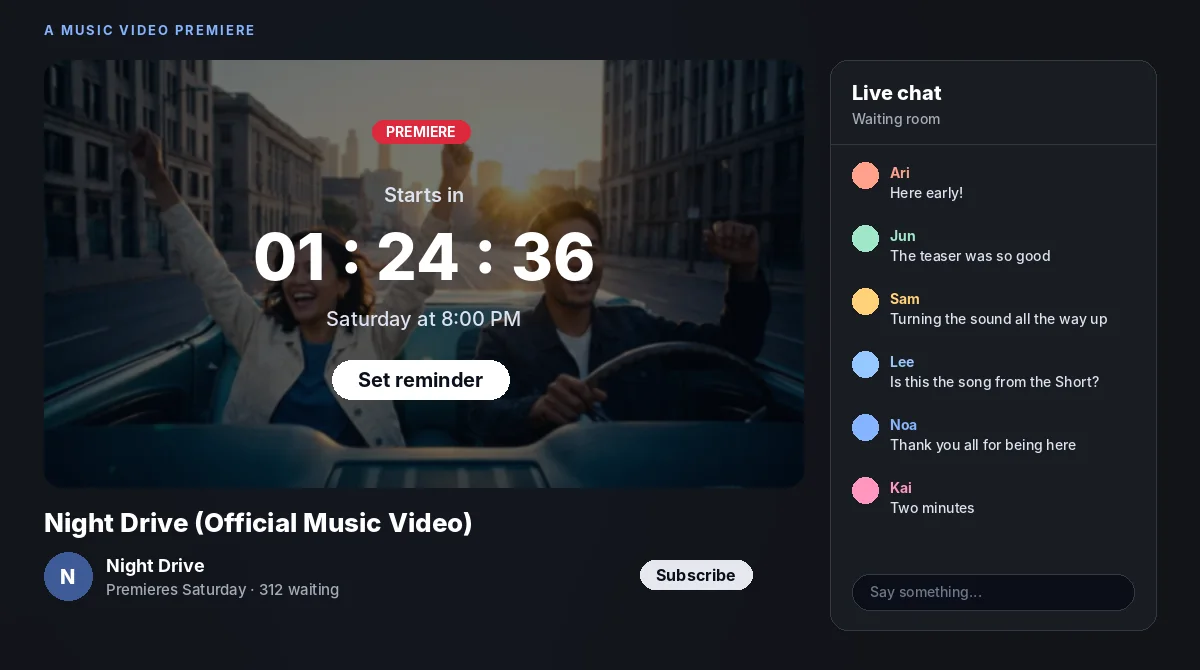
What a YouTube Premiere does, the limits that catch people out, the setup step by step, and a plan for the week before, the hour of and the days after.
Read the guideUpload a track and get a free beat-synced storyboard in minutes. Render it when you are ready.
No card needed to start.






