The short answer
To make and post a music video you need the rights to both parts of the song: the composition (words and melody) and the master recording. If you wrote and recorded it, you hold both. A cover needs the publisher's sync license, a sample needs both owners' permission, and a leased beat or an AI-made song is limited by its license or the tool's terms.
- Every song carries two copyrights: the composition and the master recording.
- A mechanical license releases a cover's audio; putting it in a video takes a sync license.
- Beat leases and AI music tools set their own limits on videos, streams and money, so read yours.
- Content ID can claim your own official video, and your distributor can usually allowlist it.
- Muvora claims no ownership of the video you render, and your rights in it never include the song.
On this page (9 sections)ShowHide
- 1.Every song has two copyrights
- 2.What you need, situation by situation
- 3.How to clear a song before you make the video
- 4.Covers: the audio is easy, the video needs a sync license
- 5.Samples and leased beats
- 6.AI-generated songs: the tool's terms first, then the law
- 7.When Content ID claims your own video
- 8.What Muvora's terms mean for your video
- 9.A rights checklist before you post
- Questions
Every song has two copyrights
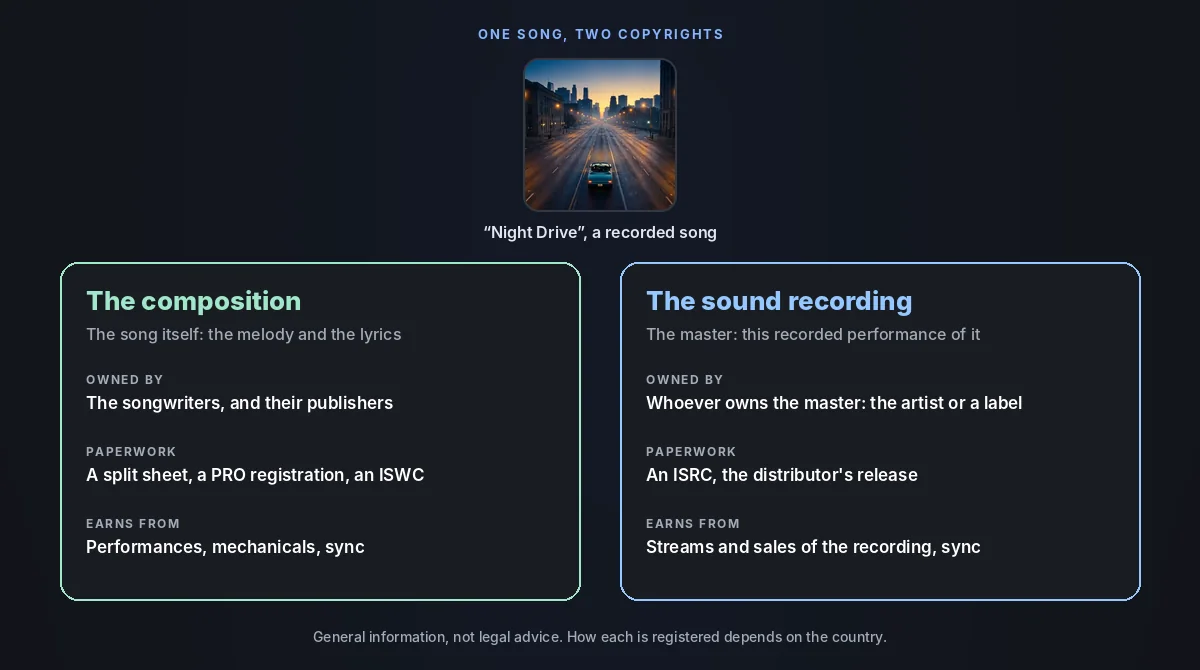
Copyright law sees a recorded song as two separate works. The composition is the song itself: the melody, the chords as written and the lyrics. The master (the sound recording) is one particular recording of it. The US Copyright Office's Circular 56A puts it plainly: a copyright in a sound recording isn't the same as, or a substitute for, the copyright in the composition underneath it. Its example is the song "Respect" and Aretha Franklin's recording of it: two separate works.
| Part | What it covers | Usually controlled by | The license a video needs |
|---|---|---|---|
| Composition | Melody, harmony as written, lyrics | The songwriters, through their publisher | A synchronization (sync) license |
| Master recording | One recorded performance of the song | Whoever paid for the recording: the artist or a label | A master use license |
A music video uses both at once: the recording plays, and the song it records is set against pictures. That is why the first question about any video is never just "is the song mine?" but "which of the two do I control, and who controls the other?" If you wrote the song alone and paid for the recording yourself, the answer is both, and you can skip to what Muvora's terms mean for your video.
What you need, situation by situation
Most musicians fit one of six cases. Find yours in the table, then read its section below for the detail and the sources.
| Situation | What you need for the video | Who gives it |
|---|---|---|
| Your own song | Nothing more, if you own both the composition and the master; co-writers and the producer may have a say if you split the song | You (and anyone you share the song with) |
| A cover | A sync license for the composition; your own recording is your master | The song's publisher |
| A leased beat | A lease whose terms include music videos, and enough streams and monetization for your plans | The producer, in the lease |
| A sample | Permission for the sampled recording and for the sampled song, before you release | The label (master) and the publisher (composition) |
| An AI-generated song | A plan whose terms let you use the output commercially, plus the rights to anything you fed it | The AI music tool's terms |
| A photo of someone else as the performer | That person's permission to use their face | The person in the photo |

Your own song? You're already cleared
If you wrote and recorded it, you hold both copyrights. Upload the file, tick the rights box and get a free storyboard with every cut on the beat.
How to clear a song before you make the video
Clearing is mostly paperwork done early. An afternoon before the shoot (or before you render) saves a claim, a muted video or a takedown after it has started earning views.
- 01
Write down who owns each part
List the song's writers and their publishers, and who owns the recording. For your own release that is you and anyone you split it with; for anything else, start from the release's credits and the repertory search of a performing rights organization such as ASCAP or BMI.
- 02
Read what you already hold
Go through every agreement attached to the song: co-writer splits, the producer's beat lease, a label or distribution deal, and the AI tool's terms for the plan you used. Note whether each one mentions music videos, streams or monetization, and any limits it sets.
- 03
Ask for what's missing, in writing
Ask the publisher for a sync license for a cover, both the label and the publisher for a sample, and the producer for a lease upgrade. Say what the video is, where it will be posted, whether it will be monetized and for how long, since each of those can change the answer and the fee.
- 04
Get consent for every face
If a real person appears, including a photo of a singer used as the performer, get their permission in writing. Brands and characters from films or games belong to their owners too, so keep them as props in the background rather than the point of the video.
- 05
Keep the paperwork with the master
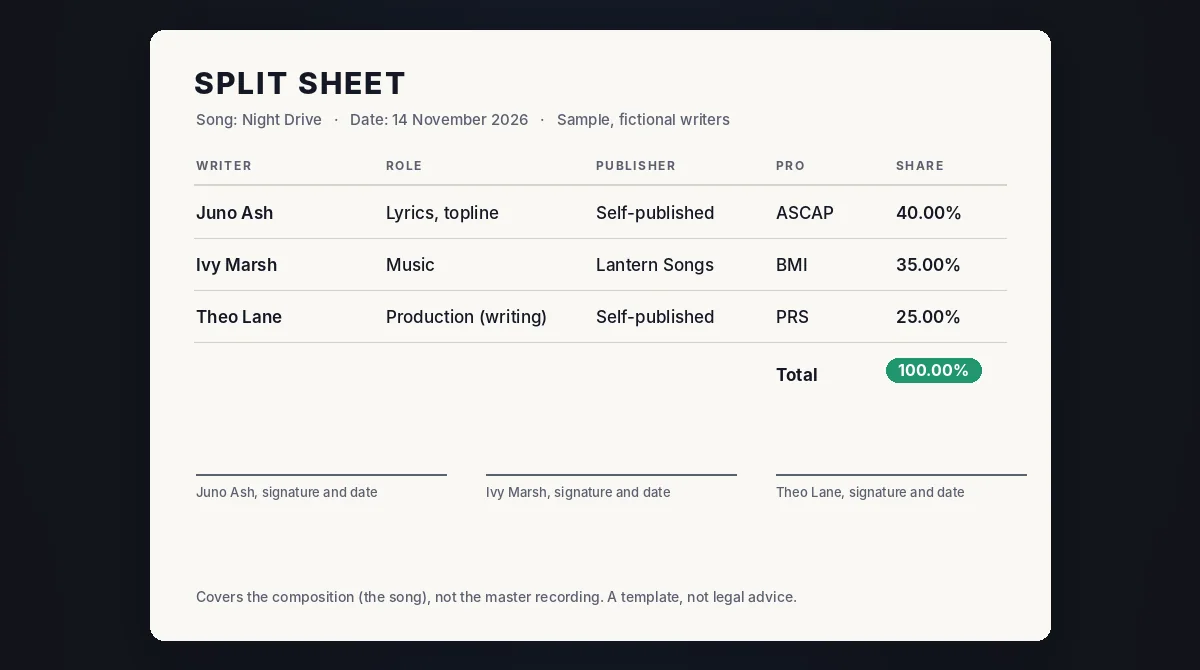
Save the licenses, receipts, split sheets and a copy of the AI tool's terms as they read when you made the song, all in one folder beside the master file, so you can answer a claim or a distributor's question in minutes.
- 06
Sort out Content ID before release day
If your distributor registers the song with YouTube's Content ID, ask how it allowlists your channel or your official video, and do it before the upload where it can, so your own video isn't claimed the day it comes out.
- 07
Make the video and credit the song
Upload the song you've cleared, confirm the rights box and plan the video. Credit the writers, the producer and any sample in the description, where viewers, publishers and distributors look for them.
Skip the blank page
Upload your song and Muvora's AI director plans a shot-by-shot storyboard on the beat. Edit every shot for free, and pay only if you render.
Covers: the audio is easy, the video needs a sync license
In the US, anyone may record and sell their own version of a released song by getting a mechanical license, and the publisher can't refuse it. That license covers audio only. The Harry Fox Agency's Songfile, which issues those licenses for covers, can only license physical products, downloads, ringtones and interactive streams; a license to pair the song with pictures comes from its publisher or administrator. There is no compulsory license for video, so the publisher can say no, name a fee or set conditions.
- For a video of your cover, ask the publisher (named in the original release's credits or a performing rights organization's database) for a sync license, and say where the video will run.
- On YouTube, YouTube's help page on monetizing eligible cover videos explains another route: once the song's publisher claims your cover through Content ID, a creator in the YouTube Partner Program can share the ad revenue with it. Only covers the publisher has claimed qualify, and the claim is the publisher's choice.
- Your recording is your master. You own the cover recording you made, but nothing in the original artist's recording: playing their record under your pictures needs the label's master license as well.
- Lyrics on screen reproduce the songwriter's words, so a lyric video or captions of a cover should be part of what you ask the publisher for.
Samples and leased beats
A sample uses a piece of someone else's recording, so it touches both copyrights at once: the recording you lifted it from and the song that recording performs. Spotify for Artists' guide to sample clearance describes the two agreements you need, one for the words, music and melody and one for the recording. If you replay the part yourself instead (an interpolation), you usually need only the composition side.
A short sample isn't automatically safe. The US Copyright Office's fair use FAQ says there is no rule allowing a set number of words, notes or a percentage of a work, and that fair use depends on all the circumstances. Clear the sample before release, because a video built on a song that has to be taken down goes with it.
Leased beats work differently: the producer sells you a license, and its terms are the whole of your rights. BeatStars' help center explains that producers set their own license terms, and that a non-exclusive license (a lease) comes with limits such as streams and distribution copies set by the producer (BeatStars: license types). Many leases count music videos separately, and some allow none, or only videos that aren't monetized.
- Find the music video line in your lease: how many videos, and whether they may be monetized.
- Check the stream cap and whether views of a video count toward it.
- Look for a Content ID clause: a lease often doesn't let you register the beat, because other artists lease it too.
- Upgrade or buy exclusive rights before the video outgrows the lease, not after a claim.
Producers selling beats on YouTube are on the other side of this: the beat is theirs, so a type beat video of it needs nobody else's permission, as long as any co-producer agrees and the instrumental contains no uncleared samples.
AI-generated songs: the tool's terms first, then the law
For a song made with an AI music tool, the first answer is in the tool's own terms, because they decide who owns the output and what you may do with it, and they often depend on the plan you were on when you made the song. Two examples, as their help pages read in November 2026 (check them again before you rely on them):
- Suno. Its help center says that on the free Basic plan Suno keeps ownership of the songs and they are for non-commercial use, that songs made while subscribed to Pro or Premier belong to the subscriber with commercial use, and that subscribing later doesn't add commercial rights to songs made on the free plan (Suno: does Suno own the music I make?, subscribing later). Its terms also tie commercial use to songs downloaded through its approved channels (Suno terms).
- Udio. Its help center says that after its partnership with Universal Music Group on October 29, 2025, downloading audio, video and stems was disabled (Udio: changes with the UMG partnership). Read its current terms before planning a video for a Udio song.
The second question is whether anyone owns a copyright in the song at all. The US Copyright Office's report on copyrightability (January 2025) concludes that, with the tools generally available, prompts alone don't give the user enough control to be the author of what a model generates, while a human's own expressive contributions (lyrics you wrote, a melody you played, your arrangement and edits) can still be protected. Suno's help center makes the same point about its songs: they may not be eligible for copyright protection, and lyrics you wrote yourself stay yours.
In practice: make the song on a plan whose terms allow what you intend, download it through the tool's own download, keep a copy of the terms, and expect that a song generated entirely from prompts may be hard to protect against copying. The guide to making a music video for a Suno song covers the rest of the workflow, from the best file to download to the release.
Made the song with AI?
Once the tool's terms let you use it, upload the downloaded file, paste the lyrics you wrote and get a storyboard planned on its beats. More on turning an AI song into a video.
When Content ID claims your own video
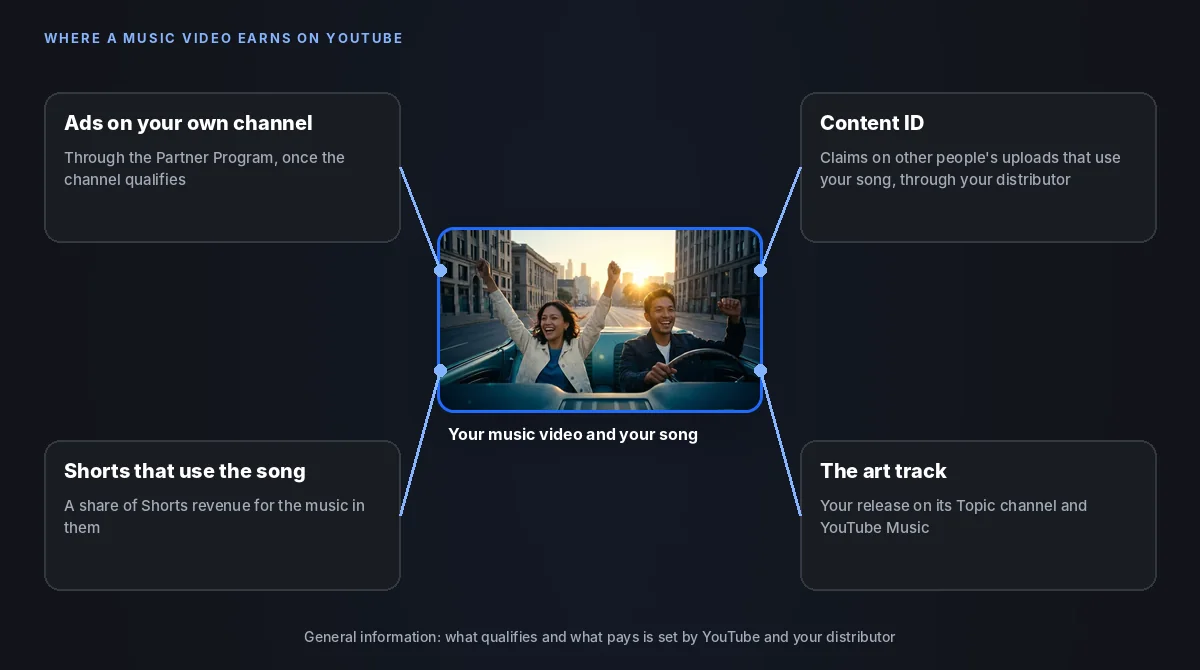
Many distributors register your releases with YouTube's Content ID, so that uploads of your song by other people earn you money. The catch is that Content ID can't tell your official video from anyone else's: it matches the audio and claims it, often on release day. A Content ID claim isn't a copyright strike, but it puts the video's ad revenue under the distributor's claim, and a claim notice on the official video confuses viewers and partners.
- Allowlisting is the usual fix. YouTube's help page on exempting channels from Content ID claims explains that a rights owner can add a channel to an allowlist, after which its new uploads aren't claimed; claims made before it was added aren't released automatically.
- How you ask depends on the distributor. Some add your channel to their allowlist on request; DistroKid's help center describes an allowlist tool that works video by video, after a claim appears (DistroKid: YouTube Content ID).
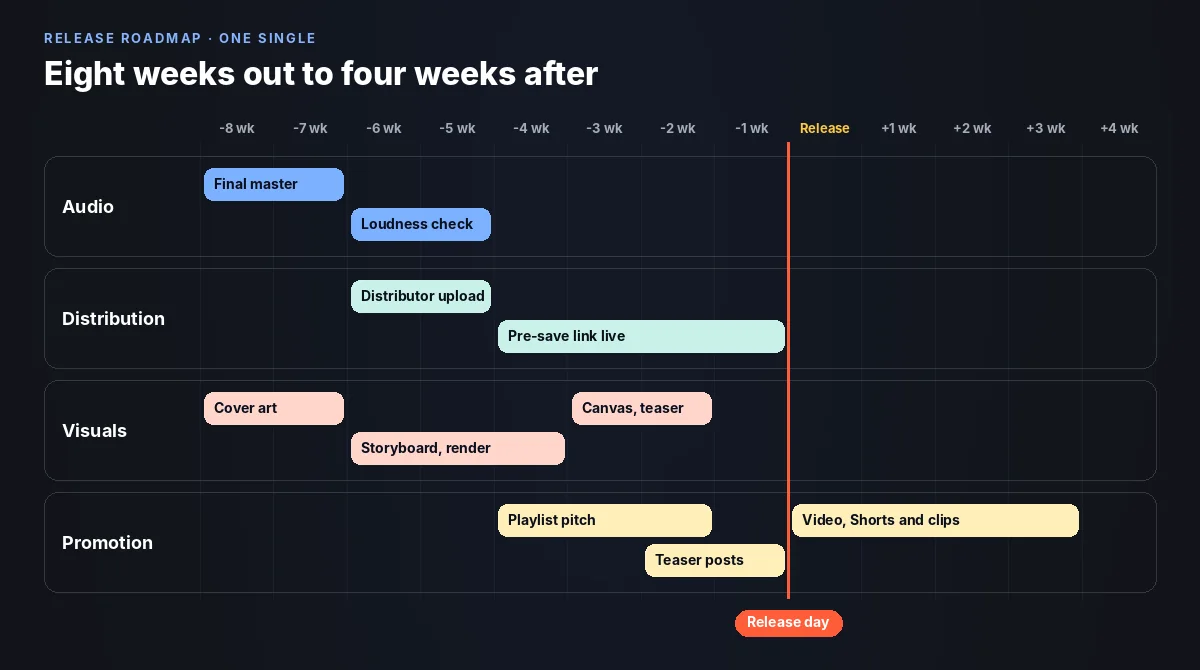
- Do it before release day if you can, and keep the claim-free official video as the one you link from everywhere.
- Leased beats and samples complicate it: if the producer or a sample's owner registered their audio, your video can be claimed by them, and only your license settles it.

The full release routine, from distribution to the upload, is in how to release music independently, and the YouTube side (titles, descriptions, Shorts, the Official Artist Channel) in how to upload a music video to YouTube.
What Muvora's terms mean for your video
When you upload a song (MP3, WAV, M4A, AAC or FLAC, up to 8 minutes), you tick a box confirming you own it or have the rights to use it, and Muvora stores that confirmation with the time. Muvora's terms then say three things that matter here:
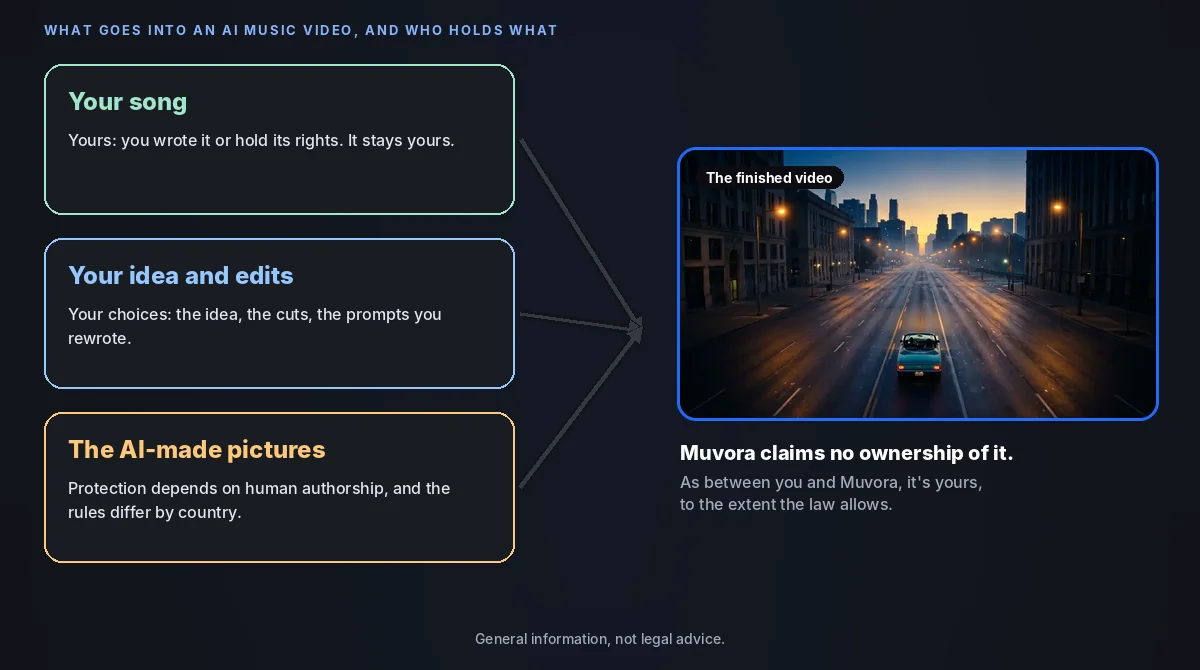
- The video is yours. Muvora claims no ownership of your storyboards, images or videos, and you may use them for any lawful purpose, commercially included: monetize the video on YouTube, run it as an ad, post it as a Canvas.
- The song stays whoever's it is. Your rights in a video don't include rights in the song or anything else you uploaded, so everything above about covers, samples, leases and AI tools still applies.
- AI-made pictures may not be protected everywhere. In some countries, material made by AI without enough human creative input can't be protected by copyright, so Muvora can't promise that anyone holds a copyright in a video or can stop others copying it.
The pictures themselves are kept clear of other people's likenesses: they never show real people other than a performer whose photo you add with consent, and no logos or lettering are drawn into them (captions are added separately). Brands as props and characters from films or games can appear, and how you use a video that shows them is your responsibility.

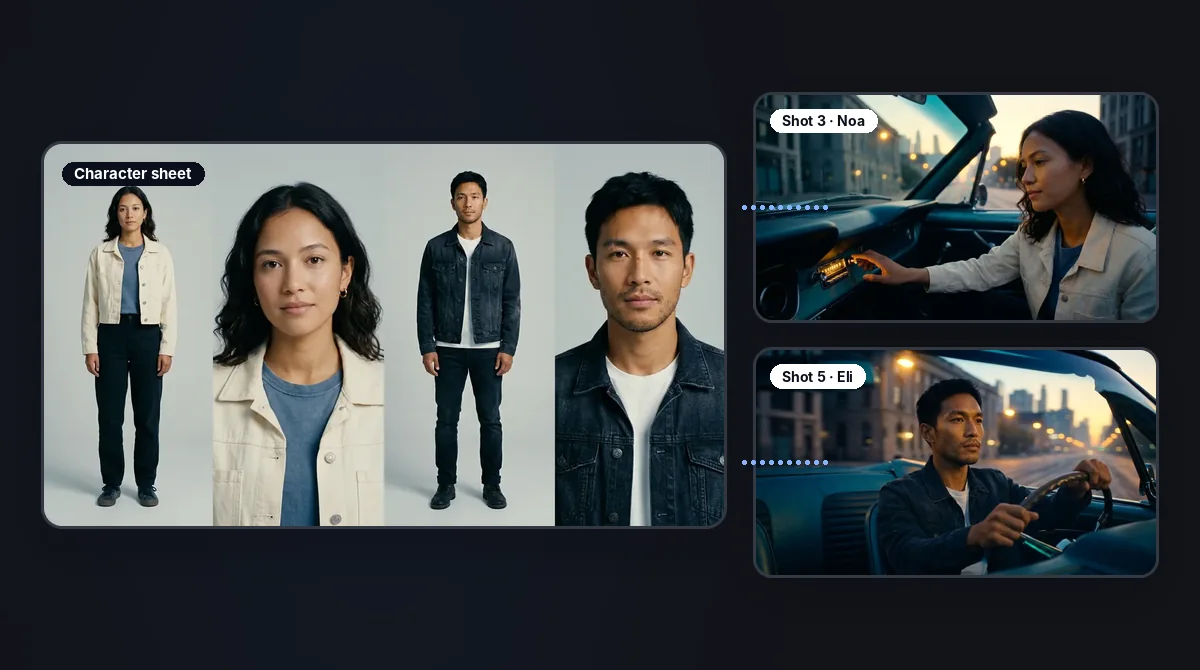
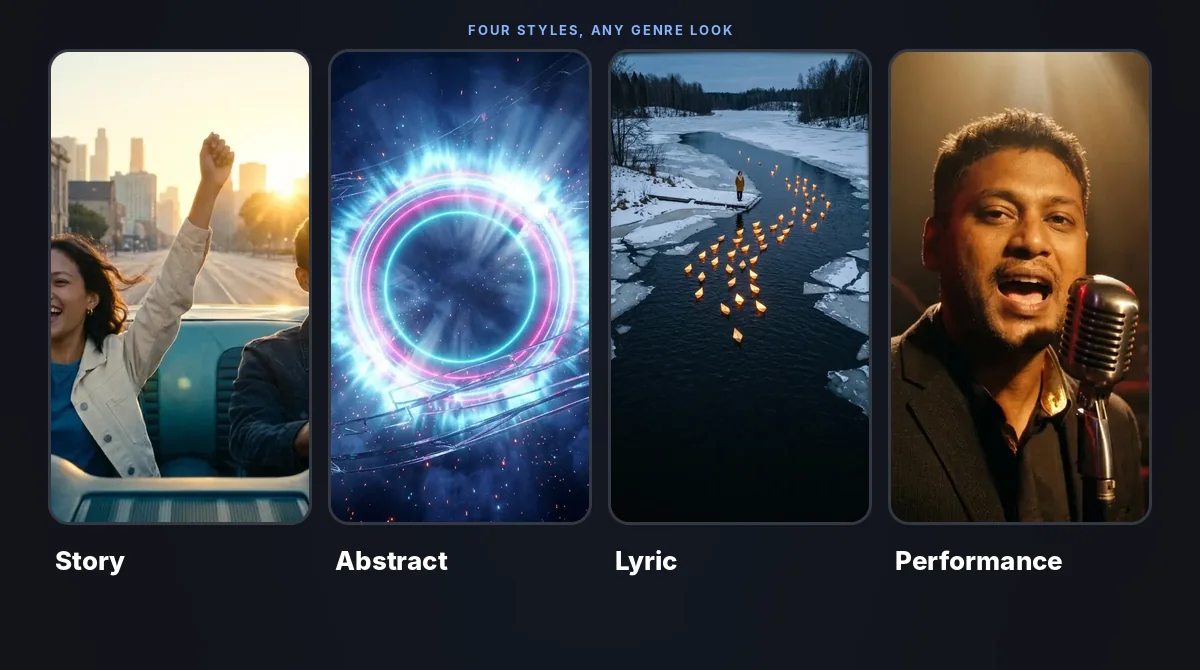
Using someone else's face raises privacy and publicity rights as well as copyright, which is why the Performance style asks for that consent box every time. A drawn or animated character you have the rights to works as the performer too, and the photo to music video page shows how the shots are made.
Cleared? Plan the video for free
Upload the song, confirm the rights box and get a storyboard with style frames before you spend a credit. The free plan gives you 5 new storyboards a month.
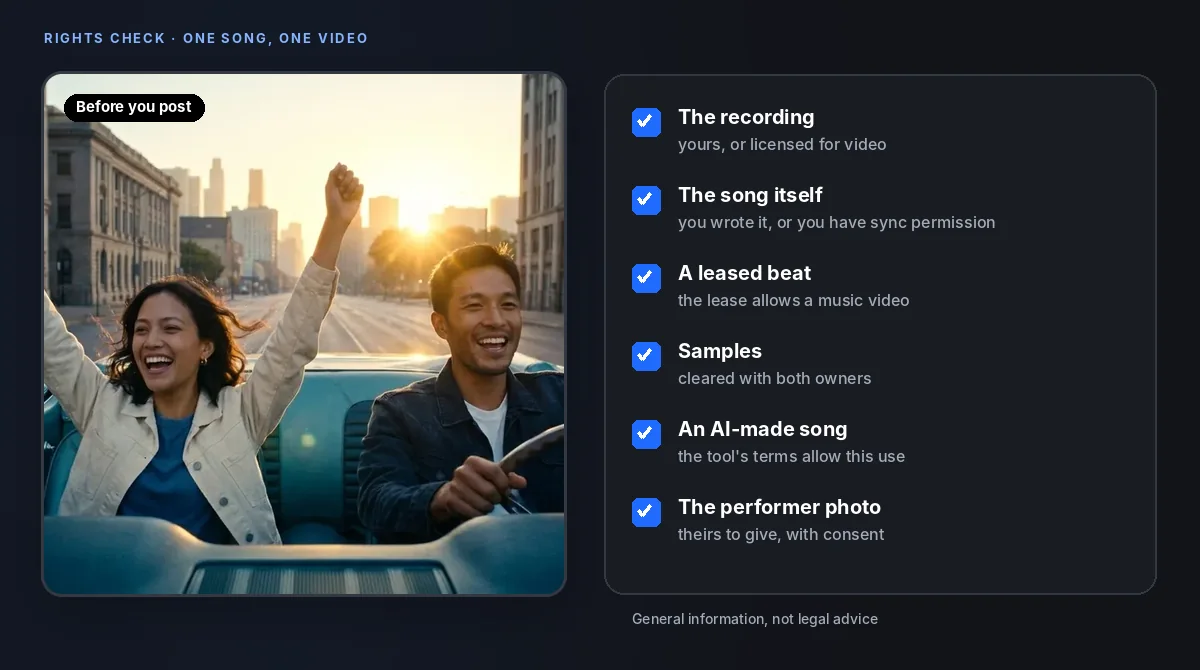
A rights checklist before you post
Run through this before the video goes public, and again before you pay to promote it.
- I know who owns the composition, and I own it or have a sync license for this video
- I know who owns the master, and I own it or have a master use license
- Every co-writer and the producer agree to the release and the video
- Every sample is cleared on both sides, or replayed and cleared as a composition
- My beat lease allows a music video, monetization and the streams I expect
- The AI music tool's terms for my plan allow commercial use, and I saved a copy
- Every real face in the video, including the performer photo, is used with permission
- My distributor knows the official video's channel, and Content ID is allowlisted or ready to release
- The description credits the writers, the producer and any sample
- The licenses, receipts and split sheets are saved beside the master
Written by the Muvora team. Last updated November 14, 2026. Spotted something out of date? Tell us at [email protected].