
Release visualizer
Abstract style with no genre look: a slow-burning instrumental single as light moving through a building of glass.
A producer's catalogue piles up faster than anyone can make videos for it: beats for the store, instrumentals for streaming, a beat tape, a single with a feature. Each one needs something that moves on YouTube and a vertical clip for everywhere else, and none of them can wait weeks or cost what a shoot costs. Muvora reads the beat itself (its tempo, its bars, where the drums drop out and where they slam back), plans the cuts from that and writes a storyboard you can change for free. You see the exact price for its length before a second renders, and nothing about it needs a singer.
Free to start · 5 storyboards a month · No card needed
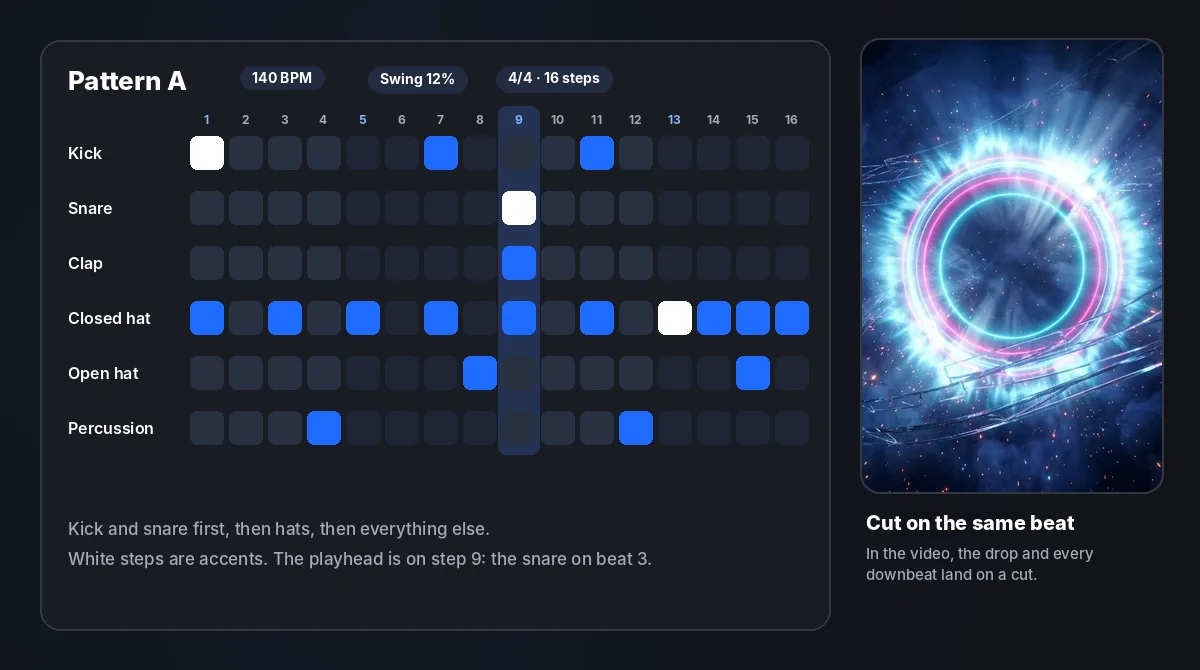
For a beat or an instrumental, the Abstract style is Muvora's visualizer: AI-made pictures of light, shape and texture, cut on the downbeats, with a cut at every section change and a two-frame white flash wherever the drums come back hard enough to count as a drop. It's a video planned on the beat, not bars bouncing over a cover; for a spectrum over your artwork, the free audio spectrum visualizer records one on your device. Story suits a beat that already feels like a scene, with a small cast and three to six places. The pace follows the genre look you pick. On a typical arrangement of a 90 BPM boom bap beat, the hip-hop look holds the sparse stretches two bars a shot (about 5.3 seconds) and cuts the fullest parts every bar (about 2.7); a 75 BPM lo-fi beat on the lo-fi look holds about 6.4 seconds where it's sparse and 3.2 at its fullest. With no vocal there are no captions and no lip sync, so the pictures carry everything, and the idea box is where the beat's title, mood and world go. One 16:9 render gives the YouTube video, a 9:16 cut for Shorts, a square post and an 8-second Canvas for the streaming release. The music visualizer ideas guide has concepts to start from.
See your song as a storyboard first
Upload the track and the AI director plans every shot on the beat in minutes. Edit anything for free; you only pay if you render.
A channel that uploads every week is recognized by its look before its titles, and the storyboard is where you hold that look steady. Pick one genre look and one quality for every upload, so the pace and the finish match, and keep one paragraph for the idea box that names what recurs: the same car, the same rooftop, the same two colors, the same hour. Then change one thing per beat (the weather, the season, a new character) so each video stands on its own without breaking the set. Each beat is its own upload with its own storyboard: the free plan makes 5 new storyboards a month, and paid plans have no monthly limit on them. The soundtrack is always the exact file you upload, so a voice tag stays in: upload the tagged preview for YouTube and keep the untagged file for buyers. Nothing is written into the pictures, so the title, tempo and key go in the video's title and description, which the YouTube description generator lays out with chapters and tags, and on a thumbnail made from a frame of the export with the video frame grabber. For the beats themselves, how to make a trap beat and how to make lo-fi beats cover the craft.
A type beat is named after an artist's sound, and the video can carry that sound without the artist: real people are never drawn, and a prompt that names one is refused before anything is made. Put the reference in the world (the city, the hour, the cars and clothes described by kind and color), and see the type beat video maker for the whole routine. When a beat becomes a song with a vocalist on it, Performance can lip-sync them from one clear, front-facing photo, but only with their consent, ticked on the vibe step; a featured artist who'd rather not appear can be written as an invented character in Story. Every upload asks you to confirm you own the music or have the rights to use it, and for a producer that covers the samples too: loops from packs whose license allows it, your own recordings, nothing uncleared. Muvora doesn't make beats, take stems, or mix or master anything. It reads the finished file and plays it as the soundtrack from its first sample, so bounce the final version first; how to mix a song, the EQ frequency chart and the delay time calculator help before that. The price is per finished second and shown before you render (38 credits a second in Visualizer, 60 in Standard, 110 in Cinematic), so a two-minute beat costs two-thirds of a three-minute one. Selling the beats is its own job: how to sell beats online covers leases, tags and Content ID.
Each card opens the upload with a style, a shape and an idea written for a track with no vocal. Swap in your own world before the storyboard is written, and keep the paragraph you settle on for the next beat on your channel.
Abstract style with no genre look: a slow-burning instrumental single as light moving through a building of glass.

Story style, hip-hop look: one car and one city for a whole beat channel, with a different stop each upload.
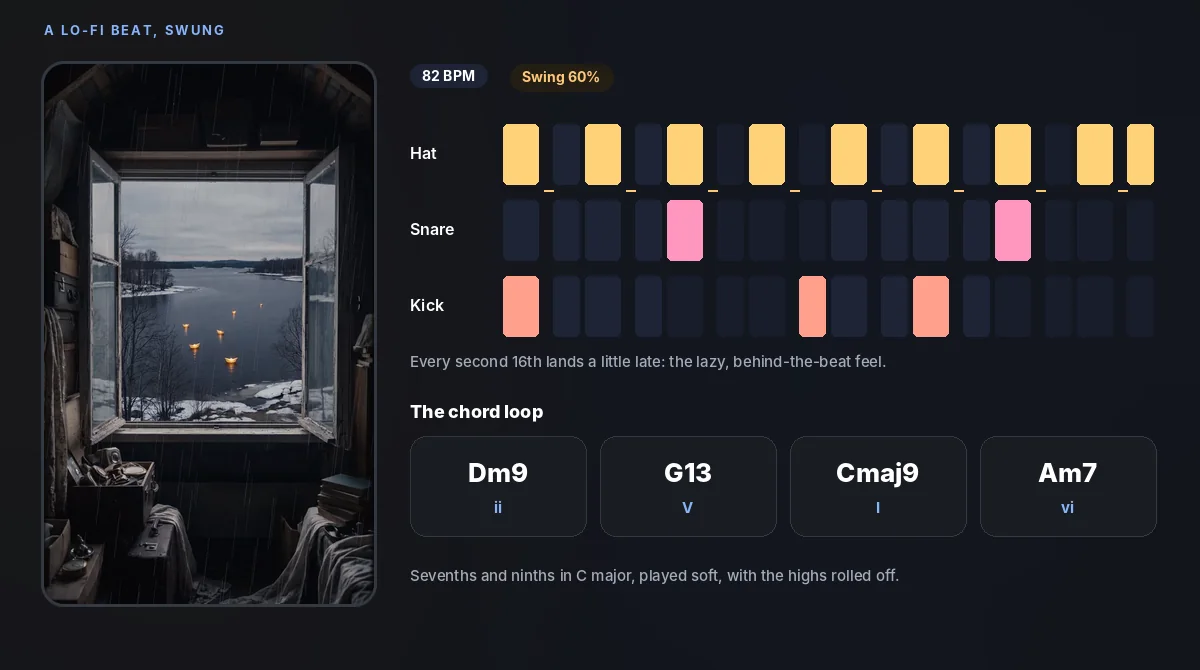
Story style, lo-fi look: a lo-fi beat as one night in a small studio flat, the same desk in every video.
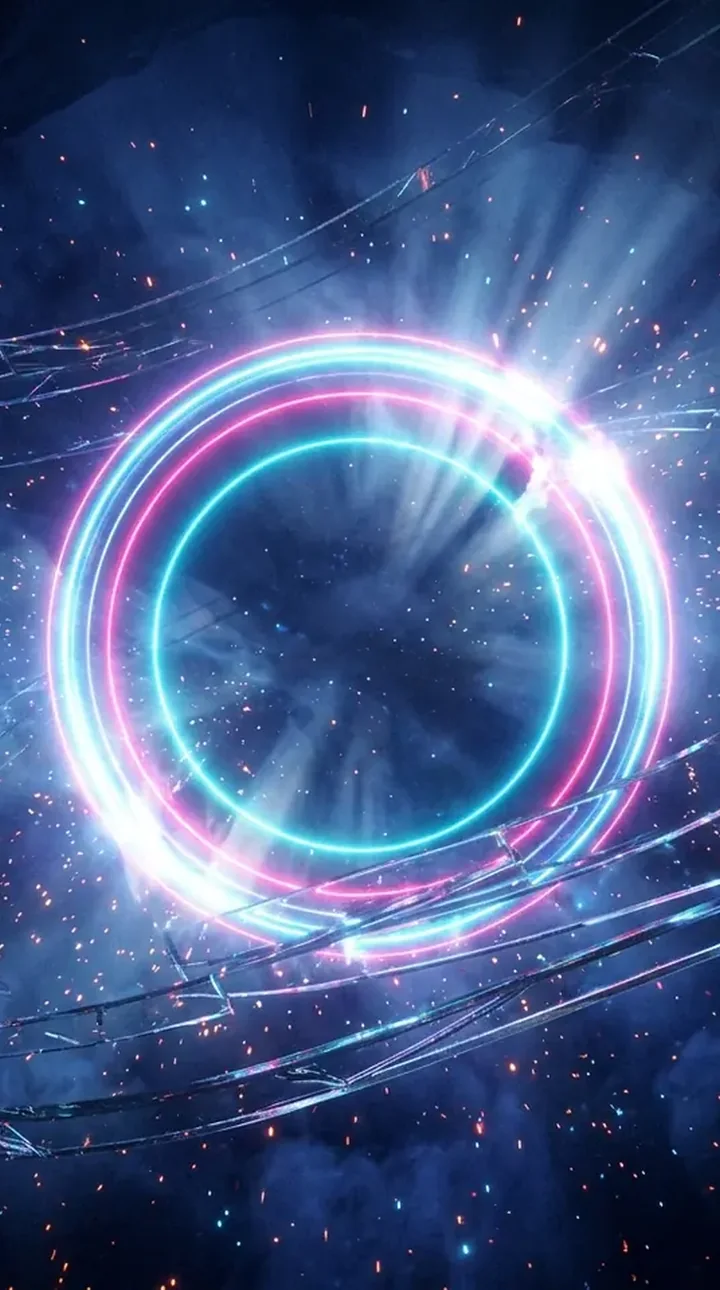
Abstract style, hip-hop look, 9:16: a tall loop of chrome and smoke for the Short that sells the beat.
Drop in an MP3, WAV, M4A or FLAC up to 8 minutes. Muvora finds the tempo, the beats, the downbeats and the sections of your song, like intro, verse and chorus.
An AI director writes a shot-by-shot plan timed to your downbeats. Rewrite any prompt, drag a cut (it snaps to the beat) or ask AI to redo a shot. None of it costs anything.
See the final price, then render. Pick Visualizer, Standard or Cinematic quality. If a shot fails, its credits come straight back.
Free storyboard in minutes. No card needed.
Can't find what you need? Start a free storyboard and see for yourself.
Yes. Upload the beat (MP3, WAV, M4A, AAC or FLAC, up to 8 minutes) and the analysis takes its tempo, bars, sections and drops from the drums and the arrangement. Choose Abstract or Story, describe the world in the idea box, and the storyboard cuts on the downbeats. There are no captions or lip sync without a vocal.
The world the sound comes from: a city at a certain hour, a car described by its shape and color, a room and its light, clothes by cut rather than brand. Muvora never draws real people and refuses a prompt that names one, so the reference lives in the title and the look, never in a face.
Yes, if it's in the file. The soundtrack of every export is the exact file you uploaded, from its first sample, so a voice tag plays wherever you put it. Upload the tagged version for YouTube and keep the clean one for paying buyers.
Not in the pictures: no text or logos are drawn into them, and captions only appear for sung words. Put the tempo and key in the video's title, description or thumbnail, or add a title card in an editor after you download.
No. It makes the video. The beat, the mix and the master are yours, made in your own tools, and the file you upload plays untouched as the soundtrack. Vocals are separated only for a Performance video, to find the sung shots, and never come back to you as a file.
The storyboard is free, with 5 new ones a month on the free plan and no monthly limit on paid plans. Rendering is priced per finished second: a 3-minute instrumental is 6,840 credits in Visualizer, 10,800 in Standard and 19,800 in Cinematic, and a shorter beat costs less in proportion. The total shows before you generate.
Visuals for the beats you sell or share, cut on the kick and ready for YouTube.
Learn more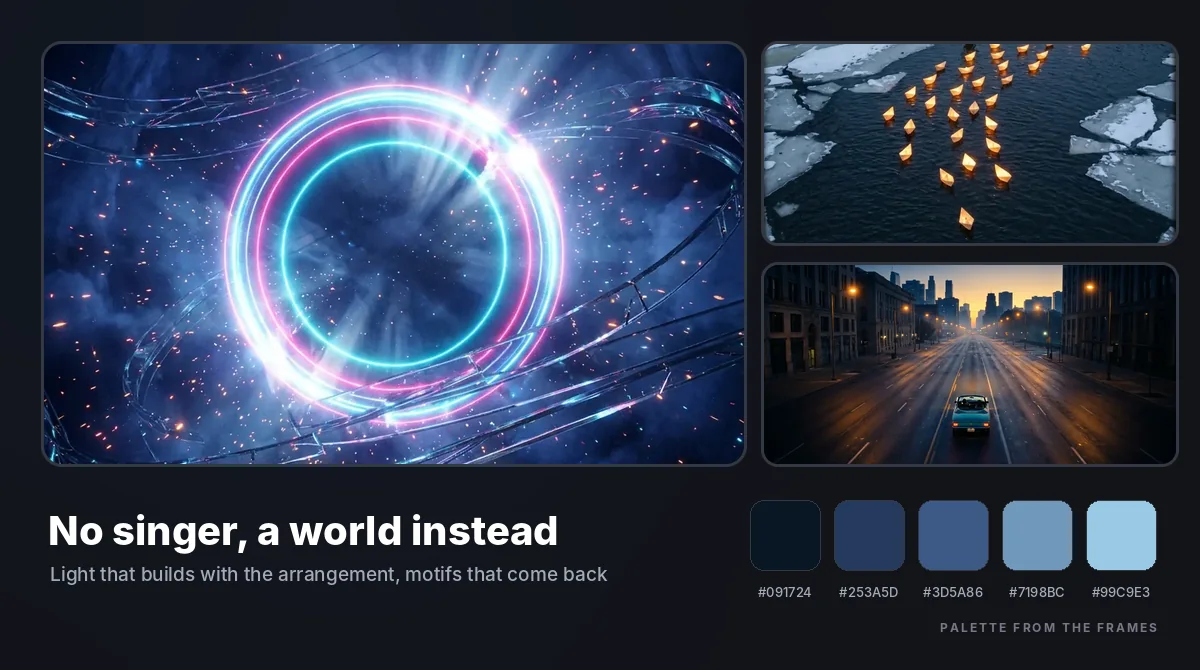
Videos for music without vocals: post-rock, ambient, piano, film-score style and jazz, cut to the arrangement.
Learn more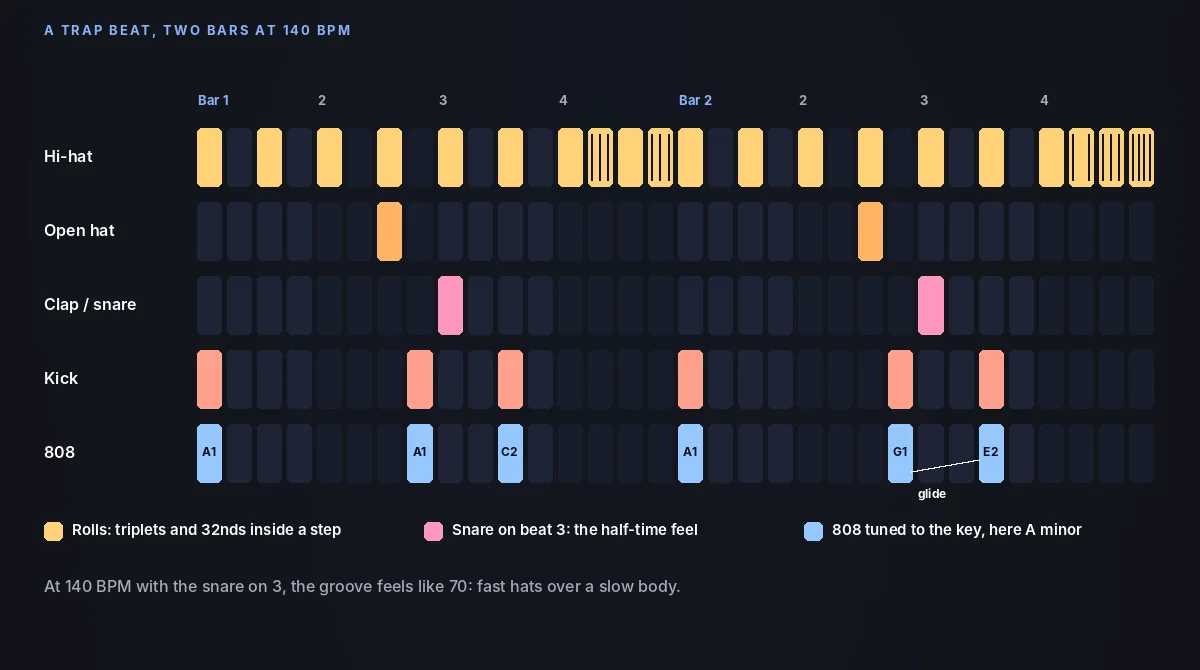
A trap beat from an empty grid: the half-time snare, hi-hat rolls in milliseconds, a tuned 808 with glides, a dark melody, the arrangement and the low end.
Read the guideLo-fi beats from scratch: a slow, swung groove, jazz chords with 7ths and 9ths, sounds you have the rights to, filter, tape and crackle, and a short loopable arrangement.
Read the guide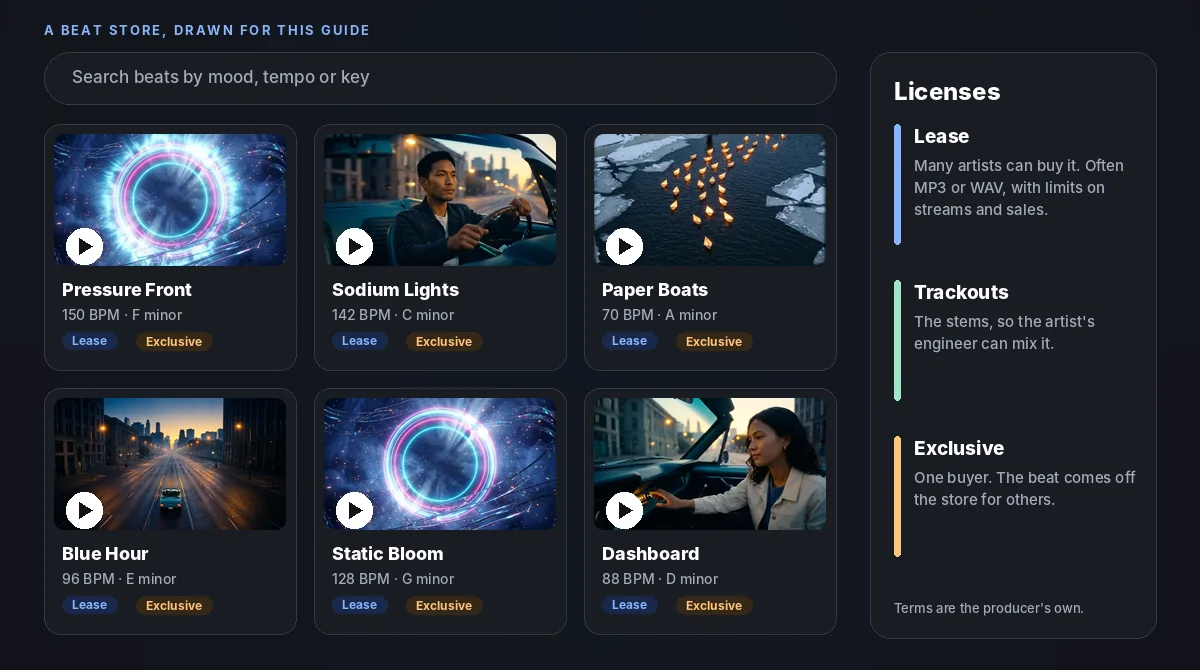
Leases and exclusives, what a beat license spells out, tagged previews and trackouts, where producers sell, type beat videos and Content ID on leased beats.
Read the guideA song file as a moving spectrum: bars, mirrored bars, a circle or a waveform over your cover art, recorded to a video on your device.
Open the tool
AI video for a whole song, cut on the beat, at the lowest credit rate.
Learn more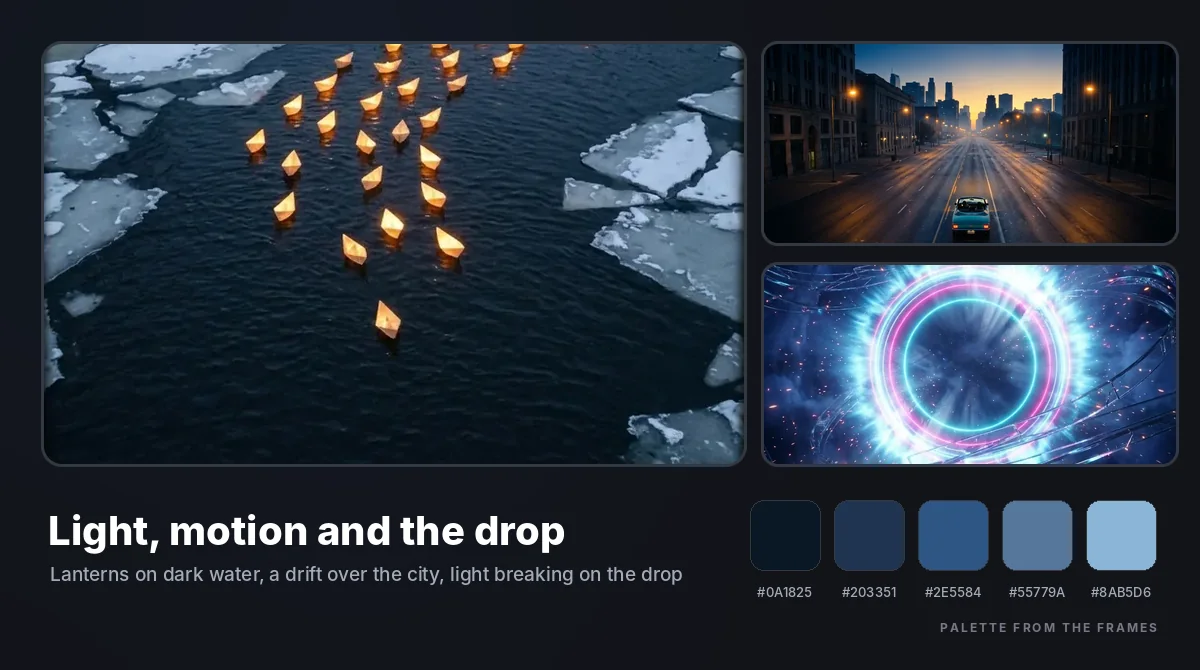
15 visualizer ideas with no one on screen, from ferrofluid spikes to a dam that opens on the drop, and how to plan each section of a track.
Read the guideA 16-step drum sequencer in your browser: eight synthesized drums, grooves by genre, swing, accents and rolls, saved as a WAV loop or a MIDI file.
Open the tool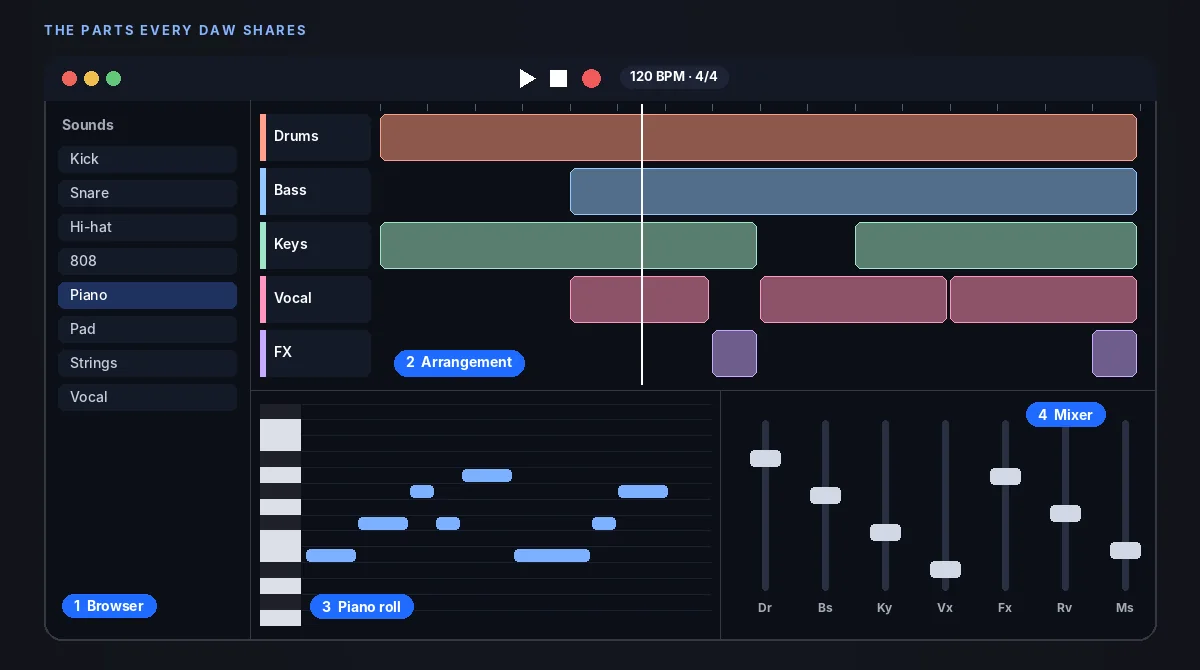
GarageBand, BandLab, Cakewalk, Pro Tools, Ableton Live, FL Studio, Logic Pro, Reaper and more, by device, how each is free or sold, and who it suits.
Read the guide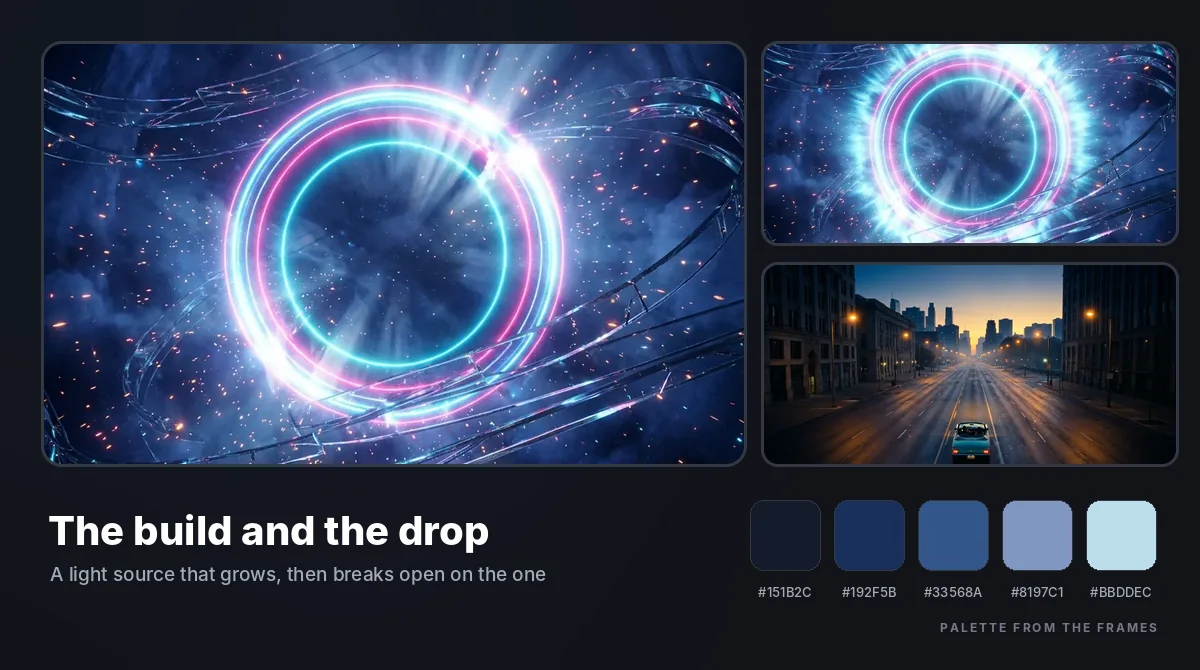
House tracks cut on the bar over a four-on-the-floor kick, with a flash where the kick comes back and rooms full of people dancing.
Learn more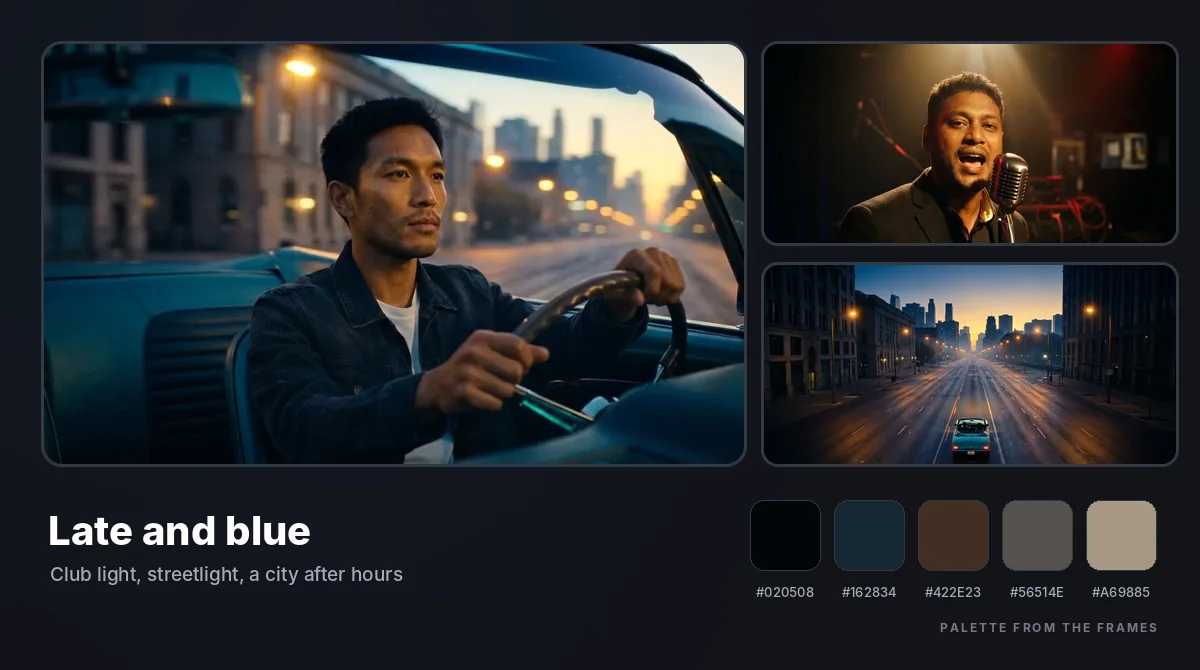
Jazz videos that hold still for the melody and roam during the solos, set in a small room at the late hour you describe.
Learn more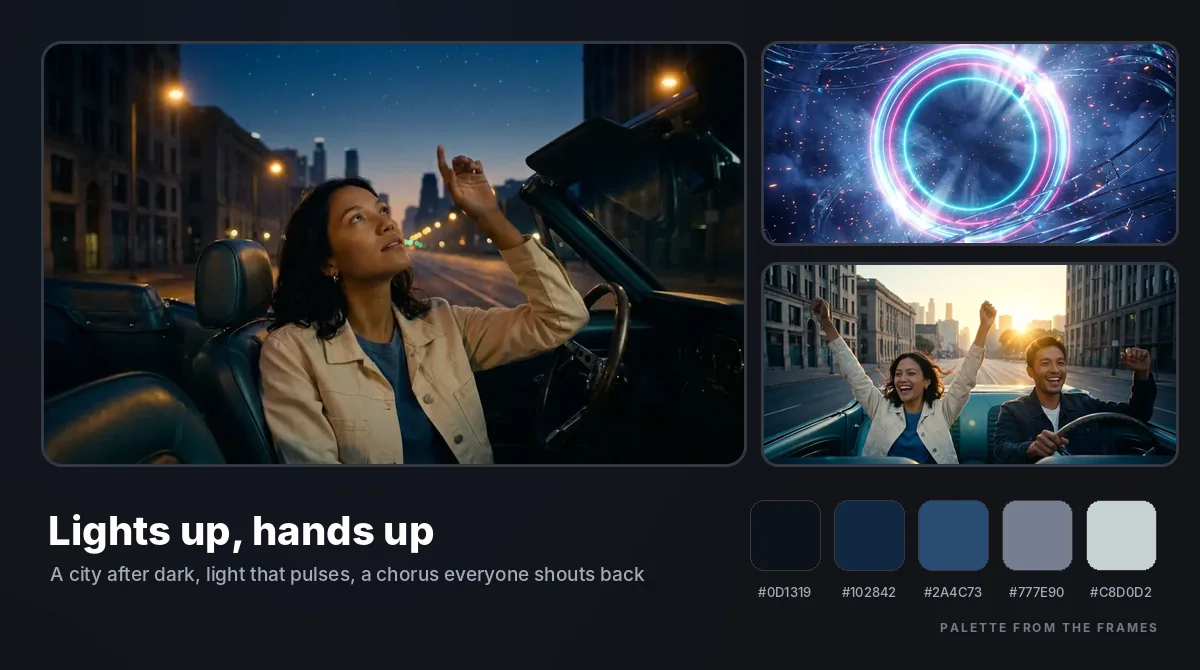
Videos for the tracks and edits you made, promo clips for the gig, and a screen behind the decks that stays on the beat.
Learn more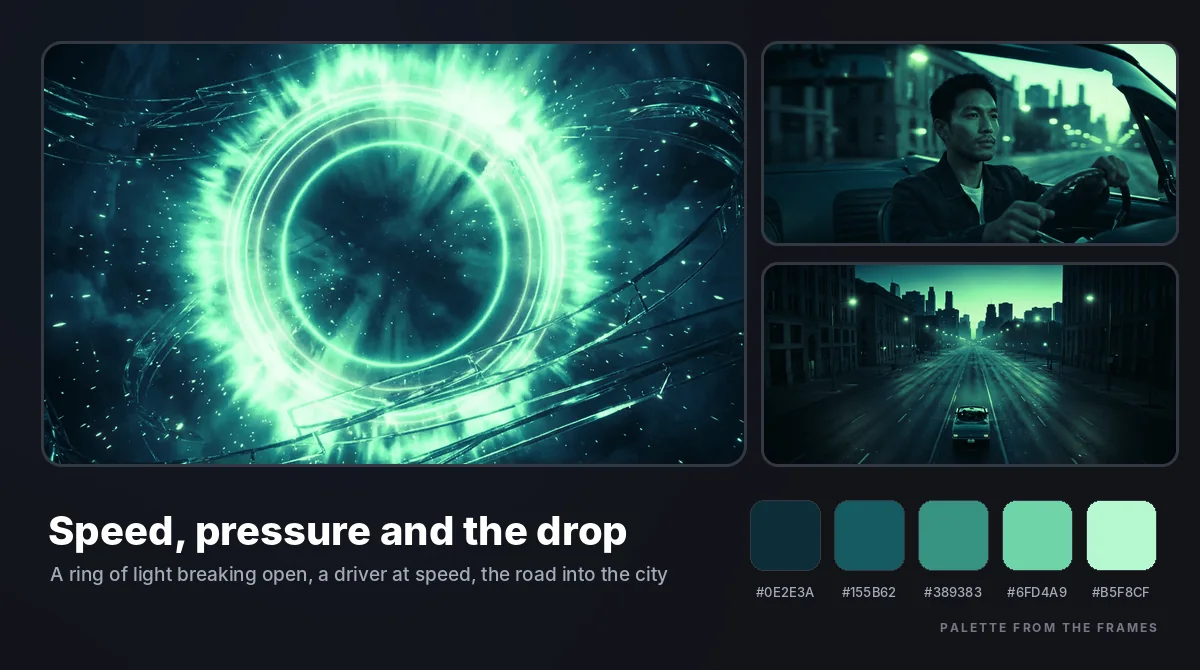
Drum and bass videos counted in half time at 174 BPM: long shots through the build, a flash on the drop and a new picture every two bars after it.
Learn moreUpload a track and get a free beat-synced storyboard in minutes. Render it when you are ready.
No card needed to start.





