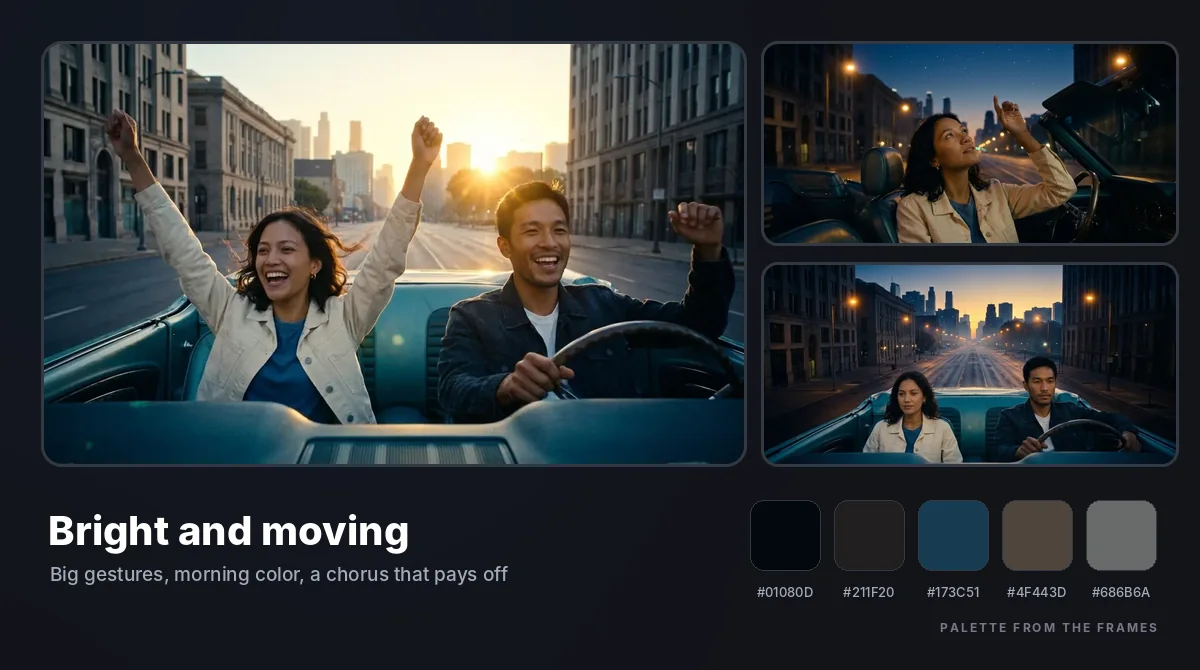
Hook teaser, three weeks out
Story style, pop look, 9:16: a small mystery told over the hook, to post before the song is out.
Promoting a song takes several videos over several weeks: a teaser before it's out, the full video on release day, then vertical and square clips that keep it in people's feeds. Muvora makes the set from your audio. One render of the song gives you every shape and a Canvas loop, and a short upload of just the hook makes the teaser.
Free to start · 5 storyboards a month · No card needed

A release teaser only needs the best 15 to 30 seconds. Cut the hook out of the master as its own file, ending on a bar line, and upload it in the 9:16 shape: Muvora plans and renders only those seconds, so at the same quality a 20-second teaser costs a ninth of a 3-minute video. Or render the whole song early and trim the teaser from its vertical file, which keeps the same cast and places in both. A teaser uploaded on its own gets its own storyboard and its own cast, so paste the same idea wording and pick the same style and look to keep the two in one world.
See your song as a storyboard first
Upload the track and the AI director plans every shot on the beat in minutes. Edit anything for free; you only pay if you render.
Render the full song once in 16:9 and the downloads cover each place the release shows up: the 16:9 video for YouTube, a 9:16 version for Shorts, Reels and TikTok, a 1:1 version for feed posts, and an 8-second Canvas loop taken from the strongest chorus moment. The loop starts on a cut, and its last half second dissolves into the frames just before its start, so it repeats without a jump. Karaoke-style captions are a choice made per render: switched on, they are burned into the widescreen, vertical and square files, and the Canvas stays clean either way. A share link plays the video on a page of its own, with a preview image when you paste it into a chat.
The weeks after release need a steady supply of clips, and the vertical and square files are the raw material. Trim them at section starts, where every cut lands on a downbeat, for a run of chorus, verse and drop clips that all look like the same video. If a shot needs changing, re-roll it or swap two shots on the review page and assemble a new version for free (re-rolls cost nothing up to 10% of the video's length). Lay out the dates with the free release timeline planner, tick off the files in the music release checklist, and read how to promote your music for where each clip goes.
Each card opens the upload with a shape, a style and an idea for one stage of a release. Upload the full song for the release video, or only the hook for a teaser.
Story style, pop look, 9:16: a small mystery told over the hook, to post before the song is out.
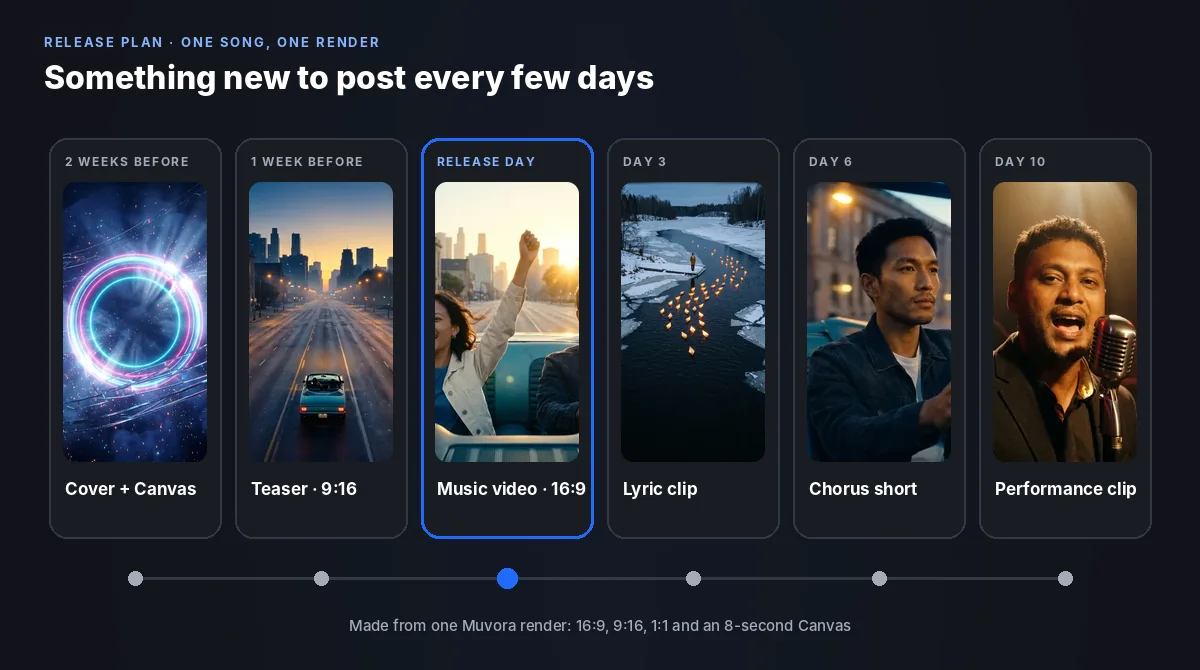
Story style, hip-hop look, 16:9: the full video, with its vertical and square versions and the Canvas from the same render.
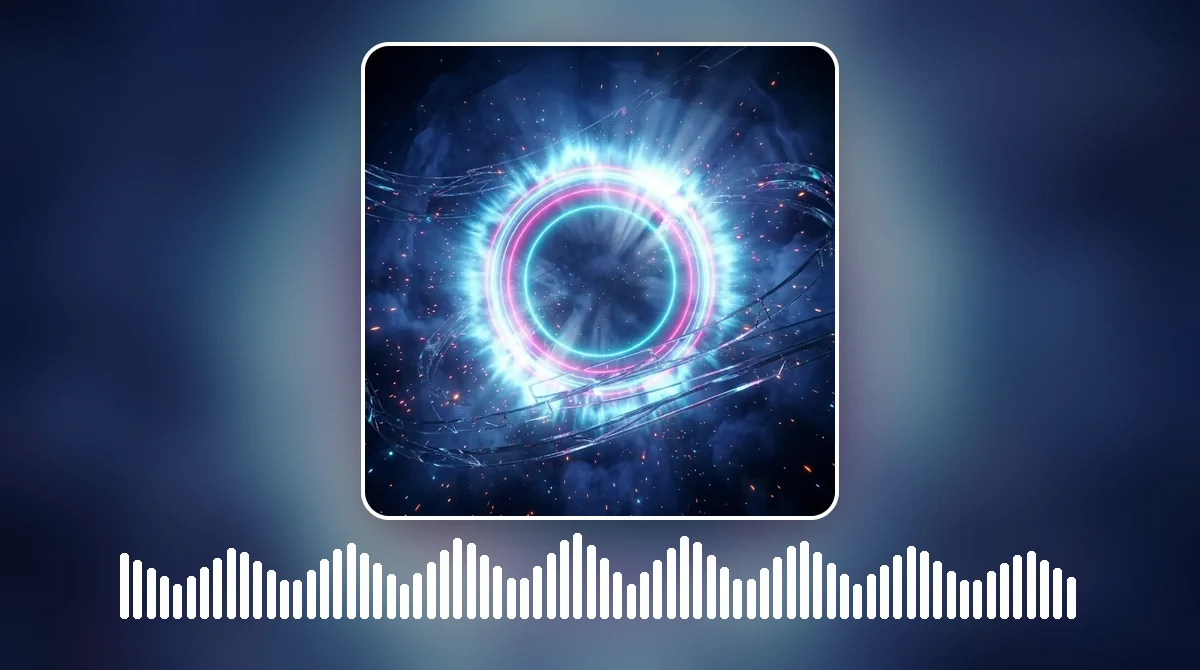
Abstract style, EDM look, 1:1: a square for the feed, with a vertical version and a Canvas from the same render.
Drop in an MP3, WAV, M4A or FLAC up to 8 minutes. Muvora finds the tempo, the beats, the downbeats and the sections of your song, like intro, verse and chorus.
An AI director writes a shot-by-shot plan timed to your downbeats. Rewrite any prompt, drag a cut (it snaps to the beat) or ask AI to redo a shot. None of it costs anything.
See the final price, then render. Pick Visualizer, Standard or Cinematic quality. If a shot fails, its credits come straight back.
Free storyboard in minutes. No card needed.
Can't find what you need? Start a free storyboard and see for yourself.
Any short video made to get people listening to a song: a teaser before release, the music video itself, and the vertical and square clips posted around it. Muvora makes them from your song file, cut on the beat.
Export the hook (15 to 30 seconds, starting and ending on a bar line) as its own audio file and upload it in the 9:16 shape. Muvora writes a storyboard for those seconds alone, and the render costs only the seconds you make.
A widescreen video for YouTube, vertical clips for Shorts, Reels and TikTok, a square cut for feed posts and a Spotify Canvas loop. One 16:9 render of the full song produces all four shapes; a separate short upload covers the teaser.
Yes. Muvora needs only the audio file, not a streaming link, so you can make the teaser and the full video from the master weeks ahead. The share link stays off until you switch it on, and its page is hidden from search engines.
Captions are burned in when you render, so one render is either captioned or clean. A common split is a captioned teaser from the hook upload and a clean full video; if you need both versions of the full song, render it twice.
Between 15 and 30 seconds for a vertical teaser, long enough for the hook to land once. A Spotify Canvas is shorter still: Muvora's loop runs 8 seconds and plays without sound.
A release plan from six weeks out to a month after: the story, pre-saves, the pitch, the visuals, a posting calendar and what to measure.
Read the guideWhat to finish six weeks, four weeks and two weeks before release day, and what to do that week.
Read the guideA dated release plan from your release day: the master, the video, the pitch, the Canvas and the clips.
Open the tool
A music video for a self-released single: no crew, a free storyboard and the price shown before you render.
Learn more
Shorts cut from the same render as your channel's full video, each opening on a beat.
Learn more
Reels drawn tall from the first frame, cut on the beat, with lyrics set above the buttons.
Learn moreCut a 15 to 60 second clip from a song that starts and ends on a bar line, add fades and save it as a WAV.
Open the tool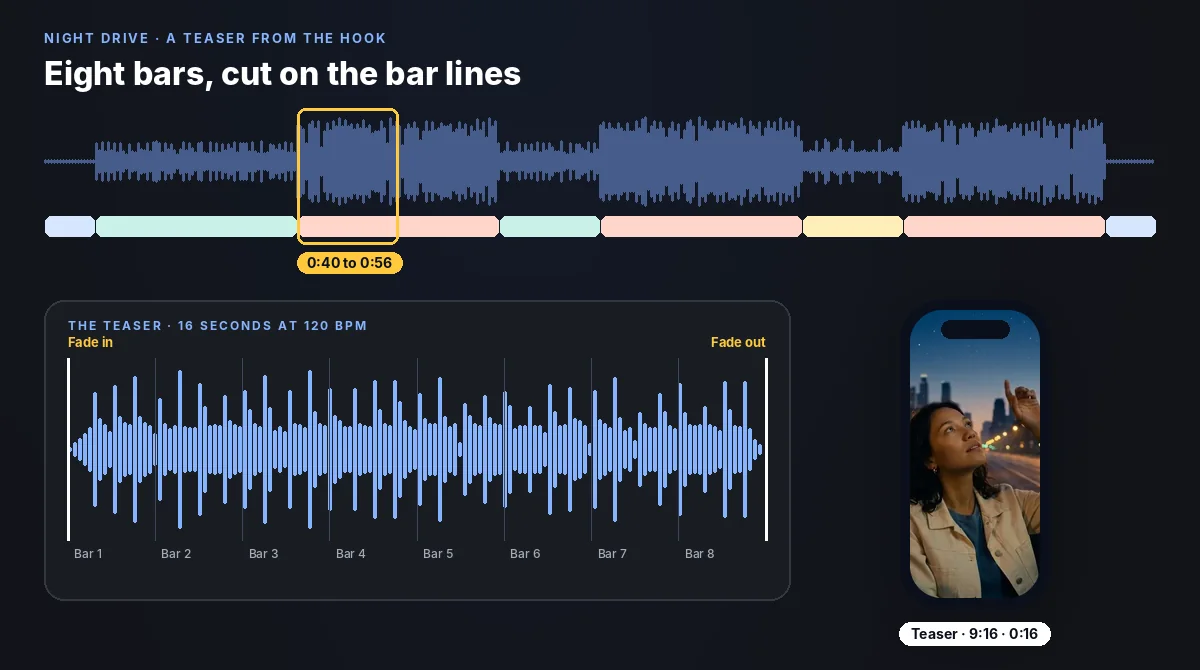
Pick the seconds people will repeat, cut them on the bar line, give them a vertical video and post them before release day.
Read the guideA one-page music press release from your own facts, in the standard layout, with a word count, to copy, save or print.
Open the tool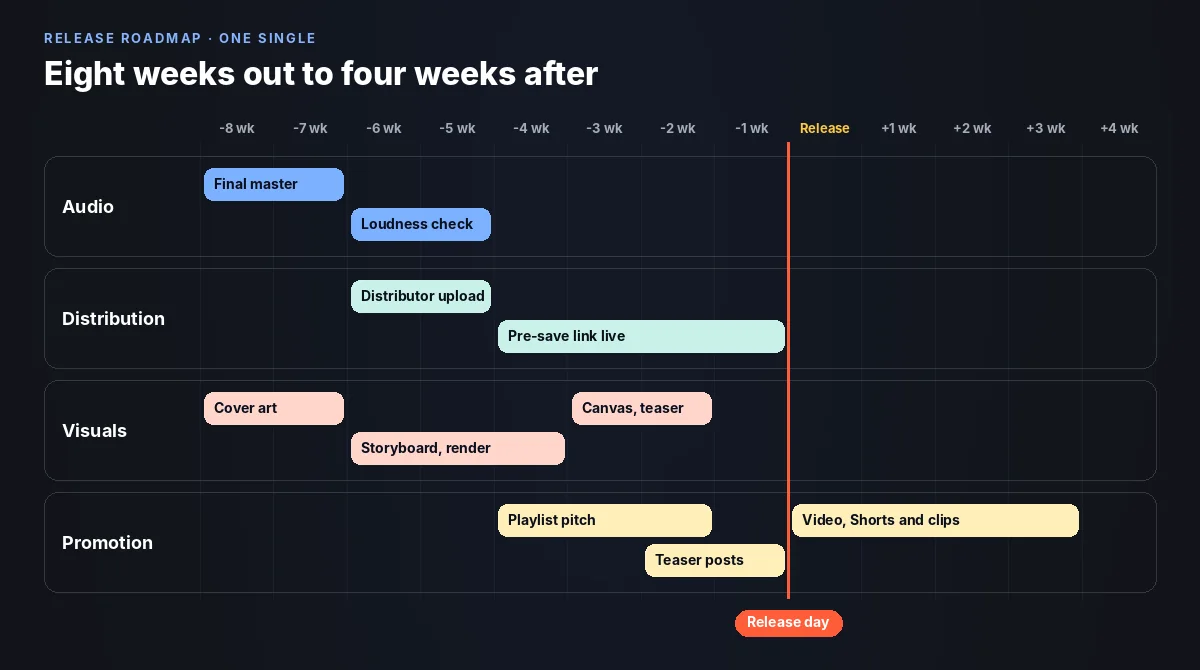
A storyboard and an exact price for every release on the schedule, every format from one render, and Studio sized for a roster.
Learn more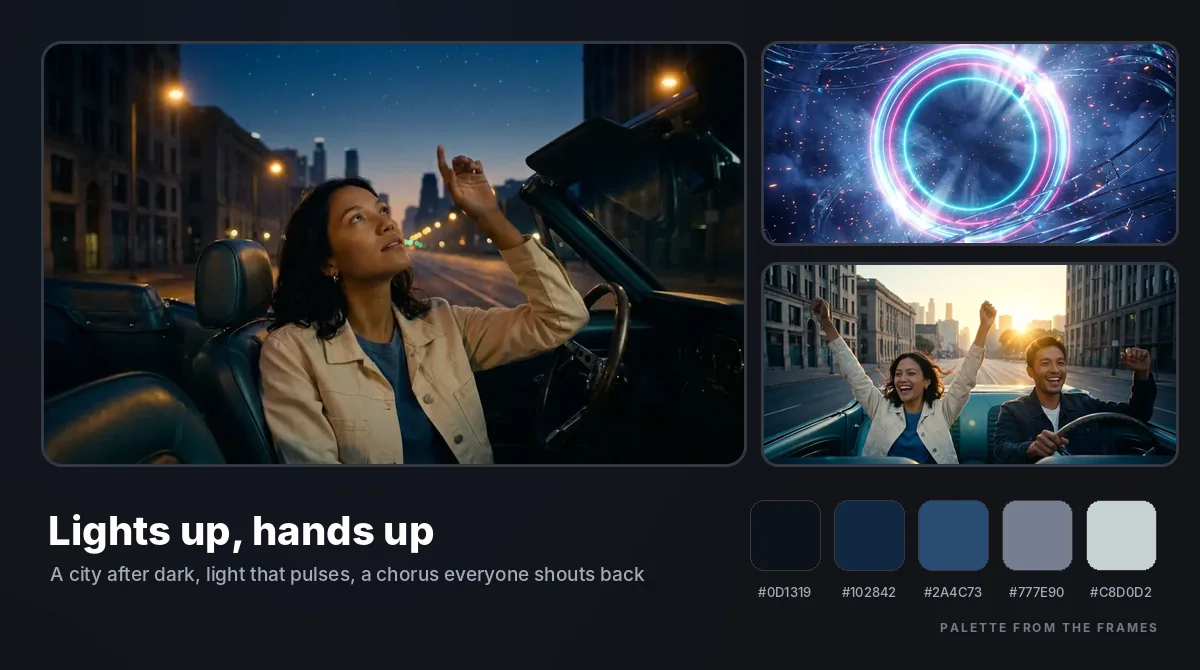
Videos for the tracks and edits you made, promo clips for the gig, and a screen behind the decks that stays on the beat.
Learn more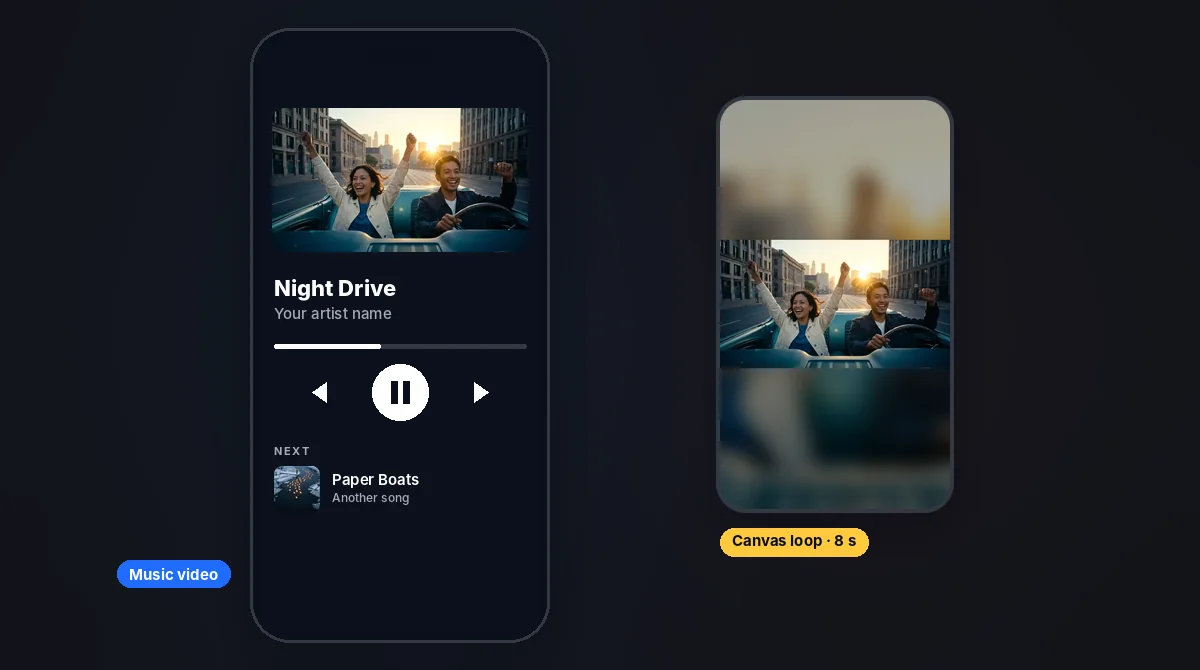
The 16:9 video Spotify asks for, with captions off, and the Canvas and vertical clips from the same render. Your distributor or Spotify for Artists does the delivery.
Learn moreMake a 16:9 YouTube thumbnail from your photo or a frame of your video, with the title set big and the duration corner kept clear.
Open the toolMake a show poster from your photo, a video frame or a color: act, date, venue and tickets laid out for print and Instagram, with a QR code.
Open the toolUpload a track and get a free beat-synced storyboard in minutes. Render it when you are ready.
No card needed to start.






