
Sunroom, slow morning
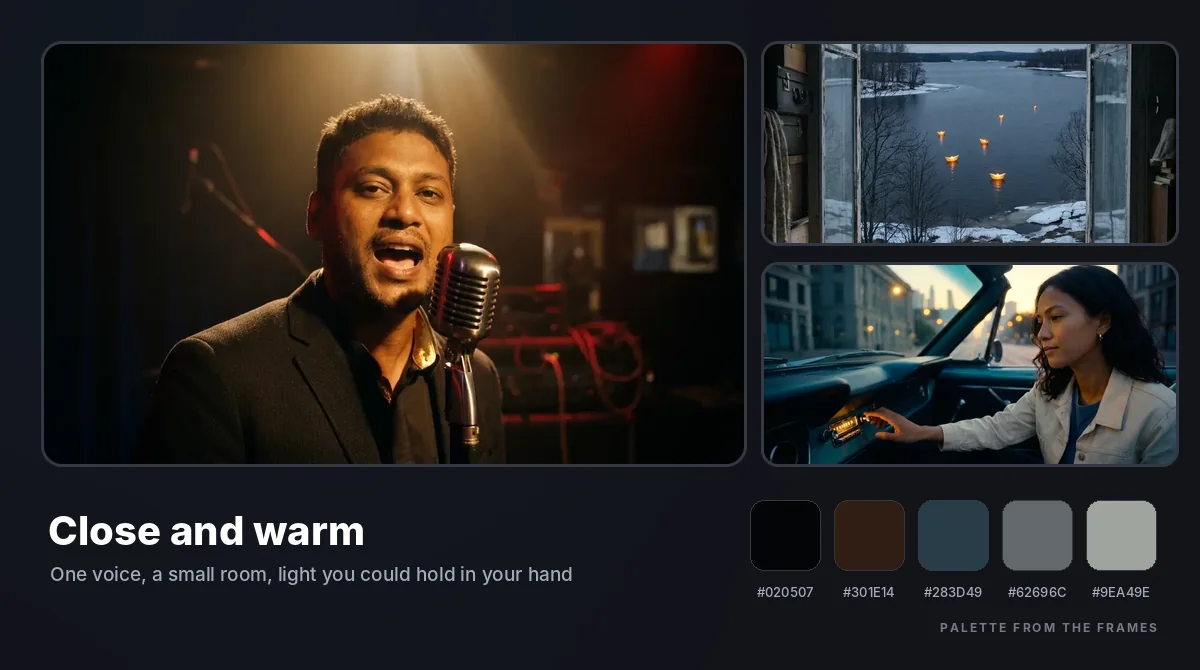
Performance, lo-fi look: you sing among the plants in low morning sun, the guitar across your lap.
An acoustic song gives a video very little to hide behind: one voice, a guitar or a piano, a tempo that's often slow and a lyric people actually listen to. What suits it is a real room in daylight, a face held long enough for the line to land, and cuts that come when the song turns rather than to fill time. Upload your recording and Muvora finds the pulse in your strumming, plans longer shots where the song is sparse, and writes a storyboard around the place and the light you name. Read it, change it for free, and render only when it's right.
Free to start · 5 storyboards a month · No card needed
Acoustic has no genre look of its own, so choose the one that moves like your song. Lo-fi lets every shot run about a third longer than the default, and on a slow ballad the difference shows: at 72 BPM, on a typical arrangement, a verse shot holds two bars, close to 7 seconds, where the pop look would cut after one. On a strummed song around 110 BPM it's the chorus that changes: lo-fi holds each shot two bars (about 4.4 seconds) while pop cuts every bar. Pick pop when the song drives or the band comes in halfway; pick lo-fi for a lullaby, a fingerpicked verse or a song that stays small. Either way every cut lands on a downbeat, every section change is a cut, and between two shots in the quietest third of the song the cut softens into a half-second crossfade, never next to a singing shot. The beat is read from the strum or the piano's left hand, so a rubato take with no steady pulse can come back with no beat found, and then there's nothing to cut on. Check your tempo with tap tempo before you choose.
See your song as a storyboard first
Upload the track and the AI director plans every shot on the beat in minutes. Edit anything for free; you only pay if you render.
The idea box (up to 600 characters) is where an acoustic video gets its place, and the smaller and more specific, the better. Name a room and the hour of its light: a sunroom full of plants at 9 a.m., an attic under an open skylight, a wooden porch in late afternoon, a back garden with sheets on the line, an empty classroom with the blinds half down, a train carriage in low winter sun. The director lights each shot from what's in the scene, so “low sun through a net curtain” gets you exactly that rather than a studio glow. Then give the song's parts a plan: the intro shows the room before anyone is in it, verses stay close on the face and on small things (a kettle, a capo clipped to the headstock, a coat on a hook), each chorus brings one change that grows every time it returns (the sun reaching the table, a neighbor's window opening, a friend sitting down), and the outro lets the room empty again. Name the mood in a few words, “warm and a little tired” or “hopeful and quiet”, because every face is drawn from it. The acoustic music video ideas guide has more concepts, and how to tune a guitar helps you get the take in tune before you record it.
In the Performance style you add one clear photo of yourself facing the camera, with the consent box ticked. The vocal is pulled apart from the guitar to find the lines you sing, and those shots are lip-synced to your voice with you framed chest or waist up, while the rest of the song plays as story shots you can turn up in, not singing: carrying a guitar case up a stairwell, drinking coffee on a porch step. Be realistic about the instrument. A video model draws a guitar convincingly but doesn't know your chord shapes, so a close-up of a fretting hand won't match what you play: keep the guitar resting across your lap or at the edge of the frame, write it that way in the idea box, and let your face carry the singing. Paste your lyrics with the upload for captions in your spelling, pick Lyric for a song that lives on its words, or Abstract for a fingerstyle instrumental. One 16:9 render gives the YouTube video, a vertical cut, a square post and an 8-second Canvas. There's more on this in music videos for singer-songwriters, and the guitar chord chart shows the shapes for any chord you're writing with.
Each card opens the upload with a style, a look picked for that kind of acoustic song and an idea in the box. Swap in your own room, hour and story before the storyboard is written; the Performance card asks for your photo on the vibe step.
Performance, lo-fi look: you sing among the plants in low morning sun, the guitar across your lap.
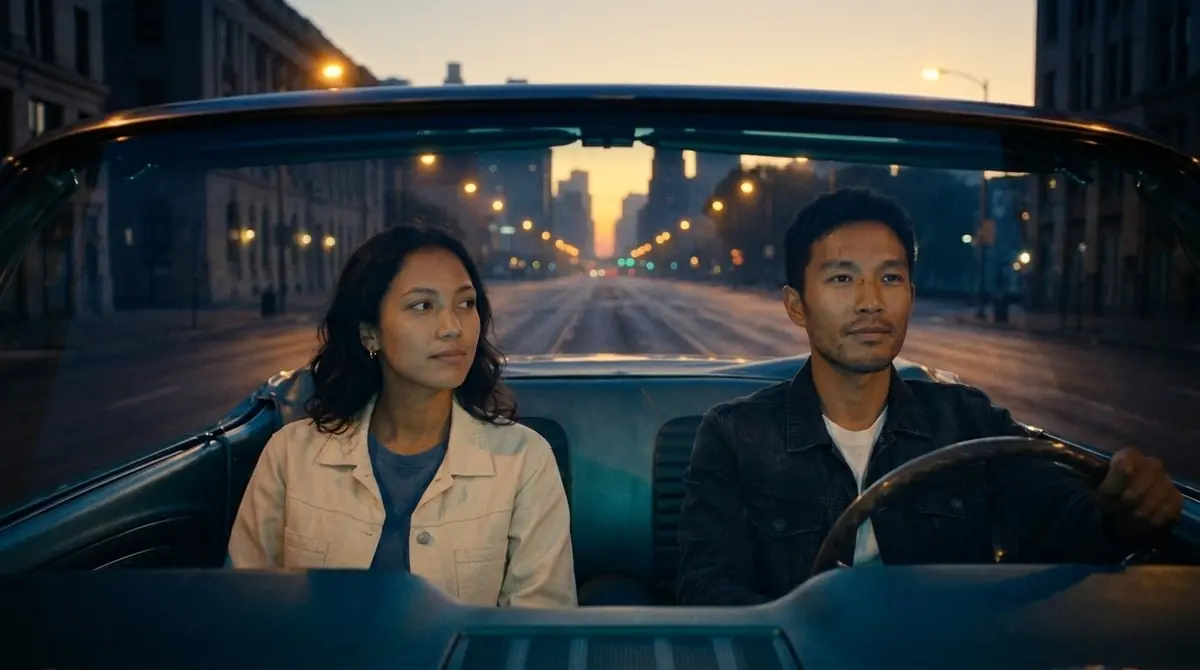
Story style, pop look: one long summer evening on a porch, the neighbors drifting over chorus by chorus.

Lyric style, lo-fi look: one back garden through a breezy day, with room in the frame for the words.
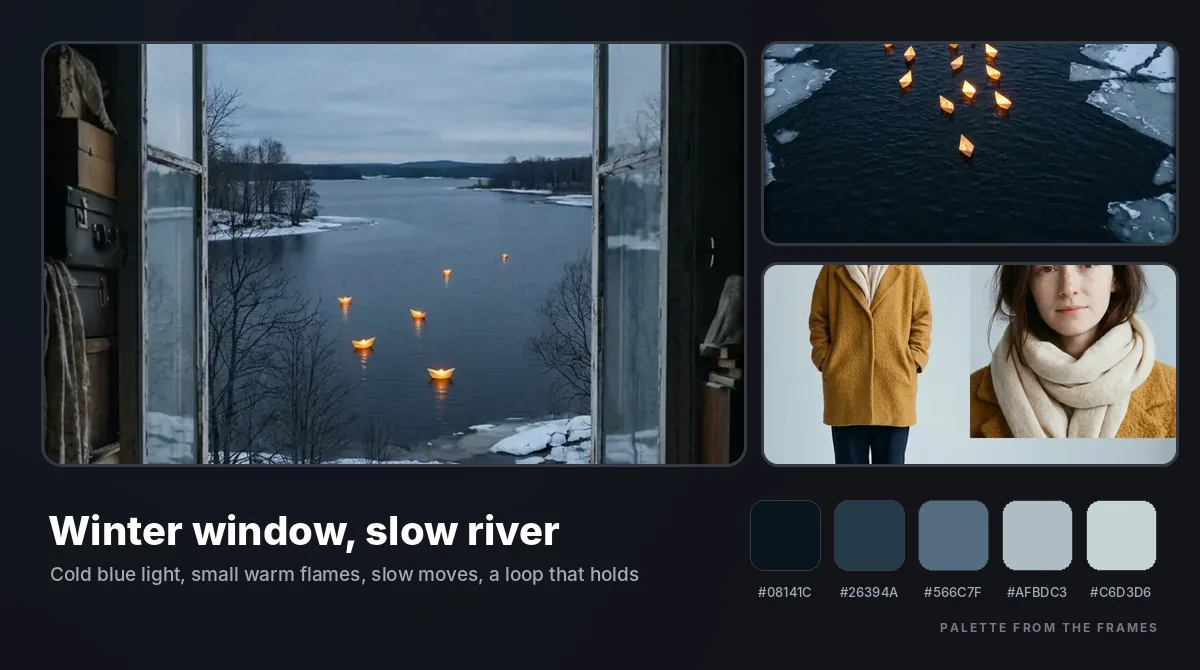
Abstract style, lo-fi look: for a fingerstyle instrumental, daylight moving through an empty wooden house.
Drop in an MP3, WAV, M4A or FLAC up to 8 minutes. Muvora finds the tempo, the beats, the downbeats and the sections of your song, like intro, verse and chorus.
An AI director writes a shot-by-shot plan timed to your downbeats. Rewrite any prompt, drag a cut (it snaps to the beat) or ask AI to redo a shot. None of it costs anything.
See the final price, then render. Pick Visualizer, Standard or Cinematic quality. If a shot fails, its credits come straight back.
Free storyboard in minutes. No card needed.
Can't find what you need? Start a free storyboard and see for yourself.
Yes. Upload the recording (MP3, WAV, M4A, AAC or FLAC, up to 8 minutes) and Muvora finds its tempo, downbeats and sections from the strum or the piano, and times your words from the vocal. Describe a place and its light in the idea box, and the AI director writes a storyboard whose shots hold in the quiet parts and quicken as the song opens up. Editing it costs nothing.
Lo-fi for slow, sparse songs, since it holds every shot about a third longer; pop for strummed songs that build or bring in a band. There's no acoustic look as such, and the look only sets how long shots hold: the room, the light and the wardrobe come from what you write in the idea box.
No, and it's best not to ask it to. The video model draws hands on strings without knowing your chords, so close-ups of fingers on frets look wrong to anyone who plays. Frame the guitar in wide and medium shots, resting on a lap or a chair, and keep the close-ups for your face, where the lip sync follows your actual vocal.
Usually, if the strum keeps a steady pulse, since the analysis needs beats to cut on. A take played to a click or with a steady strum works; one that speeds up and slows down freely may come back with no beat found. The soundtrack is always the file you upload, so upload the take you'd release.
Yes. Write the place and the hour into the idea box (a porch at golden hour, a beach in morning haze, a field after rain) and the director lights each shot from the sun, the sky and whatever else is in the scene. Name the same hour throughout if you want the light to stay the same from verse to verse.
The storyboard is free, with 5 new ones a month on the free plan. A 3-minute song renders for 6,840 credits in Visualizer, 10,800 in Standard or 19,800 in Cinematic, and lip-synced seconds are 75 each in place of the quality's rate. A slow song costs the same per second as a fast one, and the exact total shows before you press Generate.
14 concepts for a voice and a guitar or piano: one-room performances, quiet stories and lyric videos, with how to pace a slow song.
Read the guideAcoustic and piano songs with the voice up front: you singing from one photo, the story in between, cuts that wait for the line.
Learn moreSoft rain, warm lamps and slow shots for late-night calm.
Learn more
Bright, glossy and always moving, with a chorus that pays off.
Learn more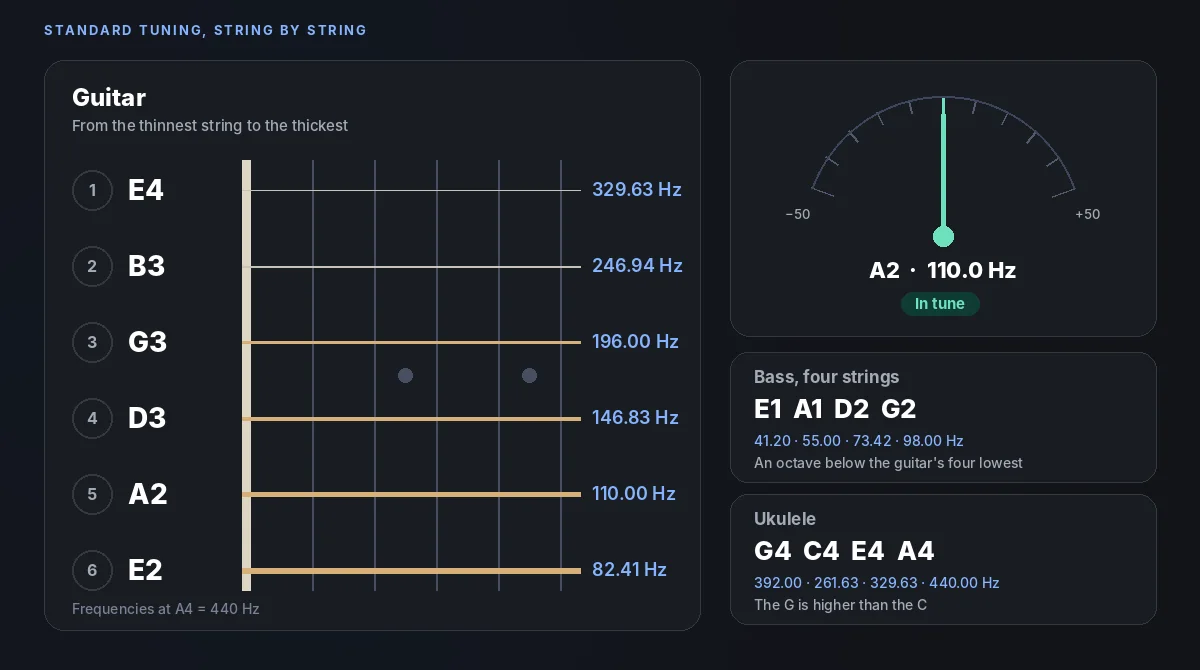
Standard tuning's notes and frequencies, tuning with a tuner or by ear, harmonics, new strings, alternate tunings, a capo and intonation.
Read the guideAny guitar chord's shapes as diagrams, open and barre, with fingers and a plucked sound, plus a printable sheet of a song's chords.
Open the toolTune a guitar, bass or ukulele with your microphone: the note, the cents off and the nearest string, in standard or alternate tunings.
Open the tool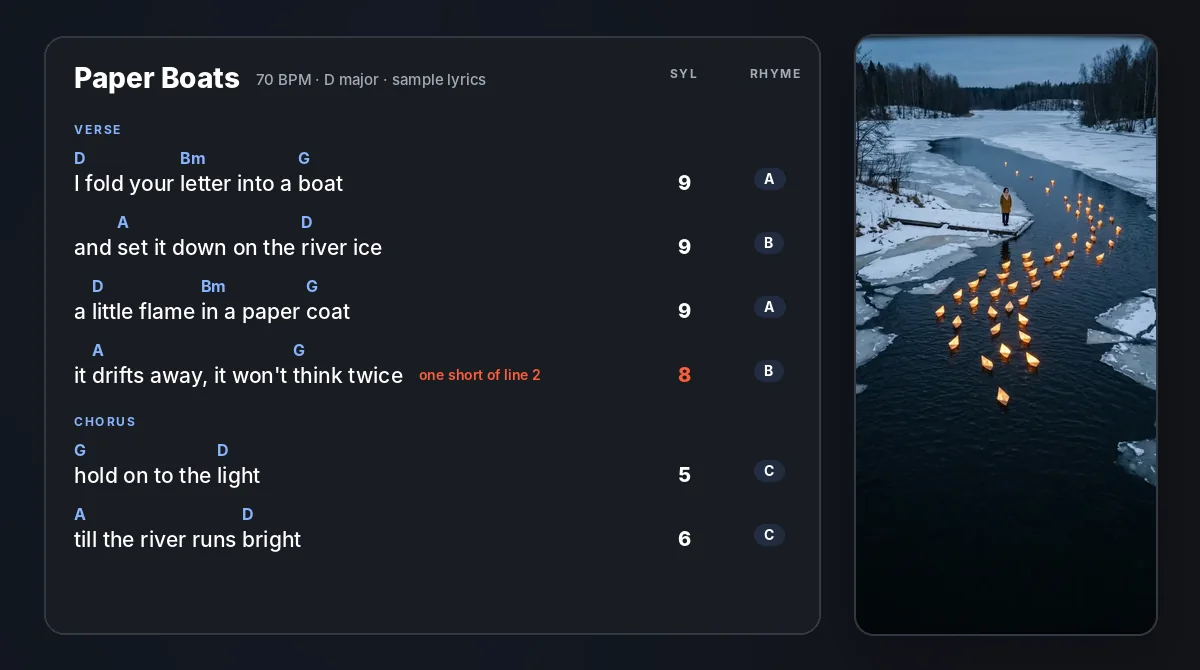
Your song and its lyrics become a music video: pictures drawn from what the words mean, and captions that follow your voice.
Learn moreOne photo of the singer becomes lip-synced performance shots inside a full video.
Learn more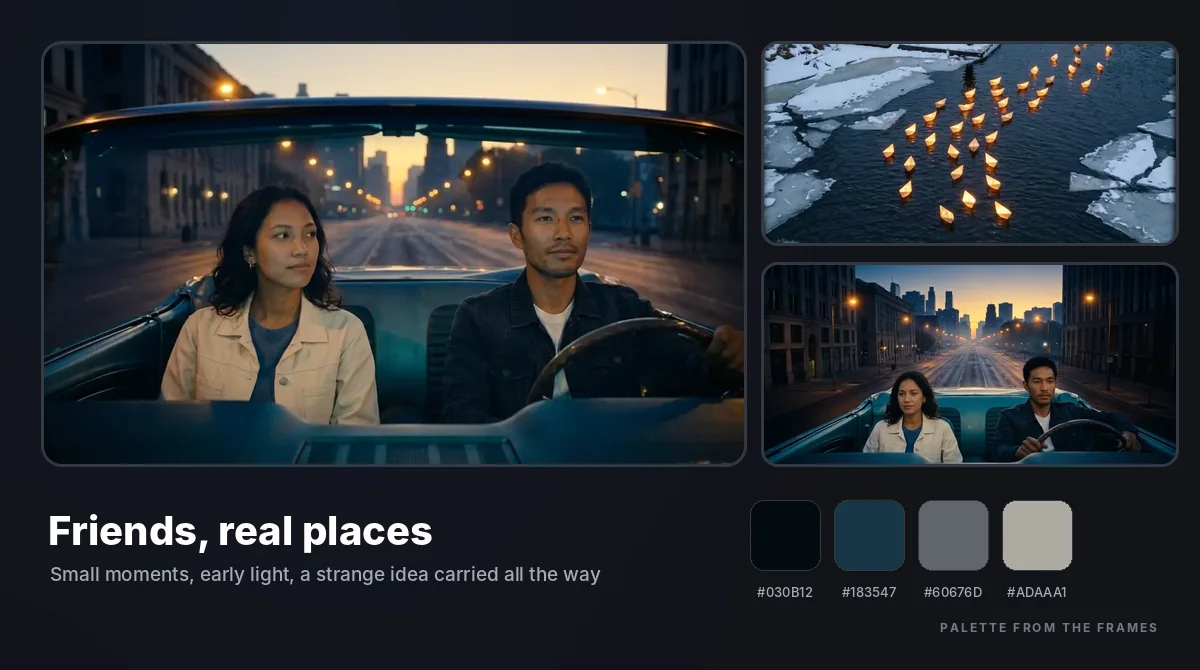
Indie rock, indie pop and bedroom pop videos set in real places and soft light, with shots that hold while your song builds.
Learn more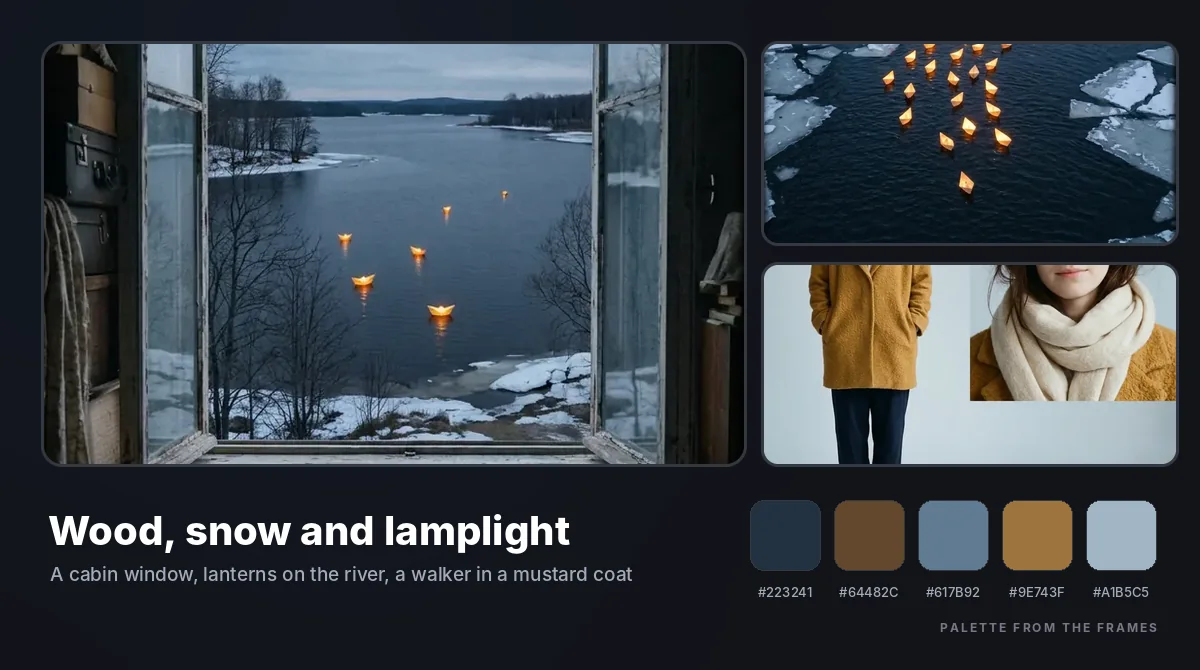
15 folk music video ideas for ballads, bands and singer-songwriters: a river ferry, a hillside wall, a harbor bar in a storm and a paper-cut valley.
Read the guideFolk songs set in places with a history: long holds through the verses, quicker cuts in the choruses and fast waltzes counted two bars at a time.
Learn moreUpload a track and get a free beat-synced storyboard in minutes. Render it when you are ready.
No card needed to start.





