
Words first, pictures in support
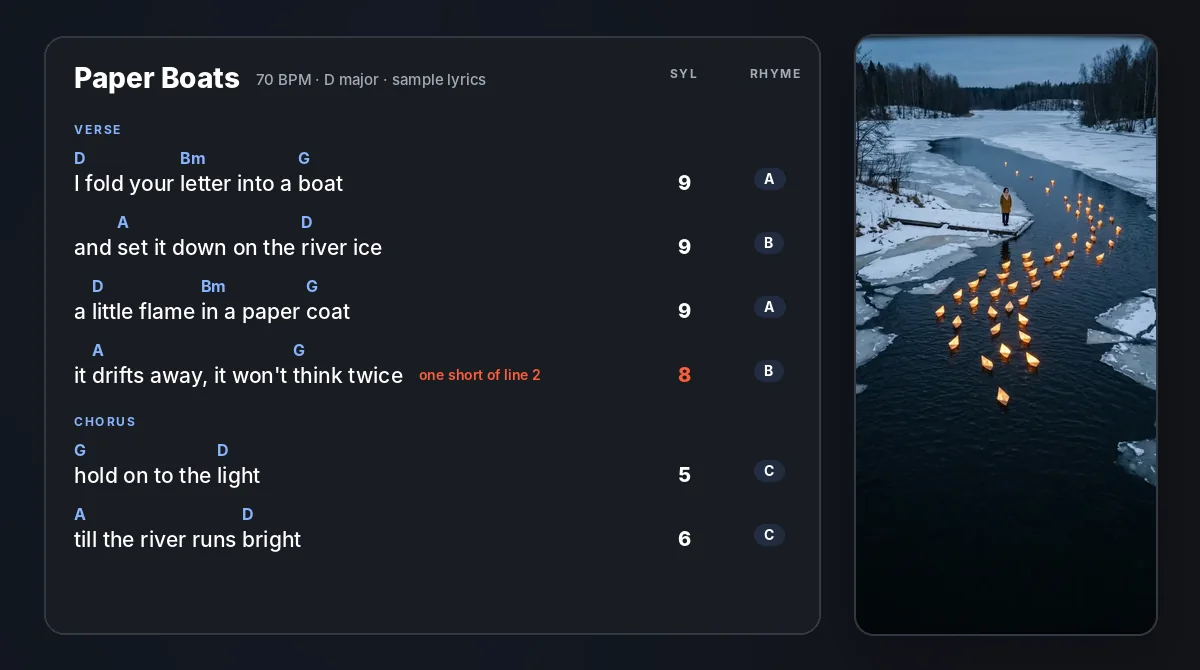
Lyric style, 16:9: calm frames with room for the captions, and one object from the chorus as the motif.
Turning lyrics into a video usually means one of two things: you want the words on screen, or you want the pictures to tell the story the words tell. Muvora does both from one thing you have to bring, the recorded song. Upload the track, paste the lyrics beside it, and the words are lined up with your voice, read for their meaning by the AI director and, if you want them, set as captions that light up as you sing. The storyboard is yours to read and change for free before anything renders.
Free to start · 5 storyboards a month · No card needed
Lyrics on their own don't make a Muvora video, and nothing here writes music for them. Every cut is placed on the beats found in your recording, every caption is timed against the voice in it, and that same file is the soundtrack of every export. So bring the track: MP3, WAV, M4A, AAC or FLAC, up to 8 minutes, with a pulse steady enough for the analysis to find a beat. A voice-and-guitar demo usually has one; a song sung freely with no beat at all may be turned away. If the words exist and the recording doesn't yet, a rough demo made at home will do (recording vocals at home covers the basics), and making a song with AI describes the generators some writers use, each under its own terms. Then paste the lyrics on the upload step as they're sung: every repeat written out, and no chord names or labels like Chorus, since each word you paste is matched to the voice.
See your song as a storyboard first
Upload the track and the AI director plans every shot on the beat in minutes. Edit anything for free; you only pay if you render.
The AI director reads the whole lyric before it writes a single shot, up to 200 lines of it, and treats it the way a director treats a script: for what the song is about, who is in it and where it happens, not as a list of nouns to draw. It knows which line is sung over each shot, but it doesn't illustrate them one by one. A song that keeps coming back to an unanswered phone might get a phone face down on a counter in the first verse and ringing in an empty apartment by the last chorus; a line about leaving town becomes a packed car waiting at a red light, not a picture of the word. Play the storyboard against the song and rewrite any shot whose picture fights the line under it, by hand or with Rewrite with AI, before you spend a credit. Choose Lyric for calm frames that leave room for the words, Story for a cast and places that act the song out, or Performance to sing it yourself from one photo. The pictures are drawn without lettering, so your lyrics aren't painted onto walls, signs or screens: the only text on screen is the captions, if you switch them on. Still writing? See how to write a hook and how to write rap lyrics.
The Lyric style starts with captions on; in the others you switch them on in the storyboard's settings. They're burned into the video as karaoke captions, a short phrase at a time, each word turning from white to yellow as it's sung, and they're set again at the right size for the vertical and square cuts. Their timing comes from your vocal, word by word. Pasted lyrics keep your spelling; without them the vocal is transcribed, which can mishear a name, a slang word or a line buried in a dense mix. Captions appear on every export except the 8-second Canvas, which stays free of text as Spotify's guidelines ask. Two limits are worth knowing: captions are drawn for lyrics in the Latin alphabet, with none yet for Japanese, Korean or Chinese, and explicit words appear exactly as you wrote them, because lyrics are never filtered. If what you need is a timed lyric file for a distributor rather than a video, tap one out in the free LRC maker, and how to make a lyric video walks through the whole format.
Each card opens the upload with a style and a way of reading your words already in the idea box. Paste your lyrics on the upload step, then swap in the places and people your song names before the storyboard is written.
Lyric style, 16:9: calm frames with room for the captions, and one object from the chorus as the motif.
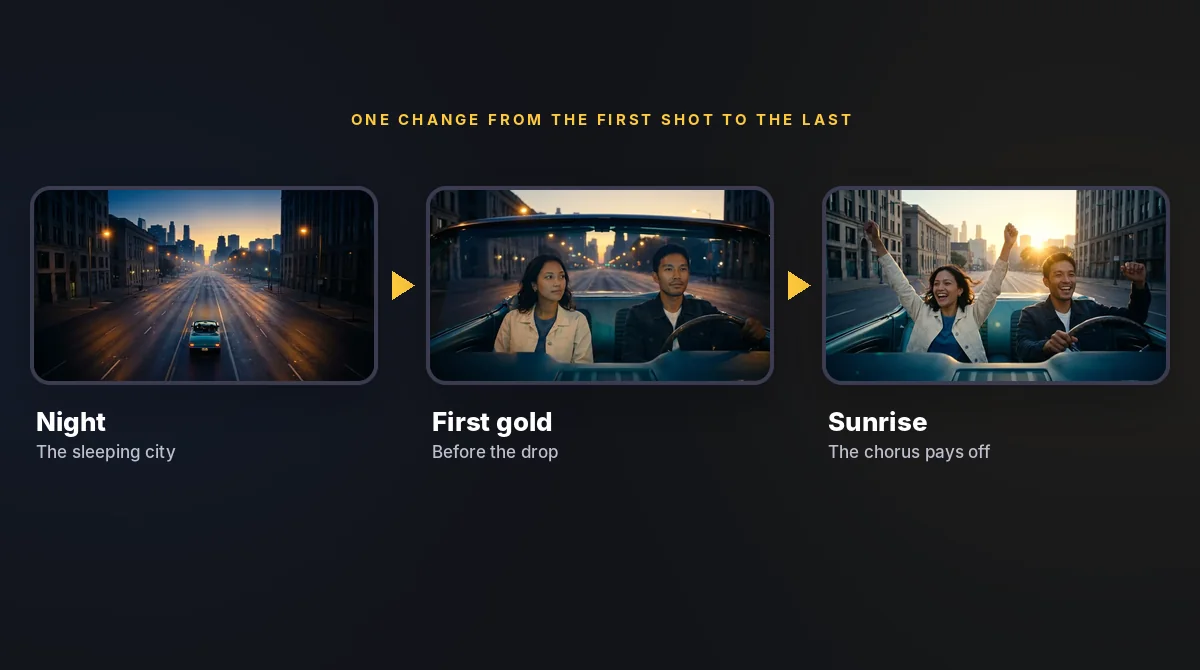
Story style, 16:9: one lead and the few places the lyrics name, acted out verse by verse.

Performance style, 9:16: you sing the song from one photo, and the verses cut to what the lyrics name.
Drop in an MP3, WAV, M4A or FLAC up to 8 minutes. Muvora finds the tempo, the beats, the downbeats and the sections of your song, like intro, verse and chorus.
An AI director writes a shot-by-shot plan timed to your downbeats. Rewrite any prompt, drag a cut (it snaps to the beat) or ask AI to redo a shot. None of it costs anything.
See the final price, then render. Pick Visualizer, Standard or Cinematic quality. If a shot fails, its credits come straight back.
Free storyboard in minutes. No card needed.
Can't find what you need? Start a free storyboard and see for yourself.
No. Muvora needs the recorded song: its beats place the cuts, its vocal times the captions, and it's the soundtrack of every export. Muvora doesn't make music, so if you only have the words so far, record a demo first, even just your voice and one instrument, and upload that.
The vocal is transcribed instead, and the director and the captions work from that transcript. It's quicker, but a transcript can mishear slang, names or a word buried under the instruments, so paste the lyrics whenever the spelling matters.
Not line by line. The director reads the lyrics for what they mean and builds a concept, a cast and a handful of places from them, the way a music video director works from a script. If a particular line deserves its own picture, rewrite that shot's prompt in the storyboard before you render; editing is free.
No. The pictures are drawn without lettering, so words don't appear on walls, signs or screens, and if a stray scrap of text turns up in a shot you can re-roll it. The only text in the video is the karaoke captions, which you switch on or off before rendering.
Lyrics written in the Latin alphabet, such as English, Spanish, French, Portuguese or German. Japanese, Korean and Chinese lyrics can't be captioned yet, so render those songs with captions off and add subtitles on the platform or in your own editor; the rest of the video is planned as usual.
Planning is free: reading and editing the storyboard costs nothing, and the free plan makes 5 new storyboards a month. Rendering is priced per finished second, 38 credits in Visualizer, 60 in Standard and 110 in Cinematic, and captions add nothing to it. A 3-minute song in Visualizer is 6,840 credits, and your exact total is shown before you press Generate.

Karaoke-style captions timed to your vocals, over AI visuals.
Learn moreSing-along lyric videos of the full song, each word lighting up as it is sung.
Learn moreTimed lyrics, readable captions and visuals behind the words, for YouTube and vertical feeds.
Read the guidePlay your song, tap along to stamp each lyric line, and export an LRC, SRT or WebVTT file.
Open the tool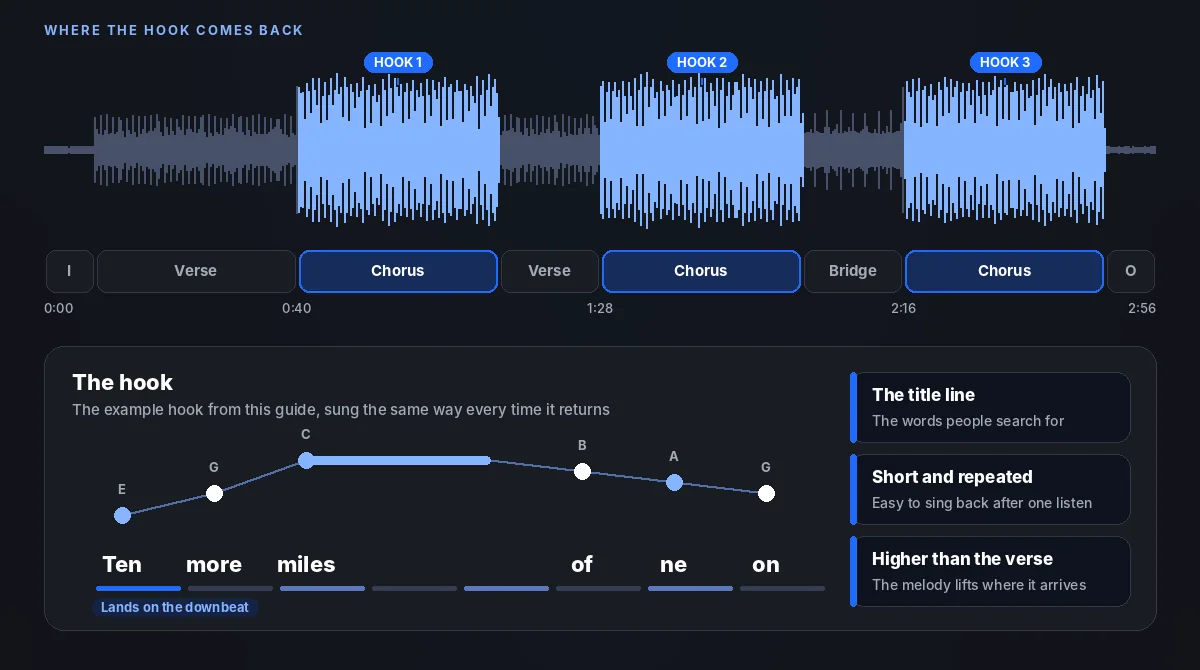
What a hook is and how it differs from a chorus, where hooks sit, the lyric, melody, rhythm and riff kinds, what makes one stick and how to test yours.
Read the guide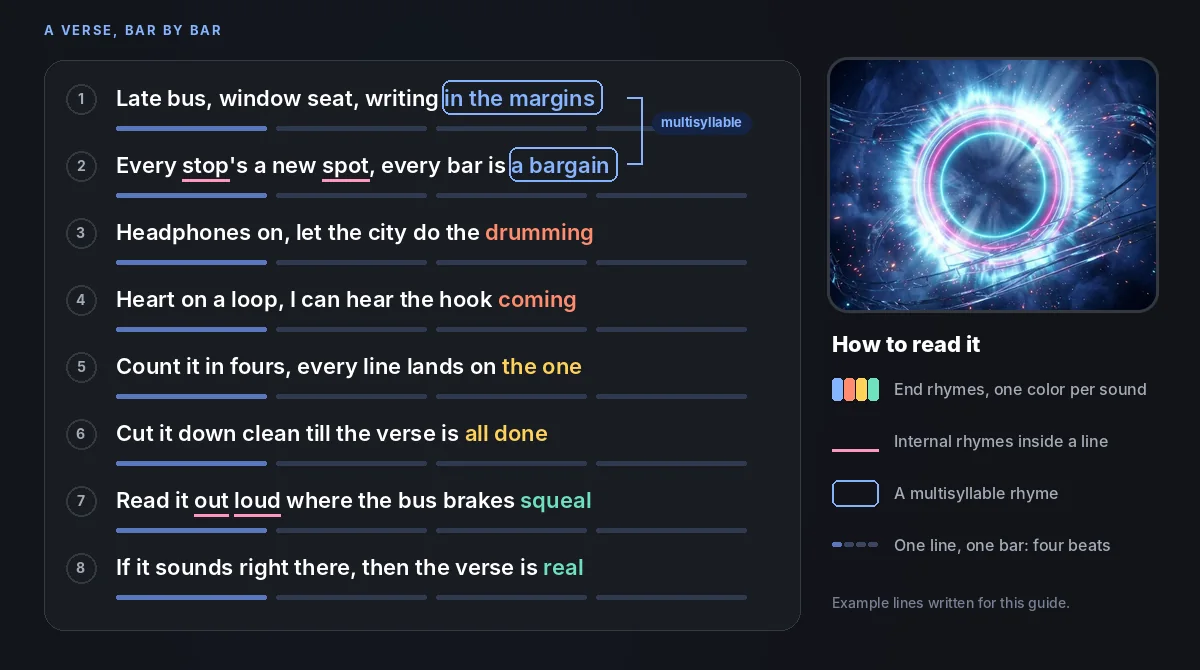
Bars counted over the beat, the 16-bar verse, flow and cadence, end, internal and multisyllable rhymes, punchlines, a story that moves and the edit.
Read the guideWords that rhyme with any word or phrase: perfect, near and multi-syllable rhymes, grouped by syllables, common words first.
Open the toolConvert timed lyrics between LRC, SRT and WebVTT, and shift every line earlier or later.
Open the tool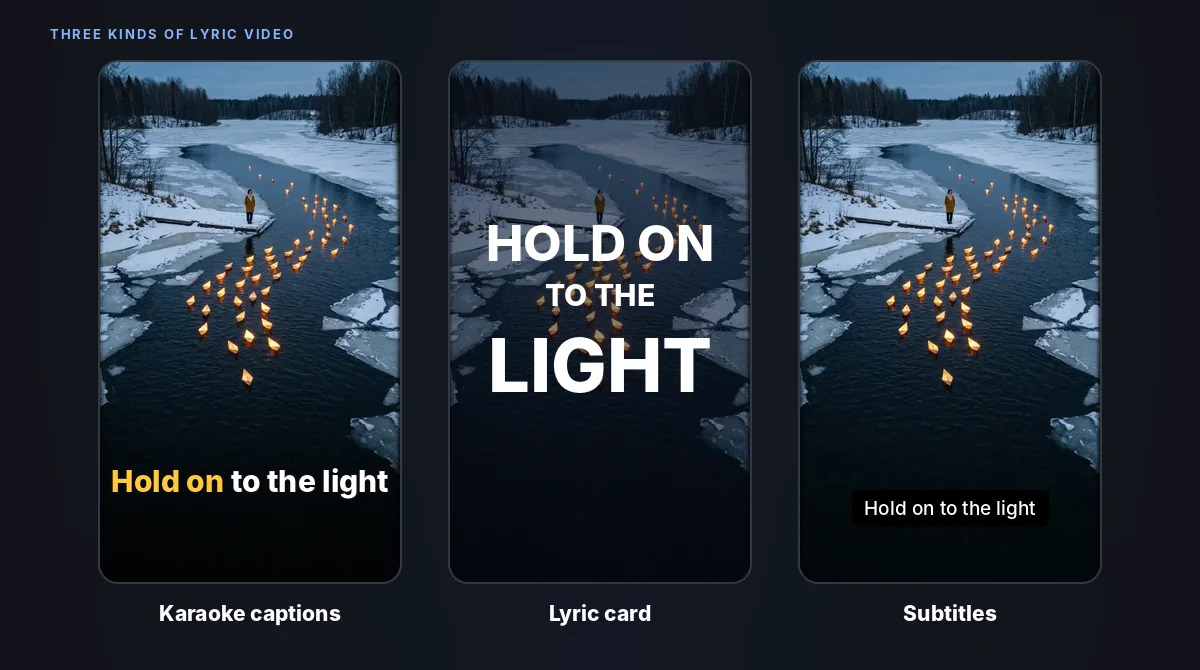
Seven lyric video makers compared on timing and what sits behind the words, and why Muvora is our pick for a lyric video made from your song.
Read the guide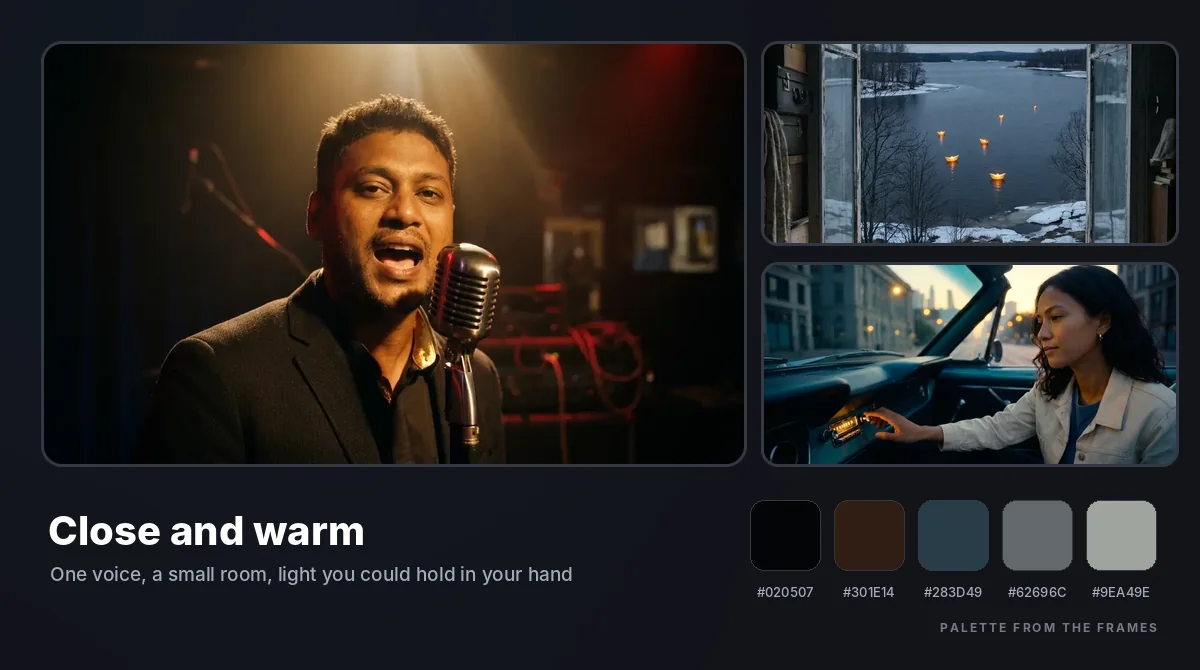
Acoustic songs in daylit rooms and quiet places, with shots that hold for the line and your voice lip-synced from one photo.
Learn more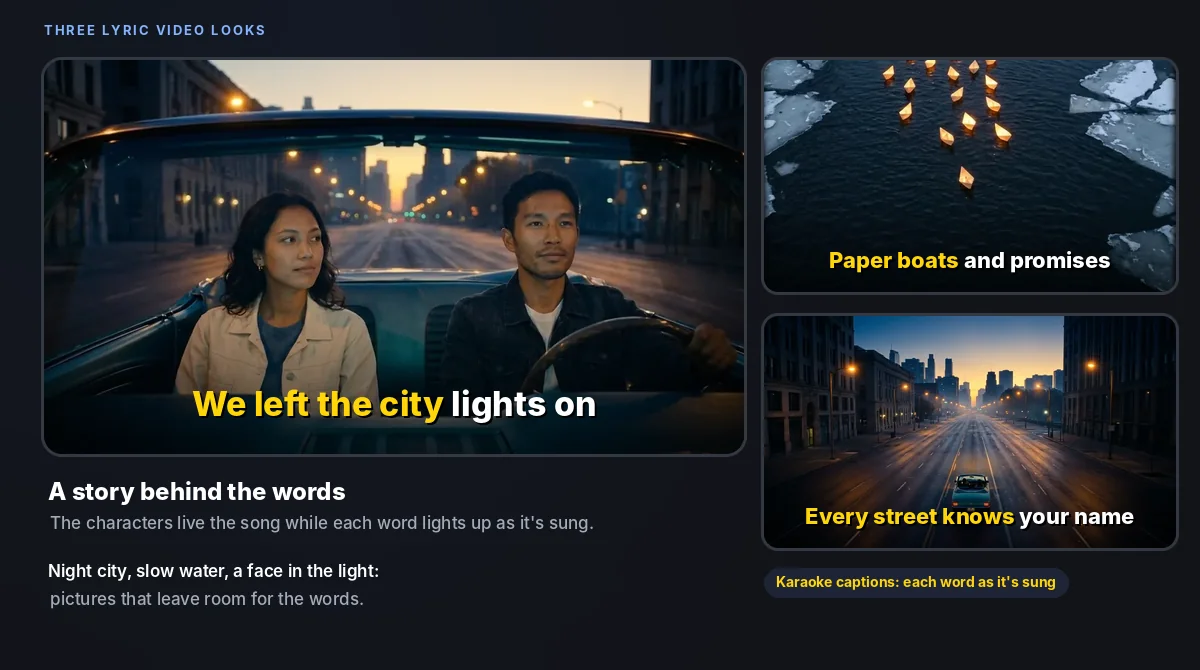
16 lyric video ideas, from a darkroom at night to an ice sculpture melting at dawn, with the pictures planned so the captions stay easy to read.
Read the guideUpload a track and get a free beat-synced storyboard in minutes. Render it when you are ready.
No card needed to start.





