
Kitchen table, one lamp
Performance style, lo-fi look: you sing at the table late at night, and the verses visit the places in the song.
A song written alone at a kitchen table or a piano doesn't need explosions or a cast of fifty. It needs the singer's face when the line lands, a few rooms and roads from the story, and cuts that wait for a phrase to finish. If you write and sing your own songs, upload the recording and Muvora plans a video on its downbeats, with you singing the sung lines from one photo or the lyrics carrying it, in a storyboard you can rework for free.
Free to start · 5 storyboards a month · No card needed
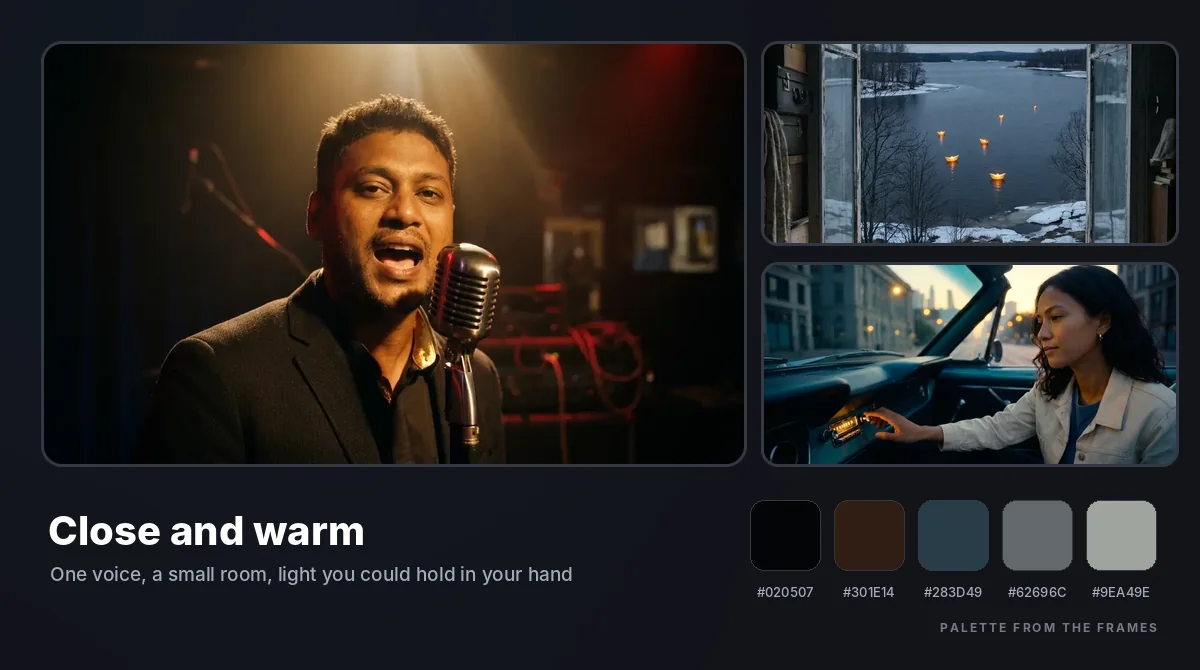
With the Performance style you upload one clear, front-facing photo of yourself (JPEG, PNG or WebP, at least 512 pixels on its shorter side) and tick the consent box. Muvora separates your voice from the guitar or piano, finds where you sing, and lip-syncs those shots chest or waist up so the mouth reads: every sung shot of a chorus, and the sung shots in the second half of each verse, so a verse opens on the story and builds to you. You can turn up in the other shots too, not singing: tuning by a window, walking to a late bus. One honest limit: AI video draws fingers on strings and keys loosely, so keep the instrument low in the frame or out of the close shots; it's the voice that lines up, not the chords.
See your song as a storyboard first
Upload the track and the AI director plans every shot on the beat in minutes. Edit anything for free; you only pay if you render.
Story songs, list songs and songs with a twist in the last verse live or die on the words, and the Lyric style is built for them: calm pictures composed with room for karaoke captions, a phrase of up to seven words at a time, each word turning yellow as you sing it. Paste the lyrics with the upload and the captions keep your spelling, aligned to your own vocal. The director reads them for meaning rather than illustrating every line, so a song about your father's workshop gets the workbench, the radio and the dust in the window light. The acoustic music video ideas guide has more concepts built on a voice and one instrument.
Acoustic songs and piano ballads are often slow, and the planner gives them time. At 70 BPM a bar lasts about 3.4 seconds, so a quiet verse holds about two bars, close to 7 seconds, and no shot runs past 8. The lo-fi look stretches every shot by about a third, which suits a sparse first verse; when the band comes in on the last chorus, shots shorten to a bar or less, and every section change is still a cut. Write the light into the idea: one pendant lamp over a kitchen table, a church hall's high windows, a motel bedside lamp, rain on a train window at dusk. If you're recording a new take for the video, the chord transposer moves a chord sheet into a key that suits your voice, with capo shapes.
Each card opens the upload with a style, the lo-fi look and an idea in the box, ready for a voice and one instrument. Rewrite the rooms and the story to match your song before you render.
Performance style, lo-fi look: you sing at the table late at night, and the verses visit the places in the song.

Lyric style, lo-fi look, 9:16: slow winter shots with room for the captions.

Story style, lo-fi look: one winter weekend back in the town she grew up in, told verse by verse.
Drop in an MP3, WAV, M4A or FLAC up to 8 minutes. Muvora finds the tempo, the beats, the downbeats and the sections of your song, like intro, verse and chorus.
An AI director writes a shot-by-shot plan timed to your downbeats. Rewrite any prompt, drag a cut (it snaps to the beat) or ask AI to redo a shot. None of it costs anything.
See the final price, then render. Pick Visualizer, Standard or Cinematic quality. If a shot fails, its credits come straight back.
Free storyboard in minutes. No card needed.
Can't find what you need? Start a free storyboard and see for yourself.
Yes. Choose Performance, upload one clear photo of your face and tick the consent box, and the sung shots are lip-synced to your recording. The singing seconds are priced at 75 credits each and the rest at your chosen quality's rate, all shown before you render.
It can, if you write the instrument into the idea box, but AI video draws hands on strings and keys loosely, so the fingers won't match your chords. It works best to keep the instrument at the edge of the frame and the camera on your face, where the lip sync carries the performance.
Story, if the verses follow people: the director invents the cast and keeps each one the same with a character sheet. Lyric, if listeners should read every word. Performance, if your face is the point. Storyboards are free, so make the same song in two styles and keep the one that fits.
Usually: a strummed guitar or a piano's left hand marks the pulse clearly enough to find the tempo, downbeats and sections. A song played freely with no steady pulse may not get a beat grid at all, and the analysis says so instead of guessing. Where a cut lands badly, drag it in the editor and it snaps to the beat.
For a 3-minute song that's 6,840 credits in Visualizer, 10,800 in Standard or 19,800 in Cinematic, with any lip-synced seconds at 75 each in place of the quality's rate. Faces in close-up show their detail best at Standard or Cinematic, and the total for your song appears before you generate.
Yes. One 16:9 render gives you the YouTube video, a vertical cut for Shorts and Reels, a square post and an 8-second Canvas loop for Spotify, none with a watermark. Muvora claims no ownership of what you render; you need the rights to the song, which as its writer and performer you usually hold unless you've signed them to a label or publisher.
14 concepts for a voice and a guitar or piano: one-room performances, quiet stories and lyric videos, with how to pace a slow song.
Read the guidePaste a chord sheet and move it to any key, spelled for that key, with chords kept over the lyrics and the capo shapes to play.
Open the toolA singer made from one photo, lip-syncing to your vocals where the song is sung.
Learn moreKaraoke-style captions timed to your vocals, over AI visuals.
Learn moreSoft rain, warm lamps and slow shots for late-night calm.
Learn more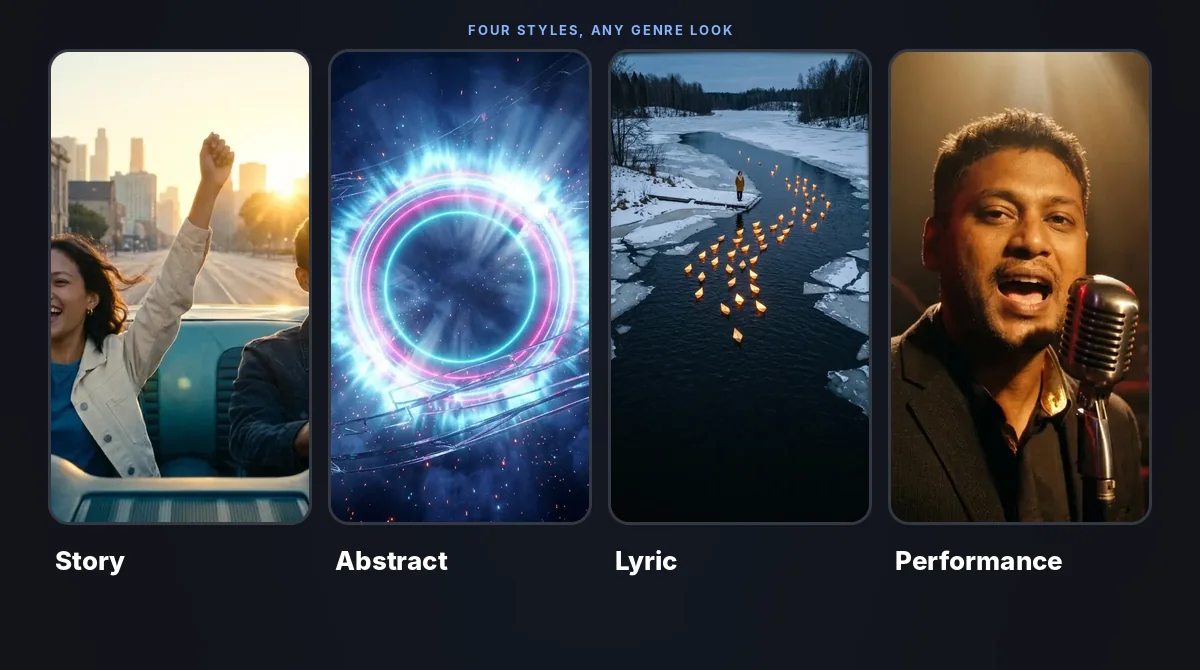
A music video for a track from any AI music tool: download the file, add the lyrics you wrote, edit a free storyboard.
Learn moreTune a guitar, bass or ukulele with your microphone: the note, the cents off and the nearest string, in standard or alternate tunings.
Open the tool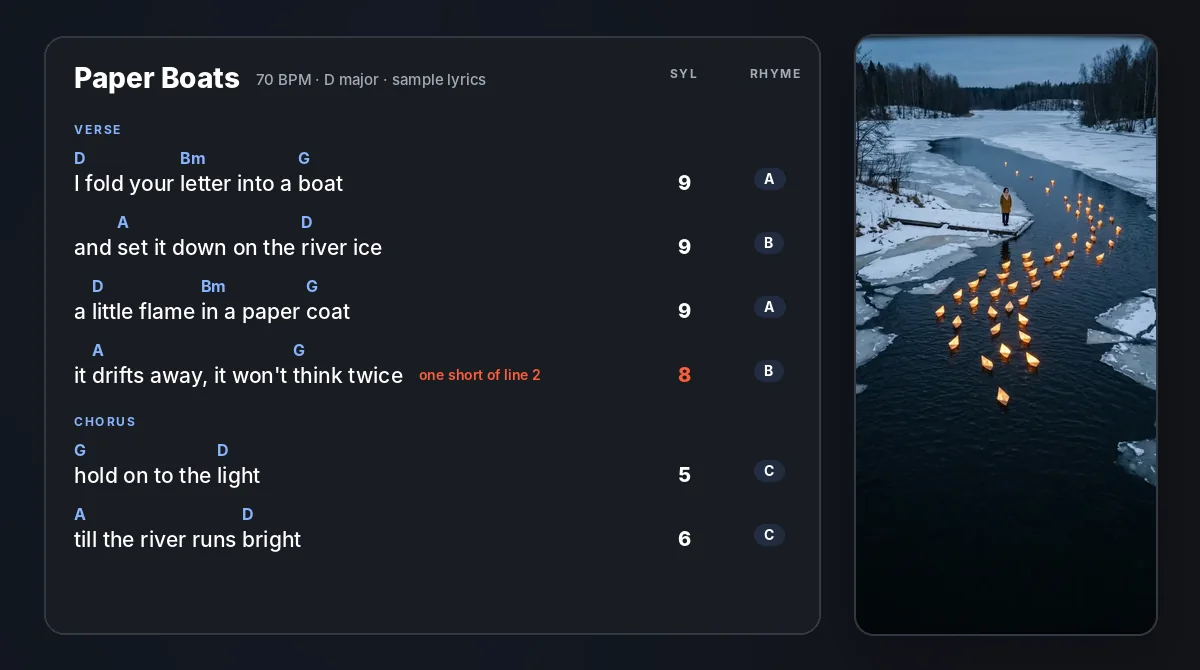
From a title or hook to a finished demo: the form, the chorus, chords, melody, lyrics that fit, rhyme, the bridge and splitting it with co-writers.
Read the guide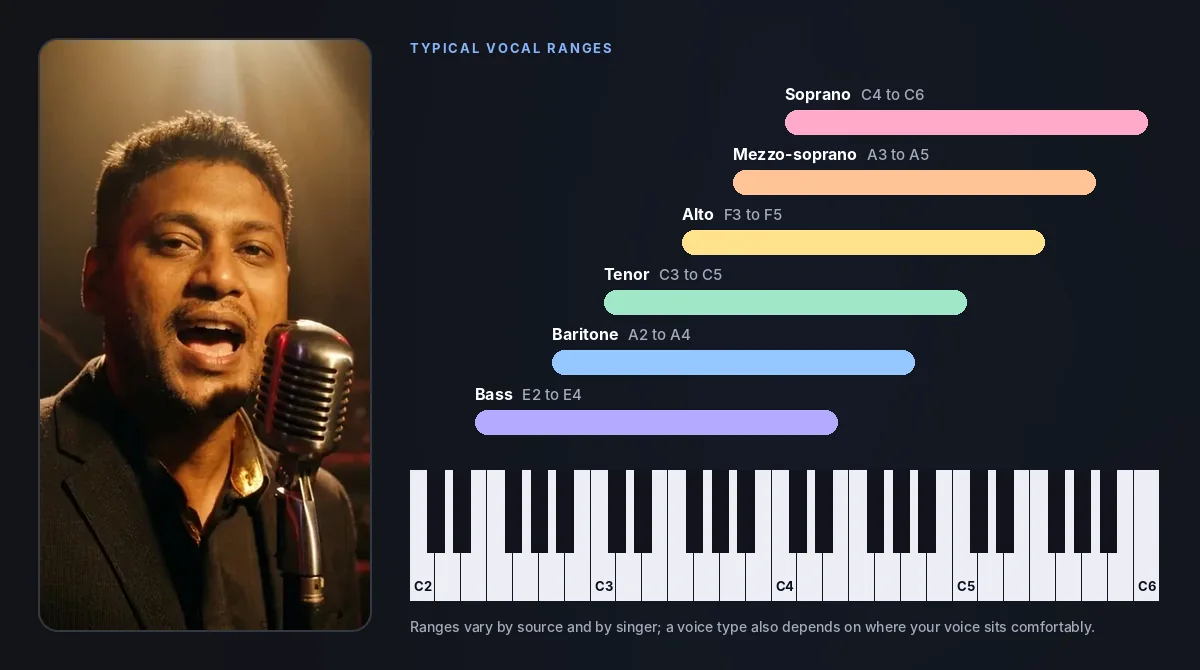
Find your lowest and highest clear notes, see where they sit among the voice types, pick song keys that suit you and put your voice in a video.
Read the guide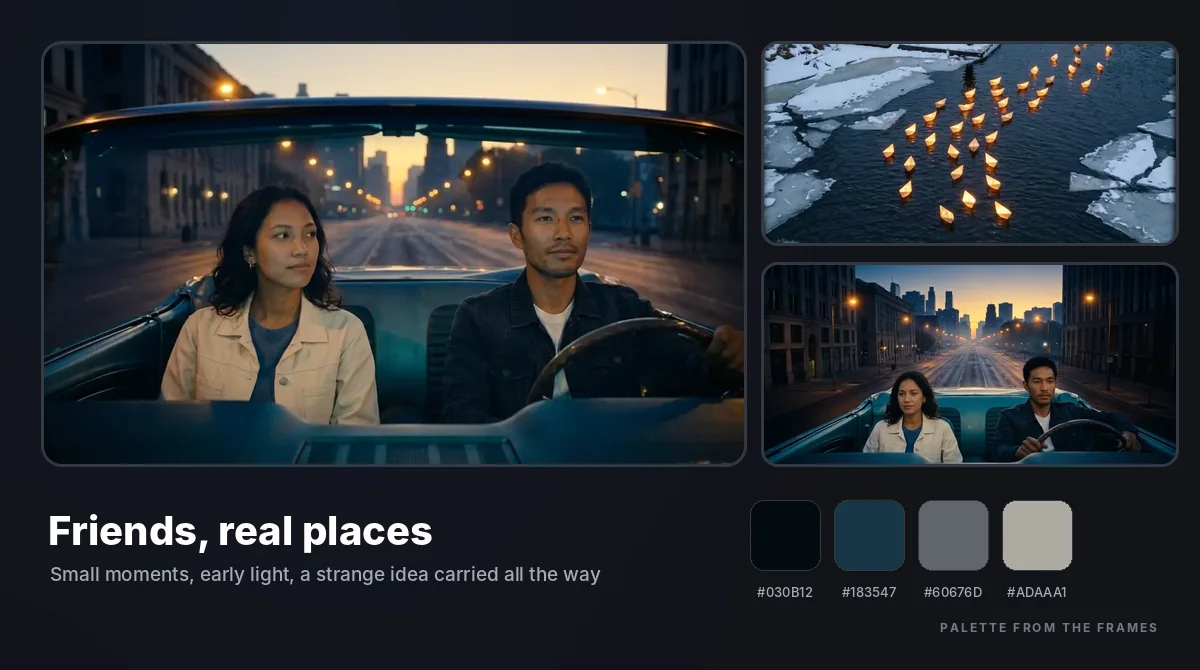
Indie rock, indie pop and bedroom pop videos set in real places and soft light, with shots that hold while your song builds.
Learn moreAcoustic songs in daylit rooms and quiet places, with shots that hold for the line and your voice lip-synced from one photo.
Learn more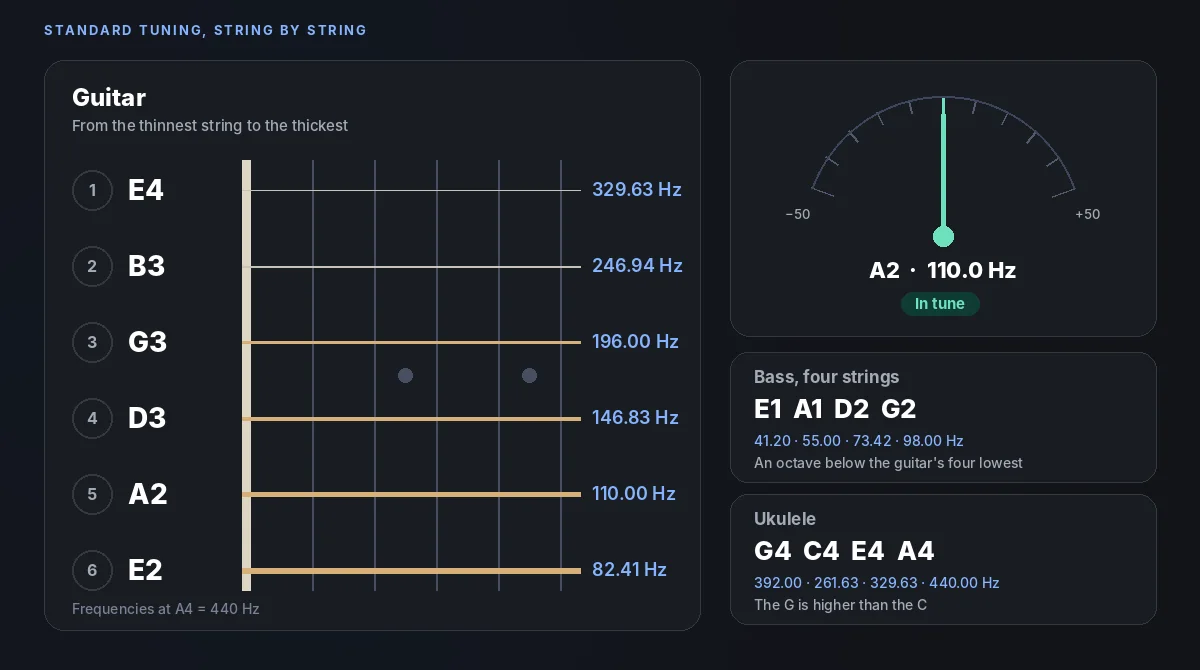
Standard tuning's notes and frequencies, tuning with a tuner or by ear, harmonics, new strings, alternate tunings, a capo and intonation.
Read the guide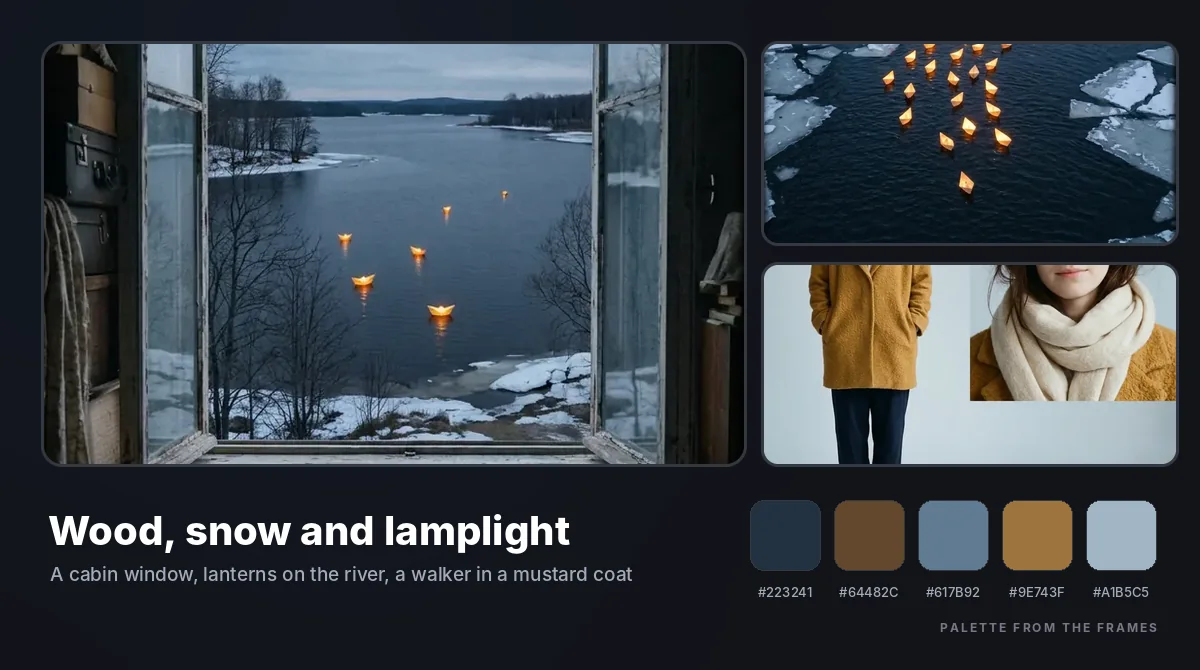
15 folk music video ideas for ballads, bands and singer-songwriters: a river ferry, a hillside wall, a harbor bar in a storm and a paper-cut valley.
Read the guideFolk songs set in places with a history: long holds through the verses, quicker cuts in the choruses and fast waltzes counted two bars at a time.
Learn more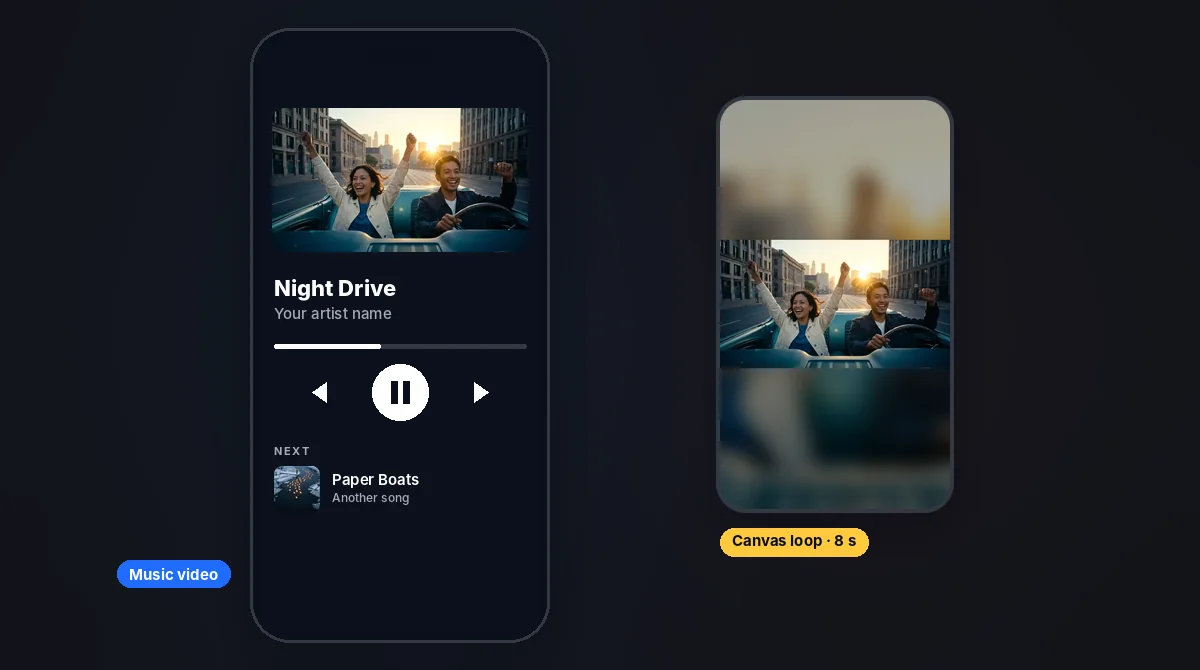
The 16:9 video Spotify asks for, with captions off, and the Canvas and vertical clips from the same render. Your distributor or Spotify for Artists does the delivery.
Learn moreUpload a track and get a free beat-synced storyboard in minutes. Render it when you are ready.
No card needed to start.



