
One night drive, lit by the city
Story style, pop look: two friends cross a sleeping city, every shot lit by streetlights, shop windows or the dashboard.
Cinematic is the top of Muvora's three qualities, and it changes two things: every shot's first frame is drawn at a higher resolution, and every clip is made at 1080p instead of being scaled up to it. Most of what makes a video feel like film is settled before that, for free, in the storyboard: where the light comes from, one palette, a camera that moves slowly and on purpose. Read and edit the storyboard first, see its price in all three qualities, then decide whether this song needs Cinematic.
Free to start · 5 storyboards a month · No card needed
A render starts with a still keyframe for every shot, then animates each keyframe into a short clip. In Cinematic those keyframes are drawn at a higher resolution, so a face, a knitted sleeve or rain on a windshield carries more detail into the video, and the clips themselves are made at 1080p. Visualizer and Standard make their clips at a lower resolution, and their 1080p export is those clips scaled up, which the editor's settings label “1080p, scaled up”: fine on a phone, softer in fine detail on a television. Everything else is the same in all three: the cuts the planner puts on your downbeats, the story and its characters, the check on every keyframe, and the exports (MP4 with H.264 video at 24 frames a second and your song as the AAC soundtrack; a 16:9 render also gives a 9:16 cut, a square and an 8-second Canvas). Cinematic costs 110 credits a finished second, against 60 for Standard and 38 for Visualizer, so a 3-minute song comes to 19,800 credits.
See your song as a storyboard first
Upload the track and the AI director plans every shot on the beat in minutes. Edit anything for free; you only pay if you render.
More pixels don't make a frame look like a film on their own; light, color and a steady camera do, and Muvora's AI director writes those into every shot before you pay for anything. The brief sets one palette and one mood for the whole song. Each shot names where its light comes from, such as a sodium streetlight, a fridge glowing in a dark kitchen or low sun through blinds, and the camera's pace follows the shot's intensity: a slow push-in in a quiet verse, a quicker move as the chorus lands. The director also steers clear of stock effects such as lens flares and beams through haze. You can change any shot's framing, camera move and prompt in the editor, and the style frames (an establishing shot, the chorus's hero shot and a character sheet) show the look before you render. Two things Muvora doesn't add are letterbox bars and film grain. For a 2.39:1 widescreen look, crop the 16:9 export in your editor (a 1920 x 1080 frame keeps about 1920 x 803) and see what the crop trims with the aspect ratio calculator. The guide to making a music video look cinematic goes further, and the lighting, camera movement and color palette guides give you the words for each.
Cinematic costs the most per second, so spend it where the extra detail will be seen: the single you'll push hardest, a song built on close-ups and slow shots that hold long enough to be studied, a video that will play on a television or a big screen. Standard also makes every shot as AI video with consistent characters, and its scaled-up 1080p holds up on a phone screen, especially in a fast-cut rap video or a lyric video where no shot stays up longer than a bar. One storyboard renders in one quality, so a common plan is the whole song in Standard or Visualizer and a 30- to 60-second Cinematic version of the chorus as its own upload: cut it on the bar lines with the free audio cutter, and paste the same idea so the director starts from the same look. The editor's quality cards price your exact storyboard in each quality, so you can switch right up to Generate, and the cost calculator gives a rough figure before you upload. Shots that fail to render cost nothing, and re-rolls are free up to 10% of the video's length.
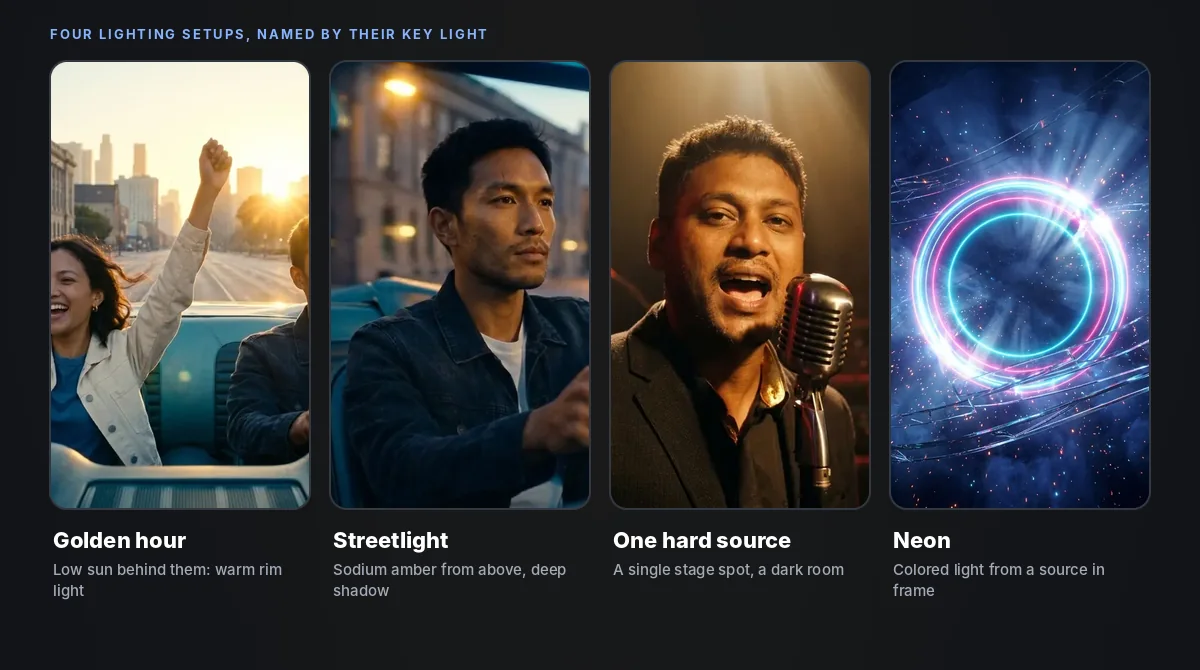
Each card opens the upload with a style and an idea written the way a cinematographer talks: where the light comes from, the palette and how the camera moves. Change the places and people to your own, then pick Cinematic on the storyboard's quality cards.
Story style, pop look: two friends cross a sleeping city, every shot lit by streetlights, shop windows or the dashboard.

Story style, lo-fi look: one apartment through one evening, lit by a desk lamp and the blue of the window.

Performance style: your photo sings in a dark room lit from one side, with story shots between the choruses.
Drop in an MP3, WAV, M4A or FLAC up to 8 minutes. Muvora finds the tempo, the beats, the downbeats and the sections of your song, like intro, verse and chorus.
An AI director writes a shot-by-shot plan timed to your downbeats. Rewrite any prompt, drag a cut (it snaps to the beat) or ask AI to redo a shot. None of it costs anything.
See the final price, then render. Pick Visualizer, Standard or Cinematic quality. If a shot fails, its credits come straight back.
Free storyboard in minutes. No card needed.
Can't find what you need? Start a free storyboard and see for yourself.
A video rendered in Cinematic, Muvora's highest-quality setting: each shot's keyframe is drawn at a higher resolution and each clip is made at 1080p, for 110 credits a finished second. The storyboard, the cuts on your beat and the export shapes are the same as in the other two qualities.
For a lead single, close-ups, slow shots and anything shown on a television or a big screen, the extra detail shows. For vertical clips and fast cuts watched on a phone, Standard is often enough. The editor prices your storyboard in both, so you can compare before you pay.
No. It makes the pictures from the storyboard, and their look comes from the brief's palette and each shot's light. Muvora doesn't take footage you filmed, so there's nothing to grade, and it adds no grain or bars: crop to 2.39:1 or add grain in your own editor after you download.
Every clip the Cinematic model makes is. Two exceptions: lip-synced shots in a Performance video come from a separate lip-sync step, priced at 75 credits a second in any quality, whose clips are made below 1080p and scaled to fit; and a shot that fails on the Cinematic model is retried on another model rather than left out, so it can arrive at a lower resolution.
MP4 files with H.264 video at 24 frames a second and your song as AAC audio, at 720p or 1080p. A 16:9 render gives 16:9, 9:16 and 1:1 versions plus an 8-second Canvas loop; a 9:16 render gives the vertical, square and Canvas files.
A 3-minute song is 19,800 credits in Cinematic, against 10,800 in Standard and 6,840 in Visualizer. Reading and editing the storyboard is free (the free plan makes 5 new ones a month), the exact price is shown before you press Generate, and a shot that fails costs nothing.
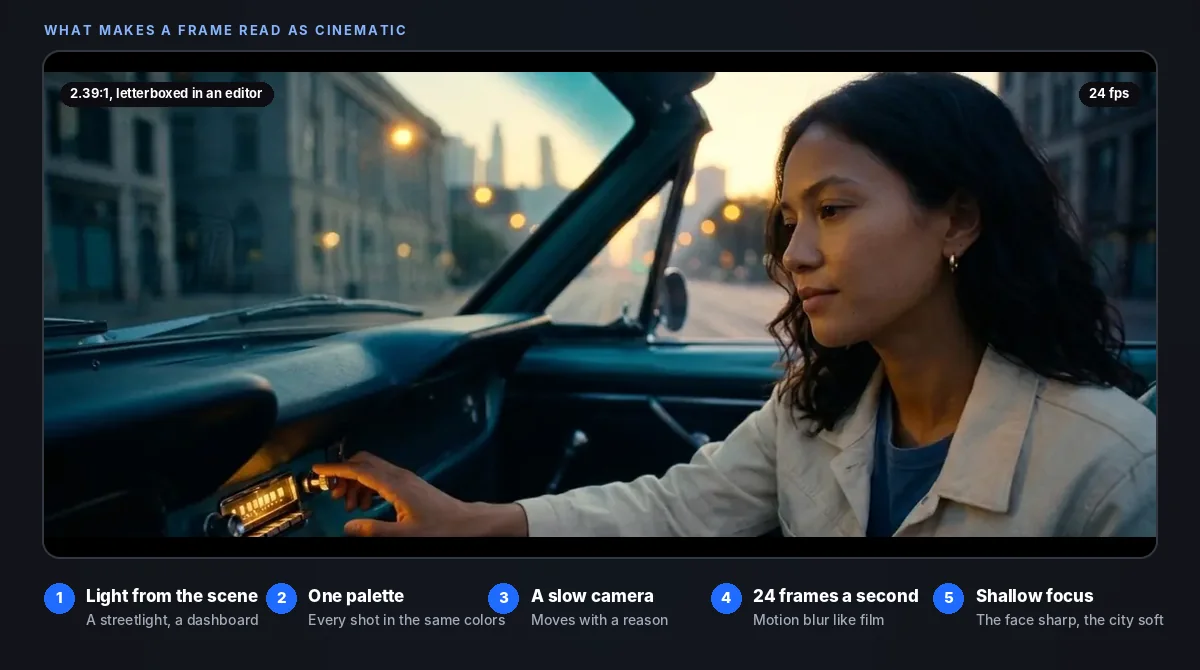
What makes a music video read as cinematic, and how to get it on a phone shoot or in an AI storyboard: light, depth, focus, movement, 24 fps and the grade.
Read the guideLighting setups and ideas for music videos: key, fill and back light, practicals, golden hour, neon, haze and one-light looks.
Read the guide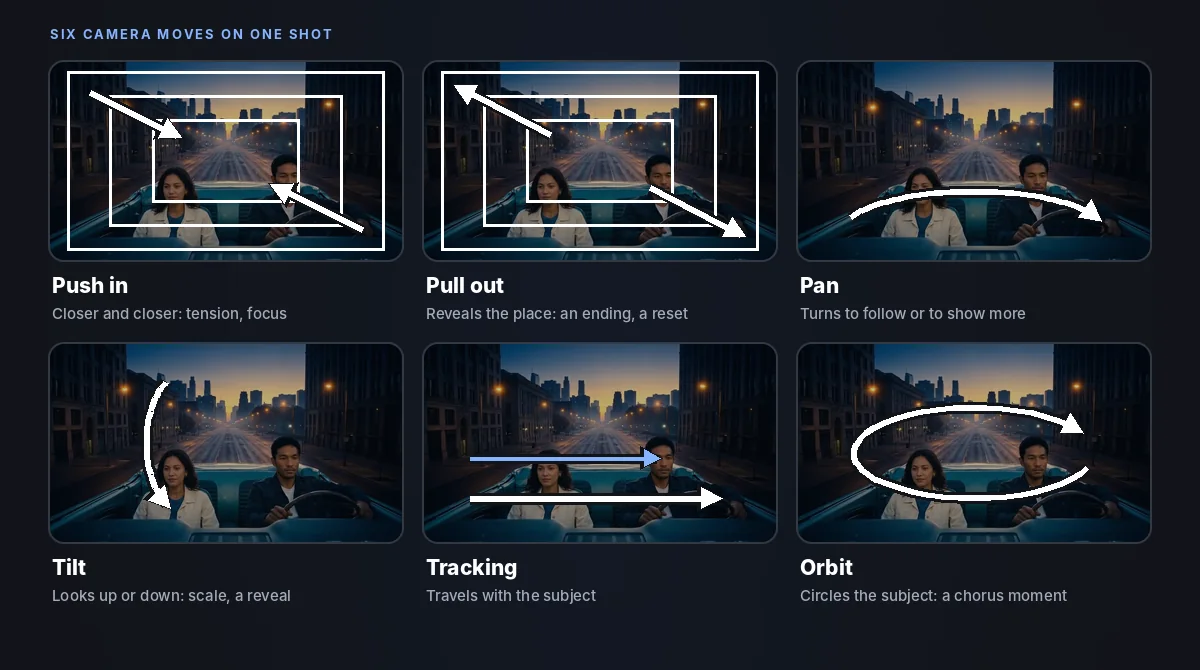
Every camera move a music video uses, what each one does to the viewer and where it belongs in the song.
Read the guide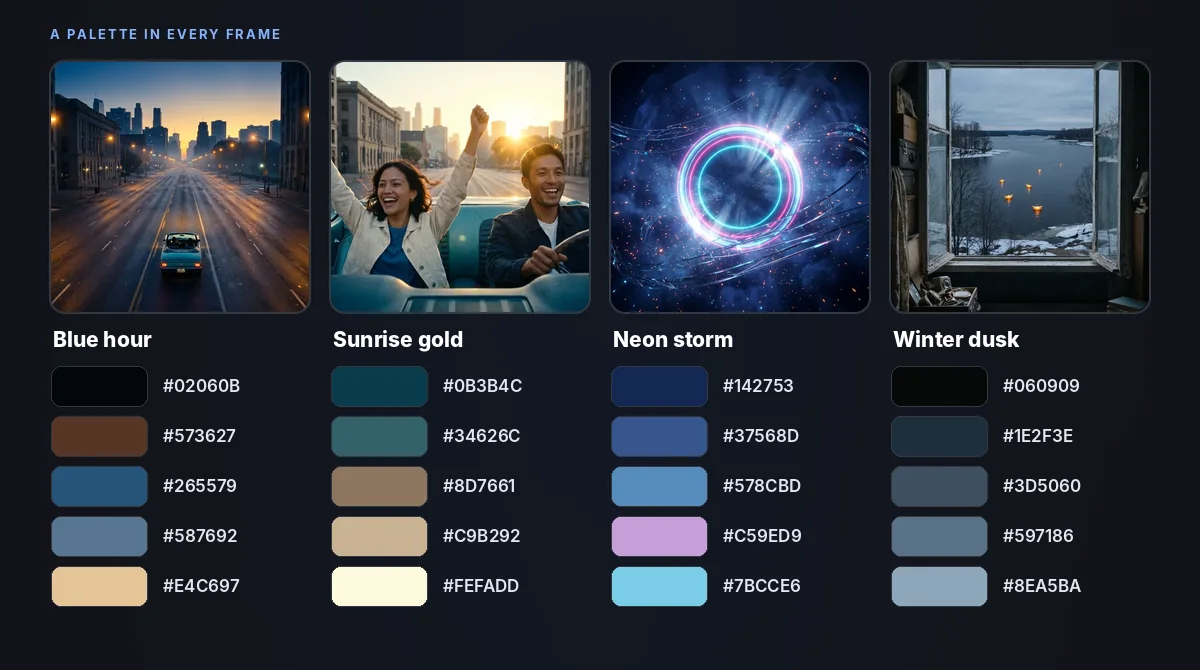
Example palettes by mood and genre with hex codes, warm and cool light, color schemes in plain words, and how the colors should grow into the chorus.
Read the guide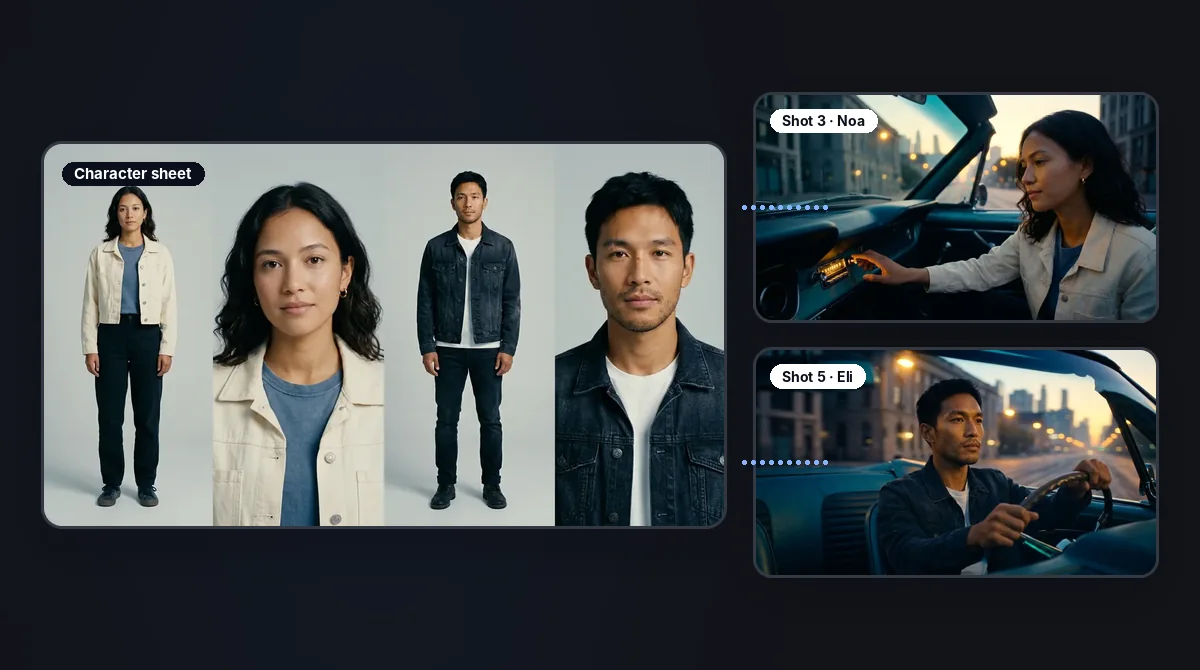
The same faces, clothes and props in every shot: a character sheet first, every keyframe checked against it.
Learn moreYour song's length and quality in, the credits and the plan or pack that covers it out.
Open the toolAn image prompt and a motion prompt for any shot, checked for the mistakes that ruin AI video.
Open the tool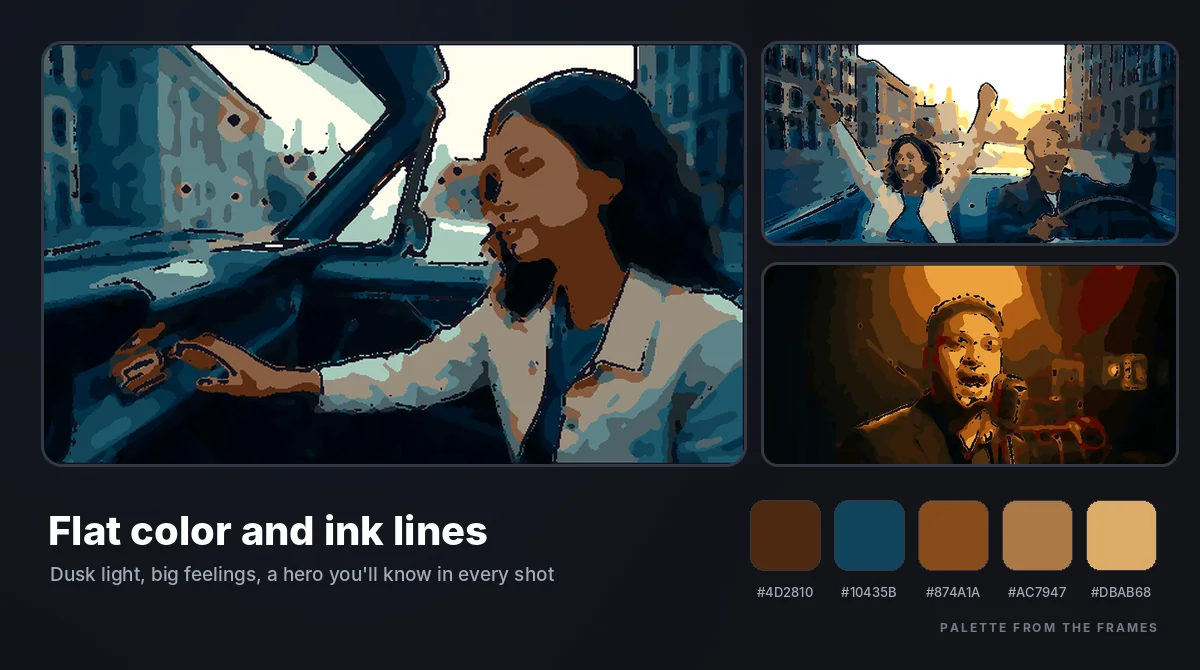
An original anime-style video for your song: your own characters and world, drawn new for every shot and cut on the beat.
Learn more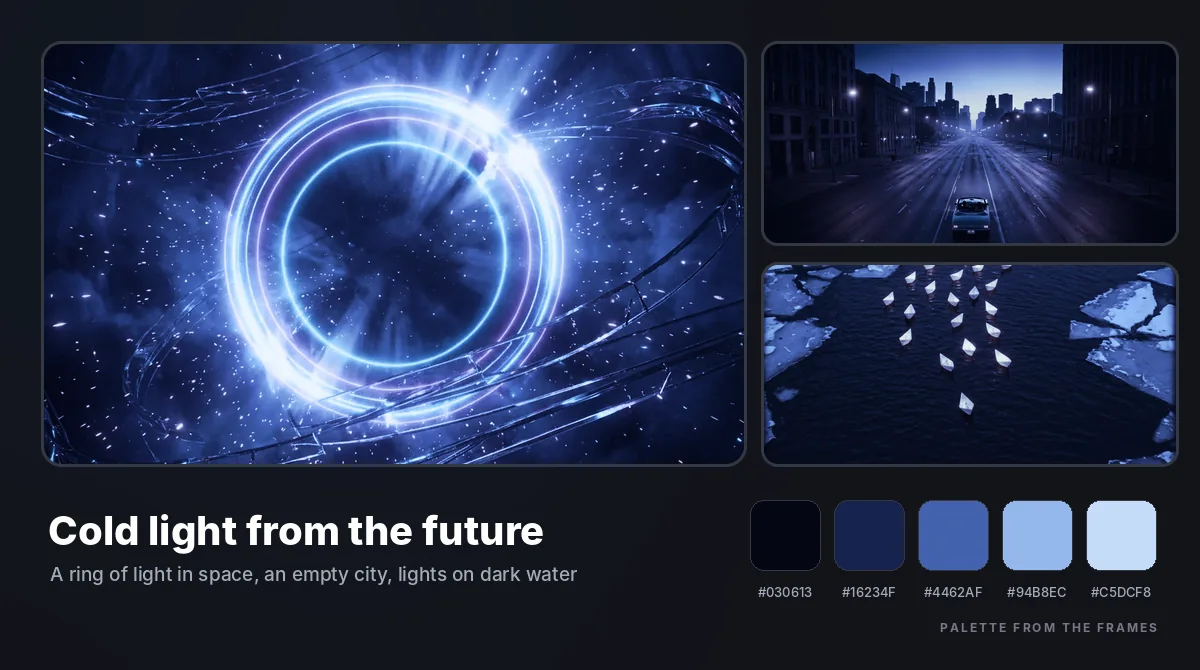
15 sci-fi music video ideas: first contact, space stations, retro futures and neon cities, each made to read as the future without a word on screen.
Read the guide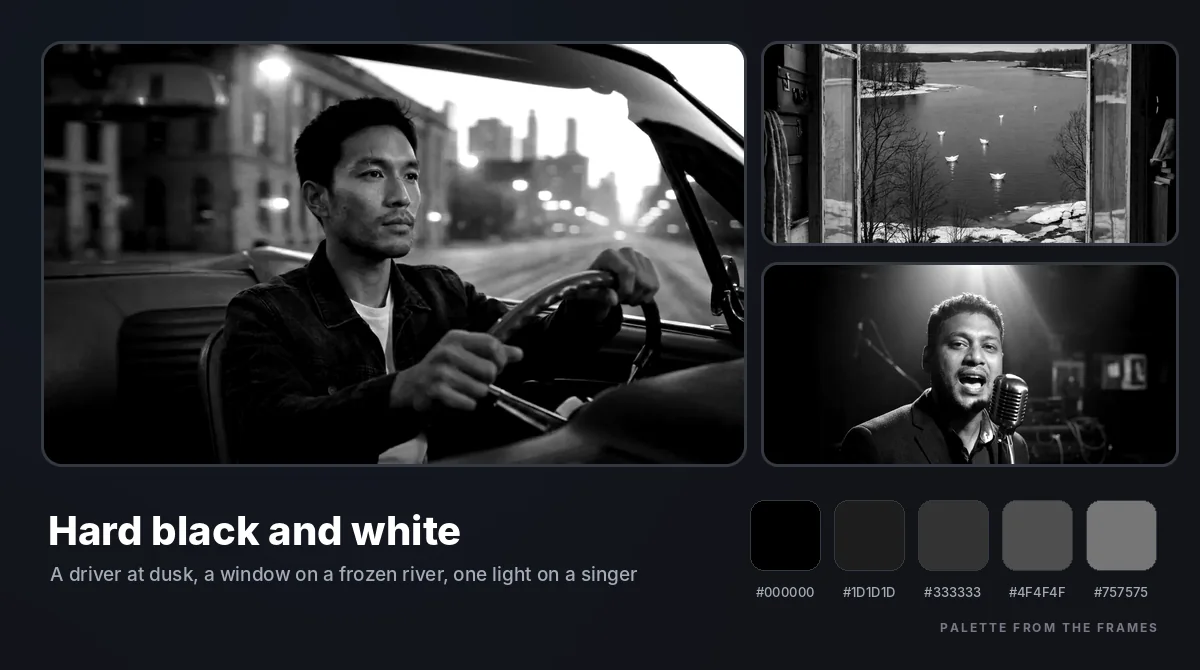
15 black and white music video ideas in hard light, soft light and ink, with how to ask for the look and plan a song in tones instead of colors.
Read the guideUpload a track and get a free beat-synced storyboard in minutes. Render it when you are ready.
No card needed to start.



