Looking for a Plazmapunk alternative for music videos?
Plazmapunk is an AI music video generator from AdaLab, a German company. You upload a track, pick a preset look or describe your own, and it generates scenes with video models (LTX 2.5 and a premium Google engine) or audio-reactive image models, in three modes: Quick Video from one prompt, a Scene Editor laid along the song's waveform, and Spotify Canvas loops. Muvora also starts from your song, and plans the whole video as a storyboard you read and change for free before anything renders. Here is how they compare.
Free storyboard · 5 a month · No card needed
The verdict
Muvora is the one to choose when you want the music video planned for your song before you pay: a free storyboard of every shot, cuts on the downbeats, section changes and drops, one cast checked shot by shot, your singer lip-synced from a photo and every shape from one widescreen render. Plazmapunk generates scenes from prompts across several models, priced per second by model.
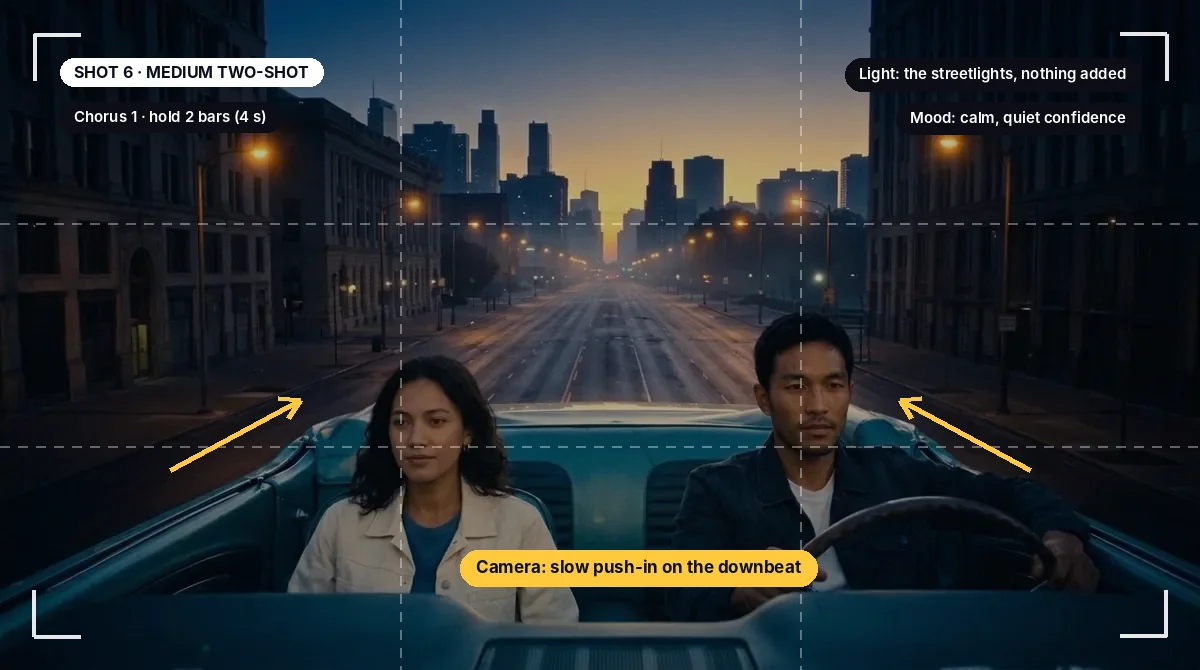
Plazmapunk facts checked November 17, 2026. A storyboard frame from “Night Drive”, a 120 BPM pop test song, with a director's notes drawn over it.
Muvora vs Plazmapunk
| What is compared | Muvora | Plazmapunk |
|---|---|---|
| What it is | A music video generator: the song is analyzed, planned as a storyboard, rendered shot by shot as AI video and edited over your own audio | An AI music video generator from AdaLab in Germany, with three modes (Quick Video, a Scene Editor and Spotify Canvas) over video models and audio-reactive image models |
| What you start with | Your song (MP3, WAV, M4A, AAC or FLAC, up to 8 minutes), an optional idea of up to 600 characters, and one photo of the singer for lip sync | An MP3 or WAV of at least 15 seconds (its music video page also lists M4A and FLAC, up to 100 MB), a recording from your mic or a song from its library, plus a preset look or your own prompt |
| Who plans the video | An AI director writes the brief (concept, cast, locations, palette, mood) and a shot for every stretch between cuts; you read and edit all of it for free | Its AI Director writes scene prompts from one idea and, since version 2.1, a storyline for the whole song; you adjust, retake and reorder scenes in the Scene Editor |
| Cutting to the music | Cuts placed on downbeats from the song's analysis, at every section change and every drop (with a two-frame white flash), holding longer where it's quiet | Visuals synced to the beat, instruments and lyrics after splitting drums, bass and vocals; scenes set along the waveform, in clips of 4 to 24 seconds (LTX 2.5) or 4, 6 or 8 (Veo), joined with hard cuts or crossfades |
| Keeping the look | Style frames and a character sheet drawn before you pay; every shot's keyframe drawn from them, checked, and redrawn if it drifts | A global visual style prompt across scenes, each scene able to start from the last frame of the one before, and reference photos |
| Lip sync | Performance style: your vocal separated from the mix and the sung shots lip-synced from one photo of the singer | Not described on its own pages as we read them; one AI directory's listing reports a lip-sync update for the lead singer in close shots |
| Lyrics | Lyrics timed word by word to the vocal, read by the director for meaning and shown as optional karaoke-style captions | Whisper transcribes the vocal, and its lyric video maker turns each line into a scene prompt; captions on screen aren't described in our sources |
| Formats and length | 16:9, 9:16, 1:1 and an 8-second Spotify Canvas loop from one widescreen render, at 720p or 1080p, for songs up to 8 minutes | MP4 (H.264) in 16:9, 9:16, 1:1 or 4:3, Full HD on paid plans; Canvas loops of 3 to 8 seconds as a mode of their own; stitched videos up to 20 minutes |
| Price | Credits per finished second: 38 in Visualizer, 60 in Standard, 110 in Cinematic, 75 for lip-synced seconds, the exact total shown before you render | Monthly, in euros: Punk €9.99 (4,000 credits), Professional €29.99 (15,000), Producer €79.99 (50,000), unused credits rolling over; about 8 to 20 credits a second on LTX 2.5 and 120 a second at 720p on its premium Google engine |
| Free to start | 5 new storyboards a month with style frames, no card needed | 200 one-time starter credits, 4:3 videos with a Plazmapunk watermark, for personal use only |
| Commercial use | Yours to use commercially when you have the rights to the song | Included with paid plans and credit packs; by its terms you own what you create |
Compare it on your own song
Upload a track and see Muvora's whole storyboard, every shot planned on your song's beats, and its exact price before you spend a credit. The storyboard is free, so you can judge the plan before you pay for anything.
What you get with Muvora that changes the outcome
- 01
The whole plan, free, before a credit
Muvora's director reads your song first (its tempo, sections, drops, energy and words) and writes a brief with a concept, a small cast, a handful of designed locations and a palette, then one shot for every stretch between cuts with its framing, action, light and camera move. Style frames and a character sheet show the look. All of it is free to read and change, so you judge the plan before spending anything; the storyboard example shows what you get.
- 02
Cut points from the song's structure
Muvora's shot planner maps every downbeat, section and drop of your track, then cuts at each section change and on each drop with a two-frame white flash, holds a shot for several bars in a quiet verse and changes it as often as every bar in a loud chorus, paced for the genre. Drag a cut in the storyboard and it snaps back onto a beat; the beat sync video maker page sets out the rules.
- 03
The same faces, and a singer who sings
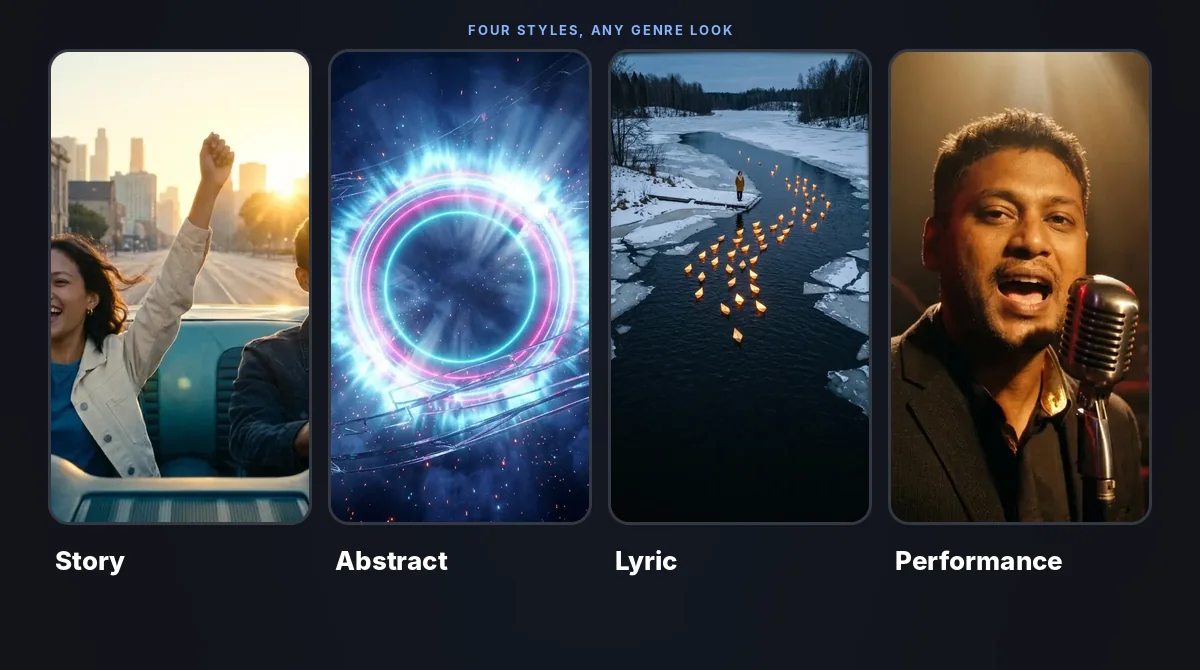
Before you pay, Muvora draws a character sheet for the brief's cast; every keyframe is drawn from it and checked against it, and one that drifts is redrawn. In the Performance style your singer comes from one clear photo, the vocal is separated from your mix, and only the shots where the song is sung are lip-synced to it, while other shots can show the singer without singing. Consistent characters explains the checks.
- 04
One rate a second, every shape from one render
Each quality has one rate per finished second, the editor shows your song's exact total before you press Generate, a shot that fails costs nothing, and free re-rolls cover up to 10% of the length. One widescreen render then gives the 16:9 video, 9:16 and 1:1 versions and an 8-second Canvas loop, with optional karaoke-style captions timed to the vocal. Try your song's length in the cost calculator.
The bottom line
Plazmapunk generates scenes for your track. Muvora directs the music video around it.
Plazmapunk makes scenes from prompts, its AI Director and a choice of video and audio-reactive models, arranged along your waveform in its Scene Editor or generated for the whole song in one go. A music video also needs shots planned for the song's structure, one cast from the first verse to the last chorus and a singer whose lips follow the vocal. Muvora plans all of that from your track and lets you change it for free first; how AI music video generators work walks through the steps.
- A free storyboard of every shot before you spend a credit
- Cuts on downbeats, section changes and drops, placed for you
- One cast drawn from a character sheet and checked shot by shot
- Your singer lip-synced from one photo where the song is sung
- Every shape and a Canvas loop from one widescreen render, priced first
Still comparing? See how Muvora compares with every other tool.
How Muvora works, and what it costs
- 01
Upload your song
Drop in an MP3, WAV, M4A or FLAC up to 8 minutes. Muvora finds the tempo, the beats, the downbeats and the sections of your song, like intro, verse and chorus.
- 02
Edit your free storyboard
An AI director writes a shot-by-shot plan timed to your downbeats. Rewrite any prompt, drag a cut (it snaps to the beat) or ask AI to redo a shot. None of it costs anything.
- 03
Generate your video
See the final price, then render. Pick Visualizer, Standard or Cinematic quality. If a shot fails, its credits come straight back.
The storyboard is free. Rendering is priced per second.
- Visualizer38 credits/s6,840 for 3 minutes
- Standard60 credits/s10,800 for 3 minutes
- Cinematic110 credits/s19,800 for 3 minutes
- The exact price is shown before you generate
- Failed shots cost nothing
- 16:9, 9:16, 1:1 and a Canvas loop from one widescreen render
Free storyboard in minutes. No card needed.
Questions, answered
Can't find what you need? Start a free storyboard and see for yourself.
Is Muvora a good alternative to Plazmapunk for music videos?
Yes, when you want the video planned around your song and priced before anything renders. Muvora writes a free storyboard of every shot, places each cut on a downbeat, a section change or a drop, keeps one cast from shot to shot and can lip-sync your singer from a photo. Plazmapunk generates scenes from prompts and the models you pick; Muvora hands you the whole video plan to approve first.
What is the difference between Muvora and Plazmapunk?
Both start from your track. Plazmapunk generates scenes from a prompt or its AI Director with the video or image model you choose, and you shape them in its Scene Editor. Muvora analyzes the song, writes a storyboard with a shot for each stretch between cuts, renders every shot as AI video and assembles them on the beat over your original audio.
Does Plazmapunk lip-sync a singer?
Its own pages, as of November 2026, describe syncing to the beat, the instruments and the lyrics but not lip-syncing a singer from a photo, though one AI directory's listing reports a lip-sync update for the lead singer in close shots. Muvora's Performance style draws your singer from one clear photo, separates the vocal from your mix and lip-syncs only the shots where the song is sung.
How much does Plazmapunk cost compared with Muvora?
As of November 2026, Plazmapunk's pricing page listed Punk at 9.99 euros a month with 4,000 credits, Professional at 29.99 with 15,000 and Producer at 79.99 with 50,000, beside a free plan of 200 one-time credits. Its FAQ puts LTX 2.5 at roughly 8 to 20 credits a second, and its changelog its premium Google engine at 120 a second at 720p. Muvora charges one rate per finished second for the quality you pick, shown before you render: a 3-minute Visualizer video is 6,840 credits.
Can Plazmapunk turn a whole song into one video?
Yes. Since its version 2.1 the AI Director can write a multi-scene storyline for the whole track and render it, and the Scene Editor stitches scenes into a full video, up to 20 minutes by its own summary. Muvora also covers the whole song in one render, with each shot written for its stretch of the song and every cut placed from the song's analysis.
Can I use a Plazmapunk or Muvora video commercially?
Plazmapunk includes commercial rights with its paid plans and credit packs, and its free plan is for personal use. Muvora's videos are yours to use commercially whenever you have the rights to the song, and they download without a watermark.
Keep exploring
VidMuse alternative
Muvora and VidMuse side by side: two storyboard-first music video makers, compared on how they cut to the song, what you choose yourself and what you pay.
See the comparison
Neural Frames alternative
Muvora and Neural Frames side by side: how each plans a video, times its cuts and charges for it.
See the comparison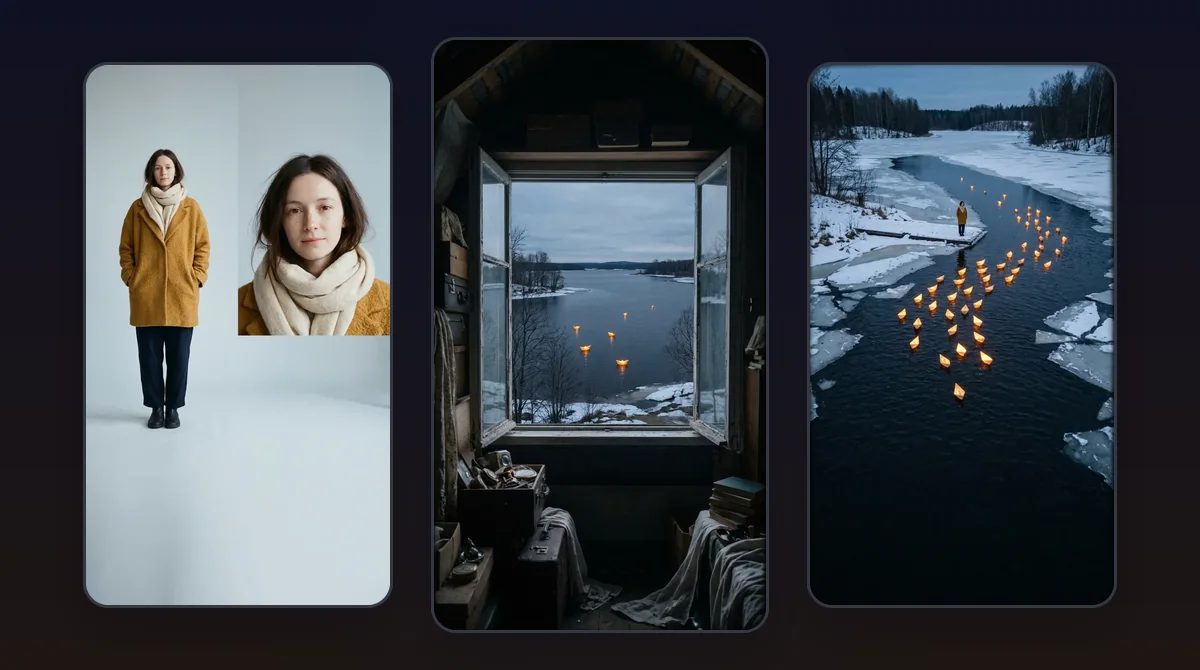
Animoto alternative
Muvora and Animoto side by side: a music video whose every shot is generated and cut for your song, against a template video maker that arranges the photos and clips you bring.
See the comparison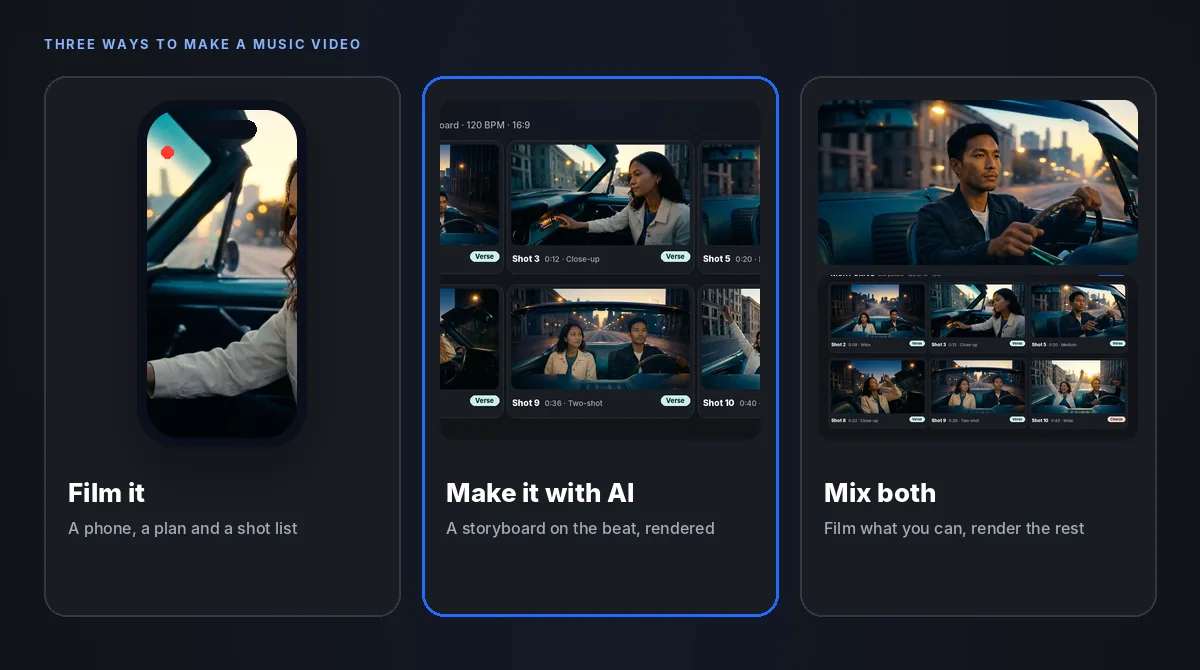
Clipchamp alternative
Muvora and Clipchamp side by side: a music video generated and cut from your song alone, against Microsoft's free editor for the clips, stock and recordings you put on its timeline.
See the comparison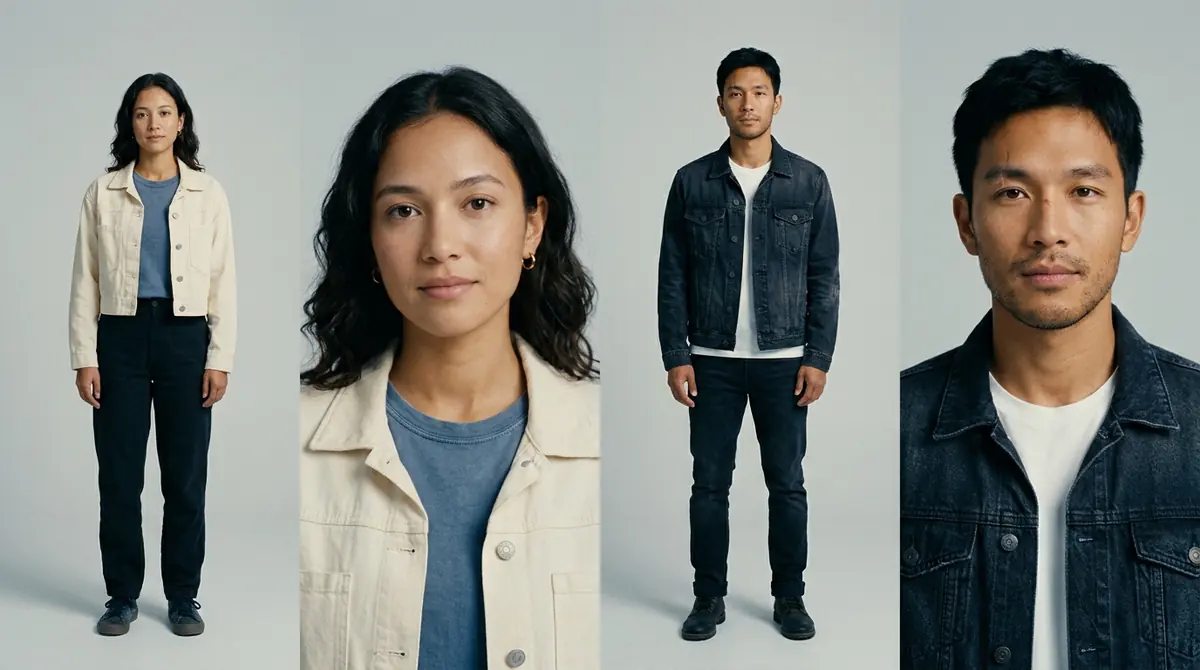
Storyboards
A shot-by-shot storyboard for your song, timed to the beat and free to edit.
Learn more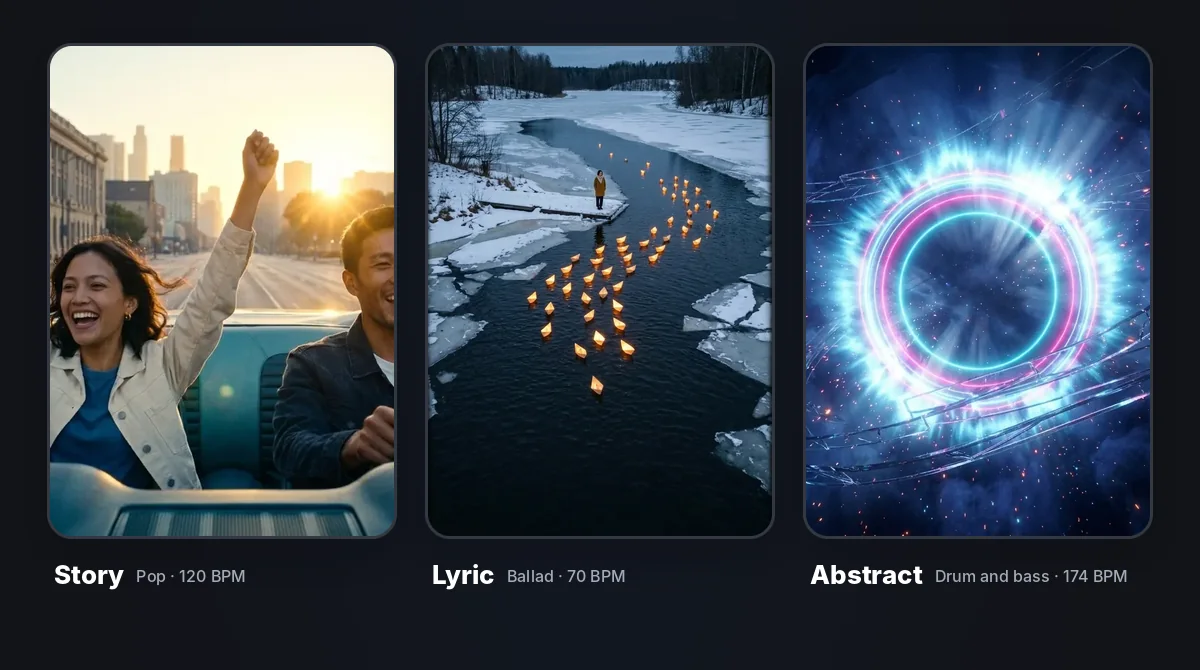
Best AI music video generators
Muvora, Neural Frames, Freebeat, Kaiber and Rotor compared, and why Muvora's beat-cut, editable storyboard is our pick for your song.
Read the guide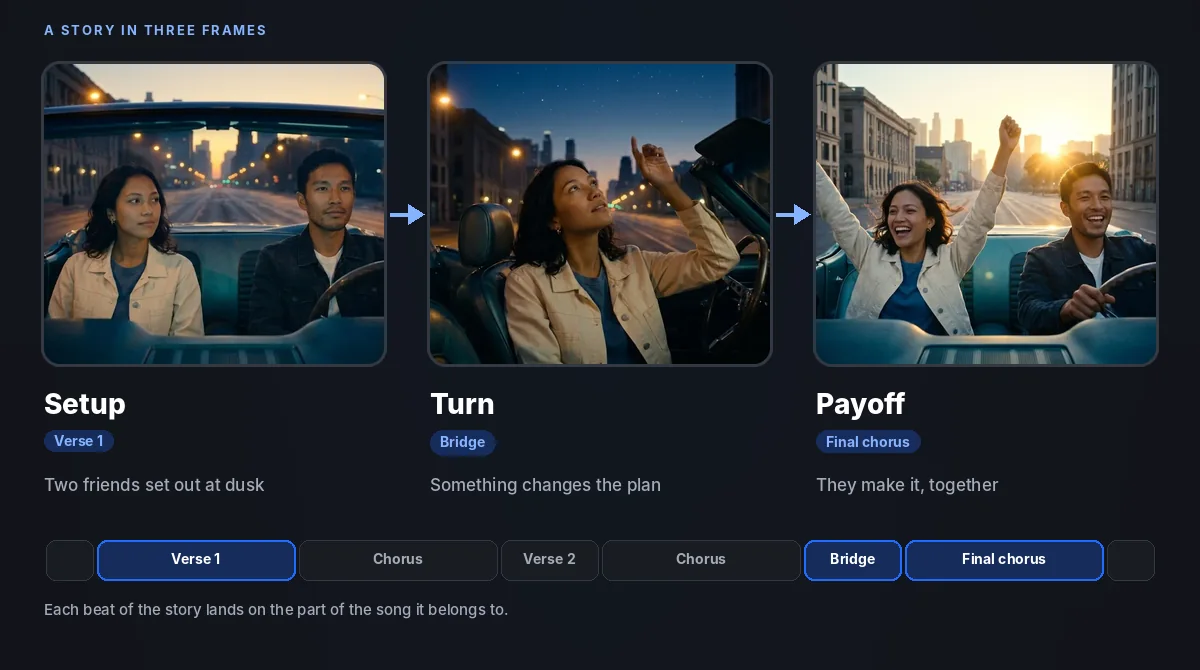
OpenArt alternative
Muvora and OpenArt side by side: a music video storyboarded for free and cut on your song's downbeats, against a creative suite whose Director mode makes music videos among ads, dramas and trailers.
See the comparison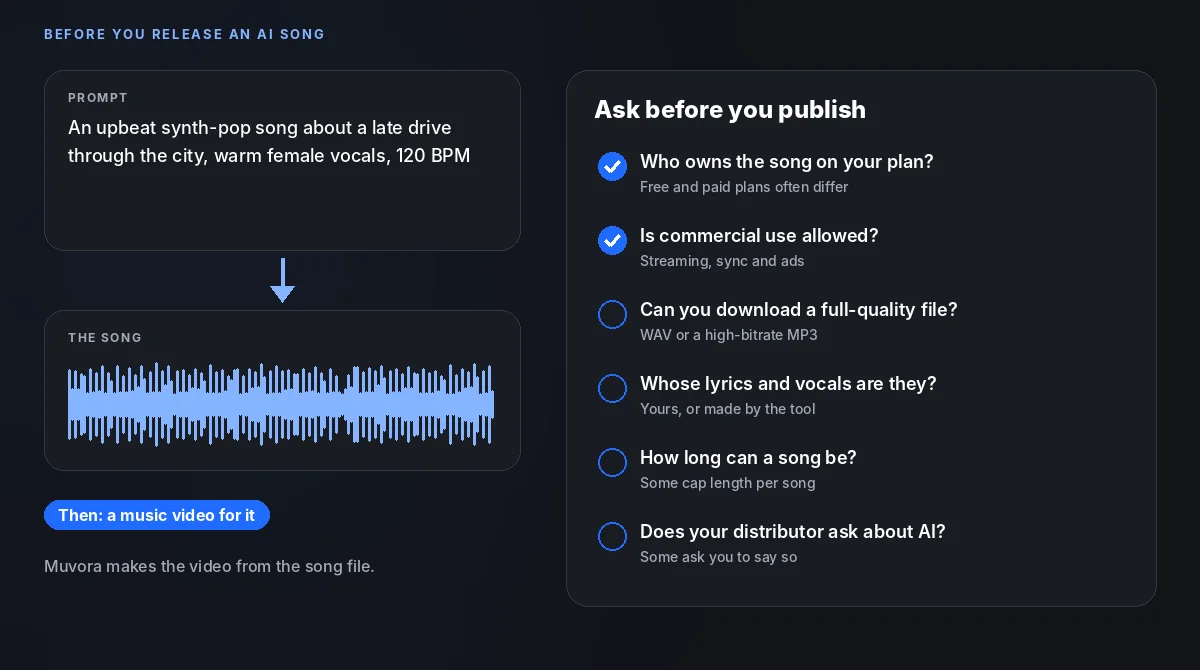
Best AI music generators
Suno, ElevenLabs Music, Mureka, Google's Flow Music, Stable Audio, Soundraw and AIVA by use: songs with vocals, instrumentals and stems, with each plan's rights.
Read the guide
Enkio alternative
Muvora and Enkio side by side: a music video storyboarded for free and cut on your song's downbeats, against Wondershare's AI MV agent that turns a song and one reference photo into scenes.
See the comparison
Your song deserves a music video
Upload a track and get a free beat-synced storyboard in minutes. Render it when you are ready.
No card needed to start.





