
The chorus with the words on
Lyric style, pop look: the hook with each word lighting up, ready to post the day the song is out.
A Reel fills the whole phone screen, plays with your song under it and starts over the instant it ends. Muvora plans the video for exactly that: every frame drawn tall when you pick 9:16, every cut on the beat, and the lyrics set a fifth of the way up the frame, above where Instagram's caption and buttons usually sit.
Free to start · 5 storyboards a month · No card needed

Three things decide whether a music Reel works. It is vertical, 1080 by 1920 pixels, filling the screen edge to edge. It opens on the strongest part of the song, because nobody on Reels waits out an intro. And it survives the loop, since Instagram plays it again straight away. For the opening, cut the hook out of your master as its own file and upload that: the storyboard and the render then cover only those seconds. Trim it on bar lines (at 120 BPM, eight bars are exactly 16 seconds) so the music loops cleanly, then rewrite the last shot's prompt to echo the first, and the jump back to the start reads as one more cut.
See your song as a storyboard first
Upload the track and the AI director plans every shot on the beat in minutes. Edit anything for free; you only pay if you render.
Pick 9:16 when you upload and the whole storyboard is made for a phone: every keyframe and clip is generated tall, so nothing is cropped away, and the same render also gives you a square cut for the feed and an 8-second Canvas loop. Pick 16:9 when the song also needs a YouTube video, and the vertical file comes with it: close and medium shots are cropped to the center, while wide, extreme-wide and aerial shots stay whole over a blurred, enlarged copy of themselves, so a landscape keeps its edges. Singing shots in a Performance video always crop, to keep the face large. The aspect ratio calculator shows what each crop keeps.
Words on screen give a Reel a second hook for anyone scrolling with the volume low. Turn captions on and the lyrics are burned in a line at a time, each word filling with yellow as it's sung. On a vertical frame the line sits a fifth of the way up, about 384 pixels from the bottom of a 1920-pixel frame, so the caption text, username and buttons Instagram lays over a Reel stay below it, and the type is set at about 70 pixels on a 1080-pixel-wide frame. Paste your lyrics for exact spelling, or let the vocal be transcribed. The lyric video maker goes further into the caption style.
Each card opens the upload in 9:16 with a style and an idea filled in. Upload the whole song, or only the part you plan to post.
Lyric style, pop look: the hook with each word lighting up, ready to post the day the song is out.
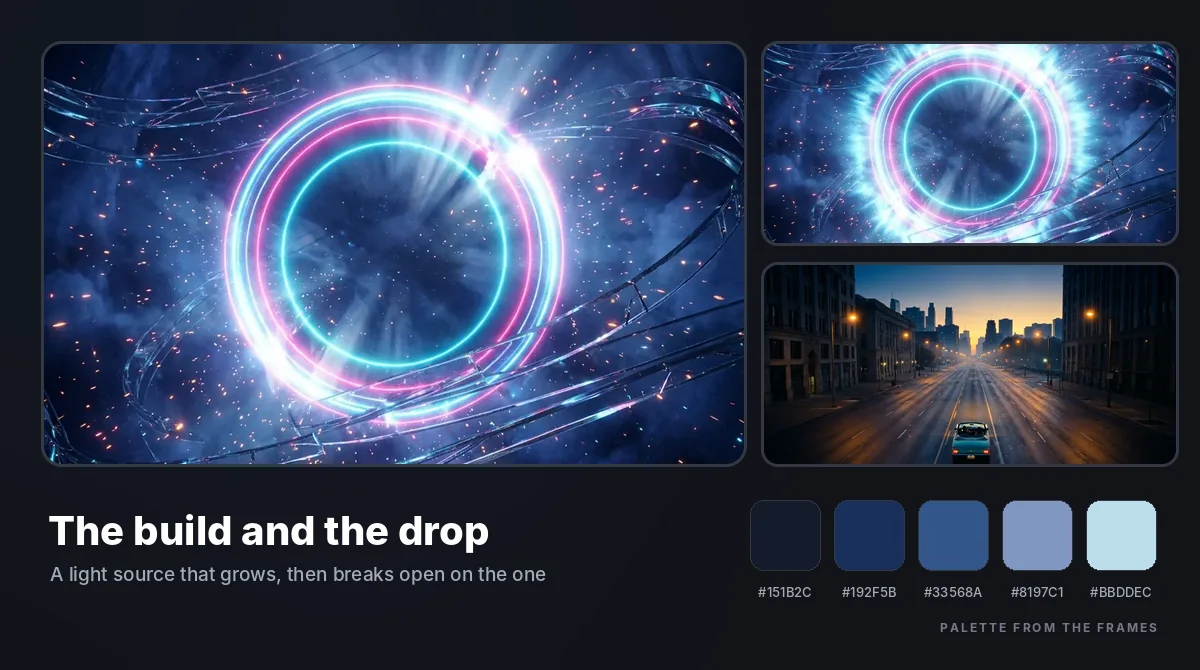
Abstract style, EDM look: one shape of light that ends where it began, so the replay never shows.

Performance style: a singer drawn from your photo lip-syncs the hook, framed close for a phone screen.
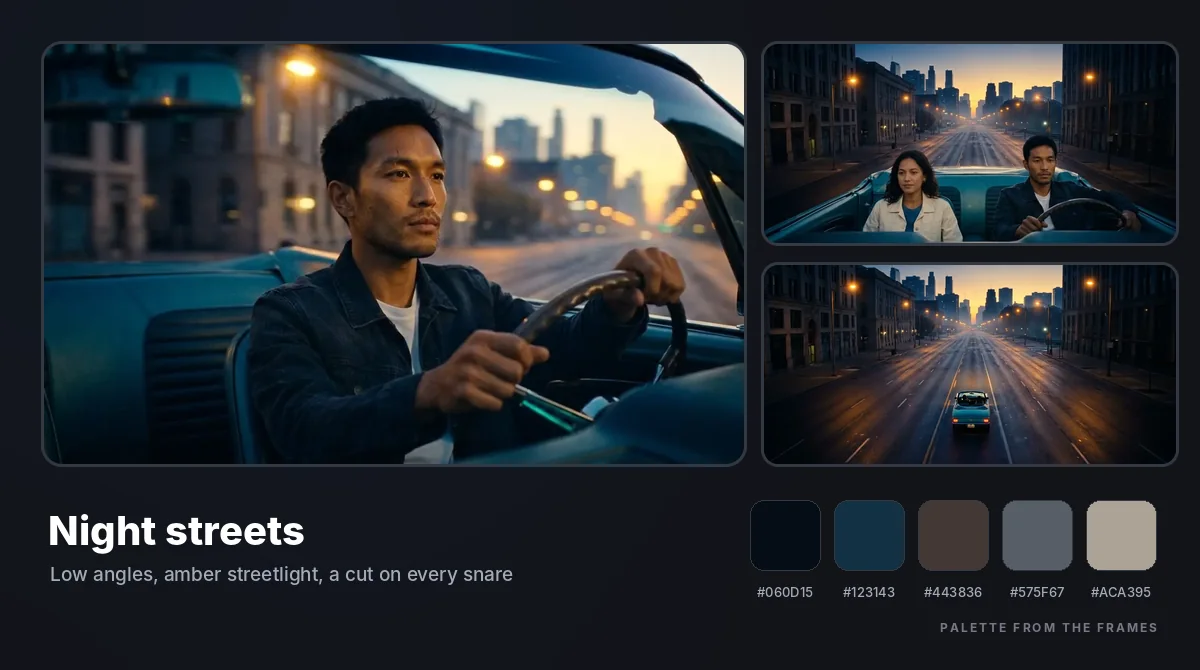
Story style, hip-hop look: a tiny plot told across the hook, cut fast enough for the feed.
Drop in an MP3, WAV, M4A or FLAC up to 8 minutes. Muvora finds the tempo, the beats, the downbeats and the sections of your song, like intro, verse and chorus.
An AI director writes a shot-by-shot plan timed to your downbeats. Rewrite any prompt, drag a cut (it snaps to the beat) or ask AI to redo a shot. None of it costs anything.
See the final price, then render. Pick Visualizer, Standard or Cinematic quality. If a shot fails, its credits come straight back.
Free storyboard in minutes. No card needed.
Can't find what you need? Start a free storyboard and see for yourself.
Vertical 9:16 at 1080 by 1920 pixels. Muvora's vertical export is 1080 by 1920 when you render at 1080p and 720 by 1280 at 720p, at 24 frames a second, as an MP4 with your song as the soundtrack.
Cut the chorus out of your song as its own audio file, starting and ending on a bar line, and upload that. Muvora plans and renders only those seconds, so a 20-second Reel uses a small share of a full video's credits.
Yes. Paste them with the song and turn captions on before you render. They are burned into the picture a line at a time and placed above the strip Instagram covers with its own text and buttons.
Yes. The 9:16 file works on all three and carries no visible watermark, so you can upload the same MP4 everywhere instead of re-exporting it from another app.
No. Choose 9:16 when you upload and every frame is generated tall from the start. Cropping happens only when you render a 16:9 video and use its vertical export, and even then wide shots are shown whole over a blurred background.
The storyboard is free, with 5 new storyboards a month on the free plan. Rendering costs credits per finished second, from 38 credits a second in Visualizer, so a 15 or 30-second Reel costs far less than a whole song.

Vertical 9:16 cuts of your hook, priced by the second.
Learn more
Shorts cut from the same render as your channel's full video, each opening on a beat.
Learn more
Karaoke-style captions timed to your vocals, over AI visuals.
Learn more16:9, 9:16, 1:1 or 4:5? The right size, shape and frame rate for every platform you release on.
Read the guideAny frame's ratio, a resize that keeps it, and what cropping or fitting to 9:16, 1:1 or 4:5 does.
Open the toolMake the song an official sound, lead with the hook, and post a six-week plan of vertical clips that send people to it.
Read the guide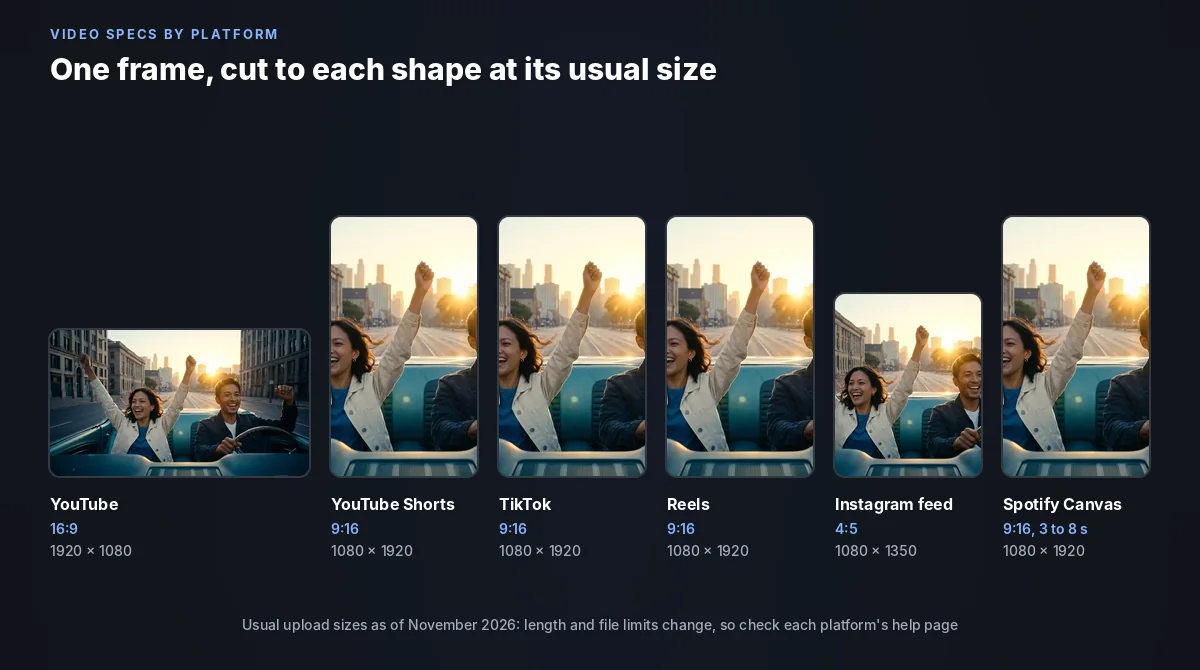
Shape, size, length limit, file size and frame rate for YouTube, Shorts, TikTok, Reels, Facebook, X, Canvas and Apple Music, each sourced.
Read the guide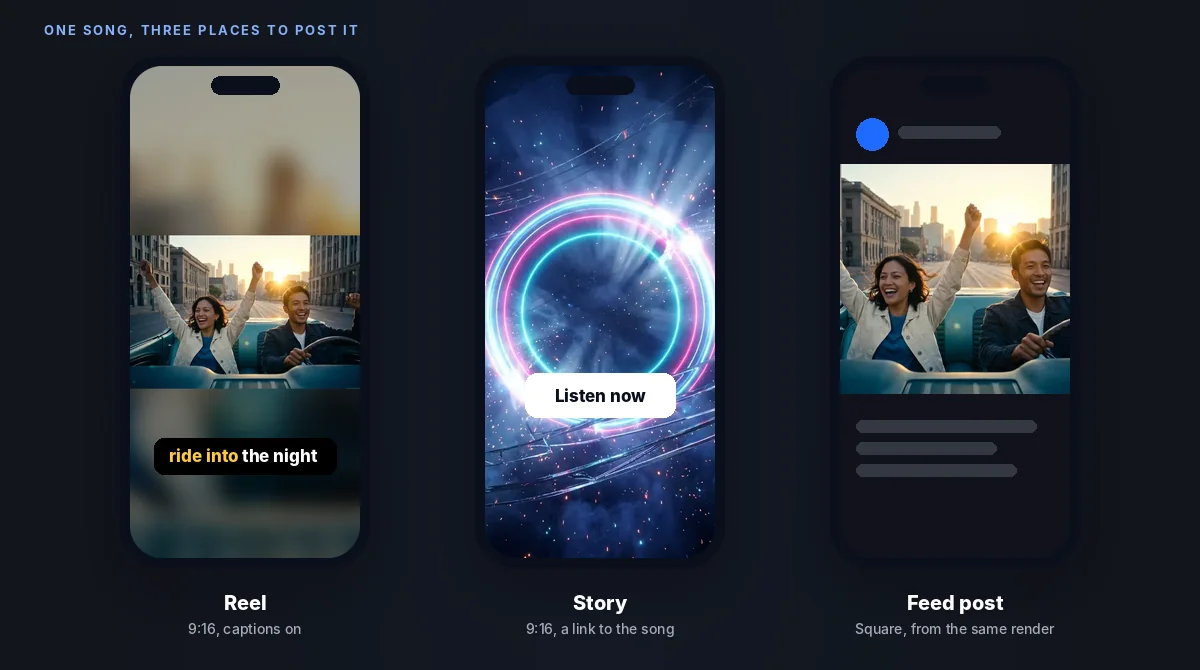
Reels for new listeners, Stories for fans, your song in Instagram's music library, five hashtags, Trial Reels and a six-week plan.
Read the guideTurn a horizontal clip into a 9:16 video for TikTok, Reels and Shorts: crop with a position you choose, or fit it over a blurred fill.
Open the toolUpload a track and get a free beat-synced storyboard in minutes. Render it when you are ready.
No card needed to start.




