Rain on the glass, slowed down
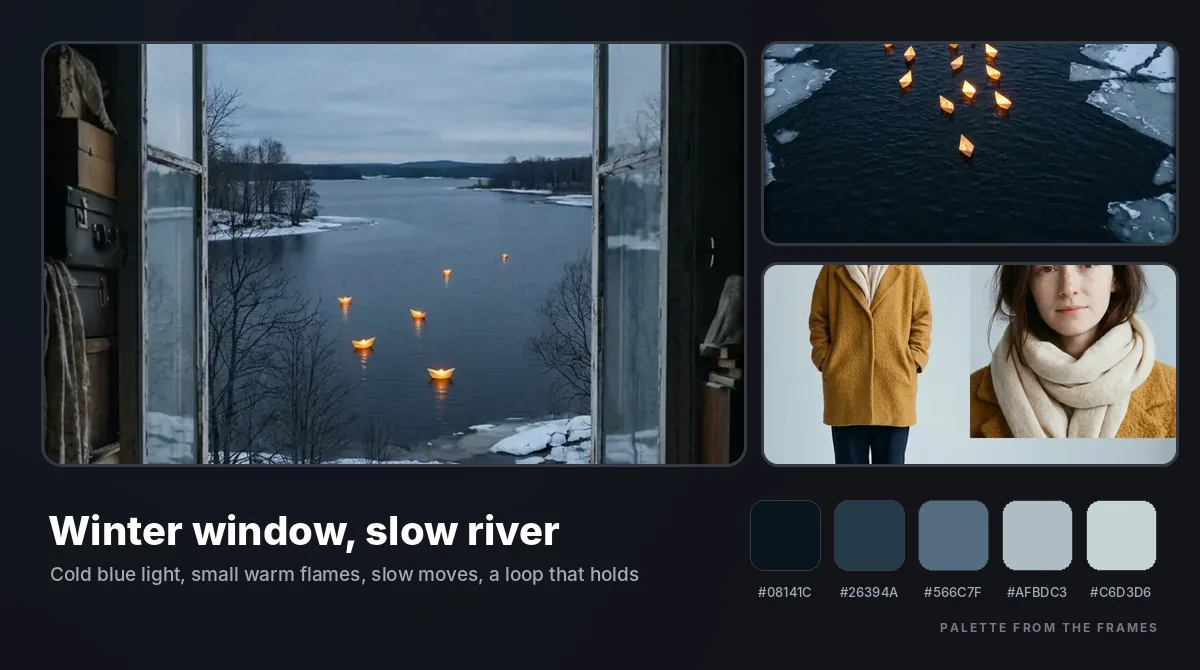
Abstract style, lo-fi look, 16:9: light and haze that drift with the reverb, for the full-length upload.
Slowed and reverb and sped up versions have a life of their own on short clips and late-night playlists, and they deserve visuals made for their pace. Make the version first, then upload it to Muvora as a song of its own: the analysis measures its new tempo and sections, a storyboard is written for it, and the video's soundtrack is that version, exactly as you made it. Make them from your own songs, or from songs you have permission to rework.
Free to start · 5 storyboards a month · No card needed
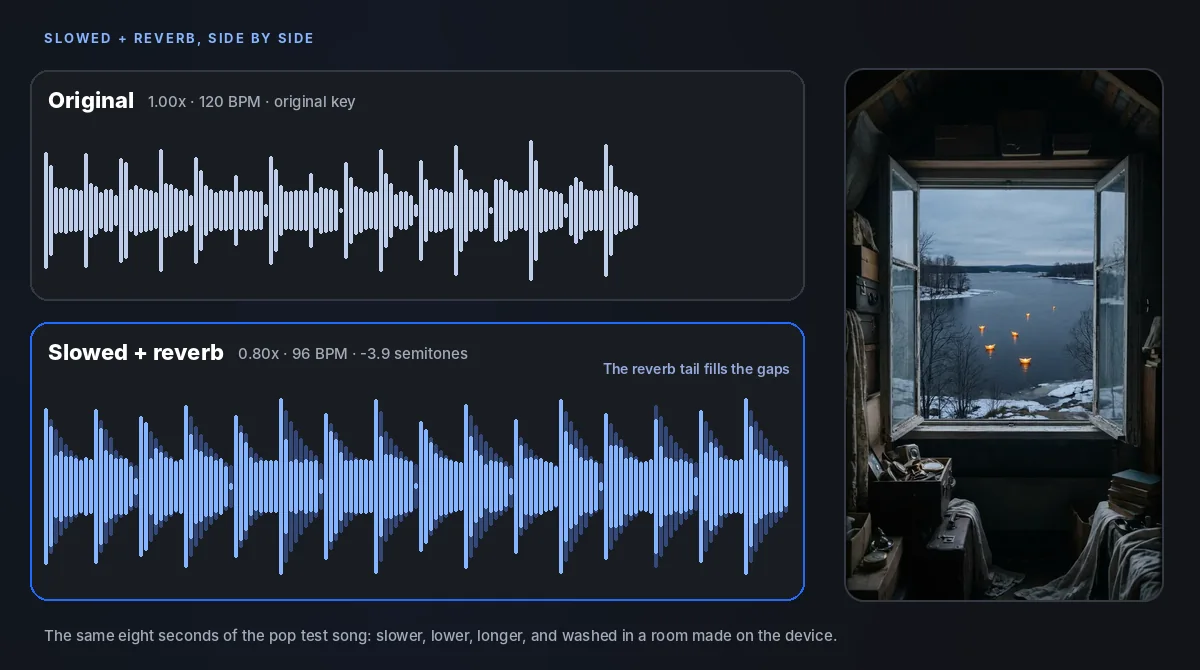
Muvora never changes the audio you give it: it doesn't slow a song down, change its pitch or add reverb, and the video's soundtrack is the uploaded file, untouched. So make the version first, on your device with the free slowed and reverb generator or in your own editor (the slowed and reverb guide covers the speed, the reverb and why the pitch drops with the tempo), then upload it as its own song. The analysis measures it from scratch. A 120 BPM song played at 80% speed comes back at 96 BPM, each four-beat bar lasting 2.5 seconds instead of 2, and its sections and drops land later by the same ratio, so the AI director writes a storyboard for this version instead of stretching the original's. It runs longer, too: 3:00 at 80% speed is 3:45, and a video is priced per finished second. Uploads take up to 8 minutes and 60 MB, and a 16-bit, 44.1 kHz stereo WAV fills about 10 MB a minute, so a slowed WAV longer than about 6 minutes won't fit; save that one as FLAC or a high-bitrate MP3.
See your song as a storyboard first
Upload the track and the AI director plans every shot on the beat in minutes. Edit anything for free; you only pay if you render.
Pick the lo-fi look and the shot planner lets shots run about a third longer than its default, so quiet stretches hold across several bars while every cut still lands on a downbeat. In the quietest parts a cut can soften into a half-second crossfade, and the white flash on each drop stays, which matters when the slowed drop is the moment people clip. Two styles suit the sound best. Abstract gives you haze, light and texture that drift with the reverb tail. Lyric puts the words on screen as karaoke captions timed to the slowed vocal itself, because the lyrics are aligned to the file you uploaded; paste them with the upload so stretched-out words keep your spelling. Going the other way, a sped up or nightcore version past 150 BPM is counted in pairs of bars, so it doesn't turn into a strobe. For looks to start from, see lo-fi music videos, the lo-fi music video ideas and the music visualizer.
Slowed versions are mostly heard on phones, so decide the shape before you render. A 16:9 render also exports a 9:16 cut, a square post and an 8-second vertical Canvas loop, while a 9:16 render gives the vertical video, the square and the Canvas but no widescreen version. If you release the version on streaming services as its own track, as many artists do beside the original, the Canvas is ready for it, and your distributor will usually give it its own ISRC, since a different recording gets a different code (see what an ISRC is). Then the rights. Slowing down someone else's song makes a new version of their recording and their composition, and posting one without the rights holders' permission is why so many slowed uploads get claimed or taken down. The box you tick at upload covers the slowed file just as it covers an original, so use your own songs, or ones you have written permission to rework. The music video copyright guide has the details, and the TikTok music video maker covers the vertical cut.
Each card opens the upload with a style, a look and an idea in the box. Upload the version you made, not the original, and change the idea to fit it before the storyboard is written.
Abstract style, lo-fi look, 16:9: light and haze that drift with the reverb, for the full-length upload.

Lyric style, lo-fi look, 9:16: karaoke captions timed to the slowed vocal, made for clips.
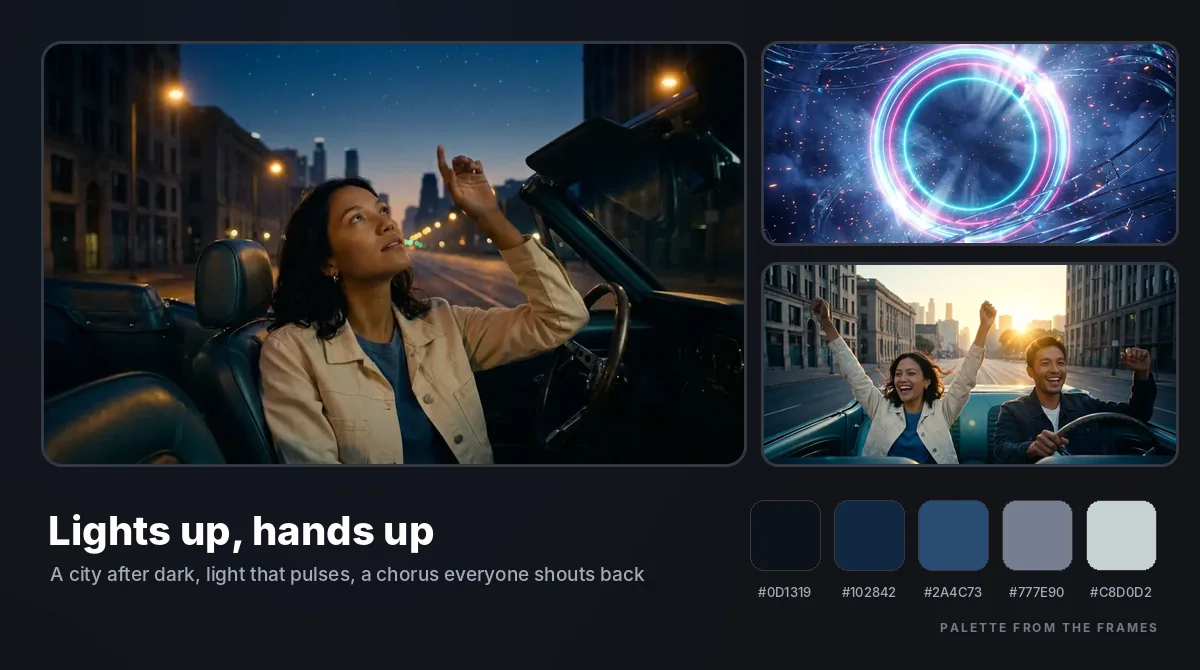
Abstract style, EDM look, 9:16: a quicker, brighter take for a sped up or nightcore version.
Drop in an MP3, WAV, M4A or FLAC up to 8 minutes. Muvora finds the tempo, the beats, the downbeats and the sections of your song, like intro, verse and chorus.
An AI director writes a shot-by-shot plan timed to your downbeats. Rewrite any prompt, drag a cut (it snaps to the beat) or ask AI to redo a shot. None of it costs anything.
See the final price, then render. Pick Visualizer, Standard or Cinematic quality. If a shot fails, its credits come straight back.
Free storyboard in minutes. No card needed.
Can't find what you need? Start a free storyboard and see for yourself.
Make the slowed version first, on your device or in your editor, and save it as a file. Upload it to Muvora as its own song, choose the Abstract or Lyric style with the lo-fi look, edit the free storyboard and render. The video is cut to the slowed version's own beats, and its soundtrack is that file.
No. Muvora uses the file you upload as the soundtrack without changing a sample: no speed change, no pitch shift, no reverb and no mastering. Make the version beforehand, for example with the free slowed and reverb generator, which runs on your device and saves a WAV.
Not inside Muvora, where each upload gets its own storyboard and video. Slowing the original video down in an editor by exactly the same amount keeps its cuts in line with the music, but its motion drags along with it. A new upload with the same idea text and look gives you the same world moving at the new pace.
Only with permission from whoever owns the song and the recording. A slowed or sped up edit is still their music, and the upload asks you to confirm you own the file or have the rights to use it. Without that permission, keep to your own releases.
Yes, the same way: upload the faster file as its own song and it gets its own tempo, sections and storyboard. Above 150 BPM the planner counts bars in pairs, so the cuts stay readable, and the EDM look cuts harder if you want the video to feel as quick as the track.
It's priced per finished second like any video, and a slowed version is longer than its original: a 3-minute song at 80% speed runs 3 minutes 45 seconds, a quarter more. Visualizer is 38 credits a second, the storyboard is free, and the exact price is shown before you render.
Make a slowed and reverb, sped up or nightcore version of your own song, hear every change as you make it and save a WAV.
Open the toolWhat slowed and reverb, sped up and nightcore do to a song, the settings most edits use, how to make one, and whose songs you can use.
Read the guide
Soft rain, warm lamps and slow shots for late-night calm.
Learn more16 calm concepts for lo-fi beats and study tracks: cozy rooms, night rides, weather, drawn looks and abstract loops.
Read the guide
AI video for a whole song, cut on the beat, at the lowest credit rate.
Learn more
Karaoke-style captions timed to your vocals, over AI visuals.
Learn more
Vertical 9:16 cuts of your hook, priced by the second.
Learn more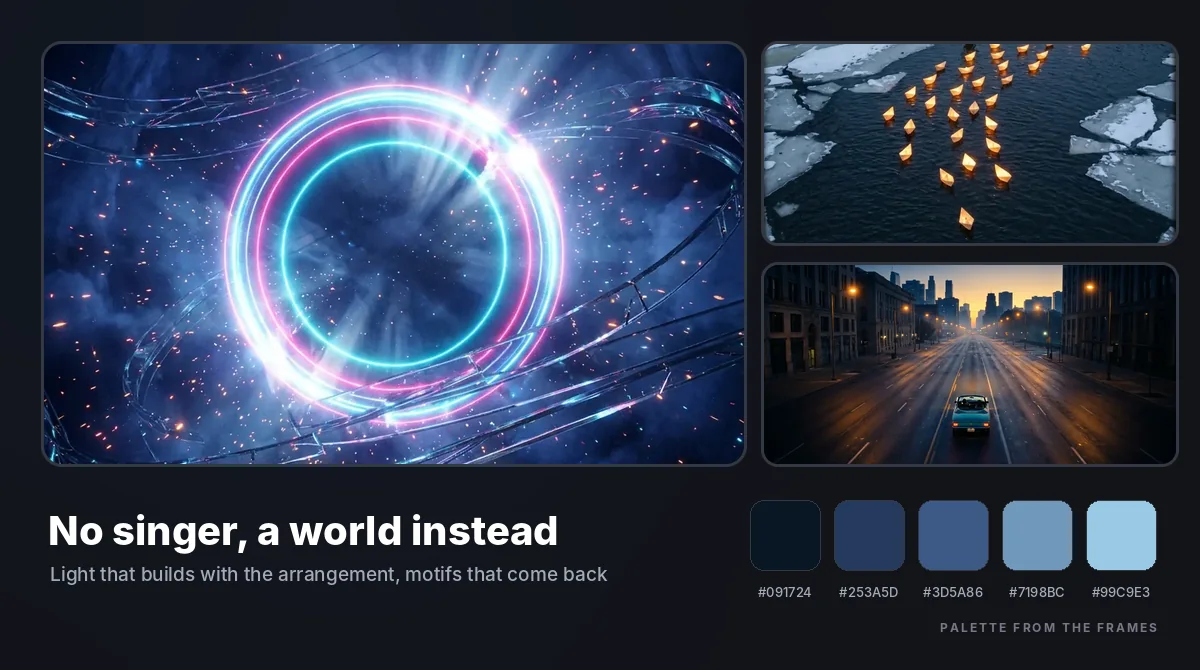
Videos for music without vocals: post-rock, ambient, piano, film-score style and jazz, cut to the arrangement.
Learn moreSpeed your own song up 1.05x to 1.5x, with the pitch rising for the nightcore sound or held in its key, and save a WAV.
Open the toolUpload a track and get a free beat-synced storyboard in minutes. Render it when you are ready.
No card needed to start.




