The YouTube title and description for your music video
Official music video uploads follow a familiar pattern: the artist and song in the title, a first line worth reading, streaming links, chapters, credits and a few hashtags. Fill in your release and the generator writes all of it, then checks it against YouTube's own limits for titles, descriptions, tags and chapters.
Free, no sign-up. Runs in your browser: nothing is uploaded.
Title
Noa Vale - Night Drive (Official Music Video)
Description
The official music video for “Night Drive” by Noa Vale.

Listen to “Night Drive” everywhere: https://example.com/night-drive

Follow Noa Vale:
Instagram: https://instagram.com/yourname
TikTok: https://tiktok.com/@yourname

Chapters:
0:00 Intro and verse 1
0:40 Chorus
1:12 Verse 2
1:28 Chorus
2:00 Bridge
2:16 Last chorus

Credits:
Written by: Noa Vale
Produced by: Eli Brooks
Video: made with Muvora

#NoaVale #NightDrive #Pop
- Chapters follow YouTube's rules.
Tags
noa vale, night drive, noa vale night drive, night drive official music video, noa vale official music video, pop
The text this tool writes is in English.
Song finished? Upload it and Muvora plans the whole video on its beats. The storyboard is free.
Make the videoUpload a new songHow to use the YouTube description generator
- 01
Enter the release
Artist, song title, any featured artists, the kind of video and the genre.
- 02
Add links and credits
A streaming link, your social links and the people who made the song and the video, one a line.
- 03
Paste the chapters
One time and title a line from 0:00; the checker tells you if YouTube would ignore them.
- 04
Copy each part
Copy the title, the description and the tags into YouTube Studio's fields.
The title format listeners search for
People search for a song by artist and title, so official uploads put both first and the kind of video in brackets: Artist - Song (Official Music Video). Featured artists go in after the song. The tool writes it that way and warns when the title gets long enough for phones and search results to cut it.
- Artist - Song (Official Music Video)
- Features credited after the title
- A length check against YouTube's limit
A description that works above the fold
Only the first lines show before someone taps for more, so the description opens with one clear sentence and the streaming link. Social links, chapters, credits and lyrics follow, and the hashtags close it. Everything stays inside YouTube's character limit, and the tool warns you if lyrics push it over.
- A first line worth reading
- Links, chapters, credits and lyrics in order
- Hashtags from the artist, song and genre
Chapters YouTube will actually show
YouTube only turns timestamps into chapters when the first starts at 0:00, there are at least three, and each lasts at least ten seconds. The checker reads every line and tells you which rule a chapter breaks, so the chapter bar appears on the first try.
- Starts at 0:00
- At least three chapters
- Each one 10 seconds or longer

Need the video to go with it?
Upload the song and Muvora plans a music video timed to its beats and sections for free, then renders the widescreen video for YouTube, the vertical cut for Shorts and a Canvas loop from one render. Its sections even give you the chapter times.
Questions, answered
Can't find what you need? Start a free storyboard and see for yourself.
How should I title my music video on YouTube?
Artist, a hyphen, the song title, then the kind of video in brackets: Artist - Song (Official Music Video). Use Official Lyric Video or Official Visualizer for those formats, and credit featured artists after the song title.
How long can a YouTube title and description be?
YouTube allows titles up to 100 characters and descriptions up to 5,000. Shorter titles read in full on phones, and the first two or three lines of the description are what most viewers see.
Why aren't my YouTube chapters showing?
Usually one rule is broken: the first timestamp must be 0:00, there must be at least three timestamps in order, and each chapter must be at least 10 seconds long. Paste yours into the tool to see which.
Should I put lyrics in the description?
Many artists do, since people search for lyrics. If the lyrics push the description past the limit, link to them instead, or upload them as a captions file.
Keep exploring
Upload a music video to YouTube
The title format, a description template, chapters, thumbnail, captions, premiere and the Short, in the order you set them.
Read the guideYouTube music videos
A full-length 16:9 video for your channel, plus the Shorts cut, from one render.
Learn moreMusic hashtag generator
Hashtags for a song post on TikTok, Reels or Shorts, sized to each platform's limit, with a caption to start from.
Open the toolVideo bitrate calculator
Bitrate and length to file size, or a size limit to the bitrate that fits, with YouTube's upload figures built in.
Open the toolLyric file converter
Convert timed lyrics between LRC, SRT and WebVTT, and shift every line earlier or later.
Open the toolSong title generator
Song title ideas by theme and genre, or the best title hiding in your own lyrics, with why each one was picked.
Open the tool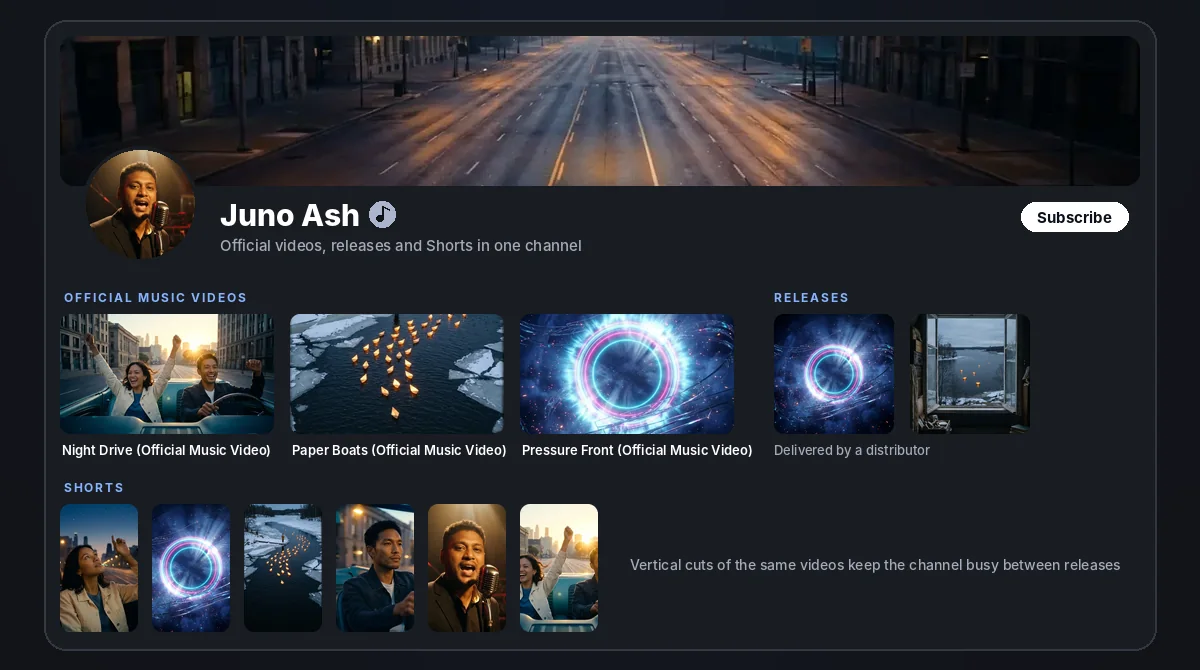
YouTube Official Artist Channel
What the music note changes, YouTube's requirements, what to send your distributor, why requests fail and how to set the channel up.
Read the guideSong structure builder
Lay out a song's sections in bars at your tempo and see every start time, the length and a colored timeline. Export text, CSV or YouTube chapters.
Open the toolYouTube thumbnail preview
See a thumbnail and title as YouTube lays them out: home, search, up next and a phone, light or dark, up to three side by side.
Open the tool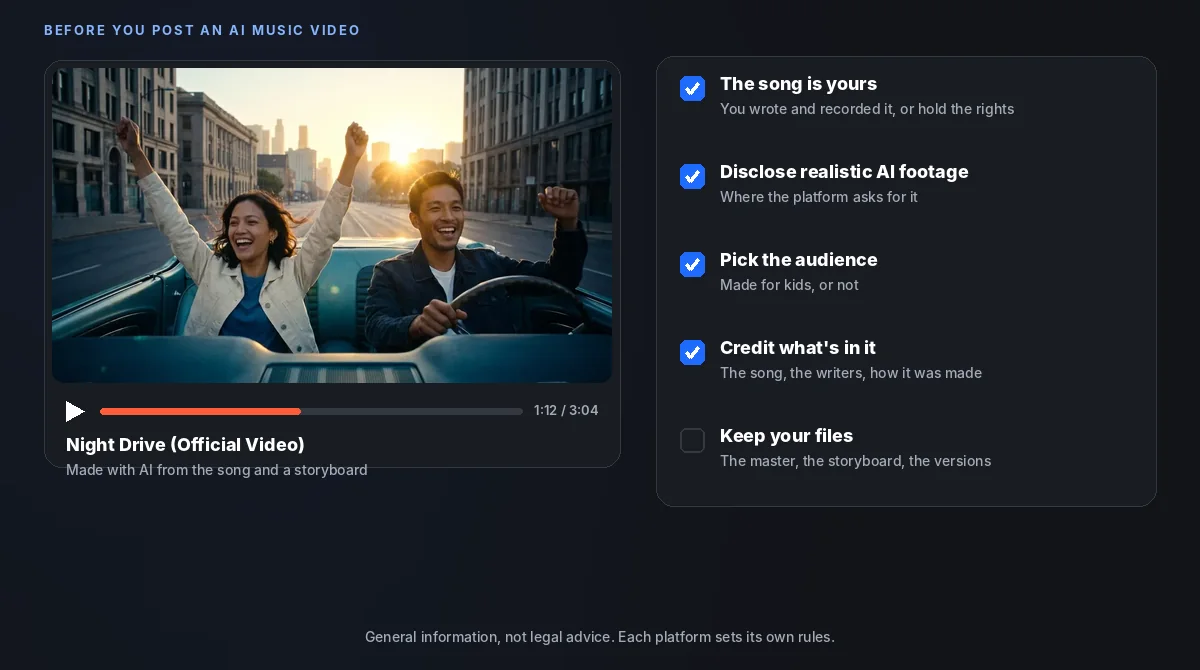
AI music videos on YouTube
When YouTube wants AI disclosed and what the label does, whether an AI music video can earn, Content ID on your own song and the made-for-kids setting.
Read the guide
More free tools: release and promotion
Pitch the song, write the press release, build the press kit, plan release week, write the YouTube description and estimate what streams pay.
Your song deserves a music video
Upload a track and get a free beat-synced storyboard in minutes. Render it when you are ready.
No card needed to start.






