Looking for a Viggle alternative for music videos?
Viggle is the Canadian app behind the viral 2024 remixes of Lil Yachty bouncing onto a festival stage: its Mix puts a character from one image into a motion, taken from a video you upload or from a library of more than 10,000 templates. Around it sit lip sync, character swaps, a remake agent for existing clips, general video models and 3D tools. Muvora makes the whole music video around your song. Here is how they compare.
Free storyboard · 5 a month · No card needed

The verdict
Muvora is the one to choose when the job is a music video for your whole song: it plans every shot on the track's downbeats, sections and drops, keeps one cast across the video, lip-syncs your singer only where the song is sung and cuts it all over your original audio. Viggle's Mix puts a character into a dance or motion, one clip per Mix.
Viggle facts checked November 18, 2026. Storyboard frame from “Paper Boats”, a 70 BPM ballad test song, Lyric style, 9:16, drawn by Muvora.
Muvora vs Viggle
| What is compared | Muvora | Viggle |
|---|---|---|
| What it is | A music video generator: upload a song and it plans, renders and edits every shot | A character-and-motion video app on its in-house JST-1 model, in the browser and on iOS and Android, with lip sync, swaps, a remake agent, general video models, 3D tools (PINOC), games and an API |
| What you start with | Only the song file (MP3, WAV, M4A, AAC or FLAC, up to 8 minutes), plus one clear photo of the singer for lip sync | A character image or prompt plus a motion: a video you upload (up to 1 minute free, 10 minutes on paid plans) or one of 10,000+ templates |
| Who plans the video | An AI director writes the brief and a shot for every stretch between cuts; you read and change all of it for free before rendering | You do: each Mix is one character performing one motion, and the Multi-Track editor fixes weak sections and handles several characters |
| Following the music | Cut points from the song's downbeats, at every section change and every drop, with longer holds where it's quiet | The timing of each move comes from the reference video or template; its lip sync page says music can be imported to sync a performance to the beat |
| Lip sync | Performance style: the vocal separated from your mix and only the sung shots lip-synced from one consented photo | Mic: one clear image lip-synced to typed text, a voice recording or music, plus a Rap feature for lyrics you write or generate |
| Scenes and camera | Locations, light, framing and a camera move written for every shot, rendered as AI video in Visualizer, Standard or Cinematic | Mix doesn't make scenes, environments or camera moves from text alone, by its own product facts; a separate Video tab runs general models, some on Live and Max only |
| Price | Storyboards free (5 a month on the free plan); rendering per finished second: 38 credits in Visualizer, 60 in Standard, 110 in Cinematic, 75 lip-synced | Pro $9.99 a month or $7.99 billed yearly (80 credits a month), Live $19.99 or $15.99 (200), Max $79.99 or $63.99 (800); credits priced per model and feature |
| Free to start | 5 new storyboards a month with style frames, no card needed | Daily free credits, one generation at a time, watermarked output and 7-day storage |
| Your song | Yours to use commercially when you have the rights to the song, with no visible watermark, logo or end card | Its terms (August 26, 2026) require that you own the musical rights in anything you upload, or have the owner's written permission |
Compare it on your own song
Upload a track and see Muvora's whole storyboard, every shot planned on your song's beats, and its exact price before you spend a credit. The storyboard is free, so you can judge the plan before you pay for anything.
What you get with Muvora that changes the outcome
- 01
A video for the whole song, not one move
Viggle's Mix takes one character and one motion, a dance template from its library of more than 10,000 or a clip you upload, and returns that character performing it. A music video needs many shots that change with the song: verses that move a story on, a chorus that opens up, a bridge that turns somewhere new. Muvora's director writes a concept, a small cast, a handful of designed locations and a palette, then a shot for every stretch between cuts, and renders each one as AI video. For movement-led concepts, the dance music video ideas open straight into a storyboard.
- 02
Cut by the song, not by a reference clip
In a Mix, the timing of every move comes from the reference video or template you pick, and Viggle's lip sync page says music can be imported to sync a performance to the beat. Muvora starts from the song's own analysis: its tempo, downbeats, sections, drops and energy. The planner cuts on downbeats, opens a new shot at each section and drop, holds through quiet stretches and cuts faster when the song is loud, and the video is assembled over your original upload, exactly as long as the track. The beat sync video maker page lists every rule.
- 03
A singer who sings where the song is sung
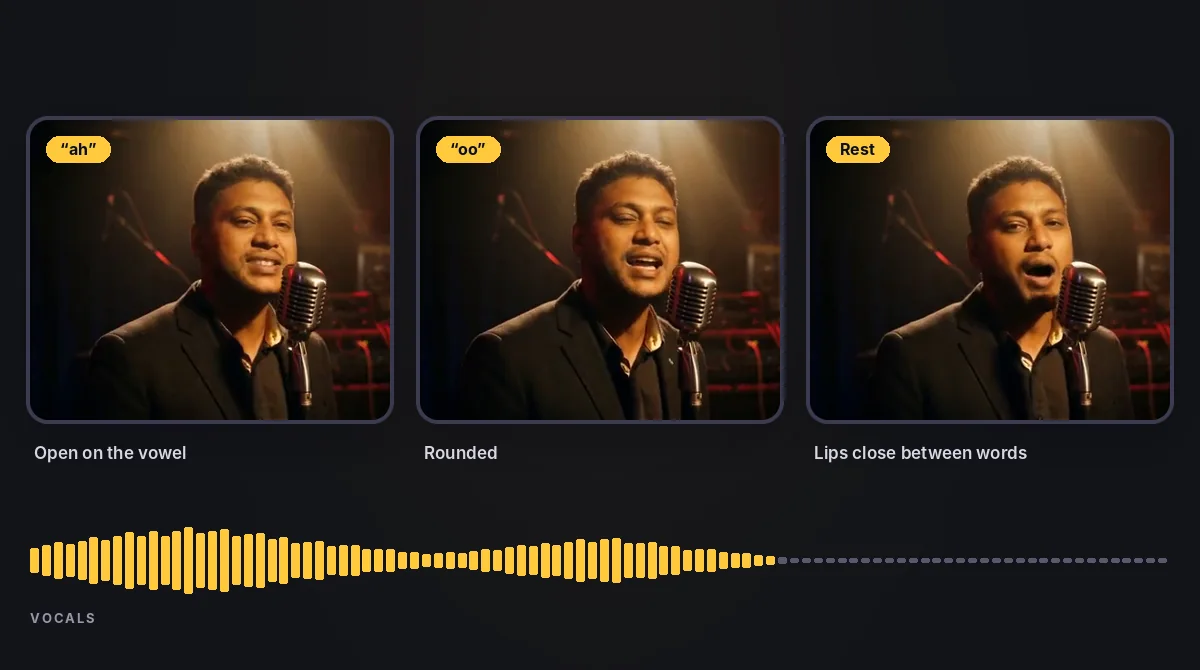
Viggle's Mic lip-syncs one clear image to typed text, a voice recording or music, and its Rap feature adds lyrics you write or let it write. Muvora's Performance style begins with one front-facing photo of the real singer, or a drawn character, confirmed with a consent box. It separates the vocal from your finished mix, finds every stretch that is really sung, cuts the vocal to those shots and lip-syncs them with the mouth at rest between words, while the singer can still appear in the story shots. Make a photo sing walks through it.
- 04
One cast, every format and the price first
Viggle prices its credits per model and per feature, with no single flat rate, and its monthly plan credits expire on the billing date. Muvora keeps your characters the same across the song from a character sheet drawn before rendering, gives 16:9, 9:16, 1:1 and an 8-second Canvas loop from one widescreen render, and shows the exact price per finished second before you press Generate, with failed shots costing nothing and unused plan credits rolling over up to 2 months' worth. The consistent character page shows how the cast holds.
The bottom line
Viggle makes characters move. Muvora makes the music video around them.
Viggle is built for character performance: memes and dance clips, swaps into footage you already have, live avatars for streamers, and motion for 3D and game work, all on its own motion model. A musician with a finished song needs every shot planned for its sections, one cast held from the first verse to the last chorus, the vocal lip-synced where it's sung and the whole edit cut on the beat over the original audio. Muvora does that from the song file; the animated music video guide shows a drawn look carried across a whole song.
- Every shot of the song planned in a free storyboard
- Cuts on downbeats, section changes and drops
- One cast kept from the first shot to the last
- Your singer lip-synced only where the song is sung
- The exact price before anything renders
Still comparing? See how Muvora compares with every other tool.
How Muvora works, and what it costs
- 01
Upload your song
Drop in an MP3, WAV, M4A or FLAC up to 8 minutes. Muvora finds the tempo, the beats, the downbeats and the sections of your song, like intro, verse and chorus.
- 02
Edit your free storyboard
An AI director writes a shot-by-shot plan timed to your downbeats. Rewrite any prompt, drag a cut (it snaps to the beat) or ask AI to redo a shot. None of it costs anything.
- 03
Generate your video
See the final price, then render. Pick Visualizer, Standard or Cinematic quality. If a shot fails, its credits come straight back.
The storyboard is free. Rendering is priced per second.
- Visualizer38 credits/s6,840 for 3 minutes
- Standard60 credits/s10,800 for 3 minutes
- Cinematic110 credits/s19,800 for 3 minutes
- The exact price is shown before you generate
- Failed shots cost nothing
- 16:9, 9:16, 1:1 and a Canvas loop from one widescreen render
Free storyboard in minutes. No card needed.
Questions, answered
Can't find what you need? Start a free storyboard and see for yourself.
Is Muvora a good alternative to Viggle for music videos?
Yes, when you want a full music video rather than a character clip. Muvora reads your song's beats, sections, drops and words, plans every shot in a free storyboard, renders each one as AI video, lip-syncs your singer from one photo and assembles the video on the downbeats over your original audio. Each Viggle Mix puts a character into one motion, from a template or a clip you upload.
Can Viggle make a music video from my song?
Not as one finished video, by its own product facts as of November 2026: Mix animates a character from a motion source, it doesn't make scenes, environments or camera moves from text alone, and a creator interviewed on its blog stitched his Viggle clips together in a separate editor. Muvora takes only the song file and returns the whole music video, planned on the song's structure and cut on its beat.
Can Viggle lip-sync a song?
Its Mic feature lip-syncs a character image to typed text, a voice recording or music, its Rap feature works from lyrics you write or generate, and its Multi-Track editor patches weak sections. Muvora's Performance style separates the vocal from your full mix, finds every stretch that is sung, and lip-syncs only those shots from one consented photo, across the whole song.
How much does Viggle cost compared with Muvora?
As of November 2026, Viggle's pricing page listed Pro at 9.99 US dollars a month or 7.99 billed yearly for 80 credits a month, Live at 19.99 or 15.99 for 200, and Max at 79.99 or 63.99 for 800, with credits priced per model and feature and monthly credits expiring on the billing date. Muvora prices a finished video by the second, shown before you render: a 3-minute Standard video is 10,800 credits.
Can Muvora make my character do a specific dance?
Not from a dance template or a video of your own moves: Muvora doesn't take uploaded footage or motion references. You describe the action in each shot's prompt (a dancer spinning under a streetlight, two friends jumping on the drop), Muvora renders it as AI video and cuts it on the beat, and you can rewrite and re-roll a shot whose movement misses.
Do I need the rights to my song in Viggle or Muvora?
Yes, in both. Viggle's terms, updated August 26, 2026, say you must own the musical rights in anything you upload or have the owner's written permission. Muvora asks you to confirm you own the song or have the rights before uploading, and its videos are then yours to use commercially, with no visible watermark, logo or end card.
Keep exploring
Hedra alternative
Muvora and Hedra side by side: a whole music video storyboarded and cut on your song's beats, against a studio that makes a character from one image talk or sing to your audio.
See the comparison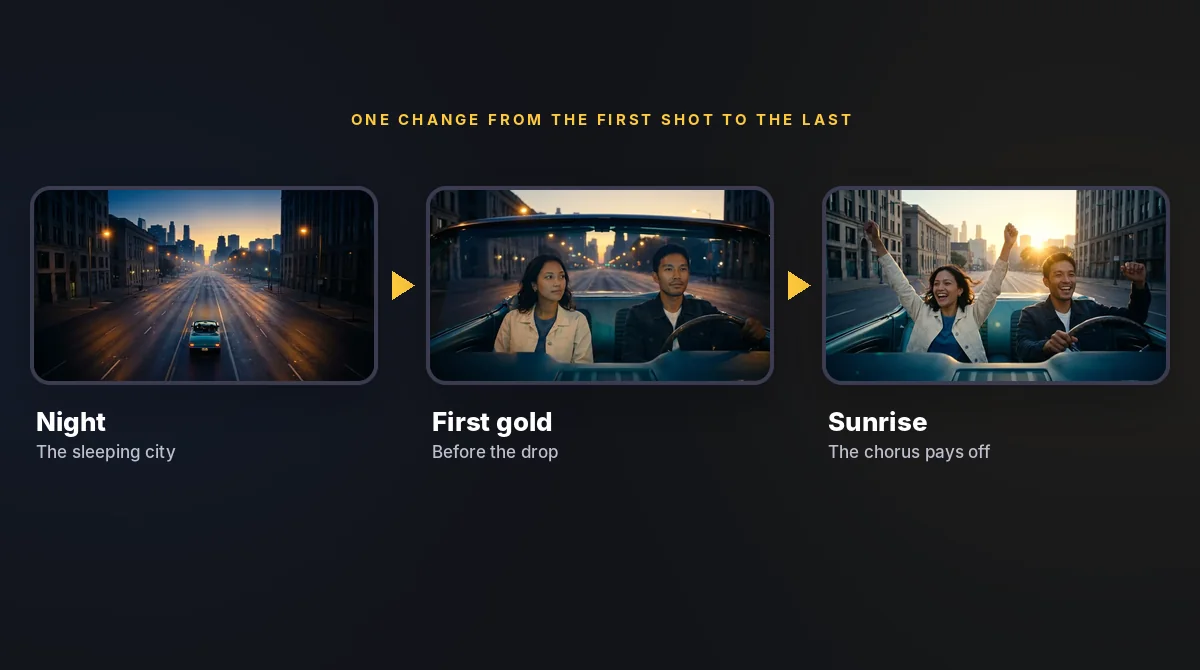
Pika alternative
Muvora and Pika side by side: a whole music video planned on your song's beats, against a creative app for short AI clips, effects, singing images and sound.
See the comparison
Enkio alternative
Muvora and Enkio side by side: a music video storyboarded for free and cut on your song's downbeats, against Wondershare's AI MV agent that turns a song and one reference photo into scenes.
See the comparison
Videoleap alternative
Muvora and Videoleap side by side: a music video generated shot by shot from your song and cut on its beats, against Lightricks' phone editor with templates, AI effects and a Beats tool for the clips you shot.
See the comparison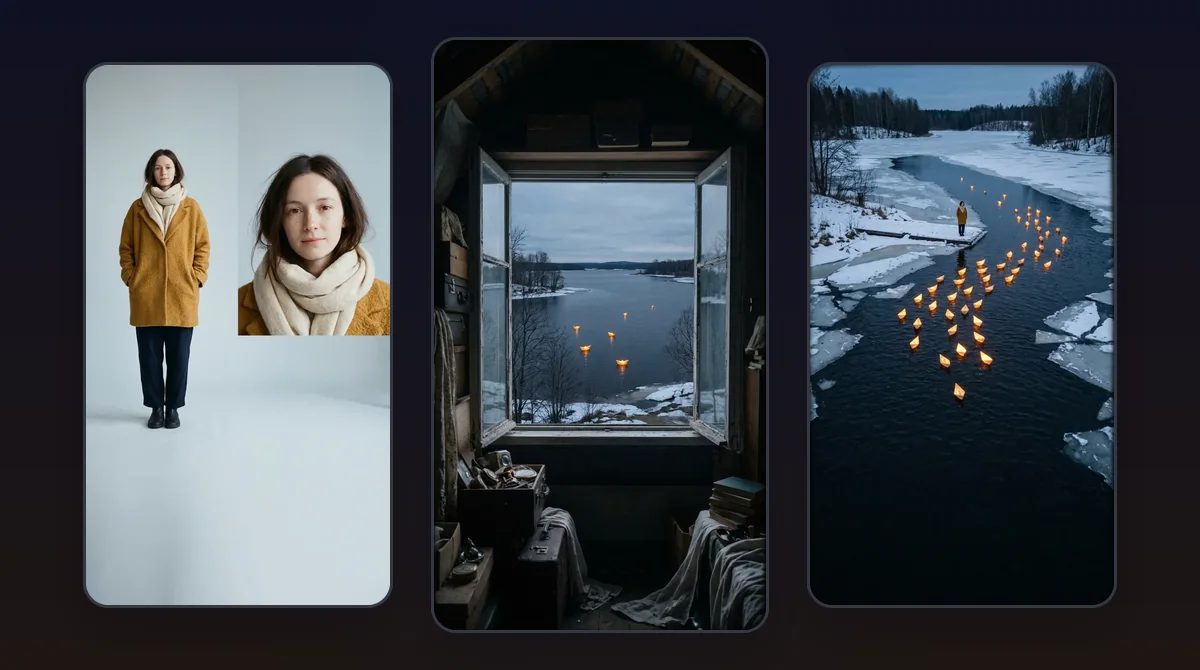
Animated music videos
Cartoon, anime-inspired or painted: a drawn music video in one consistent style.
Learn moreMake a photo sing
Your photo sings your own song: its face lip-synced to your vocals in every sung shot of a full music video.
Learn more
Your song deserves a music video
Upload a track and get a free beat-synced storyboard in minutes. Render it when you are ready.
No card needed to start.





