Type beat videos that move with the beat
A beat over a still image looks like every other upload in the search results. Muvora reads your instrumental's tempo, bars and drops, then plans a video whose cuts land on the beat, so someone scrolling YouTube can see the groove before the first bar ends.
Free to start · 5 storyboards a month · No card needed

Built for instrumentals
No vocals, no problem: the analysis takes its grid from the drums and the arrangement, maps the sections and finds every drop. Leave captions off and choose abstract motion or a moody scene that fits the sound you are selling.
- The beat grid drives the cuts, no vocals needed
- A white flash on every drop
- Abstract or story visuals, nothing written on screen
See your song as a storyboard first
Upload the track and the AI director plans every shot on the beat in minutes. Edit anything for free; you only pay if you render.
A look for the whole channel
Producers upload often, and a channel that looks consistent gets recognised. Write your channel's look into the idea box once (the palette, the setting, the time of night) and paste it for every beat, and each upload gets its own storyboard in the same world.
- Describe your channel's look once and reuse it
- Every beat gets its own free storyboard
- Edit any shot before it renders
The style, not the artist
A type beat is named after an artist's sound, but the video can't show that artist: Muvora never draws real people. Put the style in the setting, the light and the color instead. You pay per finished second, so a two-minute beat costs less than a full song, at 38 credits a second in Visualizer.
- Real people are never drawn in the pictures
- 38 credits per finished second in Visualizer
- 16:9 for the upload, 9:16 for Shorts
From your song to a finished video
- 01
Upload your song
Drop in an MP3, WAV, M4A or FLAC up to 8 minutes. Muvora finds the tempo, the beats, the downbeats and the sections of your song, like intro, verse and chorus.
- 02
Edit your free storyboard
An AI director writes a shot-by-shot plan timed to your downbeats. Rewrite any prompt, drag a cut (it snaps to the beat) or ask AI to redo a shot. None of it costs anything.
- 03
Generate your video
See the final price, then render. Pick Visualizer, Standard or Cinematic quality. If a shot fails, its credits come straight back.
The storyboard is free. Rendering is priced per second.
- Visualizer38 credits/s6,840 for 3 minutes
- Standard60 credits/s10,800 for 3 minutes
- Cinematic110 credits/s19,800 for 3 minutes
- The exact price is shown before you generate
- Failed shots cost nothing
- 16:9, 9:16, 1:1 and a Canvas loop from one widescreen render
Free storyboard in minutes. No card needed.
Questions, answered
Can't find what you need? Start a free storyboard and see for yourself.
What is a type beat video?
A video producers post on YouTube to sell or share an instrumental in the style of a known artist. A visual that moves with the beat keeps viewers watching longer than a still image.
Can my type beat video show the artist it's named after?
No. Muvora never draws real people. Use a setting, mood and colors that suggest the artist's world instead of their face.
Can I make videos for a whole beat pack?
Yes, one upload per beat. Each gets its own storyboard; the free plan includes 5 new storyboards a month, and paid plans aren't limited.
Will it work for YouTube Shorts as well?
Yes. Every render exports a vertical 9:16 version beside the 16:9 one, so you can post the hook of the beat as a Short.
Keep exploring
Hip-hop
Night streets, low angles and cuts that hit with the snare.
Learn more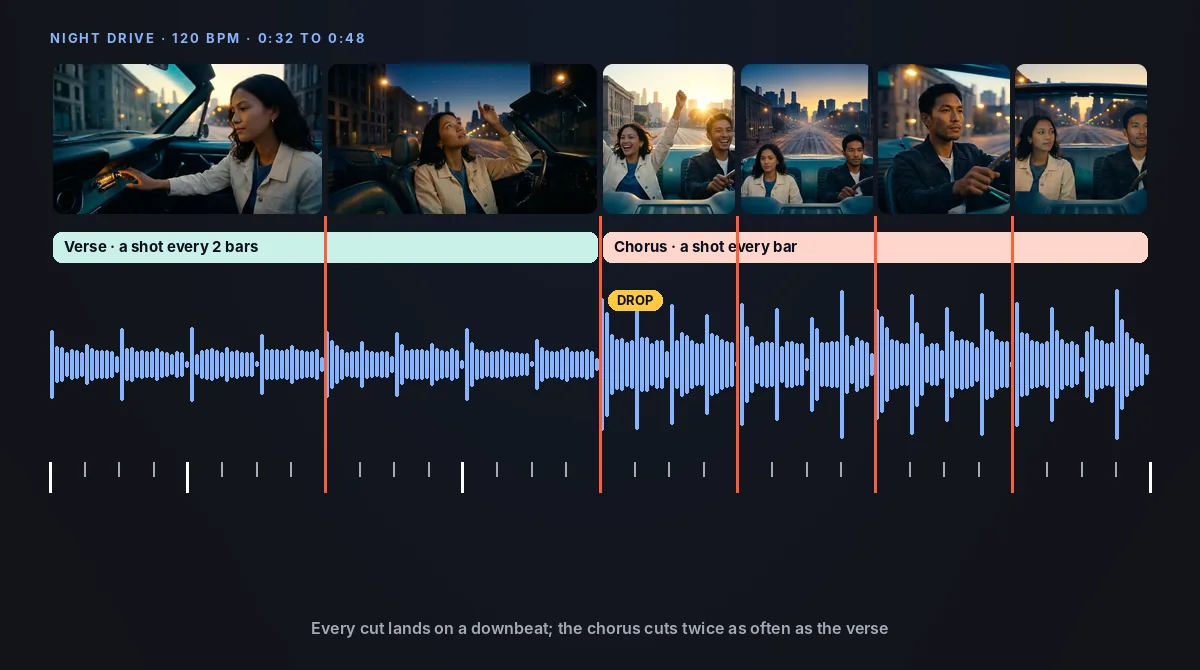
Beat sync videos
Every cut placed on a downbeat, a section change or a drop, to the nearest frame.
Learn more
Music visualizers
AI video for a whole song, cut on the beat, at the lowest credit rate.
Learn more
Lo-fi
Soft rain, warm lamps and slow shots for late-night calm.
Learn moreBPM and key finder
The tempo and musical key of any song, with its Camelot code for mixing.
Open the tool
Faceless music videos
No face, no camera: abstract visuals, lyric videos, or a character who isn't you.
Learn more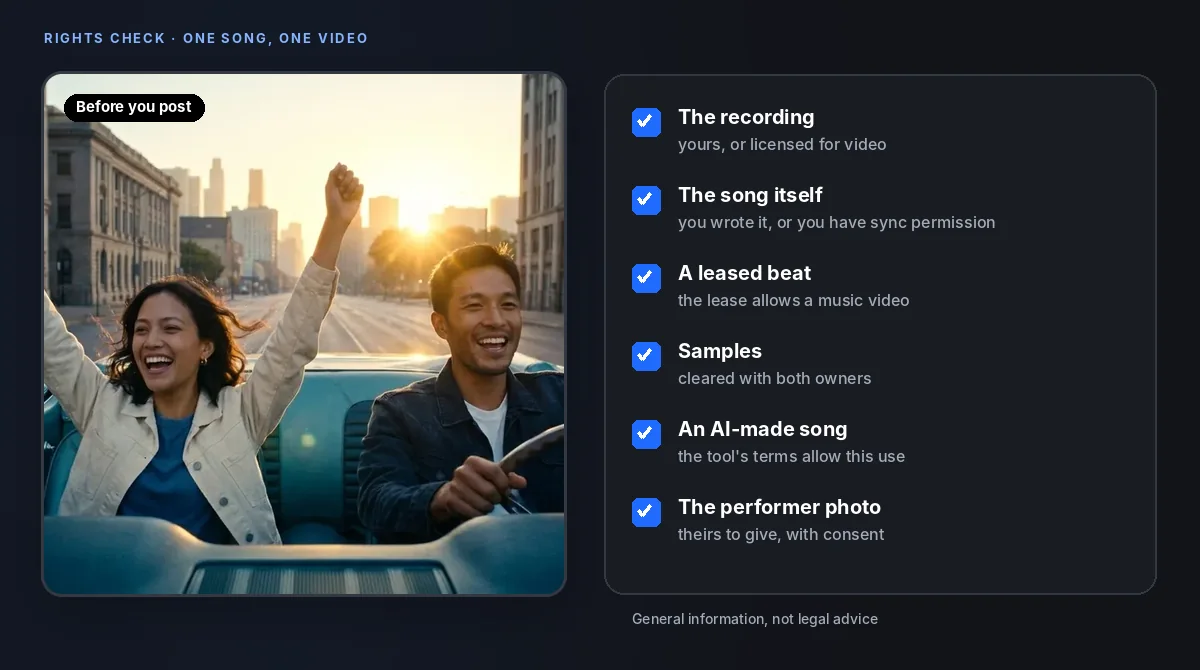
Music video copyright
Covers, samples, leased beats, AI songs and Content ID: what to clear before you make and post a music video.
Read the guide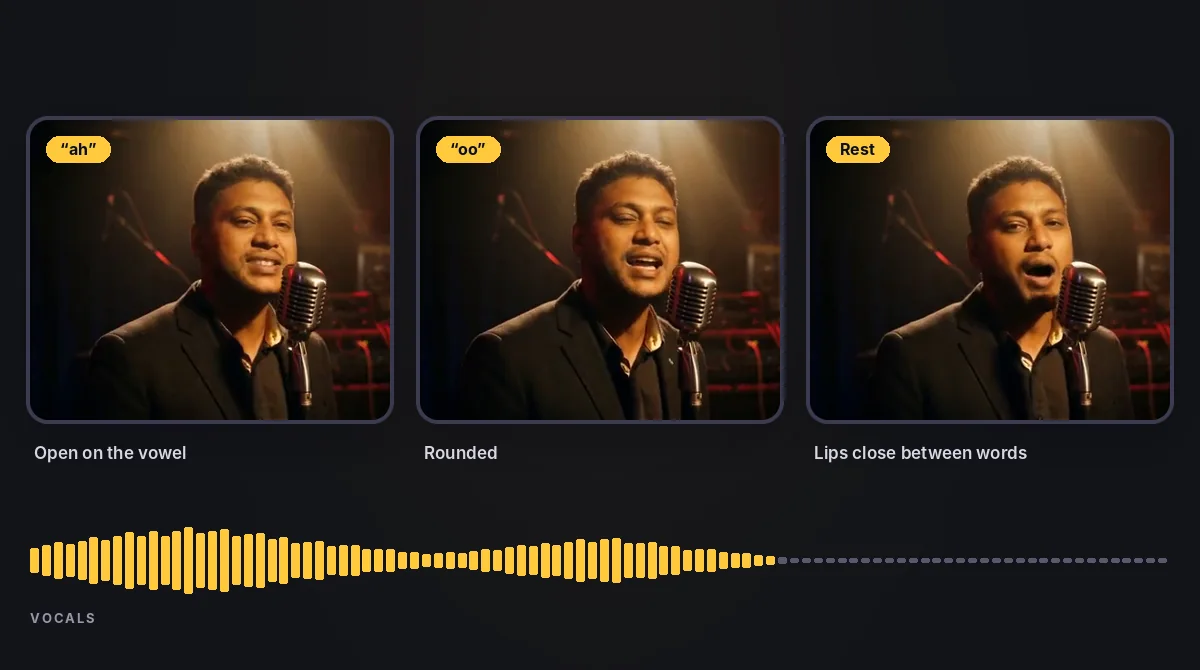
Rappers
Fast cuts on your beat, your bars lip-synced from one photo, story shots in the verses and a vertical cut for clips.
Learn moreDrum machine
A 16-step drum sequencer in your browser: eight synthesized drums, grooves by genre, swing, accents and rolls, saved as a WAV loop or a MIDI file.
Open the tool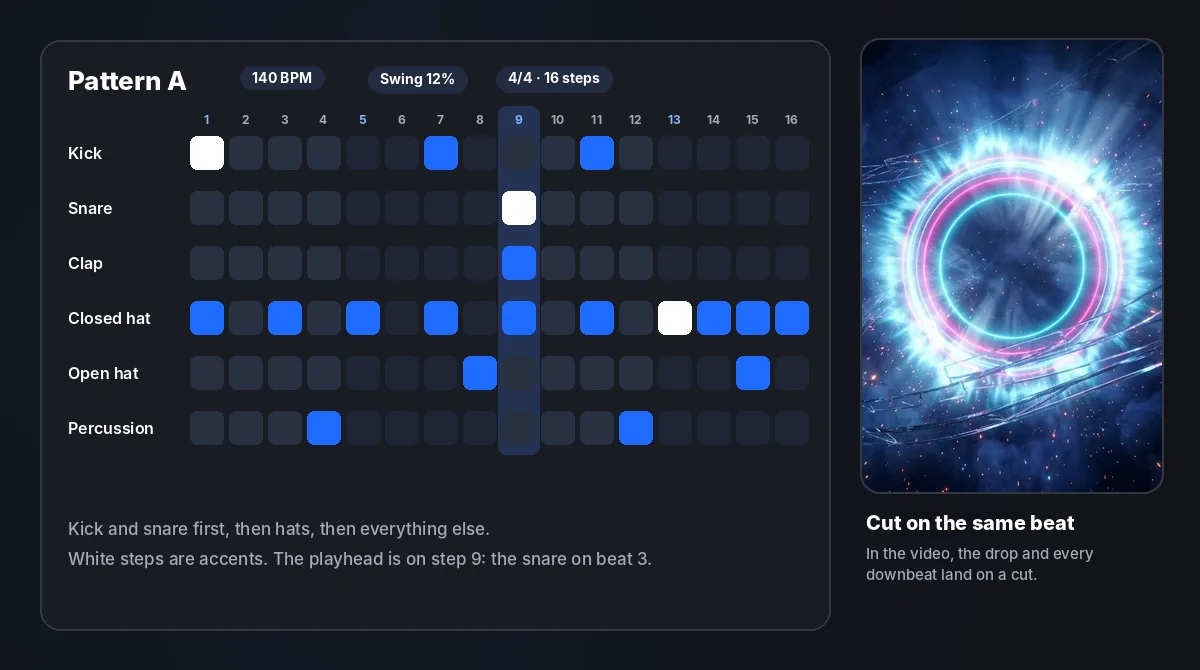
How to make a beat
Make a beat from scratch: a tempo for the style, the drums first, then bass, chords and a melody, an arrangement in bars, a quick mix, a WAV and a video.
Read the guide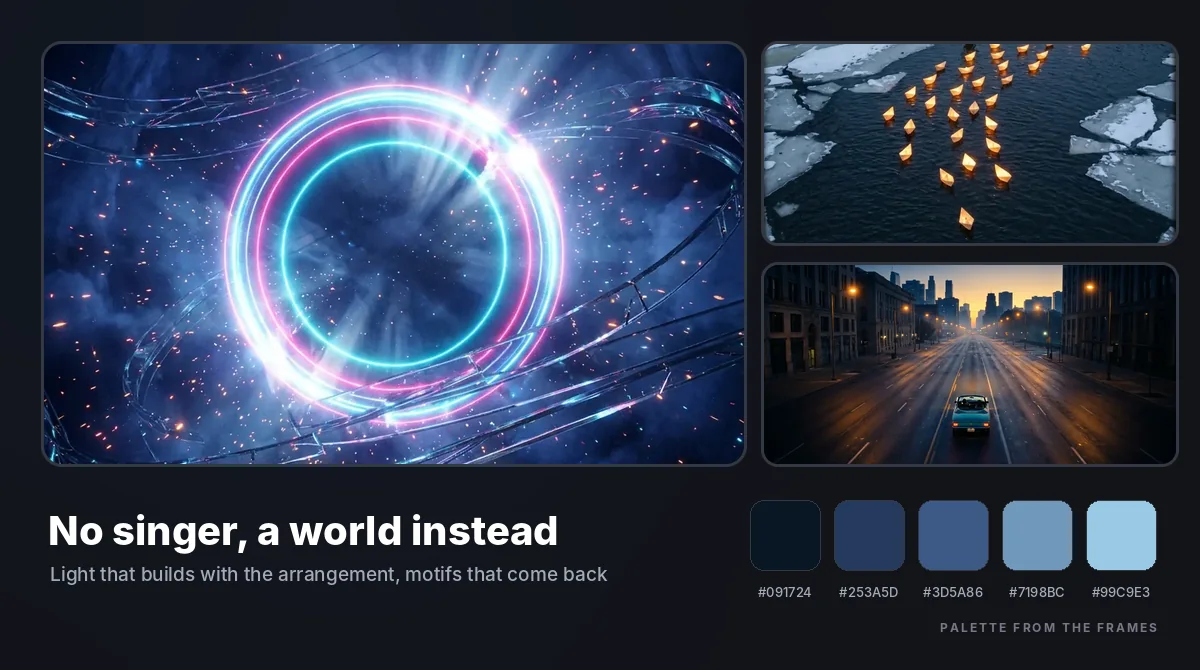
Instrumental music videos
Videos for music without vocals: post-rock, ambient, piano, film-score style and jazz, cut to the arrangement.
Learn moreInstrumental music video ideas
14 concepts for beats, post-rock, ambient, electronic, classical and jazz instrumentals, each with a motif that grows with the arrangement.
Read the guide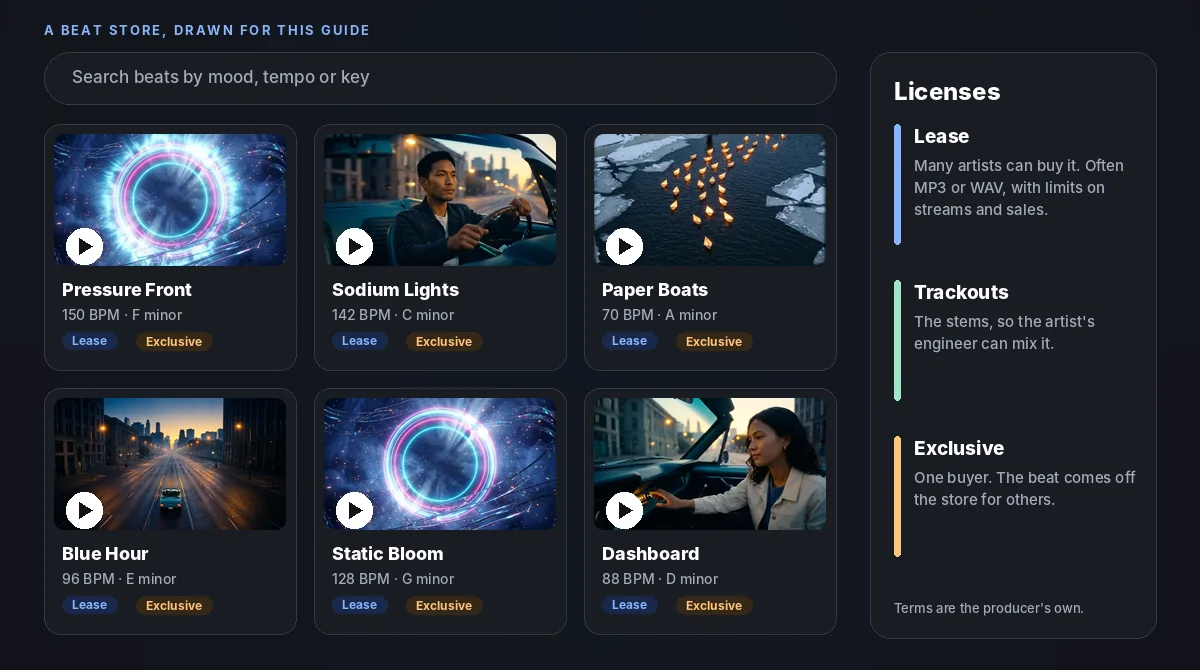
How to sell beats online
Leases and exclusives, what a beat license spells out, tagged previews and trackouts, where producers sell, type beat videos and Content ID on leased beats.
Read the guide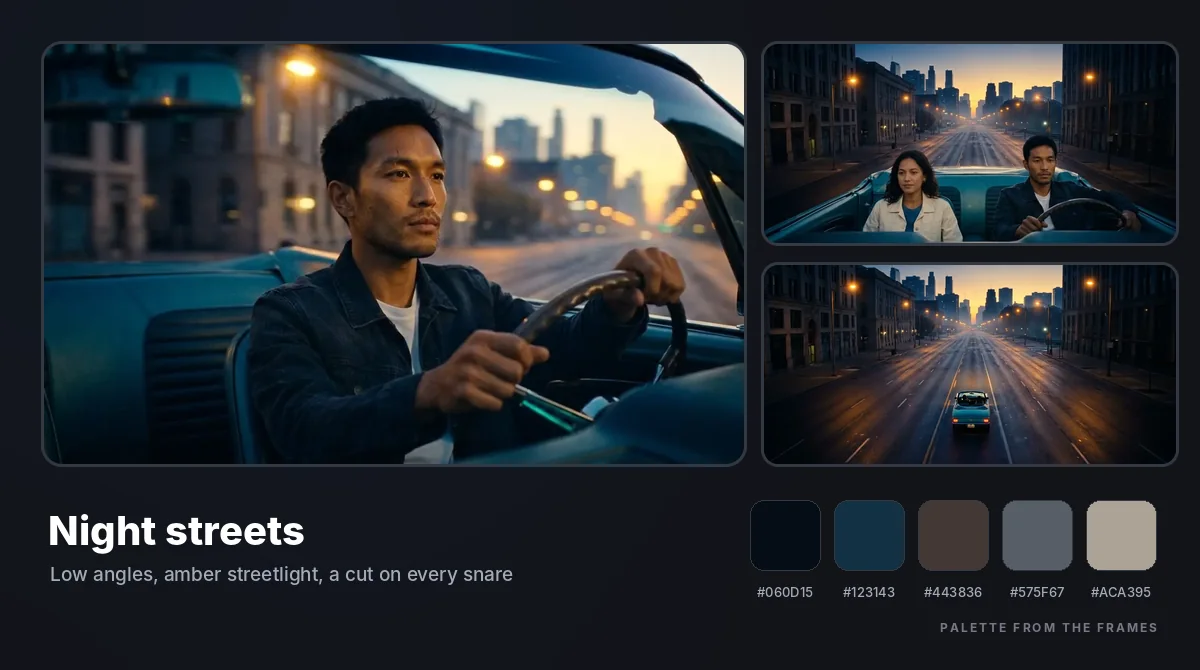
Trap music videos
Trap videos with the hook cut on every bar, a flash on the drop, night places you describe and your verses lip-synced from one photo.
Learn more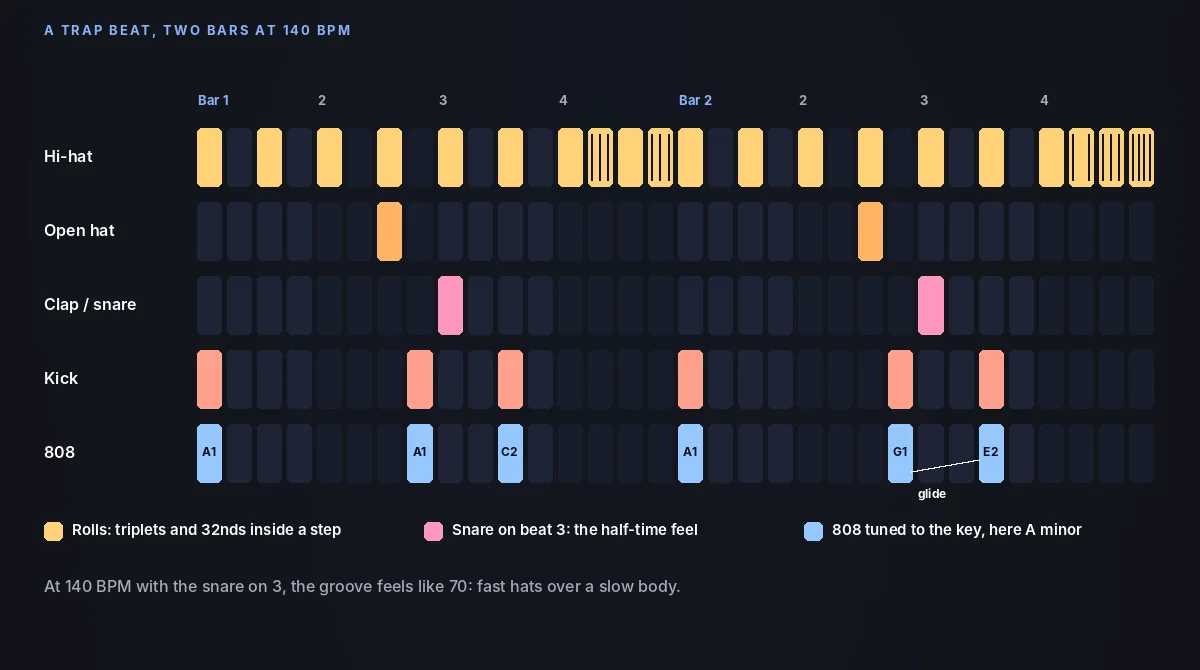
How to make a trap beat
A trap beat from an empty grid: the half-time snare, hi-hat rolls in milliseconds, a tuned 808 with glides, a dark melody, the arrangement and the low end.
Read the guideProducers and beatmakers
Visuals for beats and instrumentals: release visualizers, one look across a beat channel, and type beats that borrow no one's face.
Learn more
Your song deserves a music video
Upload a track and get a free beat-synced storyboard in minutes. Render it when you are ready.
No card needed to start.




