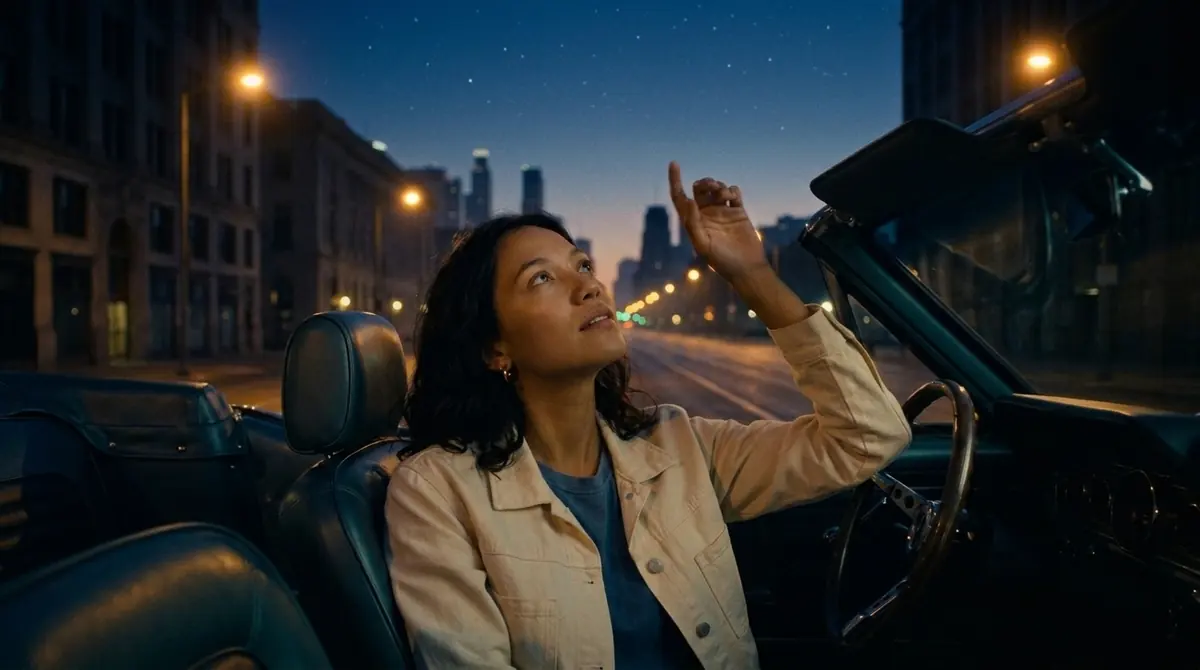
One story for the single
Story style, 16:9: a short film for the single, with a chorus that brings one change each time it comes back.
Spotify now plays full music videos for Premium listeners in many countries: a listener taps Switch to video and the song keeps playing with pictures. A video gets there through your distributor or label, or through an upload in Spotify for Artists that is still opening to artists in stages, and Spotify decides what it accepts and where it shows it. Muvora makes the files: a 16:9 video of your master cut on its beats, the 8-second Canvas loop and the vertical clips that send people to the song, all from one render of a storyboard you edit for free.
Free to start · 5 storyboards a month · No card needed
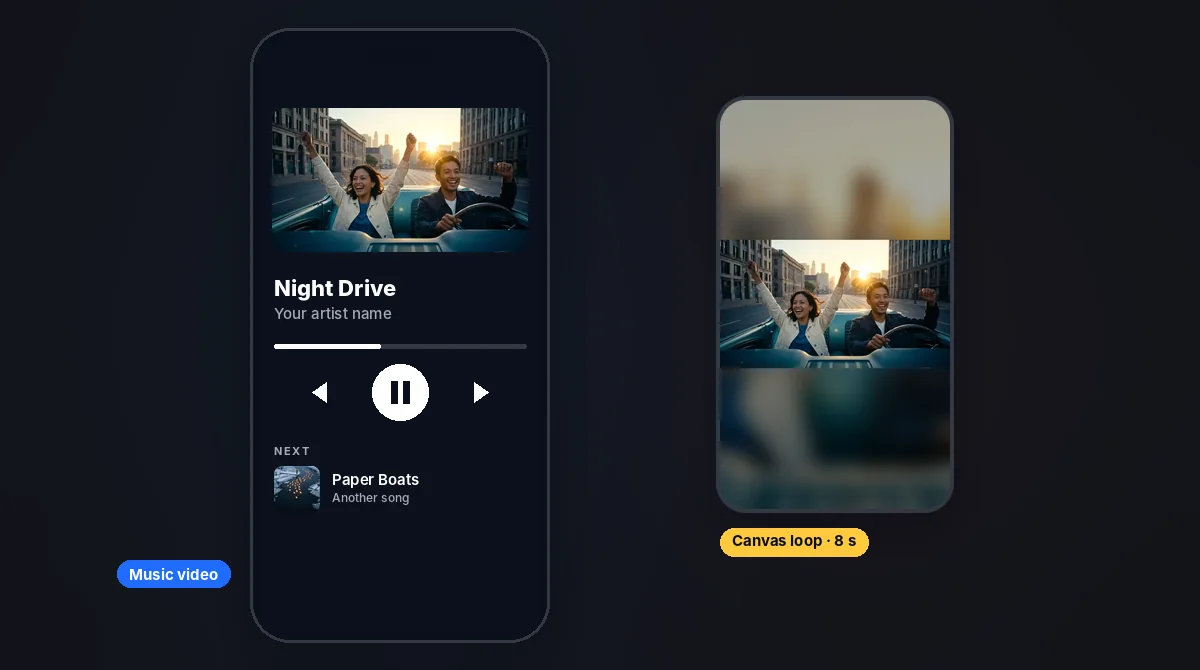
As of November 2026, Spotify's help pages ask for a landscape 16:9 video of one song, longer than 30 seconds and at 1080p or higher, with the music as the clear focus. A Muvora widescreen render at 1080p has that shape: a 1920 x 1080 H.264 MP4 with AAC sound, exactly as long as the song, whose soundtrack is your upload from its first sample, unchanged. Upload the same master your distributor delivered, so the video plays the release's own audio. Pick 1080p in the settings rather than 720p, which is below the size Spotify recommends; Cinematic makes its clips at 1080p, while Visualizer and Standard make theirs at a lower resolution and scale the export up to 1920 x 1080. Turn captions off. Spotify doesn't take lyric videos, and Muvora's karaoke captions are burned into the picture, so a captioned render reads as one: make the Spotify version in Story, Abstract or Performance with captions off, and treat a captioned version for YouTube as a render of its own. With captions off there's no text on screen at all, since the pictures never contain lettering. Spotify's content policy also asks you to weigh the pictures, not only the lyrics, when you set the explicit flag and consider the 18+ tag, and Muvora can draw mature themes when your idea asks for them, so judge the finished video before it's delivered. How to get your music video on Spotify has the full specs and both delivery routes.
See your song as a storyboard first
Upload the track and the AI director plans every shot on the beat in minutes. Edit anything for free; you only pay if you render.
Every render also exports an 8-second 9:16 Canvas with no sound, cut from the loudest stretch of a chorus and made to loop, so a release looks the same from the video to the Now Playing screen. Any artist can add a Canvas in Spotify for Artists, whether or not video has reached them. Watch it against Spotify's Canvas guidelines before you add it, because a chorus is where Muvora cuts fastest: on a 120 BPM pop song a chorus shot lasts about two seconds, so the loop can hold three or four cuts, and the guidelines ask for no rapid cuts or intense flashing. A drop inside those eight seconds also brings its two-frame white flash. In a Performance video the chorus is usually where the singer is lip-synced, and Spotify asks for no talking, singing or rapping in a Canvas, so the loop may show exactly what it shouldn't. When the exported loop doesn't suit, make a calmer one from the same video: save a still with the video frame grabber, turn it into a slow push-in loop with Canvas from an image, and check either file with the Spotify Canvas checker. The Spotify Canvas maker page and the Spotify Canvas guide cover loops in more depth.
Muvora makes the files; it doesn't deliver them to Spotify, upload them or assign codes. Delivery goes through a distributor or label that sends video to Spotify, which Spotify calls the main route, or through Upload Video in Spotify for Artists if the beta has reached you, with a waitlist if it hasn't. Either way the video usually carries an ISRC of its own, which distributors often assign (what an ISRC is), and in the US the songwriters' registration with The MLC decides whether it can stream there. Pitch the official video to Spotify's editors as well as the song: it's a separate pitch, open to official videos and performances that are unreleased or out for less than seven days, and like any pitch it can't promise a placement; the Spotify pitch generator helps with the song's own pitch. The same render covers the rest of the release: the 9:16 export is the source for Shorts, Reels and TikTok clips that carry the song's link, and for a countdown video on an eligible upcoming release, trimmed to under 30 seconds in any editor with its sound kept; the 16:9 file goes to YouTube on release day (how to upload a music video to YouTube), and the square cut to feed posts. Render widescreen for all of this, since a 9:16 render has no 16:9 file to give Spotify. Choosing the song comes first, and which song should get a music video weighs the hook, the release plan and the budget.
Each card opens the upload in 16:9 with a style Spotify's video rules allow and an idea already written. Rewrite it for your song and keep captions off for the Spotify version; the Canvas and the vertical cuts come from the same render.
Story style, 16:9: a short film for the single, with a chorus that brings one change each time it comes back.

Abstract style, 16:9: for an instrumental or a track led by its sound, slow motion that also gives a calm Canvas.

Performance, 16:9: you sing to camera from one photo, and the empty room at the end makes a still for a calm Canvas.

Story style, 16:9: a video told through hands, objects and light, for an artist who stays off screen.
Drop in an MP3, WAV, M4A or FLAC up to 8 minutes. Muvora finds the tempo, the beats, the downbeats and the sections of your song, like intro, verse and chorus.
An AI director writes a shot-by-shot plan timed to your downbeats. Rewrite any prompt, drag a cut (it snaps to the beat) or ask AI to redo a shot. None of it costs anything.
See the final price, then render. Pick Visualizer, Standard or Cinematic quality. If a shot fails, its credits come straight back.
Free storyboard in minutes. No card needed.
Can't find what you need? Start a free storyboard and see for yourself.
No. Muvora makes the video file and the Canvas; a distributor or label that delivers video to Spotify, or the Upload Video beta in Spotify for Artists where it's open to you, puts the video there. Spotify decides whether it accepts a video and where it shows it, as it does for any artist.
As of November 2026, Spotify's help pages ask for landscape 16:9 at 1080p or higher, longer than 30 seconds, of one song. Render at 16:9 with the export set to 1080p, and Muvora gives you a 1920 x 1080 MP4 of the whole song with your master as the sound.
Not as of November 2026: Spotify lists lyric videos among the kinds it doesn't support. Muvora's captions are part of the picture, so render the Spotify version with captions off; the pictures themselves never contain words, so nothing else needs taking out.
Any quality exports 1920 x 1080 when you choose 1080p. Cinematic makes its clips at 1080p and has the most detail; Visualizer and Standard make theirs at a lower resolution and scale them up, for fewer credits a second. The storyboard shows each quality's price before you render.
Yes. Every render exports an 8-second 9:16 Canvas loop with no sound, cut from the loudest chorus moment. Watch it before you add it in Spotify for Artists, since Spotify's Canvas guidelines rule out singing, rapid cuts and intense flashing, which a lip-synced or fast chorus can contain.
The storyboard is free, with 5 new ones a month on the free plan. A 3-minute song renders for 6,840 credits in Visualizer, 10,800 in Standard or 19,800 in Cinematic, with lip-synced seconds at 75, and the Canvas, the vertical and the square cuts come with that render at no extra cost.
The two ways a music video reaches Spotify, who can watch it, the specs, which videos count, pitching one to editors, and what to post while you wait.
Read the guideAn 8-second vertical loop cut from your video, sized for Canvas.
Learn moreCanvas specs, loop design rules, ideas by genre and the quickest way to make one from your video.
Read the guideTurn cover art or a photo into a seamless 8-second vertical loop.
Open the toolCheck a video against Canvas's specs before you upload: length, shape, resolution and format.
Open the toolOpen a video and see its resolution, frame rate, length, codec, bitrate and sound checked against YouTube, Shorts, TikTok, Reels and Canvas.
Open the tool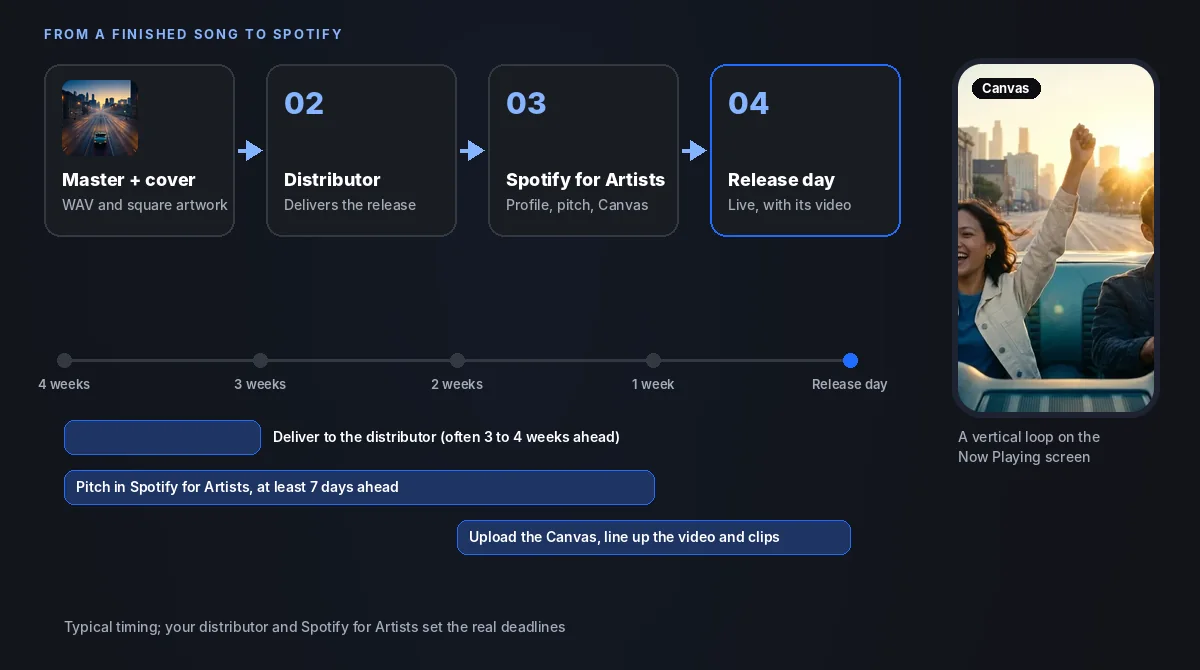
From a finished master to a live release: what to prepare, choosing a distributor, the timeline, Spotify for Artists, the pitch and the Canvas.
Read the guide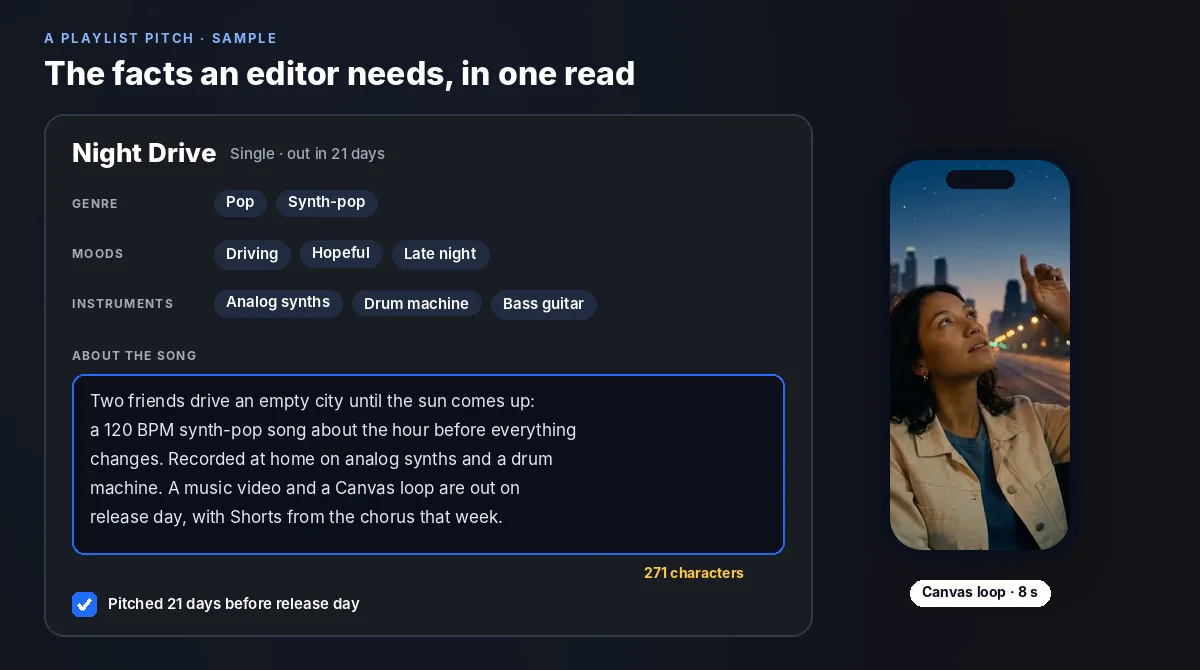
Editorial, algorithmic and curator playlists: how each works, how to pitch Spotify's editors and what helps after release.
Read the guideA playlist pitch from your song's facts in three versions, counted against your limit, with the 7-day pitch deadline.
Open the tool
A full-length 16:9 video for your channel, plus the Shorts cut, from one render.
Learn more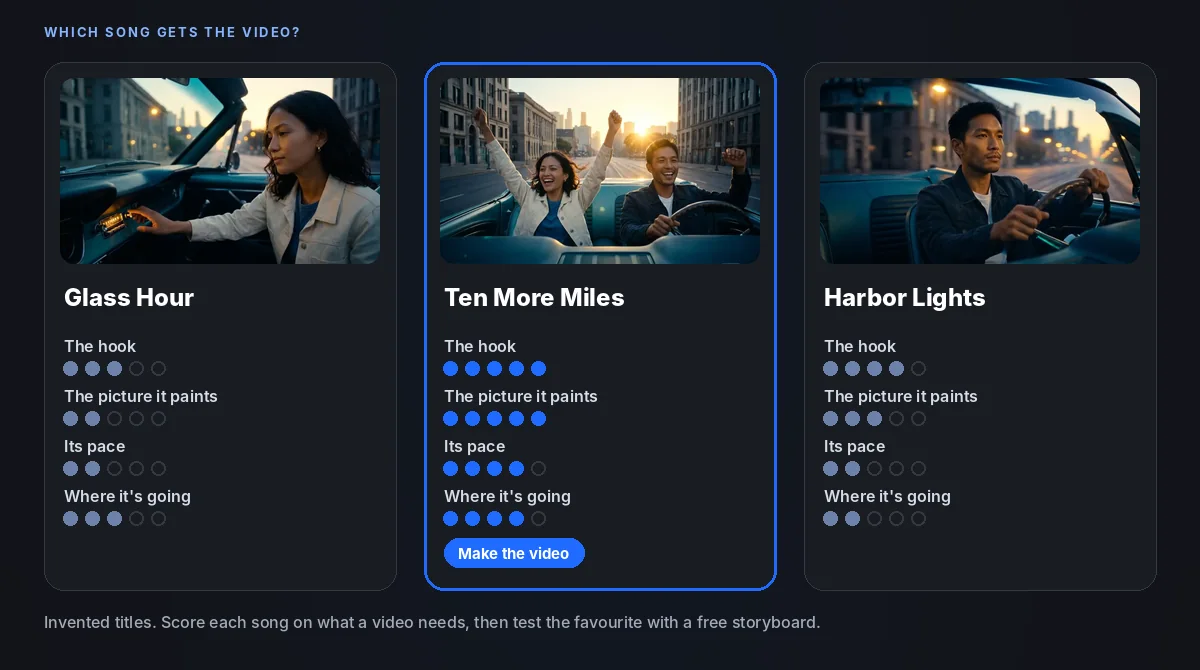
How to choose the song for your music video: its hook, the picture it suggests, its pace, how listeners treat it, the release plan and the budget, then a free test.
Read the guide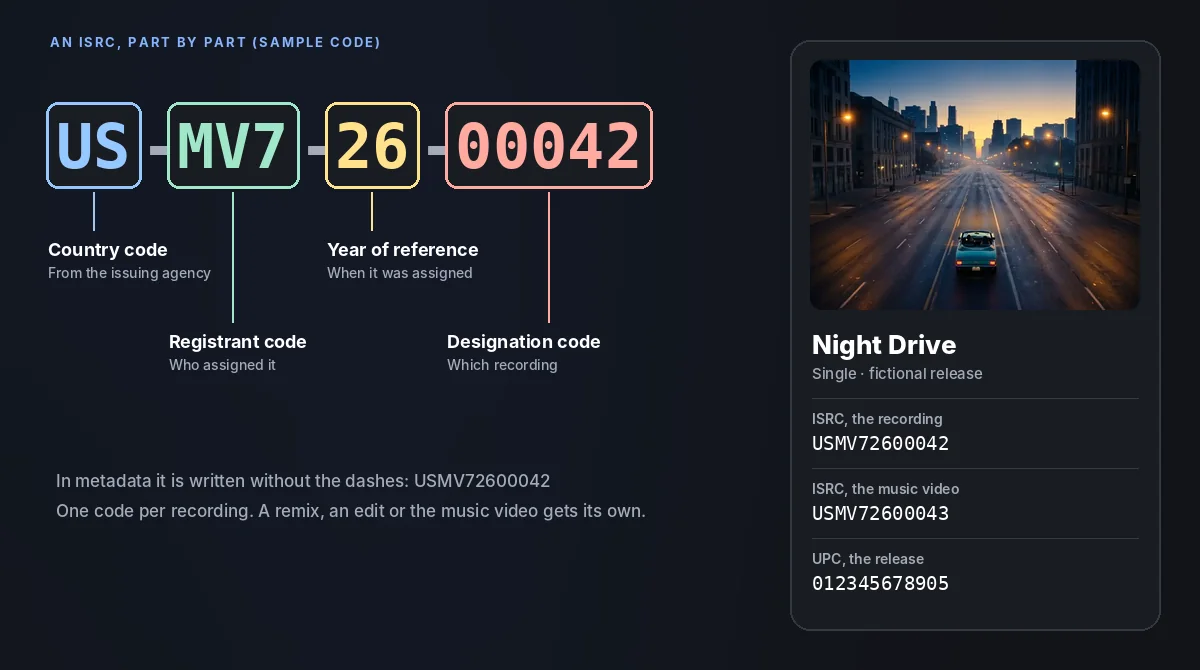
The 12-character code for a recording: its four parts, ISRC vs ISWC vs UPC, when a remix, an edit or a music video needs its own, and how to get one.
Read the guideUpload a track and get a free beat-synced storyboard in minutes. Render it when you are ready.
No card needed to start.




