
The last ferry across
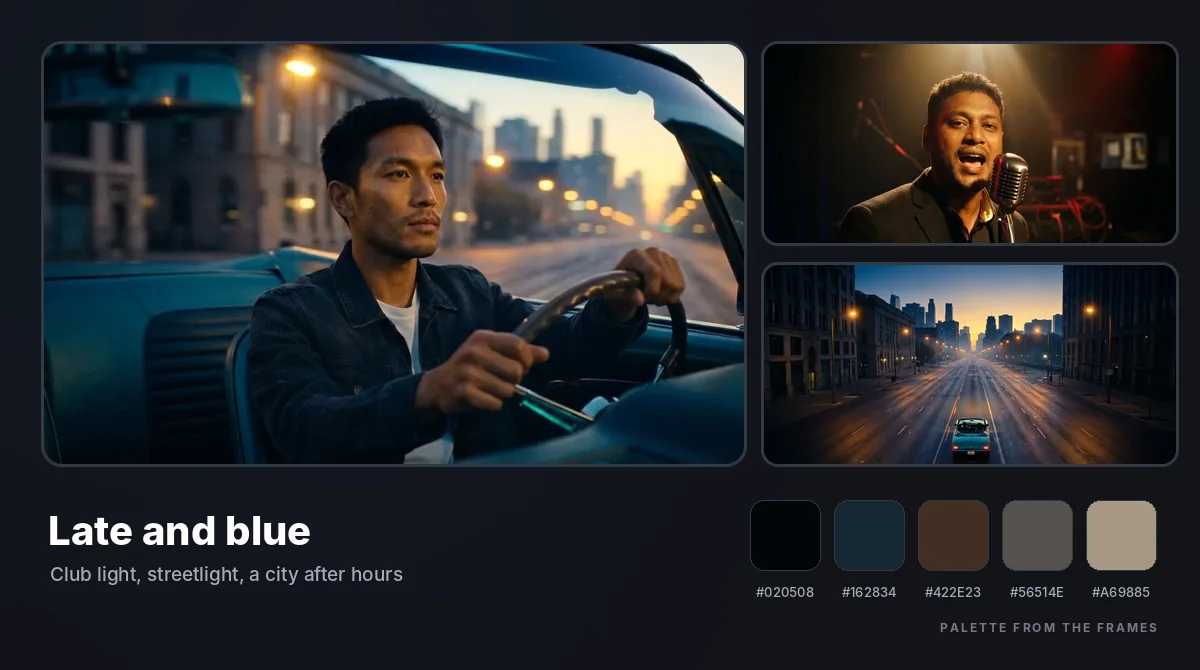
Performance, lo-fi look: you sing in the lounge of the night's last ferry while a few late passengers listen.
A jazz record doesn't want a busy video. The tune states its melody, the players take turns stretching it, the melody comes back, and nobody in the room wants the camera to hurry. What works is a picture that holds while the band swings, changes when the form turns, and a room worth staying in. Upload your recording and Muvora reads its tempo, its downbeats and how loud each part gets, plans the cuts from that and writes a storyboard around the room and the hour you name. An instrumental needs no singer and gets no captions; a vocal tune can be lip-synced from one photo of the singer. Every shot can be changed for free before you render.
Free to start · 5 storyboards a month · No card needed
Muvora cuts on downbeats, so a new picture arrives on the first beat of a bar and the lilt of the ride cymbal, the walking bass and the comping all play out inside a shot that doesn't jump on them. How long a shot holds depends on the tempo, the genre look and how loud each part is against the rest of the tune, not on whether it's the melody or a solo: the analysis names sections in song-form words and knows nothing of heads and solo choruses. On a typical arrangement of a medium swing tune at 132 BPM, played softly at the top and building through the solos, the lo-fi look holds the opening melody four bars a shot (about 7.3 seconds) and the solos two bars (about 3.6); with the pop look, or no look at all, the melody cuts every two bars and the loudest stretch, often the last time through the melody, every bar, about 1.8 seconds. A ballad at 64 BPM on the lo-fi look holds about 7.5 seconds in its sparse verses and 3.75 where the band swells. Fast tunes don't flicker: past about 150 BPM the planner counts bars in pairs, so a 200 BPM burner's shots mostly run about 4.8 seconds, and a jazz waltz in 3/4 cuts on the first beat of its bars like any other song. A rubato piano intro gives the analysis fewer firm beats, so its shots hold longer, though a whole take in free time can come back with no beat to cut on. Typing jazz in the song's genre field leaves the look unpicked (lo-fi jazz picks lo-fi), so choose one on the vibe step. Check the tempo first with tap tempo or the BPM and key finder.
See your song as a storyboard first
Upload the track and the AI director plans every shot on the beat in minutes. Edit anything for free; you only pay if you render.
The idea box (up to 600 characters) carries everything a genre look can't: the room, the hour, the clothes and what the light comes from. Jazz rewards a small, specific place: a piano bar with a brass rail and green-shaded lamps, a fourth-floor walk-up with the window open onto a fire escape, a dance hall with a mirror ball turning over an empty floor, the back booth of an all-night diner where the band eats after the gig, a ferry lounge crossing a black harbor. Name the sources (a table lamp, the red bulb over a stage door, headlights sliding across a ceiling) and every shot is lit from them rather than from a studio glow. Then be practical about the instruments. The video model draws a tenor sax, an upright bass or a kit played with brushes convincingly, but it can't hear your solo, so hands on keys and strings won't match what you played: write the players from across the room or from the chest up, and let the recording, which is always your own file, do the playing. Name the mood in a few words (“unhurried and warm”, “late and a little lonely”), since every face is drawn from it, and describe clothes by cut and color rather than by label. No real musician is ever drawn, so the video can't put a famous player on your bandstand, and no lettering is drawn either, so the club's name stays off the awning. The jazz music video ideas guide has 14 concepts, from vocal ballads to jazz-hop.
Vocal jazz suits the Performance style: add one clear, front-facing photo of the singer (yourself, or someone who has agreed, with the consent box ticked) and the shots the vocal fills are lip-synced to it, framed chest or waist up, while the piano and horn solos get story shots around the room. Long held notes and the rests between phrases show in the mouth. Scat is harder: a shot is lip-synced only where the words timed to the vocal fill at least half of it, and syllables are hard for a transcription to catch, so paste them with the lyrics the way you sing them; you can still switch the captions off. Most jazz has no vocal, and that's fine: an instrumental gets no lip sync and no captions, so choose Story for a tune that plays like a short film or Abstract for one that's all color and texture, and set the opening melody and its return in the same place so the video ends where it began. Each solo can take a new room, hour or color. A live take longer than 8 minutes has to be split at a change in the form and rendered in parts. One 16:9 render gives the widescreen video, a vertical cut, a square post and an 8-second Canvas. For a band that wants the video on a screen behind them at a gig, read concert visuals, and the setlist maker prints the night's running order with keys and tempos; for jazz-hop and study beats, see the lo-fi look and how to make lo-fi beats; for any piece without a singer, the instrumental music video maker.
Each card opens the upload with a style, a look picked for that kind of tune and an idea in the box. Swap in your own room, hour and players before the storyboard is written; the Performance card asks for the singer's photo on the vibe step.
Performance, lo-fi look: you sing in the lounge of the night's last ferry while a few late passengers listen.
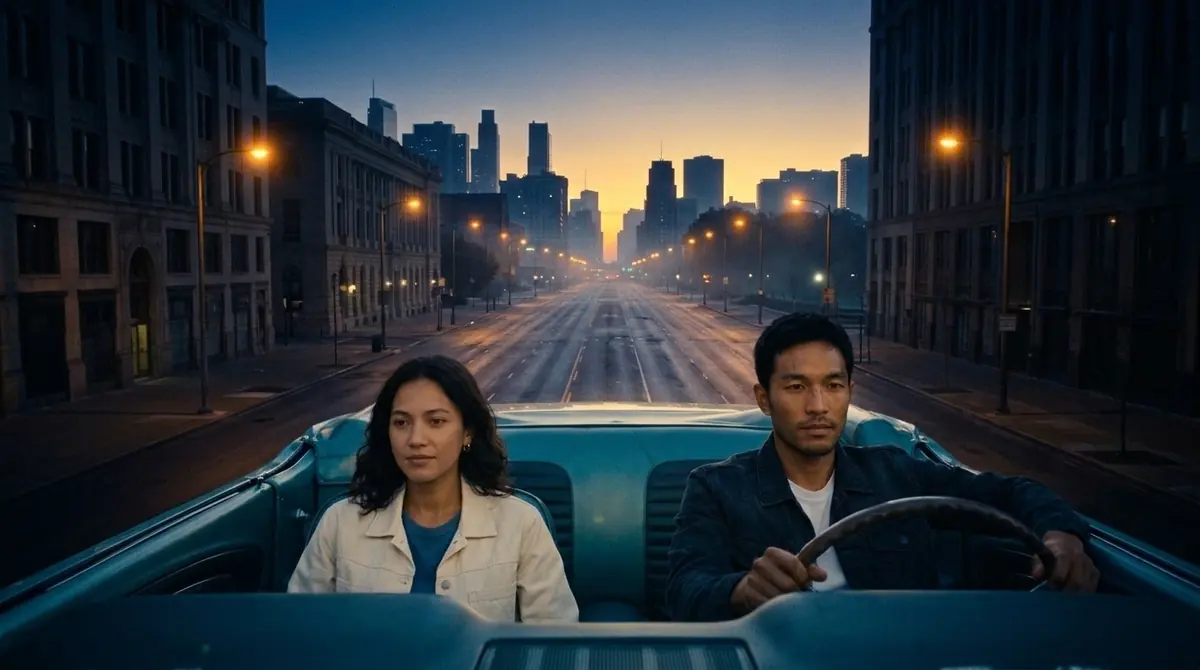
Story style, pop look: for a medium swing instrumental, three players carry their cases home through the city after the gig.

Abstract style, lo-fi look: for a ballad or a slow trio piece, ink blooming in still water under one warm lamp.
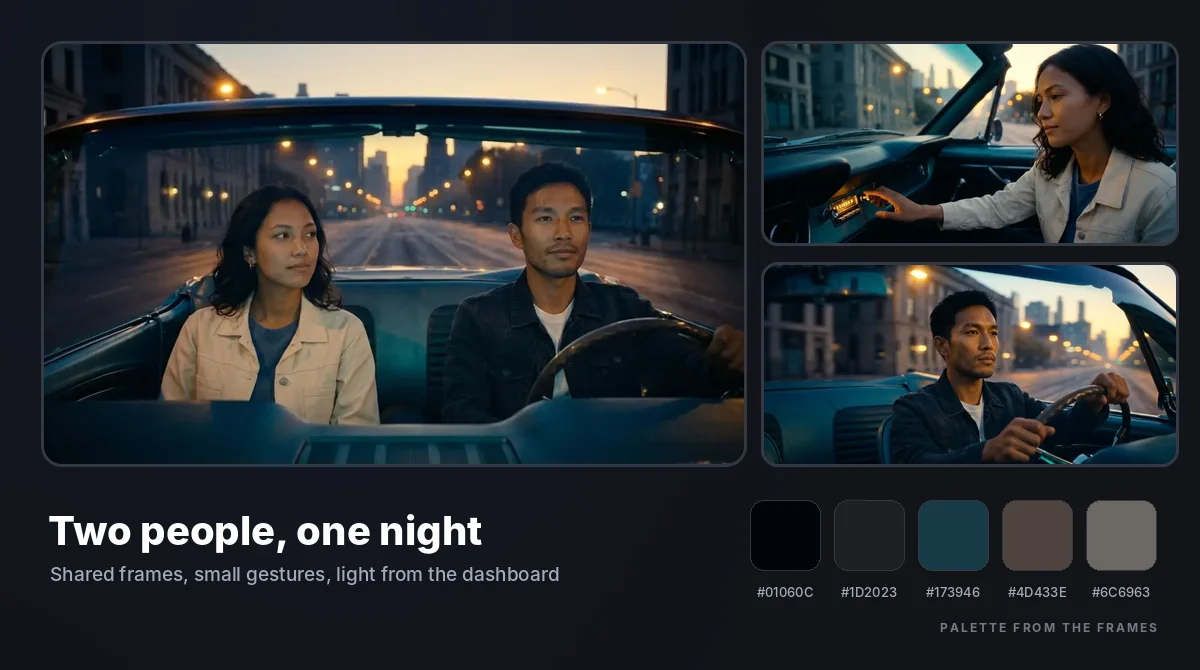
Story style, lo-fi look: for a jazz waltz, two of the staff dance through a hotel ballroom they've just finished setting.
Drop in an MP3, WAV, M4A or FLAC up to 8 minutes. Muvora finds the tempo, the beats, the downbeats and the sections of your song, like intro, verse and chorus.
An AI director writes a shot-by-shot plan timed to your downbeats. Rewrite any prompt, drag a cut (it snaps to the beat) or ask AI to redo a shot. None of it costs anything.
See the final price, then render. Pick Visualizer, Standard or Cinematic quality. If a shot fails, its credits come straight back.
Free storyboard in minutes. No card needed.
Can't find what you need? Start a free storyboard and see for yourself.
Yes, vocal or instrumental. Upload the take (MP3, WAV, M4A, AAC or FLAC, up to 8 minutes) and Muvora finds its tempo, its downbeats, its sections and how loud each part is. Describe a room and an hour in the idea box, and the AI director writes a storyboard whose cuts land on the first beat of a bar. Reading and editing it costs nothing.
There's no jazz look, so choose by pace. Lo-fi holds shots longest and suits ballads, soft trio records and jazz-hop; pop, or no look at all, cuts a little more often for medium and up-tempo swing. The look only sets how long shots hold: the room, the light and the clothes come from your idea.
The cuts don't try to swing: they land on downbeats, and the swung eighth notes play out inside each shot, which reads as relaxed rather than late. If a tune has a stop-time break or a hit you want a new picture on, drag a cut to it in the editor; holding Alt lets it snap to any beat, not only the first of the bar.
It can show a band playing, drawn by the AI, but not your bandmates' faces and not your actual fingering: real people are never drawn apart from one consenting performer from a photo, and the video model doesn't know which notes you played. Frame the players wide or from the chest up and it reads as a band in a room. The sound is always your recording.
No. Captions come from sung lyrics, so a tune without vocals has none, and Performance needs a sung vocal to lip-sync, so it doesn't suit one either. Story and Abstract carry an instrumental on pictures alone; put the tune's title in the video's name and description where you post it.
Nothing to plan: the storyboard is free, with 5 new ones a month on the free plan. Rendering is priced per finished second: a 3-minute tune is 6,840 credits in Visualizer, 10,800 in Standard or 19,800 in Cinematic, with lip-synced seconds at 75. A long solo costs the same per second as the melody, and your exact total shows before you press Generate.
14 concepts for vocal jazz, instrumentals, neo-soul and jazz-hop, with the rooms, lamps and camera each wants and how cuts land on swing.
Read the guide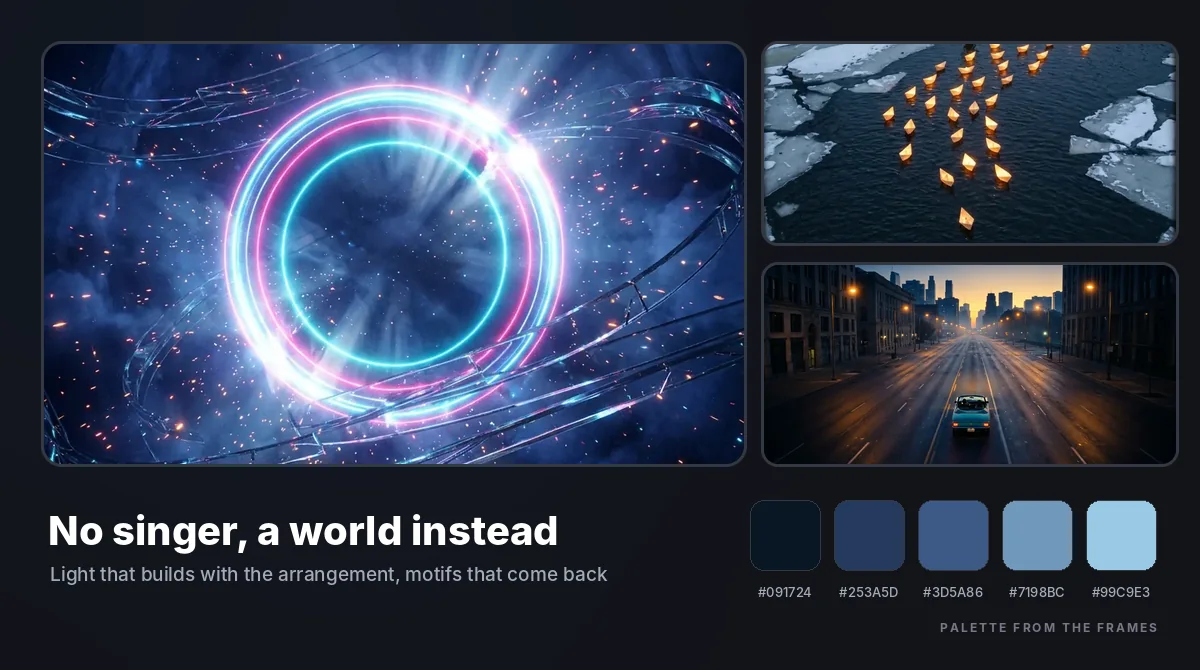
Videos for music without vocals: post-rock, ambient, piano, film-score style and jazz, cut to the arrangement.
Learn more
Soft rain, warm lamps and slow shots for late-night calm.
Learn more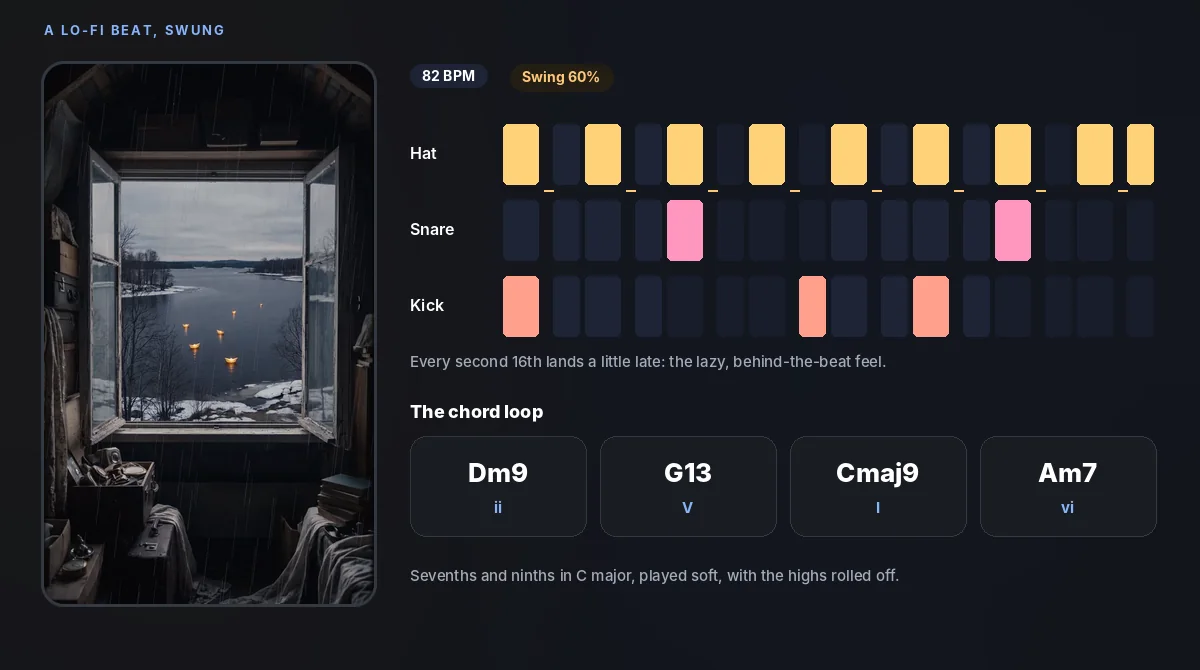
Lo-fi beats from scratch: a slow, swung groove, jazz chords with 7ths and 9ths, sounds you have the rights to, filter, tape and crackle, and a short loopable arrangement.
Read the guide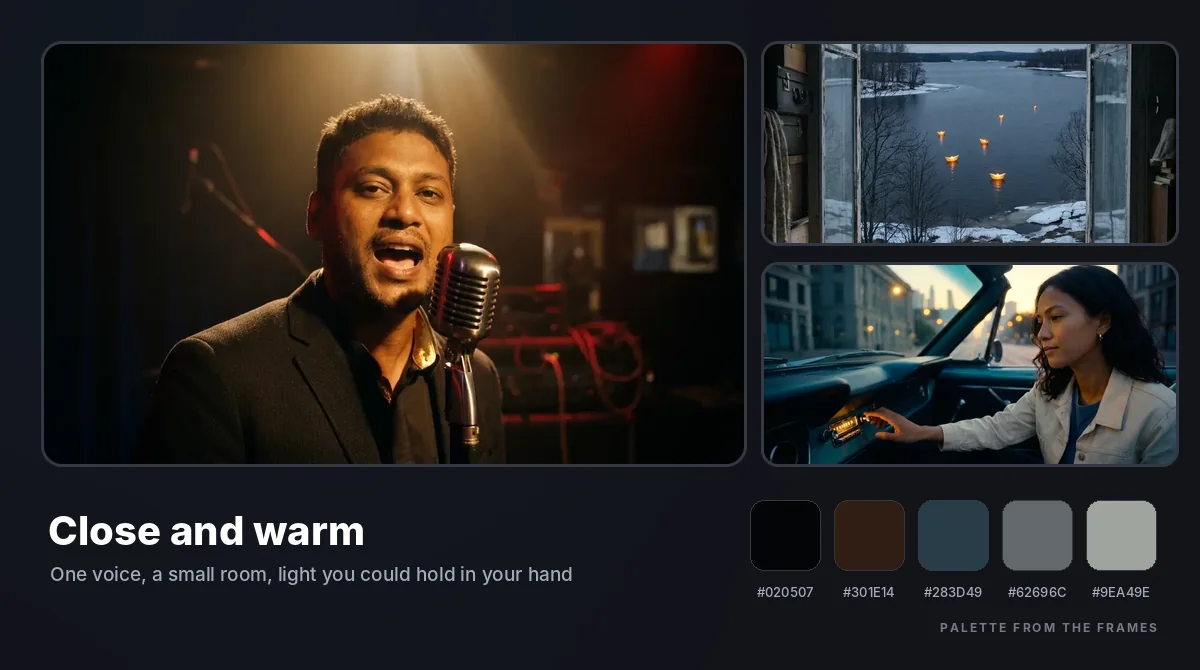
Acoustic songs in daylit rooms and quiet places, with shots that hold for the line and your voice lip-synced from one photo.
Learn more
A video for each song in your set, cut on its beat, for the screen behind you on stage.
Learn more
One photo of the singer becomes lip-synced performance shots inside a full video.
Learn moreA printable setlist in large type: the songs in order with keys, tempos and lengths, sets and an encore, and each set's running time.
Open the toolTap along to any song to find its BPM, with half and double time and how steady you are.
Open the tool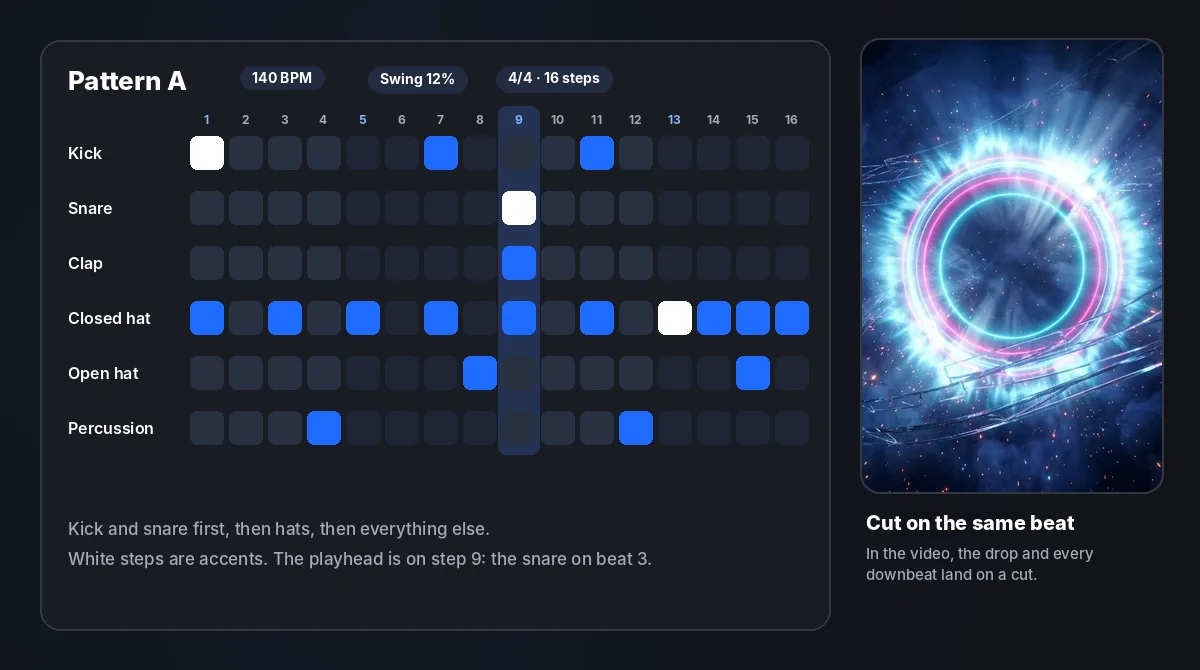
Visuals for beats and instrumentals: release visualizers, one look across a beat channel, and type beats that borrow no one's face.
Learn more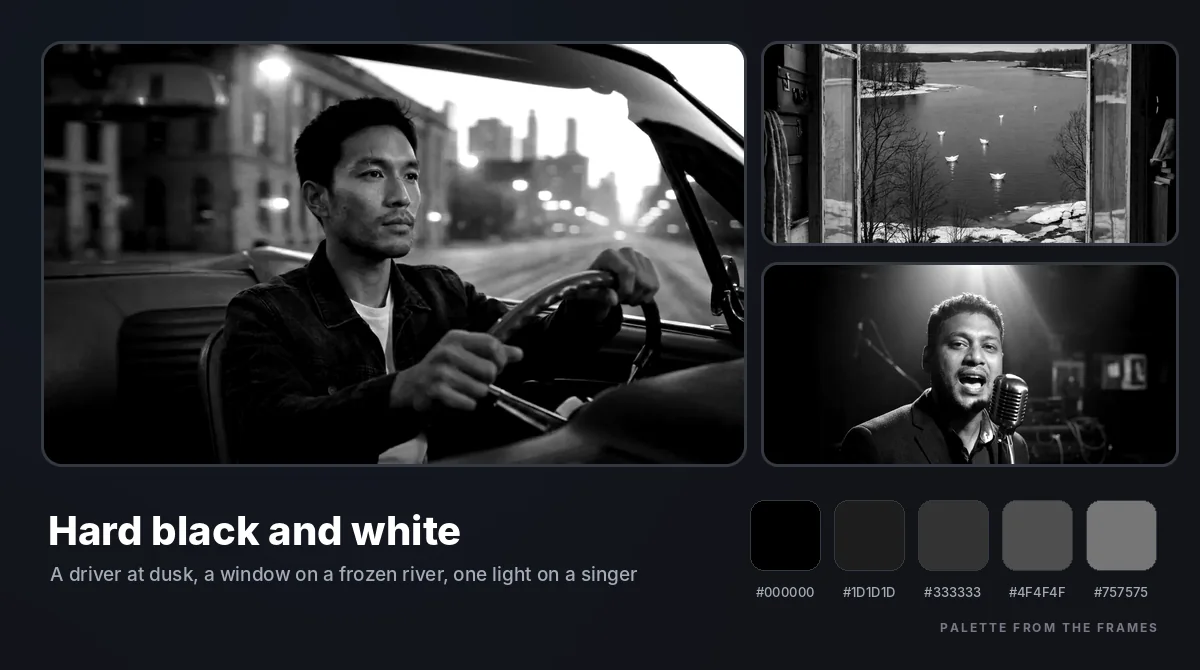
15 black and white music video ideas in hard light, soft light and ink, with how to ask for the look and plan a song in tones instead of colors.
Read the guideUpload a track and get a free beat-synced storyboard in minutes. Render it when you are ready.
No card needed to start.




