The short answer
A visualizer is moving artwork that reacts to the music, with no story. A lyric video puts the words on screen, timed to the vocal, over visuals. A music video tells a story or shows a performance, cut to the beat. Visualizers suit instrumentals and deep cuts, lyric videos suit songs with words fans want to learn, and a music video suits the lead single.
- A visualizer sets a mood, a lyric video teaches the words, a music video gives the song a world.
- Instrumental and electronic tracks rarely need lyrics on screen; wordy songs often do.
- Many releases use all three: a visualizer or lyric video first, the full video for the focus track.
- With AI, all three come from the same storyboard workflow, so trying a second format is cheap.
On this page (6 sections)ShowHide
The three formats at a glance
Visualizer
Moving artwork that reacts to the song. No story needed.
Lyric video
The words on screen, timed to the vocal, over visuals.
Music video
Shots with a lead, places and a story, cut to the beat.
| Compare | Visualizer | Lyric video | Music video |
|---|---|---|---|
| What's on screen | Shapes, light, texture or loops that move with the music | The lyrics, timed to the vocal, over a background | A lead, places and a story or performance |
| Needs a concept? | A look and a mood | A look; the words carry the meaning | Yes: a lead, a world and a change |
| Effort to make | Low to medium | Medium (the timing takes care) | Highest |
| Best for | Instrumentals, electronic music, album tracks | Songs with words fans want to learn and sing | The single that leads the release |
| Where it shines | Spotify Canvas, Shorts, live screens, YouTube | YouTube, Shorts, Reels, TikTok | YouTube premieres, press, playlists |
Visualizer: mood without a story
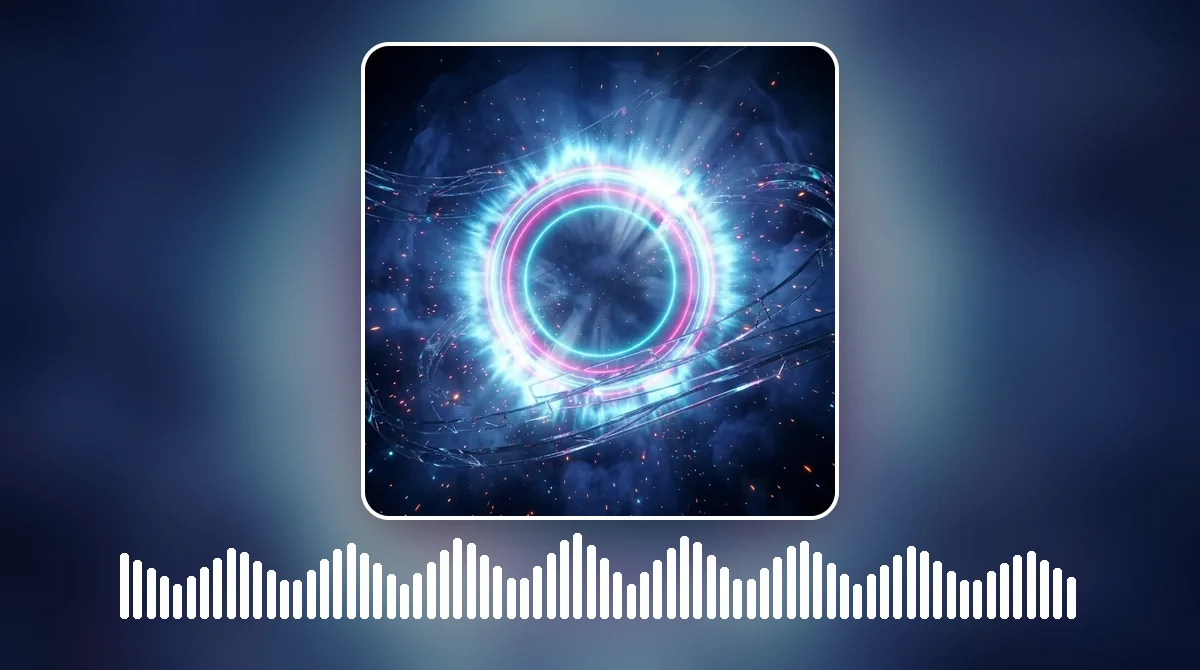
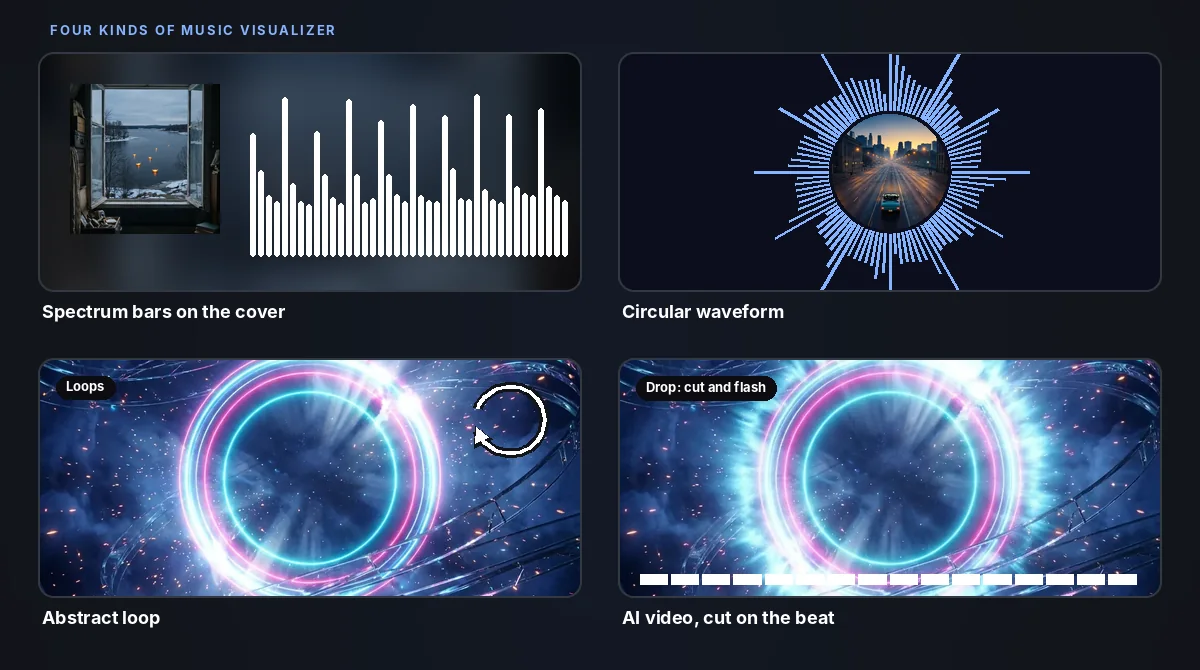
A visualizer is the simplest moving picture for a song: artwork, light or shapes that pulse, drift and change with the music. There's no lead and no plot, so it never distracts from the sound, which is exactly why electronic producers, ambient artists and beatmakers use them. A good visualizer still has structure. It should build into the drop, change at each new section and save its brightest moment for the loudest part of the track.


Visualizers loop well, so a short vertical slice makes a natural Spotify Canvas. For a deeper look at abstract videos made with AI, see the music visualizer page; for a track with no vocal at all, the type beat video maker covers the formats beatmakers post.
Skip the blank page
Upload your song and Muvora's AI director plans a shot-by-shot storyboard on the beat. Edit every shot for free, and pay only if you render.
Lyric video: the words, timed to the voice
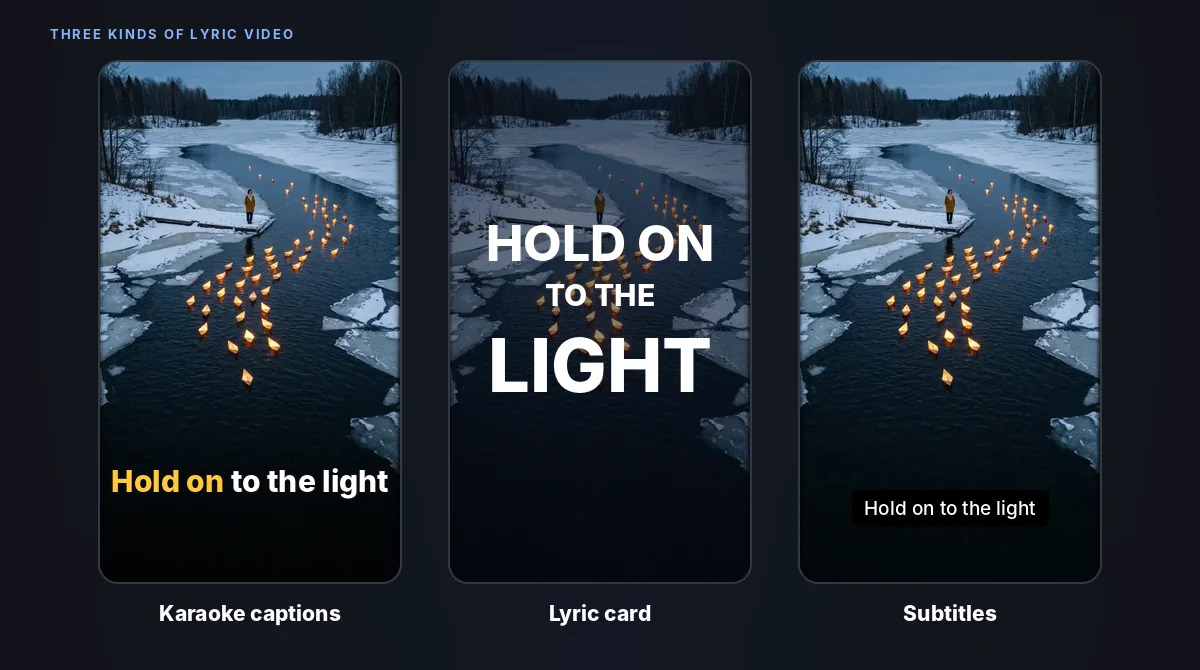
A lyric video shows the lyrics as they're sung. It's often the first video a single gets, because it's quicker than a full shoot and it's genuinely useful: fans learn the words, sing along and share their favourite line. The craft is in the timing and readability. Each line should appear exactly when it's sung, in short phrases with strong contrast, over visuals calm enough to read against.

If the song's strength is its words (a storytelling verse, a chorus everyone will quote), a lyric video is the safe first choice. The full walkthrough is in how to make a lyric video, and the lyric video maker does the timing from your upload.
Music video: a world for the song
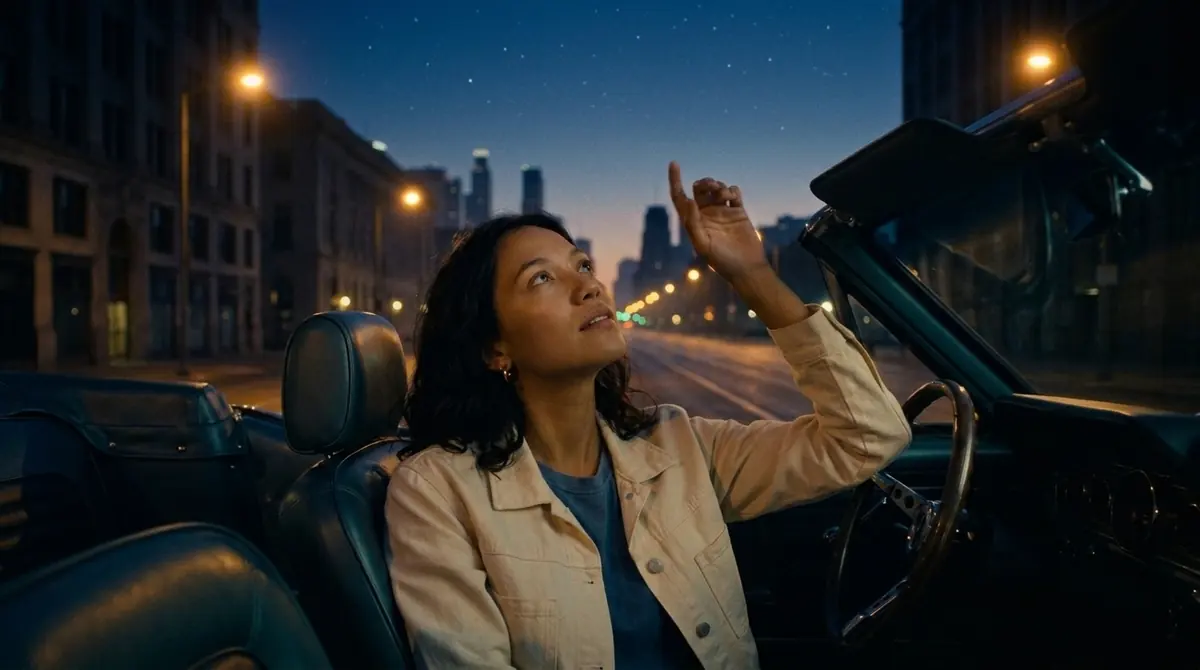
A music video gives the song characters, places and a shape. It might tell a story, show the artist performing, or cut between the two, which is what most music videos do. It's the format that gets premiered, written about and remembered, and it's the most work: a concept, a lead, three to six designed locations, coverage from wide to close-up, and an edit that hits every section change.

A filmed music video is a real budget decision (see what a music video costs). With AI the cost drops to credits per finished second, but the planning matters just as much: start with music video ideas, then storyboard it before you render.
How to choose for your song
- No vocals, or vocals as texture? Make a visualizer. Words on screen add nothing, and a story can fight the music.
- Lyrics are the point? Make a lyric video, and consider a karaoke-style version for sing-alongs.
- It's the single, and you have a clear idea? Make the music video, and give it the strongest concept you have.
- You want to be seen singing? Make a performance video, from a shoot or with AI lip sync.
- Short on time before release day? Put out a lyric video or visualizer with the song, and follow with the music video when it's ready.
- Releasing an album or EP? Give the focus track a music video and the rest visualizers in one consistent look, so the project feels like a set.
Making any of the three with Muvora
In Muvora the format is a style you pick when you upload: Abstract for a visualizer, Lyric for a lyric video, Story for a music video with a narrative, or Performance for a lip-synced singer made from your photo. Every style starts the same way, with a free analysis of the song and a free storyboard of shots cut on the beat, and every render gives you 16:9, 9:16 and 1:1 exports plus an 8-second Canvas loop.
Because the storyboard is free, you can make one in each style and compare them before you spend a credit. Rendering costs 38 credits per finished second at Visualizer quality, 60 at Standard and 110 at Cinematic, with the exact price shown before you generate.
Music video idea generatorNot sure what your video should show? Get concepts by genre and mood, and start a storyboard from the one you like.Try every format on your song, free
Upload a track and get a storyboard in the style you pick. Make another in a different style and compare.
Written by the Muvora team. Last updated November 13, 2026. Spotted something out of date? Tell us at [email protected].