Check your album cover before your distributor does
Drop in your cover art and see in seconds whether it meets the rules stores and distributors publish: a perfect square, enough pixels, a JPG or PNG, RGB color and a file small enough to upload. Then see it the way listeners will, from full size down to a 64-pixel row in a playlist. The image never leaves your device.
Free, no sign-up. Runs in your browser: nothing is uploaded.
Drop your cover art here
JPG, PNG, GIF, TIFF or WebP. The image is read on your device and never uploaded.
What a checker can't see
Stores turn covers down for these too. Tick them off before you send it.
Cover ready? Make the music video and a Canvas loop for the same release.
Make the videoUpload a new songSong finished? Upload it and Muvora plans the whole video on its beats. The storyboard is free.
Make the videoUpload a new songHow to use the album cover checker
- 01
Drop the cover
Drag in the final file or choose it: JPG, PNG, GIF, TIFF or WebP.
- 02
Read the checks
Shape, pixel size, format, color mode and file size, each marked pass, check or fix, with what to change.
- 03
See it store by store
Apple Music, Spotify, DistroKid, TuneCore and CD Baby, each measured against its own published rule.
- 04
Look at it small
Switch between full size, 640, 300 and 64 pixels on a dark and a light screen, then tick off the rules a checker can't see.
The numbers stores ask for
Nearly every service wants a perfect square in RGB color, and 3000 × 3000 pixels is the size distributors recommend. The minimums differ: DistroKid lists 1000 pixels, Apple's delivery spec and CD Baby 1400, TuneCore 1600, and Spotify takes 640 to 10,000. Apple Music for Artists asks for 4000 × 4000 while TuneCore and CD Baby list 3000 × 3000 as their largest, so keep a big master and export the size each one wants.
- A perfect 1:1 square
- 3000 × 3000 pixels for distributors
- JPG or PNG, under 10 MB
CMYK, profiles and other hidden problems
A cover made for print is often saved in CMYK, which Apple's asset guide says it won't accept and which screens can show with shifted colors. The checker reads the file's own bytes for its color mode, bit depth, transparency and embedded color profile, so a Display P3 or Adobe RGB file is flagged before Spotify, which asks for sRGB, shows it duller than you meant.
- CMYK and grayscale found from the bytes
- Wide-gamut profiles flagged
- Transparency and 16-bit color caught
Readable at 64 pixels
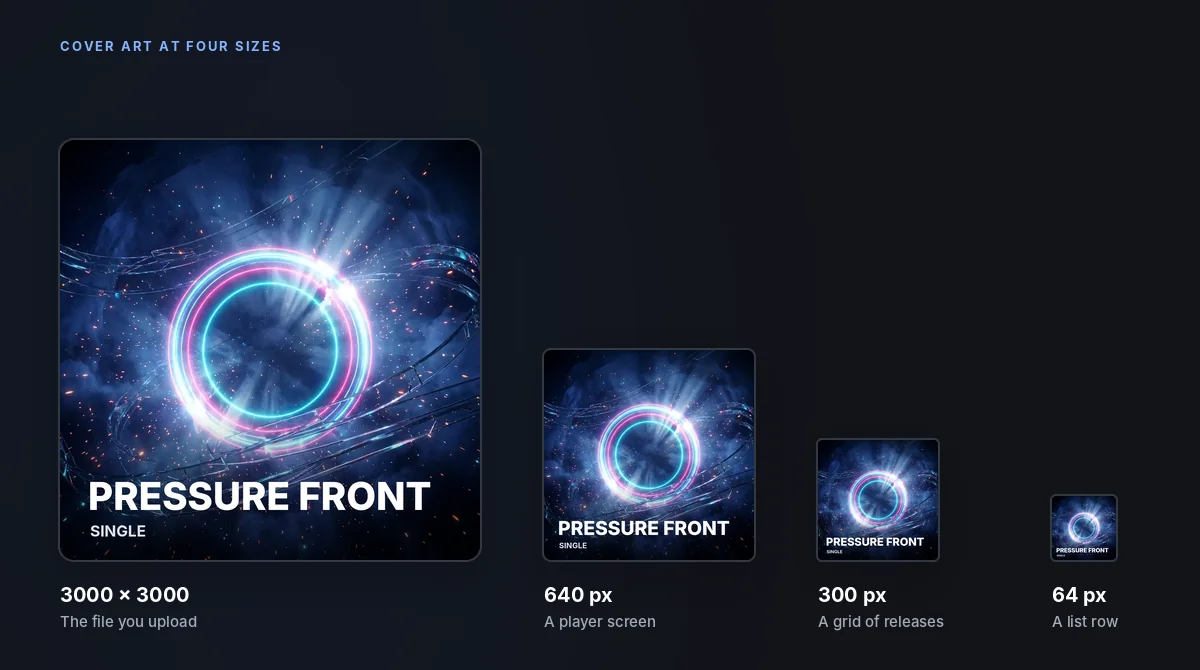
Most listeners first meet a cover as a thumbnail in a playlist or a search result, a few millimeters wide on a phone. Thin type, small text and low contrast vanish first. Check the 64 and 300 pixel previews on both backgrounds: if the artist name only reads at full size, make it bigger or let the picture carry the cover on its own.
- Previews from full size to 64 px
- Dark and light backgrounds
- Small text judged by eye
The cover is set; now the release needs a video
Upload the song and Muvora writes a music video storyboard timed to its beats and sections, shows the look in style frames before you pay, and renders widescreen, vertical and square videos plus an 8-second Canvas loop from one render.
Questions, answered
Can't find what you need? Start a free storyboard and see for yourself.
What size should album cover art be?
A perfect square of 3000 × 3000 pixels, the size most distributors recommend, made from artwork at that size or larger. Keep a bigger master as well: Apple Music for Artists asks for 4000 × 4000, while TuneCore and CD Baby take 3000 × 3000 at most.
What is the minimum album art size for Spotify and Apple Music?
Spotify's cover art spec allows 640 to 10,000 pixels a side. Apple's delivery spec sets a 1400 × 1400 minimum with 3000 × 3000 recommended, and Apple Music for Artists asks for 4000 × 4000. Your distributor's own minimum applies too: 1000 at DistroKid, 1400 at CD Baby and 1600 at TuneCore.
Can album art be CMYK?
No. CMYK is a print color mode: Apple's asset guide says CMYK images aren't accepted, and distributors ask for RGB. Convert the file to RGB with an sRGB profile in your image editor, then check the colors still look right.
Should cover art be a JPG or a PNG?
Either works almost everywhere. A high-quality JPG keeps a 3000-pixel cover to a few megabytes, well under TuneCore's 10 MB limit; a PNG is lossless but larger. DistroKid's help page asks for a JPG.
What isn't allowed on an album cover?
Stores turn down web addresses, social handles, QR codes, prices, barcodes, store names and other companies' logos, and text that doesn't match the release's artist and title. Blurry or stretched art, nudity and a cover reused from another release are refused as well.
Does DPI matter for album art?
Stores display covers by their pixels. DPI only sets the printed size, so a 3000 × 3000 file shows the same at 72 or 300 DPI. CD Baby and TuneCore suggest 72 to 300 DPI, with 300 as the better choice.
Is my cover uploaded when I check it?
No. The checker reads the file in your browser, on your device; nothing is sent to a server or kept, so closing the tab clears it.
Keep exploring
Spotify Canvas checker
Check a video against Canvas's specs before you upload: length, shape, resolution and format.
Open the toolMusic release checklist
What to finish six weeks, four weeks and two weeks before release day, and what to do that week.
Read the guide
Album and EP visualizers
A visualizer for every track on an EP or album, each cut to its own song.
Learn moreRelease timeline planner
A dated release plan from your release day: the master, the video, the pitch, the Canvas and the clips.
Open the tool
Spotify Canvas
An 8-second vertical loop cut from your video, sized for Canvas.
Learn moreWaveform generator
Turn a song's waveform into artwork: bars, a line, a filled wave or a circle, with its title, saved as PNG or SVG.
Open the tool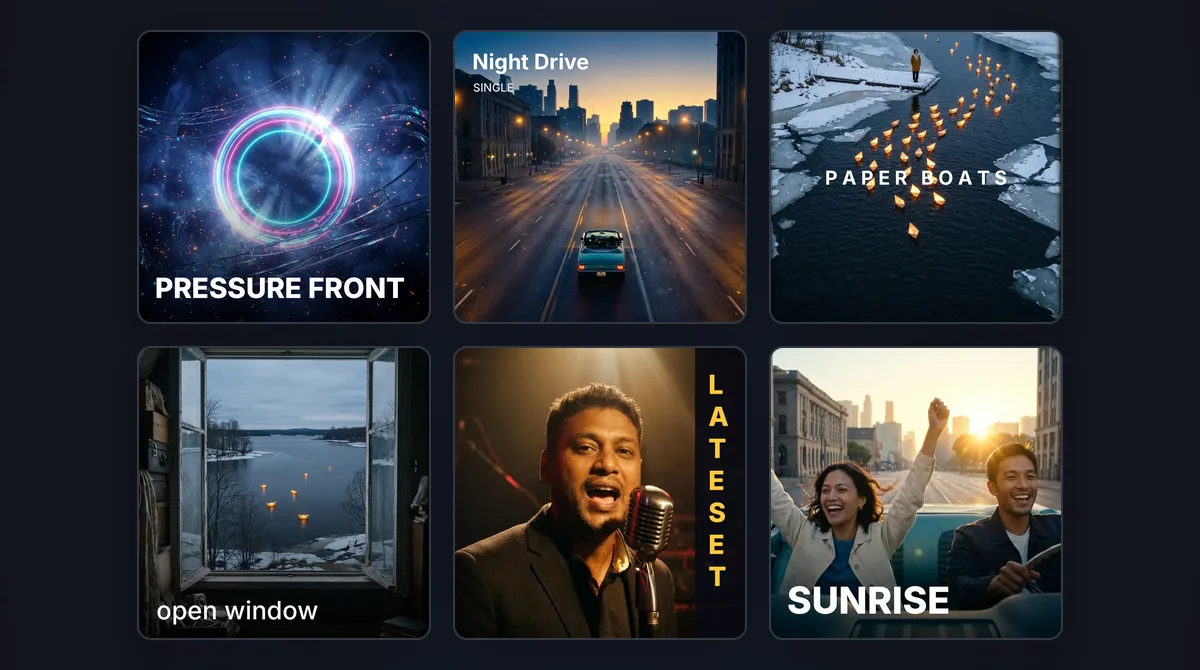
Album cover ideas
28 cover art concepts, from a phone-lit portrait to a three-single rollout, each written so a designer can make it and a video can match it.
Read the guideColor palette generator
Drop in any image and get its five to eight main colors with hex codes, shares and readable text colors, ready to copy as CSS or as an idea for a video.
Open the toolYouTube thumbnail preview
See a thumbnail and title as YouTube lays them out: home, search, up next and a phone, light or dark, up to three side by side.
Open the toolAlbum cover maker
Make 3000 × 3000 cover art from your own photo or a color, with the artist name and title in fonts licensed for commercial use.
Open the tool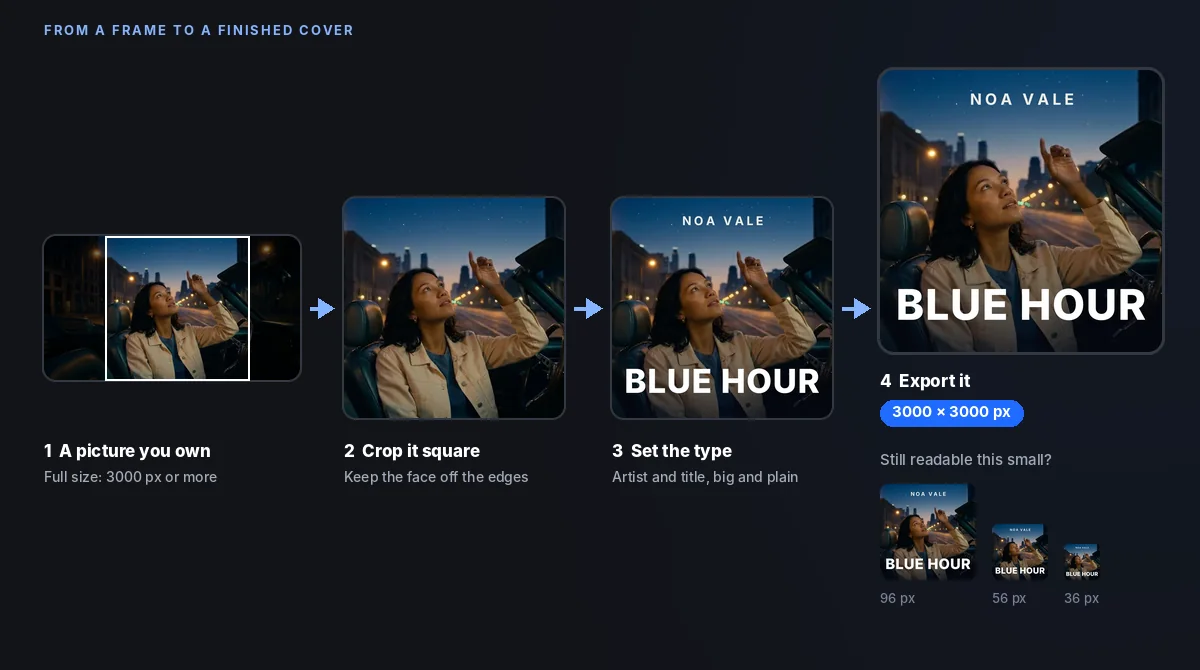
How to make an album cover
From the song's idea to a 3000 x 3000 file: the specs, what stores refuse, type that reads small, photo, AI and font rights, and a matching video.
Read the guideMP3 tag editor
Change an MP3's title, artist, album, track number, lyrics and cover art on your device, and save a copy whose audio is untouched.
Open the tool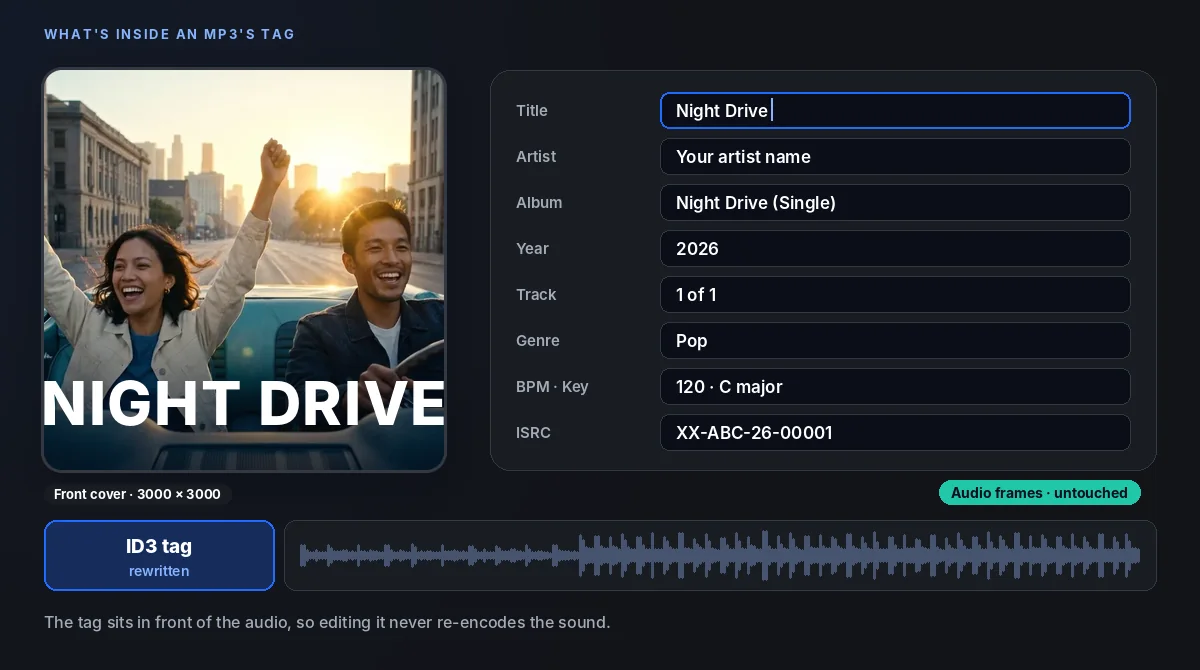
Add album art to an MP3
Embed a cover in an MP3's ID3 tag in your browser or a desktop app, pick the size to embed, and see why Spotify and Apple Music never read it.
Read the guideMusic video thumbnail maker
Make a 16:9 YouTube thumbnail from your photo or a frame of your video, with the title set big and the duration corner kept clear.
Open the tool
More free tools: artwork and video formats
Cover art, Canvas loops, YouTube thumbnails, a spectrum visualizer, sizes, safe zones and bitrates, a video file's specs, and a vertical cut of any clip.
Your song deserves a music video
Upload a track and get a free beat-synced storyboard in minutes. Render it when you are ready.
No card needed to start.





