The short answer
A YouTube Official Artist Channel (OAC) joins your own channel and the Topic channel YouTube builds from your releases into one channel with a music note by the name. YouTube's help page asks for a channel that represents one artist or band, at least one official release delivered by a distributor or label, and a link to a music partner. Your distributor or label requests it for you.
- The music note means one official home: your uploads, your releases and your subscribers in a single channel.
- YouTube's page asks for one artist or band, one release delivered by a distributor or label, and a music partner behind you; it names no subscriber count.
- Put at least one public video on the channel first: YouTube says requests for channels without one may be turned down.
- Your distributor sends the request: match the channel name to your artist name exactly and send the channel's ID link, not a handle.
- Once approved, choose the featured video, check the releases and add shelves, with the official music video at the top.
On this page (7 sections)ShowHide
- 1.What an Official Artist Channel is, and what changes
- 2.The requirements, as YouTube's help page states them
- 3.How to get an Official Artist Channel, step by step
- 4.How long an Official Artist Channel takes
- 5.Why Official Artist Channel requests get turned down
- 6.Set up the channel once the music note appears
- 7.What to put on an artist channel, release by release
- Questions
What an Official Artist Channel is, and what changes
Before an Official Artist Channel, most artists end up with two channels without meaning to. One is the channel they made and upload to. The other is a Topic channel, titled "Artist Name - Topic" and labeled "auto-generated by YouTube" in its About section, which YouTube fills with art tracks: each song on a release as its audio and cover art, made from what the distributor delivered. A fan who searches your name finds both, plus fan uploads, and can't tell which one is really you.
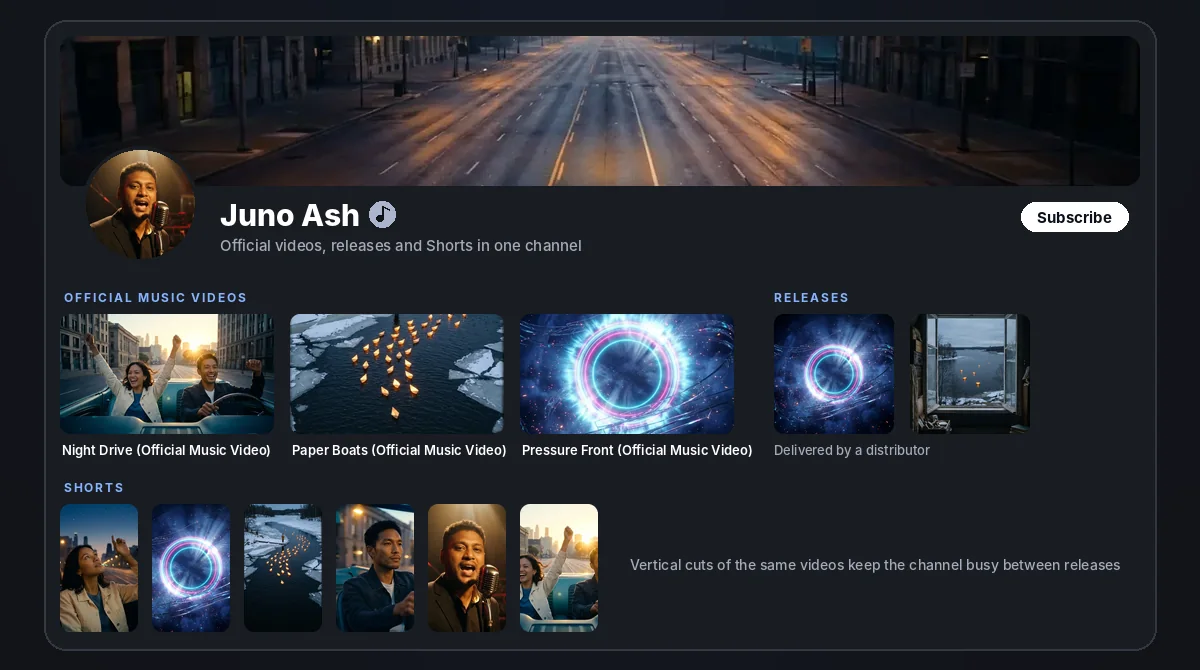
An Official Artist Channel (OAC) ends the confusion. YouTube's introduction to Official Artist Channels describes it as bringing your subscribers and content from your different channels into one place: your uploads and your releases side by side, with a music note next to the name. Subscribers from the Topic channel, a Vevo channel if you have one and your own channel are merged into it, and the old channels stop showing a subscribe button and a subscriber count.
- The music note beside the name, in search and on the channel, which tells fans, press and other artists this is the official one.
- Shelves that fill themselves. Music videos, Releases and Popular sounds from Shorts appear on their own, per YouTube's page on channel sections; Releases lists every album, EP and single where you're the primary artist, the newest release first.
- A featured video you choose, even one you didn't upload, with a different one for new visitors and for returning subscribers.
- One feed of notifications. Fans see your new videos from the official channel in their subscriptions feed.
- Analytics for Artists in YouTube Studio, which YouTube's page on artist analytics says any OAC can open.
| What differs | Your own channel | Topic channel | Official Artist Channel |
|---|---|---|---|
| Who makes it | You | YouTube, from your distributor's delivery | YouTube upgrades your channel after a partner asks |
| What's on it | Whatever you upload | Art tracks of your releases | Your uploads, your releases and shelves of both |
| How it's marked | Nothing official | "- Topic" in the name, "auto-generated by YouTube" in About | A music note next to the name |
| Subscribers | Its own count | Its own count, moved to the OAC once you have one | Merged from your channel, the Topic channel and a Vevo channel |
| Can you upload? | Yes | No | Yes |
| Who runs it | You, in YouTube Studio | Nobody uploads; it follows the release metadata | You, in YouTube Studio, with artist settings and Analytics for Artists |
The requirements, as YouTube's help page states them
YouTube keeps the criteria on its introduction to Official Artist Channels. In November 2026 the page lists three requirements; YouTube rewords it from time to time, so check the live version before you rely on the details:
- One artist or band. You own and operate a YouTube channel that represents a single artist or band and focuses on that act's music, so a label's channel or one shared by several acts doesn't fit.
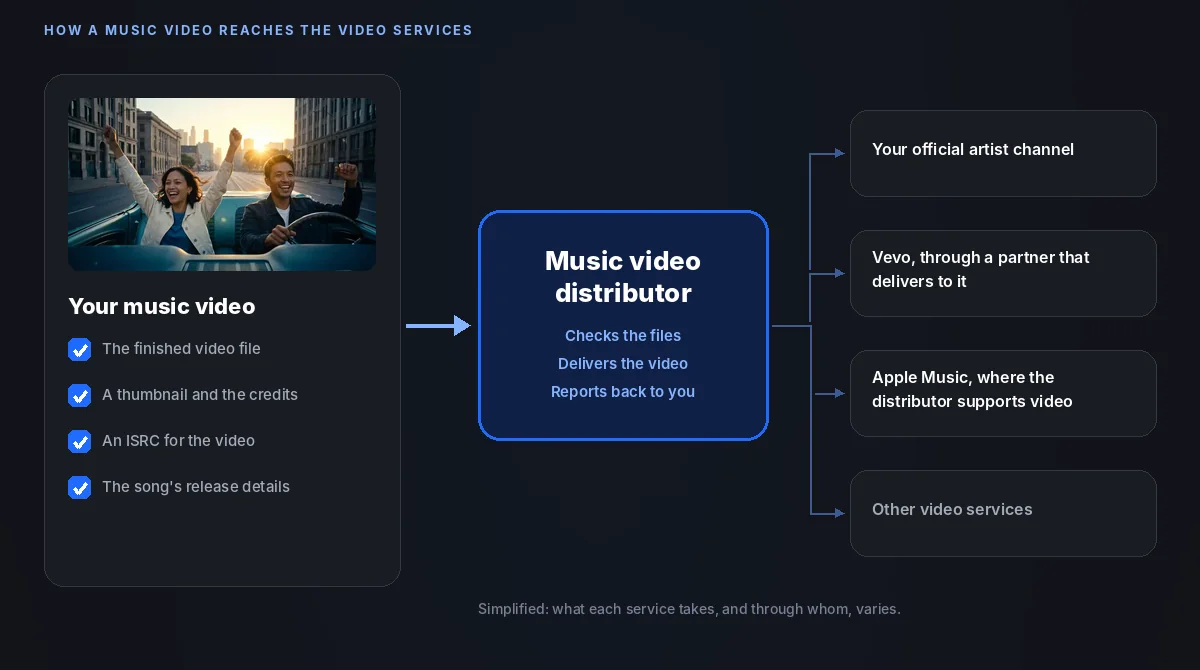
- An official release on YouTube. At least one release delivered and distributed to YouTube by a music distributor or a label.
- A partner behind you. At least one of these: the channel is in the YouTube Partner Program, works with a YouTube Partner Manager, belongs to a label network that works with one, or has music distributed by a music partner listed in YouTube's Services Directory.
The same page asks that the channel follows YouTube's policies and recommends at least one public video on it, warning that a request for a channel with no public videos may be rejected or need extra verification. An Official Artist Channel can also be lost for a while: a Community Guidelines strike or content with limited features turns it back into a standard channel, and it's restored automatically once those clear, as long as the other requirements still hold.
Skip the blank page
Upload your song and Muvora's AI director plans a shot-by-shot storyboard on the beat. Edit every shot for free, and pay only if you render.
How to get an Official Artist Channel, step by step
- 01
Release music through a distributor or label
Your songs have to reach YouTube through a distributor or label, which creates their art tracks and a Topic channel in your name. Search YouTube Music for your artist name and check the Topic channel exists before going further.
- 02
Pick the one channel that becomes official
Choose the channel you'll keep uploading to and name it exactly as your releases name you. YouTube's page on managing an Official Artist Channel advises against adding words such as Official, TV or Channel to the name.
- 03
Publish a full video on it
Put at least one public video on the channel, ideally the official music video of a released song, because a channel with no public videos may be turned down or held for extra checks.
- 04
Copy the two links the request needs
Copy your channel's address in its long form, with the channel ID that starts with UC rather than a custom handle, and the address of your artist Topic channel, not a Release - Topic channel.
- 05
Send the request through your distributor
Fill in your distributor's Official Artist Channel request, usually a form in its dashboard or help center, with the artist name, both links and a release to match. Without a distributor or label, a music partner in YouTube's Services Directory can ask for you.
- 06
Leave the channel alone while you wait
Don't rename the channel, change its handle or move uploads around until YouTube answers. Pending requests rarely get status updates, so ask the distributor how it's going rather than submitting again.
- 07
Set the channel up when the music note appears
Once the note shows by your name, choose the featured video, check the list of releases and add your own shelves of playlists, as the next sections explain.
- Your artist name spelled exactly as on your releases, capitals included
- Your channel's full URL with its channel ID, not an @handle or a /c/ link
- Your artist Topic channel's URL, the one holding your releases
- A link to a public official video on your channel
- A release to match, by its UPC or a link to its art track, if the form asks
- Your Vevo channel's ID, if you have one
Most of a request's back-and-forth comes from those links. A handle can change, so distributors ask for the permanent ID; a Release - Topic channel belongs to a single release rather than to you as an artist, so it can't be matched to your channel. If you're still choosing where to release, how to release music independently lists what to ask a distributor about YouTube before you sign up.
How long an Official Artist Channel takes
YouTube doesn't publish a turnaround, and the estimates distributors give vary widely. iGroove's help page says YouTube typically takes two to three weeks; AWAL's says a request can take up to six months to process and finalize, though acceptance may come sooner. The honest answer is that it varies, and a name conflict or a missing video sends a request back to the start.
So plan as if it might take months. Ask as soon as your first release is live on YouTube rather than in release week, and keep uploading to the channel you named in the request while you wait: the request is for that channel, so the videos you post now are already in place when the note appears. A premiere doesn't need the note, and neither does a Short.
Why Official Artist Channel requests get turned down
YouTube doesn't publish a list of rejection reasons, and the answer usually reaches you through your distributor in a line or two. These are the causes distributors and artists report most often, with the fix for each. Sort out the cause before asking the distributor to submit the request again.
| Problem | What it looks like | The fix |
|---|---|---|
| The name doesn't match | The channel is "Kite Season Music" while the releases say Kite Season | Rename the channel to the exact artist name, then ask again |
| No public video | Only Shorts, private uploads or an empty channel | Publish the official music video, or another full-length video, publicly |
| More than one act | A channel shared by a band and a member's solo project, or a label's channel | Give each act a channel of its own |
| The wrong Topic channel | A Release - Topic link, or the Topic channel of another artist with the same name | Send your artist Topic channel; if your releases sit on someone else's, ask the distributor to correct the artist profile |
| No release on YouTube yet | YouTube delivery was off, or the release isn't out | Turn on YouTube delivery with the distributor and wait for the art tracks |
| A handle instead of an ID | An @handle or /c/ address in the form | Send the full channel URL with its ID |
| Strikes or limited features | A Community Guidelines strike, or videos with limited features | Resolve them first: they also suspend an Official Artist Channel |
Set up the channel once the music note appears
An Official Artist Channel is still a channel you run. YouTube adds the shelves and the note; what visitors see first, which releases are listed and where they go next is yours to set. Give it an hour in YouTube Studio on a computer, since the Releases tab only exists on desktop.
- Name and image. Keep the name to the artist or band, with normal capitalization; YouTube's page on managing an Official Artist Channel says you update the artist image in YouTube Studio once the channel is active.
- The featured video. For new visitors, the official music video of your current single. For returning subscribers, the newest thing they haven't seen: a lyric video, a live take, the next single's teaser.
- The releases. Check every album, EP and single is there and actually yours. YouTube's page on managing releases explains how to ask for a wrong one to be removed or a missing one added.
- Your own shelves. Under the automatic ones, add playlists: one per release with its music video first, then a playlist of every official video, newest first.
- Banner and links. Artwork from the current release, the release date while it's still coming, and links to your streaming profiles and website.
- Merch, if you sell it. YouTube's Shopping page lists being an Official Artist Channel as one way to meet its subscriber condition for selling your own products, alongside being in the Partner Program.
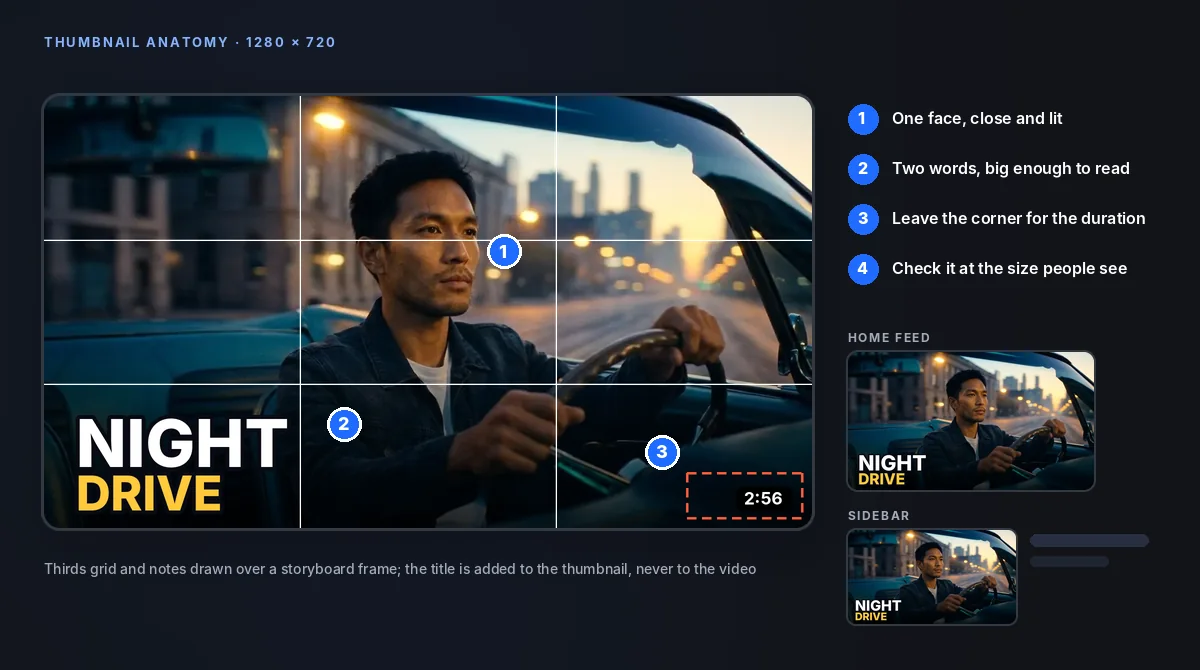
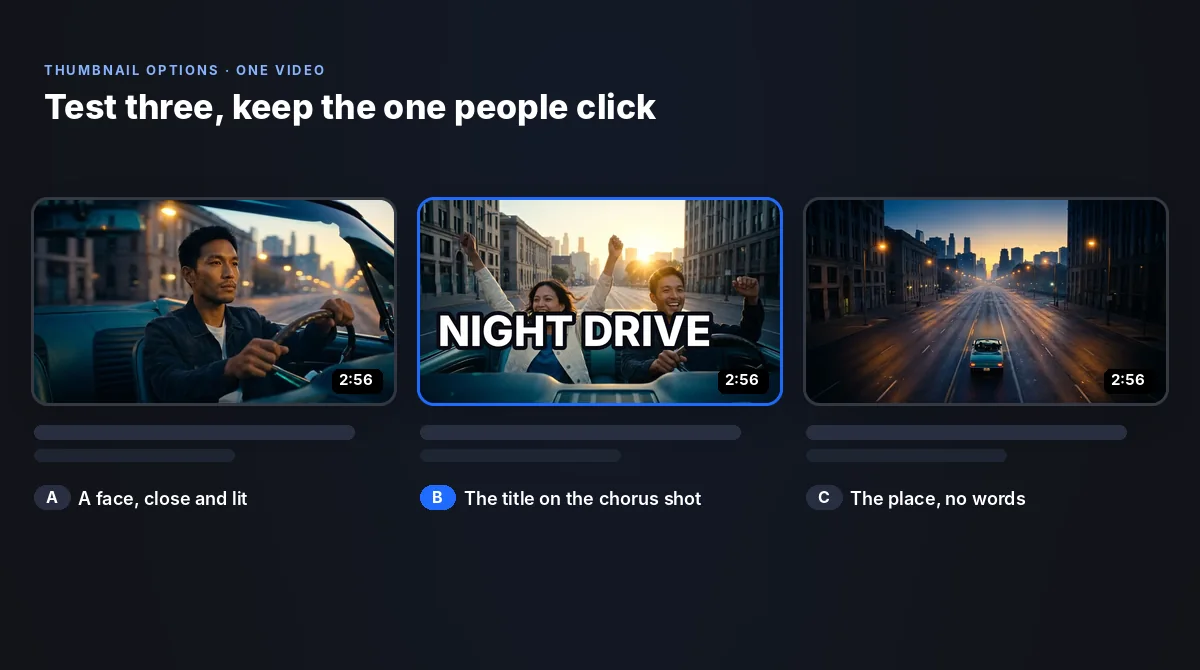
Then give the channel a rhythm. Premiere each new music video from the official channel, so the countdown page carries the note. Post Shorts cut from the video and set each one's related video to the full upload; the YouTube Shorts guide plans a series from one video. Write every video's description from one template with the YouTube description generator, and give each a thumbnail that reads at phone size (how to make a music video thumbnail).

Give the channel an official video to lead with
Upload your song and Muvora storyboards a music video on its beats for free. One render gives the 16:9 video for the featured slot, a vertical cut for Shorts and a square post. The YouTube music video maker explains what each export is for.
What to put on an artist channel, release by release
The Releases shelf fills itself; the Music videos shelf only fills if you make videos. An Official Artist Channel with art tracks and nothing else looks like a Topic channel with a badge, and gives YouTube nothing new to recommend. The artists whose channels grow tend to post a small set of visuals around every release, not one big video every other year.
| Visual | When | Where it sits on the channel |
|---|---|---|
| A teaser Short | One or two weeks before release | The Shorts tab, linked to the premiere |
| The official music video | Release day, as a premiere | Music videos shelf and the featured slot for new visitors |
| Shorts from the video: the hook, the drop, a lyric line | Weekly for a month | The Shorts tab, each linked to the full video |
| A lyric video or a visualizer | One to three weeks after release | Music videos shelf and the release's playlist |
| A live or acoustic take | Whenever you have one | The release's playlist |
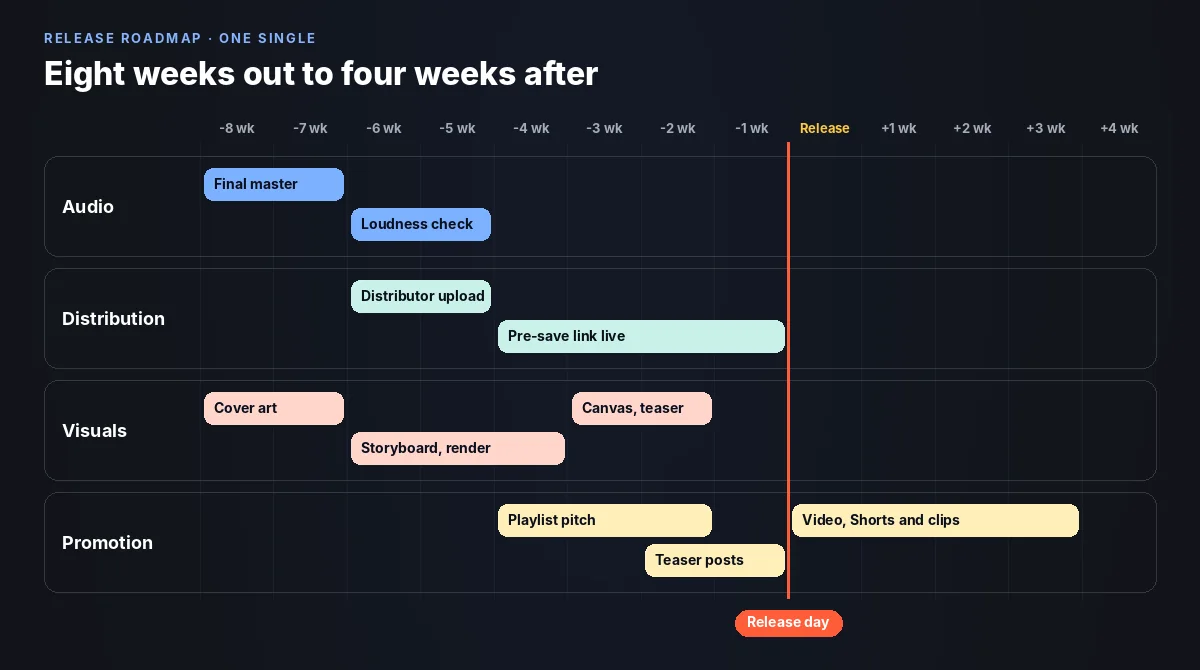
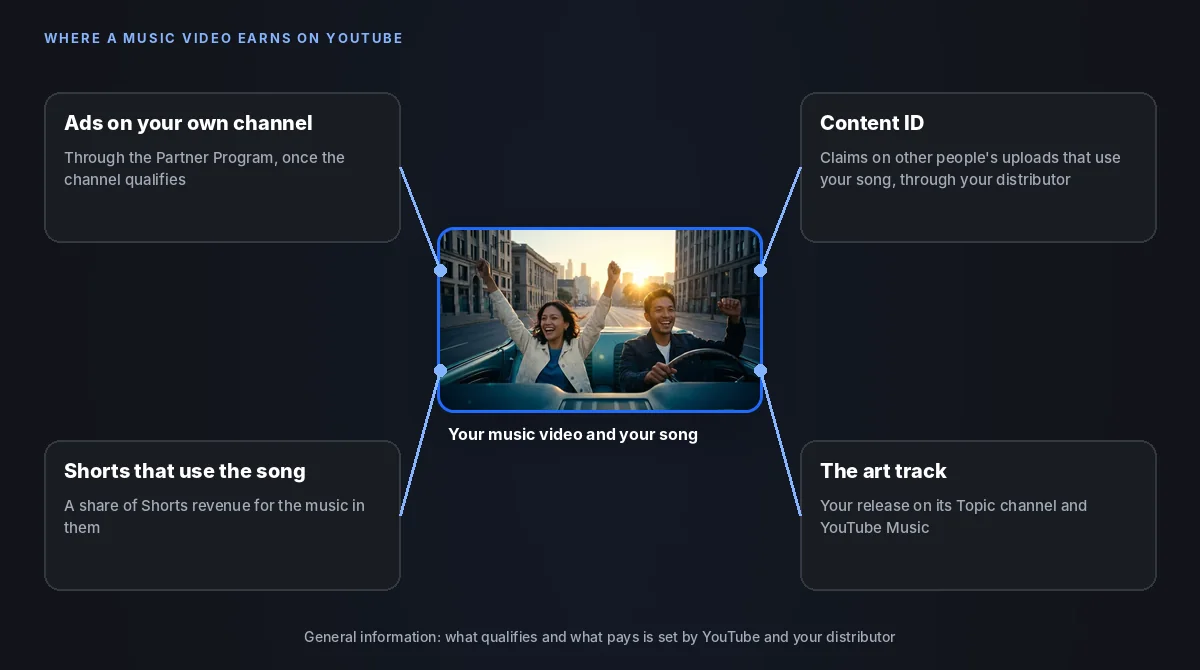
Cost is usually what stops the music videos shelf filling up. A filmed video for every single is out of reach for most independent artists (the music video cost guide has the figures), while an AI music video is planned from the song for free and priced per finished second before you render. Once the channel is earning views, how to monetize music on YouTube covers the Partner Program, Content ID and what the views pay, and how to get more views on a music video the titles, thumbnails and numbers that bring viewers back.
Make a video for every release
Upload the single, pick a style and a look, and get a storyboard timed to its beats before you pay anything. Render once for the YouTube video, the vertical cut for Shorts and a Spotify Canvas loop.
Written by the Muvora team. Last updated November 14, 2026. Spotted something out of date? Tell us at [email protected].